A:AnswerPress the button until it blinks. Go to your settings on your phone and turn on your Bluetooth then select Wonderboom when it pops up and done!
A:AnswerThe wonderboom is not like the megaboom, you cant do party mode and connect 150 speakers at once. The wonder also is not app compatible which you have to have to connect speakers to party mode.
A:AnswerHello Thomas! The WONDERBOOM 2 Portable Wireless Bluetooth Speaker with Waterproof/Dustproof Design can connect to your phone/tablet no problem to play music or any sound coming from your phone. You won't be able to connect the speaker to the car audio system though (to replace the car built in speakers in example). Also, please note that the WONDERBOOM 2 does not have a built in microphone, meaning you won't be able to answer any calls unfortunately nor use voice assistants with it. - Mathieu from Logitech
A:AnswerLogitech answered your question with an advert for their product. That is LAUGHABLE.
I have a projector (Anker Nebula Capsule Max), with bluetooth, that I use to stream Sunday Night Football out in my back yard. If your projector uses bluetooth, then this is a fantastic option. If it doesn't, well, I mean any other option will do, but for an outside movie projector I feel bluetooth is pretty necessary. What is cool is that if you have multiple Wonderbooms, you can essentially set them up around your viewing audience so you can make double sure that everyone hears. However, I set my single Wonderboom about 8-10 feet in front of my viewing audience, and there are no audio issues whatsoever.
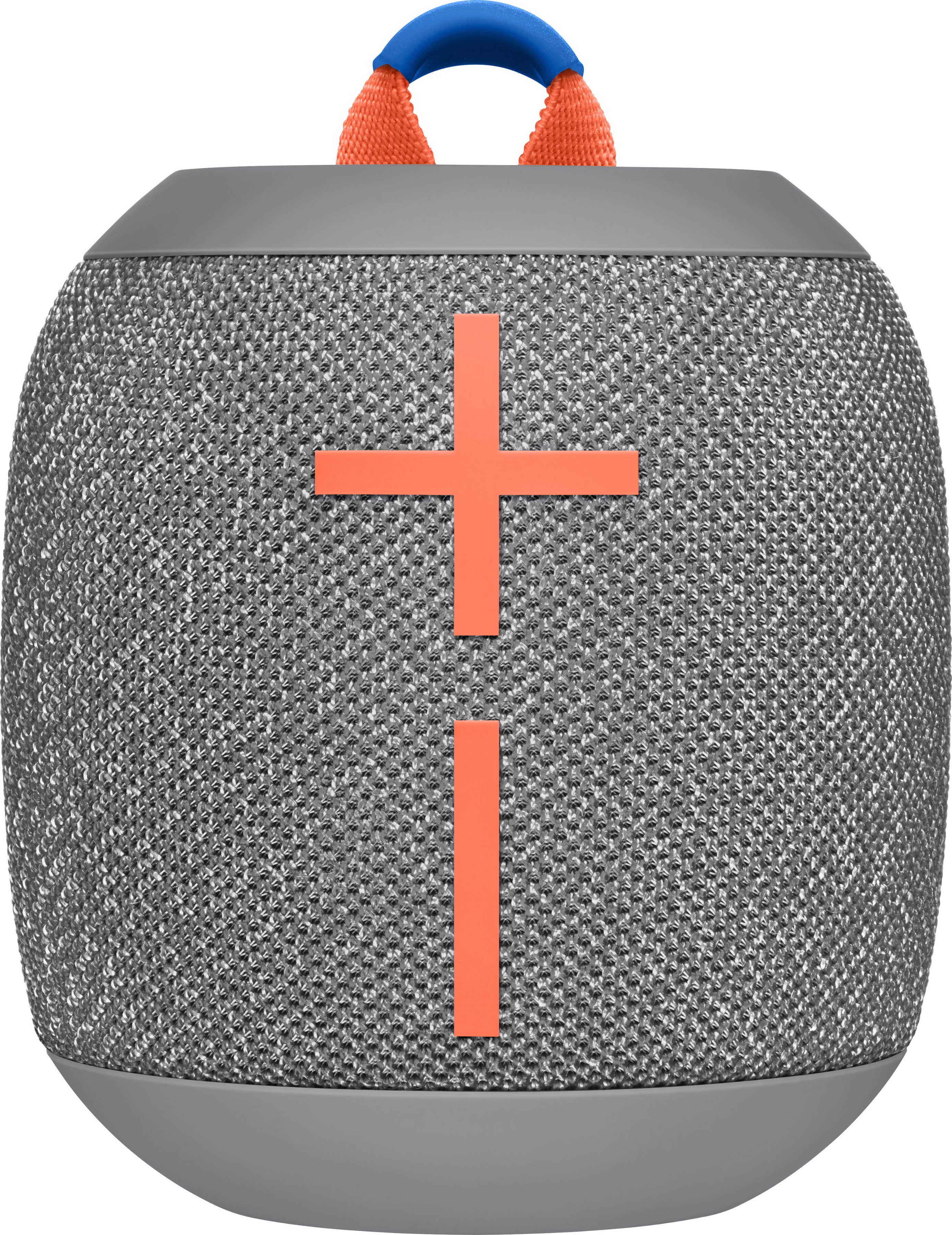
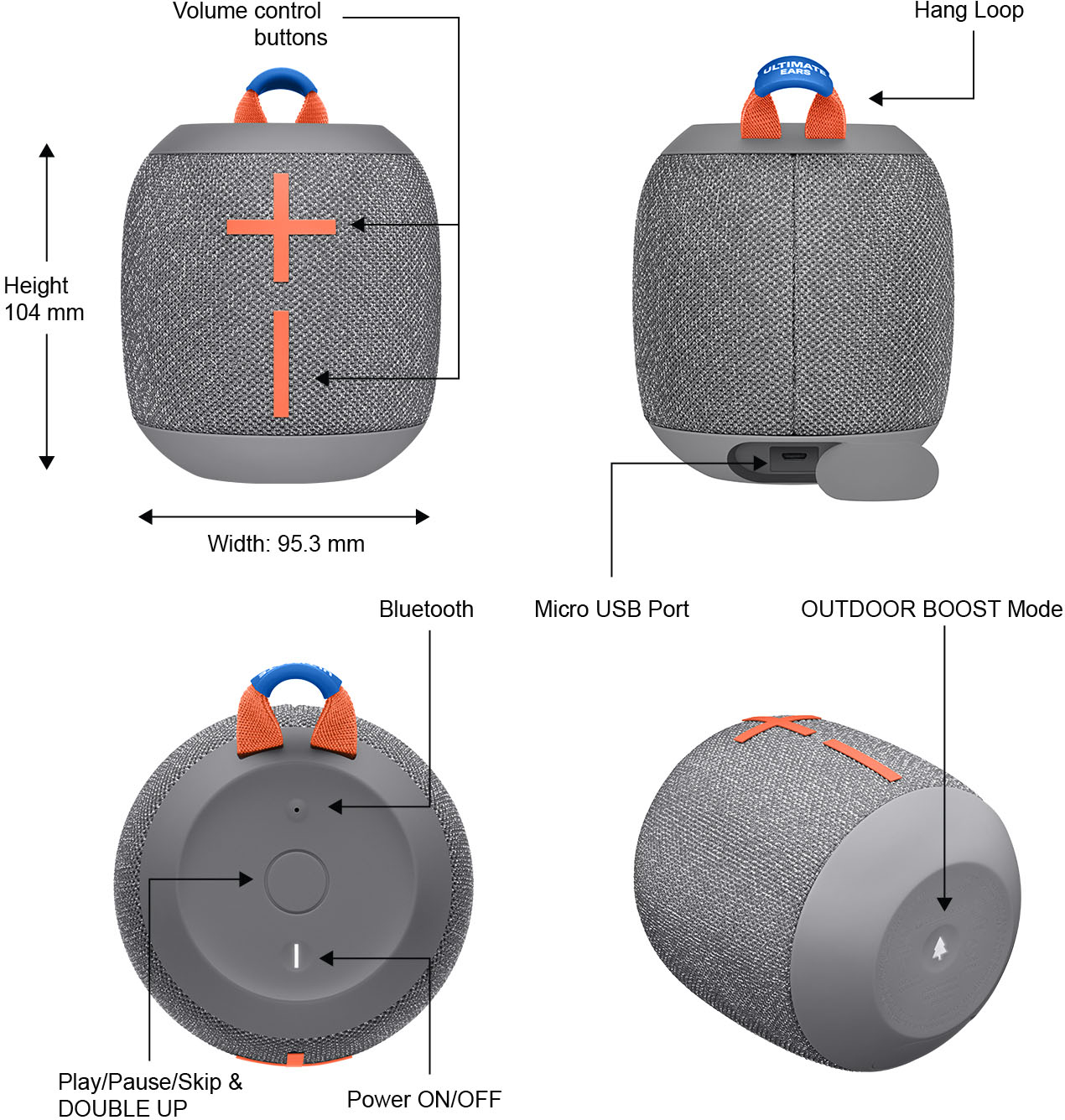
A:AnswerThe on/off button is the small push down button on the top closest to the front. The larger center button when pushed once will pause music. If pushed twice it will forward to next song. The small top button near the back is to sync add’l speaker.
A:AnswerNo these are standalone. If you want party mode the Megaboom ones are the ones I have for party mode. The Wonderboom speakers are not compatible with the app either
A:AnswerSo, to be clear, you are saying that it does *not* make a loud noise when turning off? (I want to know if I should buy one, as I would also use it at night to get me to sleep.)
A:AnswerHello Minero. Since wattage is really used to measure power and this is a battery-powered speaker, we use maximum sound pressure to rate the Ultimate Ears speakers. The Wonderboom 2 has a Maximum Sound Level of 87decibels.