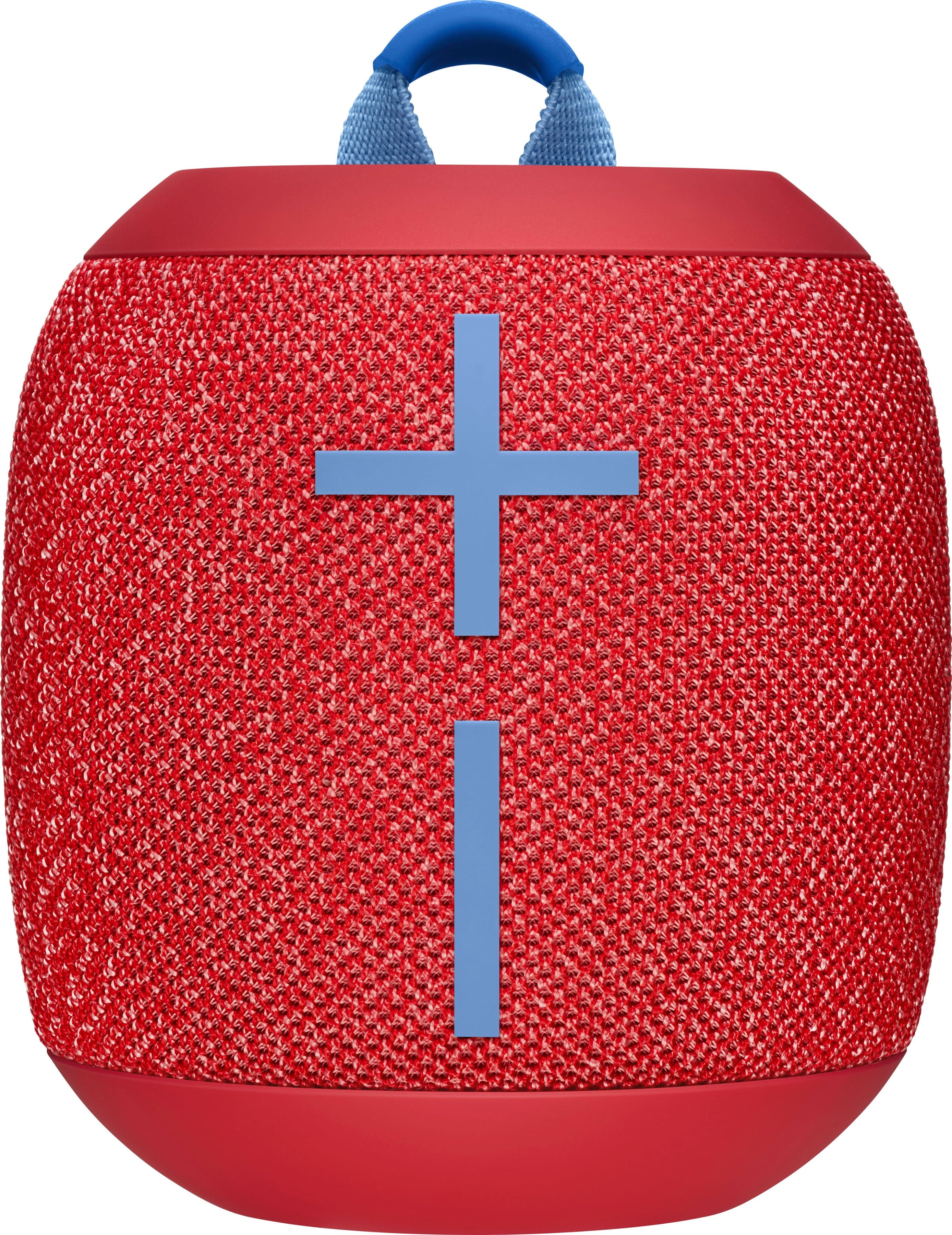
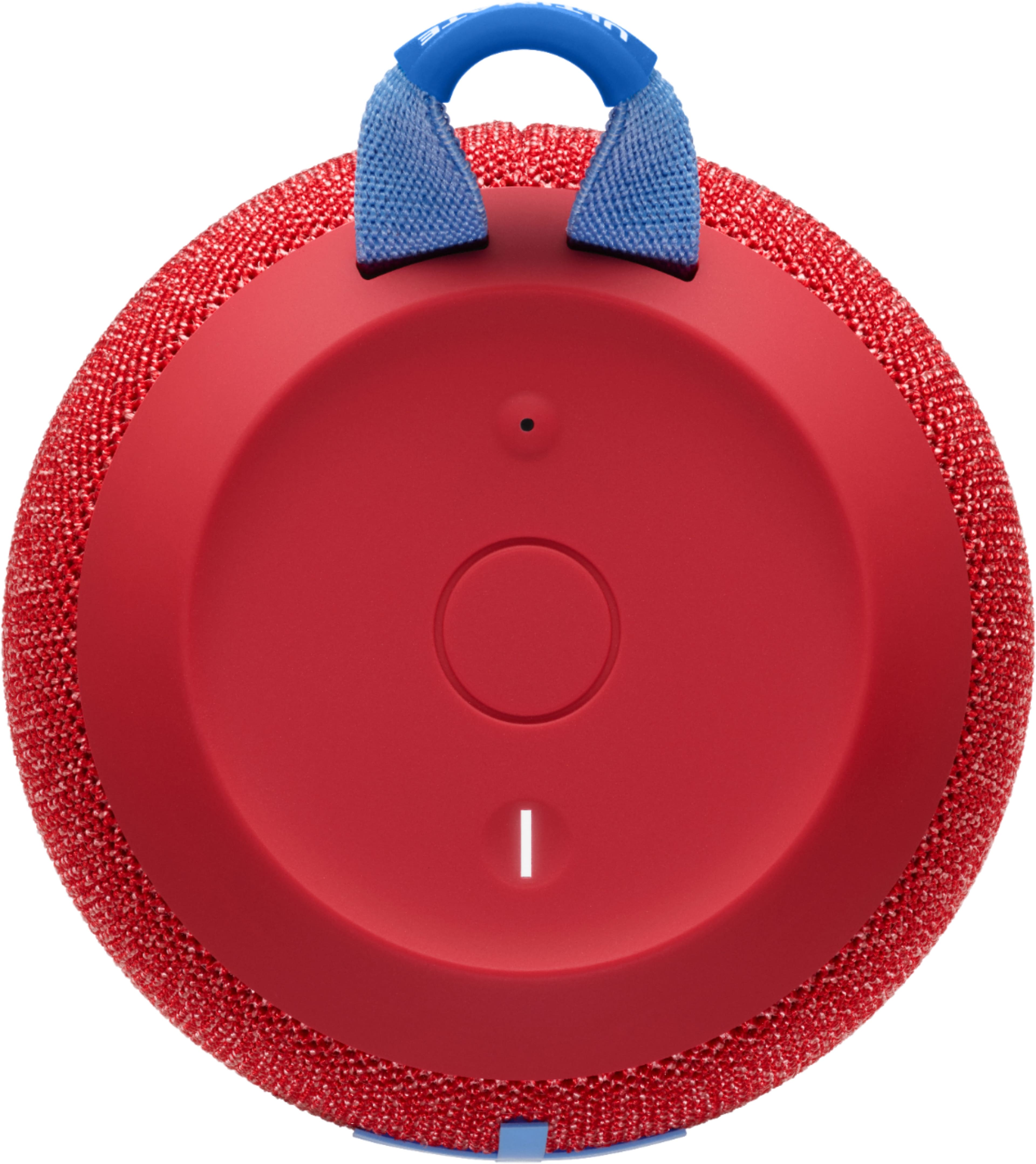
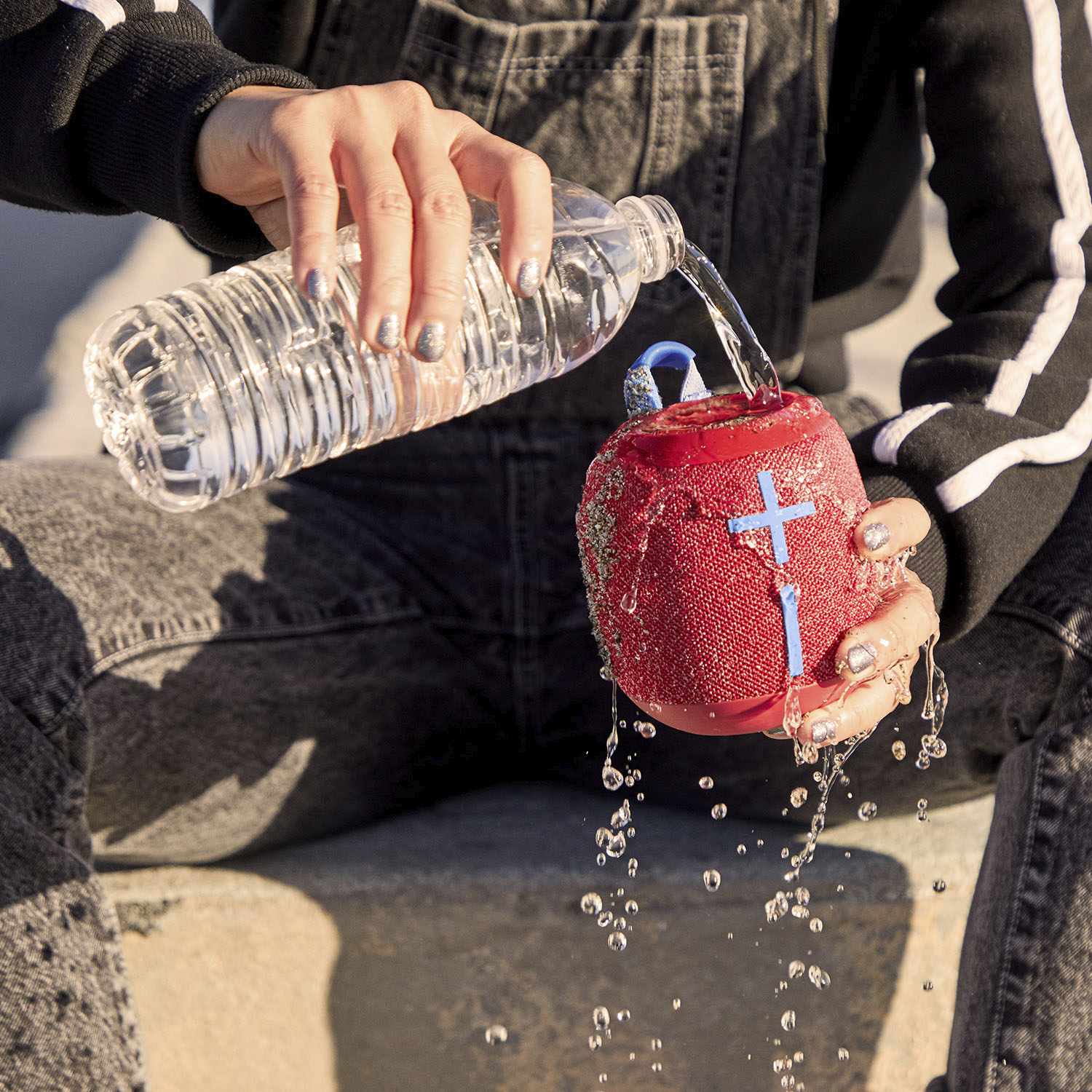
A:AnswerHello, this is not a usual case for the battery life on a Wonderboom 2. Please reach us for warranty services at: https://support.ultimateears.com/en/
Our Ultimate Ears products come with a 2 year manufacturer warranty.
A:AnswerHello, the Wonderboom line replaced the Roll line a couple years ago. The Wonderboom 2 is an amazing portable speaker that you will love! However, it will not pair with your Roll. You can pair 2 Wonderboom 2's together without the use of an app.
A:AnswerAll of our Ultimate Ears speakers come with a 2-year warranty. Come visit us here and we can get the process started https://support.ultimateears.com/en/
A:AnswerThey can! Just make sure the Wonderboom 2 connected to your phone is within 100-feet of your phone, and the second Wonderboom 2 is within 100-feet of the first Wonderboom 2.
A:AnswerHello, the difference between the two is purely cosmetic: Deep Space is almost solid black with a little bit of white woven into the fabric, while Concrete is a Best Buy exclusive color that is black with a white splash. Everything else is exactly the same (as with every color variation).