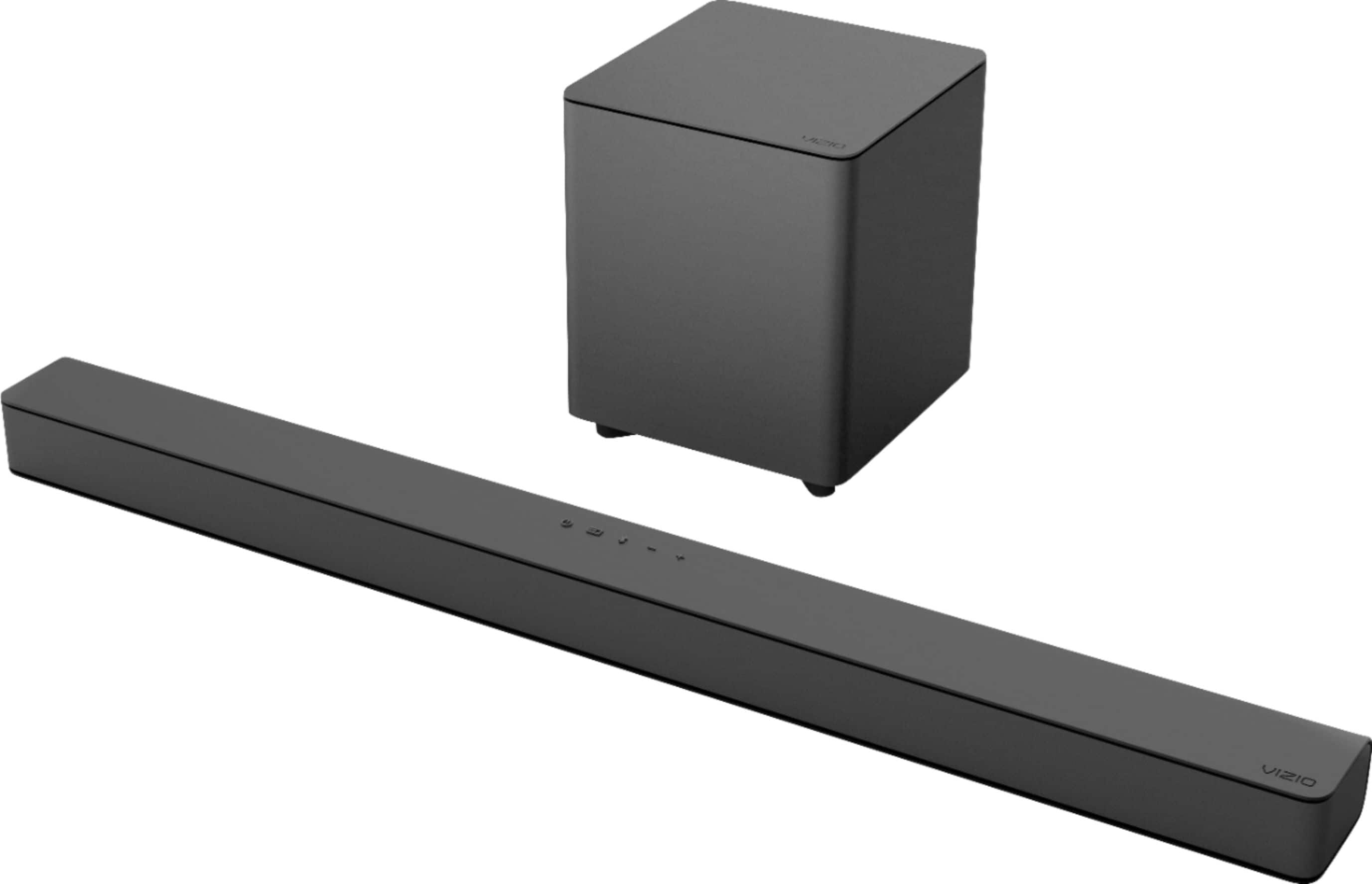
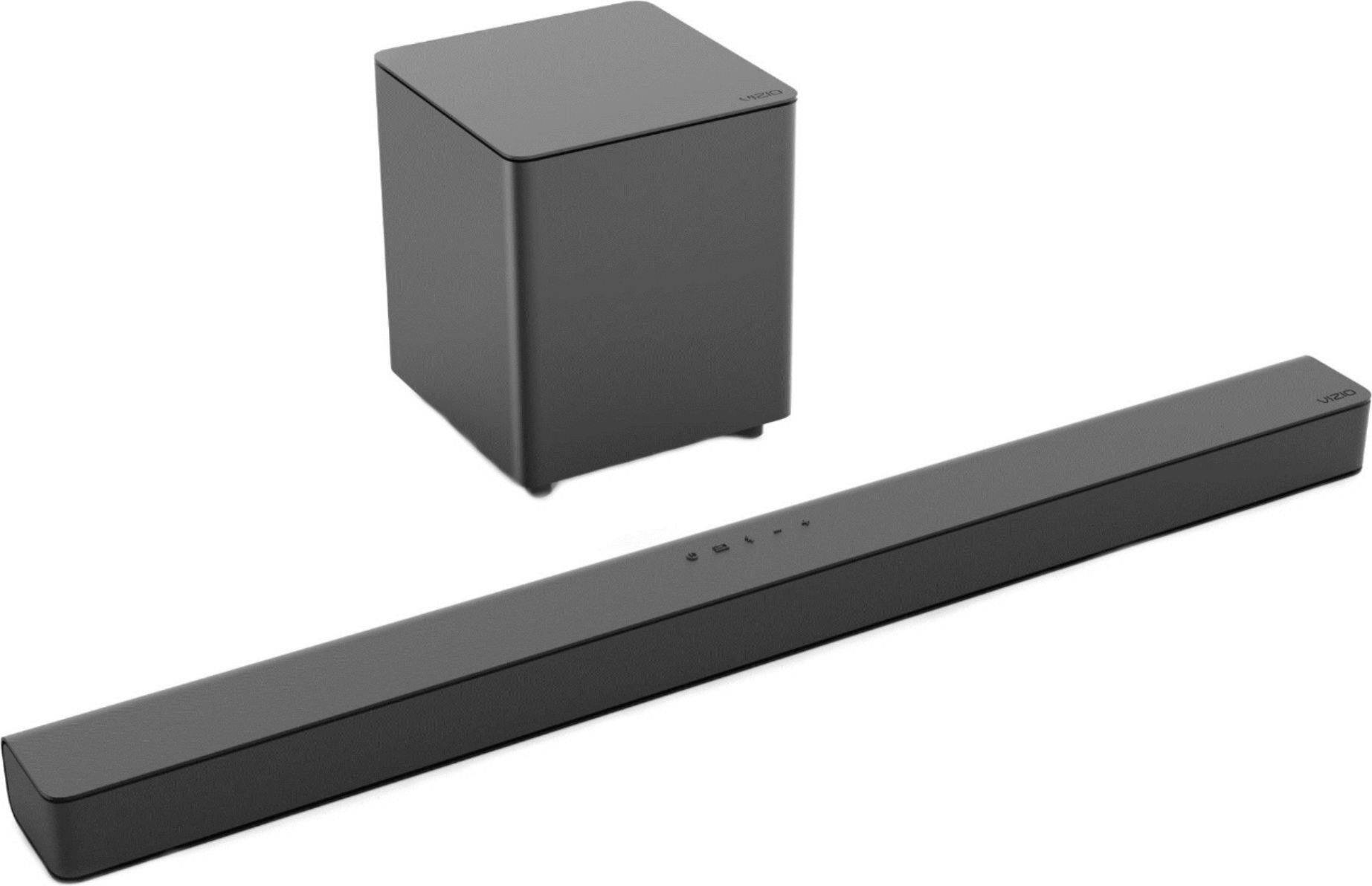
A:AnswerTo pair the sound bar with a Bluetooth device:
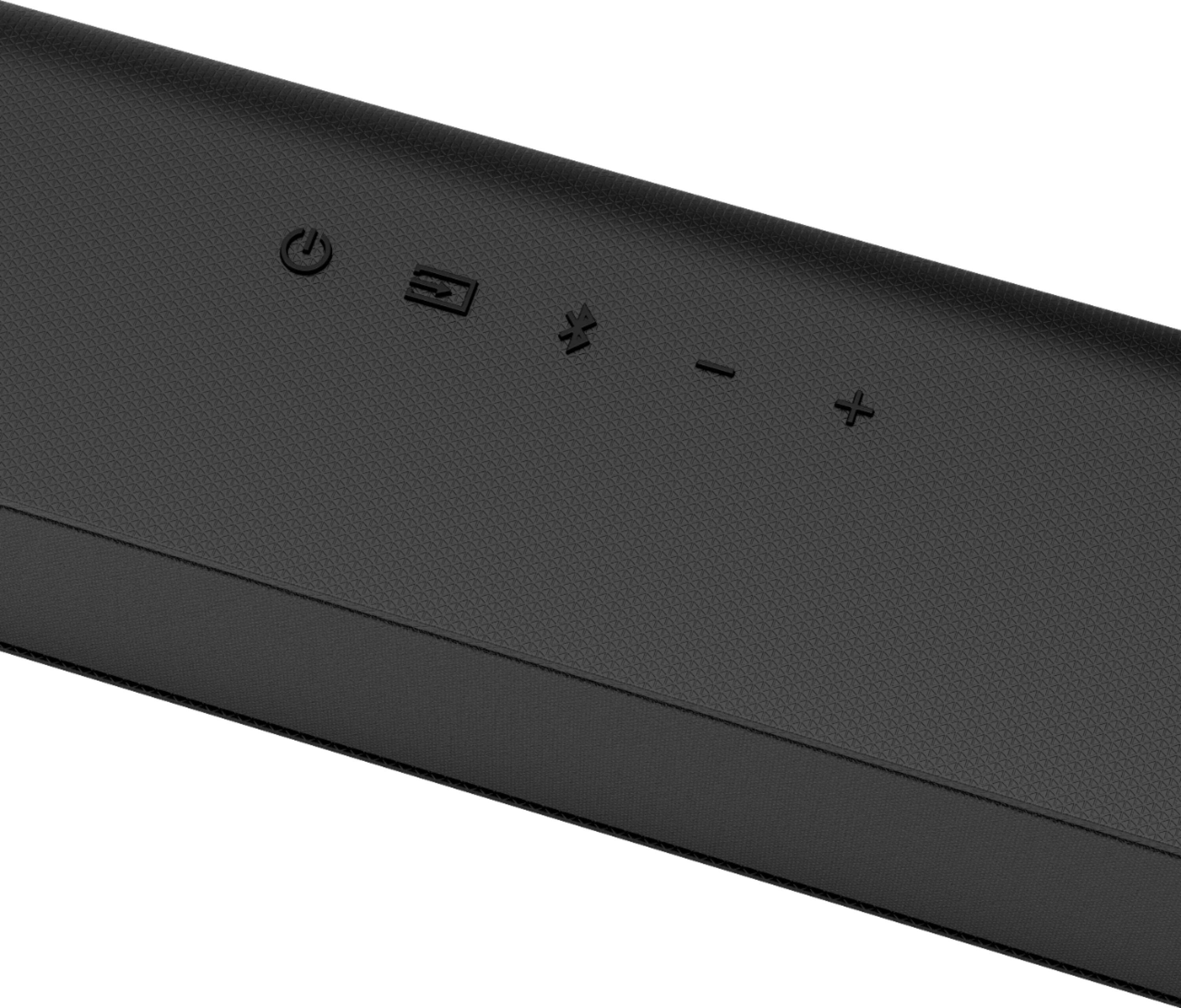
1. Press and hold the Bluetooth button on the sound bar or remote control for five (5) seconds.
2. Search for the sound bar (VIZIO V21) using your Bluetooth device. For more information, refer to the user
documentation that came with the device.
3. Now you can play audio from your Bluetooth device. Volume can be controlled on both your source device and
the sound bar.

A:AnswerTo answer your question, I want to gather a bit more information. When you have a free moment, we are available through text message, chat, or over the phone. Just go to support.VIZIO.com and click on ‘Contact Us’.
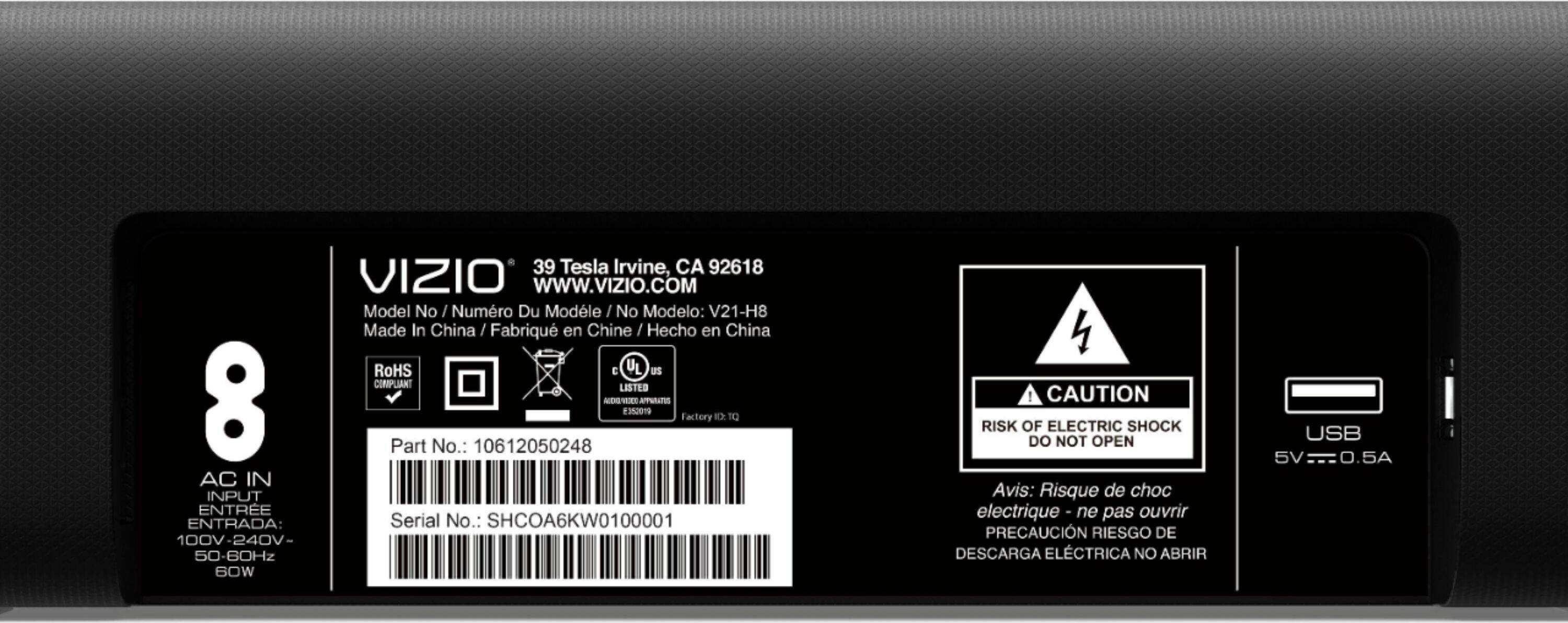
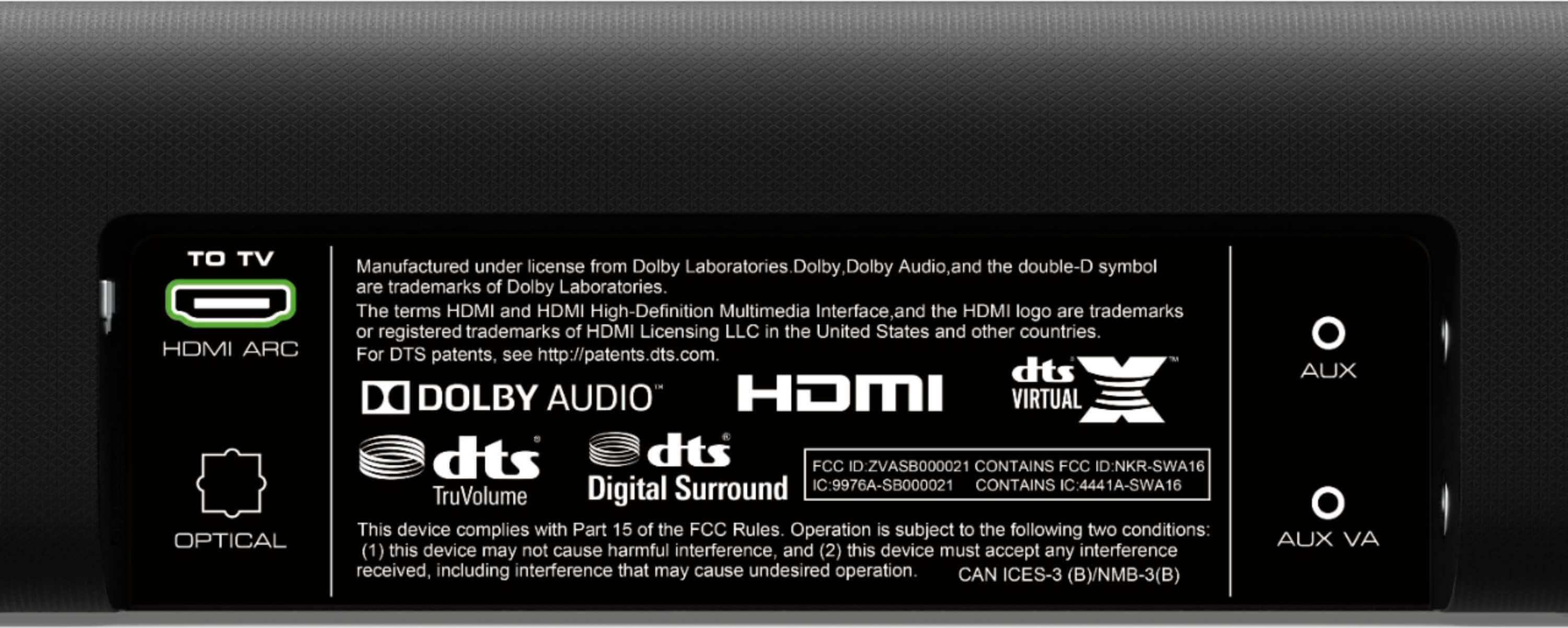
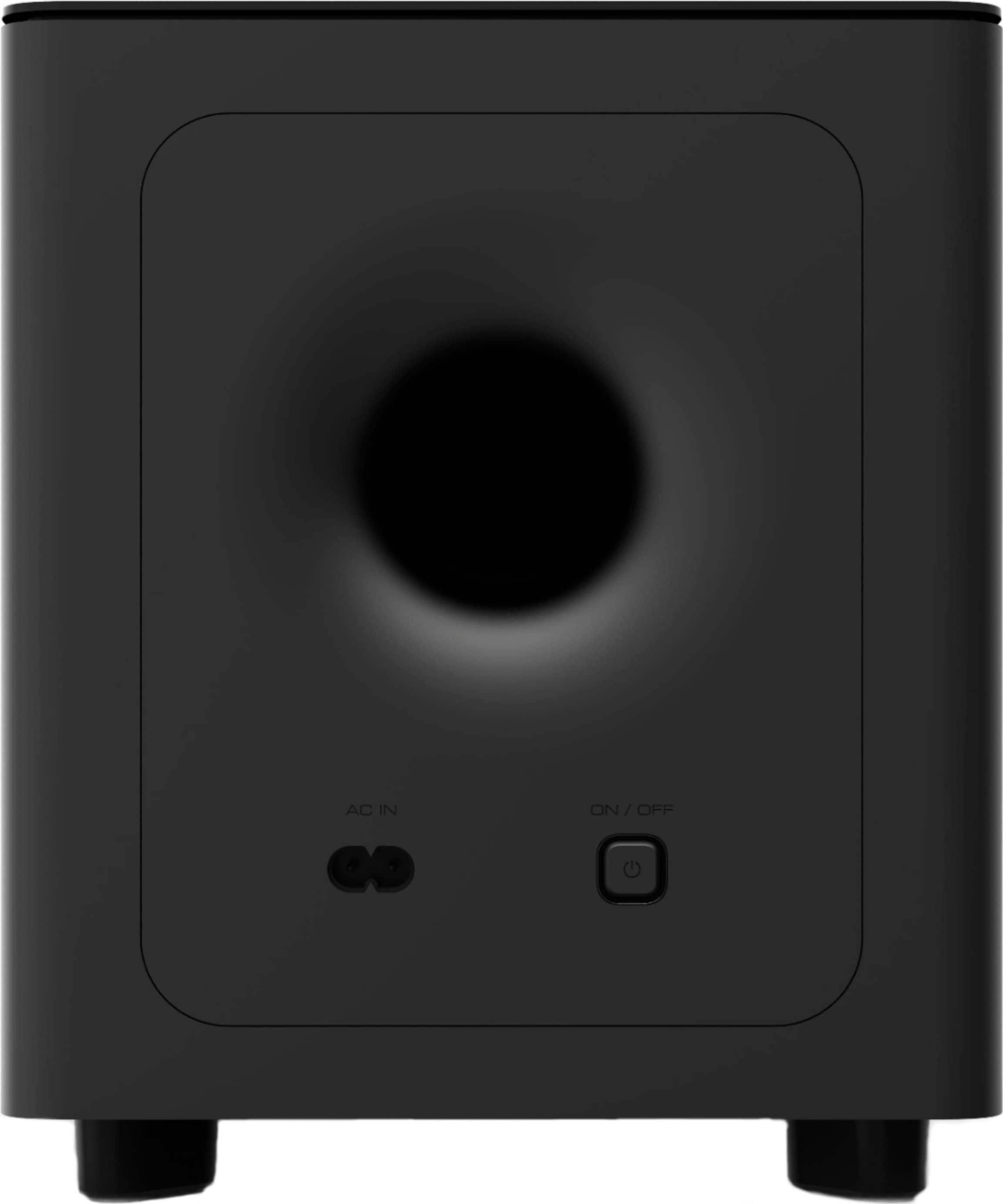
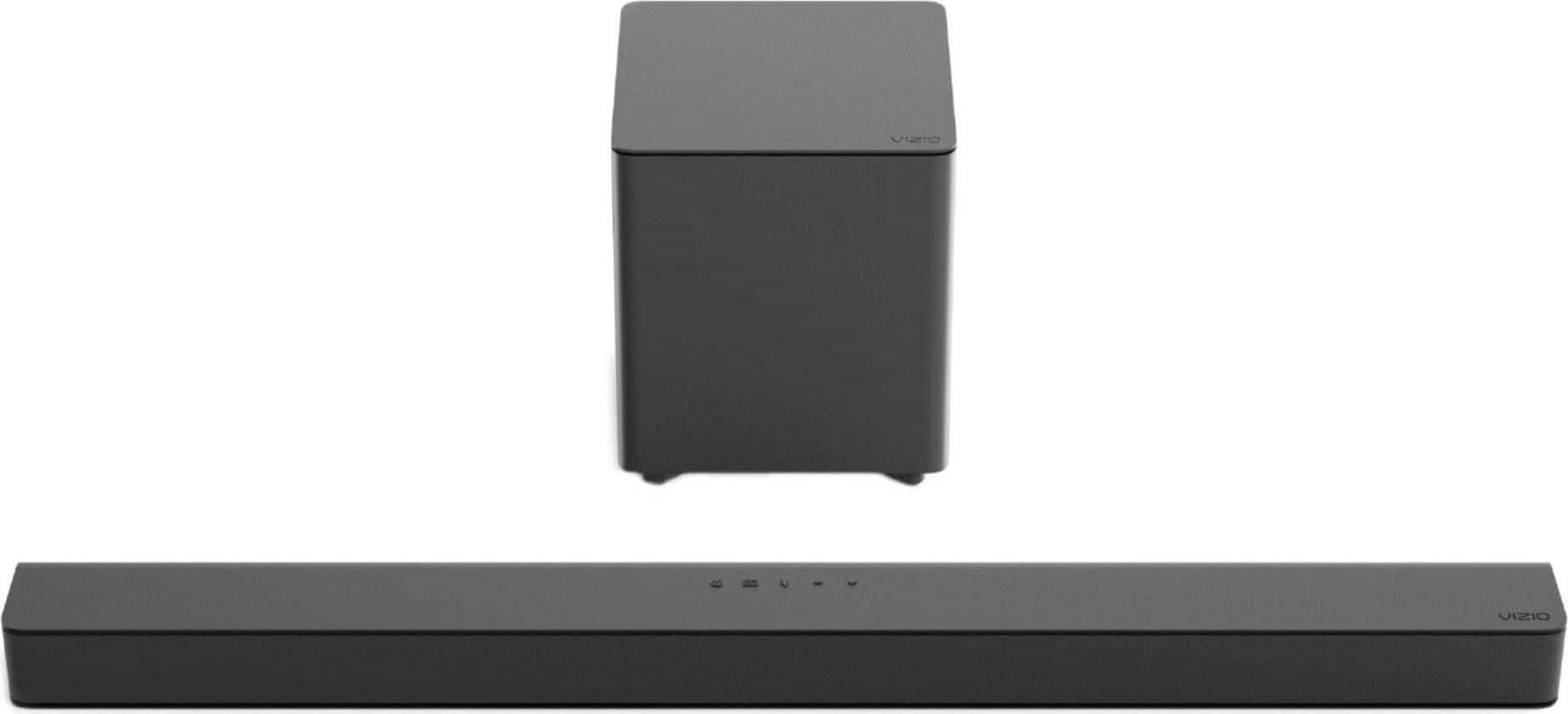
A:AnswerThe sound bar model V21-H8 connects with HDMI, digital optical, or an AUX connection. Those connections are all found on the back of the sound bar and TV. If you have any questions or need any assistance, we are available through text message, chat, or over the phone. Just go to support.VIZIO.com and click on ‘Contact Us’.
A:AnswerTo answer your question, I want to gather a bit more information. When you have a free moment, we are available through text message, chat, or over the phone. Just go to support.VIZIO.com and click on ‘Contact Us’.
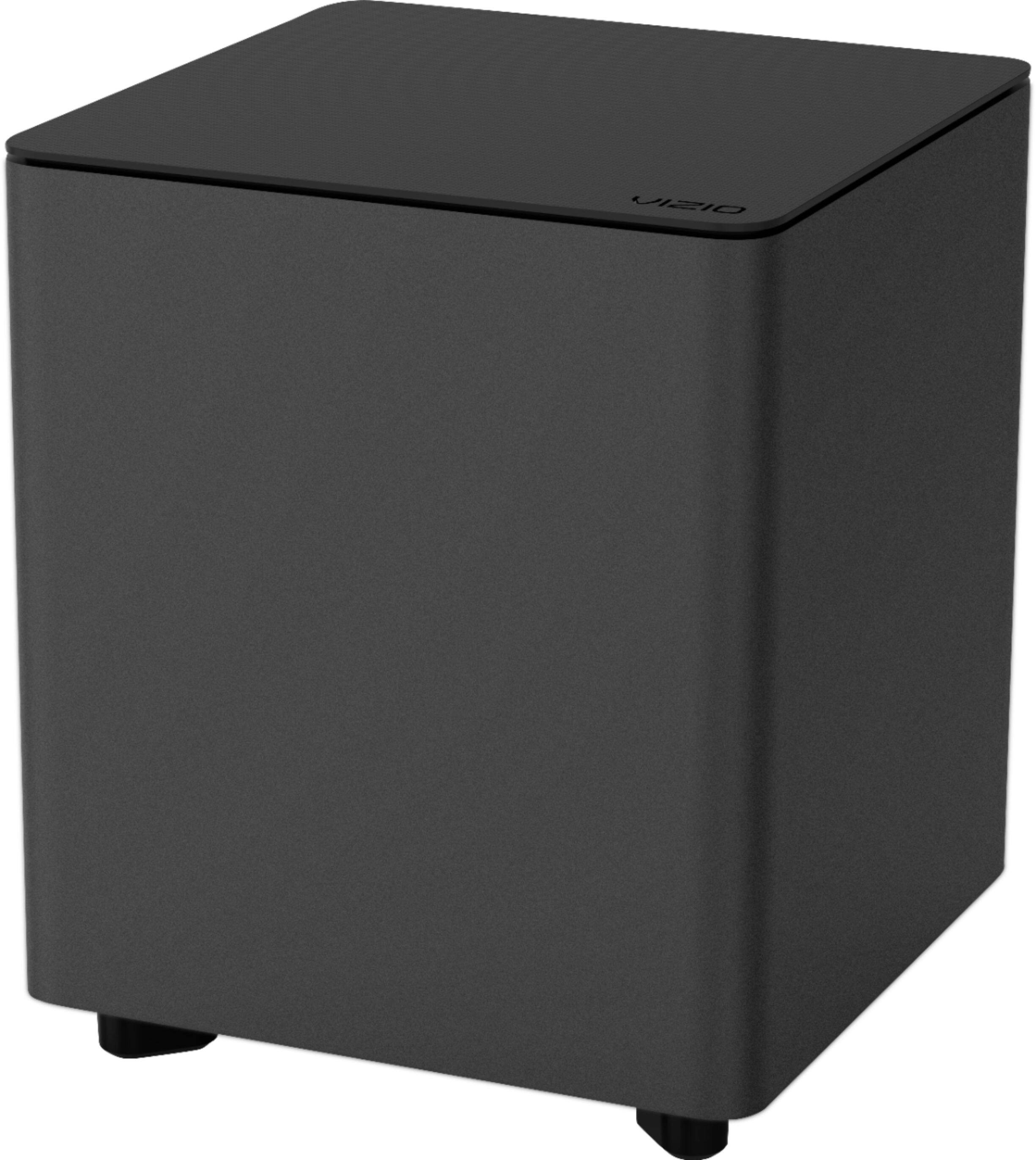
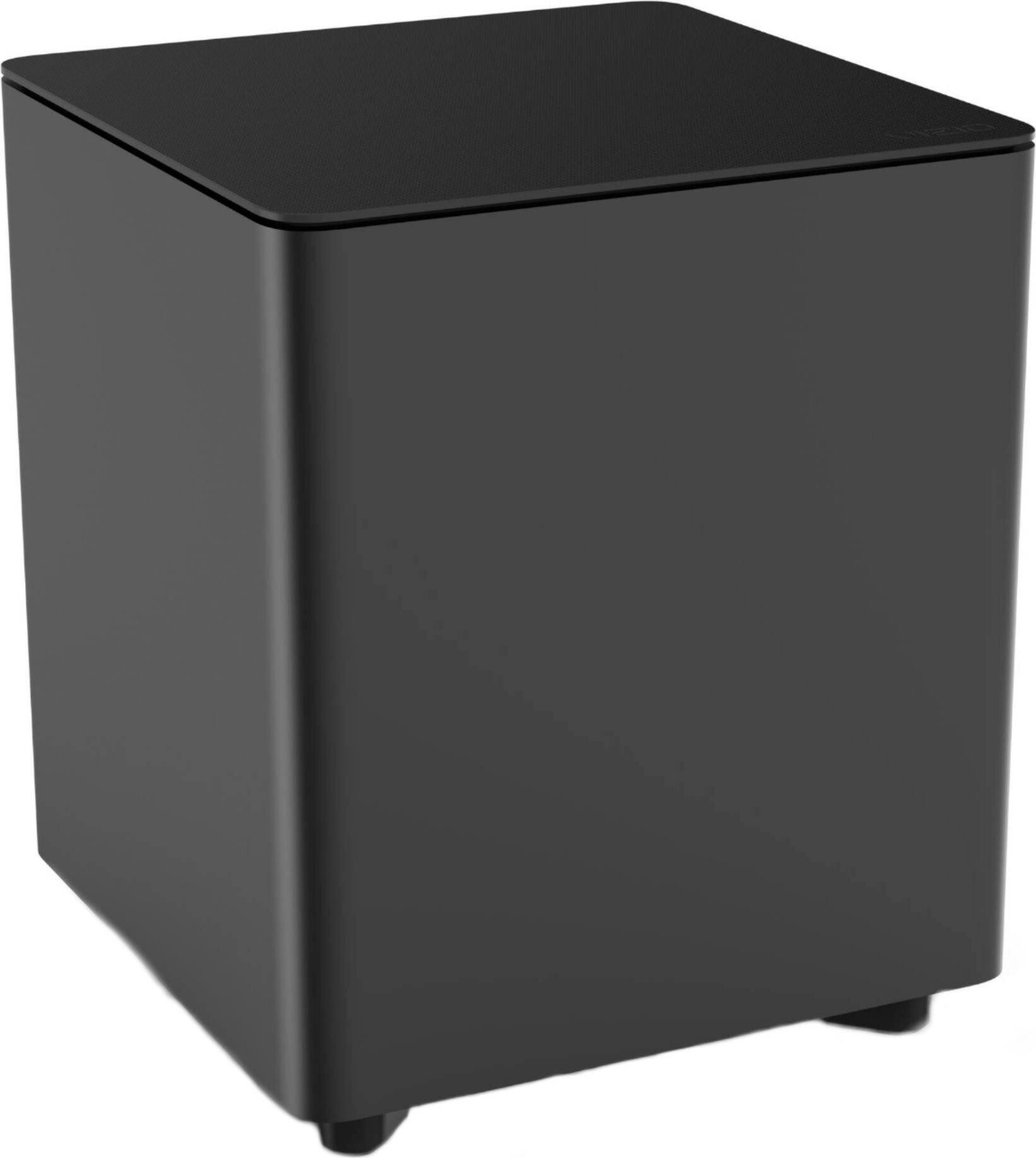
A:AnswerVIZIO’s Sound Bar audio systems are designed to give you a realistic theater experience. You should hear the bass rumble during explosions, planes flying, earthquakes, action scenes, and anything that would normally have a deep tone. You may not get these tones when watching something like a sitcom or the nightly news. If you have a VIZIO television there is a channel on the ‘Watchfree’ service that plays action movies with no subscription or rental fee, this might be a good place to find some content to test your sound bars limits. If you are already watching content that should be giving you bass, visit support.VIZIO.com and click on ‘Contact Us’. We’ve got agents ready to chat, text message, or speak with you on the phone to adjust settings and help optimize your sound bar.