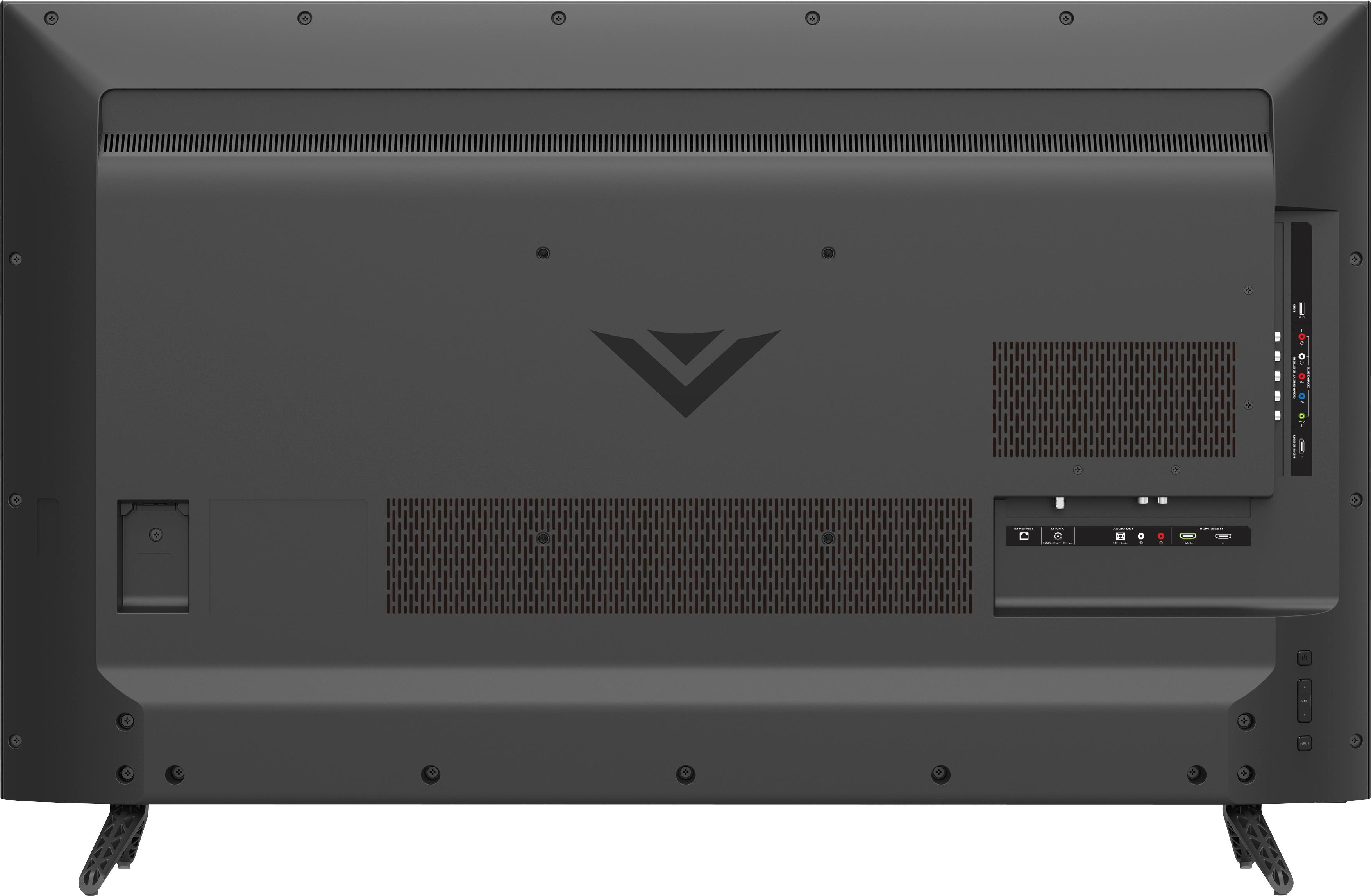
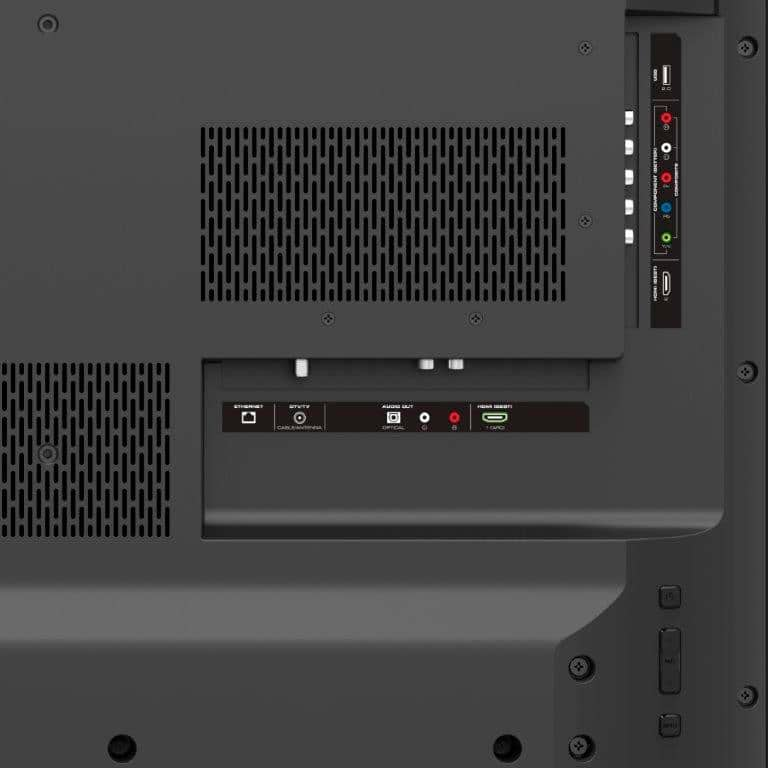
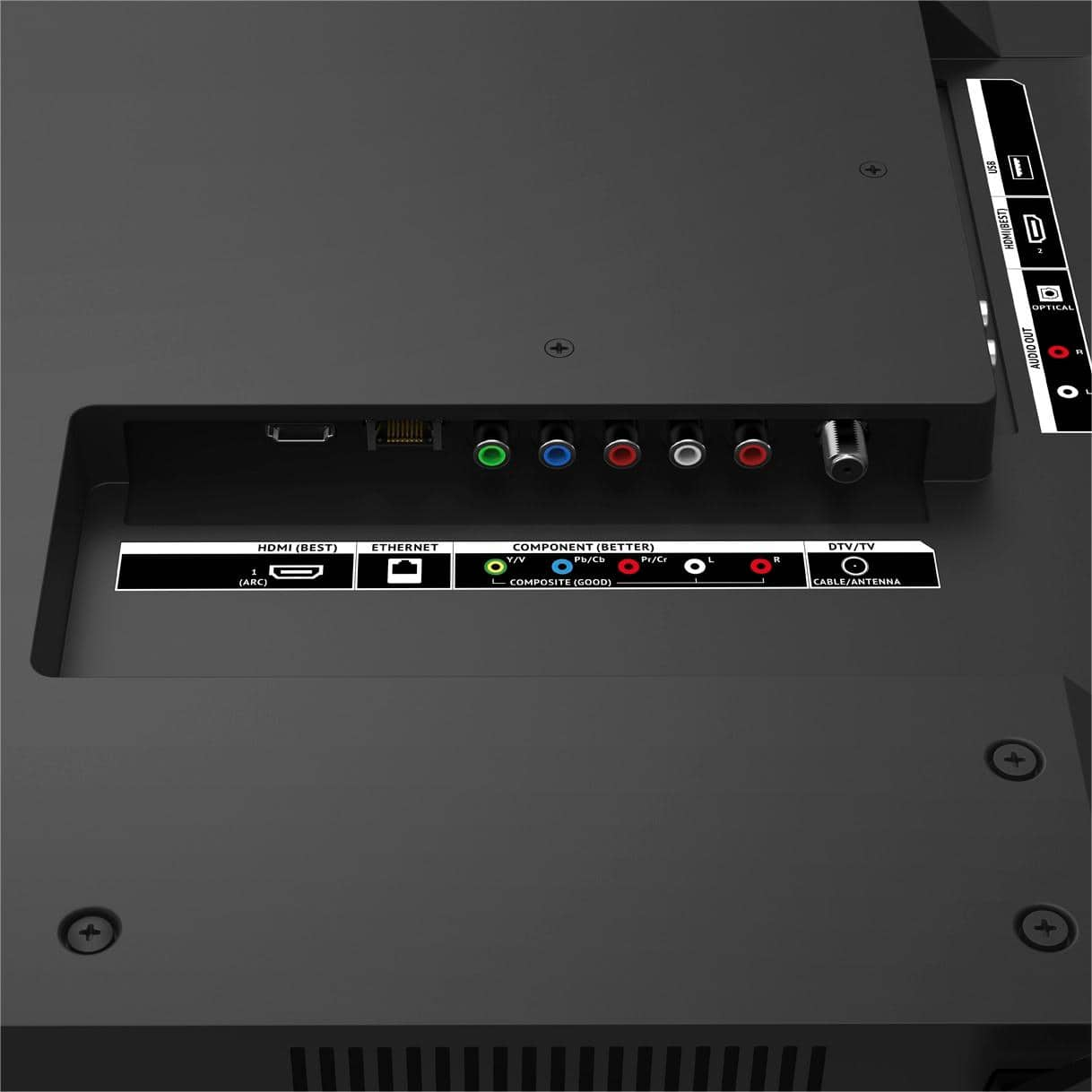
A:AnswerWe recommend connecting with an HDMI Cable. The TV is showing the resolution it is seeing from the connected device. If the program isn't being broadcast in 1080p or wasn't filmed in 1080p it will not show in 1080p because the information for the TV to display isn't there.
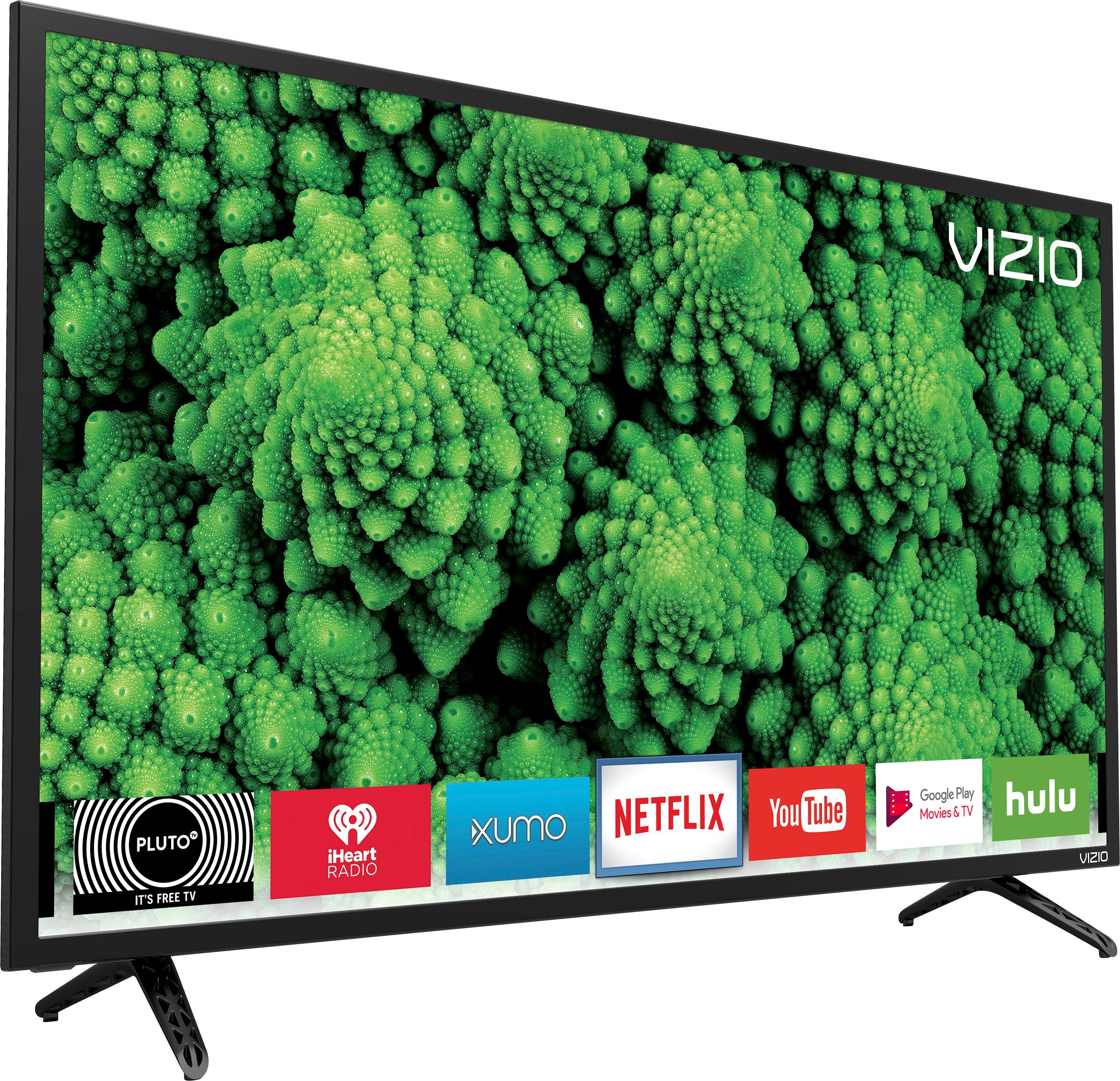
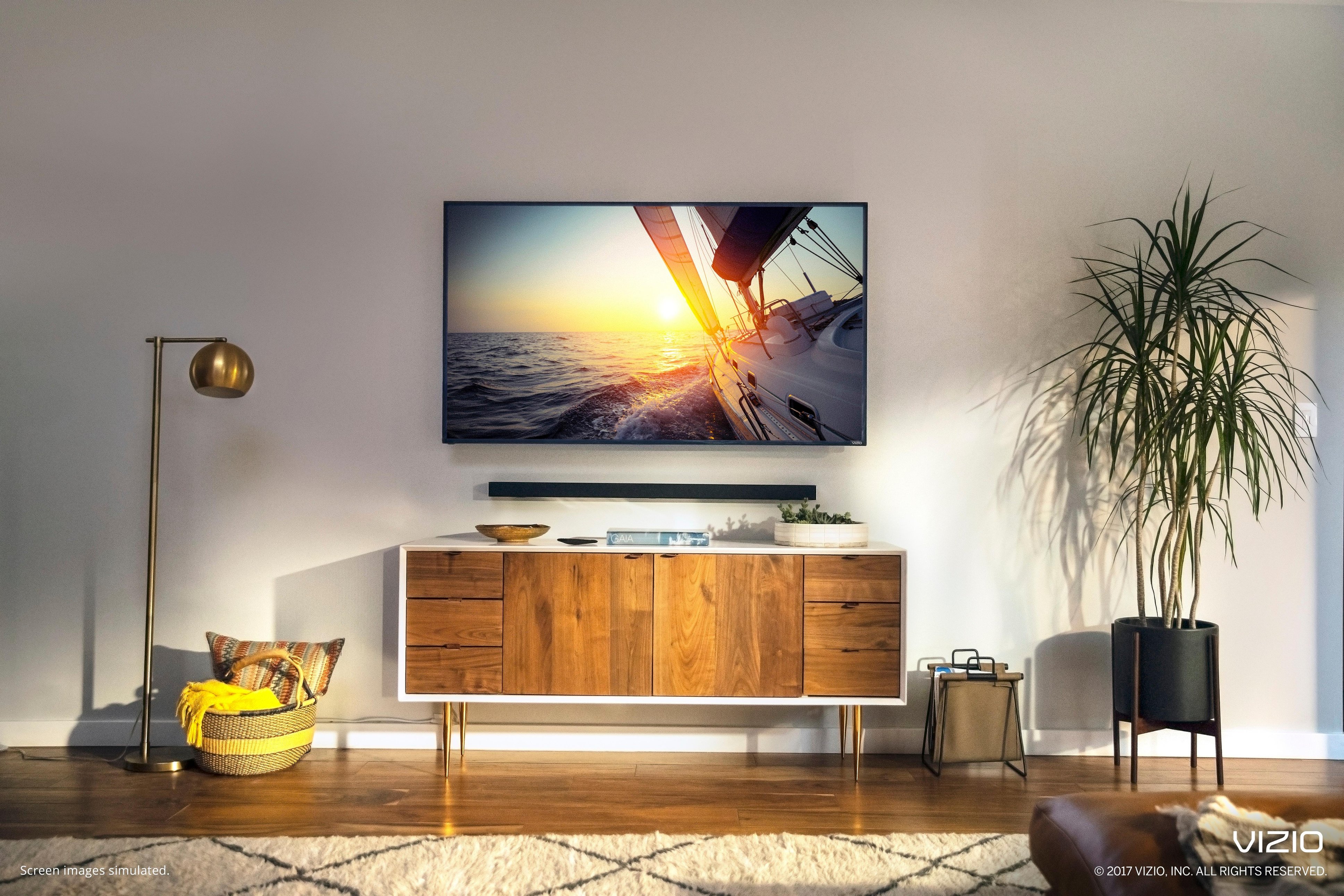
A:AnswerThe picture is very strong but it does catch a lot of glare from both sources. Nothing deal breaking but I'd plan where you are going to put it to keep the view angles away from light sources.
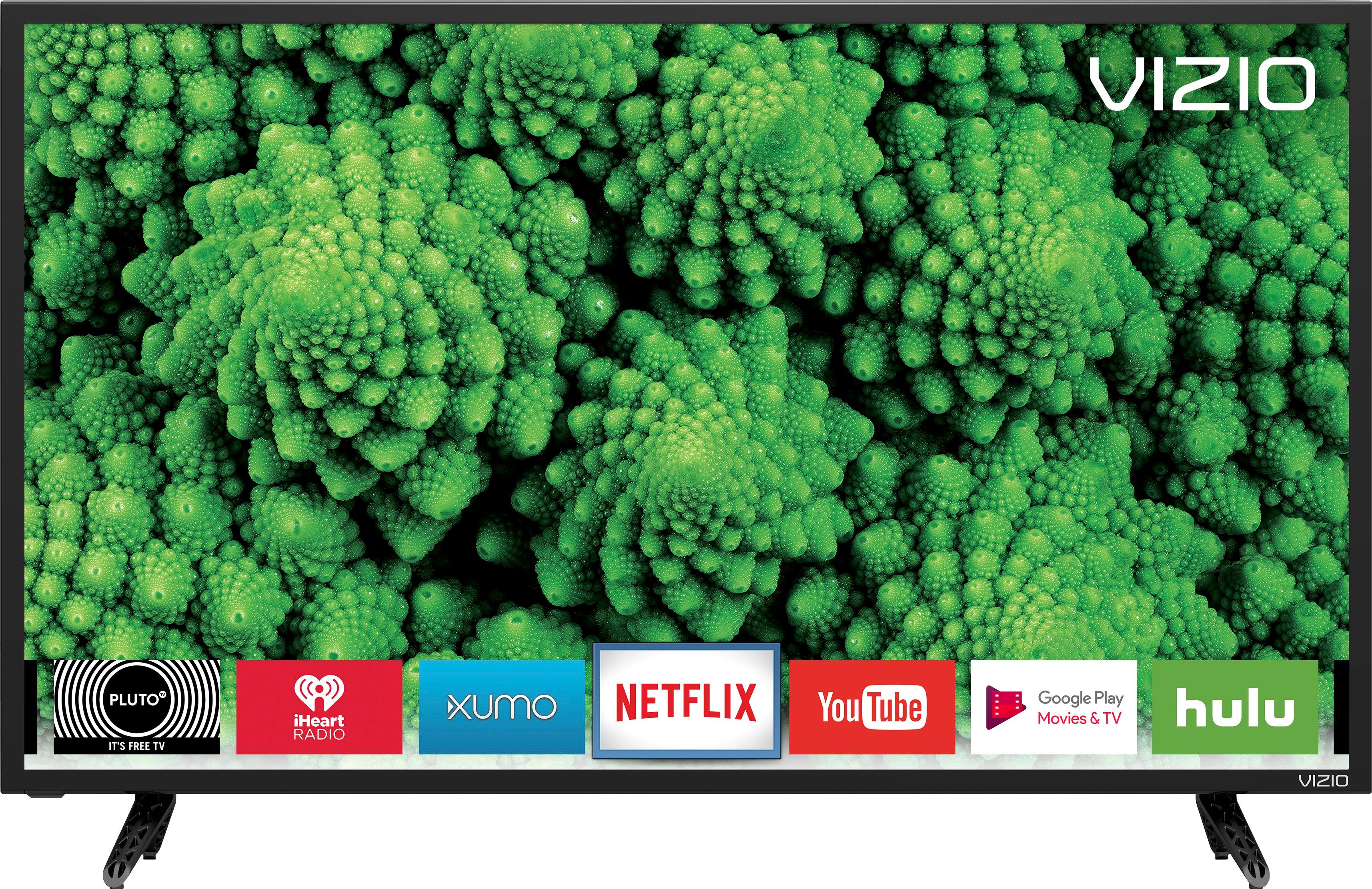
A:AnswerYes, you can use all Netflix profiles. The Vizio 32" has Netflix already installed. When it comes up, you choose which profile you want to use. Later you can switch between profiles like you do on other smart TVs or Apple TV.
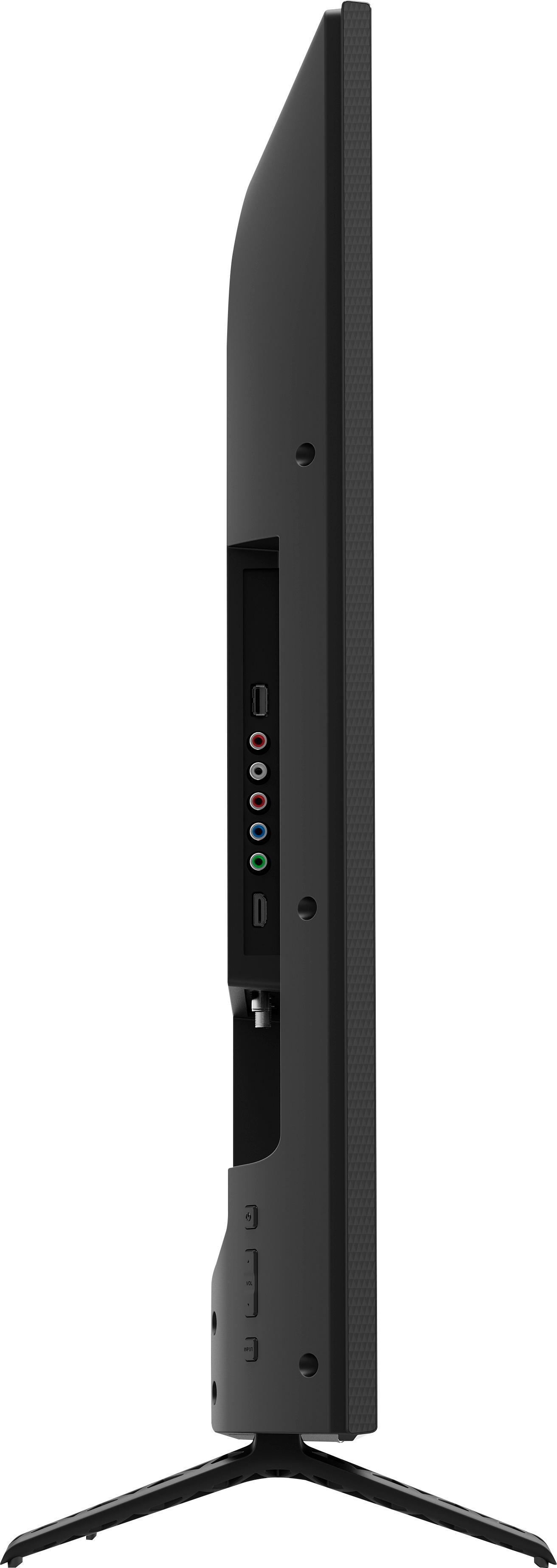
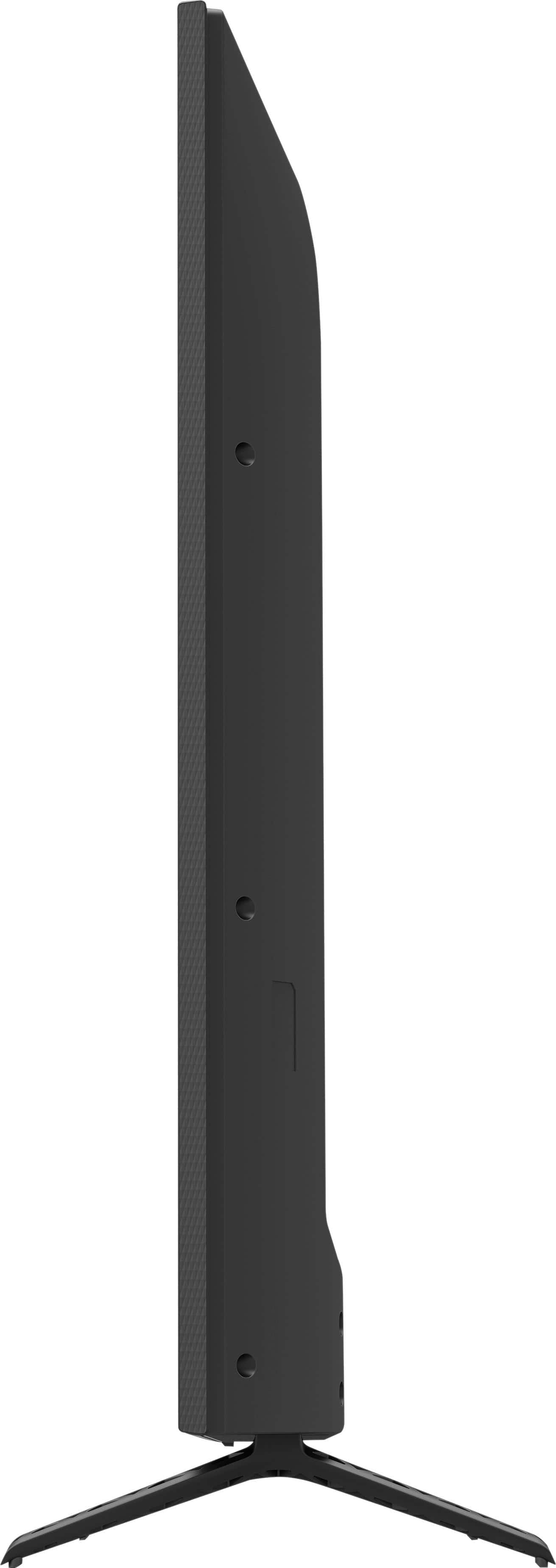
A:AnswerI picked my son's up at the store. It was a good sized rectangular box but easy enough for me to carry out to my car without help. He did need to put the base:legs on and it requires a screwdriver. It came apart easy and he kept the box to haul it to his dorm and he put the base:legs back on there.