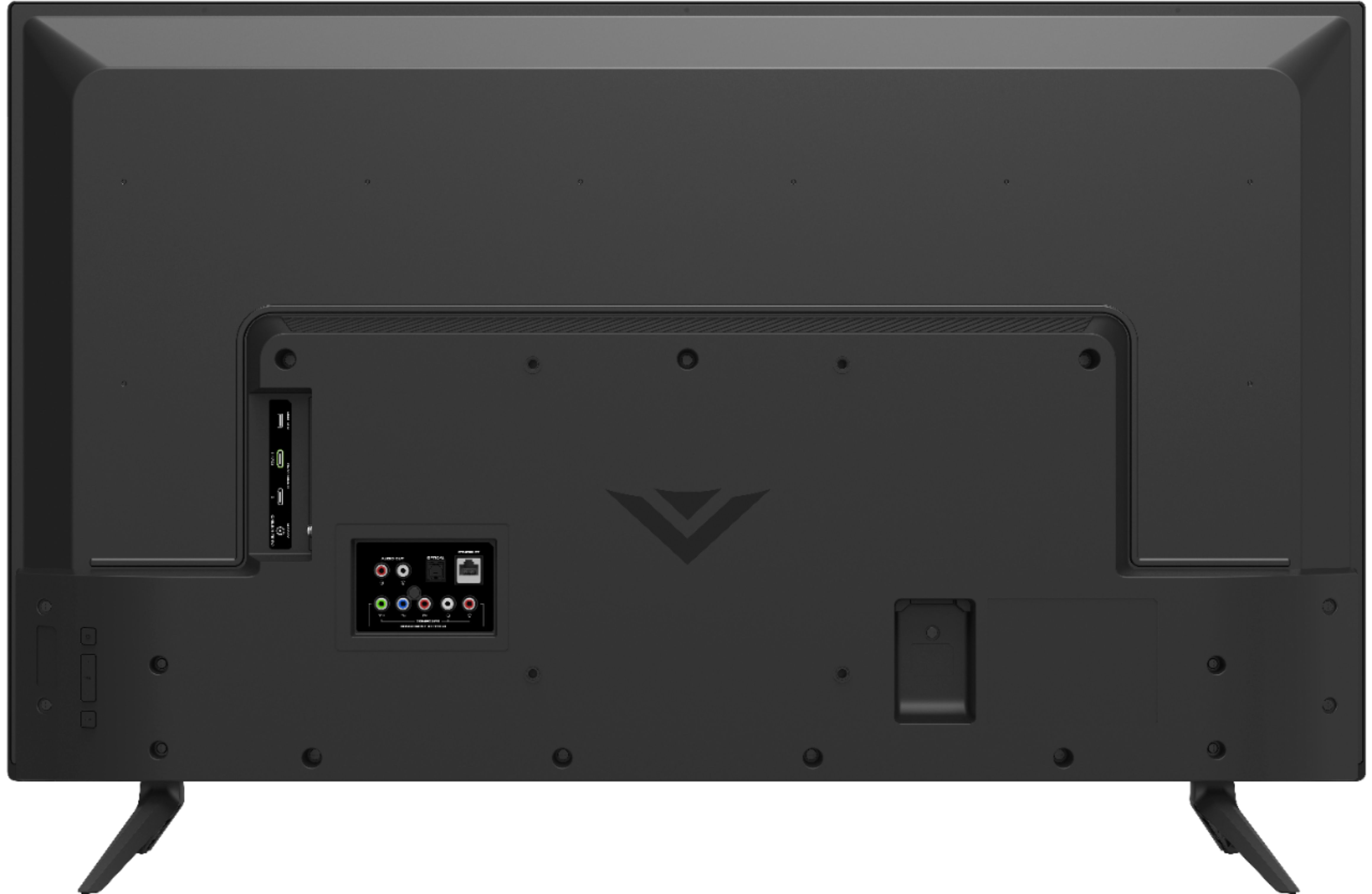
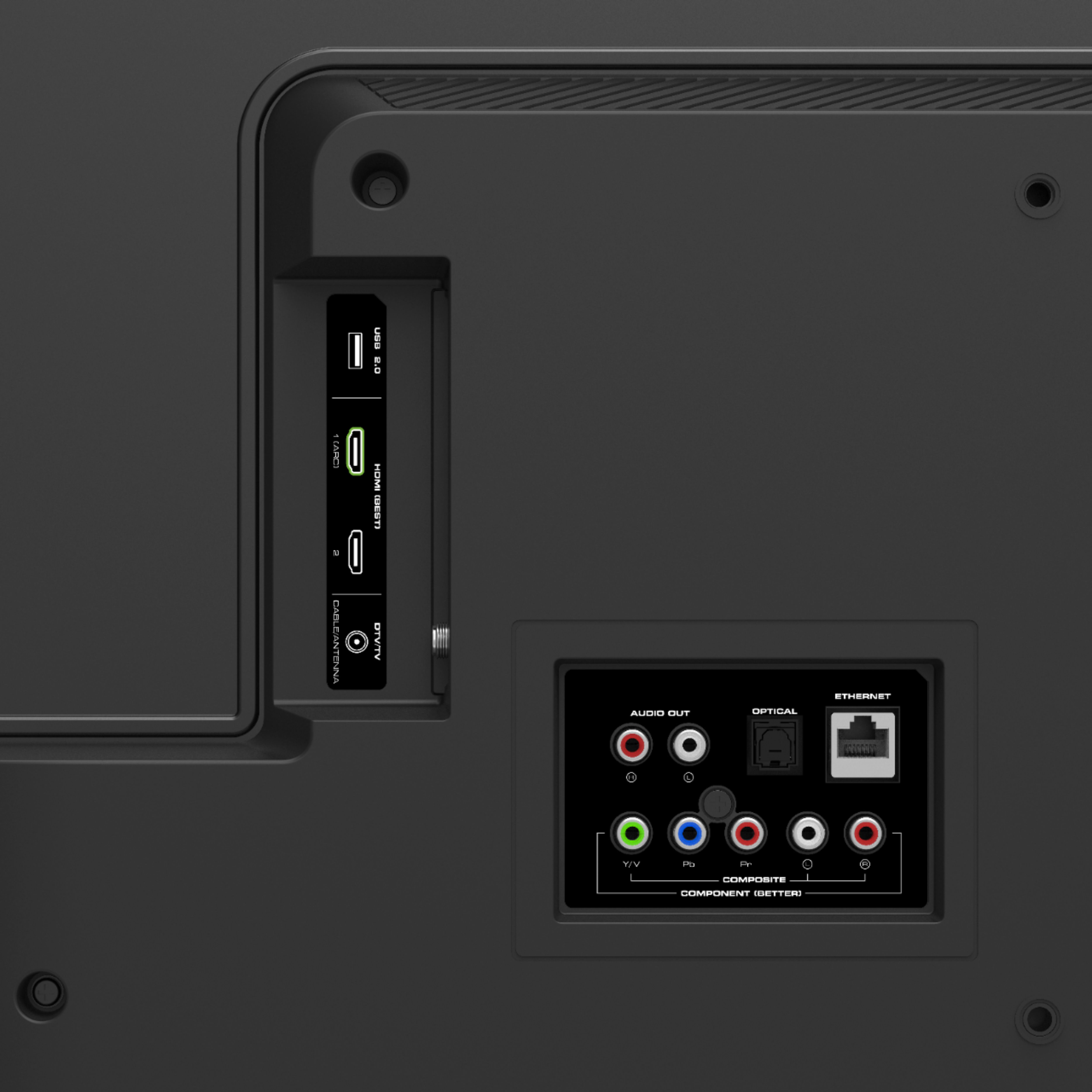
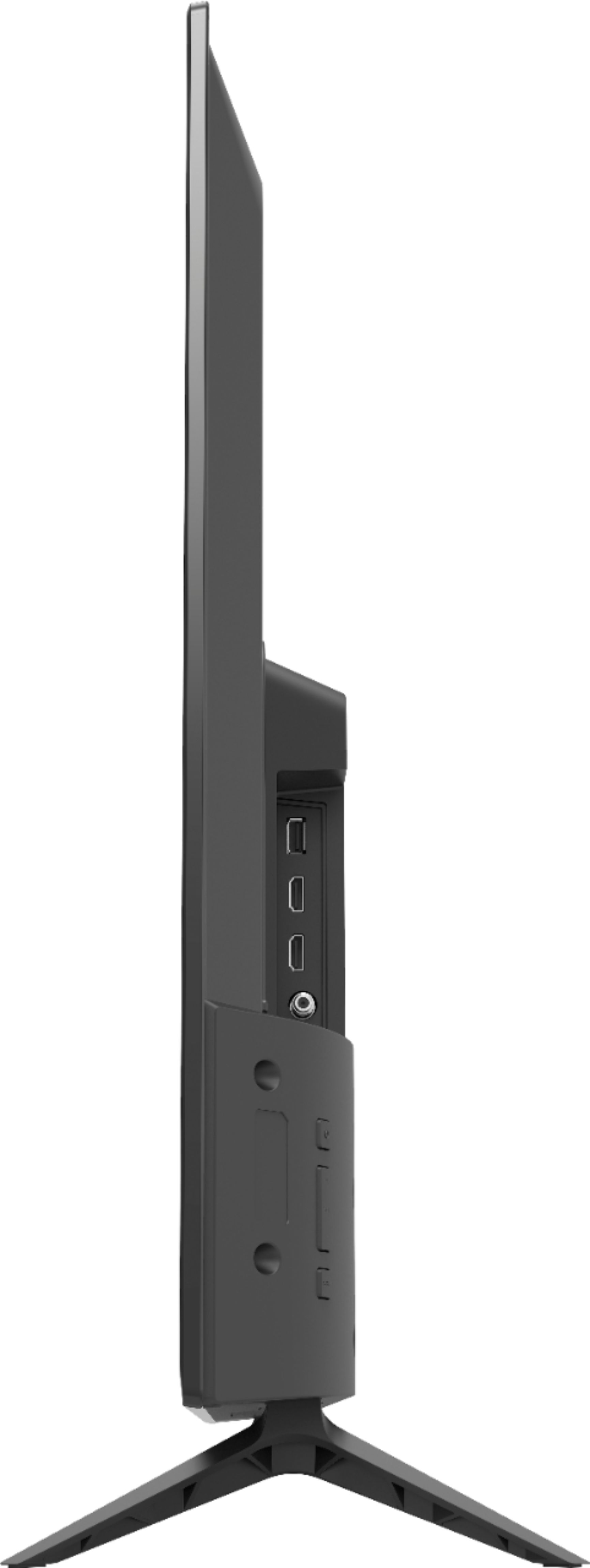
A:AnswerThis television does not have a built in 3.5mm headphone jack. You can connect headphones to the red and white and digital optical port on the television.
A:AnswerThe Spectrum TV application is not currently available on the SmartCast input and cannot be added at this time. We are continuously evaluating new applications for possible addition to this screen. In the meantime you can cast any of the thousands of Chromecast enabled applications to the TV from any mobile device on your network.
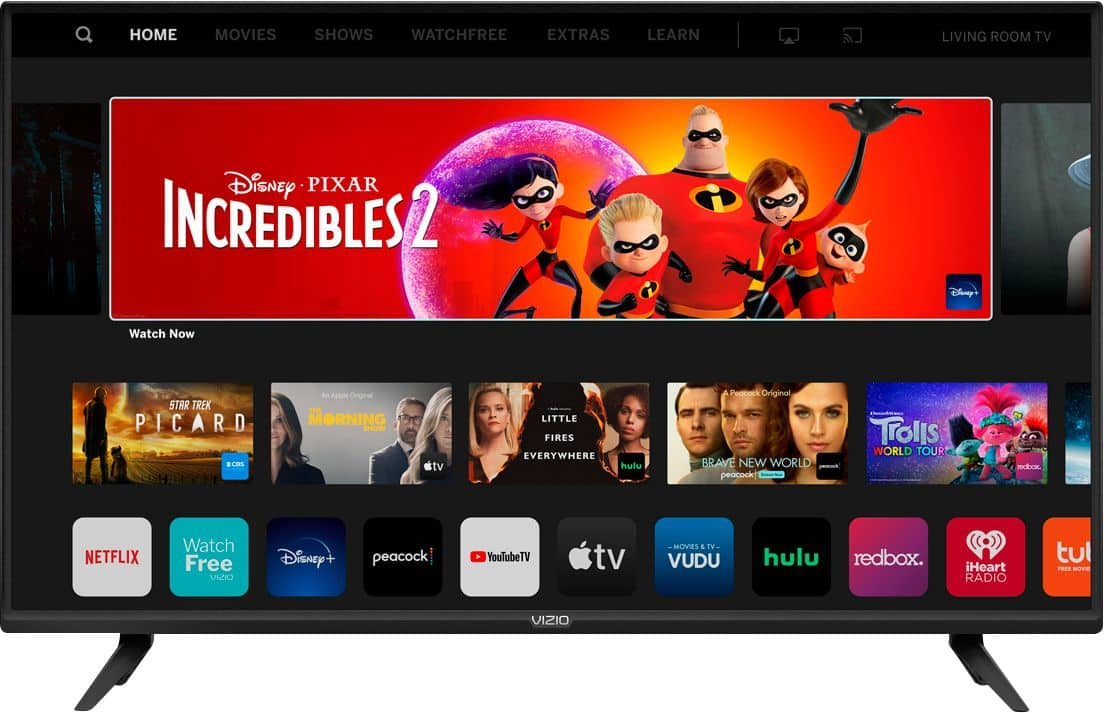
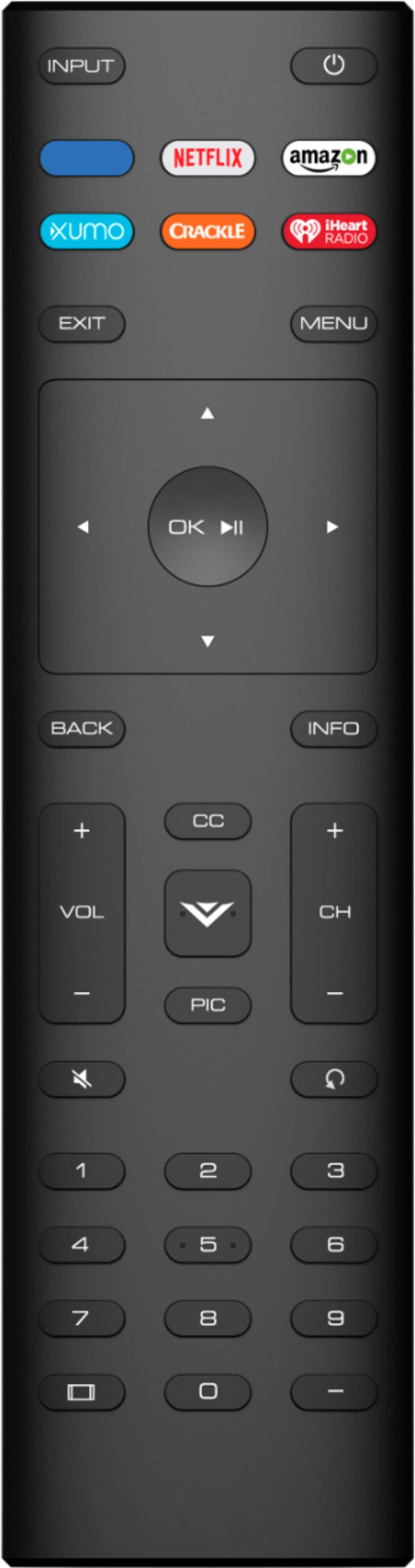
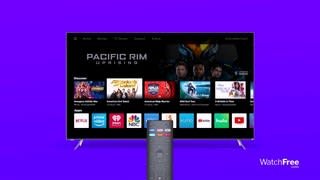
A:AnswerPress "input" on the remote and arrow right or left until you see "Smartcast". This should take you to the apps and if you arrow all the way to the right you should find an app store.
A:AnswerCurrently this feature is only available for android devices. With the integration of SmartCast 3.0 and Apple Airplay this feature will become available in the future.
A:AnswerThis television does not have a DirectTv application built in. We are continuously evaluating new applications for possible addition to this screen. In the meantime you can cast any of the thousands of Chromecast enabled applications (Direct TV Now being one of them) to the TV from any mobile device on your network.
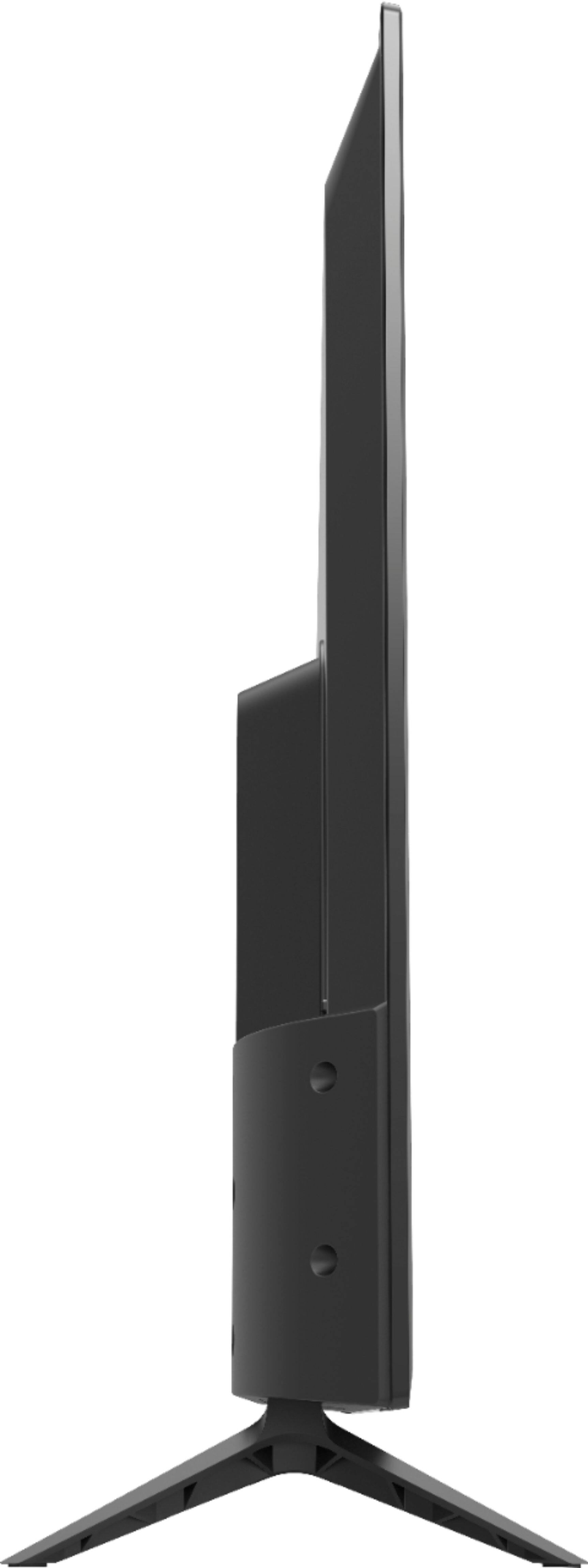
A:AnswerThis television can be mounted to a wall mount or stand as long as it is rated for the size, weight and will support a 200 mm x 200 mm VESA mounting pattern.
A:AnswerVizeo Entertainment Expert I appreciate your reply but I've been running Miracast on this TV for almost a week now with no issues. While it is not built into the TV I am able to bypass the prompt trying to force me to have a wireless connection & cast to the screen thru the Miracast app on my smartphone which saves me the cost of paying a wireless provider or cable, etc.