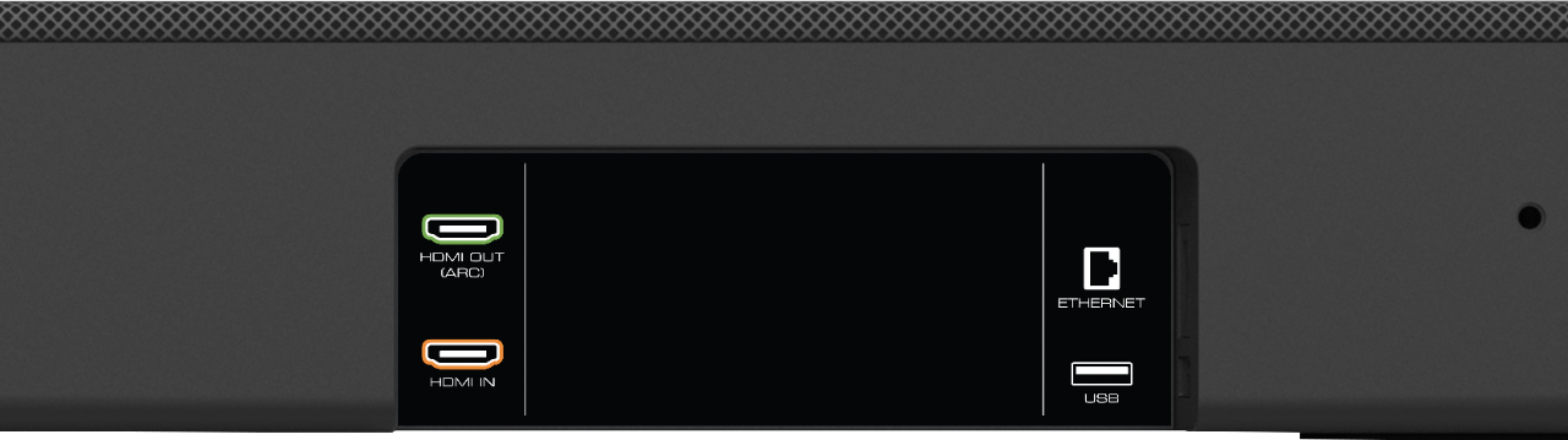
A:AnswerIt'd be through HDMI Arc, however just beware that the unit we bought had a faulty HDMI arc port and i do not know how many units are affected by this fault. They're a huge pain to deal with so consider finding an alternative.
A:AnswerI am trying to find the same thing. I actually called Best Buy and they gave me a SKU number of 5590489 if you want cable management but if you don't care and want three different ways of mounting, use the SKU number 4966754. You can search the best number in the Best Buy app or online bestbuy.com. I have tried looking for them cheaper but to no avail. Hope this helps!
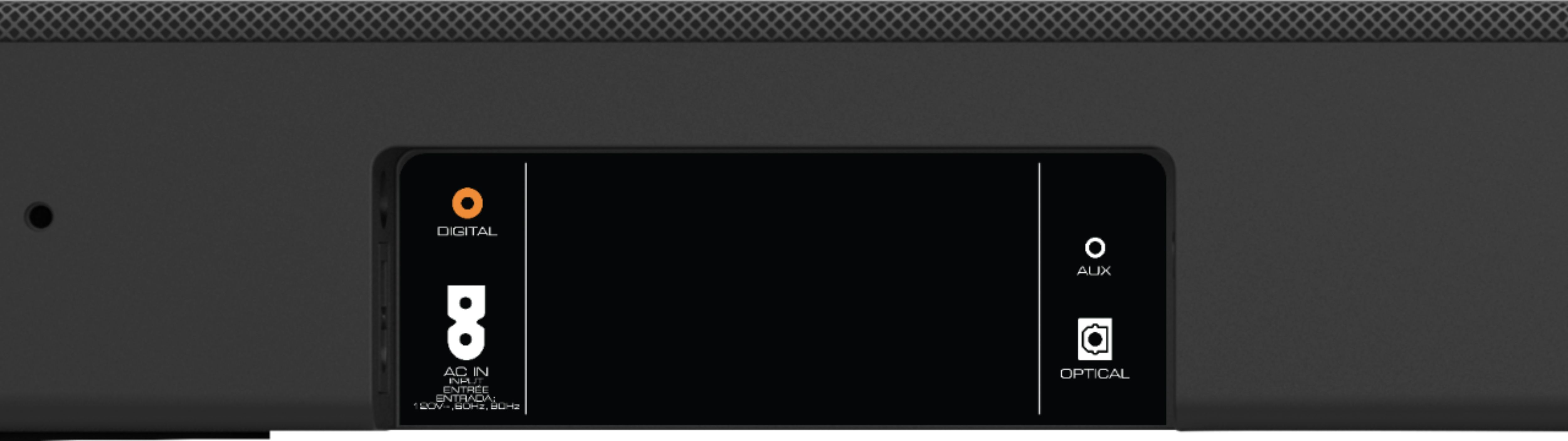
A:AnswerDepends on the TV. If the TV has atmos pass through on HDMI-ARC, then you can connect everything to the tv and run an HDMI cable between the ARC ports on the tv and the soundbar. If the TV does t have Atmos pass through, you’ll need an HDMI switch that supports atmos, 4K, HDR, then you would plug your devices into the switch, plug the switch into the HDMI In port on the soundbar, and finally another HDMI cable between the ARC ports on the tv and the soundbar.

A:AnswerYou just use 1 HDMI cable that's included from the tv to the soundbar if your tv has the newest HDMI ARC plug hole (this is shaped just like an ordinary HDMI plug, but the ARC is a 2-way superhighway that transfers all digital information to the sounder and back from the soundbar to the tv). With this one connection your soundbar will receive the audio for any device plugged into your tv. But this means the quality is determined by those other connections - they would have to be full digital connections to transfer ATMOS 5.1.2. For instance, if you have an old dvd player hooked into your tv, the best signal you can send to your soundbar through the HDMI ARC plug would be limited by that dvd player, so you wouldn't get ATMOS. But if you had some other device going into your tv that was ATMOS, then your tv would send that whole signal to the soundbar through the HDMI ARC port.
A:AnswerYes! You will need to download the Vizio SmartCast App, connect the soundbar to your internet, and then there should be a spot under settings to update it.
A:AnswerBest bet would be something with Chromecast (might be called Google Cast). The JBL Link series are portable and waterproof so might be a good choice for backyard use.
A:AnswerI have my 4K Blu-Ray player and DirecTV DVR connected via high speed HDMI to my TV, then from the TV to the soundbar via a single HDMI cable from the TV HDMI ARC out to the soundbar HDMI ARC in. When the soundbar is off, sound automatically switches back to the TV speakers.
A:AnswerDepends on what you mean by compatible? Can you get sound from the Samsung 650 to this soundbar yes. The soundbar has HDMI ARC, Optical, and 3.5mm input jacks. Can you get Dolby Atmos? Unless your TV is 4K with Dolby Vision,no it would require a device (blu-ray or Xbox One) setup using the HDMI IN port on the soundbar and then running the HDMI OUT from the soundbar to the HDMI ARC Input on your TV (if it has it).
Dolby Atmos is only carried over HDMI ARC. Optical link does not have the signal strength to carry it.
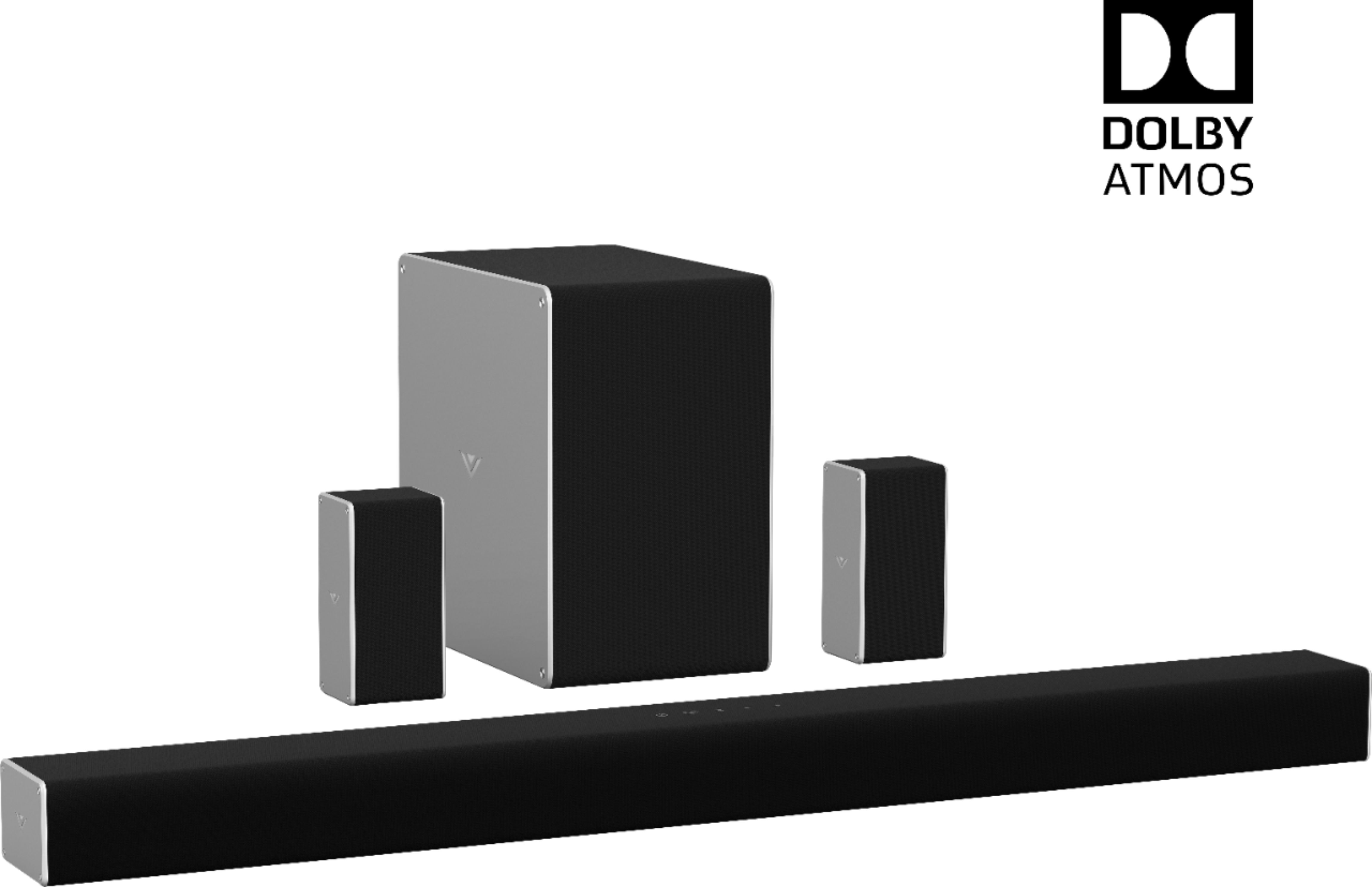
As a 5.1 sound system (not Dolby Atmos) it is still really good.
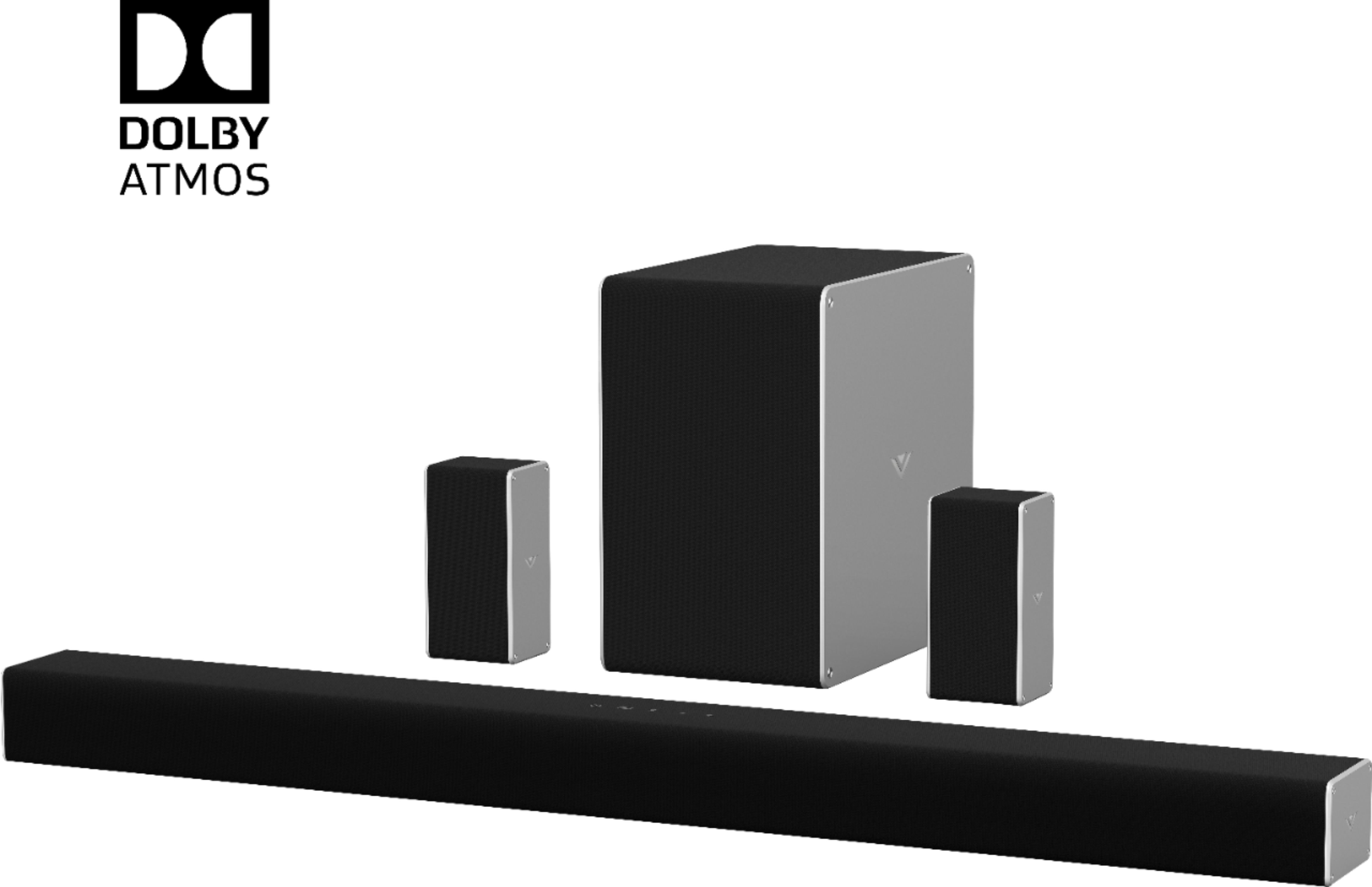
A:AnswerThe sound bar will not convert 5.1 signals to Atmos but you can turn on the virtual heights that will enhance the audio and create an artificial height sound.
A:AnswerYes, typically most people will use the Blue Tooth connection between the phone and the sound bar to enjoy their music without the need for a TV.
A:AnswerTurn your TV off .Before you turn your TV back on , take the remote that came with your sound system and press the power off button and let it stay off for 30 seconds and then turn on your TV with the tv remote and or cable box remote then the sound system will automatically come on and it will turn off when you turn the TV off.
A:AnswerYes, and it also has HDMI ARC for easy set up. I just plug my HDMI into the back of the soundbar and then use the ARC to plug into my TV. Simple.
A:AnswerShould work. One question would be impedance of the speakers being the same. Probably not an issue, but don't want to replace 16 Ohm speakers with 4 Ohm speakers. You will also have to be extremely careful if you have to splice wires to not create shorts, which could burn out the amplifier in the sound bar. If you have to splice, best to use splicing pieces and a crimper tool, which you may be able to get from Best Buy or can probably get from Walmart or almost any hardware store.
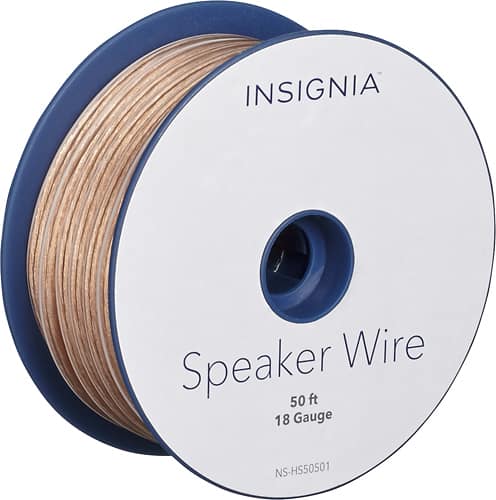
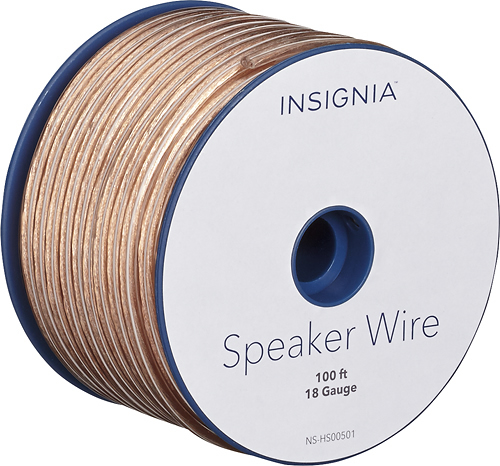
A:AnswerLonger speaker wire should be thicker. You'll have to splice onto the existing wires. Use stranded copper wire; lamp cord or what is called zip wire might be suitable, if you can find it. These are not large speakers, so very thick gauge wire might be unwieldy to work with. Look for 16 gauge or 18 gauge speaker wire (16 gauge being thicker and better).

A:AnswerHi Robb. The google home will make any speakers on the group quieter when it detects a command is about to be spoke. But it shouldn't muting- and the volume should rise when the command is done. When you have some time- please go to support.VIZIO.com and click on 'Contact Us'. We'd love to have you chat with one of our support agents to see if they could help with this.