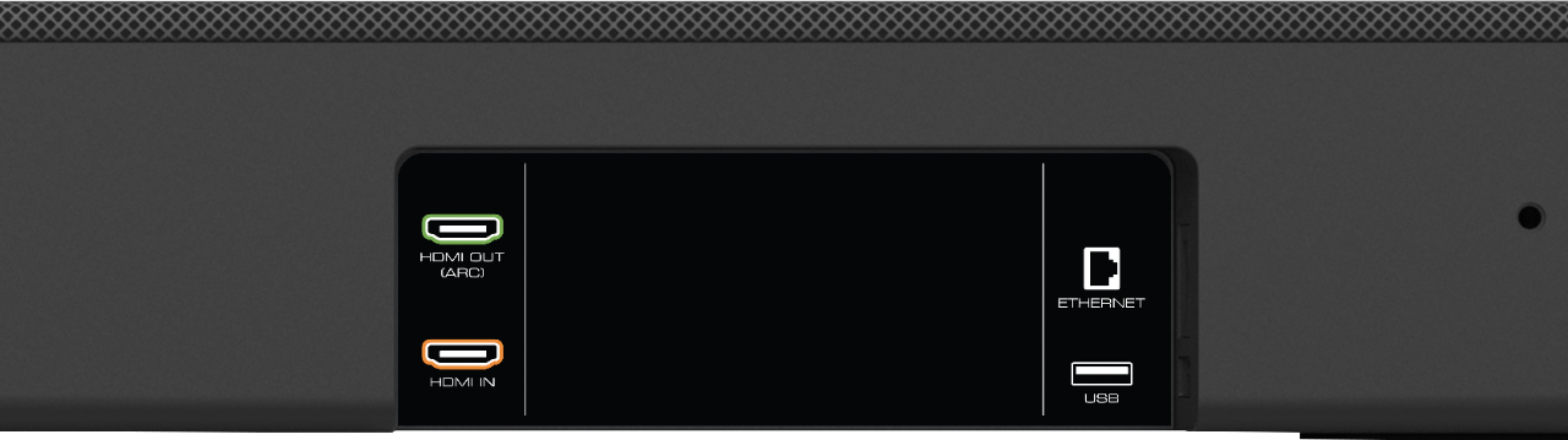
A:AnswerIf your TV supports Atmos passtgrough over ARC, you won’t necessarily need a receiver. If you’re using an AppleTV, note that DolbyVision passtgrough will not work if you plug in the AppleTV directly to the sound bar for video passtgrough.
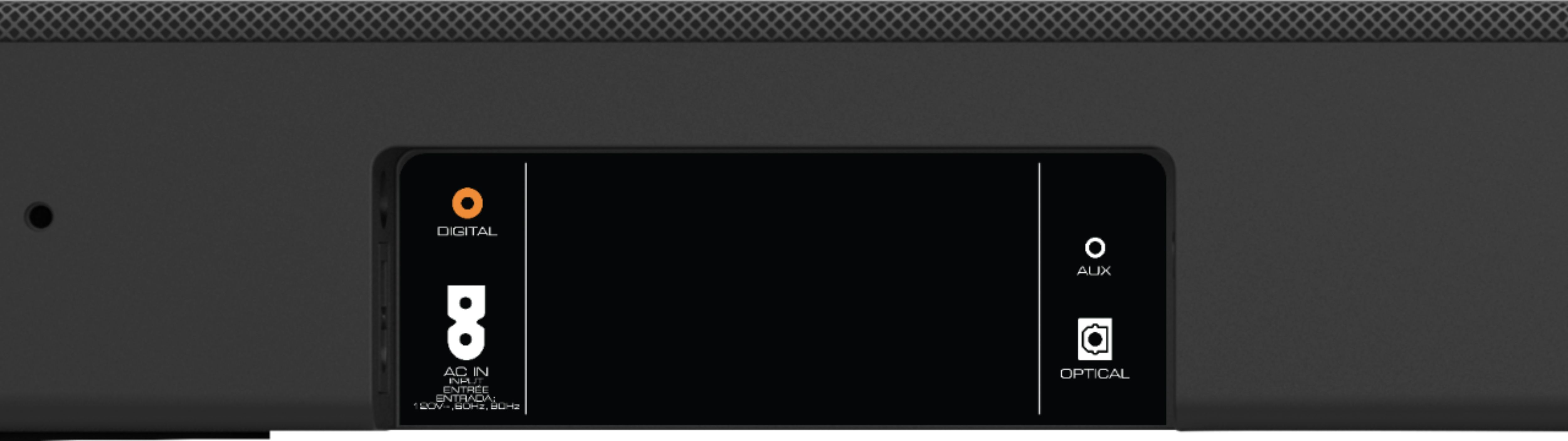
A:AnswerNo you do not. Everything pairs up via Bluetooth to the soundbar itself. The soundbar will connect to your tv via hdmi, optical or your basical auxiliary cord.
A:AnswerI wouldn't lean on daisy chaining devices behind the soundbar. I had an hdmi switch behind it which didn't work too well especially with a Chromecast behind that. Definitely had issues there. Instead I wound up connecting the HDMI switch directly to the TV and leaving the soundbar port open for hot plugging stuff.
This setup was possible for me given my tv has an HDMI ARC port. If like me you're new to HDMI ARC, it looks like any other HDMI input on your tv. Soundbar output goes to HDMI ARC port. So how do you get sound out from your TV's other HDMI ports? They'll automatically output sound through the HDMI ARC. For the soundbar make sure to put the input mode to HDMI ARC as well.
If you don't have HDMI ARC on your tv I am not sure what to do in that case. I don't recall if this has a fiber optic in, if so that's an option.
A:AnswerThis sound bar does have settings like Center Levels, Surround Levels, Surround Balance, EQ, and Volume Leveling to help adjust to your preferences.
A:AnswerResponding to my own question. Vizio support was very helpful. In the end, a factory reset of the soundbar fixed this problem. Support contact was very friendly and helpful.
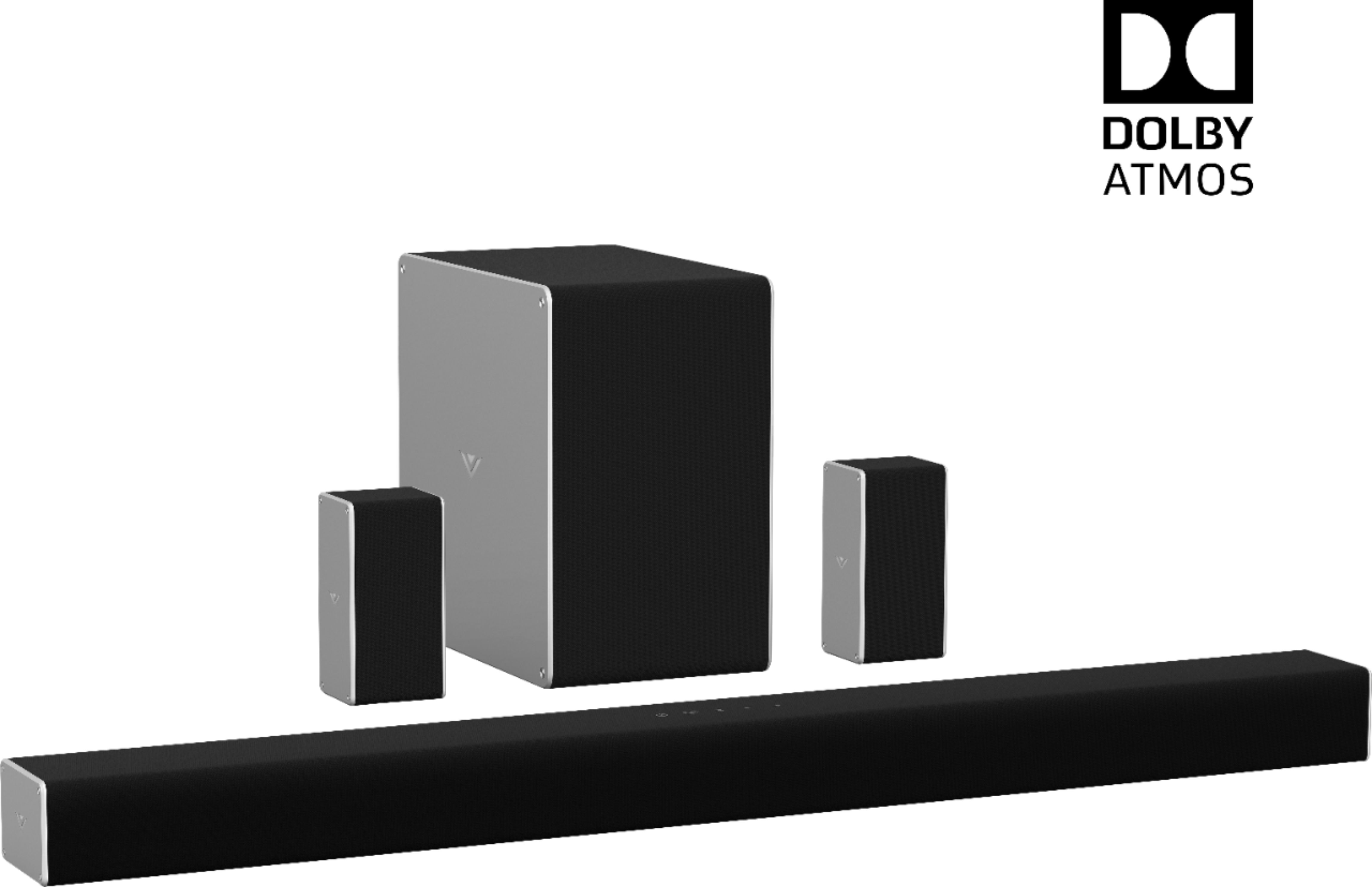
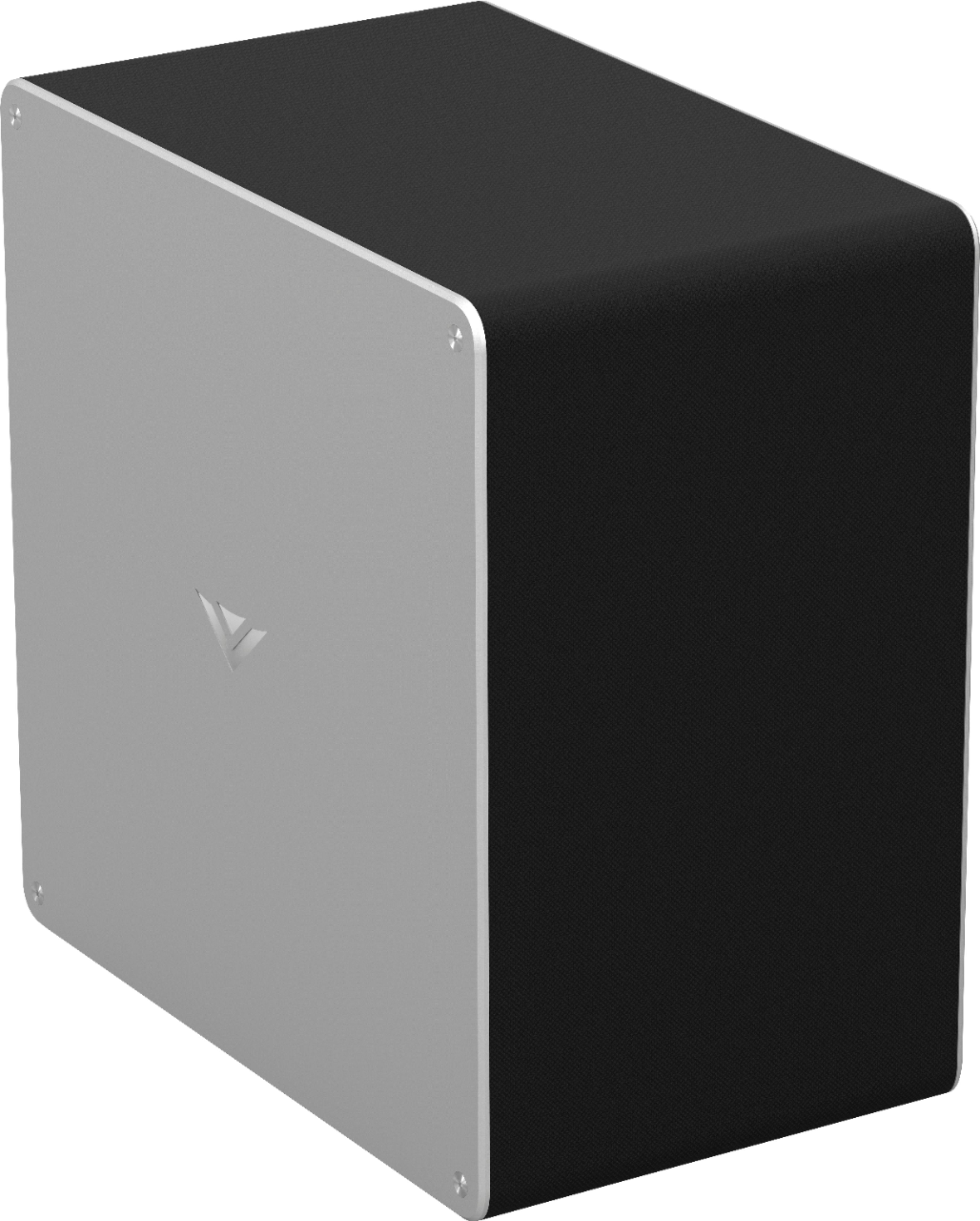
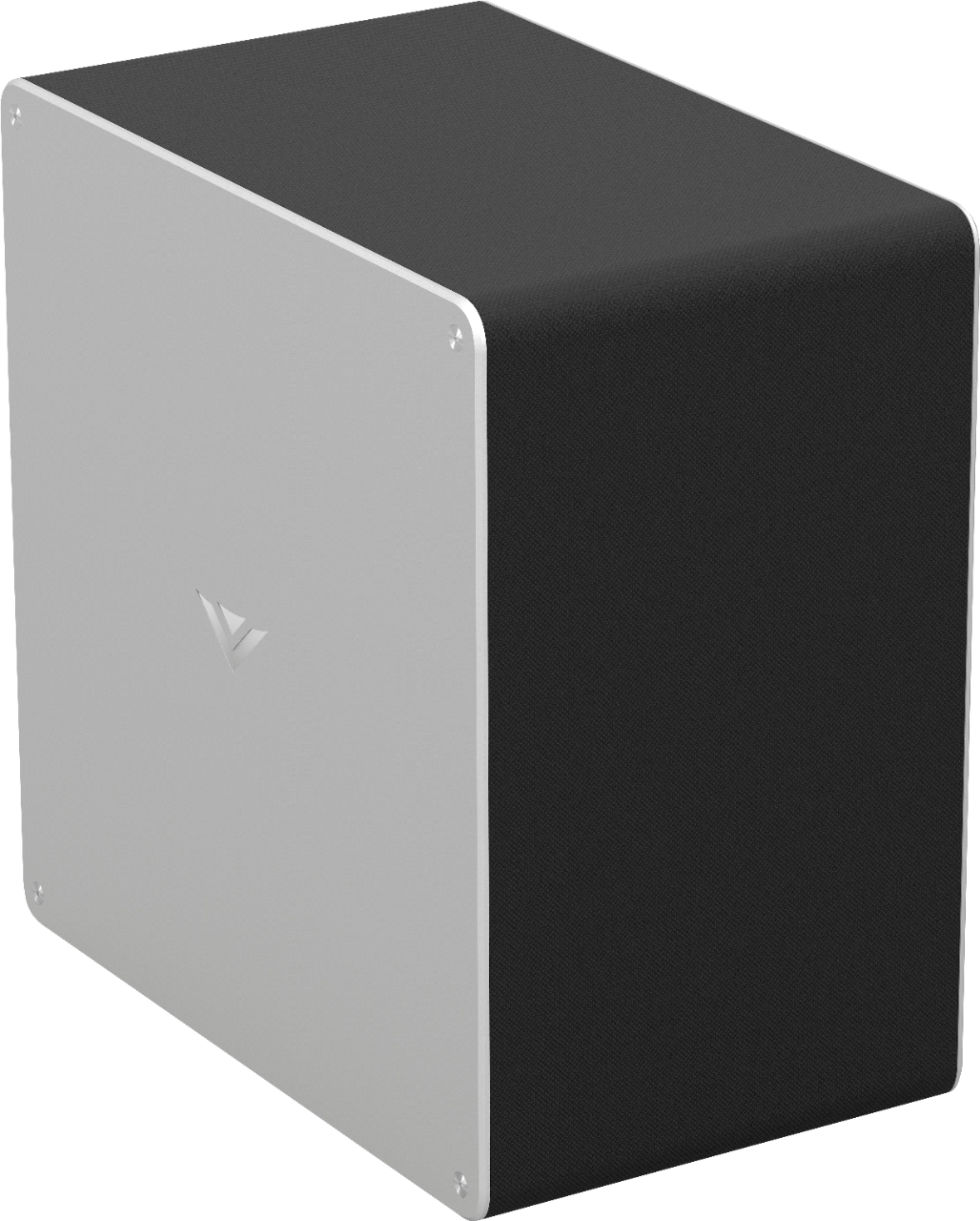
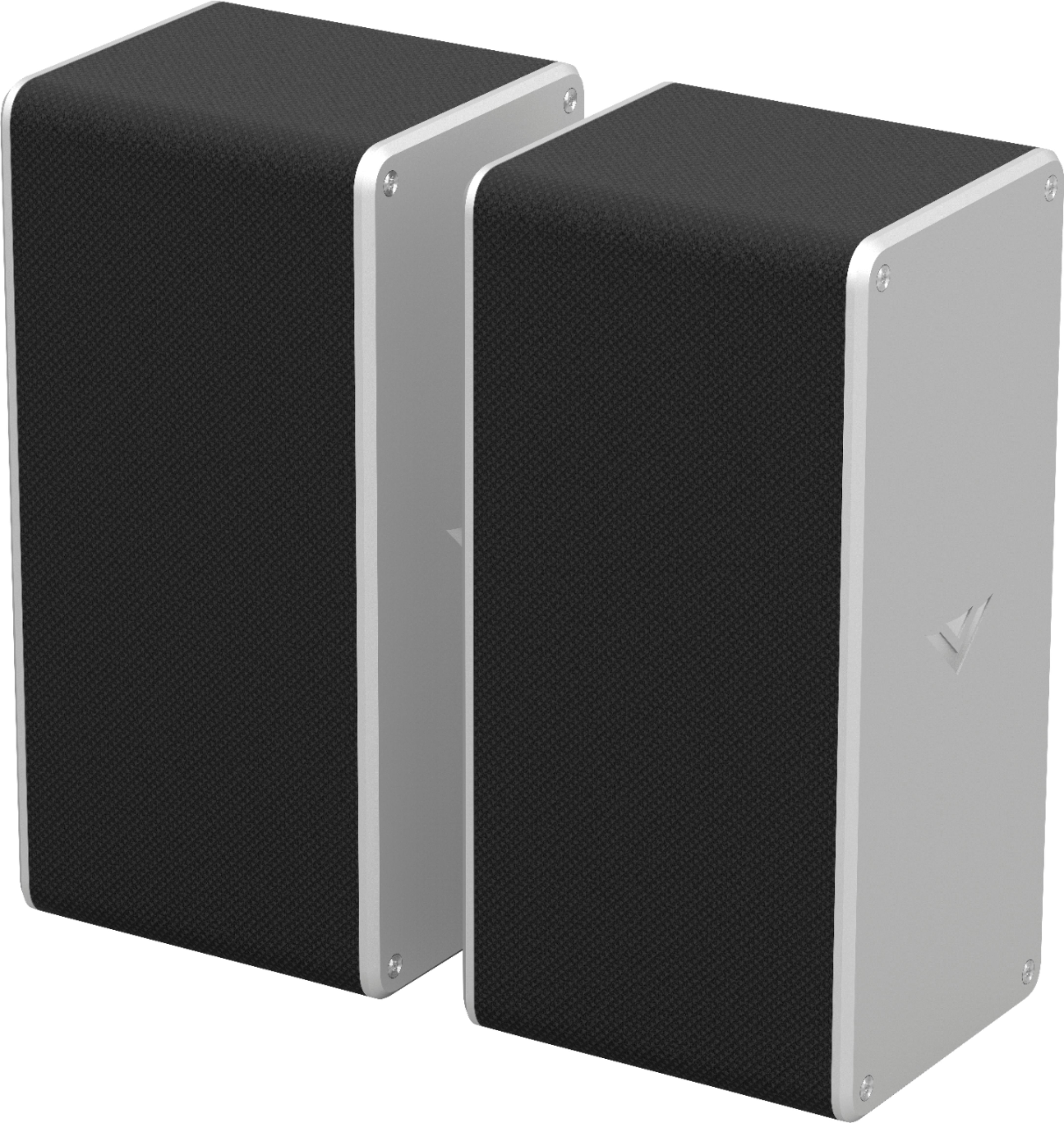
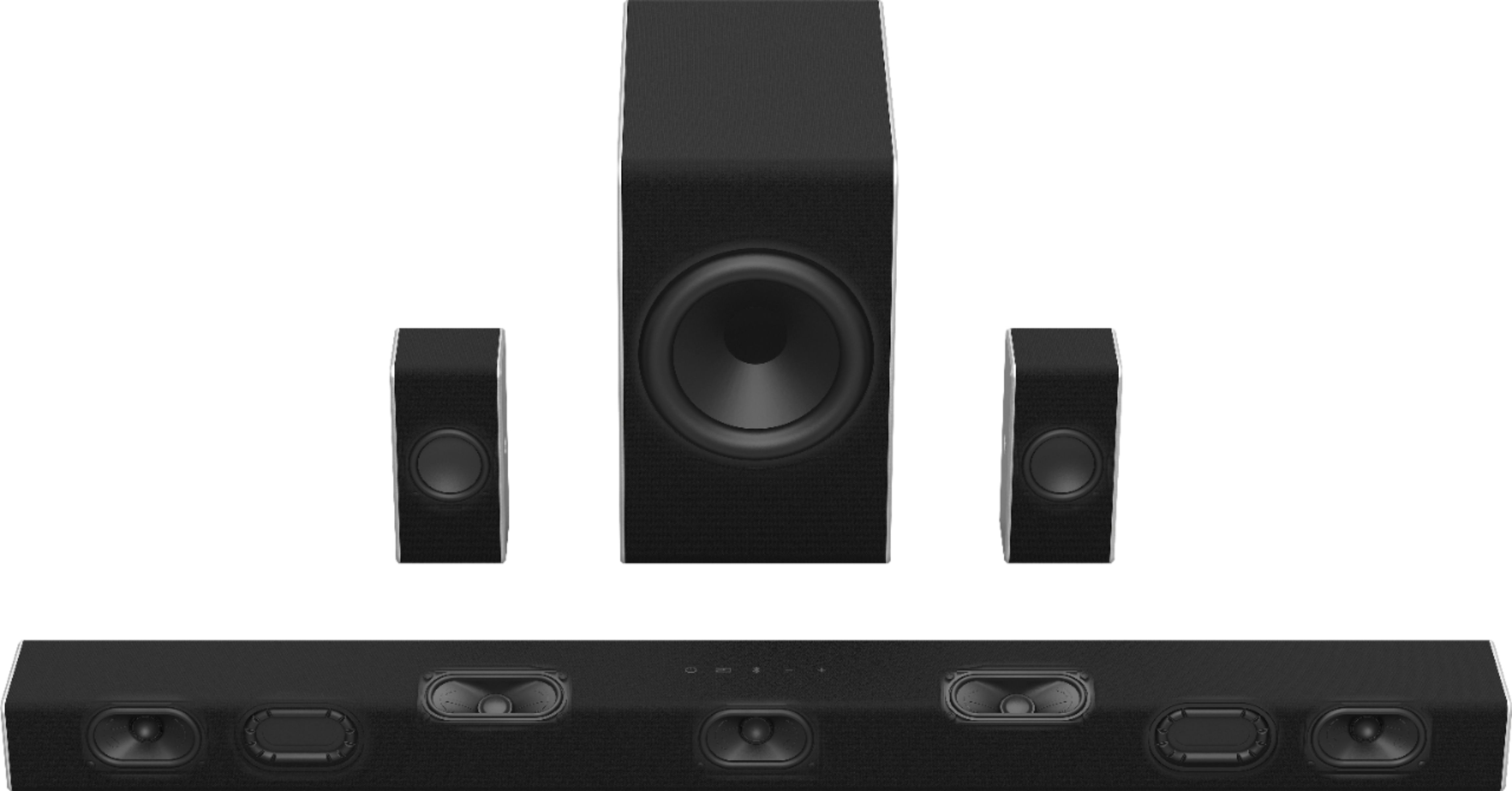
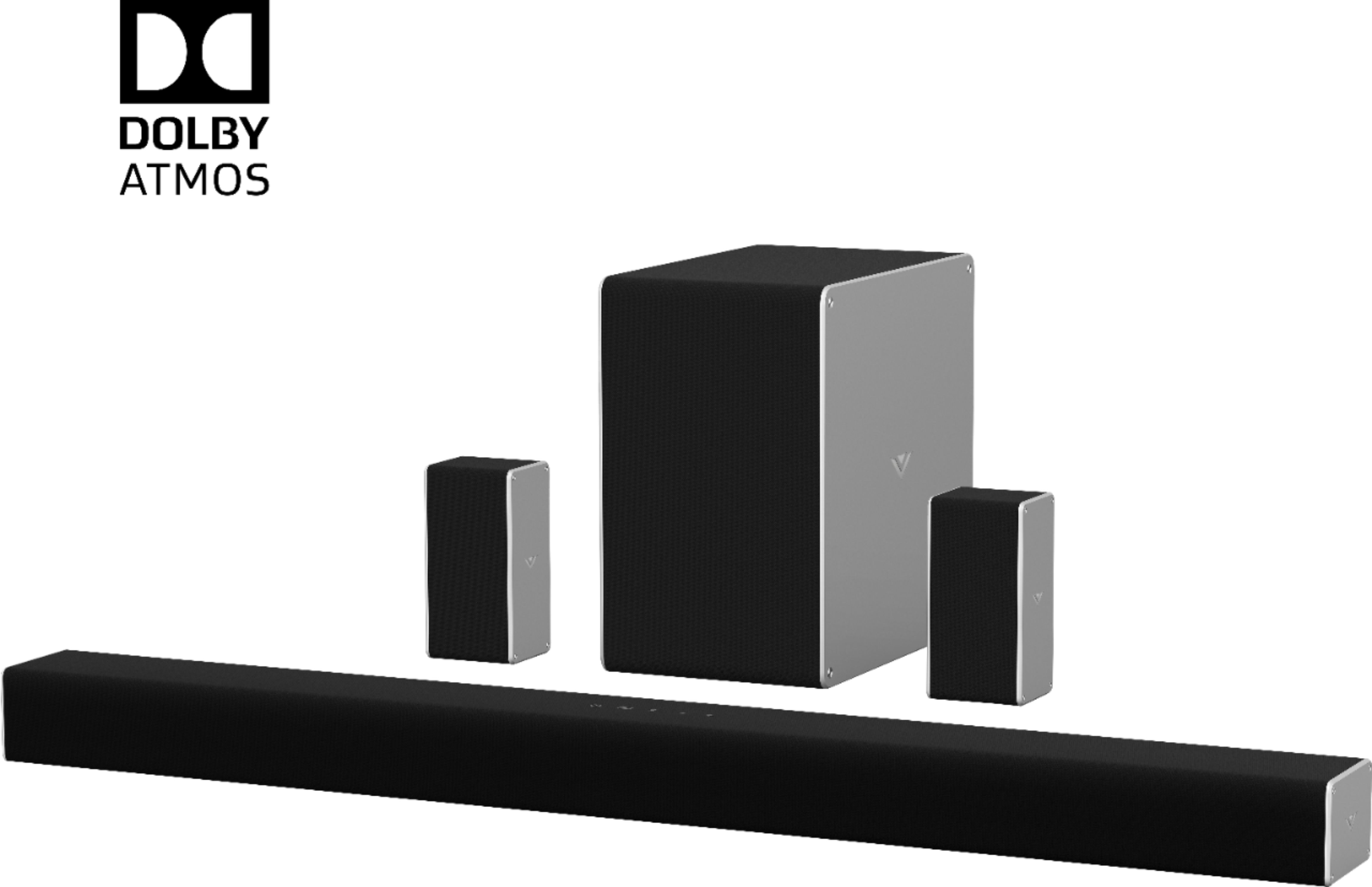
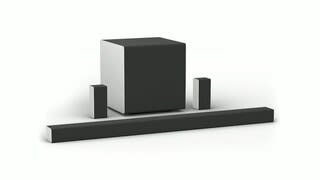
A:AnswerIf you scroll down to specs, they are listed for each...sound bar is 36" x about 2.5 x about 3 deep. Subwoffer is maybe a foot long by 1 foot tall by 5" deep. 2 rear speakers are about 5" tall x 2.5 x 2.5.
A:AnswerThe Bluetooth is specific to it's diagnosis therefore the wave signal is only to handle a limited amount of frequency. So no the Bluetooth technology can't be use to substitute the subwoofer. Since subwoofers uses RF frequency