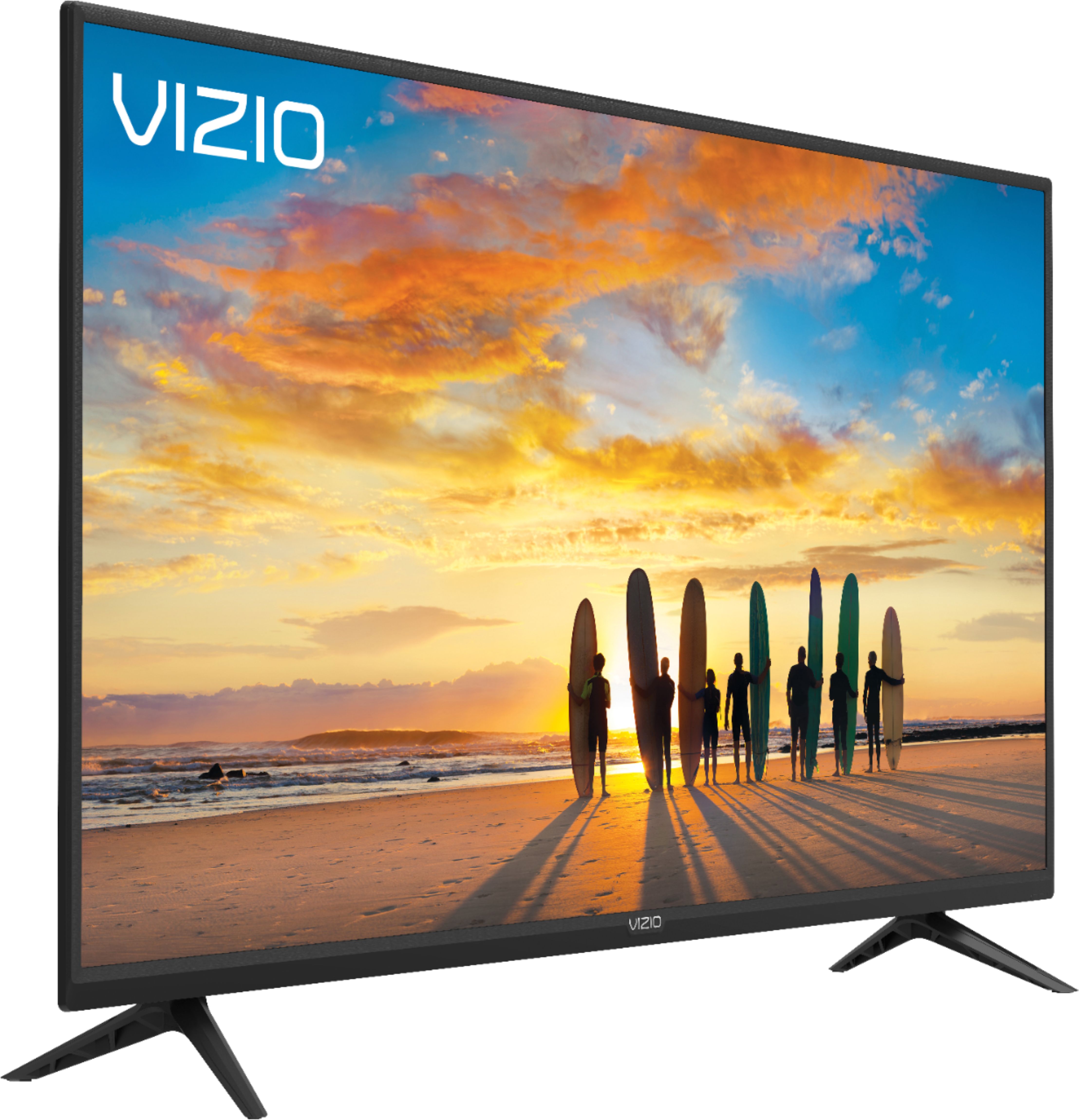
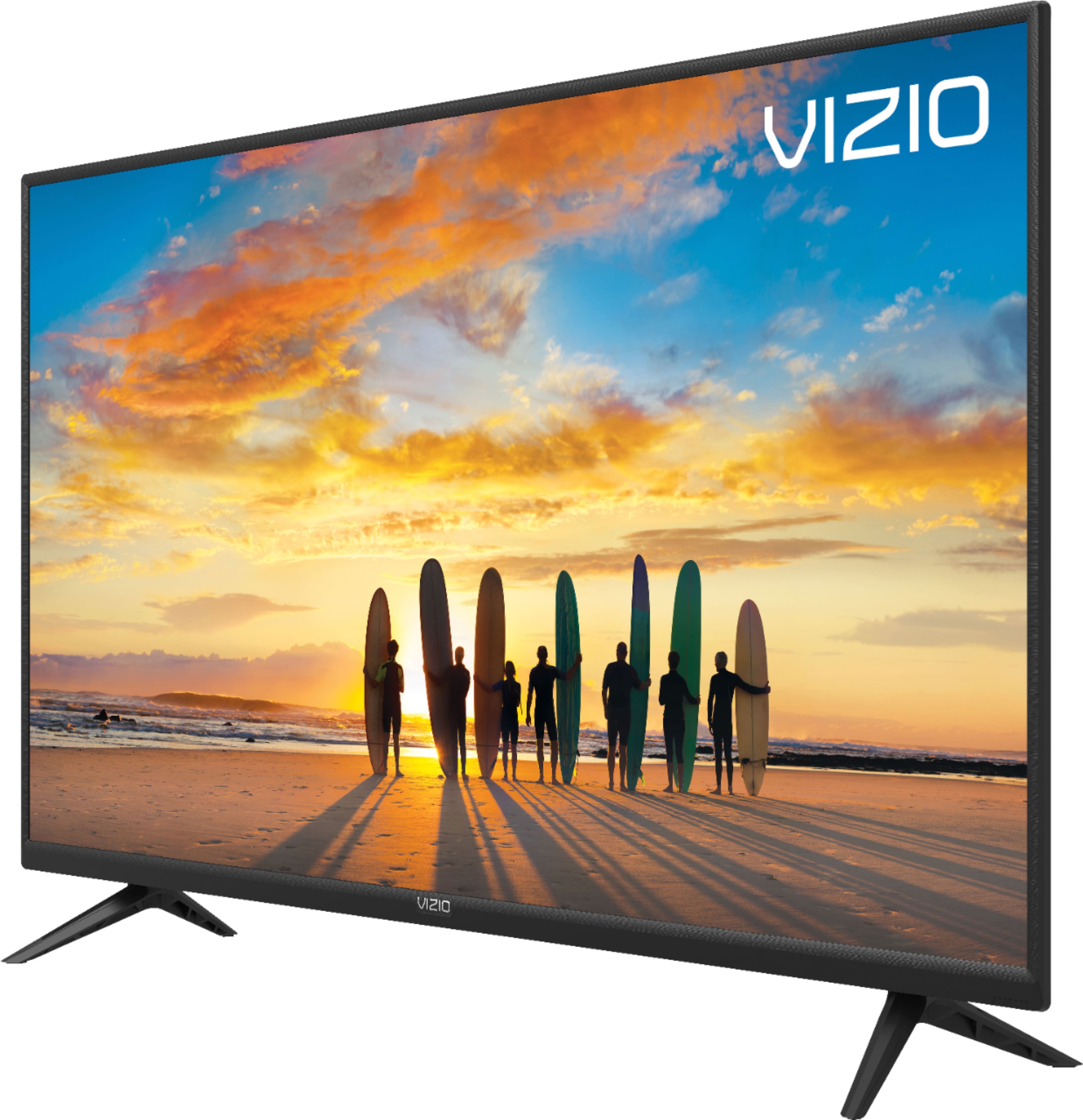
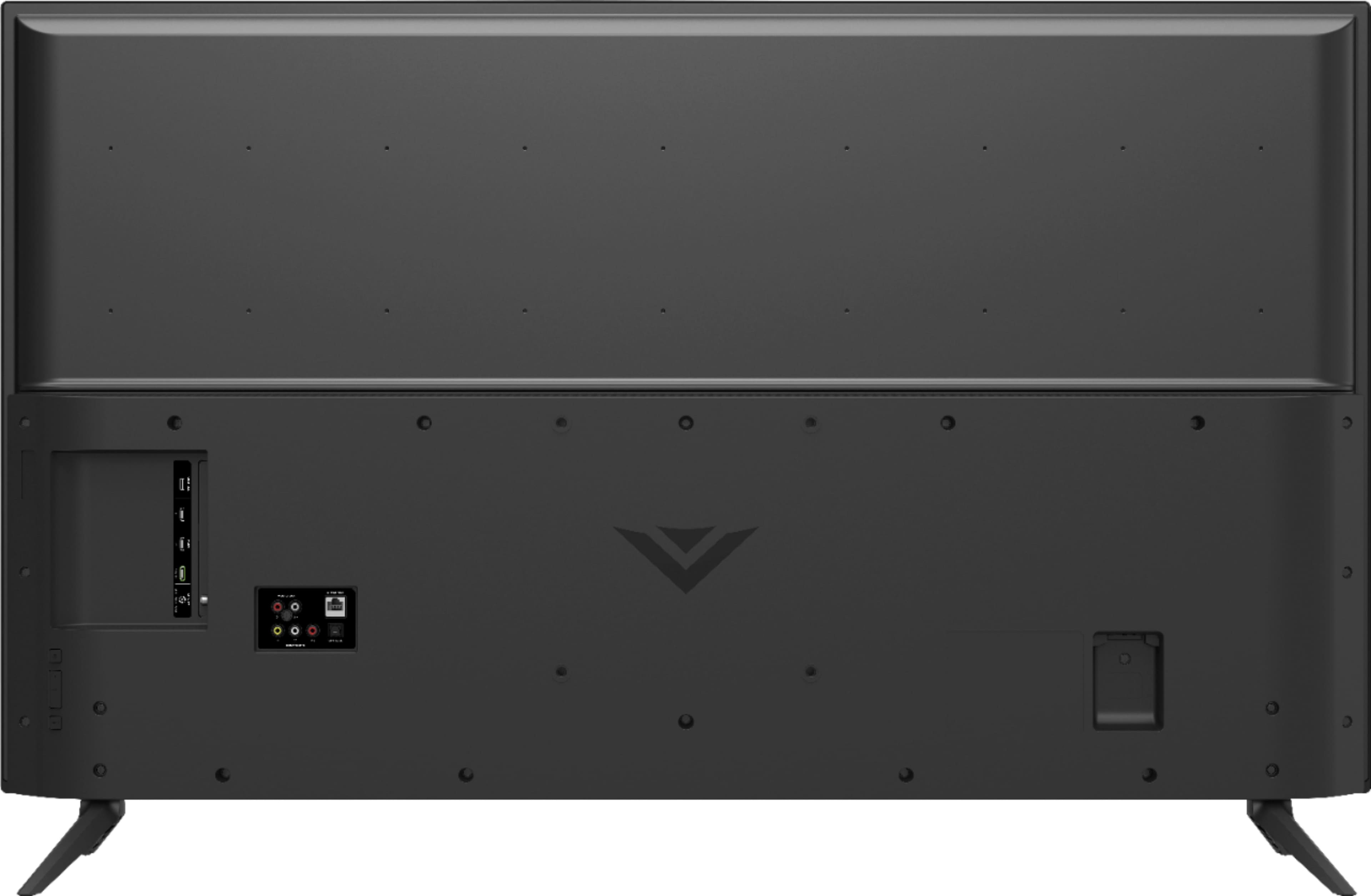
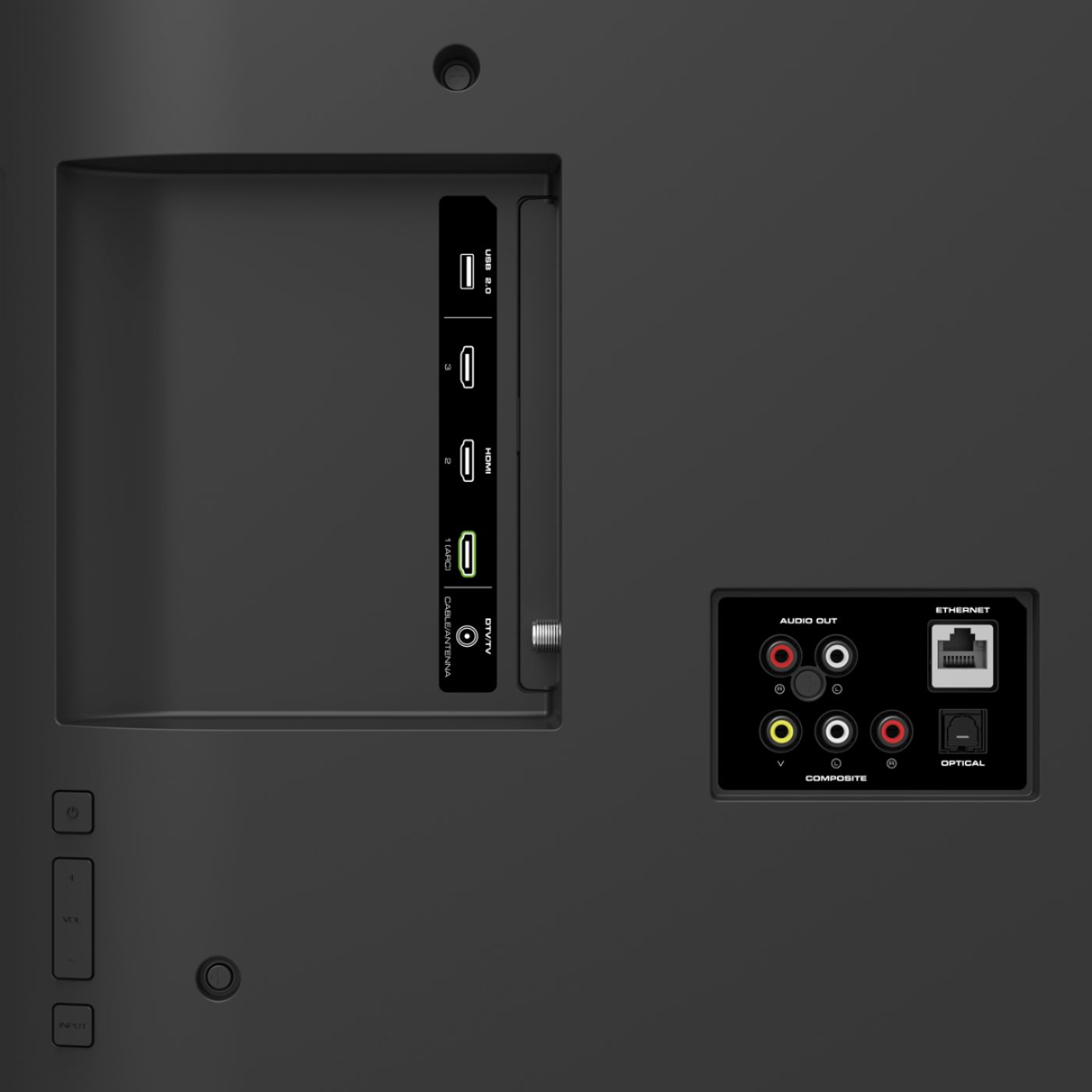
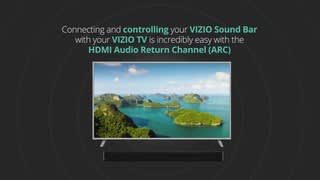
A:AnswerTry connecting an Ethernet to the back. Or choose the ARC HDMI, which somehow makes more work, particularly any soundbar. Maybe it won't help, though I bet the Ethernet connection would. Check your speed, too. And see how many devices are running on your network. You'll find it necessary to completely turn off if not unplug your smart TVs to get them released from your network. Congestion no matter how big and fast your interest speed is will create problems for streaming.
A:AnswerOne thing Vizio smartcast allows is flexibility in networking (I like that it has an Ethernet port) and image adjustment. However, it may be that your isp may also have drawn down your streaming image quality, especially if you're unfortunate enough to have hughesnet satellite. Try finding your isp settings, or look under the Vizio settings. Vizio does have good, responsive customer service.
A:AnswerOnce you run your channel scan you would just need to ensure you are on the TV input to watch your over the air antenna. if this is not working please contact our customer support at 877-878-4946 for assistance.
A:AnswerCHANGING THE SCREEN ASPECT RATIO
The TV can display images in four different modes: Normal, Panoramic,
Wide, and Zoom. Each mode displays the picture differently.
Some programs have black bars on the top or sides of the picture so
that the picture keeps its original shape. Examples include wide-screen
movies and older television programs.
To change the screen aspect ratio:
1. Press the Wide button on the remote.
2. Use the Arrow buttons to highlight the aspect ratio you wish to
view and press OK.
• Normal preserves the content’s original aspect ratio and size.
• Stretch expands a widescreen image to fill the screen from
top to bottom and stretches it half as much from right to left.
Figures appear tall and thin.
• Wide stretches a 4:3 aspect ratio picture to the edges of the
screen. Since the picture is being stretched, the display image
may appear distorted—figures appear short and fat. If the
program is already formatted for widescreen viewing (1.85:1
or 2.35:1), then black bars will appear on the top and bottom
of the display image.
• Zoom expands images evenly in all directions (33% taller and
33% wider) with black bars to fit the screen. A 720p image will
fill a 1080p screen.
A:AnswerFor the price that technology is, no. Unless you're buying power tools and work in construction, extended warranties are worthless.. particularly with electronics.

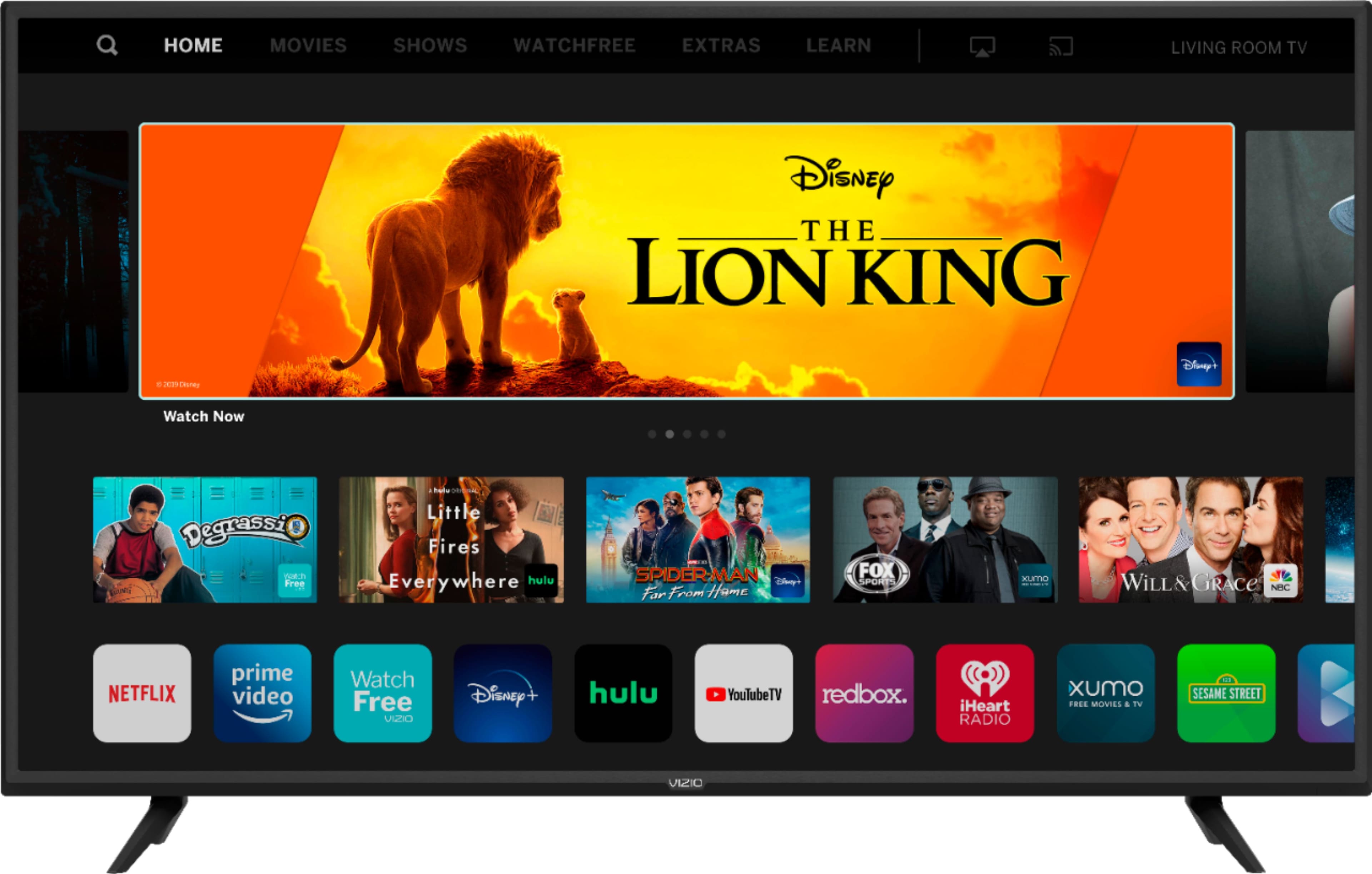
A:AnswerI don't know about blackouts or gamma controls, but it often struggles to engage or come on, and it simply won't run Netflix, Hulu, and won't even enable adding sling and other channels readily available through Roku.
A:AnswerSmartCast 3.0 along with Apple Airplay 2 and HomeKit support has not been officially launched yet. Once this is released this television will receive this update.