A:AnswerWhat type of tv do you have? I have a vizio smart cast. Had to go in and change the audio setting that it states in directions. Make sure the cable from the sound bar is in the correct port on tv and change the tv audio to correct setting.
A:AnswerI have this soundbar setup paired with a 70" TV and it's awesome! Movie night with the fam with this setup is fantastic. I highly recommend it.
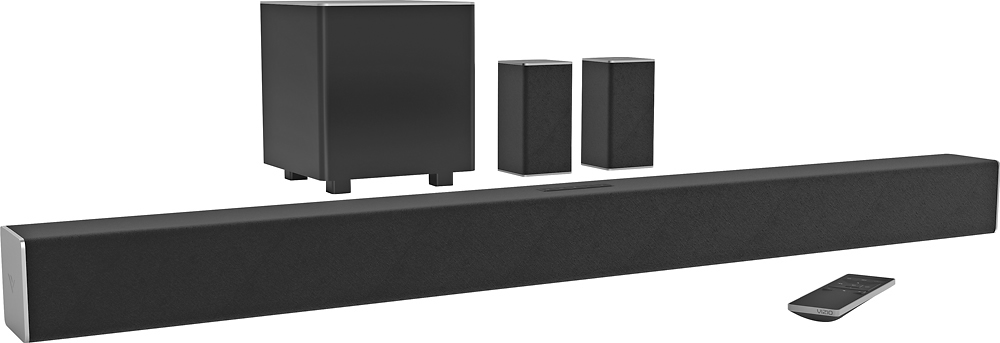
A:AnswerIf the programming is not broadcast in surrou d sound then you will not hear it out of small speakers. I had mine on news setting up, and couldn't figure out why they wouldn't work. Soon as I put on a channel with a movie they worked.
A:AnswerDid you try using the HDMI ARC connection? You have to follow the instructions to set up HDMI Arc for Samsung tvs (CEC). If it doesn't work, try other connections like Optical cable. ARC CEC can be finicky at times. Next best connection is Optical
A:AnswerI i.itially had difficulty getting my phone to connect to the souj d bar. After shutting the blue tooth off on my phone and restarting it, and then synching with button on sound bar it connected/found each other.
A:AnswerI have also had this problem. Mostly with the PS3 hooked up. I was thinking I may have hooked something up I correctly, however, if other s are having the same intermittent problem, my guess is there is a glitch.
A:AnswerSound through the rear speakers depends on the input you are listening to - we are very pleased with movies and tv. Streaming some audio sources through the Bluetooth interface are hit and miss. Would definitely purchase again.
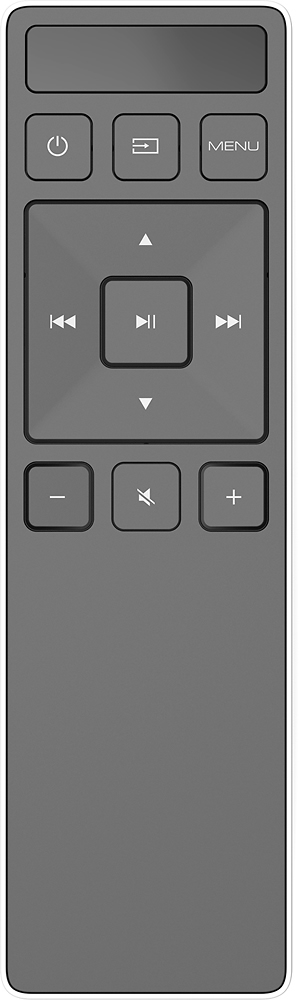
A:AnswerWorks with any TV and projectors with HDMI. The benefit of using Vizio TV is controlling the whole system with one remote or Vizio SmartCast APP.