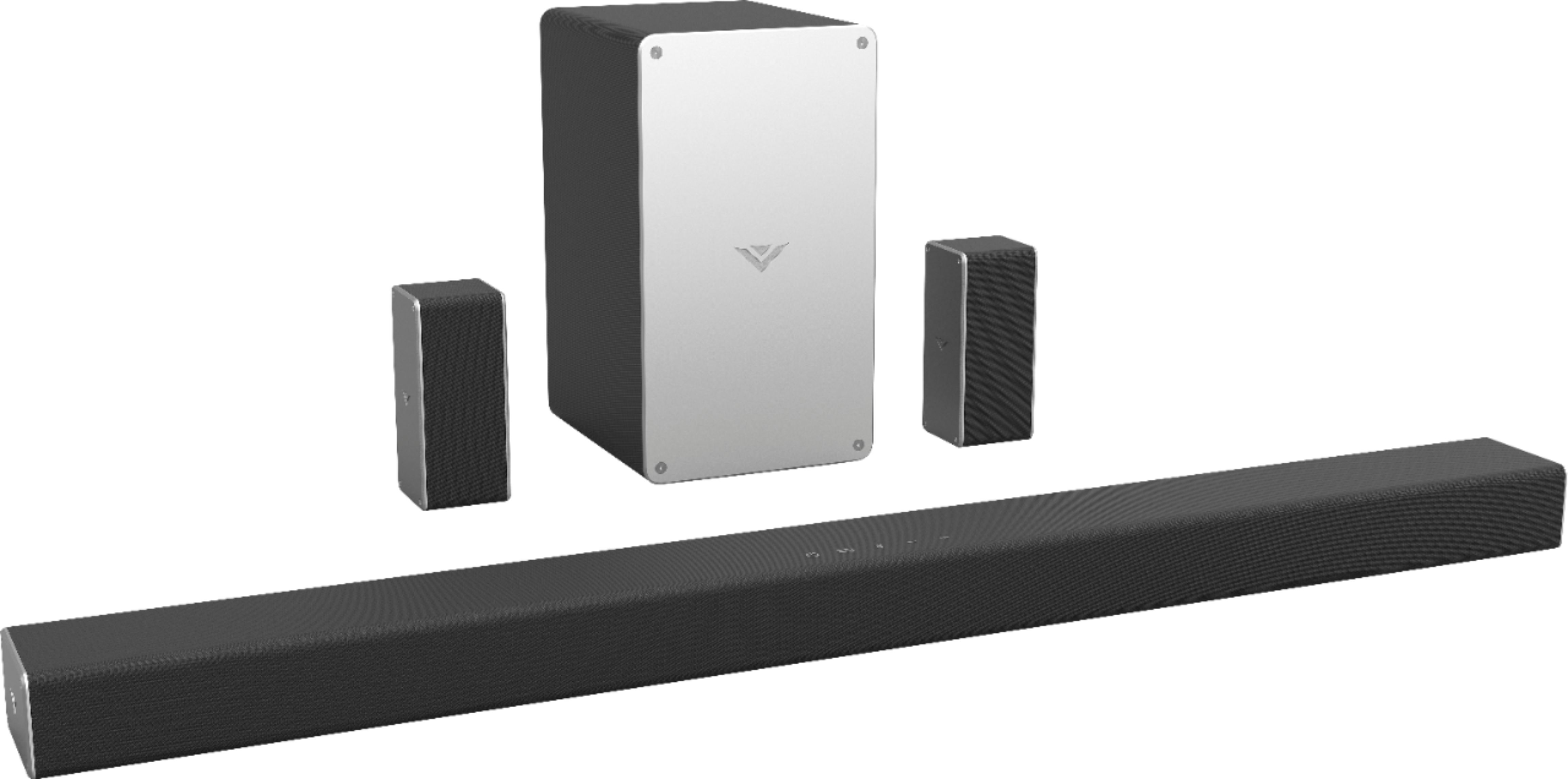
A:AnswerOK reviewed the setup instructions and discovered the VIZIO TV was not set to the Sound Bar input even though the Sound Bar was functioning OK. Once I set the input on the TV to the right setting input the Sound Bar didn't come back alive from it's sleep mode.
A:AnswerA remote would not be required to power it on and cycle inputs. You may need to contact us at support.vizio.com and we can get you up and running.
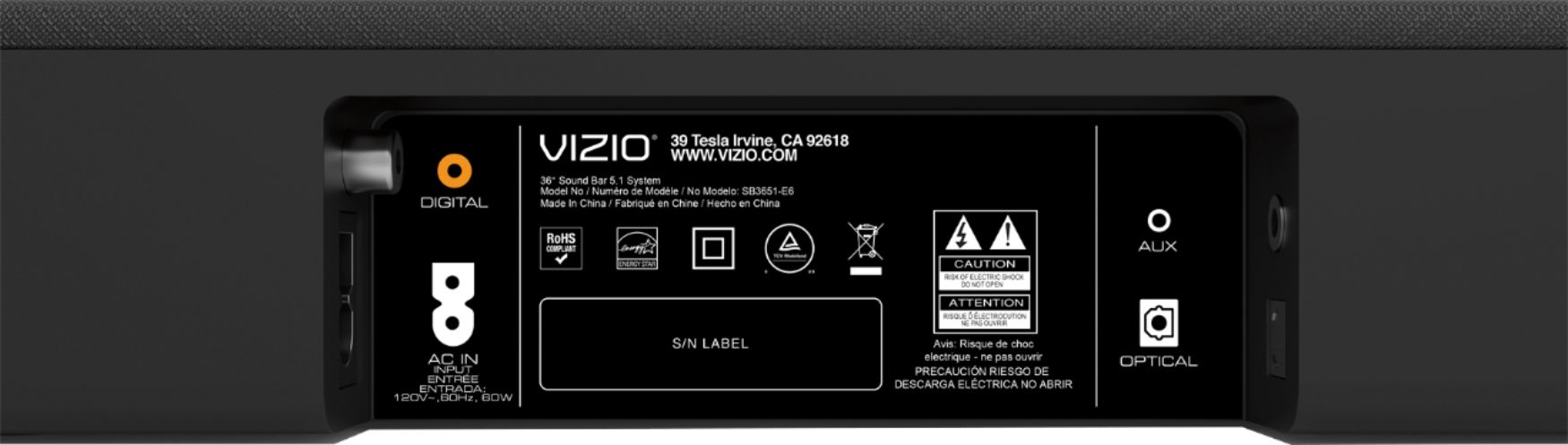
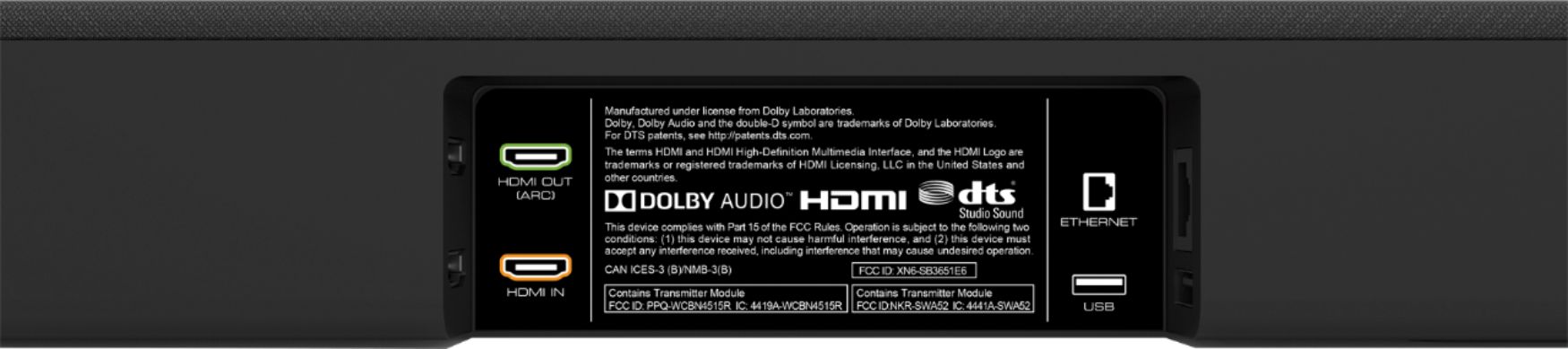
A:AnswerThe sound bar has an optical/SPDIF port, digital coaxial, 3.5mm aux, and HDMI ARC ports. So as long as your TV has one of those audio out ports it should work with that TV.
A:AnswerThe sound bar has HDMI Arc, 3.5mm, Digital Coaxial, and Optical ports on it. If your TV has any of those audio out ports, it will work for your TV.
A:AnswerThe sound bar will not connect to another sound bar. You might be able to make it part of a speaker group through the Google Home app if you have that though.
A:AnswerMany users utilize our sound bars and systems for this. The sound bar has a digital coaxial port, 3.5mm aux port, optical port, and HDMI ARC port. So if that is compatible with your receiver and turntable unit, it should work.