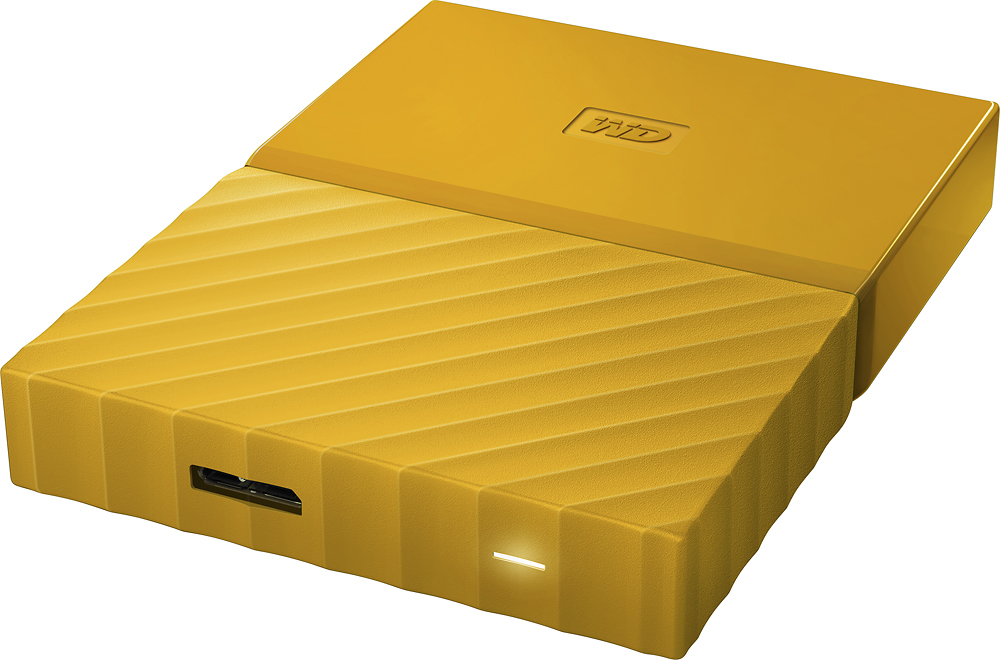
A:AnswerThe white light blinks constantly. Even if the computer is in sleep mode. Why? Don't exactly know but it's probably for fast access. If you're on battery just unplug it.
A:AnswerI bought the 1TB WD black unit from Best Buy about 3 or 4 weeks ago. I have a Dell laptop with an AMD8 processor and Windows 10. I can't get it to work. I have been working with WD support Level 2 for the last couple of weeks and they still have not figured out a solution. I am still working with them.
A:AnswerStraight out of the box it will not work with your Macbook Pro however if you reformat the HDD it will. Just google how to do this, it is very simple!
A:AnswerYou may need to reformat the the hard drive. Go to your Control Panel -> Administrative Tools -> Computer Management -> Disk Management -> Right-Click on the drive to format and then select the file system you would like to use.
A:AnswerNo, all features on this gadget are completely optional. You can use it for just saving files, backups, or anything. There is no set feature that you must do.
A:AnswerI have purchased several external hard drives for the purpose of connecting to my PC to view photographs. I shoot with a 70D Canon and the raw images are perfectly viewed from this device. I don't have any experience with movies, sorry.
A:AnswerYes, however the drive will be reformatted to be used with the DVR. The format is only compatible with other Dishnetwork DVRs. All data will be lost when the drive is reformatted and the drive will not be compatible with a PC until the drive is reformatted for a PC.
A:AnswerDepends on the average file size of your photos. After you transfer the photos to your computer, look at the files in the folder to check the size. Then divide that into TB ... make sure you use the same units, ie. MB, GB, or TB.
A:AnswerAbsolutely. You will be able to do that with ease. There is one finer point worth mentioning...
If you format the drive NTFS, you'll be able to read and write from your Windows machine just fine, and you'll be able to read the files with your Mac... However, you won't be able to then write to the drive with the Mac. You'd have to reformat it with HFS on your Mac first. So keep that in mind. However, if you format it on the Mac first, you can choose FAT32 or HFS+ and choosing FAT32 will let you read and write from the drive on both machines.
Hope that helps!
A:AnswerI assume we are speaking of Windows XP Operating System. The answer is Yes. Any system that uses NFTS formatting, which is just about every PC made( I don't know about Apple or MacIntosh). The real question should be does your PC use at least USB 2.0 as a usb connection port standard?
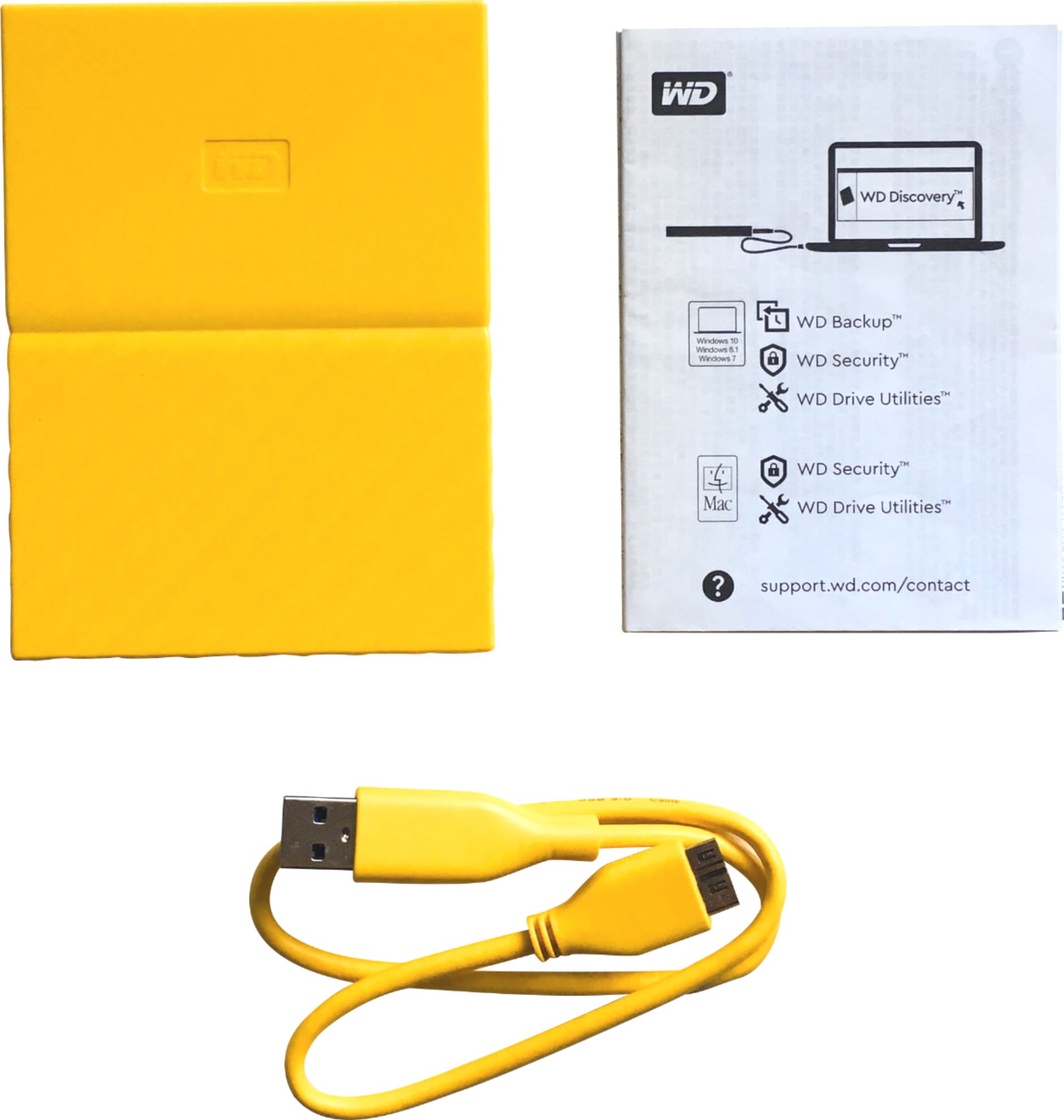
A:AnswerIt is included in the setup when the drive is connected to the PC. I downloaded the guide to have a physical copy that I can refer to any time.