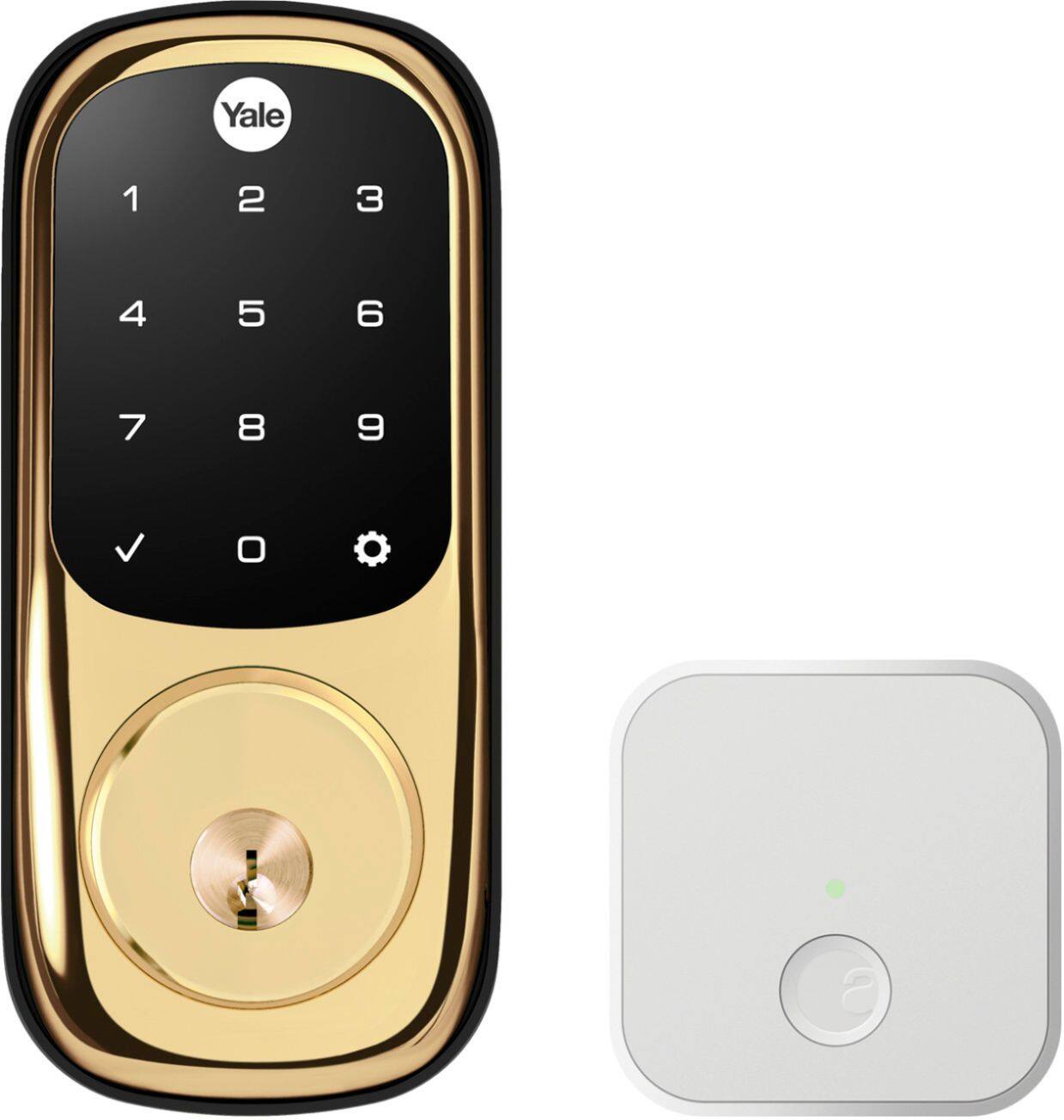
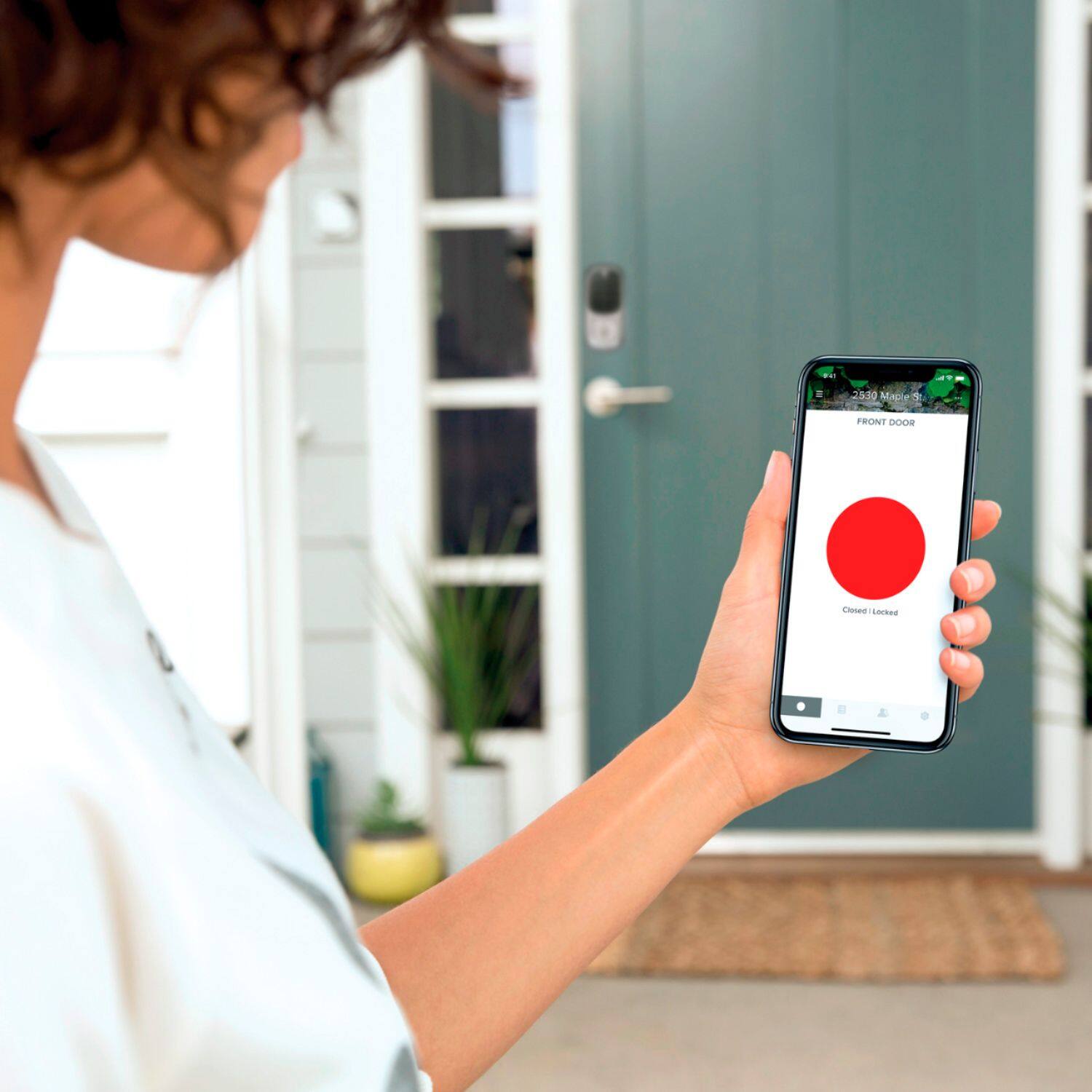
A:AnswerAbsolutely! One of the coolest features of the Yale Assure Lock with Wi-Fi is access and code management from any remote location. You can even set schedules for codes, so that they only work during certain hours, or expire at a day/time of your choosing.
A:AnswerYou are not able to literally see who goes in and out with this unit. You are able to see who accessed the pin codes via the activity tab in the app.
A:AnswerYale Assure Locks/Levers with Z-Wave® or ZigBee® are compatible with Amazon Alexa when used in conjunction with an Alexa compatible hub such as Samsung SmartThings, Wink or a Ring Alarm. Yale Assure Locks with Zigbee are compatible directly with the Amazon Echo Plus, no additional hub required.
A:AnswerYes. I think show. Can you please show up closer to 1:00 PM FOR OUR APPOINTMENT PLEASE. WE HAD AN EMERGENCY COME UP AND HAVE TO BE SOMEWHERE AT 10:30 am. Should be HOME AROUND 12:30 PM FOR SURE. PLEASE CALL ME AT 808-283-1772. IT WILL BE VERY KINDLY APPRECIATED. THANKS, DAVID L WILSON
A:AnswerIf you have the additional module you can have up to 250, 25 without the module.
Yes, I add and remove all my user codes from the app. You can add them to where the user can use the Yale app to lock/unlock or you can make them code based only which is what I tend to do.
A:AnswerTo integrate this lock with your Vivint system, you'll need our Z-Wave Plus Smart Module (part number AYR202-ZWV-USA.) If you don't already have a Yale smart lock, we offer a bundle that includes a smart lock and a Z-Wave module.
A:AnswerMortise lock door preps are not compatible with the Yale Assure Lock. Please visit our door compatibility FAQ for more information: https://support.shopyalehome.com/compatibility-checker-r1EhREpFV