Customer Ratings & Reviews
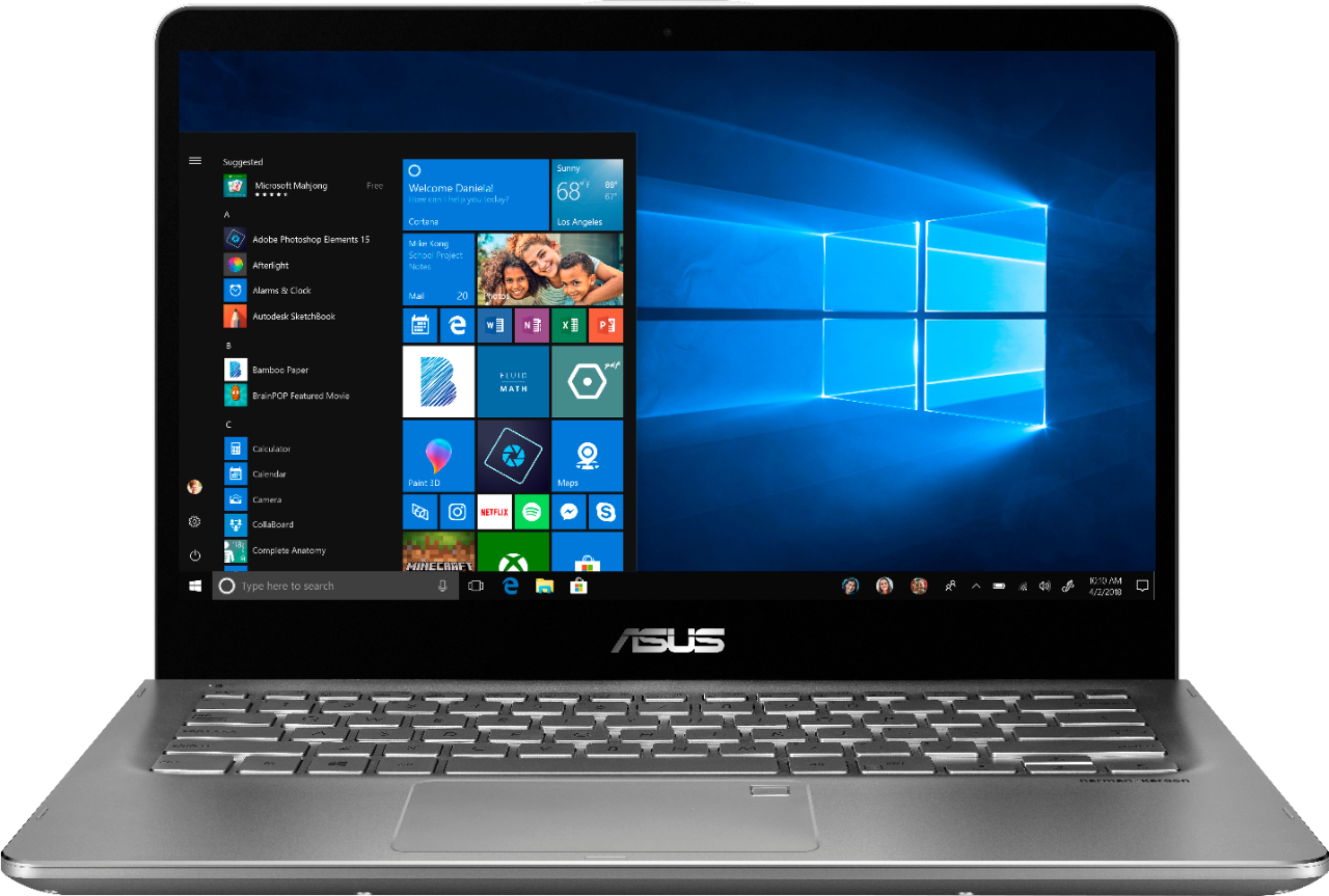
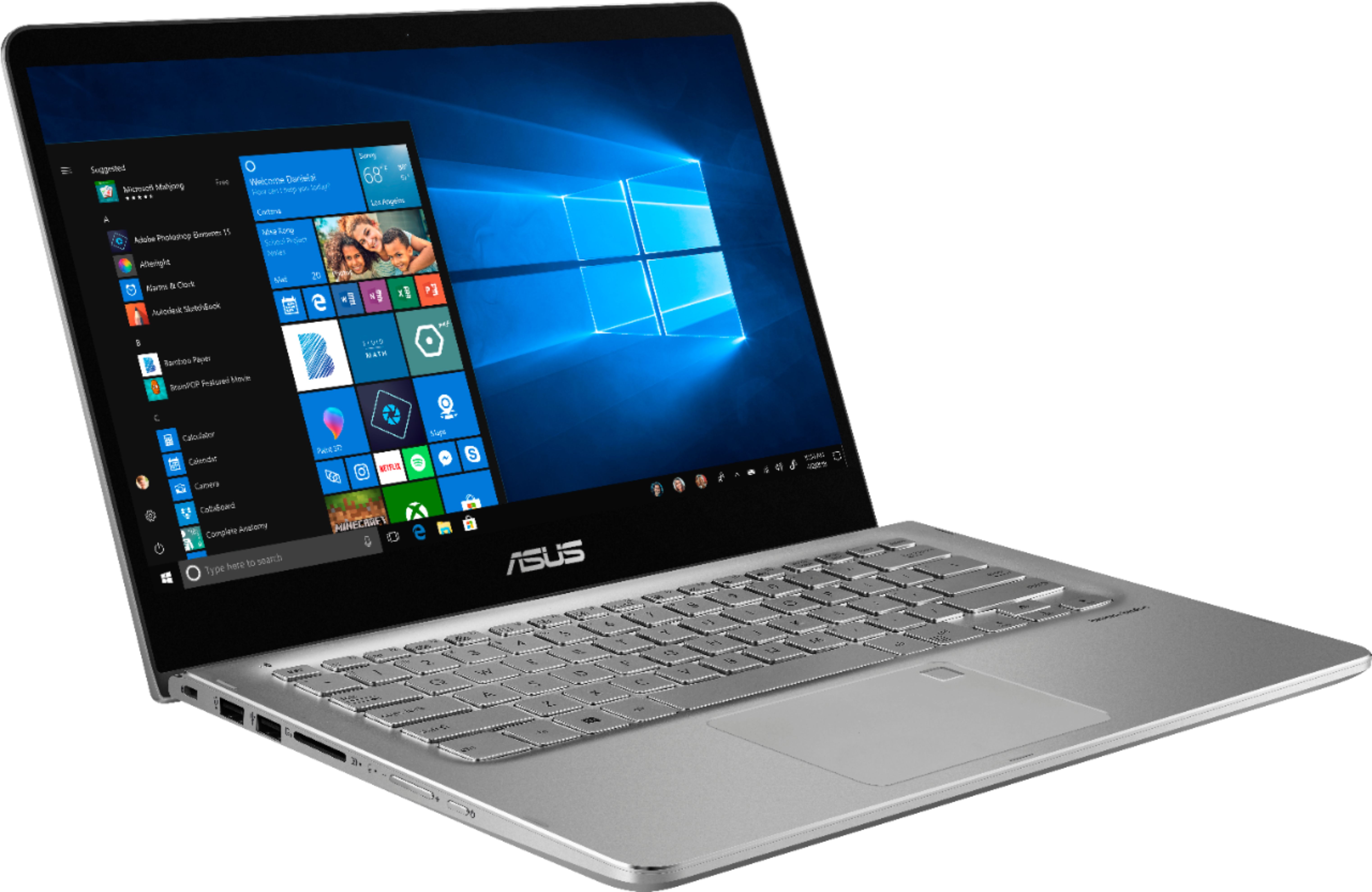
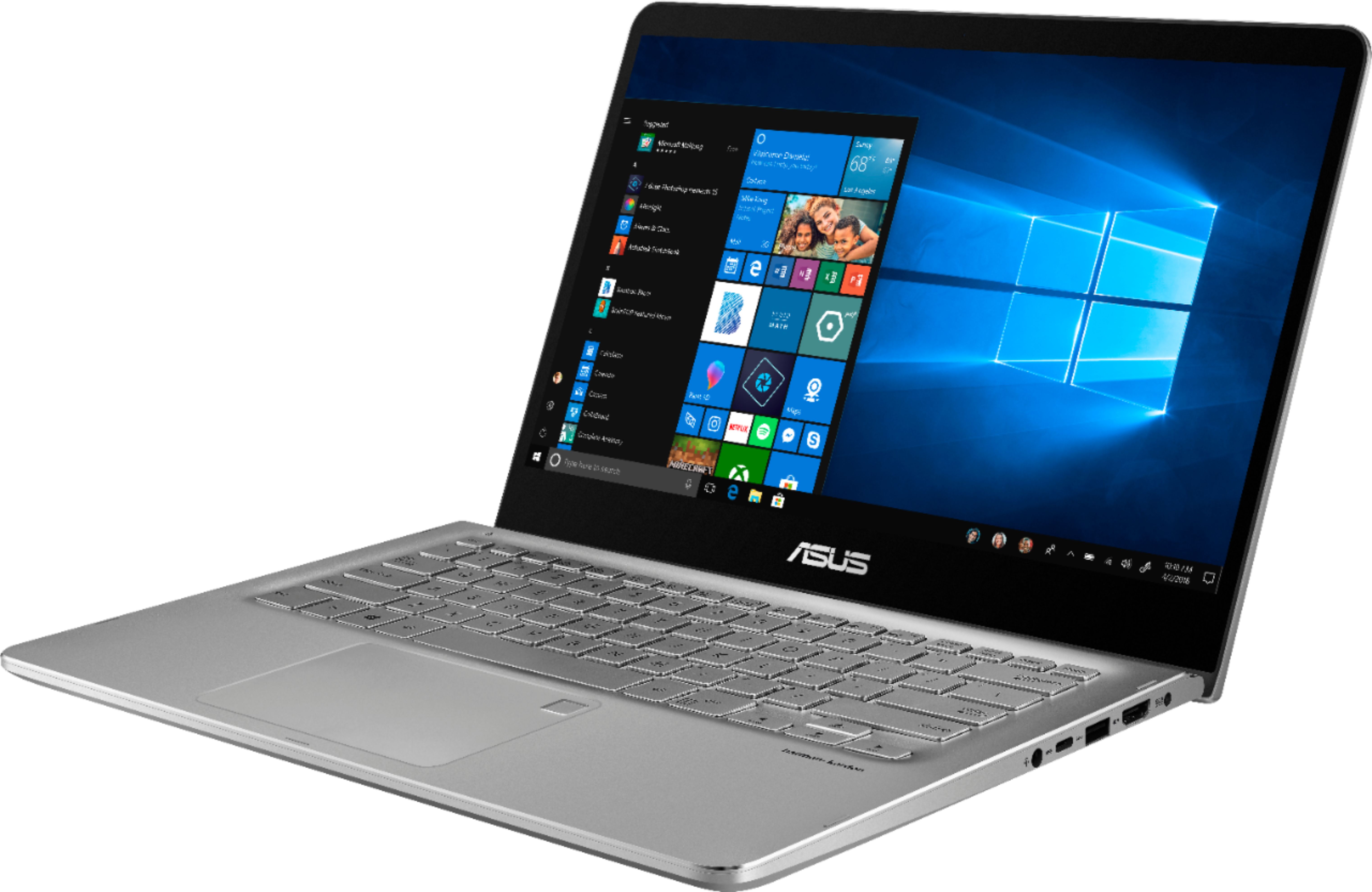
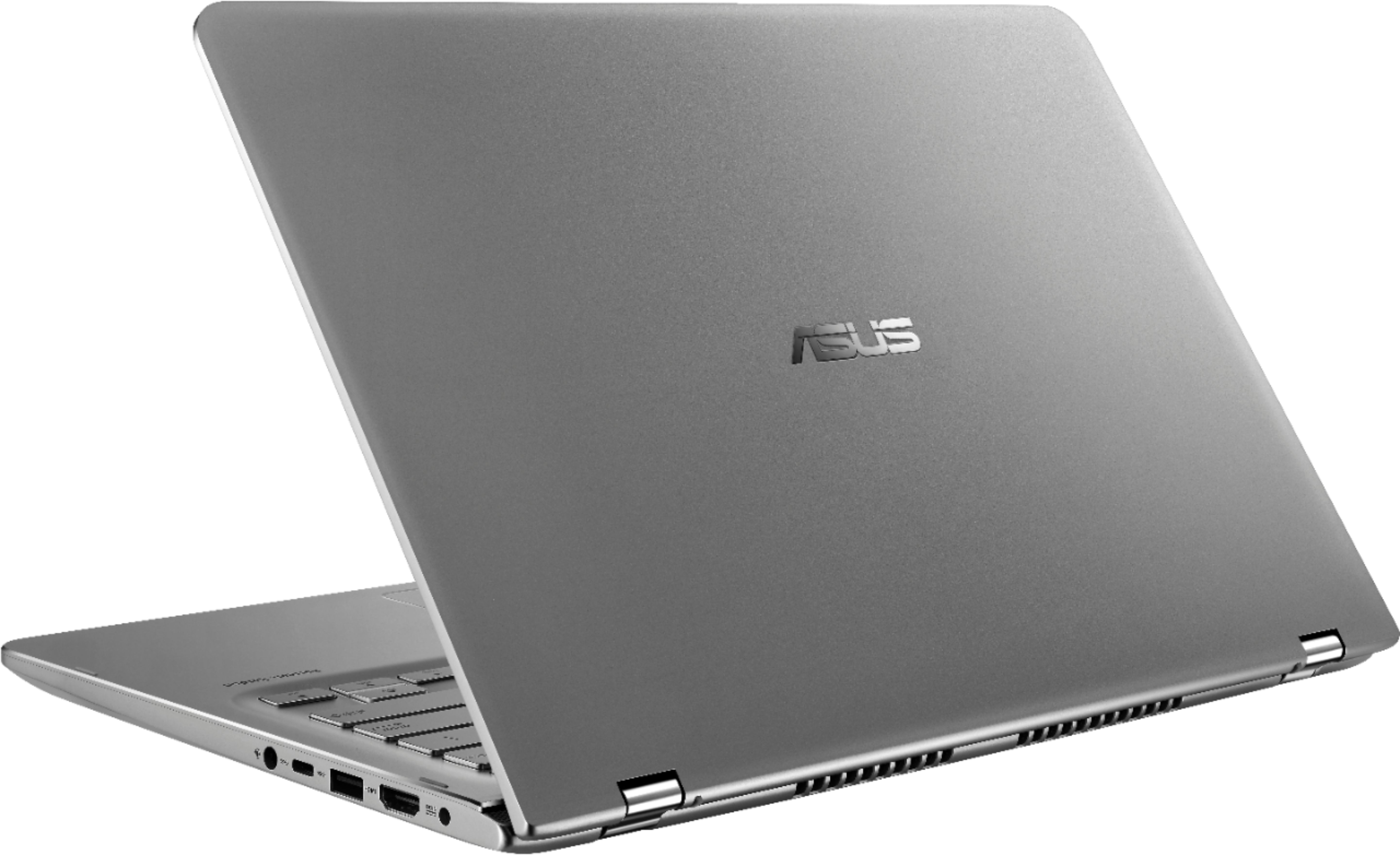
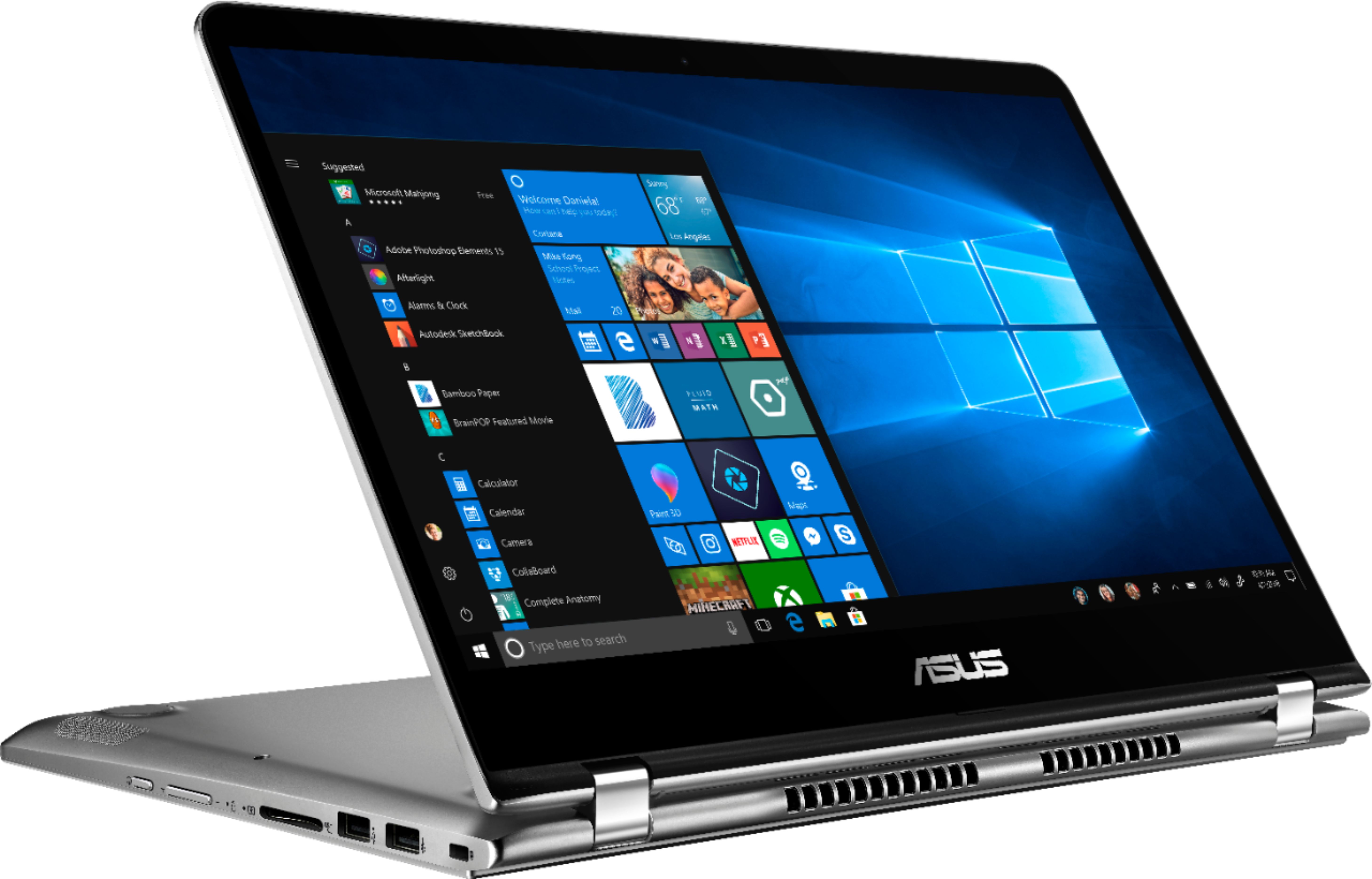

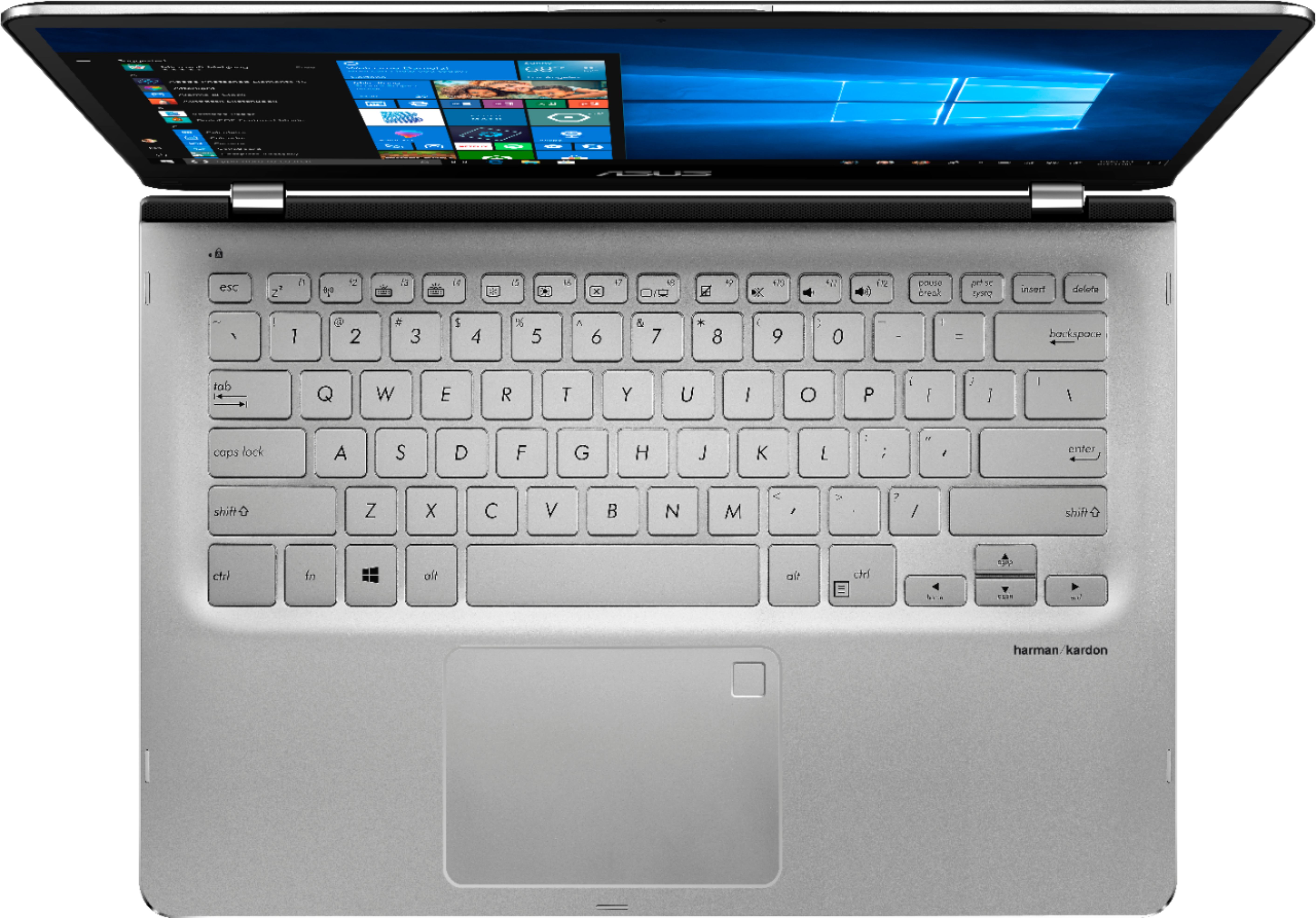
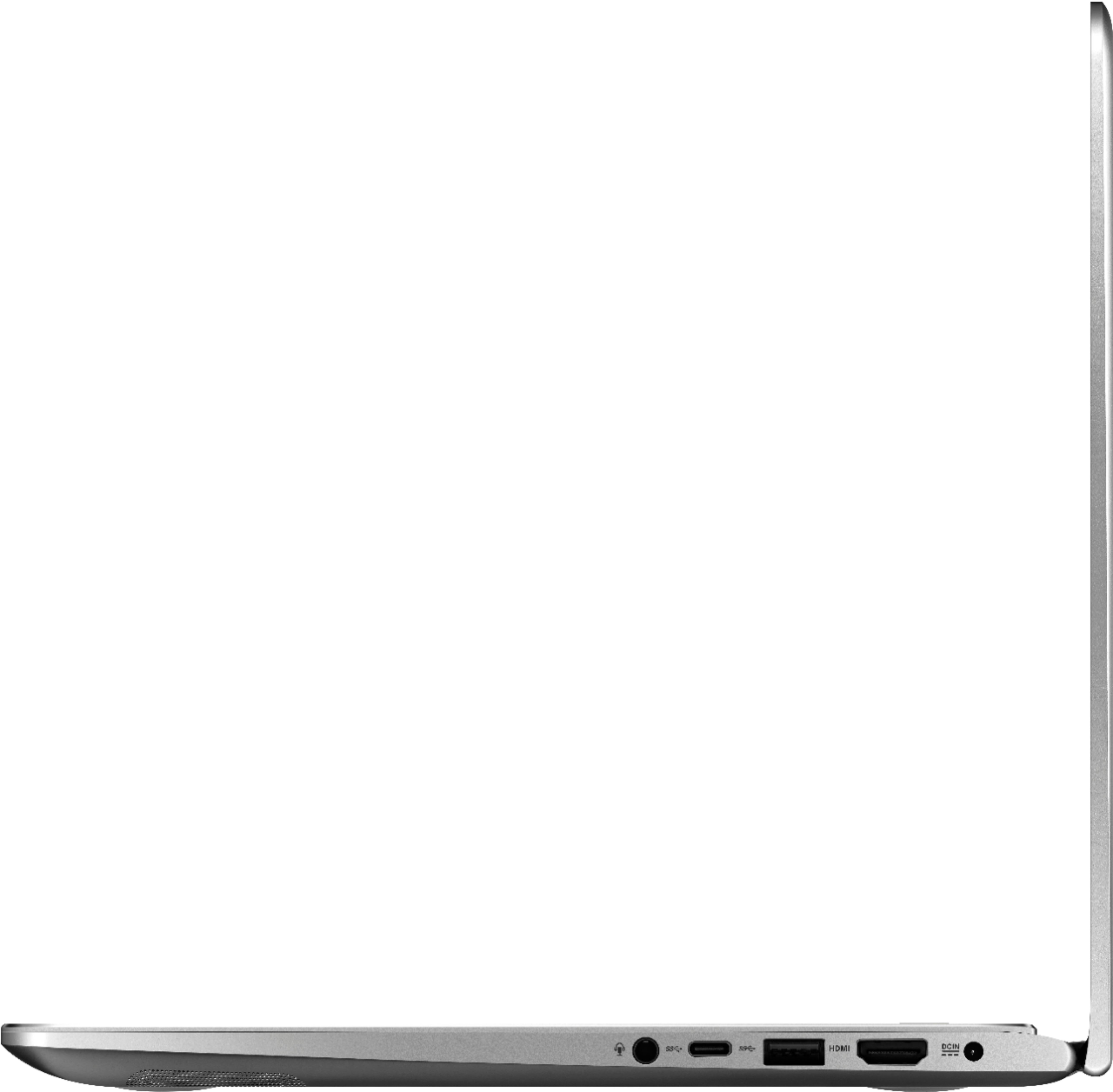

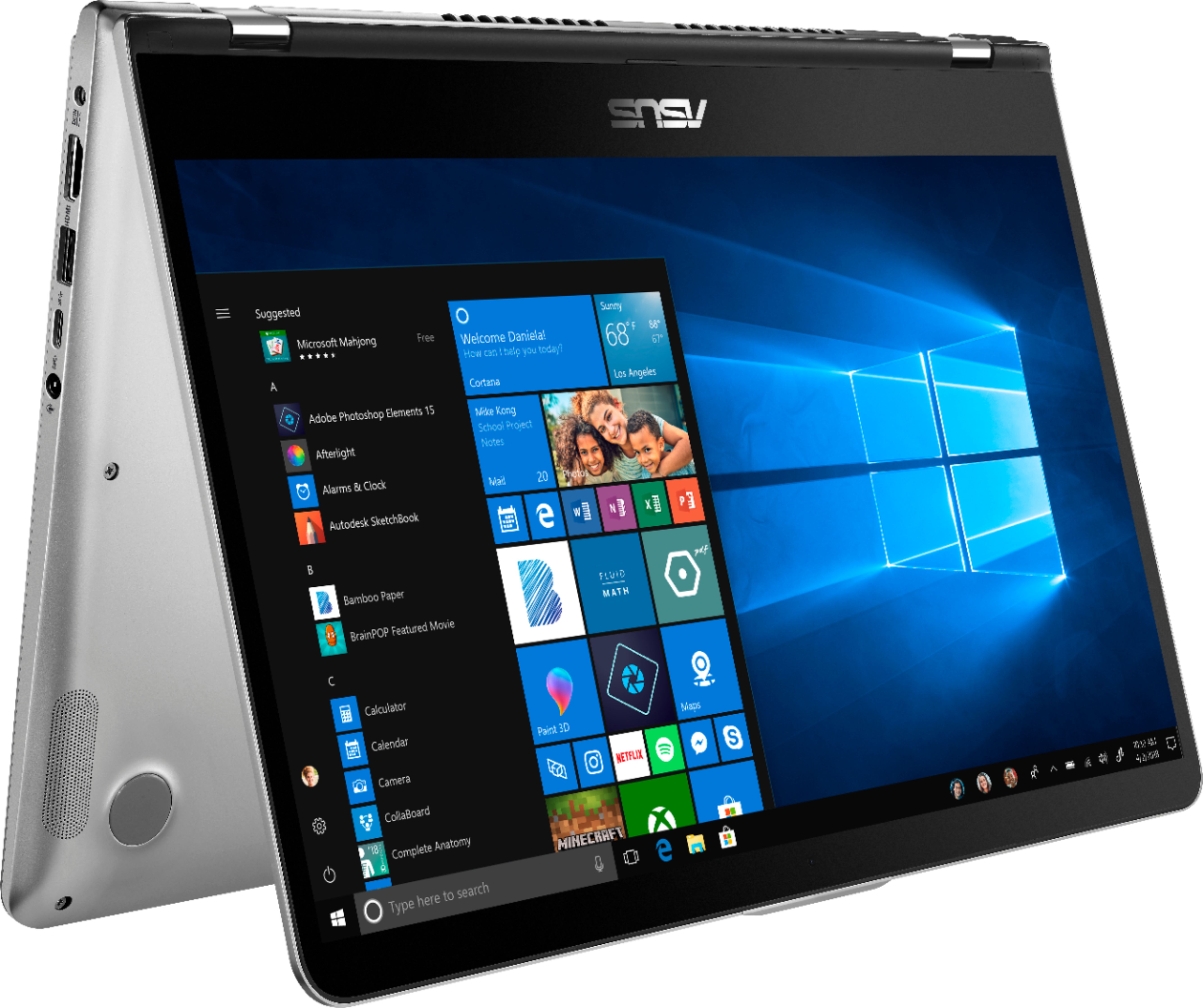
- Model:
- Q405UA-BI5T7
- SKU:
- 6292312
Rating by feature
- Value
Rating 4.6 out of 5 stars
- Quality
Rating 4.5 out of 5 stars
- Ease of Use
Rating 4.5 out of 5 stars
Customers are saying
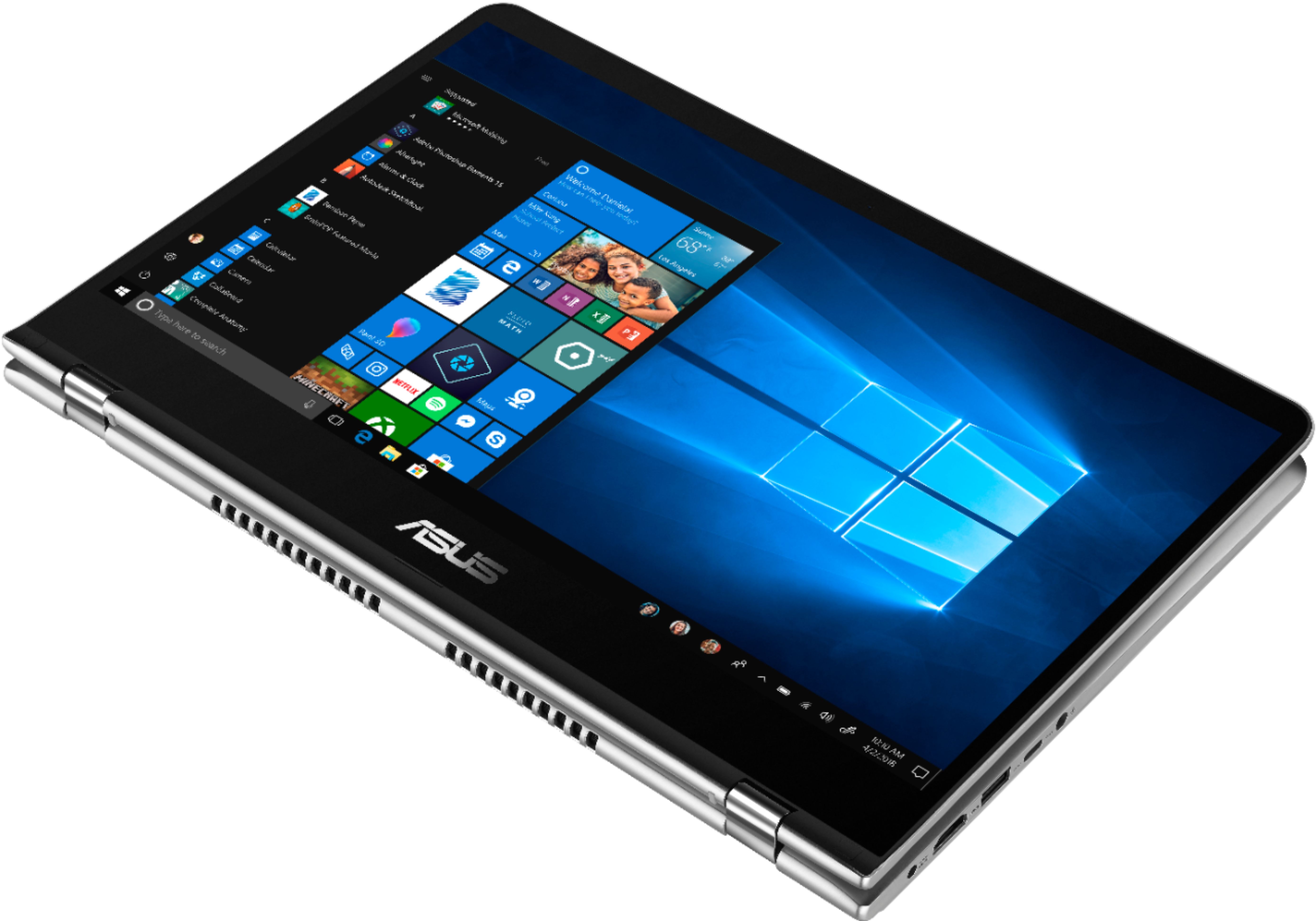
Customers are impressed with the touchscreen, describing it as a game-changer. They also appreciate the laptop's speed and affordability. The compact size and solid-state drive are additional features that customers find appealing. However, some customers have concerns about the power button's awkwardness, limited storage, and battery life.
This summary was generated by AI based on customer reviews.
Not for the Internet
Posted .This reviewer received promo considerations or sweepstakes entry for writing a review.I like the solid state memory, the computer boots up in seconds. But the biggest failure of this computer is its speed and very poor performance on the Internet. I generally have to reload at least half the pages. It is especially bad when on Facebook. For my use, this computer was a total waste of money and I am sorry that I bought it.
No, I would not recommend this to a friendBrand response from Asus_Answers
Posted .Dear SGM97B,
Thank you for the review. I do understand your disappointment and inconvenience if you started experiencing internet issue with the unit. In order to maintain optimum system stability and performance, cumulative Windows Update needs to be installed periodically and please install Driver & Utilities by going into ASUS support website. If you are accessing web applications, please make sure the unit has access to an established router and internet service is working properly since this will definitely affect system speed and performance. Also, clearing internet cache or browsing history will improve system performance. If the problem persists, in the search box on the taskbar, type Device Manager, and then select Device Manager from the list of results. Expand Network adapters, and locate the network adapter for your device. (If the network adapter isn’t listed under Network adapters, expand Other devices and look for it there.) Select the network adapter, and then select Update driver > Browse my computer for driver software. Select Browse > select the location where the driver files are stored > OK. Select Next > follow the steps to install the driver > Close. After you've updated the driver, select the Start button > Power > Restart if you're asked to restart, and see if that fixes the connection issue. Should you need further assistance, please contact an ASUS live support agent 24/7 or email me at cl-nina@asus.com. We would be more than happy to help you.
Thank you for choosing an ASUS product.
Regards,
Nina
ASUS Customer Loyalty
Broke within 3 weeks.
Posted .This reviewer received promo considerations or sweepstakes entry for writing a review.I bought this as a graduation gift for my daughter. Within 3 weeks, one of the buttons kept popping up. Called Best Buy and they would not let me return it since it was past 15 days. Called Asus and they would not repair because they claimed we damaged it. My options are to either pay Asus or Best Buy to repair a defective product I was sold. Neither will get my money. I will never by an Asus product or buy anything from Best Buy again.
No, I would not recommend this to a friendBrand response from Asus_Answers
Posted .Dear JeffH
I do understand the inconvenience this may have caused you, your dissatisfaction with the quality of the product and your recent customer service experience. All ASUS products undergo intensive quality control testing and inspections, this is a random problem. We do value our customers and take negative customer service experience very seriously. This is not the quality of service expected from ASUS. We do stand behind our product and we continuously strive to improve our approach and processes in order to achieve customer service excellence. If you need further assistance with the warranty service for the product, please email me at cl-rodel@asus.com and I would be more than happy to help.
Thank you for choosing an ASUS product.
Regards,
Rodel
ASUS Customer Loyalty
Broken Right Out of The Box
Posted .This reviewer received promo considerations or sweepstakes entry for writing a review.The Touchpad on this laptop was broken right out of the box. Had to call Asus who couldn't fix. Called Geek Squad and they couldn't fix.
No, I would not recommend this to a friendBrand response from Asus_Answers
Posted .Dear Valued Customer,
We appreciate you sharing your feedback on this model. We're sorry to hear about the issues you're having with the touchpad on this model. Please allow us to make your experience with ASUS a better one. We would recommend that you download an update the touchpad driver. Please do so by clicking on the following link: https://www.asus.com/us/Laptops/Q405UA/. If the issue persist, please feel free to reach out to us so we can have our technicians diagnose the issue and provide a solution. For further assistance please feel free to reach out to us by email: customerloyalty@asus.com. Please use a link to this review as reference. Have an extraordinary day.
Thank you for choosing ASUS.
Best Regards,
Joan
ASUS Customer Loyalty US Support
Poor Quality
Posted .This reviewer received promo considerations or sweepstakes entry for writing a review.Didn't even last me 3 years it went off an not coming on at all
No, I would not recommend this to a friend