Customer Ratings & Reviews
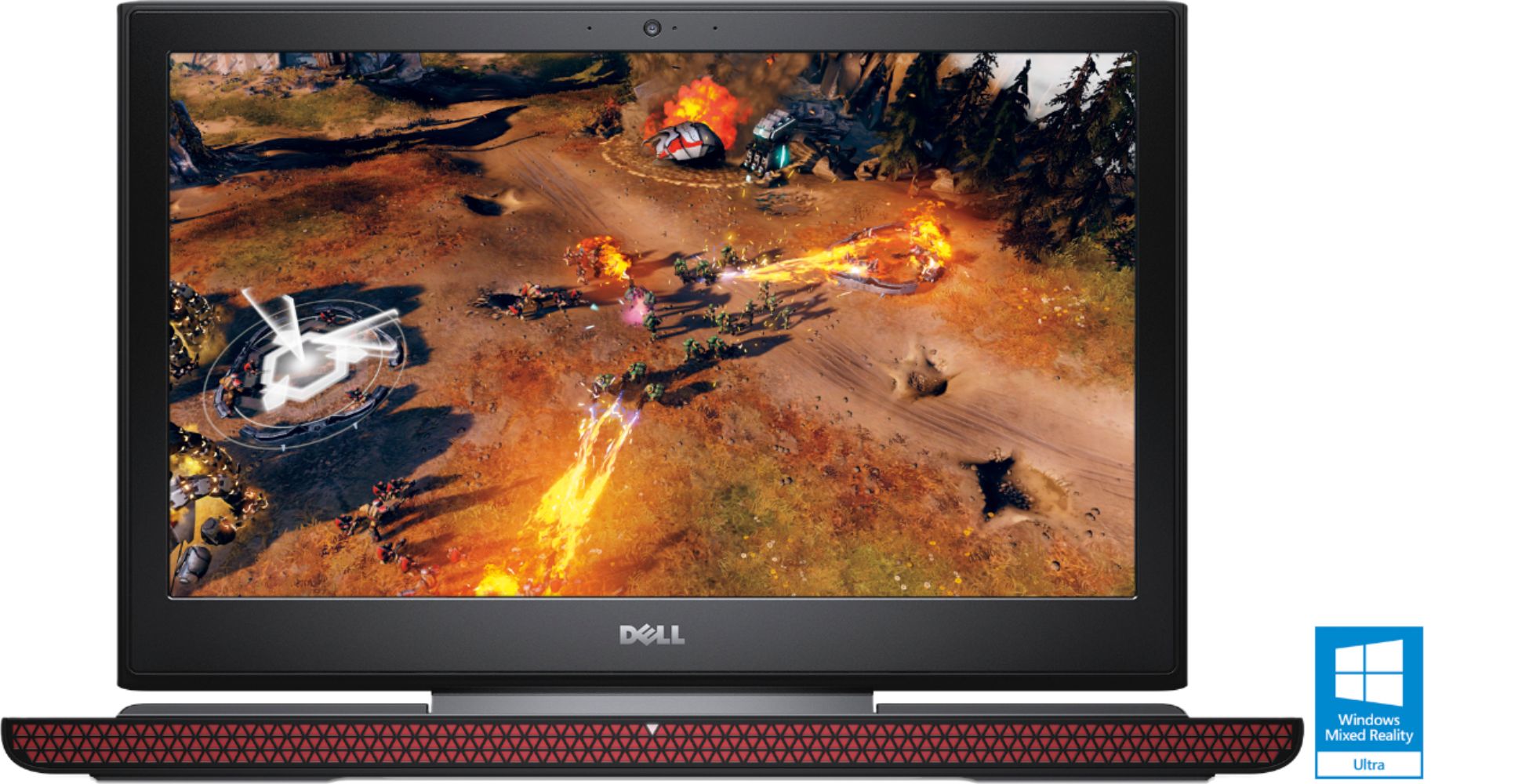
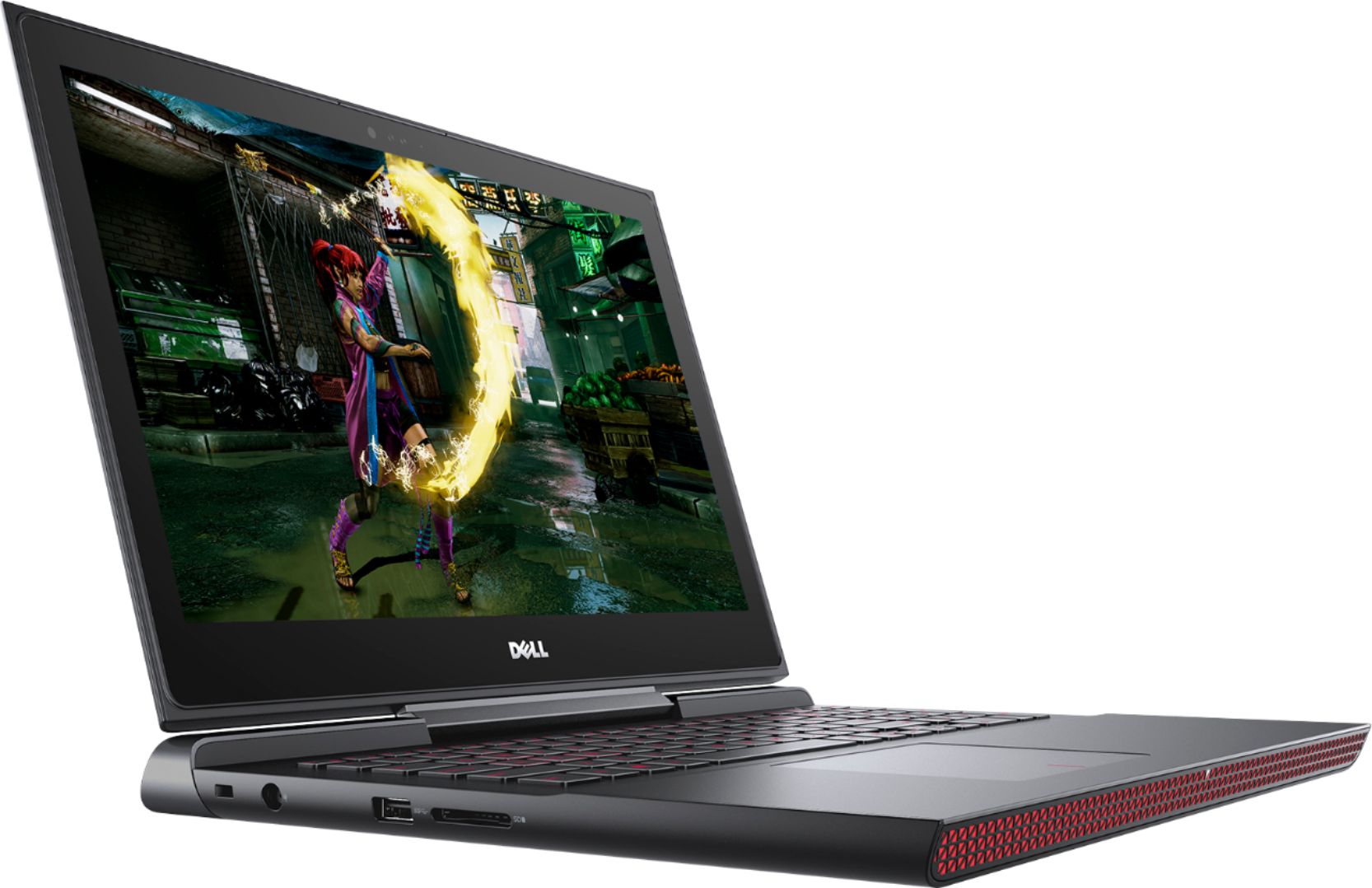
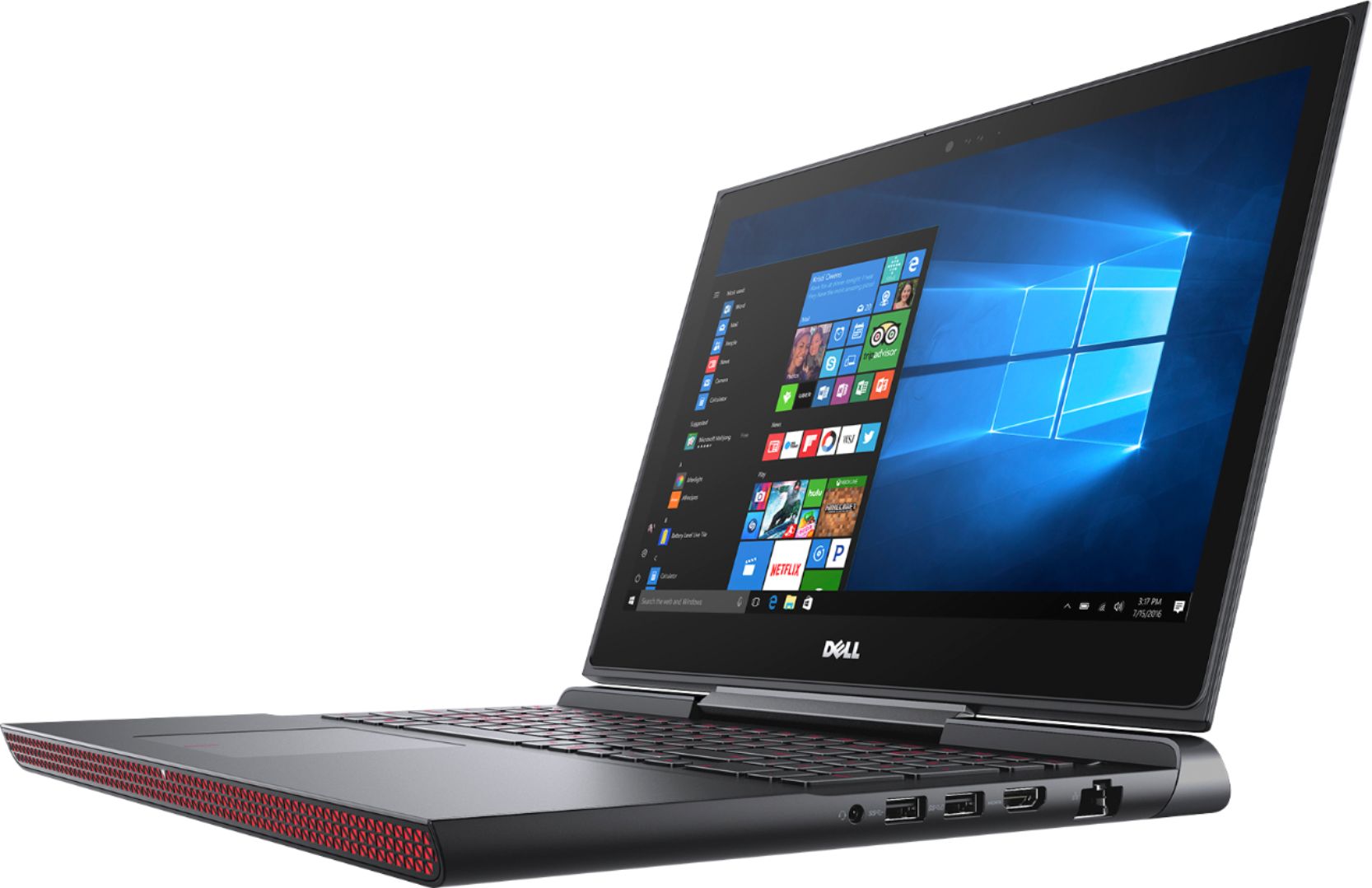
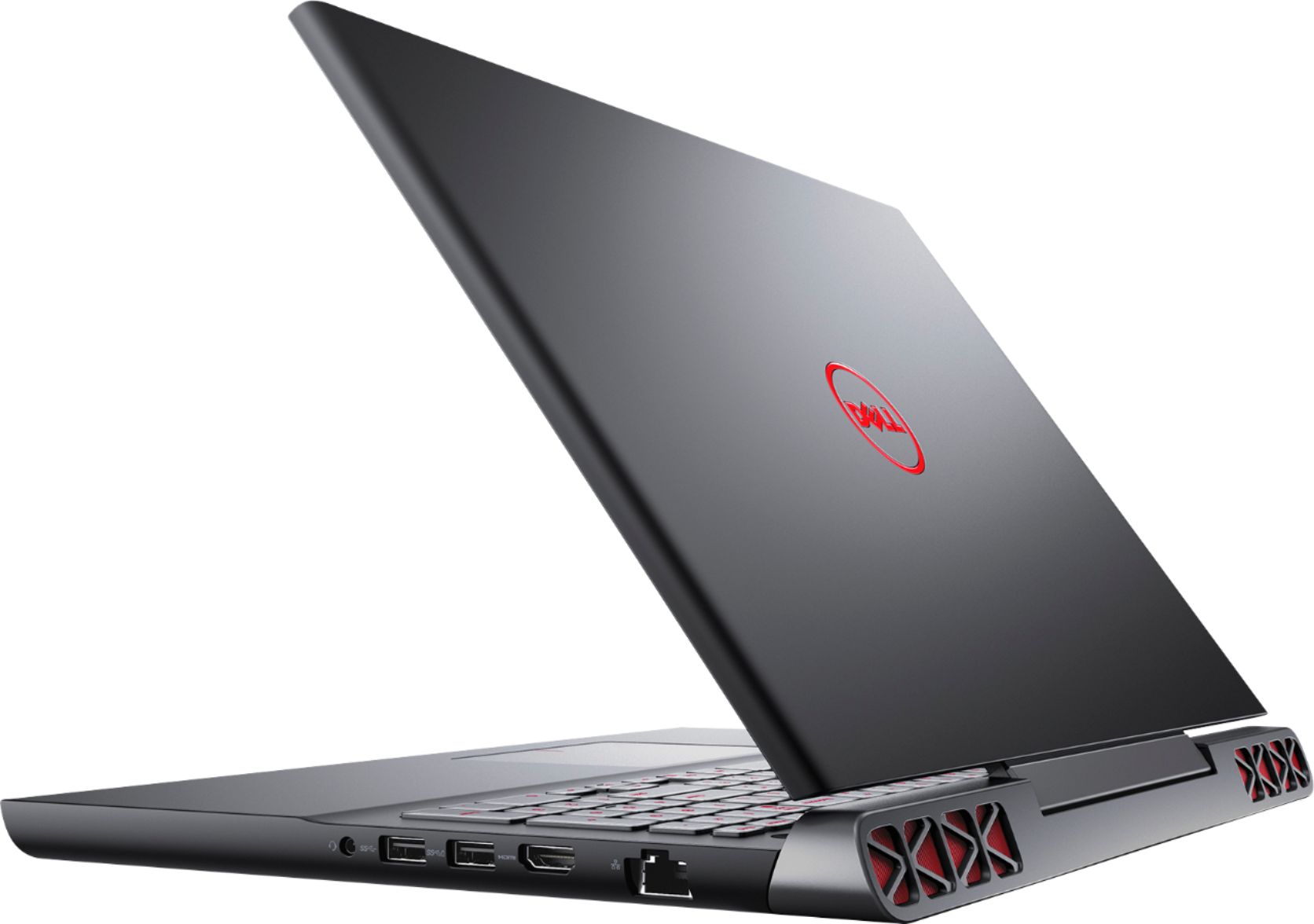

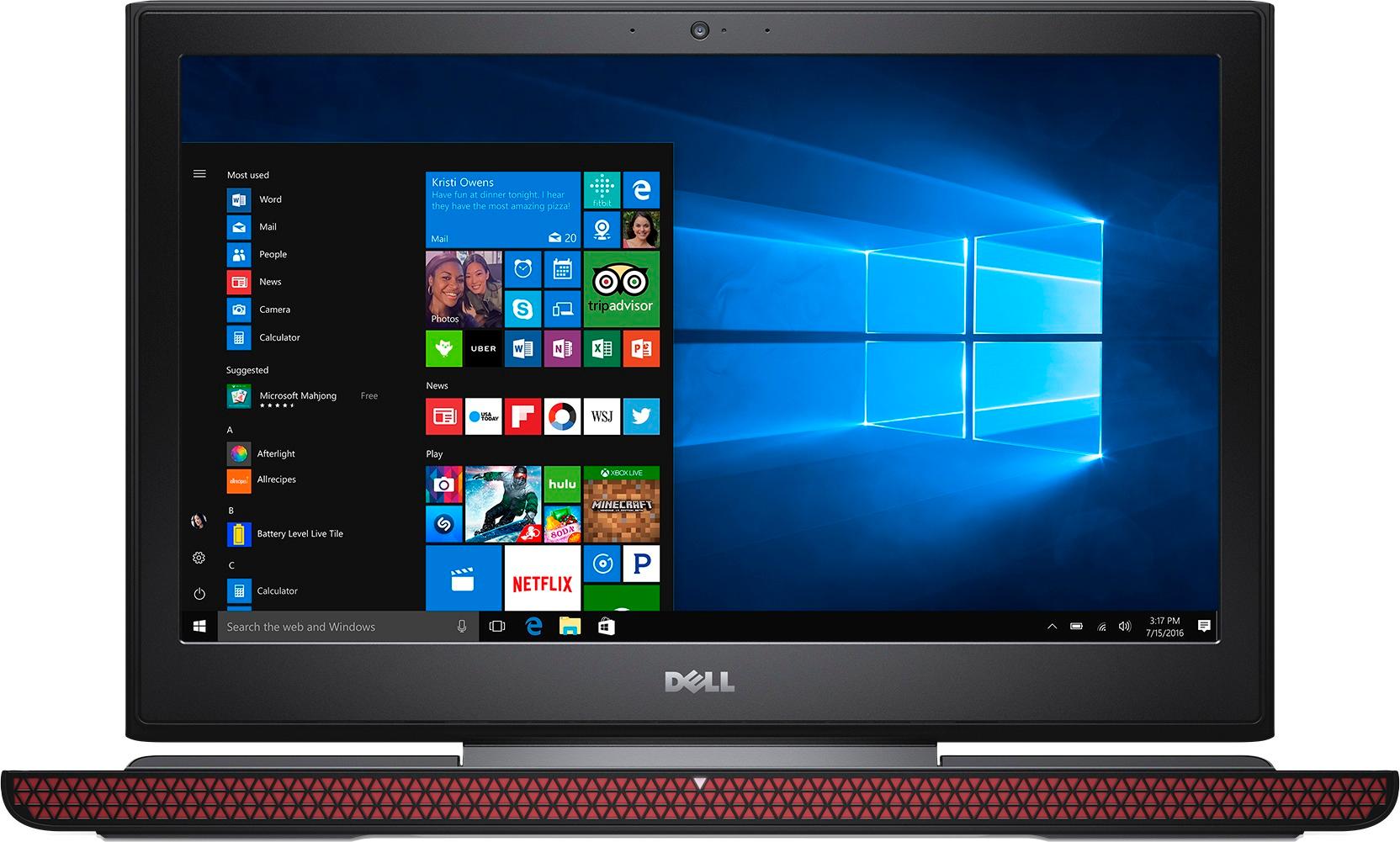
- Model:
- I7567-5650BLK-PUS
- SKU:
- 5872507
Rating by feature
- Value
Rating 4.5 out of 5 stars
- Quality
Rating 4.3 out of 5 stars
- Ease of Use
Rating 4.6 out of 5 stars
Customers are saying
Customers frequently mention the Inspiron 15.6" laptop's excellent performance, impressive graphics card, and fast SSD as major strengths. Many also appreciate its good screen quality, long battery life, and reasonable price. However, some users find the laptop somewhat heavy and note that the fan can be noisy during intensive use. A few customers also suggest that the storage capacity could be improved.
This summary was generated by AI based on customer reviews.
Too dark. Let down
||Posted .This reviewer received promo considerations or sweepstakes entry for writing a review.Slow, freezes often, had to reinstall Windows because the computer had too many errors
No, I would not recommend this to a friendBrand response from YourDellTeam
Posted .Hi jmbt305, Thanks for your review and we're sorry to hear about the technical difficulties that you've been experiencing with your new laptop. If you'd like to troubleshoot the slowness on your computer we'd recommend the following steps:
Delete temporary files and directories
1. Click Start, then in the search bar type "disk". Disk Cleanup should appear on the menu above the search box.
2. Run disk cleanup and eliminate unneeded temporary files (Search results, Internet Cache and other windows temp files you may no longer need)
3. Select files you want to delete then click OK to start the cleanup process.
Uninstall applications you no longer use
1) Open the Programs and Features application in Control Panel.
2) Scan the list of applications installed for ones that you no longer use.
3) Highlight any application you no longer use and then click the uninstall button at the top of the list. Follow the prompts to uninstall.
4. Repeat for each application you want to uninstall.
5. Move large files and/or seldom used files to backup media (Photos, Music you seldom listen to, application downloads after the application has been installed etc.).
6. Empty the Recycle Bin.
You can read the full article here - http://dell.to/2tSulGV.
We hope this helps your computer perform a little better for you. - Bryan
Good for gamers
||Posted .This reviewer received promo considerations or sweepstakes entry for writing a review.Excellent for gamers, but not for regular dragging around. Very short battery life.
I would recommend this to a friendBrand response from YourDellTeam
Posted .Hello IgorD,
We're sorry to hear that your computer's battery life is shorter than you hoped it would be. We'd recommend these tips to help extend your battery life: Change the Power Plan:
1. On the notification area of the taskbar, right-click the Battery icon.
2. On the options list, click Power Options.
3. Select a power plan on the battery meter, such as Power Saver or Balanced. Windows 10 has a built in 'Battery Saver' mode that can be activated to extend your system's battery life. The Battery Saver mode will monitor and limit background activity and other features such as push notifications. You do have the option to enable or disable this mode within settings or within advanced Battery Saver settings, you can customize the mode to best suit your needs.
a) Click on the Action Center icon in the taskbar and select the tile for Battery Saver.
b) If running Cortana then type Battery Saver into the search box and select from the results.
Within the Battery Saver settings page, you will be able to turn on and off the feature and customize the feature to best meet your needs.
c) Turn Battery Saver On or Off.
d) Additional settings available via the Battery use and Battery saver settings links.
e) Battery use shows further info on apps and their power usage.
f) Battery Saver Settings screen allows you to customize further Battery Saver feature.
You can read the full article here - http://dell.to/2vfXWf4.
Best,
Bryan
1-800-624-9896
Good, Not Great
||Posted .This reviewer received promo considerations or sweepstakes entry for writing a review.I am happy with my laptop but I don't game on it. I just use it as a normal laptop.
I would recommend this to a friendBrand response from YourDellTeam
Posted .Dear MeOrYou, We appreciate your recent Dell purchase and your review. If you ever have questions about your new computer please feel free to reference our Product Support Page here - http://dell.to/2i4b41B. We hope this helps and we wish you all the best. - Bryan
Don’t like it
||Posted . Owned for more than 2 years when reviewed.This reviewer received promo considerations or sweepstakes entry for writing a review.Appears to be a slow laptop. Would not call this a gaming pc.
No, I would not recommend this to a friendCheap Build Quality
||Posted .This reviewer received promo considerations or sweepstakes entry for writing a review.The materials for the chassis is so cheap. The plasticy screen frame flexes so much it's already cracked. I was going to use my warranty to fix it but I decided to give it to my brother to keep instead. He said he'll fix it on his own. I bought a new laptop made of aluminum instead. LOL
No, I would not recommend this to a friendBrand response from YourDellTeam
Posted .SanDango,
Thank you for your review. If you or your brother have technical questions about your computer you can check our Product Support Page here - http://dell.to/2i4b41B.
Best,
Bryan
1-800-624-9896
Hdd problem
||Posted .This reviewer received promo considerations or sweepstakes entry for writing a review.This laptop has issues with hdd drive and does not work well.
No, I would not recommend this to a friendBrand response from YourDellTeam
Posted .Bbfan101,
We're sorry to hear about the drive issues that you're facing. Please check out our Product Support Page and make sure that you are running all of the most up to date drivers and software: http://dell.to/2nd1yM3.
Best,
Bryan
1-800-624-9896
Issues appear after 1 month
||Posted .This reviewer received promo considerations or sweepstakes entry for writing a review.I bought the Dell Inspiron 15 Gaming Laptop and expected that a 1050 Ti Nvidia graphics with a 2.5 GHz Intel i5 7th Gen. Processor would last a year without a problem, but for over the course of a month, it started to have problems launching my browser alongside with my video game (Overwatch). I have it on the lowest settings and it's still not doing well. You'd have to expect that a 1050 and 7th gen would last for awhile, but for this build, it's definitely clear that Best Buy needs to cut slacking off on products with Dell. I thought I'd give Best Buy a chance with gaming, but that was a big mistake when I realized that I could get a desktop at the same price with better graphics and processor; custom build. Do not buy Best Buy gaming products.
No, I would not recommend this to a friendBrand response from YourDellTeam
Posted .Raymond, We're sincerely sorry to hear about the issues that you are experiencing with your new Dell laptop. We'd encourage you to look at our Product Support Page for your computer - http://dell.to/2i4b41B that will hopefully have some articles that will help you troubleshoot any problems that you are facing. - Bryan
- Pros mentioned:Performance, Screen quality, Ssd
Great laptop with a decent/good screen
Posted .This reviewer received promo considerations or sweepstakes entry for writing a review.I purchased the original 7567 3 weeks ago, and hated the screen so much that I exchanged it for the 7779 convertible. When this one went on sale with the IPS display, I thought it was a typo... and then I found out it was legit and exchanged the 7779 for the IPS model of this one. Color reproduction is decent, but not on par with some of the ultrabooks on the market. Colors on this IPS display however are nowhere near as washed out as on the original TN panel. As for performance, this is hands down the best laptop you can buy for the $799 I paid for it on sale, or even the $899 regular price. The SSD is good for the price, but not as fast as the Samsung EVO 850. Still, an SSD in a mid-range laptop is appreciated.
I would recommend this to a friend Not bad
||Posted .This reviewer received promo considerations or sweepstakes entry for writing a review.Not a bad computer for the price. Is A little slow,
I would recommend this to a friendBrand response from YourDellTeam
Posted .@Customers122 We're happy to hear that your computer is meeting your needs. It's unfortunate that you are finding your new computer slower than you had hoped it would be. For help with your slowness please try these steps:
Delete temporary files and directories
1. Click Start, then in the search bar type "disk". Disk Cleanup should appear on the menu above the search box.
2. Run disk cleanup and eliminate unneeded temporary files (Search results, Internet Cache and other windows temp files you may no longer need)
3. Select files you want to delete then click OK to start the cleanup process. Uninstall applications you no longer use 1. Open the Programs and Features application in Control Panel. 2. Scan the list of applications installed for ones that you no longer use. 3. Highlight any application you no longer use and then click the uninstall button at the top of the list. Follow the prompts to uninstall.
4. Repeat for each application you want to uninstall.
5. Move large files and/or seldom used files to backup media (Photos, Music you seldom listen to, application downloads after the application has been installed etc.).
6. Empty the Recycle Bin.
For the full troubleshooting article, you can view it here - http://dell.to/2tSulGV.
We hope these tips help the slowness your computer is experiencing. - Bryan
- Pros mentioned:Graphics card, Screen quality, Ssd
Great Laptop for the price
Posted .This reviewer received promo considerations or sweepstakes entry for writing a review.I had purchased an XP Envy x360 2 in 1 with the AMD Ryzen 5 processor but it kept locking up on me so I returned it for this Dell Inspiron gaming laptop. It was a couple of hundred dollars more but so far it has been well worth the price. The 256GB SSD and Nvidia GTX 1050Ti along with the excellent LED backlit screen make this system an excellent buy for dollars spent. I was skeptical about other reviewers claims that the battery lasted in excess of 8 hours but it's absolutely true. I was lucky to get 2 hours out of the battery on my 2 year old HP laptop. I highly recommend this laptop. You will not be disappointed.
I would recommend this to a friend - Pros mentioned:Speed, Ssd
Perfect Entry Gaming Laptop
Posted .This reviewer received promo considerations or sweepstakes entry for writing a review.I recently purchased this Dell Inspiron 15 7567 laptop and I'm highly satisfied with it as a entry gaming laptop because I'm pretty sure there are a few if not no laptops that come with a GEFORCE GTX 1050ti and a 256 SSD for $900 in 2017. This is the one that comes with a IPS which is a substantial improvement from the 7000 coming with a GEFORCE GTX 1050 and a 1tb HHD @ 5400 RPM's with a TN panel. I would highly suggest you avoid that model and aim for this one. I only had one problem when I first got the laptop, I was getting the netwtw04.sys error code and all I did to fix this was update my drivers, I heard that this is a fairly common error. https://downloadcenter.intel.com/download/26782/Wireless-Intel-PROSet-Wireless-Software-and-Drivers-for-Windows-10-?product=89450 The things I like about this laptop is that it's easy to access the internal hardware if you want to upgrade some stuff or add a internal hard drive, has a really long battery while using it for web surfing for school work, has a SSD, a decent sound system from Dell, quiet fans, a fairly decent IPS panel which is better than the TN in the older model, has a red backlit keyboard which is great for working in the dark, and has 3 USB ports. The things I dislike about this computer is that it doesn't have a USB-C port and doesn't have the greatest keyboard although it's better than some and works all the time. Just to summaries, avoid the 7000 and get the 7567 because it's 30% faster with the 1050ti, has a IPS, a SSD, and is more efficient.
I would recommend this to a friend Won’t boot up
||Posted .This reviewer received promo considerations or sweepstakes entry for writing a review.Just over a year and it stopped turning on. Very disappointed kids. This was an Black Friday Xmas gift.
No, I would not recommend this to a friendBrand response from YourDellTeam
Posted .Myrein,
We're sorry to hear about the trouble that you're having with your computer. Here are some steps to try to turn your computer on:
1. If the computer is displaying the Dell logo and does not move past that point, it has probably failed POST.
2. If the power indicator lights up and it is amber or orange, this is usually an indicator that it has failed POST.
3. If you see text on a black screen, the computer is currently performing the POST. If the computer stays in that condition and does not move past it, it has probably failed POST.
4. If the video screen displayed anything at all during the startup process but is now black, this probably indicates that the computer failed POST.
5. If the computer is beeping or if Caps/Num/Scroll Locks are flashing, note if there is a particular pattern in which it beeps or flashes.
6. If the computer is not beeping and caps/num/scroll locks are not flashing, unplug all connections and remove all media communication devices (e.g. external monitors); reconnect one at a time and check if the computer functions.
7. For a notebook, press and hold the Fn key and then press the power button. This starts the pre-boot testing and will launch ePSA. In case you have a Desktop at the Dell logo screen tap the F12 key to enter One Time Boot Menu and use the arrow keys to highlight Diagnostics and press enter.
You can read the full article here - http://dell.to/2uj1Sby.
Best,
Bryan
1-800-624-9896
- Pros mentioned:Graphics card, Performance, Screen quality
Great for the price
Posted .This reviewer received promo considerations or sweepstakes entry for writing a review.My home desktop has a gtx1080 and is a power house. Unfortunately, it’s big and I need something for when I travel extended periods for work(which is all the time). I spent a lot on my custom gaming desktop, so I was in the market of something cheap, but able to run games like pubg. If you don’t know, pubg isn’t optimized at all, so it’s a nightmare unless you have a solid rig. I have most of my settings low/very low and some set to medium. I’m able to get a solid 60fps, which will drop occasionally due to pubg being poorly optimized. I’m sure there’s plenty of people who are in the market for an affordable laptop and are wondering if it can run pubg. And the answer is, yes. Just don’t expect to run it in higher settings. The fan kicks on almost immediately upon gameplay, but they’re honestly pretty quiet in comparison to some other gaming laptops. And I haven’t noticed it get hot yet. The mouse/mousepad are average, but I have a separate mechanical keyboard and gaming mouse, so that’s not very important to me. The screen is surprisingly solid. Can’t complain at all. Also, don’t forget to set your power settings to performance when gaming. The only issue I have is, in discord, the mute noise lags pretty bad for some reason while I’m in game. Not sure what that’s about. Bluetooth works flawlessly, WiFi is top quality. Biggest gripes I have is the small RAM, and no HDD. Hopefully I can add onto these deficiency’s. In summary, if you’re on a budget but need a gaming pc, look no further. This things legit.
I would recommend this to a friend Not satisfied
||Posted .This reviewer received promo considerations or sweepstakes entry for writing a review.I expected a nice performance of this product but I felt disappointment.
No, I would not recommend this to a friendBrand response from YourDellTeam
Posted .JYPD,
We're sorry to hear that your computer is not performing as well as you hoped it would. We'd recommend running the Windows Performance Troubleshooter to see if it will help your computer perform faster:
1. Close all open windows.
2. Press the Windows logo key + X key on the keyboard.
3. Click Control Panel.
4. Click System and Security.
5. Under Security and Maintenance, select Troubleshoot common problems.
6. Under System and Security, click Run maintenance tasks.
7. Follow the on-screen instructions and prompts to complete the process.
8. Restart the PC.
You can read the full article here - http://dell.to/2tSulGV.
Best,
Bryan
1-800-624-9896
FIRST DELL, LAST DELL
||Posted .This reviewer received promo considerations or sweepstakes entry for writing a review.I bought this computer 07/2017 and it started crashing 10/2017. A Kernel-Power error code 41 problem that will not go away. It only crashes when not plugged into the wall. Dell has no solution, so I am stuck with a defective computer. It had potential. Lesson learned -always get the Best Buy extended warranty.
No, I would not recommend this to a friendBrand response from YourDellTeam
Posted .ibcoreyb,
We're sorry to hear about the troubles that you're having with your Dell laptop. There's a troubleshooter that you can run to see why it's crashing, if you haven't already tried this. You can follow these steps:
1. At the desktop, click the Search the web and Windows box and type "problem reports".
2. Select View all problem reports to view a list of errors that have occurred on your computer and possible solutions for them, such as updating drivers, flashing your system BIOS, or checking for updates to the software.
3. Under the Source column, look for Windows and under Summary, look for Shut down unexpectedly.
4. Right-click the line item and select Check for a solution.
You can read the full article here - http://dell.to/2u98Cct.
We hope this helps your computer perform better for you.
Best,
Bryan
1-800-624-9896
- Pros mentioned:Graphics card, Screen quality, Ssd
Excellent Laptop!
Posted .This reviewer received promo considerations or sweepstakes entry for writing a review.I recently picked up this laptop as an exchange for the model below it. I was highly disappointed in the lower model as it was dreadfully slow on boot up this model greatly benefits from the M.2 SSD preinstalled. Also on the lower end model you get a 1080p TN Panel which has very bad viewing angles and disappointing colors. If you have the money this is the model you want because you get the upgraded SSD, GTX 1050ti, and IPS screen. I also added a Sandisk 240GB SSD in the empty hdd bay as well. I've been gaming a lot lately as well as recording music with Reaper and this system has not let me down. I've been running Battlefield 4 on Ultra settings with great framerates I highly recommend this product!
I would recommend this to a friend Unfortunately, as it was a gift, it was a lemon.
||Posted .This reviewer received promo considerations or sweepstakes entry for writing a review.First, thank you to the Geek Squad for figuring out it was a problem with the operating system. My nephew will be getting a new computer in a couple of weeks. The new version is coming out and is not suspose to have the same issue.
No, I would not recommend this to a friend- Pros mentioned:Graphics card, Screen quality, Speed
Great Gaming Laptop for the money
Posted .This reviewer received promo considerations or sweepstakes entry for writing a review.Great bang for the buck gaming laptop. IPS Screen is way better than the horrible TN screen in the other version. This one has the 7300 HQ quad core processor and the 1050 TI Graphics card. Plays most games at high between 900 to 1080p. Has a 256 GB M.2 SSD. The only issues i have, and one that will affect all those hoping to add a second Sata hard drive in the empty Sata Bay. Dell is not putting in the hard drive bracket by default, so i cannot add a second hard drive. This only has the m.2 drive and no bracket to add the second sata drive. They provide the mounting screws but no bracket. Other than that issue, I am happy with my purchase and would recommend it to others. I will take off 2 stars as i feel the hard drive bracket should have been included in. Cmon Dell this is 2017.
I would recommend this to a friend Great everything except the screen
||Posted .This reviewer received promo considerations or sweepstakes entry for writing a review.I was really looking forward to this laptop and when I got it going I noticed a few things about the screen. 1: It does not get bright at all. 2: General quality of it was very poor.
No, I would not recommend this to a friendBrand response from YourDellTeam
Posted .Hi Ceragon, Thanks for your review. We're sorry to hear that your screen is not as bright as you had hoped it would be. Perhaps you could try these steps to adjust your Adaptive Screen Brightness: Windows can adjust the brightness of the display based on how much light is reaching the system's ambient light sensor. This feature is referred to as 'adaptive brightness' and it can be disabled in Windows. Here are some steps to adjust this feature:
1. In the Search box, type Settings.
2. Touch or click Settings (Modern application).
3. Touch or click System.
4. On the Display screen find the Adjust my screen brightness automatically option.
5. Touch or click the slider to toggle the option on or off.
6. Touch or click Apply.
7. Close the System window.
You can read the full article here - http://dell.to/2vjtPzg.
We hope these steps help with your screen brightness. - Bryan
- Pros mentioned:Performance
Pretty Good Gaming/Entertainment Laptop
Posted .This reviewer received promo considerations or sweepstakes entry for writing a review.For $850, this is probably the best entertainment/gaming laptop you'll find at Best Buy. It's pretty fast, the video playback doesn't stutter or anything, the keyboard feels good, and it doesn't run very hot or noisy (although I still recommend getting a cooling pad or something for it if you game a lot). Some cons, the audio works well with the internal speakers and headphones, but it didn't work very well with the external speakers I had - the loud noises were way too loud and the quiet noises (dialogue, mostly) were way too quiet. There's a mixer in there with MaxxAudio, but it didn't help me much with the external speakers. I really wish this thing came with Dolby Atmos or beats instead. The display is pretty decent on this model with the IPS panel instead of the TN one. Granted, it's not amazing like a 4k, but it's still pretty good for the price. Keep in mind that when you first unbox this laptop, the display is going to be dark and it's going to have a really warm color temperature to it; that's just how they set it in the factory, I guess. But you can fix this by right-clicking the desktop and clicking Intel Graphics, going to Display, then Color Settings, and going under Color Enhancement and changing the contrast and brightness values of each color (red, green, blue). Personally, I set my red to 0 brightness and 50 contrast, my green to 5 brightness and 50 contrast, and my blue to 10 brightness and 52 contrast. I didn't touch the hue or the saturation. I also went to the search bar and typed 'calibrate display color,' and in the window that popped up, I increased the gamma a bit, and that's all. Now, you may end up having to do display settings that are different from mine, so my advice is to load some videos from Netflix, Hulu, YouTube and/or Amazon and just sort of pause the videos on the different services, and keep a close eye on how the colors in the videos change as you adjust the display settings. Also, keep in mind, like I said, color reproduction on this laptop's display isn't amazing, but if you mess with the display settings a bit, you can make a huge improvement from how the display is out of the box. Final note, other people have mentioned system crashes and BSODs...I've had one system crash after the initial set up, but after I ran all my updates - windows updates, dell updates, and of course, driver updates via device manager - I haven't had any system crashes since then (fingers crossed, knock on wood). Make sure you especially update the driver for the wireless adapter, because for me, that's what caused my system crash. Overall, good computer, good price, and I definitely feel like I'm getting my money's worth with this computer.
I would recommend this to a friend