Customer Ratings & Reviews



- Model:
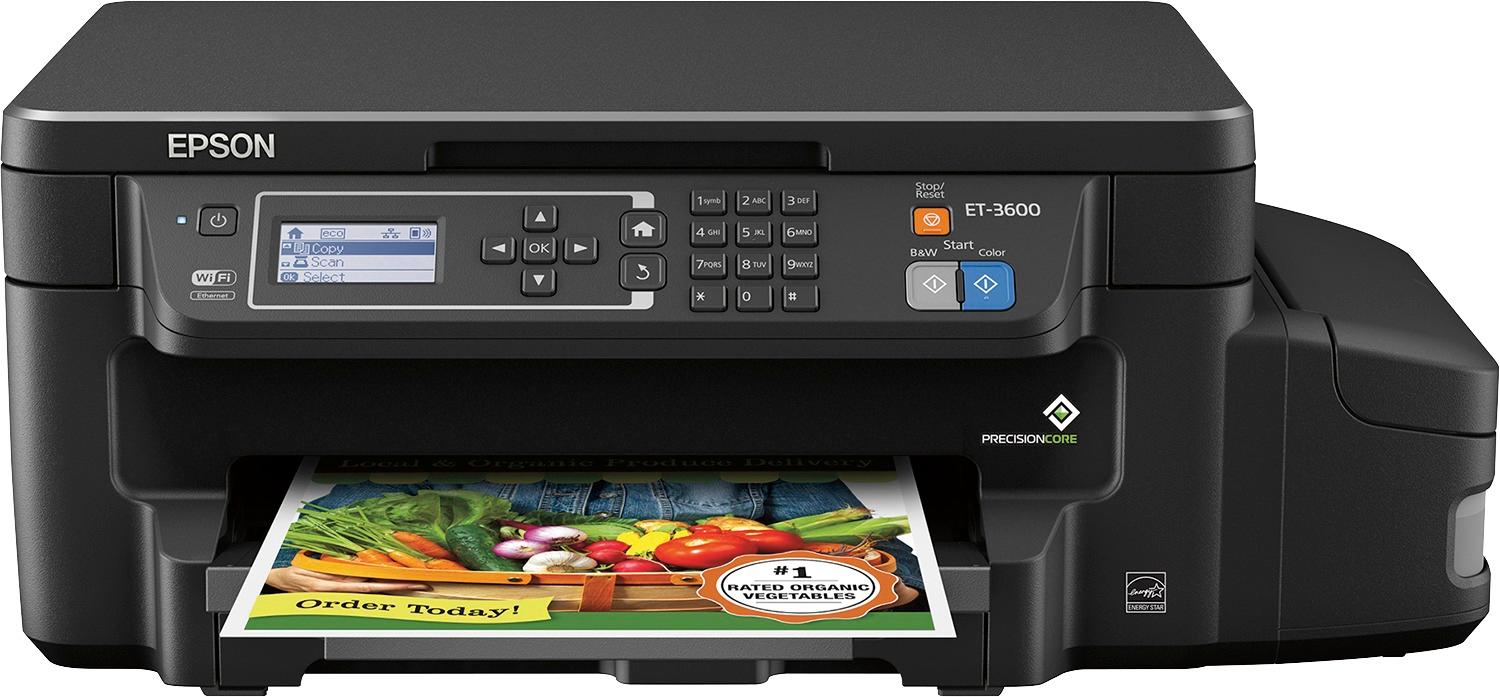
- ET-3600 ECOTANK C11CF73201
- |
- SKU:
- 5512400
Customer reviews
Rating 4.6 out of 5 stars with 432 reviews
(432 customer reviews)Rating by feature
- Value3.9
Rating 3.9 out of 5 stars
- Quality4.2
Rating 4.2 out of 5 stars
- Ease of Use4.1
Rating 4.1 out of 5 stars
Customers are saying
Customers are positive about the print quality, ease of use, and setup of the Expression® ET-3600 EcoTank® Wireless All-In-One Printer. On the other hand, customers are negative about the noise level, price, and lack of a document feeder.
This summary was generated by AI based on customer reviews.
Rated 5 out of 5 stars
great for the work we do
||Posted .This reviewer received promo considerations or sweepstakes entry for writing a review.with all the printing we have to do a great printer
I would recommend this to a friendRated 5 out of 5 stars
Easy to use
||Posted .This reviewer received promo considerations or sweepstakes entry for writing a review.The colors don't bleed, and the colors are vibrant!
I would recommend this to a friendRated 4 out of 5 stars
Good officer printer
||Posted .This reviewer received promo considerations or sweepstakes entry for writing a review.We've printed a lot in the few weeks we've had it and it seems to be working fine.
I would recommend this to a friendRated 4 out of 5 stars
Great printer for the money.
||Posted .This reviewer received promo considerations or sweepstakes entry for writing a review.This printer is just what I needed. It has a lot of capacity.
I would recommend this to a friendRated 4 out of 5 stars
Nice printer
||Posted .This reviewer received promo considerations or sweepstakes entry for writing a review.Epson makes a quality printer and this is another fine product
I would recommend this to a friend- Cons mentioned:Scanner
Rated 2 out of 5 stars
Hardware Malfunction in 7 months
||Posted .This reviewer received promo considerations or sweepstakes entry for writing a review.Scanner error that there was a hardware failure with the printer and now its completely useless. Printer will not get past error screen no matter what you do. So great to buy a $400 printer that dies in 7 months.
No, I would not recommend this to a friend Rated 4 out of 5 stars
Great
||Posted .This reviewer received promo considerations or sweepstakes entry for writing a review.This is a good buy. I like how you can connect easily.
I would recommend this to a friendRated 4 out of 5 stars
Excellent
||Posted .This reviewer received promo considerations or sweepstakes entry for writing a review.I liked this printer because it is very user friendly.
I would recommend this to a friendRated 3 out of 5 stars
Tough
||Posted . Owned for more than 2 years when reviewed.This reviewer received promo considerations or sweepstakes entry for writing a review.The ink does last but its not quite what was told to me as to ease of use and the ink as to what hsppens to it with low use have alot of issues with distorted colors so not sure if its me or what no help from tech support
No, I would not recommend this to a friend- Pros mentioned:Ease of use, Print qualityCons mentioned:Document feeder
Rated 4 out of 5 stars
Sharp Pictures, Quality Document Output
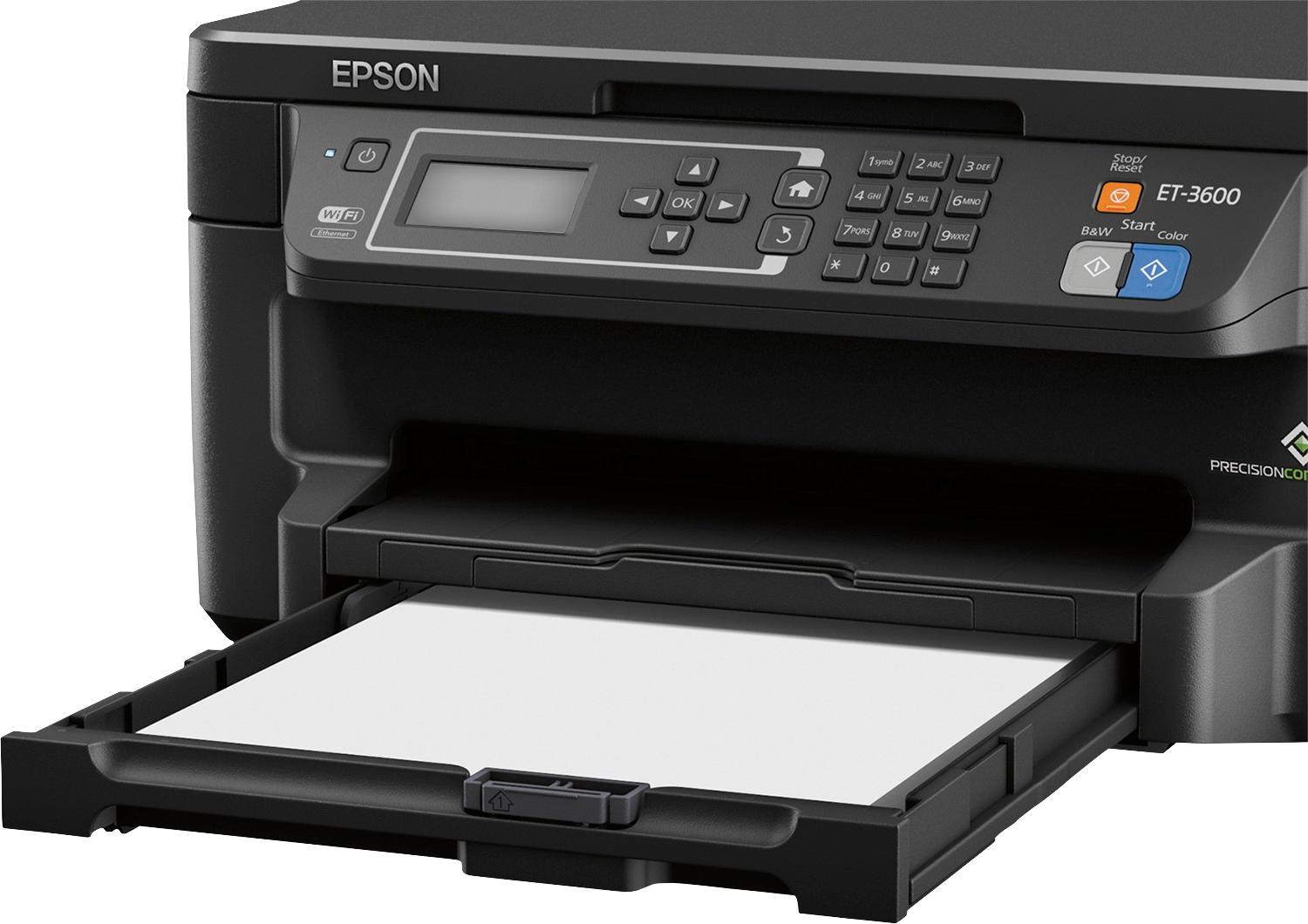
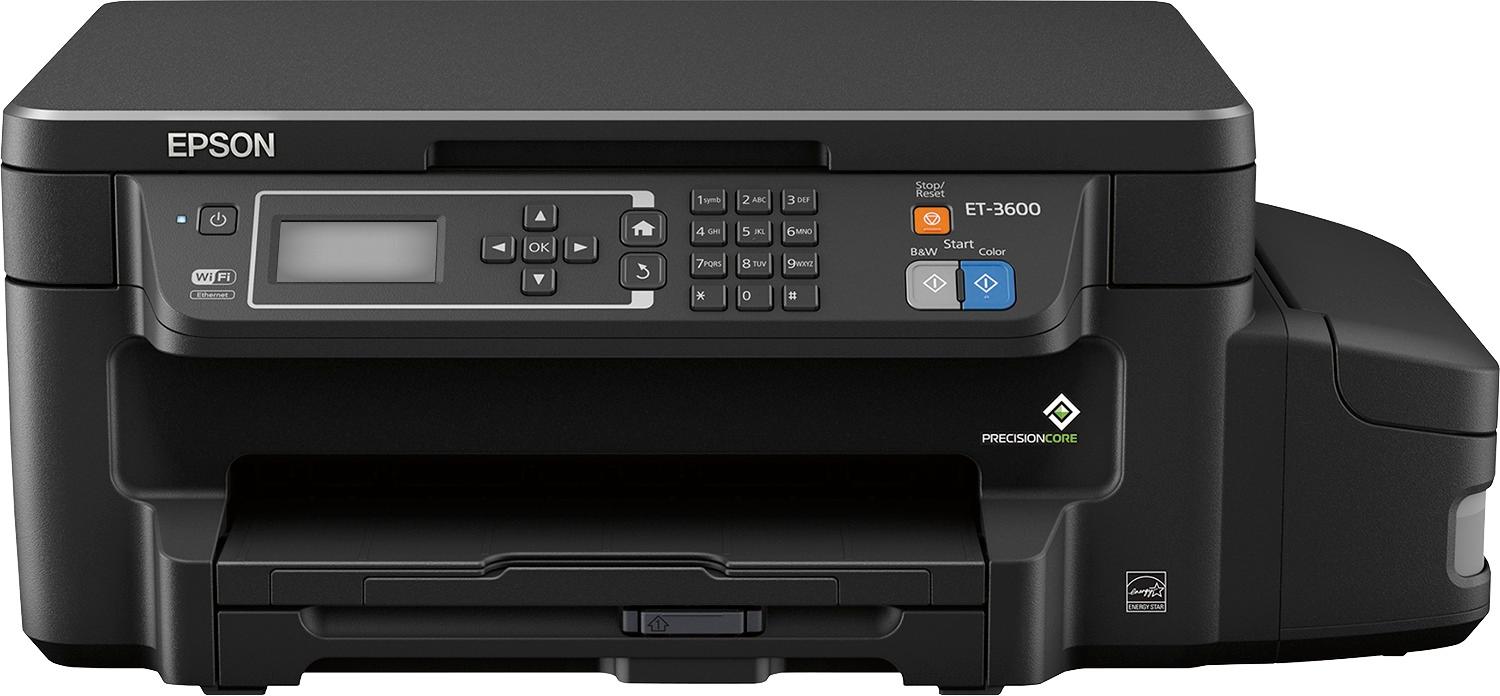
Posted .This reviewer received promo considerations or sweepstakes entry for writing a review.This is a review for the Epson ET-3600 EcoTank that I received free of charge to do a beta test and review. All in all, this product meets my needs. I've been testing this printer for over a week now. While there are downsides that you need to take into consideration, the upsides meet or exceed them. So without further ado, I'll review the negative aspects of the printer, the indifferent, and then the positive aspects. Negatively, I wish there was a feeder for documents that I wanted to scan. Placing each page individually on the flatbed became cumbersome. I also did not like the fact that there was no separate photo tray. I typically print just as many photos as I print documents so having to always switch between the two became a task. Lastly, filling up the ink tanks could become a cleaner process. I did make sure I was prepared in the event I did spill some ink, which I did. It wasn't much but you do need to be careful. I was indifferent with the size of the printer. Although it had a wider footprint than my existing printer because of the ink tanks, I still had room in the cabinet to place the printer. The smaller height of this allowed for me to not have to pull the printer out to do scans. The interface also needs more to be desired. It's definitely simple and not complex but some might find it to be too simple or just want a touch screen instead of using arrows keys to navigate the interface. On the positive side, even though I mentioned it as a negative, I enjoy the fact that that I can refill each of the tanks. The waste and overhead costs of always having to buy cartridges is particularly cumbersome and costly over time. I wish you could tell ink levels from the app instead of visually. It remains to be seen if the "2 year" ink supplied with the printer will live up to that. I, however, can vouch for the fact regarding the speed and clarity of the printed output. Not only were the documents crisp, clean, and sharp, but the pictures printed on glassy photo better turned out better than my old printer. The pictures turned out very sharp and detailed. I was very impressed. Add to the fact, that the simplicity of printing from my iPad Pro or my iPhone was seamless and printing from each was quick. Overall, although the price of the printer might detract some from purchasing this product, if you factor in the cost of print cartridges for a traditional ink jet printer, over time you'll pay more for a traditional ink jet printer. I would recommend purchasing this product based on that fact. I should have taken this into consideration with my previous printer and will in the future. Combine this with the fact that the quality of the prints are exceptional and the speed to print them are quick is why I recommend it. Epson is synonymous with building quality printers and delivering quality documents and prints.
I would recommend this to a friend Rated 3 out of 5 stars
Connection to Apple products is iffy
||Posted .This reviewer received promo considerations or sweepstakes entry for writing a review.I like the printer and it works well but is keeps having a problem connecting to my Apple products. It connected and worked right away with the Dell.
I would recommend this to a friendRated 3 out of 5 stars
Lots of copies
||Posted .This reviewer received promo considerations or sweepstakes entry for writing a review.I like the fact of all the copies one can print off and the value of the larger ink tanks. Would really like for the money it was fax capable.
I would recommend this to a friendRated 3 out of 5 stars
Okay
||Posted .This reviewer received promo considerations or sweepstakes entry for writing a review.Good for a starter. I bought this to get me buy till I could get a better one. Like the blue tooth
I would recommend this to a friendRated 3 out of 5 stars
Scan function impossibly difficult
||Posted .This reviewer received promo considerations or sweepstakes entry for writing a review.I wouldn't buy this. Printer works great but other functions hard to utilize.
No, I would not recommend this to a friendRated 3 out of 5 stars
Good price, standard quality
||Posted .This reviewer received promo considerations or sweepstakes entry for writing a review.This printer is for scholol homeworks, but quality is less than expected
I would recommend this to a friendRated 2 out of 5 stars
cheap ink, copy feature doesn't work
||Posted .This reviewer received promo considerations or sweepstakes entry for writing a review.I can't copy from a book after I've printed 4x6 cards without calling Epson. When I called Epson this week, using the number from their website, I got someone who wanted to sell me a service to remove the malware from my computer and did not, or could not, fix the printer. I'm very disappointed. What good is cheap ink if you can't use the printer that way it's advertised?
No, I would not recommend this to a friend- Pros mentioned:Ease of use, Print quality, Setup
Rated 5 out of 5 stars
Great printer, love the new ink paradigm
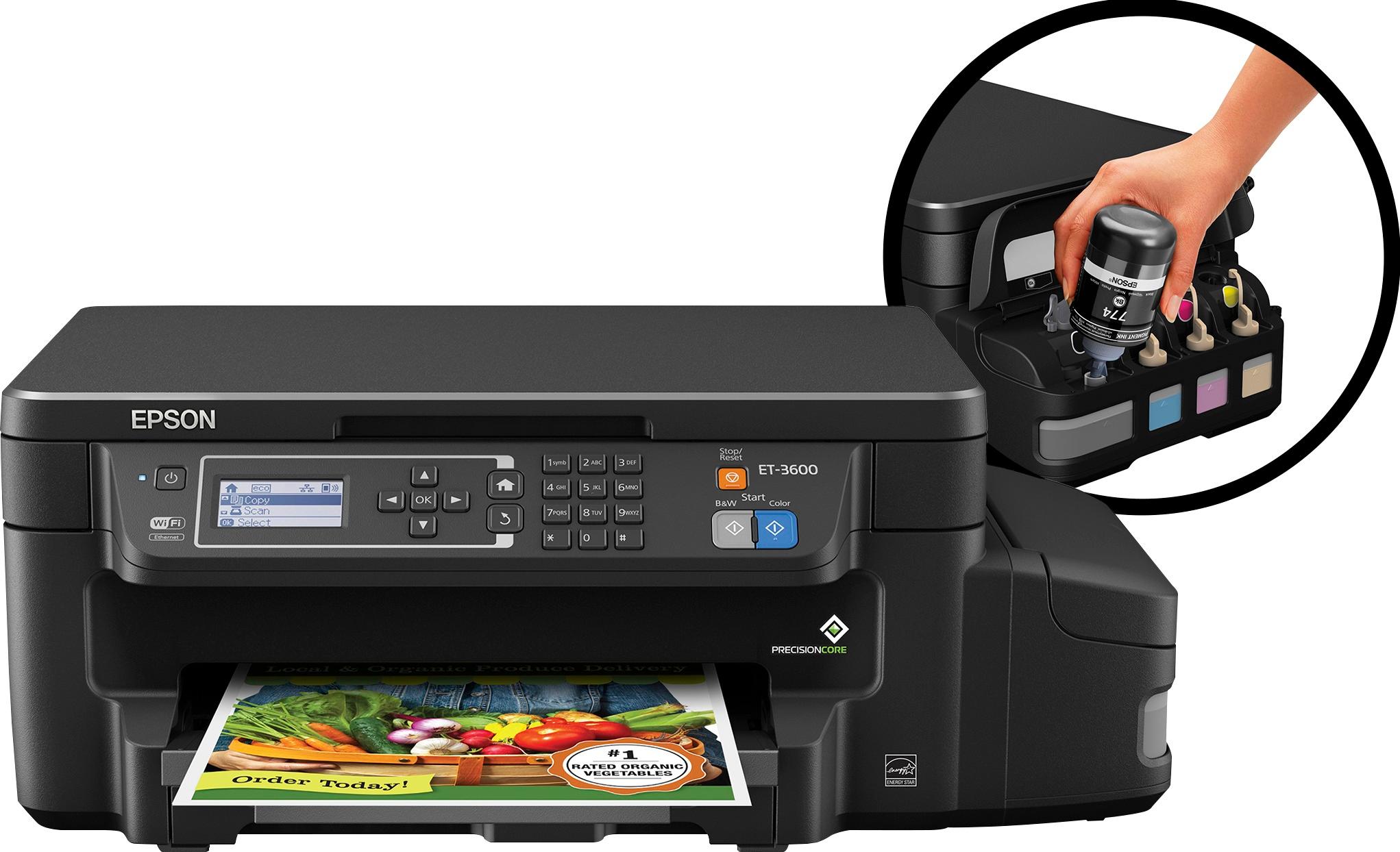
Posted .This reviewer received promo considerations or sweepstakes entry for writing a review.There's a lot to like about this printer! Besides great print quality, being super-easy to both set up and use, and the ability to scan/print to a variety of destinations (more on these later), there's another thing that I love about it: as cliche as it sounds, it really does change the paradigm of inkjet printers. In recent years, I've largely moved away from using inkjets to laser printers because it seemed that nearly any time I tried to print, I was out of one of the various colors of ink and would need to replace one or more expensive cartridges before the printer would be willing to even attempt to print. When I need to print black text, I don't want to need to purchase a $20+ yellow cartridge. The change to this paradigm is that this printer uses large wells of ink - when one is running low, which is visible through the side of the printer, I just purchase another bottle of (reasonably-priced!) ink and pour it in, topping myself up for another few thousand prints! As I mentioned, the refills from Epson are very reasonably priced, especially considering how much ink there is in each bottle and how long they last. I'm very impressed! Regarding print quality, I downloaded a color printer test-page from the internet and printed it on both this printer and a large, enterprise-grade color printer that I use as a benchmark for printing (it's very good!). In a large surprise to me, the output from each was nearly indistinguishable - in a blind test, my friend couldn't tell which page came from which printer. One section with a bright red strawberry looked a bit washed out compared to the laser print, but some of the other colors (a pale blue) looked much crisper than the laser. I'd call them very comparable. Setup was easy, as was connecting to the network. Once it had connectivity to my local network, I could go to the printer's IP from my phone or computer and it it was straightforward to connect it to my Google account to scan to email or upload to Google Drive.
I would recommend this to a friend - Pros mentioned:Print quality, SetupCons mentioned:Document feeder
Rated 4 out of 5 stars
Initial cost high, but lower cost per page usage.
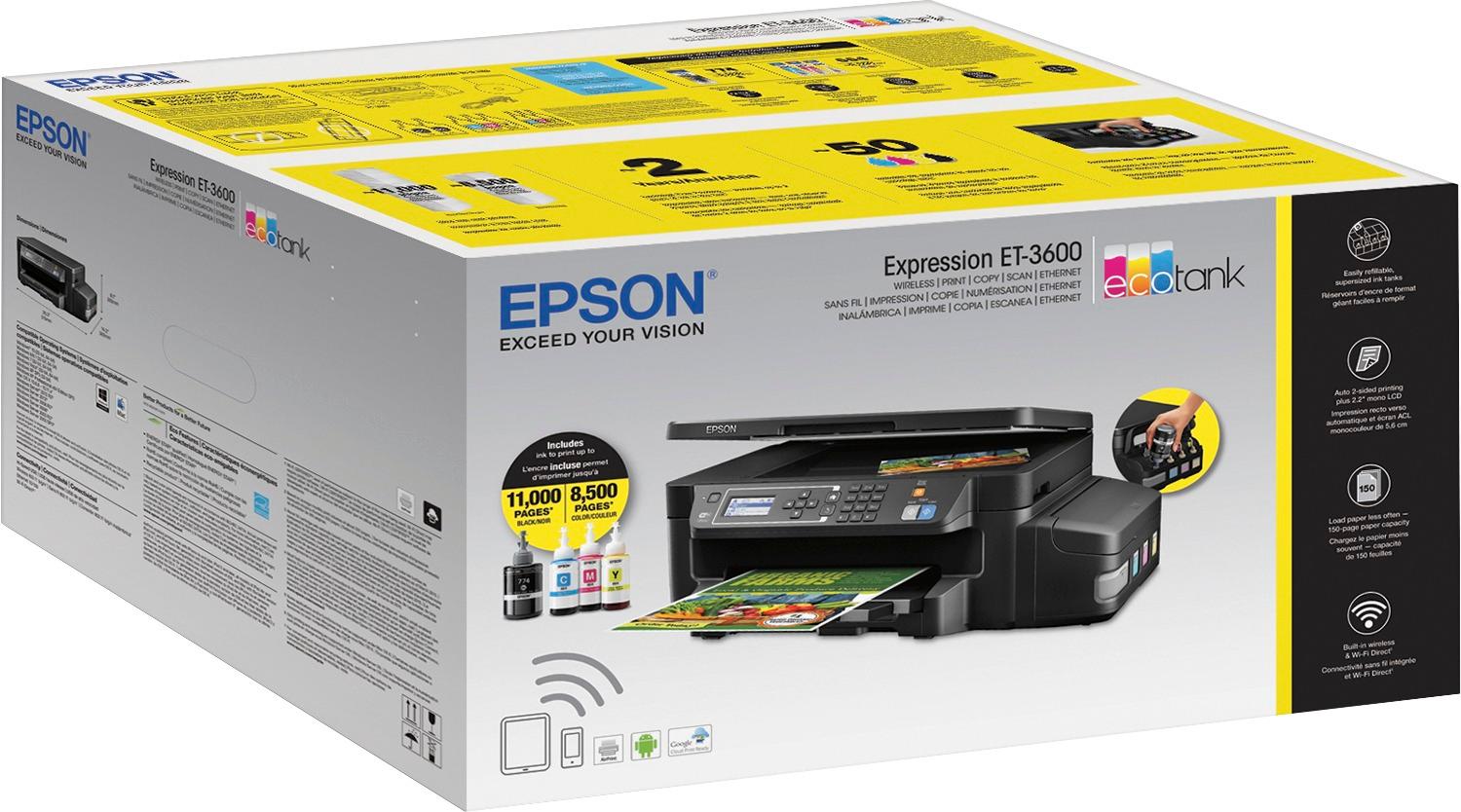
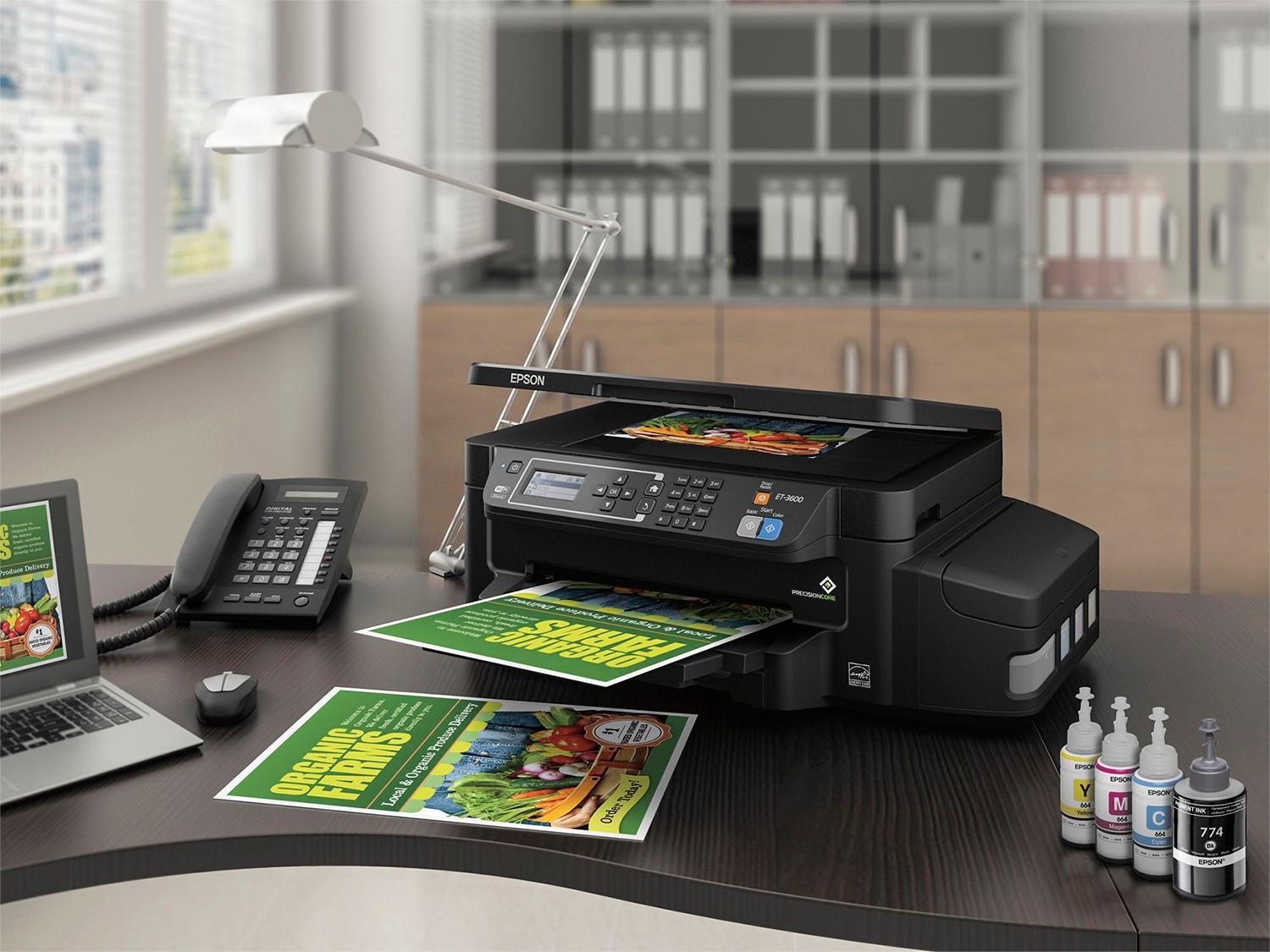
Posted .This reviewer received promo considerations or sweepstakes entry for writing a review.I have had the opportunity to use the Epson ET-3600 EcoTank printer in my home for work and kids school projects. Set up was very easy and not to painful. I was nervous about putting the wrong color ink in the tanks, so I double checked before pouring ink into the containers. I had layered newspaper on the table, but it wasn't necessary. No ink was spilled during the setup. The printer is very fast and prints at a pretty good quality. There are a lot of features such as, ability to print on different size paper, cloud printing, and printing from your mobile device. This printer has duplex printing, but there is no document feeder. Also this printer does scan, copy, and print, but there is no fax ability like in some office printers. The large ink reservoirs hold as much ink as 15 cartridges giving the printer the ability to print 11,000 black & white and 8500 color pages. The initial cost is very high for a printer of this quality, but the cost per page is lower because you shouldn’t need to buy any ink for 2 years. When you do buy ink, the refills are much cheaper than a cartridge would cost. Two years of ink cartridges would cost more than the price of this printer. This is a review for the Epson ET-3600 EcoTank that I received free of charge to do a beta test and review.
I would recommend this to a friend - Pros mentioned:Print quality, Setup
Rated 5 out of 5 stars
This is my best home printer
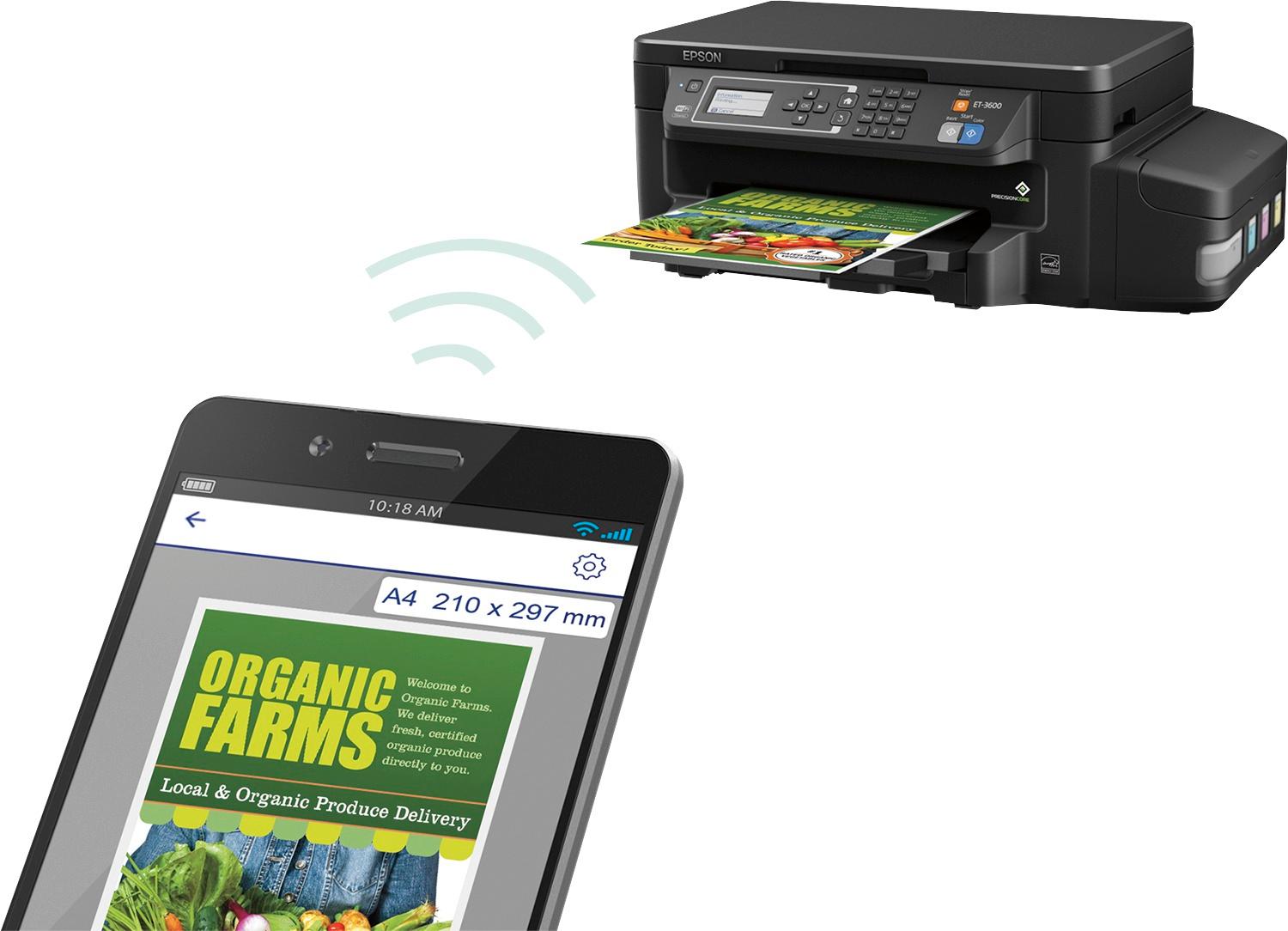
Posted .This reviewer received promo considerations or sweepstakes entry for writing a review.This is a review for the Epson ET-3600 EcoTank that I received free of charge to do a beta test and review. Out of box instructions and setup were simple. Loading real ink was a new experience and while you need to be cautious to avoid spills, it was still far better than having to squeeze my fingers in tight spots to insert and remove printer cartridges. Software drivers auto-installed on both my Mac and Windows 10 PC which saved me time and avoided the hassles that often come with driver install. WiFI setup a breeze - only a few clicks and the menu was easy to navigate. I enjoyed discovering the printer integrated out-of-box with Google Cloud print services. Printer output itself is high-quality. The colors in particular were very bold and far better than my last cartridge-based printer. After a week of use, the print, copy, and scan features have all worked great and I have not experienced a paper jam or any other operating problem. The ease of use, cool features, and print quality make this the best home printer I've owned.
I would recommend this to a friend - Pros mentioned:Print qualityCons mentioned:Noise level
Rated 5 out of 5 stars
Impressive!
Posted .This reviewer received promo considerations or sweepstakes entry for writing a review.Over the years I’ve had more inkjet printers from more manufacturers than I can remember or count. Gradually I gave up on inkjets because the low initial price advantage was lost due to the high cost of replacement cartridges. And it wasn’t just that the cartridges were expensive—they always seemed to dry up or clog well before they were actually empty and I’d waste time (and ink) cleaning them just when I was in rush to get something printed. That was especially a problem on color printers, or my fax printer, that I didn’t use regularly. So as the price of laser jets dropped, I’ve switched over entirely to laser printers: four at the moment, including a HP color laser printer. When I got the opportunity to try the Epson EcoTank ET-3600, I was cautiously intrigued. The idea of using easily refilled tanks rather than proprietary ink cartridges is novel, as is the idea of tanks large enough to actually print for thousands of pages. I also really like the idea of individual tanks, so I can only replace the colors that actually run out. It’s also a joy to have see-through tanks that let you easily see how much ink is left. I was initially taken aback when UPS dropped off the ET-3600, because the shipping box is HUGE. I began to wonder where I was going to place the behemoth, since I already have a HP Laser Jet Pro 200 color printer that takes up a whole cabinet. But when I opened the box, I discovered that much of the size of the shipping container is due to very careful packing. Lots of Styrofoam, plus room for the EIGHT (!) bottles of ink! Yes, not only one set of black, yellow, cyan and magenta, but also a “bonus” set of extra refill bottles. Nice. The printer is still bigger than your typical inket (20” wide x 14” deep x 8” tall), but it’s not unmanageable. Unlike the rest of my printers, the ET-3600 is wider than it is deep (to allow room for the ink tanks on the side), which in my case worked out well for placing it on a relatively shallow shelf. Still, if you’re cramped on space, may be worth measuring first. Setup went well, thanks to a well-written set of instructions (a rarity these days). In fact, there are two quick start guides, one for basic assembly/set-up and the other for basic everyday needs. The installation CD worked just fine on my Windows 7 PC, and provided a link to an online manual that provides all the extra details you might want. For my Windows 10 2-in-1 that lacks a CD drive, I simply went to the provided URL and downloaded the installation package; again painless and quick. One thing I’m not used to is a wireless internet-connected printer, and I really liked the ease of setting up the ET-3600 for access by my PCs, 2-in-1, and my mobile phones. Everything just worked…something that should be, but often can’t be, taken for granted. After about a week of use, I am really pleased. Both color and B&W printing is clear, the speed is good (maybe not quite up to my laser printers, but better than I recall most of my old inkjet printers), and no jams. Paper capacity is good, and I like the idea that I will be notified by email of any issues. As for cons, I haven’t experienced any serious downsides. Obviously, the price is steeper than typical inkjets, but if this works as well as promised, the total cost of printing is likely to be quite competitive. I’ve not had it long enough to judge ink life or propensity for drying/clogging of the heads, so time will tell. It is rather noisy—especially when it’s initially charging; may not be ideal for late night printing if placed near a bedroom (but, again, I’m used to laser printers which are generally quieter than inkjets). Speaking of charging, when you first put ink in the ET-3600, the manual says it can take up to 20 minutes to “charge” the system; I didn’t hang around to time it, partly because the process is really noisy, but this could be a bit of a pain if you needed to refill at a busy time. Hopefully with the large tanks that won’t be often. Some people also might be put off by having to fill the tanks from the ink bottles. Although the bottles are well designed and the instructions clear, there is definitely the potential to get some ink on your fingers, or worse. Epson would be wise to provide a pair of cheap latex gloves for at least the initial fill, though as someone who would often refill my ink jet cartridges (against manufacturer’s recommendations, and with often mixed results), it’s not a big deal. Finally, I should point out that this is not a typical “multifunction” printer, in that it does not include fax capabilities (only print, scan and copy). But who uses fax machines anymore anyway? In sum, I think Epson may be on to something. If things continue to go as well as they have so far, I may be reconsidering the inkjet vs laser trade-off. Oh, and I need to add that “This is a review for the Epson ET-3600 EcoTank that I received free of charge to do a beta test and review.” But I’m a big believer in user reviews and wouldn’t sell my soul for a free printer that I don’t really need, so you can place your faith in my comments.
I would recommend this to a friend