Customer Ratings & Reviews
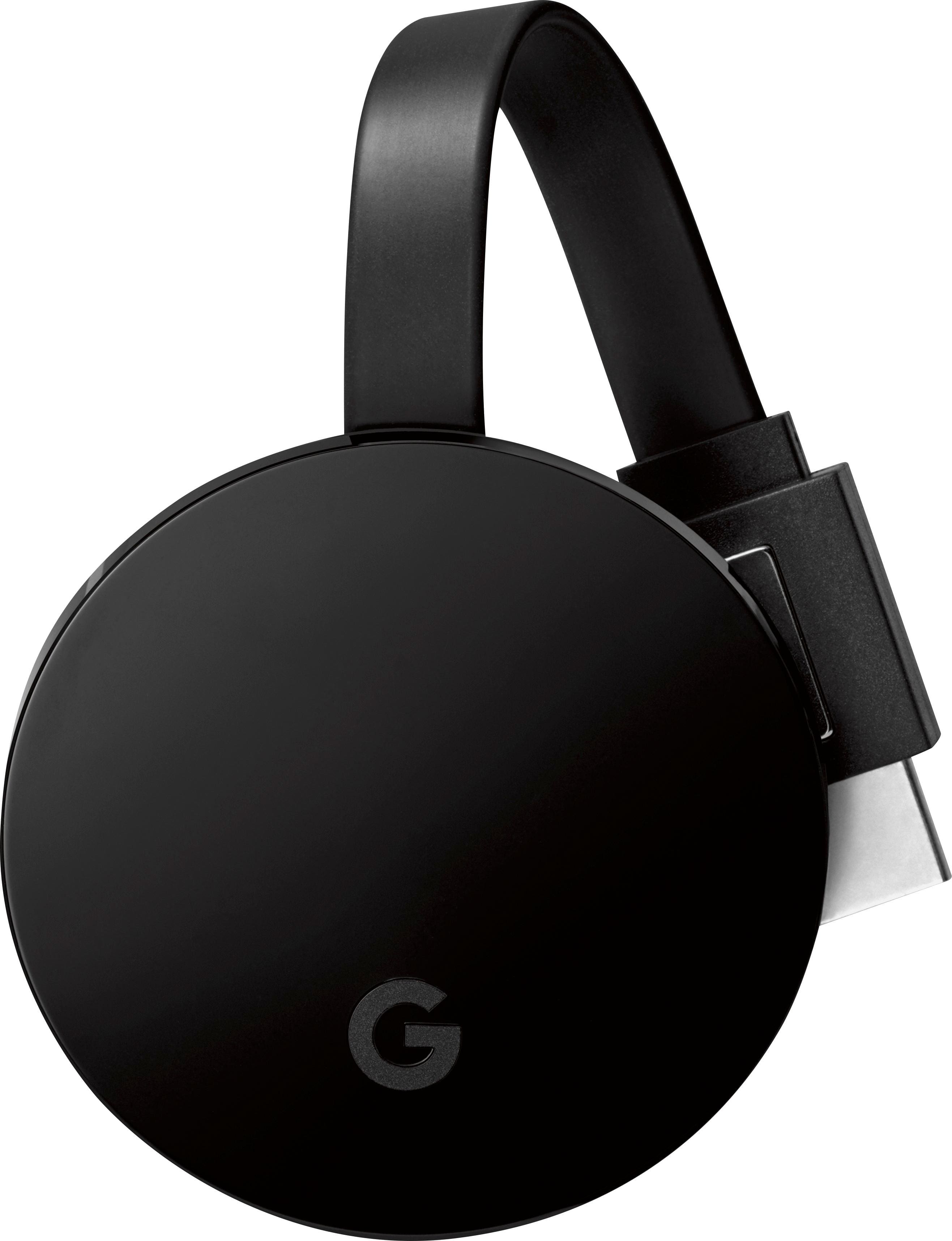
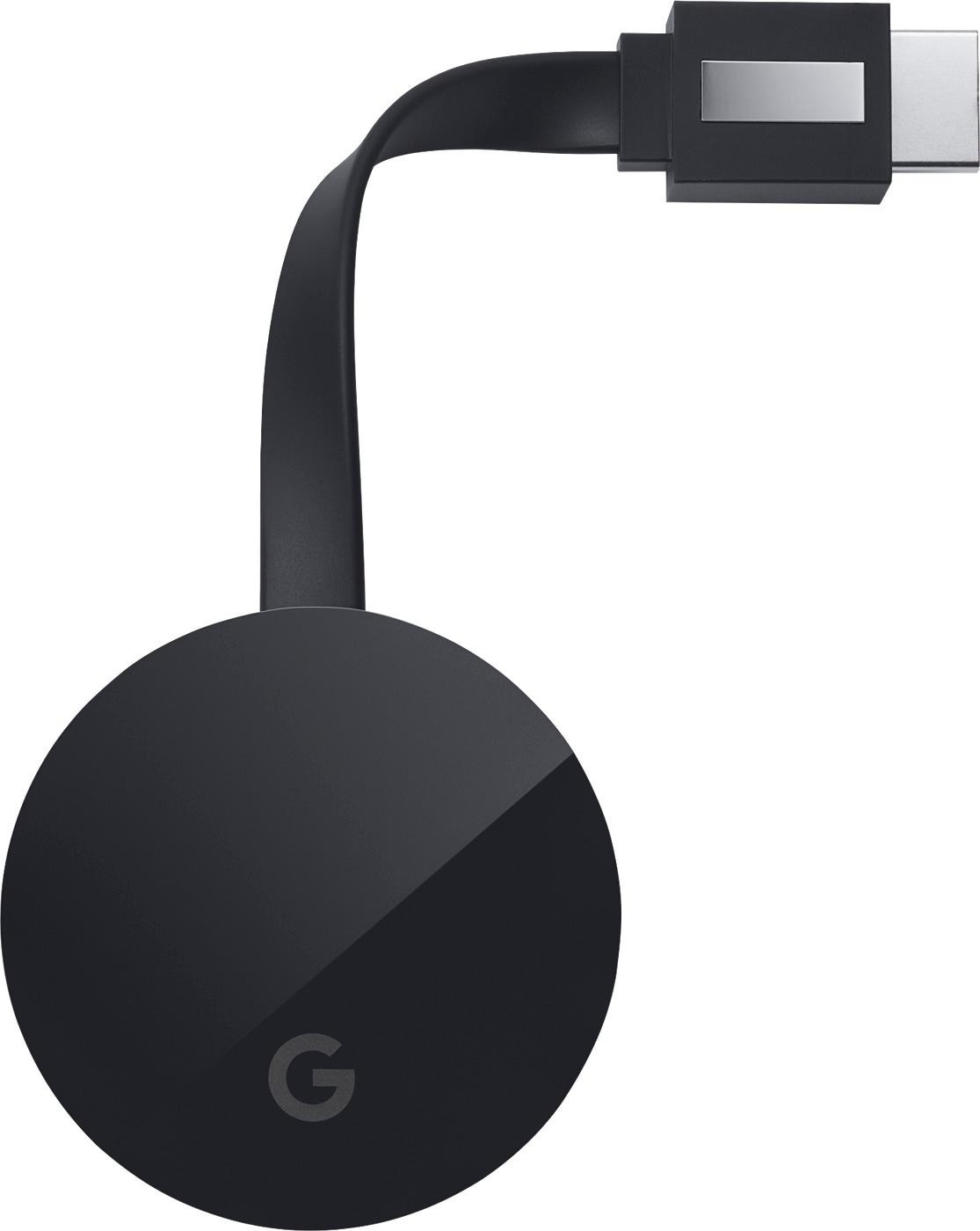
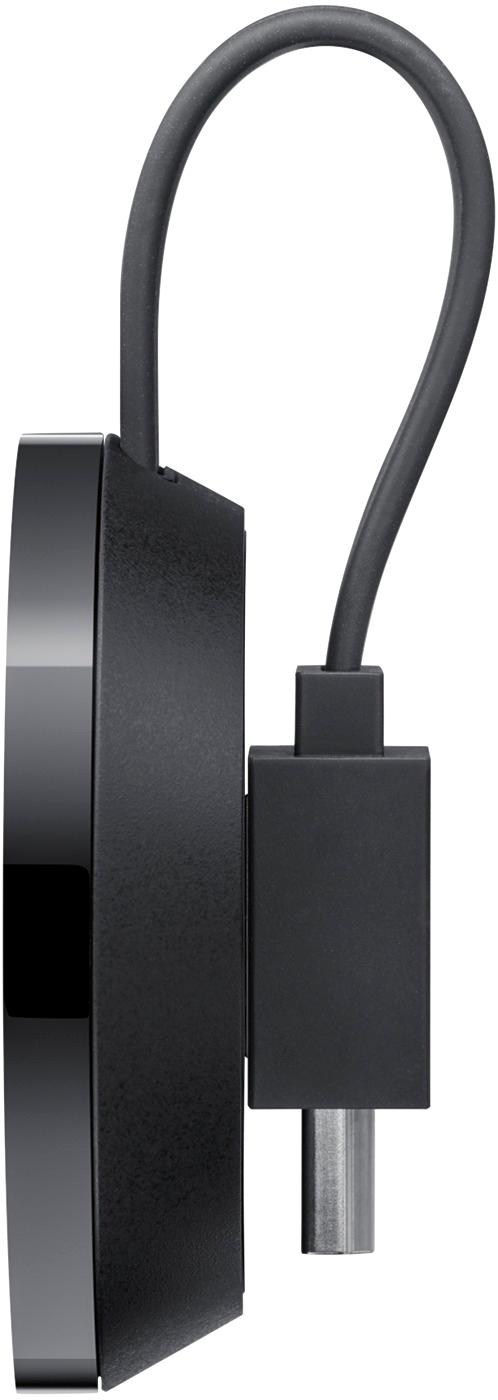
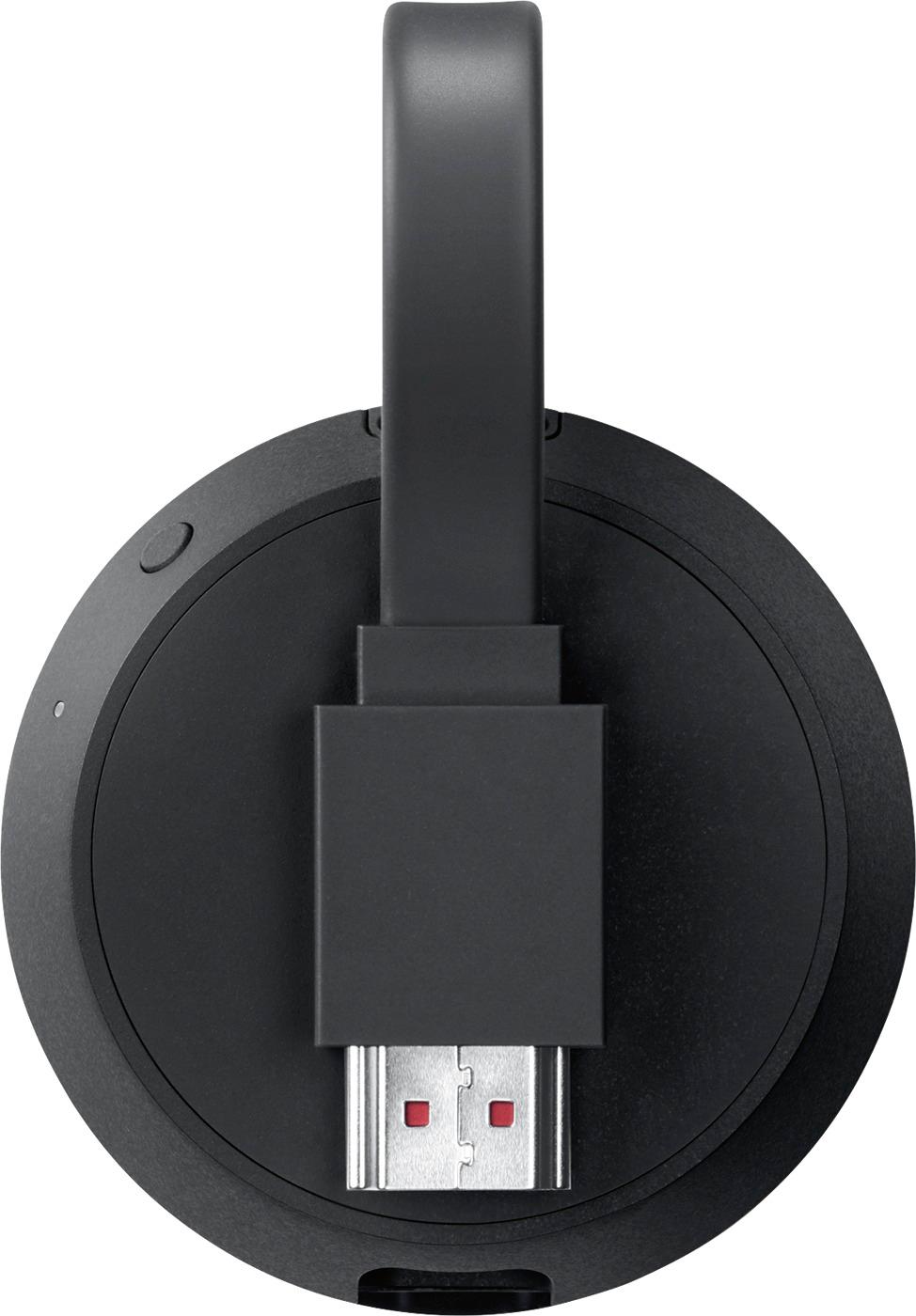









- Model:
- NC2-6A5-D
- |
- SKU:
- 5578628
Customer reviews
Rating 4.6 out of 5 stars with 4943 reviews
(4,943 customer reviews)Rating by feature
- Value4.4
Rating 4.4 out of 5 stars
- Quality4.7
Rating 4.7 out of 5 stars
- Ease of Use4.6
Rating 4.6 out of 5 stars
Customers are saying
Customers often highlight the Chromecast Ultra's ease of use, excellent picture quality, and impressive 4K streaming capabilities. Many appreciate its straightforward setup and generally positive performance. However, some users mention the relatively high price point and the lack of a dedicated remote control as drawbacks. A few also noted occasional lag or heat issues.
This summary was generated by AI based on customer reviews.
- Pros mentioned:4k
Rated 5 out of 5 stars
Perfect for what it does
||Posted .This reviewer received promo considerations or sweepstakes entry for writing a review.Great addition to our new TV. Plays our 4K videos with no problem.
I would recommend this to a friend - Pros mentioned:Speed
Rated 5 out of 5 stars
Fast
||Posted .This reviewer received promo considerations or sweepstakes entry for writing a review.The new Google - Chromecast Ultra - Black works better and faster.
I would recommend this to a friend Rated 5 out of 5 stars
cast many items to tv screen
||Posted .This reviewer received promo considerations or sweepstakes entry for writing a review.Nice to cast pictures from google photos and desktop to tv screen
I would recommend this to a friend- Pros mentioned:Picture quality
Rated 5 out of 5 stars
Husband loves it
||Posted . Owned for 3 weeks when reviewed.This reviewer received promo considerations or sweepstakes entry for writing a review.If you share a TV with family members who are too young to have their own phone--I feel this isn't as good as a Roku or Fire that come with a remote (for everyone to use). However--a TV in a study or other room that is only controlled by folks with a phone app to use as a remote--it's super nice. You won't have to keep up with a remote to stream your favorite videos...it's all done with your phone over your home wi-fi. If you have them in more than one room--make sure you "name" the TV or room so you aren't accidentally controlling a TV in another room that someone else might be watching. The streaming quality is very nice ( we aren't using 4k, but if we upgrade the TV later, we don't have to upgrade the Chromecast.
I would recommend this to a friend - Pros mentioned:Ease of use, Picture quality
Rated 5 out of 5 stars
Does EXACTLY what you expect it to do.
||Posted .This reviewer received promo considerations or sweepstakes entry for writing a review.The summary says it all, this little widger broadcasts your tablet/phone's screen to a TV that does not already come with SMART capabilities. Which is EXACTLY what I expected it to do. Easy setup - Good Picture
I would recommend this to a friend - Pros mentioned:Picture quality
Rated 4 out of 5 stars
Good product
||Posted .This reviewer received promo considerations or sweepstakes entry for writing a review.If your TV has multiple 4k@60hz hdmi ports or you only have one and this is your only source of 4k content works fast, easy setup and allows for great picture. Unfortunately my TV only has 1 4k@60hz and the rest are @30hz. Will only allow 4k with @60hz. Recommend if you have the right setup.
I would recommend this to a friend - Pros mentioned:Ease of use
Rated 5 out of 5 stars
good
||Posted .This reviewer received promo considerations or sweepstakes entry for writing a review.really like chromcast. like having my phone as a remote control.
I would recommend this to a friend - Pros mentioned:Picture quality
Rated 5 out of 5 stars
Great Stream Device
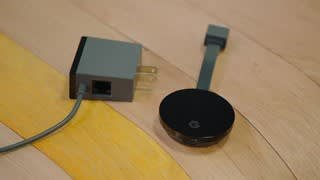
||Posted .This reviewer received promo considerations or sweepstakes entry for writing a review.This is great for streaming and doesn't have lag thanks to the direct ethernet cord instead of using Wi-Fi. You can still use Wi-Fi but the ethernet cord makes me more efficient but either or it's still great the quality is also fantastic
I would recommend this to a friend - Pros mentioned:Ease of use
Rated 5 out of 5 stars
Easy to use!
||Posted . Owned for 4 months when reviewed.This reviewer received promo considerations or sweepstakes entry for writing a review.Purchased this product Nov 2019. Easy to install and works great! Love that it is compatible with my Google Home products and my phone. Reasonably priced. I did purchase it when it was on sale.
I would recommend this to a friend - Pros mentioned:Streaming
Rated 5 out of 5 stars
Great for streaming
||Posted .This reviewer received promo considerations or sweepstakes entry for writing a review.Works great for streaming Netflix and works with our google home
I would recommend this to a friend - Pros mentioned:Picture quality
Rated 5 out of 5 stars
Love it
||Posted .This reviewer received promo considerations or sweepstakes entry for writing a review.Highly recommend the updated Chromecast, nice improvements noted.
I would recommend this to a friend Rated 4 out of 5 stars
Good to Mirror Laptop
||Posted .This reviewer received promo considerations or sweepstakes entry for writing a review.Since I already have a Smart TV. I purchased Chromecast Ultra for one one reason, which was to have the ability to mirror my desktop and laptop. The Chromecast allows you to cast a tab in the Chrome Browser or your entire desktop from your computer. There is a very noticeable delay in terms of moving the mouse on the TV screen. However this is a good way to play DVDs from your desktop computer onto your flat screen TV.
I would recommend this to a friend- Pros mentioned:Speed
Rated 4 out of 5 stars
Improved
||Posted .This reviewer received promo considerations or sweepstakes entry for writing a review.It's better, faster and I like the Ethernet plug; still on fence in whether it's worth 34 dollars more. Really does the same thing, just faster, have not tried it with 4k content yet.
I would recommend this to a friend - Pros mentioned:4k
Rated 5 out of 5 stars
Great casting device
||Posted .This reviewer received promo considerations or sweepstakes entry for writing a review.It's a fast casting device compared to others.Great 4K casting.
I would recommend this to a friend - Pros mentioned:4k
Rated 5 out of 5 stars
Wow. I Love it.
||Posted .This reviewer received promo considerations or sweepstakes entry for writing a review.4K picture is stunning. They really got it right with this one.
I would recommend this to a friend - Pros mentioned:Ease of use
Rated 5 out of 5 stars
Great product
||Posted .This reviewer received promo considerations or sweepstakes entry for writing a review.It's awesome being able to cast from my phone directly to my tv
I would recommend this to a friend - Pros mentioned:Ease of use
Rated 5 out of 5 stars
Awesome
||Posted .This reviewer received promo considerations or sweepstakes entry for writing a review.works great would highly recommend it to any one so easy to use
I would recommend this to a friend - Pros mentioned:Picture quality
Rated 4 out of 5 stars
Fast on 5G, Good picture & audio. Poor help info.
||Posted .This reviewer received promo considerations or sweepstakes entry for writing a review.The Chromecast Ultra gives a great picture & sound. But connecting with our Android devices was a nightmare! Almost no worthwhile help from the Google online troubleshooting guides. Your wireless network setup has to be set to exact parameters to keep an Android connection, The PC connection was very easy and good. iphone appears to be good as well. It does work well on even a guest network. But I haven't figured out how to use the hardwired Ethernet connection yet... or... how to get the Android devices to connect again after the initial test! You do need to have the "see other devices on this netwrok" function enabled. And be on the same network, of course. But you should be able to use both the 2.4G & 5G wireless connections from any of the devices, as long as its the same network (which it is in most cases! One router with dual mode capabilities). So why can't I get all of my devices to see the Chromecast... & stay connected!? Still working on it.
I would recommend this to a friend - Pros mentioned:Ease of use
Rated 5 out of 5 stars
Awesomness in a box
||Posted .This reviewer received promo considerations or sweepstakes entry for writing a review.simple, easy set-up. Works immediately. Great images and sound
I would recommend this to a friend - Pros mentioned:Streaming
Rated 5 out of 5 stars
Awesome alternative to other streaming devices!
||Posted .This reviewer received promo considerations or sweepstakes entry for writing a review.Love the ability to stream from Both iOS and android devices!
I would recommend this to a friend