Customer Ratings & Reviews
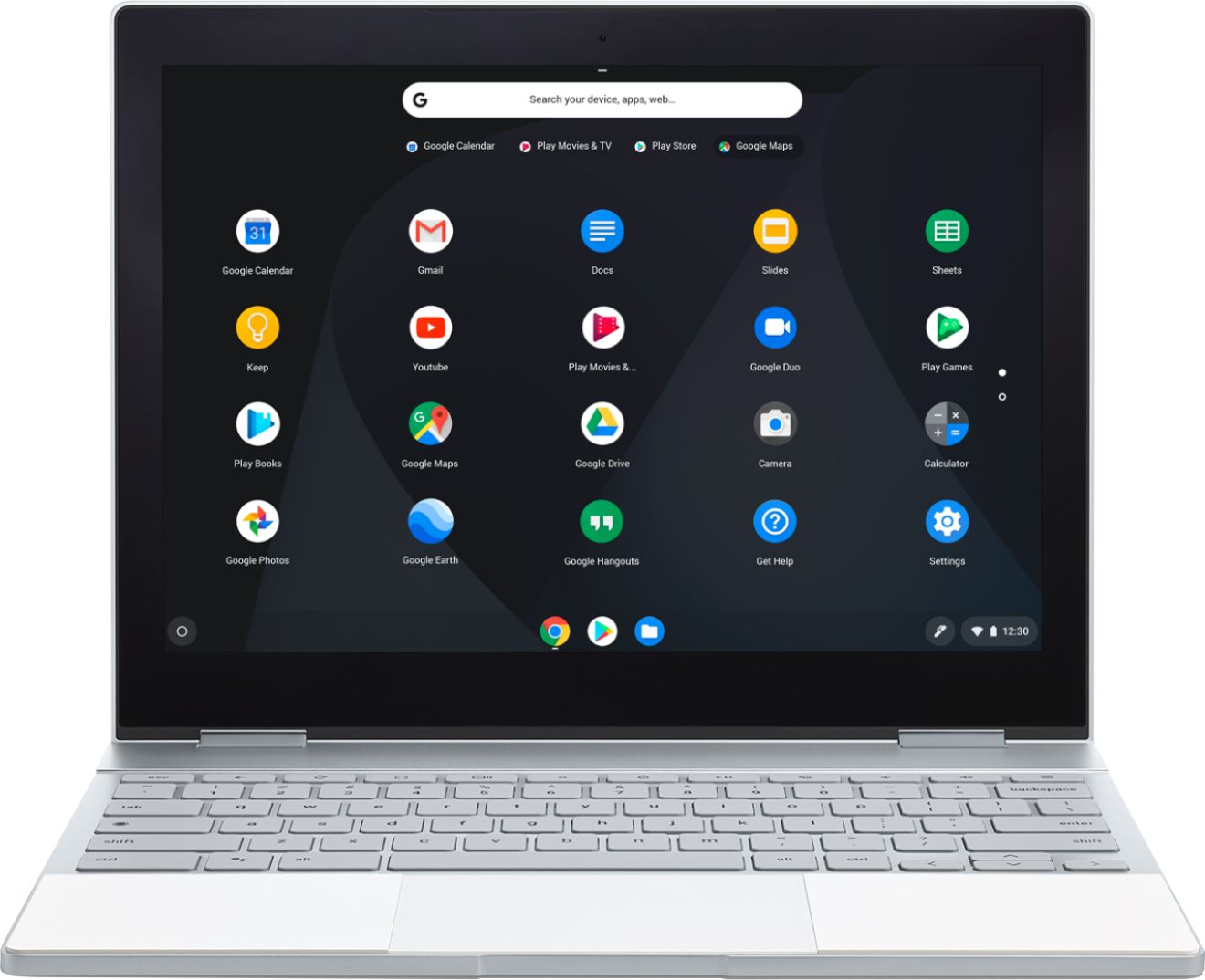
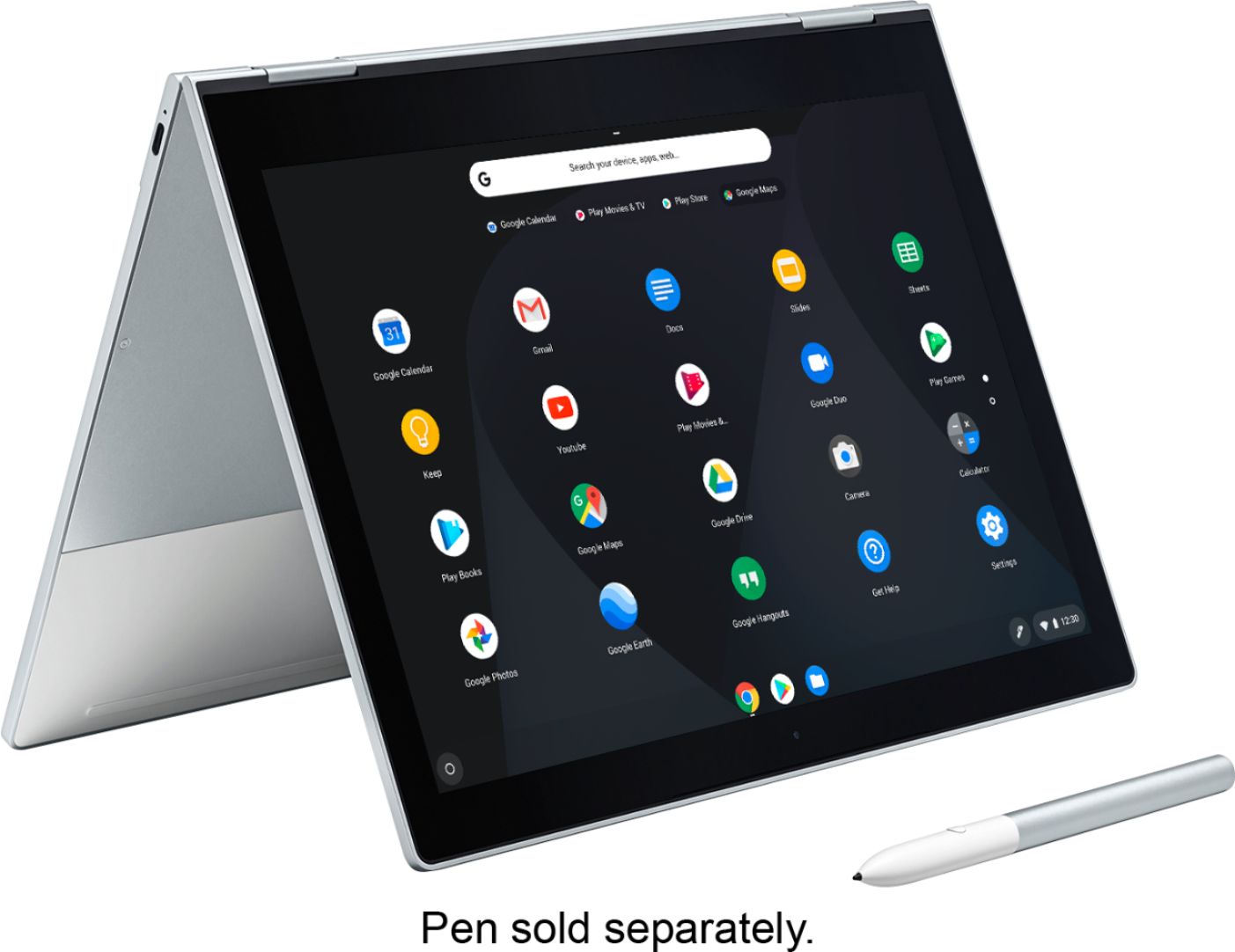
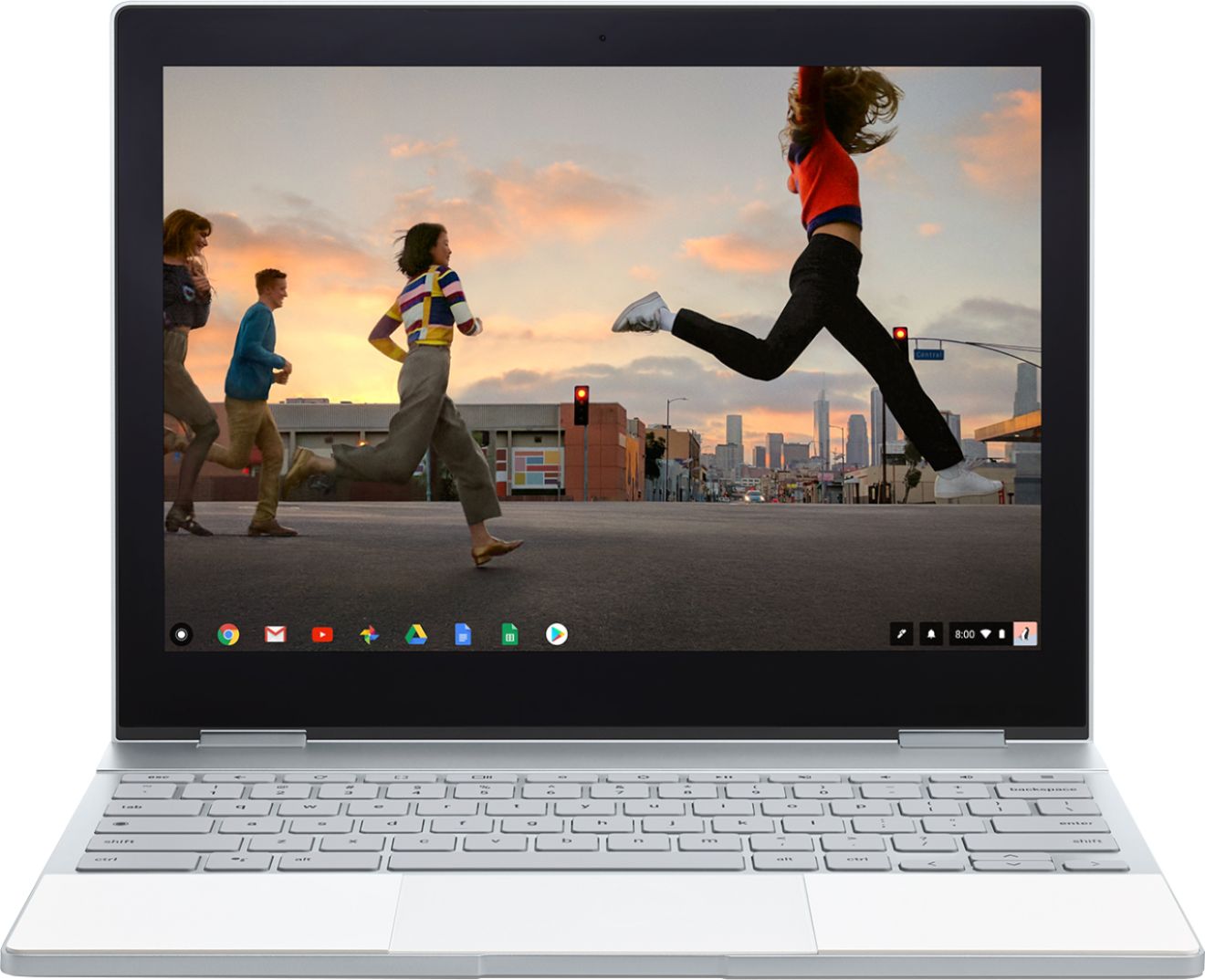
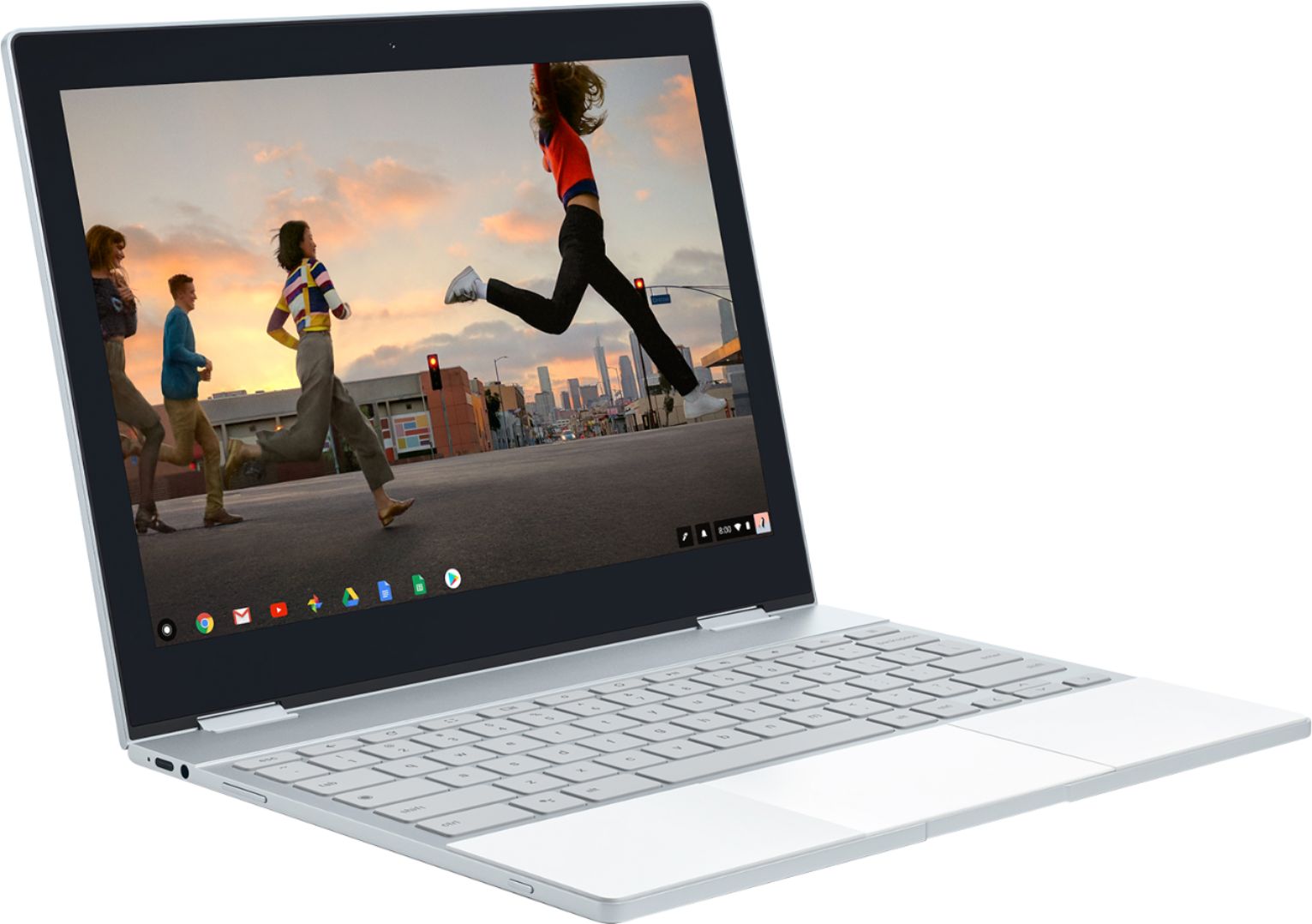






- Model:
- GA00122-US
- SKU:
- 6131501
Rating by feature
- Value
Rating 3.9 out of 5 stars
- Quality
Rating 4.6 out of 5 stars
- Ease of Use
Rating 4.6 out of 5 stars
Customers are saying
Customers enjoy the Pixelbook's keyboard quality, ease of use, and long battery life. Many appreciate its lightweight design and attractive aesthetics. However, some customers find the price to be high and wish it had more USB ports. The speakers also received mixed reviews.
This summary was generated by AI based on customer reviews.
- Pros mentioned:Keyboard quality, Speed
Expensive but you'll be happy
||Posted .This reviewer received promo considerations or sweepstakes entry for writing a review.I've had the pixel book now for about a month. I really enjoy using it and the speed and convenience it provides. It never lags, and always does what I ask of it. The build quality is unmatched, I compared with the Chrome book from Samsung and there was no competition. If you want the best Chromebook experience out there this is the device.
I would recommend this to a friend The Classic, Sad to see it Discontinued
||Posted . Owned for 11 months when reviewed.This reviewer received promo considerations or sweepstakes entry for writing a review.I bought this Google Pixelbook Chromebook, with Intel i5 8GB Memory ad 128GB Solid State Drive, refurbished for a great discount. I love the device's excellent design, solid built and great performance. I have been using this original Google Pixelbook since my purchase almost daily and happily. Too bad that it is discontinued.
I would recommend this to a friend- Pros mentioned:Battery life
Awesome laptop replacment
||Posted .This reviewer received promo considerations or sweepstakes entry for writing a review.I love my Pixelbook, 95% of my laptop usage is on chrome so a chromebook is a really nice fit. Some of the Android apps work too which is a bonus... Some.... It's light, fast with a good balance of battery life, although I would love to have more juice in my battery. The display is great, lighted keypad is a nice touch.
I would recommend this to a friend - Pros mentioned:Ease of use
Great chromebook
||Posted .This reviewer received promo considerations or sweepstakes entry for writing a review.Purchased this for my boyfriend for Christmas and he loves it. Easy to set up and integrate with his other google products.
I would recommend this to a friend - Pros mentioned:Battery life, Keyboard quality
Quality build
||Posted . Owned for 1 year when reviewed.This reviewer received promo considerations or sweepstakes entry for writing a review.The quality of build of this Pixelbook is excellent. The screen is bright and sharp, as good as any out there. The extra money for this Chromebook is worth it, though it is a little pricey. Battery life is good. I intend to use it for a long time.
I would recommend this to a friend Everything I need in a computer
||Posted .This reviewer received promo considerations or sweepstakes entry for writing a review.The Pixelbook is the best Chromebook out there. It's fast. It has a premium design. It just overall looks and feels like a nice laptop, on par with a Mac Book or similar. If all your computing needs can be fulfilled by a Chromebook, then the Pixelbook is the best one you can buy. However... It's so much more expensive than other Chromebooks ($900 when I bought it). Moreover, if all your computing needs can be handled by a Chromebook, the less expensive offerings from Samsung or Acer would probably serve you nearly as well. I knew this going in. I actually went to the store with the intention of buying the Samsung Chromebook Pro. When I got my hands on it though, I just didn't like the plasticky feel of it. It was small with a cramped keyboard. It just felt more like a toy. I ended up going with the Pixelbook mostly because of its premium feel. I just love the design (even if the screen bezels are a little on the large size). I also like how it works hand-in-hand with my Pixel phone. In summary, if you're looking for a Chromebook and don't mind paying a bunch extra for a really nice design, I highly recommend the Pixelbook. That said if you don't have some extra money lying around, you can get a Chromebook that does pretty much everything the Pixelbook does and nearly as well for about half the price. It just won't feel as nice.
I would recommend this to a friend- Pros mentioned:Battery life, Weight
Great piece of kit for the price
||Posted .This reviewer received promo considerations or sweepstakes entry for writing a review.This pixelbook is not only lightweight and easy to use but it's also got the specs to stand up to everyday usage. Battery life is amazing and the screen resolution is great. Integration with the pixel phone is also a handy feature as well.
I would recommend this to a friend - Pros mentioned:Ease of use, Speed
Powerful and quality in a small package!
||Posted . Owned for 3 weeks when reviewed.This reviewer received promo considerations or sweepstakes entry for writing a review.Was looking for a chrome book that I can surf the web in and to complete simple tasks in. I wanted something portable and light and that had a backlit keyboard and that wasn’t laggy or slow by any means. The pixelbook is the total package. It also charges pretty fast too.
I would recommend this to a friend - Pros mentioned:Speed
Pixelbook is amazing
||Posted .This reviewer received promo considerations or sweepstakes entry for writing a review.If you are looking for a high end chromebook, this is perfect. It is snappy, loads fast, and looks great. Since I use the Google Cloud and Chrome OS, it meets all my needs. I would recommend to anyone else if you are ok with Chrome OS. The addition of Android Apps helps too.
I would recommend this to a friend - Pros mentioned:Battery life, Ease of use, SpeedCons mentioned:Price
Fast; simple.
Posted .This reviewer received promo considerations or sweepstakes entry for writing a review.Excellent. Wanted to upgrade my laptop and quality is great and is super quick and responsive. Battery life is really good and charges fast through either of the two USB-C ports, one on each side, which is super convenient. This thing is really light and portable; great for travel or students (yes, you can install Microsoft Office 365 on the actual device and don’t have to mess with online versions of Office.) This does run Chrome OS though, so there are some limitations depending on what you need to do, not for everyone, but it does have the Google Playstore, which means tons of apps. Can probably do 90% of what most people need out of their laptop. Honestly, I’m enjoying this way more than I would any other Windows or Apple laptop and would recommend to anyone, specially if all you want to do on it is light work, school work, or media consumption. Can see this being a little cheaper, but definitely worth it!
I would recommend this to a friend - Pros mentioned:Battery life, Speed
I love it !
||Posted .This reviewer received promo considerations or sweepstakes entry for writing a review.I love it! Great battery life, I can go a few days without charging and be using it nonstop! I've had it for about six months now and it works just as fast as when I bought it. I also have a Google Pixel 2 so it's compatible with everything! Slim and awesome features and easy to use! Love the touch screen feature
I would recommend this to a friend - Pros mentioned:Keyboard quality, Speed
Great Multi Purpose Laptop
||Posted .This reviewer received promo considerations or sweepstakes entry for writing a review.Chromebook has come a long way and is now my only PC for everyday use. This combined with the pixel book is perfect. The PC is super beefy. Flip screen connections will last a while. I5 is plenty of power for anything you can throw at it.
I would recommend this to a friend - Pros mentioned:Battery life, Keyboard quality
Pricey, but if it's in your budget, it's awesome
||Posted . Owned for 7 months when reviewed.This reviewer received promo considerations or sweepstakes entry for writing a review.I've had one of these for 2 years, and I use it more than my HP Spectre. While that other laptop is best for the Adobe suite, this Pixelbook has been incredible for daily use. Battery life is solid, and the keyboard is the best keyboard I've ever typed on.
I would recommend this to a friend - Pros mentioned:Keyboard quality
Best Chromebook you can buy
||Posted .This reviewer received promo considerations or sweepstakes entry for writing a review.Almost the best laptop I have ever owned! With many applications going web-based this laptop can replace any Mac or Windows device easily. Display is perfect, keyboard feel is excellent for its thin size, and touch screen is responsive. The only thing I would recommend is including the stylus with this $1000 chromebook. The quality of the materials used for this chromebook is outstanding. The only problem with the laptop is its bluetooth connectivity. Sometimes it will not recognize the already paired device. Only a reboot fixes it. Sometimes the bluetooth radio would not turn on. Also fixed with a reboot. Otherwise very happy with purchase.
I would recommend this to a friend - Pros mentioned:Keyboard quality
The superlative Chromebook
||Posted .This reviewer received promo considerations or sweepstakes entry for writing a review.The Pixelbook is my third Chromebook. I've been using since 2014. Not withstanding that Chrome OS has some drawbacks for some people, I am invested in the world of cloud computing. This laptop is a joy to use. There is nothing about the design that I would change, The keyboard is a joy to type on, the track-pad is glass, the screen is bright and clear. For me the tablet mode is a novelty, its a little large for holding comfortably and the OS is not optimized for that mode. I still find myself using exclusively in laptop style. Battery life is improving with each charge cycle, but i was disappointed initially with <5h on one charge. This is an expensive Chromebook, no doubt, but i really feel that this machine will last me a long time. At least until I enviously eye whatever hardware Google produces next
I would recommend this to a friend - Pros mentioned:Battery life, Keyboard quality, SpeedCons mentioned:Price

The "instant-on" get the job done convo-laptop
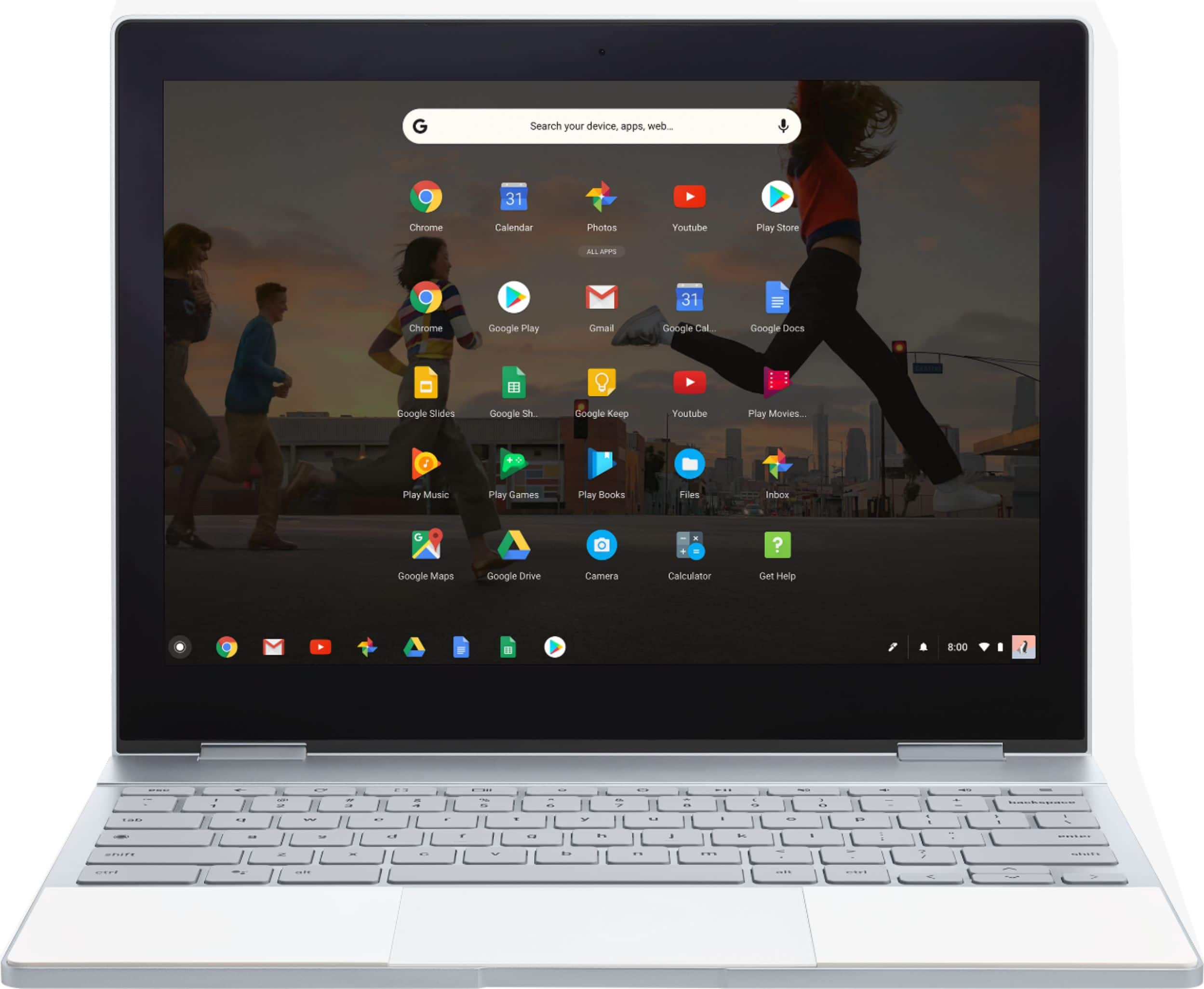
|Posted .This reviewer received promo considerations or sweepstakes entry for writing a review.Want a machine that is there when you need it? Hit a button and *BAM* it's on? Want it to look *darn* good also? Well then, you need a pixelbook! Many have already gone over the (VERY!) impressive specs so far, so I will not regurgitate them here. However, the RAM, and processor in this machine make it FLY. If all you are used to are Mac and Windows machine's (nothing against them personally) then you will be impressed with the speed as well. The body is 100% aluminium and screams high-quality and class. It would appear that this also makes the product more rugged. Though, I'm not going to throw it like Frisbee and find out! There is a glass panel up-top, to match the look of this devices' cousin, the Pixel phone. Which - if you have both, you can unlock the book with the phone, and instantly use your carrier's mobile data if you're out of WiFi range. Everyone seems to be hung up over Chrome-OS, marking it as one of the "negatives". Some claim that you can do 90% of what you need to do. So what is the reality? Owning several chromebooks prior to this, I will say the only thing you cannot do is any intensive video editing. Not because the pixelbook isn't capable (because it definitely is!) but because there aren't any quality video editing apps. Everything else (yes, you heard me correctly!) everything else can be accomplished with this pixelbook. So if editing/making fancy videos isn't your thing - then this is for you. If you don't like the google office apps, you can either use the only MS Office apps, or download the very capable versions in the play store. Speaking of which, there are several other more than adequate office suites in the playstore (WPS, etc). So really, the claim that Chrome-OS or the lack of apps in the playstore (??) keeps this from being a fine machine is quite the claim. Perhaps it is the operators' inexperience with the chrome eco-system that leads them to this conclusion? Either way, it can and DOES get the job done. No doubt about it. The Pixelbook has a few different modes (used as laptop, or a tablet, tent etc). But honestly, I have yet to fold it out of laptop mode as the keyboard and trackpad are one of, if not THE best i've ever used (and I have used many!). Battery life is also very good on this machine! With the screen at 60% brightness, I've been going close to 10hrs, with 42% left to go. However, I'm sure different situations (gaming, etc) will decrease this slightly. But, everyone knows that battery life is one of the key strong-points of chrome products. The speakers are plenty loud and clear. If,however, you were expecting audiophile quality sound from any laptop, then you will always be disappointed haha. The only negative thing I can think of is the cost. It's not that you don't get your monies worth, as you certainly do! It is just up there in the "perhaps I shouldn't be spending this much on a (insert piece of gadgetry here)" level. If you are familiar with the chrome ecosystem and want a machine that blows many MANY out of the water - then the pixelbook is for you. If you are new to the scene, and can afford it - go for it! Otherwise I would suggest you go for one of the lower cost chrome-books that are on the market to get a taste of the chrome-os. Remember, the pixelbook can do just about everything WIN/MAC can do. I personally think it's a Mac-killer - but that's just IMO!
I would recommend this to a friend - Pros mentioned:Ease of use, Keyboard quality
Excellent Quality - No Frills are GREAT
||Posted .This reviewer received promo considerations or sweepstakes entry for writing a review.This computer is constructed well and is easy to use. If you have Gmail...you can use it. Chrome isn't as versatile as windows or mac, but that can be a good thing. No viruses, no bulky software. Just clear and clean interface.
I would recommend this to a friend - Pros mentioned:Battery life, Keyboard quality, Speed
Likely the best Chromebook available.
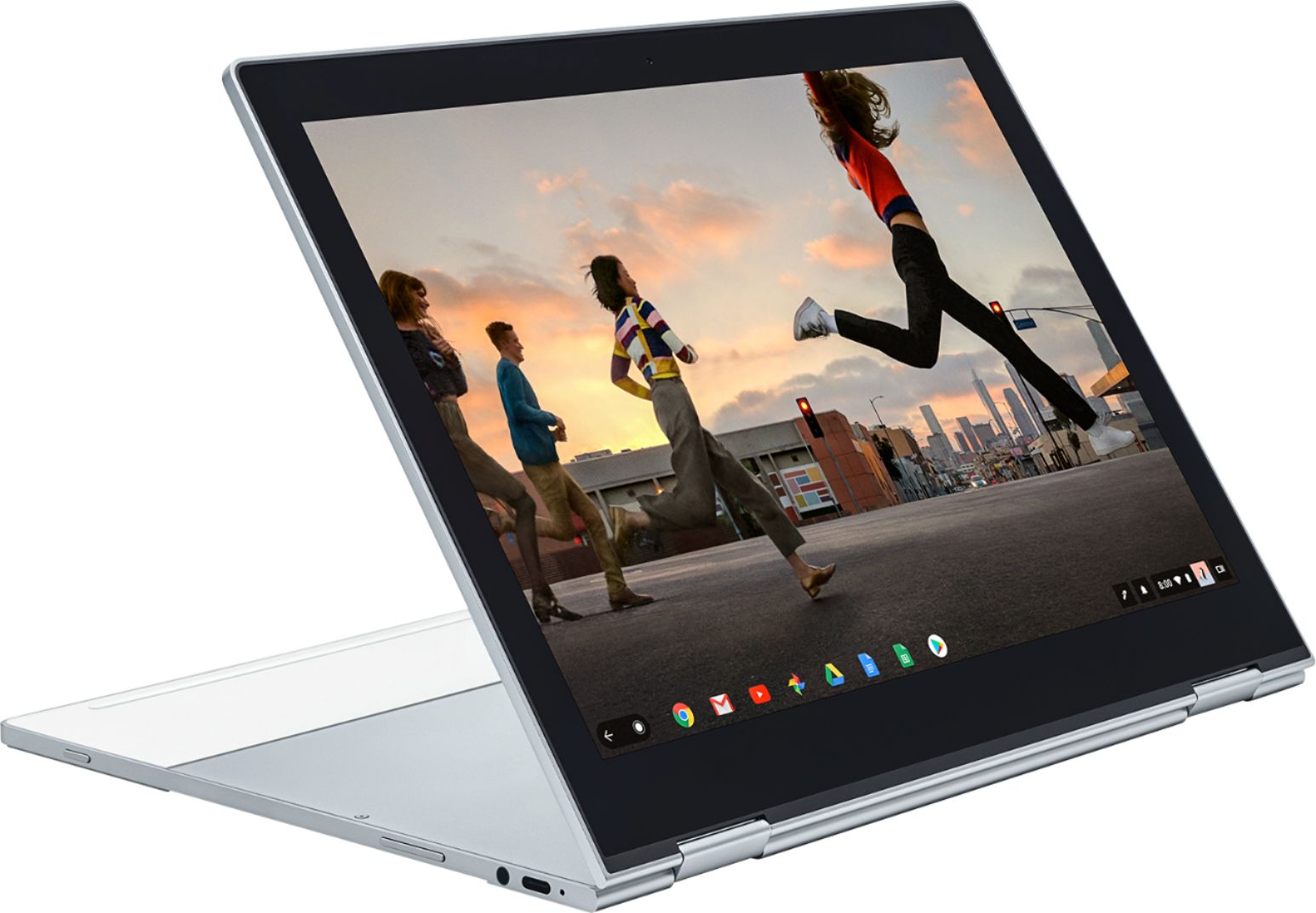
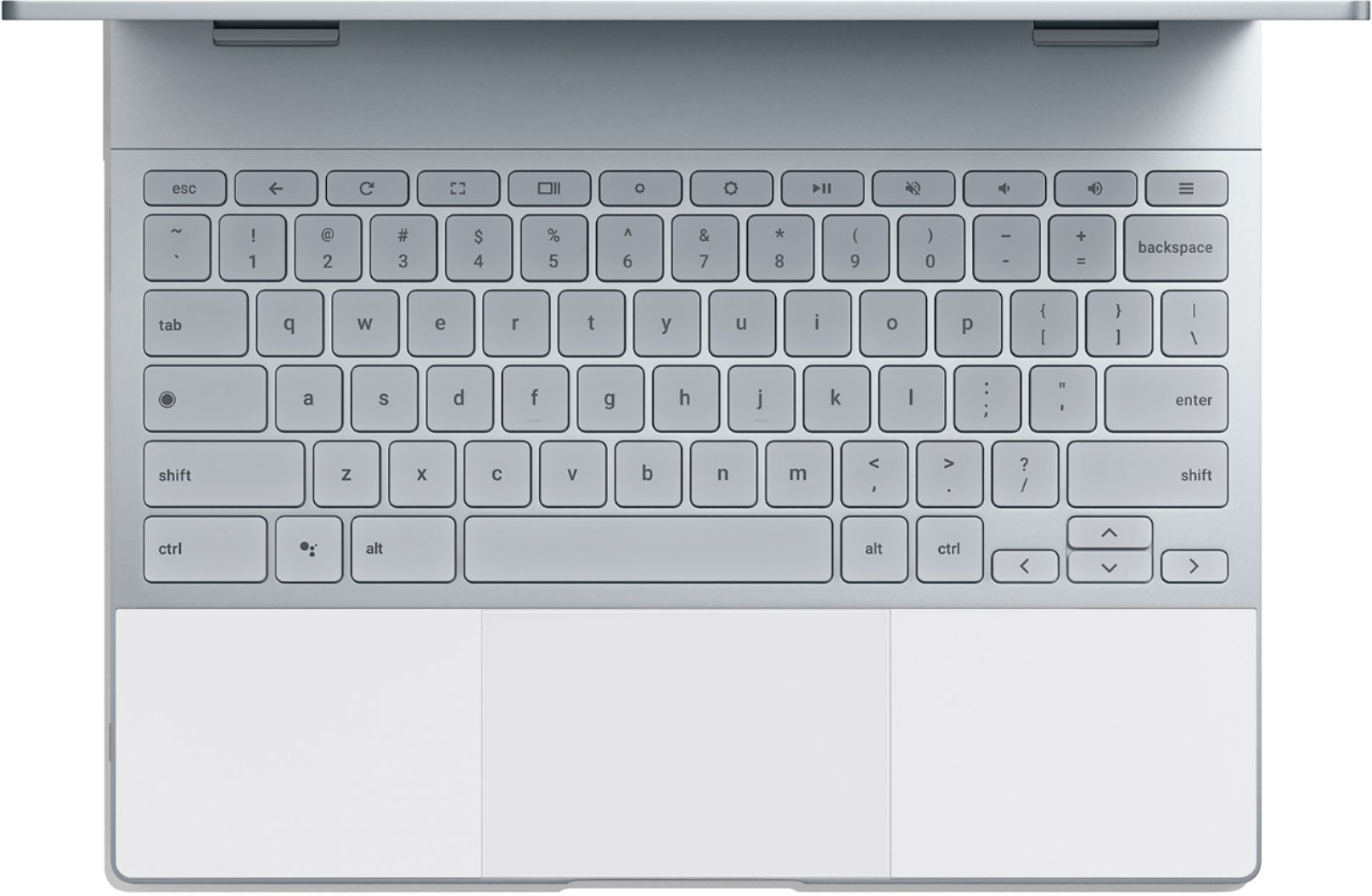
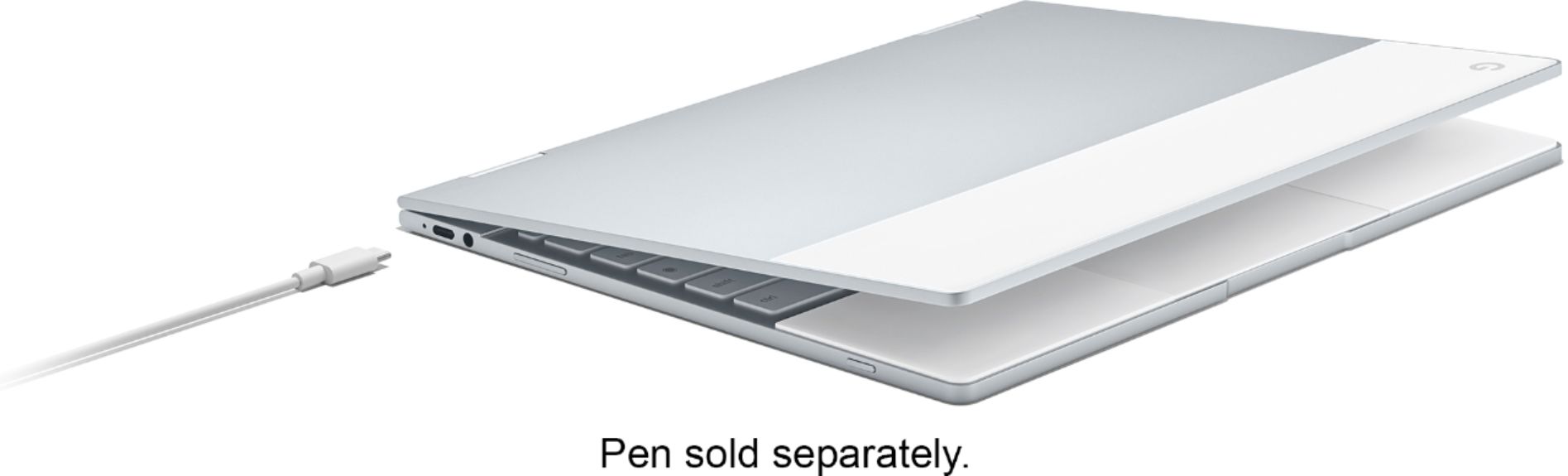
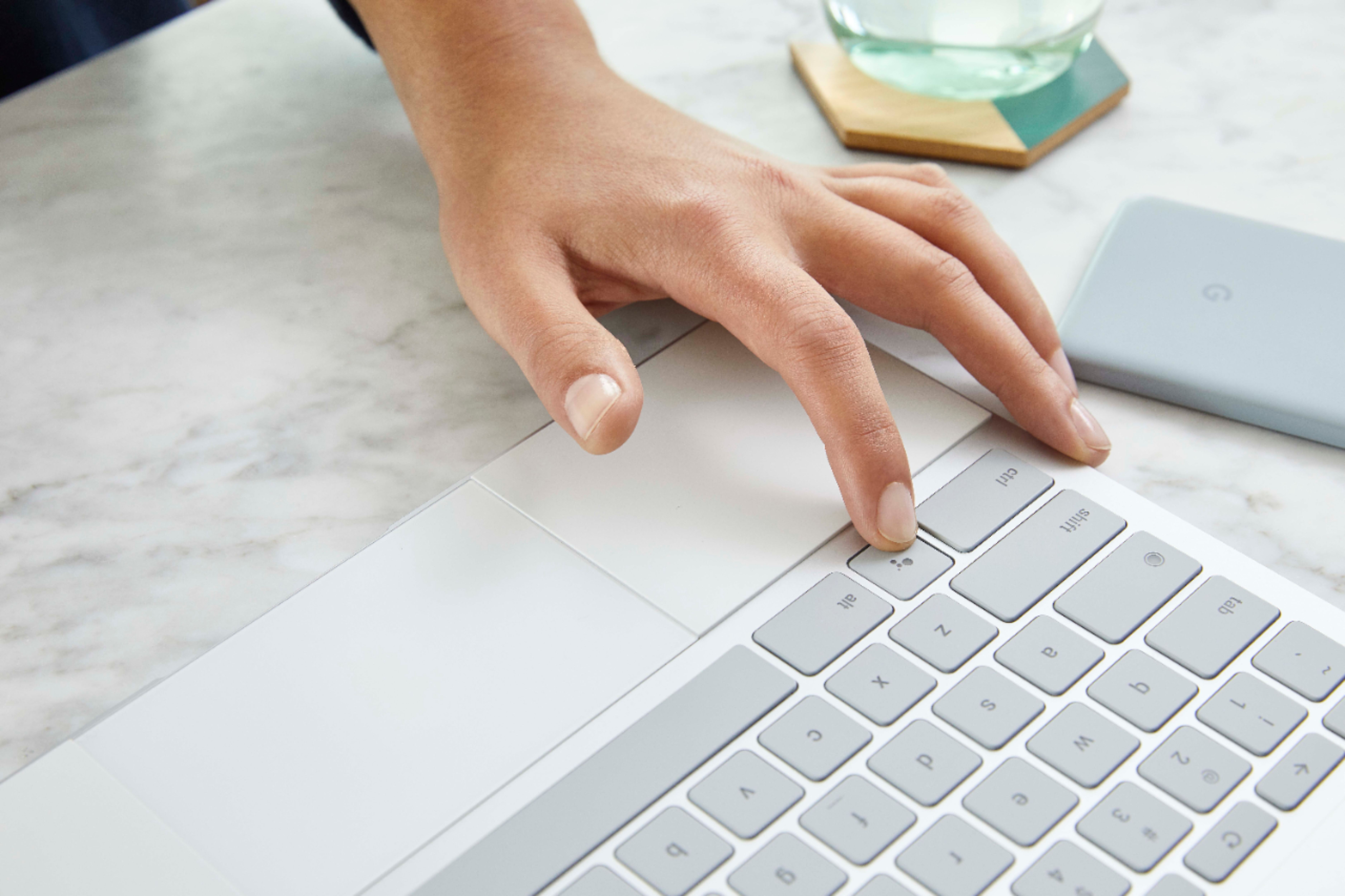

|Posted .This reviewer received promo considerations or sweepstakes entry for writing a review.Well to preface, there is a little bit of a learning curve with this. Since it's not your average OS as it's built primarily around Google Chrome you're going to likely run in to a few issues, especially if you're intent on using it with standard Desktop software available on Windows or macOS. With that said, once you are able to get past that fact, ChromeOS is actually a really nice and slim operating system. There's really not a lot of overhead, and it may seem like an i5 or i7 and 8 or more Gigabytes of RAM is overkill, depending on your use, it may be just perfect. There are methods out there to install Windows on to once of these, however, that's entirely at your own risk. I have to say, I do have a Windows 10 tablet and I find myself going back to this more. I think that is in part because this has twice the available RAM, but all the other specs are nearly identical. It's fast, very fast, and that is in part due to the relatively small footprint of ChromeOS. It only takes a couple seconds to start up. Setup was a breeze and very fast. It really just works, and I love that. One of the biggest things a lot were clamoring for with ChromeOS was the ability to use app's from the Google Play Store. With some of the latest Chromebooks this has become a possibility. Now it is not perfect, and some apps just don't look right, and some apps just work flawlessly. There are some Mobile games I play on here and it handles them just as well, if not even better than some of the most powerful Android or iOS devices. The Pixelbook is currently the premier Chromebook that does offer this support for App store compatibility. Other more recent Chromebooks are slowly becoming available, however the Pixelbook has it right out of the gate. One caveat with this however, as this does use an Intel i5/i7 depending on which you settle on, this is only utilizing their integrated graphics. While potent for a lot of standard run of the mill games, it's not going to be able to utilize some features found in High-End Android, iOS or Windows based devices A gaming machine this is not, but it will not let you down with typical apps in the Google Play Store. I will note, when using it for games for a long time, it does get quite warm to the touch around the top of center of the keyboard. So if you are using it for this, I would highly suggest to use it in Tent Mode, or Tablet Mode so you're not keeping your there or on your lap. It's not enough to cause an issue, but it can be a bit uncomfortable with heavy tasks, but this is true in most devices, so your mileage may vary with how you use. You can pretty much throw just about anything at this. Even the battery life on it is great. For a heave session of web browsing and gaming, I'm sure I got around 6-8 or maybe even more hours. It uses USB-C to charge, I believe Ver. 3.1. It only takes a couple hours for a full charge with the adapter it came with, which is also fast charging. The cable itself is USB-C on both ends, so this will not connect to your run of the mill USB charger, you would need an adapter for that, or USB 2.0/3.0 Cable. I wouldn't recommend anything less than 3 for optimal charging. The screen on it pretty darn nice. It us only an LCD, which is pretty common for Notebook Computers. It's a little thick, and the bezels are a bit of turn off as there is quite a bit of space from the edge to the screen, probably an inch on the top and bottom and half an inch on the sides. It also get's plenty bright. If you use it outside, I don't see you running into to many issues, but direct sunlight may be an issue as it does have a reflective glass screen. Also, the ability to use it in either Notebook orientation, Tent orientation or Tablet Orientation is really great and the hinge design seems top notch. It doesn't feel loose, and I've had it for about 2 or 3 weeks now and it's like I just took it out of the box. Also, this is more about the construction of it, on the sides of the touchpad, there are softish like pads to rest your wrists or palms on. It also acts as a cushion that the screen will rest on. It also has this material on the opposite side of the device to cushion the screen when you have it in table mode. I does get a bit unwieldy as when you hold it, you're likely going to want to hold it in the middle, the problem there is that you are going to be pressing down on the touchpad. While it doesn't affect anything, it could over long use wear it out. Thankfully there's those cushioned pads on the side of the touch pad you can use so it is a little more comfortable. The all aluminium build of it definitely makes this a standout as it feels incredibly well built. It is a bit heavy, but when it comes to solidity and durability, I hold a lot more faith in this than I would in a Notebook with a bunch of plastic. They keyboard is very nice, and has a great tactile feel to is. I also appreciate that it is backlit so if you're in a dark place, you can still see when you type. They also did not stop with lighting the edges of the keys, the letters themselves are also illuminated.The touchpad is also very responsive. I did experience some false touches with it with the tap-to-click feature so i did turn it off. There's not a way to decrease the sensitivity of the feature as it's an all or nothing setting. Aside from that quirk it really is an all around great device. Also one of the other cool things it does feature is Google Assistant. This is something that has been slowly rolling out to other devices. It first started if I recall with the first Google Pixel and has slowly trickled into other devices. It's a really cool feature especially if you have a connected home with things like lighting, WiFi Thermostats, Speakers, Stereos, Security Systems and such. The google Home app also does work natively on the Pixelbook. When it boils down to it, in looking for a device that is a Notebook, you want to determine how to you want to use. If you're looking for something such as casual games, either a iOS, Android or Chromebook device will fill that role, so longs as you're not looking to play things from something like Steam, or another Desktop PC oriented app. If you're looking for productivity, this can also do that as you can get MS Office on the App Store. Also, you can even do drawing on it and it comes with LightRoom as well. If you go this route, you'll want the pen, and that's another $99 sadly. If none of the above is what you need or fulfills your needs, you will want to look for something with a dedicated Operating System like Windows or macOS. Overall, if you're looking for something that's not more than you need for everyday use, this is a great device, and I'm sure I will enjoy it for years to come, or till the next big thing at least! Oh yeah! Since this does have a glass screen, keep a Microfiber cloth handy, cause it picks up fingerprints like it's going out of style.
I would recommend this to a friend - Pros mentioned:Speed, Weight
Bought for my college student
||Posted .This reviewer received promo considerations or sweepstakes entry for writing a review.Wanted something was would last for college, be light and be up to all the technical tasks my student needs. Easily set up, connected to school web quickly, and my student couldn't be happier. Might need to get one for myself!
I would recommend this to a friend - Pros mentioned:Battery life
Fast, Google-Integrated Laptop
||Posted .This reviewer received promo considerations or sweepstakes entry for writing a review.I needed a new laptop for work and it was between the Pixelbook and a Macbook. Why I chose the Pixelbook: -Integrating the Google Drive programs and third party apps better. Apple is pushing their way or the highway. -Google Assistant is very helpful and quick -Being able to take notes on the screen (Pixel Pen is excellent so far) -More lightweight and battery charges quicker -The Chrome Appearance isn't as big of a change as Windows would be and I heard that Windows 10 was bad (from a BestBuy worker). -I bought a Pixel 2 phone to integrate better with Google products. -Google Products are smarter and cheaper. Cons of Pixelbook -Software downloads are very limited at the moment with Chrome OS although rumor has it that Linux products can be downloaded soon (or now)
I would recommend this to a friend