Customer Ratings & Reviews
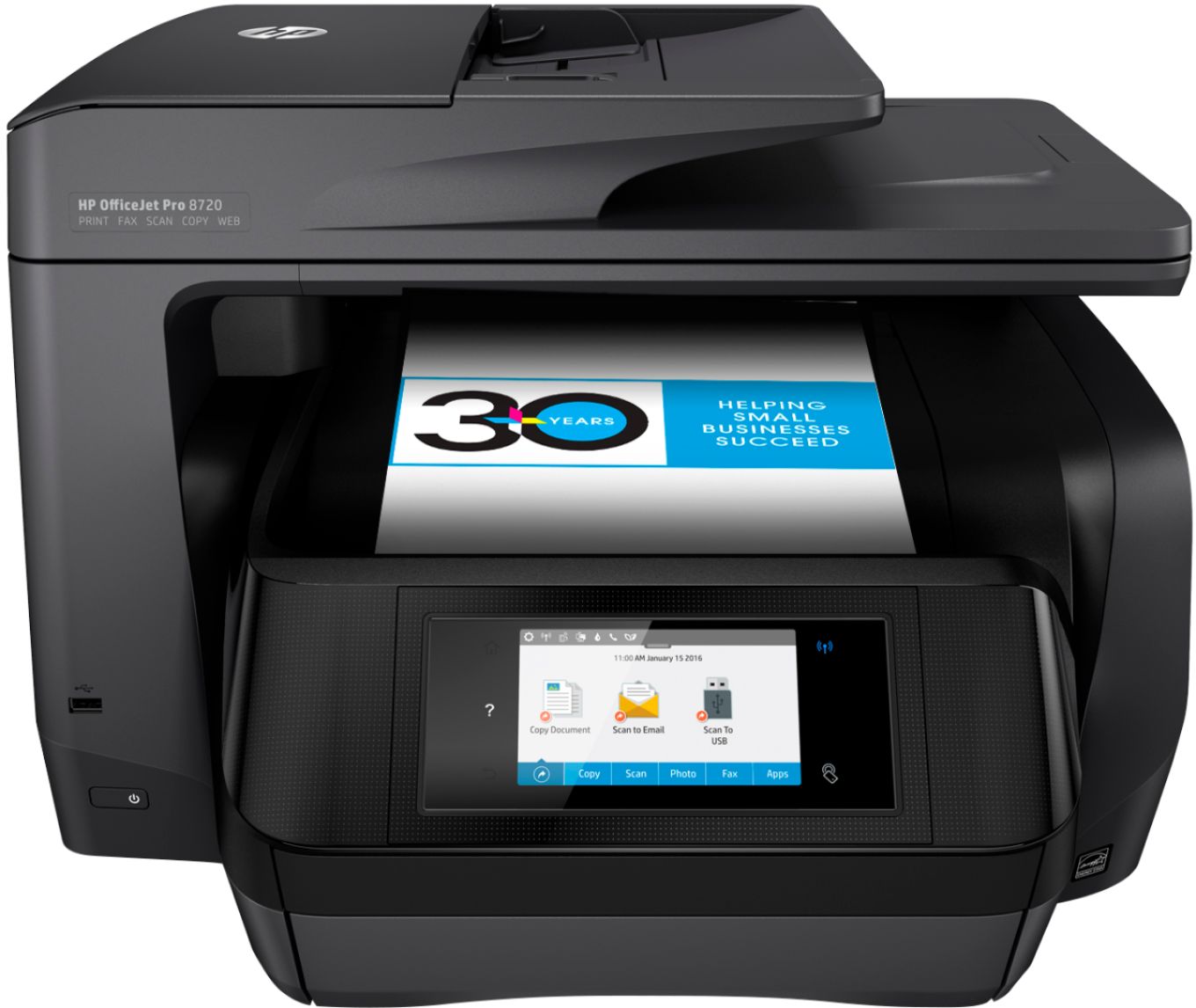
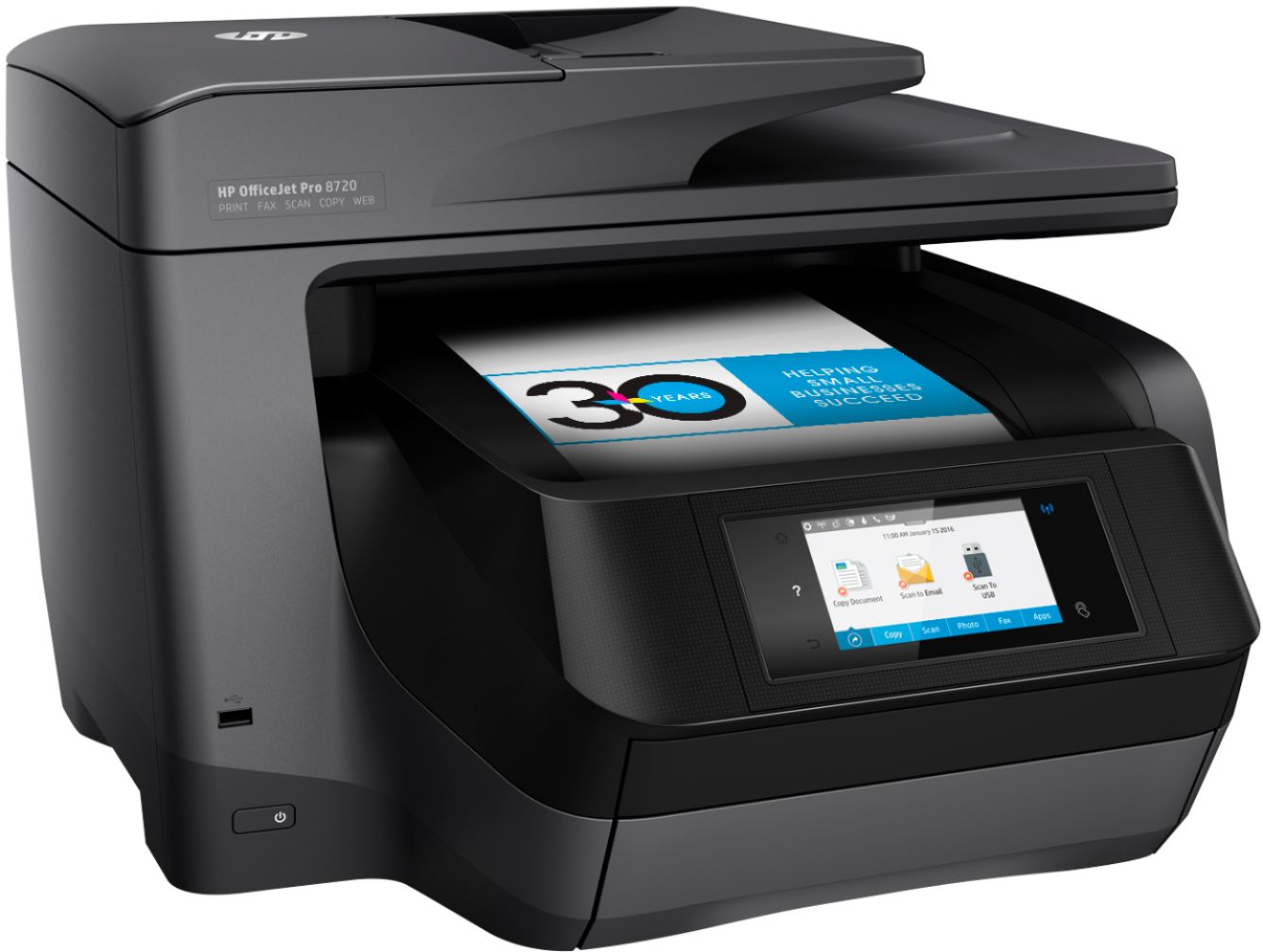

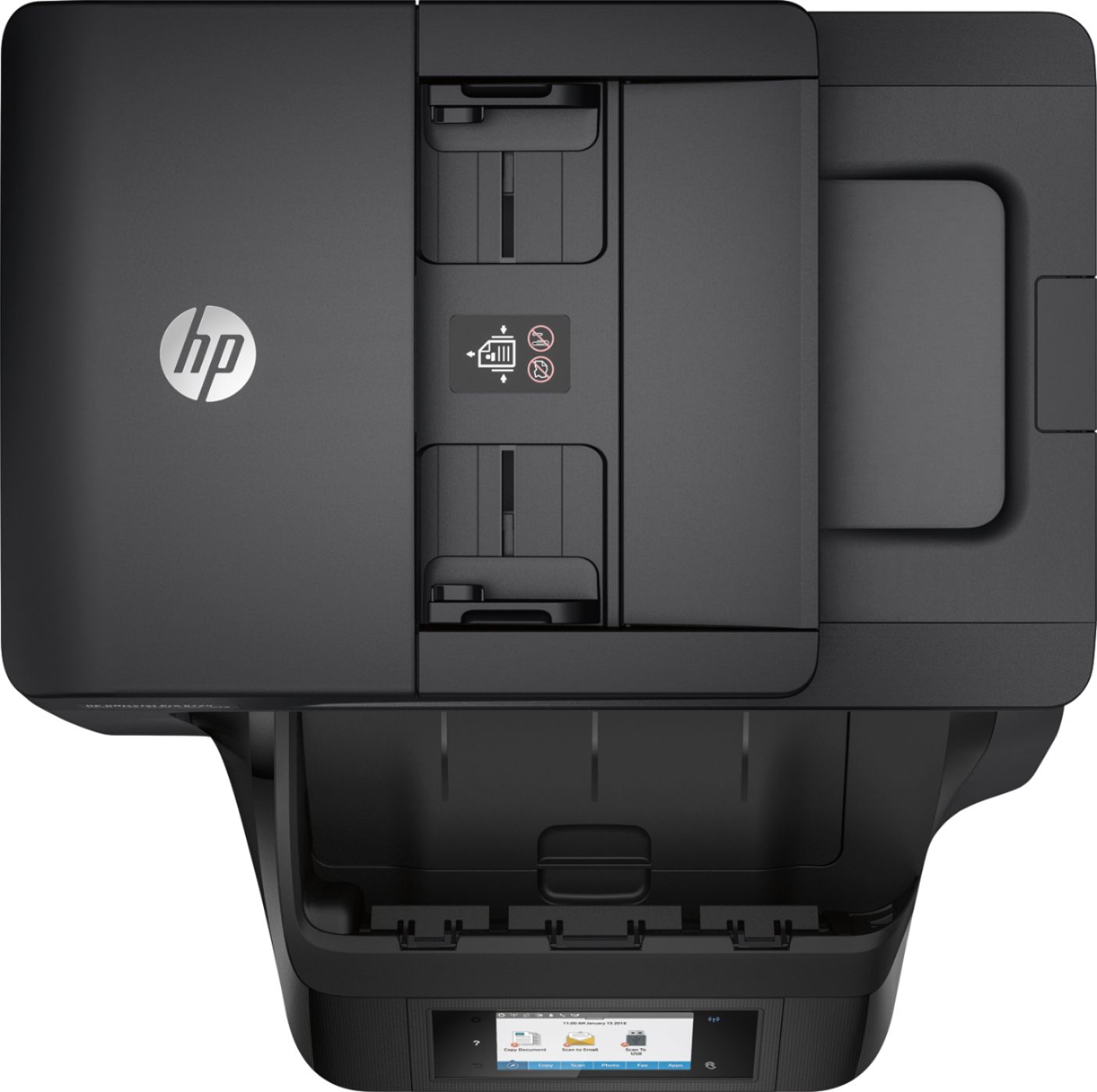
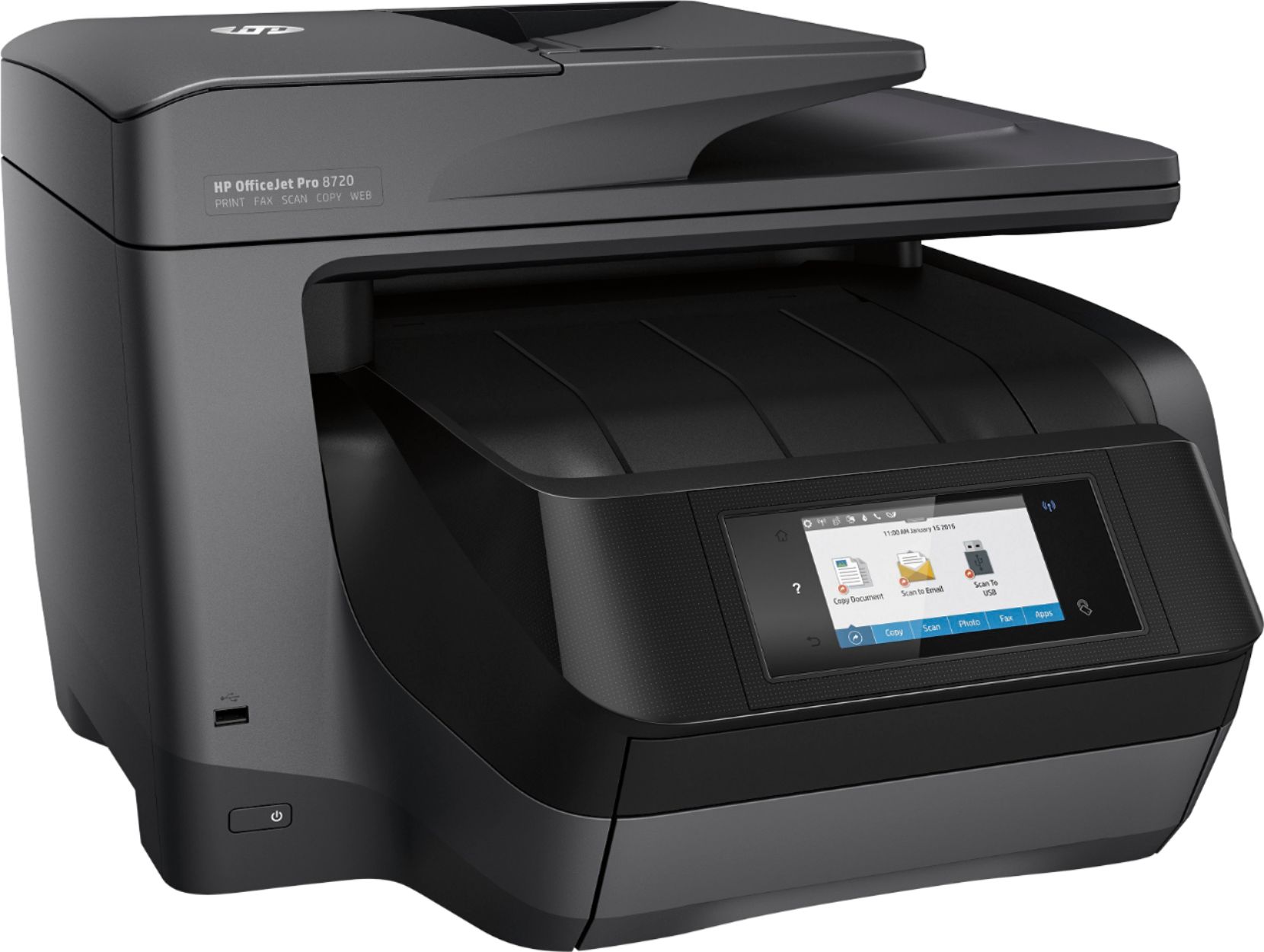
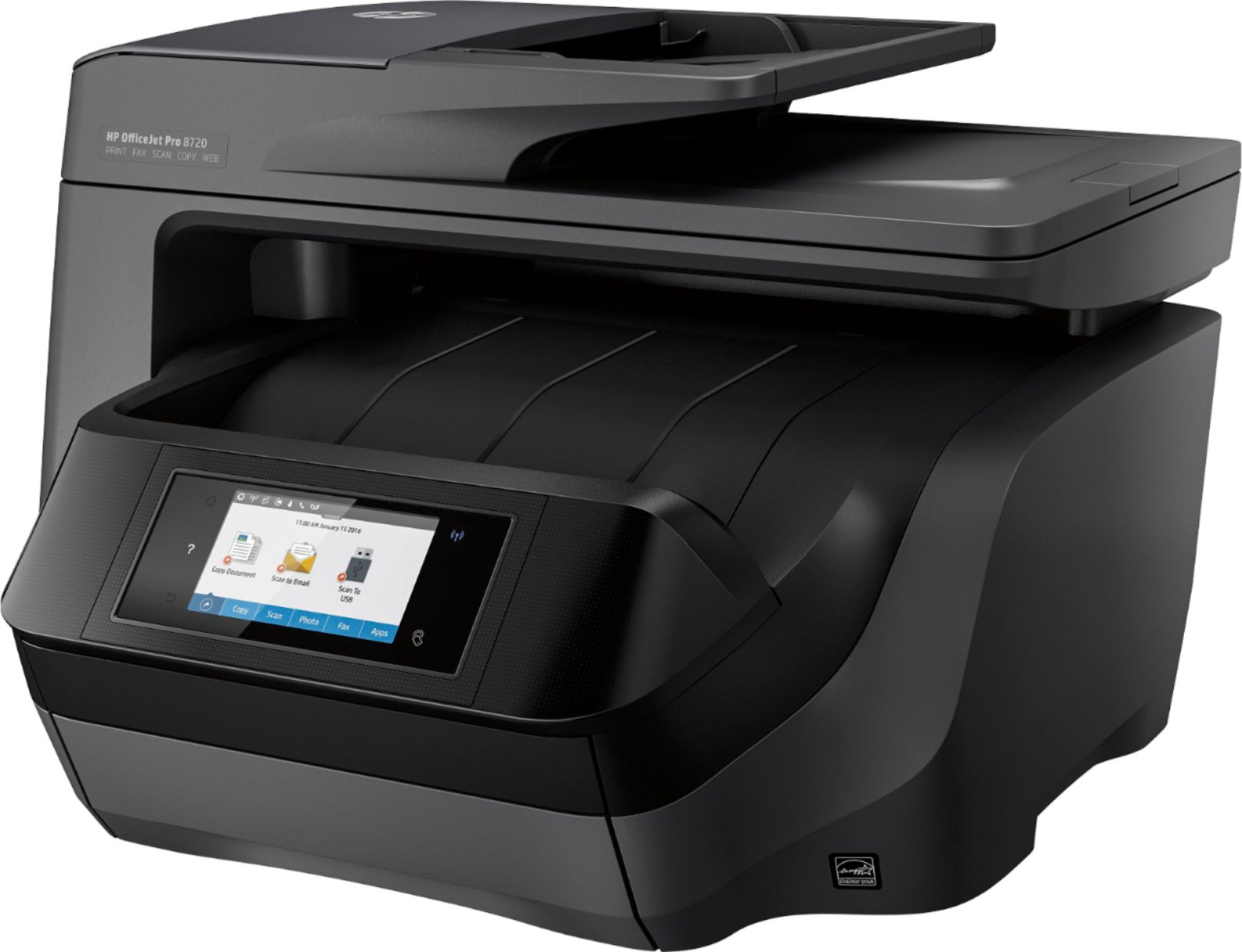

- Model:
- M9L74A#B1H
- SKU:
- 5623289
Rating by feature
- Value
Rating 4.3 out of 5 stars
- Quality
Rating 4.4 out of 5 stars
- Ease of Use
Rating 4.3 out of 5 stars
Customers are saying
Customers love the OfficeJet Pro 8720's exceptional print quality and ease of use, frequently praising its straightforward setup and reliable performance. While some find it larger than expected and a bit noisy, the convenience of wireless printing and scanning capabilities are also frequently highlighted. The printer's occasional paper jams are a noted drawback for some users.
This summary was generated by AI based on customer reviews.
- Pros mentioned:Reliability
Great Option
Posted .This reviewer received promo considerations or sweepstakes entry for writing a review.I purchased 2 of these, great decision, works like it should.
I would recommend this to a friend - Cons mentioned:Paper jam
This thing sucks!
Posted .This reviewer received promo considerations or sweepstakes entry for writing a review.Do NOT buy this piece of GARBAGE! have had trouble with it since I got it. It doesn't register properly on the first page and I often get double letters. It jams. Now, having had it for about, I dunno, four months, I am getting a message that my ink cartridges are damaged. I changed them, and I am getting the same message. It tells me to clean the electrical contacts. Where the heck are those? I have no freaking idea. I HATE this thing. I got it thinking it would be a quality machine--especially considering the stupid amount of money I spent on it. This is proof positive that you do NOT always get what you pay for. Looking for a tall building that I can toss it off the roof of. Do not get this piece of garbage.
No, I would not recommend this to a friend not as fast as i thought
Posted .This reviewer received promo considerations or sweepstakes entry for writing a review.not as fast as i thought, pick it because it was the fastest so expected more speed also double sided has not worked yet
I would recommend this to a friendNot quite sure yet
Posted .This reviewer received promo considerations or sweepstakes entry for writing a review.I bought this to replace my HP8620. In retrospect I liked the old one much better. In printing multi page documents on the 8720, the pages come out in reverse order so they need to be manually changed. I'm trying to find a solution but haven't found one yet. Printing of documents can be slow and printing photos is actually slower. I do like the touch screen better. It's more touch friendly.
No, I would not recommend this to a friendNot Consistent
Posted .This reviewer received promo considerations or sweepstakes entry for writing a review.I tried to like this printer. Even had 2 units, but they both did the same thing. Once a week or more this printer will print the same image doubled on 1 sheet of paper. It makes the print useless so you waste paper, ink, and if you can't print it again such as a fax or coupons you are out of luck. I returned the unit as decided to get a laser printer.
No, I would not recommend this to a friendThoroughly disappointed
Posted .This reviewer received promo considerations or sweepstakes entry for writing a review.I should have had reservations buying an HP product given their history with PCs, but I was under the impression printers were a specialty for HP. Boy, was I wrong! Web and network services were next to impossible to set up, and scanning from a network computer didn't work at all. Wrought with paper jams, even when using a brand new ream of paper. Now on the 46th day of ownership (one day after returns are no longer possible), the cartridges are all defunct. What a waste of $200!
No, I would not recommend this to a friend- Cons mentioned:Paper jam
Frequent Paper Jams
Posted .This reviewer received promo considerations or sweepstakes entry for writing a review.Print quality is fine, but the paper jams frequently. Would not buy again for this reason. Wish it was easier to load photo paper/print photos too.
No, I would not recommend this to a friend HP is losing it.
Posted .This reviewer received promo considerations or sweepstakes entry for writing a review.This is my umpteenth hp printer and I have never had issues like I have had with this one. At the start, my computer finds it but before I can submit a print job, is shows the printer off line. I have been through ALL the troubleshooting tips on hp - shut it down, unplug from printer, unplug from wall, restart computer, hop on right foot while praying to the silicone gods - all to no avail. Once everything gets turned back on, the printer and computer recognize each other for about 90 seconds and then it is back to off line. After one of the restarts, I managed to get a document sent to the printer before it went off line and got a message that there was an error in the printing. I even tried to hook it up with a usb cable and still no joy. I have been on hp's web site...good luck finding a support number there. I can't even find someone to open a chat session. I have been an hp user for many years and have hooked up many printers and this is absolutely the worst experience I have ever had. I only have so much more patience for this and then it goes back in the box and back to the store for a brother or epson.
No, I would not recommend this to a friendHorrible
Posted .This reviewer received promo considerations or sweepstakes entry for writing a review.I purchased this product from the store at Metropolitian in uptown Charlotte less than 24 hours ago. I had to install and reinstall it 3 times and it 5 hours. I googled online and found that this series has a MAJOR problem with the computer staying in sleep mode and Mac books are unable to connect to it. The wireless internet consistently said the connection was excellent, everything was plugged in and the test sheet even printed successfully. After 5 hours, now 3am the printer finally was able to successfully set up. Once I hit the print button it took 20 minutes for the printer to connect. DO NOT BUy! I'm returning this $300 product that I haven't even been able to use.
No, I would not recommend this to a friend- Pros mentioned:Print quality
Do not use if Quicken user.
Posted .This reviewer received promo considerations or sweepstakes entry for writing a review.Excellent printer until I discovered it would not print single business size checks through Quicken. A call to HP service resulted in being advised that If I needed that function, to take it back to the store as HP 8720 printer does not support that function.
No, I would not recommend this to a friendBrand response from HP Team
Posted .Hey there,
It's so disappointing to hear that you've not had luck with printing checks via Quicken. I'm so sorry for the inconvenience this issue may have caused. We pride ourselves on providing a seamless experience, so I can imagine how disappointing this has been. That said, I would love to provide some helpful suggestions to remedy this.
First, I'd be certain to make sure that you're not changing the paper type or size at the printer itself, but from the Quicken software. You can leave your printer set to regular paper. Then, be sure you're selecting the proper paper check stock that you purchased to print said checks. To that, it's important to remember to set the partial page configuration to match the printer's envelope feeder.
Should this not seem to help, hopefully you'll consider reaching out to us again for support. We would love to help in any way we can. You can get in touch with us via your preferred method at this link: hp.com/contactHP
Another option to think about as well is to post this issue on our support forums. We have lots of practiced experts that would be happy to help get your printer working properly: hp.com/supportforum
Chelsea
HP Care
hp.com/support
They totally messed up the software
Posted .This reviewer received promo considerations or sweepstakes entry for writing a review.Under my Applications there is HP Smart. But that does not give you the ability to scan double-sided. For that you need HP Scan. It does not appear anywhere on the desktop. It appears at the end of Scan Doctor. I pinned it to the task bar. But even then more often than not, it will not work:it will say "Error: printer not available", the printer will say "computer not available" etc. [At the same time HP Smart is able to scan.] I have to keep restarting printers, computers, run Scan Doctor. Among the applications there is also "HP TWAIN Administrator" [?]. It says "Select a task and press the Scan button." But there is no Scan button, only Save button.
No, I would not recommend this to a friendDisappointed
Posted .This reviewer received promo considerations or sweepstakes entry for writing a review.Lines show up on copies that are not on originals.
No, I would not recommend this to a friendEven 2nd replacement has issues (used with Mac)
Posted .This reviewer received promo considerations or sweepstakes entry for writing a review.I've owned the printer for under 6 months and HP has already replaced it twice. Each printer has the same issue. Documents printed or copied are missing random parts of the document (it is different on every page). It ranges from a few sentences or a header to a half of a page missing. Several reviewers on HP.com have commented on this issue. I've wasted several hundred dollars and too many hours trying to get this issue resolved. Please beware before buying! I used to work in IT and this printer is an unusual nightmare.
No, I would not recommend this to a friendThis printer is horrible
Posted .This reviewer received promo considerations or sweepstakes entry for writing a review.from the moment I purchased it. First the initial ink did not work so I had to wait until they shipped it. Then it print will not print saying it is offline and doing the steps from the website to rectify, does not work. it says it is connected to my wifi, but will not print. no happy with this printer at all expecially to have paid $300 for it. my little cheap $49 printer worked better than this.
No, I would not recommend this to a frienddisappointment from HP
Posted .This reviewer received promo considerations or sweepstakes entry for writing a review.8720, new from HP. less than 15 pages printed and it had a major failure, they are sending me another one. Disappointed as I have had 9 HP printers and no issues. It would have been nice if I used up the starter ink before it had a total failure. I expected better from HP
No, I would not recommend this to a friendBrand response from HP Team
Posted .Hi Elric,
While it's great to hear that you've had a good experience with your previous printers, I am so sorry to hear about the issue with this one. I can certainly understand how disappointing that must've been. We constantly hold ourselves to a high standard of quality with our printers, so I hope you’ll continue to allow us an opportunity to stand by that.
If there’s anything else we can assist with in the meantime, please don't hesitate to reach out to us. We're always here for support. You can get in touch with us via your preferred method at this link: hp.com/contactHP
Chelsea
HP Care
hp.com/support
Lasted a year!
Posted .This reviewer received promo considerations or sweepstakes entry for writing a review.We contacted HP when this printer died. They said sorry, would you like $25 off a new HP? No thanks. Won't buy HP again. Our canon lasted 8 years.
No, I would not recommend this to a friendBig Junk
Posted .This reviewer received promo considerations or sweepstakes entry for writing a review.Ink expensive. Instant ink stopped working when I CxL had extra ink that will work.
No, I would not recommend this to a friend