Customer Ratings & Reviews

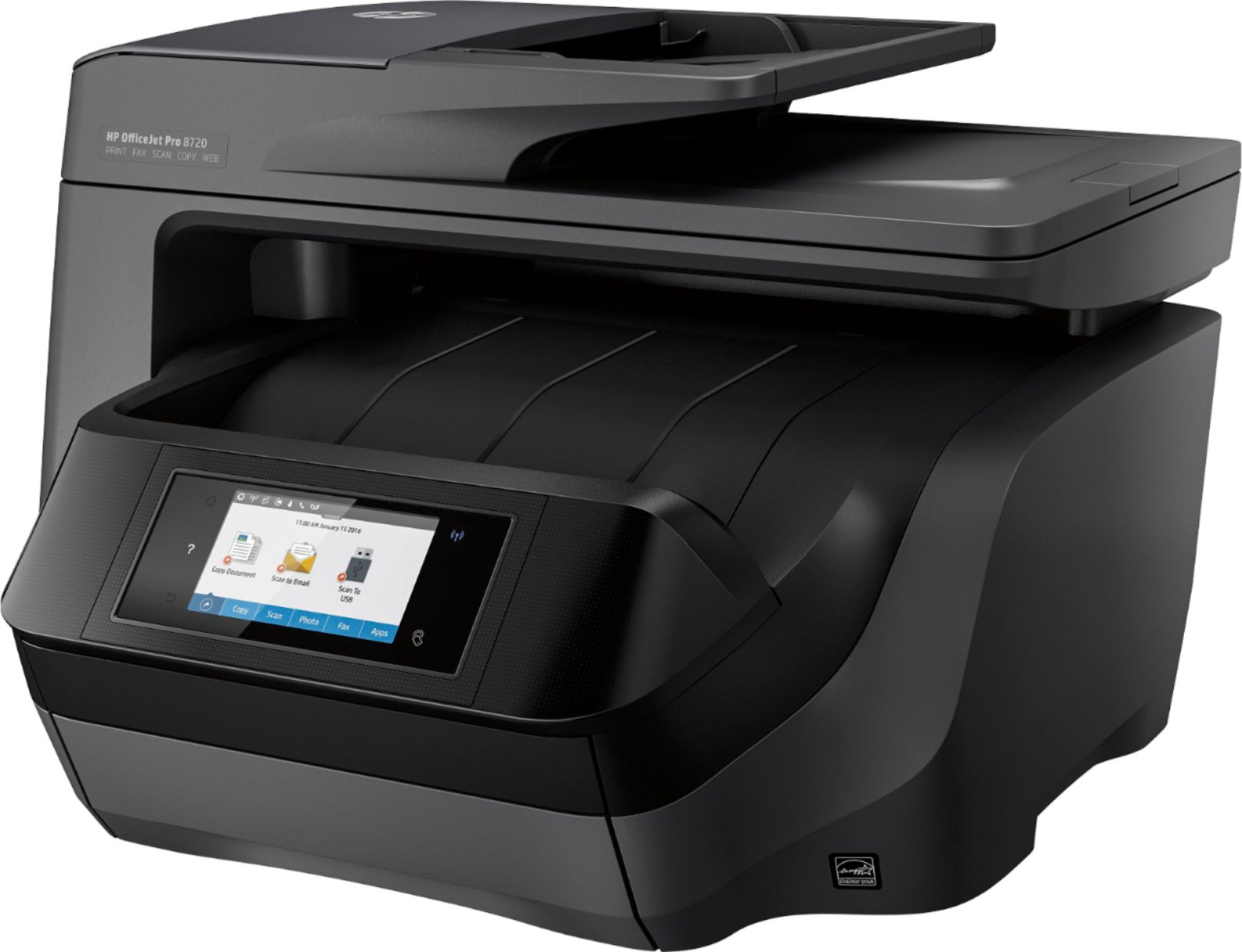

- Model:
- M9L74A#B1H
- SKU:
- 5623289
Rating by feature
- Value
Rating 4.3 out of 5 stars
- Quality
Rating 4.4 out of 5 stars
- Ease of Use
Rating 4.3 out of 5 stars
Customers are saying
Customers love the OfficeJet Pro 8720's exceptional print quality and ease of use, frequently praising its straightforward setup and reliable performance. While some find it larger than expected and a bit noisy, the convenience of wireless printing and scanning capabilities are also frequently highlighted. The printer's occasional paper jams are a noted drawback for some users.
This summary was generated by AI based on customer reviews.
ok product
||Posted .This reviewer received promo considerations or sweepstakes entry for writing a review.would have been a good printer. Screen didn't work brand new out of the box
No, I would not recommend this to a friend- Cons mentioned:Noise level
noisy
||Posted .This reviewer received promo considerations or sweepstakes entry for writing a review.Make a lot of noise . do not think it will last long
No, I would not recommend this to a friend So far so good
||Posted .This reviewer received promo considerations or sweepstakes entry for writing a review.It took me over a month to hook it up by myself with no outside help.
I would recommend this to a friendTo complicated
||Posted .This reviewer received promo considerations or sweepstakes entry for writing a review.To complicated and difficult to work. Wouldn't recommend to anyone.
No, I would not recommend this to a friendToo slow
||Posted .This reviewer received promo considerations or sweepstakes entry for writing a review.Too slow, need to turn on and off as it doesn't pick up wifi all the time.
No, I would not recommend this to a friendNot Bad
||Posted .This reviewer received promo considerations or sweepstakes entry for writing a review.We have bought this product before. Not a bad product at all!
I would recommend this to a friendPrinter fails to wake up.
||Posted .This reviewer received promo considerations or sweepstakes entry for writing a review.After reviewing all the specs, I decided to purchase an 8720 HP printer. I have owned two previous HP printers, one good one poor. The HP 8720 Printer I purchased at Best Buy would fail to wake up, one was then forced to disconnect printer from power source, wait a few seconds before reconnecting printer. The disconnect and reconnect temporarily resolves the issue. I returned the printer to Best Buy with out any issues, exchanged same for a different (new) 8720 printer. Three weeks later, experiencing the same issue with the exchanged unit.
No, I would not recommend this to a friendOk
||Posted .This reviewer received promo considerations or sweepstakes entry for writing a review.Will not stay powered on wireless goes out needs to be rebooted
No, I would not recommend this to a friendBrand response from HP Team
Posted .Hi 23788, sorry for the disappointing experience you've encountered with HP OfficeJet Pro 8720 All-in-One Printer. Thanks for sharing your experience, although it has left you less than satisfied, we appreciate your feedback. We value our customers and understand how important it is to offer exceptional service and quality products. Based on your description, I understand that the printer does not maintain wireless connection and you must power cycle the printer to get it working again. I appreciate your efforts and patience and I would like to do everything possible to assist and get this issue resolved. A range of issues can impact your printer’s wireless connection and this guided trouble-shooter: http://bit.ly/2s9iw01 will guide you through with the possible solutions. If the issue persists you can feel free to reach out the HP Phone Support: http://hp.care/2oEj8Fb for further assistance.
Ataullah.
HP Support.
Good for the Money
||Posted .This reviewer received promo considerations or sweepstakes entry for writing a review.Does most things the average user would need. Good for the money
I would recommend this to a frienddouble side copying and paper feeding are subpar
||Posted .This reviewer received promo considerations or sweepstakes entry for writing a review.double side copying jams and paper feeding are subpar
I would recommend this to a friendIts ok
||Posted .This reviewer received promo considerations or sweepstakes entry for writing a review.It's ok. I don't actually use it. Bought it for a friend.
I would recommend this to a friendNo More HP Printers
||Posted .This reviewer received promo considerations or sweepstakes entry for writing a review.This is my fourth HP printer in a year and a 1/2. The all flashed a blue error screen and then went to the black reboot screen. I spent hours on the phone with HP with no solution each time with HP finally upgrading me from an 8710 to 8720. The 8720 did the same thing after a about a year. Thank God for the Best Buy extended warranty. The store had OUTSTANDING customer service. Since HP upgraded me to a 8720 BB said it wasn't the model I insured but they honored the warranty anyways. Bottom line HP Printers are junk and Best Buy customer service is OUTSTANDING!
No, I would not recommend this to a friendOk printer
||Posted .This reviewer received promo considerations or sweepstakes entry for writing a review.Ink is slow to dry. Wireless features are pretty good.
No, I would not recommend this to a friendbroken parts
||Posted .This reviewer received promo considerations or sweepstakes entry for writing a review.I had not had a chance to install the printer until Friday 24th of Feb. I followed the directions and when the cartridge kit slid on the bar there was an unusual but not an alarming noise. The instructions message indicated that the print heads were not properly installed and kept on attempting some solution to the problem. As the cartridge kit kept on sliding we continued to hear the rambling noise. We then found a broken plastic piece inside the cabin were the ink cartridge slides. We turned it off the printer, repacked it and I am taking back to the store today.
No, I would not recommend this to a friendPrints fine, connection issues
||Posted .This reviewer received promo considerations or sweepstakes entry for writing a review.Bought it for my Dad and we hooked it up wirelessly. Prints fine, although a bit slow to load the paper. Then I went home and the printer drops from the wireless connection. VERY FRUSTRATING, I am trying now wired but I long-distance from it...
No, I would not recommend this to a friendCan't be wireless if it won't stay connected
||Posted .This reviewer received promo considerations or sweepstakes entry for writing a review.Other reviews said the printer would not stay connected to the network and it doesn't. HP support is of no help. HP thinks its the way you have your computer set-up and it isn't. The printer doesn't have the ability to stay connected to the network longer than about 5 minutes. I don't want to have to turn it on and off everytime I want to use it. My old photosmart rarely had an issue and it would reconnect. Don't purchase the printer until HP decides to make it more robust. Moving it closer to the wifi doesn't help. Why have wireless if you have to connect with USB.
No, I would not recommend this to a friendADF Keeps Jamming
||Posted .This reviewer received promo considerations or sweepstakes entry for writing a review.The Printer is great but one annoyance is when scanning double side using the auto document feeder, it tends to jam. It can get a bit fustrating to an otherwise pretty good printer
No, I would not recommend this to a friend- Cons mentioned:Noise level
Nope nope nope
||Posted .This reviewer received promo considerations or sweepstakes entry for writing a review.This printer is bulky, slow, and loud. HP also tries their best to force you into buying their mail order automatic ink delivery. Very disappointed with HPs lack of quality in this printer.
No, I would not recommend this to a friend errors
||Posted .This reviewer received promo considerations or sweepstakes entry for writing a review.keeps getting printer errors ran hp tools cannot fix have to keep installing software bought brother all in one laser no problems
No, I would not recommend this to a friendBrand response from HP Team
Posted .Dear James,
Sorry to hear that your experience with your HP printer is not great. For the installation issue, we are not sure exactly which stage you are stuck in. Please contact HP support via, HP Support Forums: http://h30434.www3.hp.com You can also reach out to us @HPSupport or hp.com/contacthp so that we can assist you better.
This is the support document for installing a Printer Driver on a wired netowrk. in case you need:
http://support.hp.com/us-en/document/c01952985
Take care,
Shantel
- I work on behalf of HP.
Great printer/ not so good scanner
||Posted .This reviewer received promo considerations or sweepstakes entry for writing a review.I've had the product less than a month and at first it worked great. Then for some reason the scanner app stopped working. I can still print wireless but no scanning is tough since i use it for my business.
No, I would not recommend this to a friend