Customer Ratings & Reviews
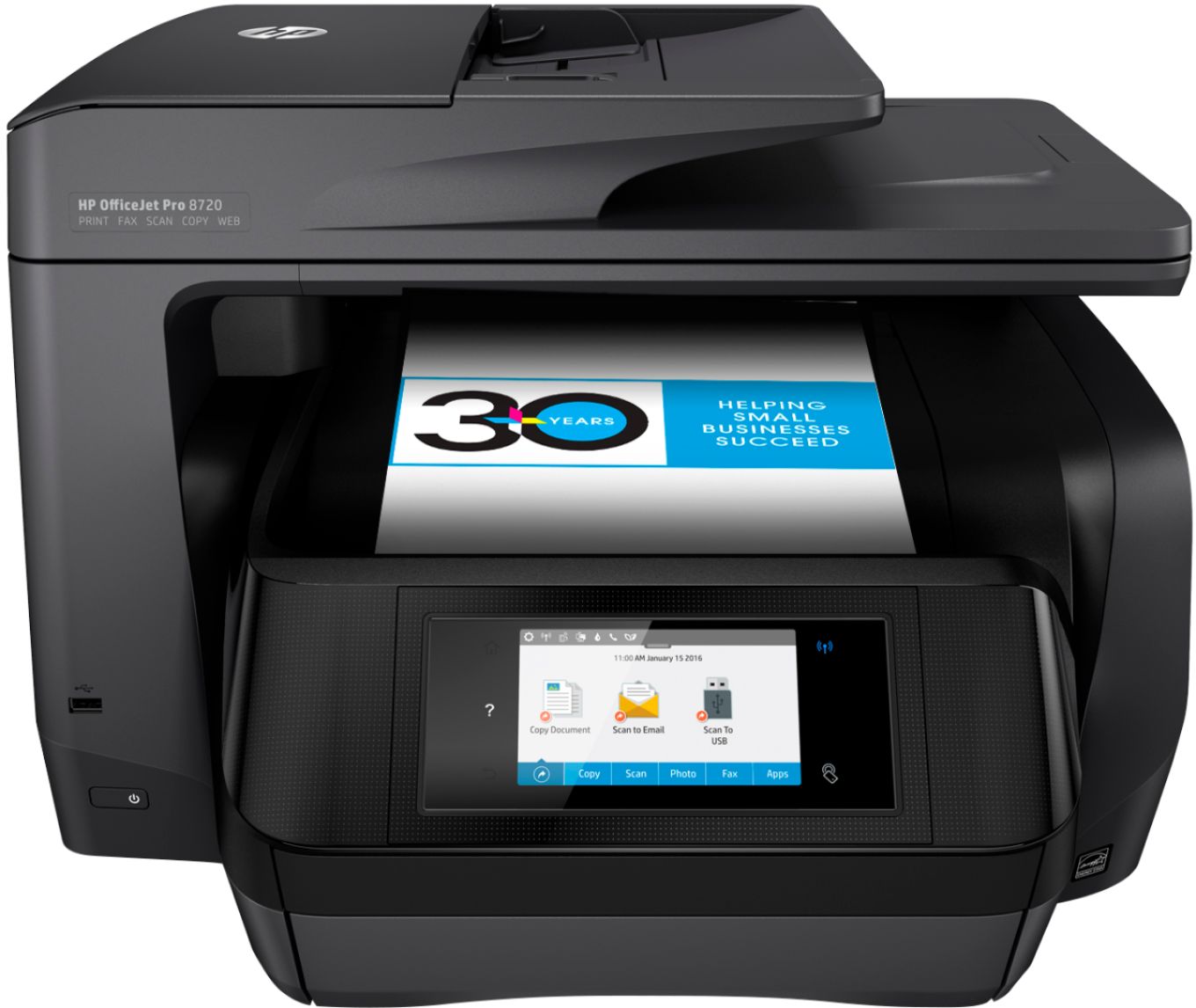
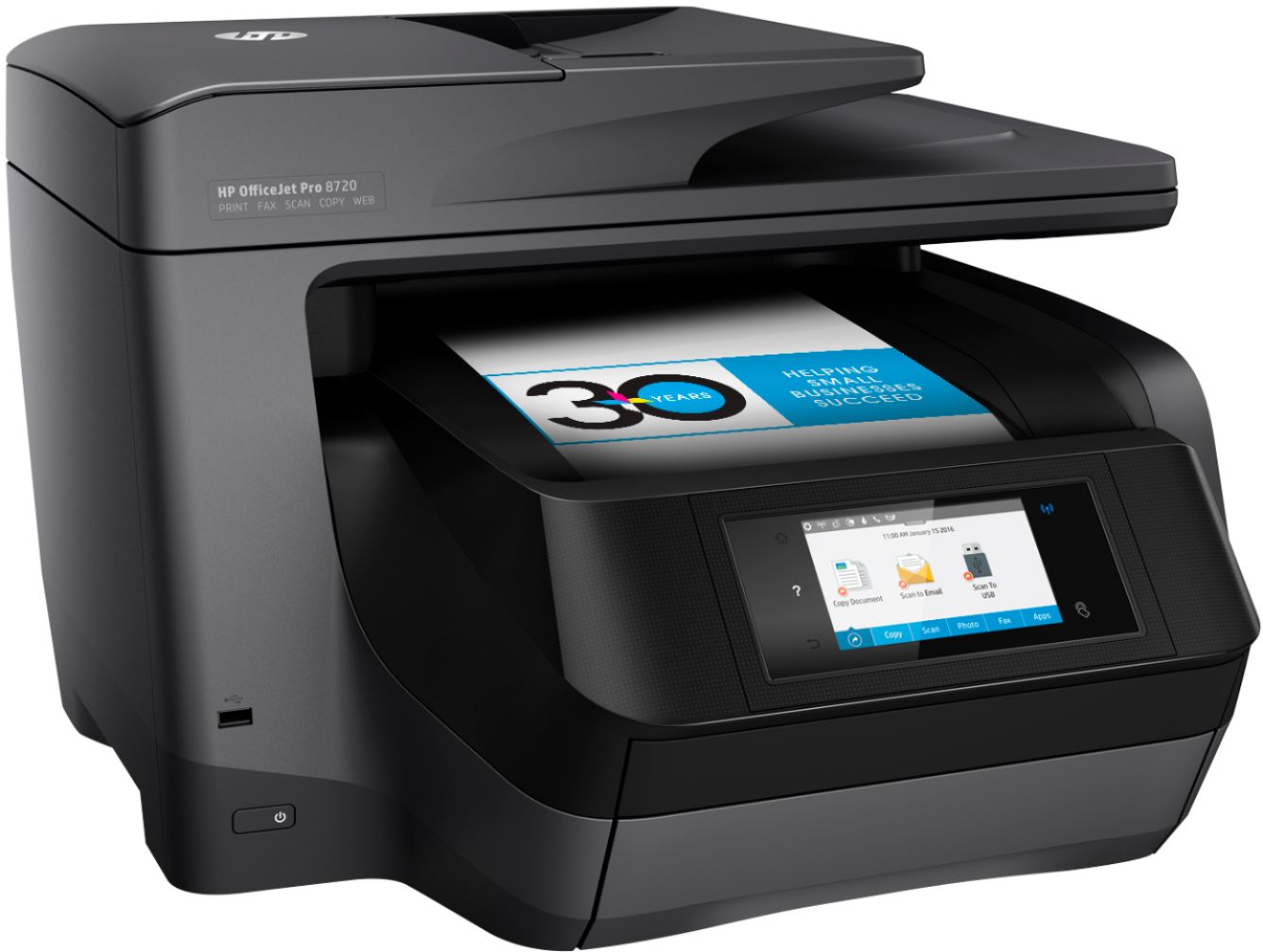

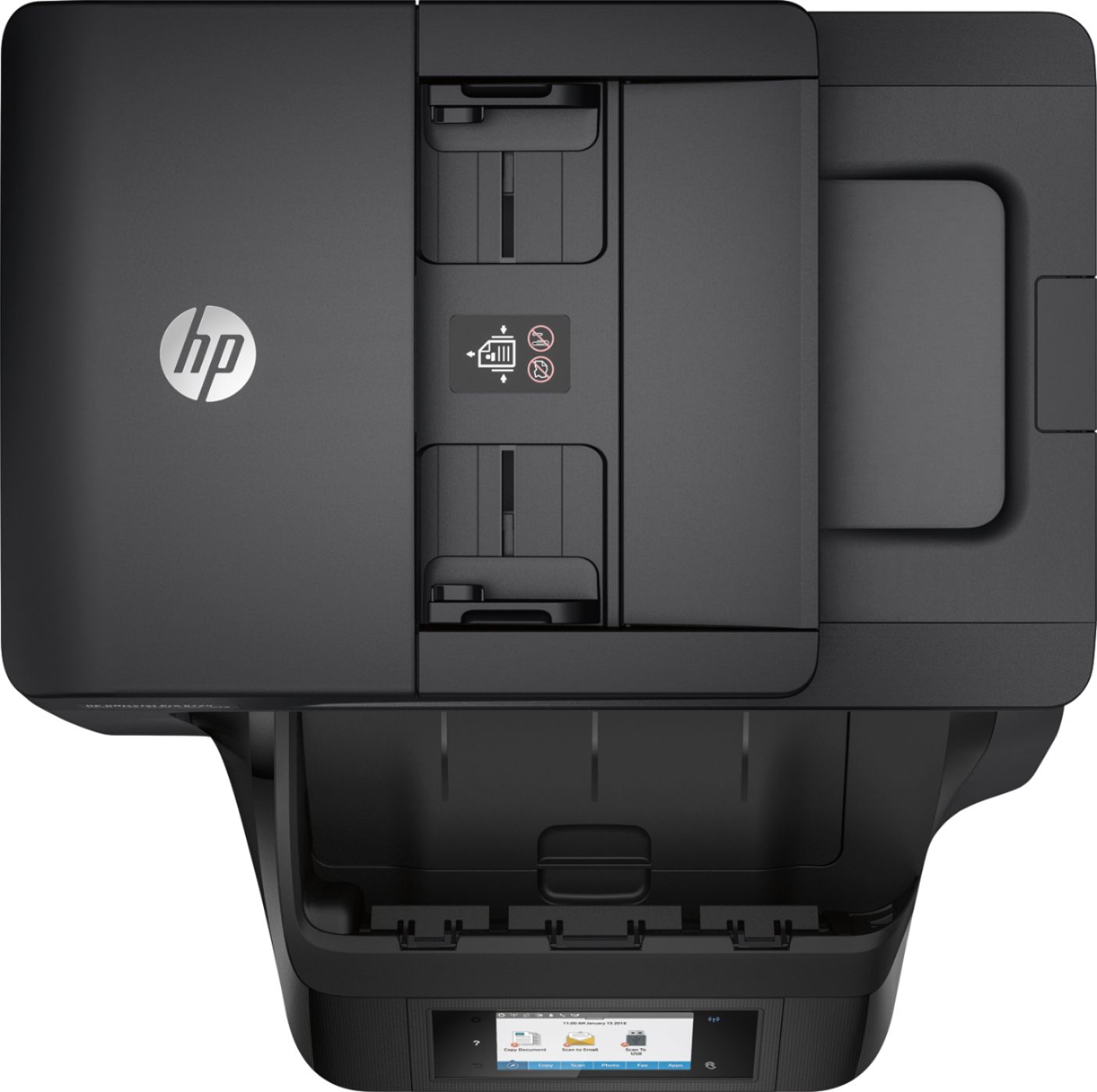
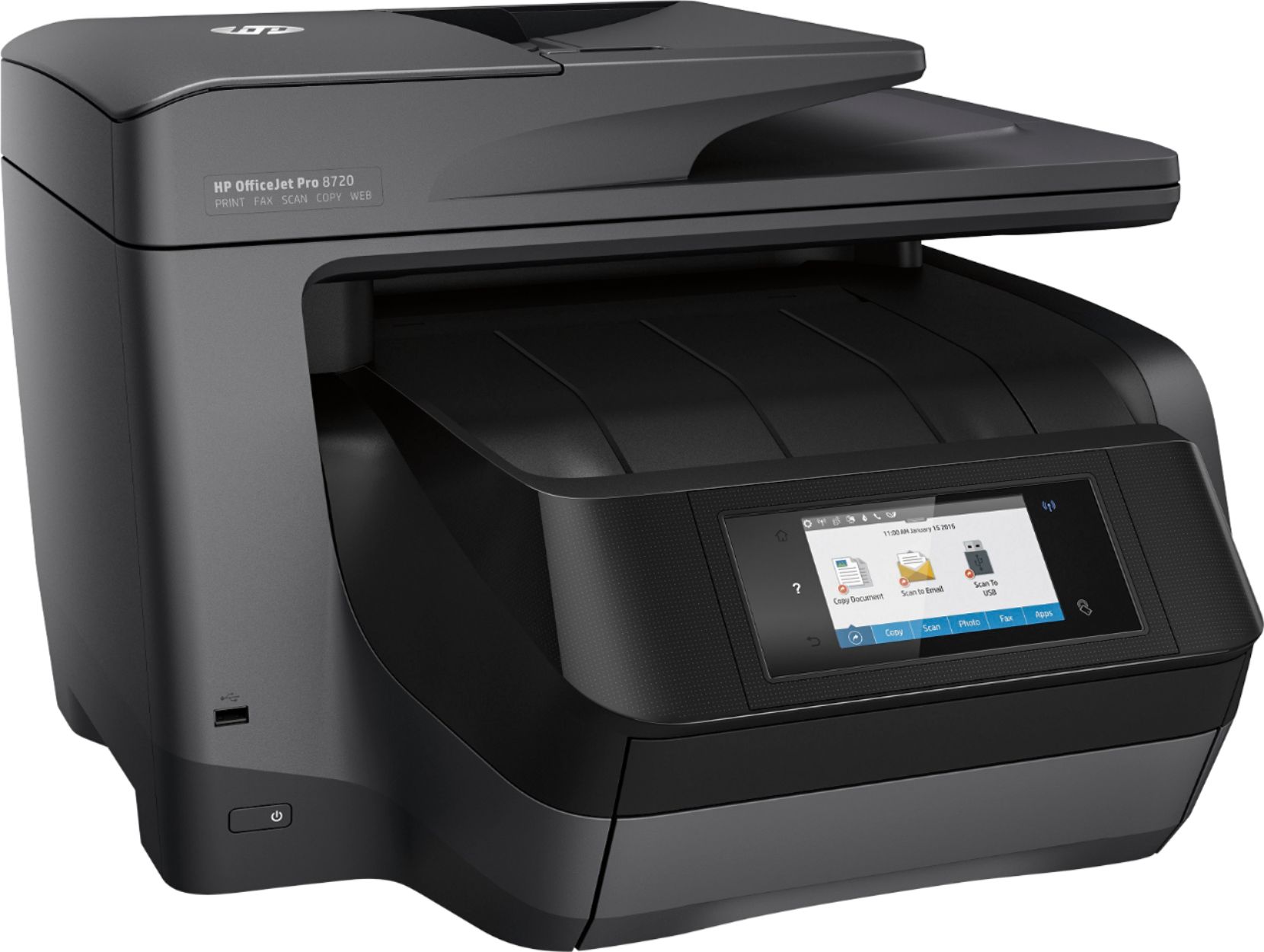
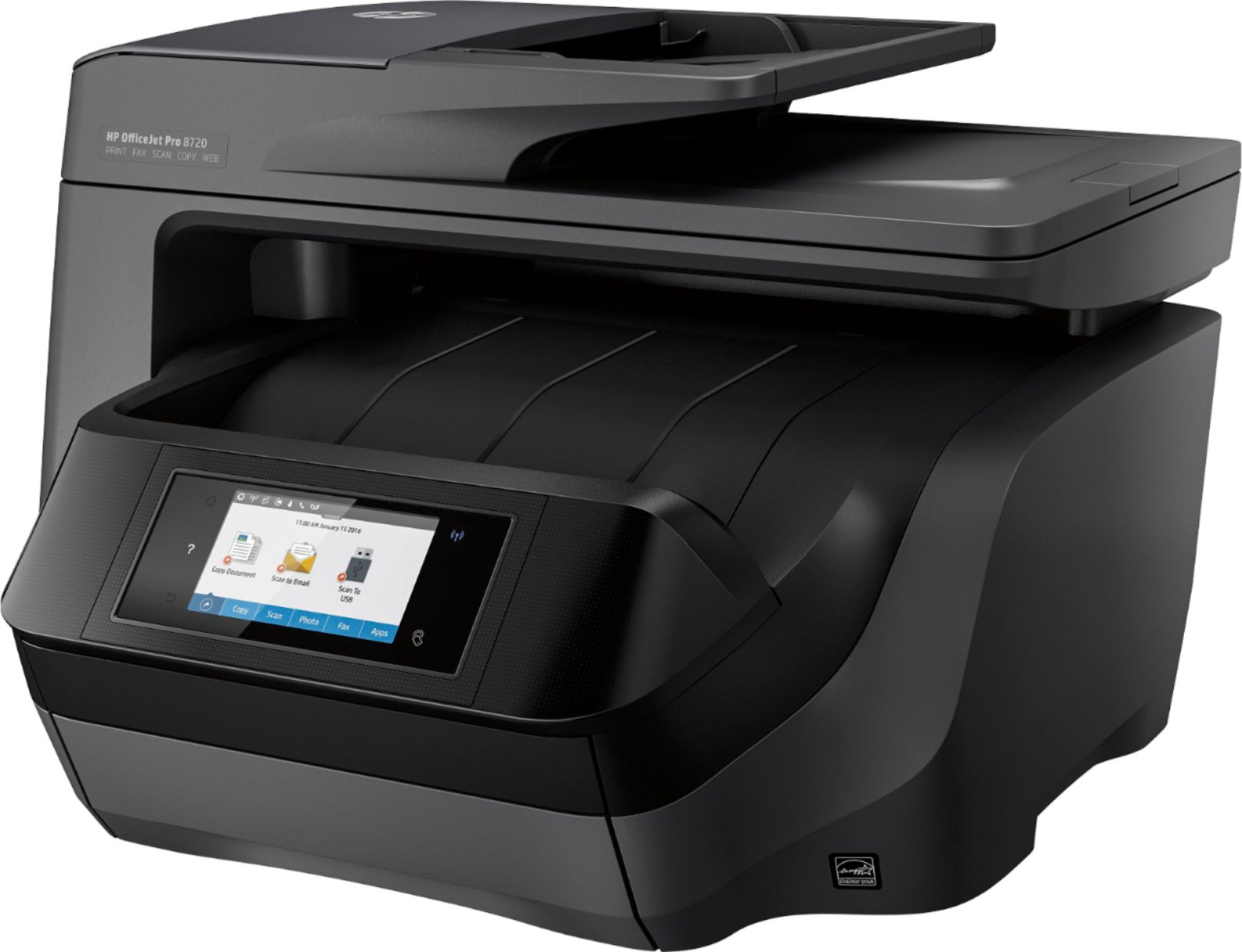

- Model:
- M9L74A#B1H
- SKU:
- 5623289
Rating by feature
- Value
Rating 4.3 out of 5 stars
- Quality
Rating 4.4 out of 5 stars
- Ease of Use
Rating 4.3 out of 5 stars
Customers are saying
Customers love the OfficeJet Pro 8720's exceptional print quality and ease of use, frequently praising its straightforward setup and reliable performance. While some find it larger than expected and a bit noisy, the convenience of wireless printing and scanning capabilities are also frequently highlighted. The printer's occasional paper jams are a noted drawback for some users.
This summary was generated by AI based on customer reviews.
Terrible
||Posted .This reviewer received promo considerations or sweepstakes entry for writing a review.The photo quality is terrible. There are lines going down the paper from the rollers on every picture. The color quality is not good.
No, I would not recommend this to a friend- Pros mentioned:Print qualityCons mentioned:Noise level, Size
Great quality printer and speed.
Posted .This reviewer received promo considerations or sweepstakes entry for writing a review.This printer is easy to setup. I love the quality of the print and the super fast speed at which it prints. The paper tray is easy to load and holds 250 sheets at a time, it is one of the reasons I chose this printer. However, HP, could you have made this printer a little quieter? The printer does sit very close to my desk and when I am on the phone, that is the only time I believe it would be nice for it to be quieter. The further the printer is from phone conversations the smaller this issue is. Also, I believe it could have been made a little smaller. Overall, those two negatives are the only reason this printer is not a 5 star. If I had to do it all over again, I would still definitely purchase this printer and you should too!
I would recommend this to a friend Poor
||Posted .This reviewer received promo considerations or sweepstakes entry for writing a review.Could not get the fax feature to work. Wasted a lot of time talking to company tech support Returned it and replaced it with an Epson that works fine
No, I would not recommend this to a friendDoes not work right
||Posted .This reviewer received promo considerations or sweepstakes entry for writing a review.I have to continually turn off and on the printer to get it to print for me.
No, I would not recommend this to a friendCarppy Product
||Posted . Owned for 3 months when reviewed.This reviewer received promo considerations or sweepstakes entry for writing a review.Not even up to date. Its crappy and I exchange it for another one. Out of Date Model.
No, I would not recommend this to a friendThis printer is crap.
||Posted .This reviewer received promo considerations or sweepstakes entry for writing a review.It takes too long to print one page. Have to have a separate IP address to scan from it. Just crap!!!!
No, I would not recommend this to a friendBrand response from HP Team
Posted .Hello,
I am sorry that you have been having this problem. I value your feedback and hope that this can be made better.
As to the slow printing, often just updating the firmware can help. Here are some online documents that should remedy the situations:
- A document about improving slow printing can be found at: support.hp.com/document/bud03409
- Steps to get scanning to work on your printer are here: support.hp.com/document/c03466081
- To resolve common printing and scanning problems, you can use the 'Print and Scan Doctor': support.hp.com/document/c03286146
Also, please remember that you can always contact us for help at: hp.com/contacthp
Mary
HP Care
hp.com/support
Printer
||Posted . Owned for 8 months when reviewed.This reviewer received promo considerations or sweepstakes entry for writing a review.Ink didn’t last at all. Didn’t get to print much.
No, I would not recommend this to a friendreprint every time
||Posted .This reviewer received promo considerations or sweepstakes entry for writing a review.printer is not up. to mark prints empty for the first print we need to reprint every time
No, I would not recommend this to a friendBrand response from HP Team
Posted .Hi soon, sorry to hear you are experiencing a print quality issue on your HP OfficeJet Pro 8720 All-in-One Printer. Please perform the steps mentioned in this document to fix this issue: http://hp.care/2wEAAxk HP printers generally have a 1-year warranty from their purchase date, you can verify the warranty using the following link: http://bit.ly/2mP3Xrb You can also contact HP Support in case you need further assistance: http://hp.care/2nbNQFi
returning, not working
||Posted .This reviewer received promo considerations or sweepstakes entry for writing a review.I purchase one of the same product prior that this and worked great, this was a dud.
I would recommend this to a friend- Pros mentioned:Ease of use, Print quality
A GREAT pRINTER
Posted .This reviewer received promo considerations or sweepstakes entry for writing a review.Purchase the printer over a year ago at full retail price. Works great no major issues. I am 99 percent happy. Its easy to use and and fast. Has many features. The only small issue which is not a major one is the that feeder sometimes does not feed the document in straight so that it can be scan straight. The scan is slightly off. If it matters i delete the scan and load it flat in the scanner itself and re-scan. Scan multilpe pages fast when needed. Saved a lot of paper when I can print double pages. Also I make my own birthday cards so it can handle using heavy stock paper with no problems. I like the process where I can scan a lot of pictures in and saved each picture as its on file. Print color is great. Ink is expensive but that is normal. I use the wifi and bluetooth features. Its icing on the cake when i can print from the smart phone when needed at times. If the printer dies today i would get the same one.
I would recommend this to a friend - Cons mentioned:Paper jam
Overall a winner
Posted .This reviewer received promo considerations or sweepstakes entry for writing a review.Set up was easy and install of drivers went without a hitch on my iMac. Signed up for the HP ink service at the minimum level. Great deal for supplies! Everything was working until I tried to make some color copies. Kept getting errors saying the printhead seemed to be missing. Played with it for awhile and found a tech page that said to remove and replace the printhead assy a couple of times. All is well with that error. Still having some paper jam problems but it might be damp paper. I'll update if things change. One thing I wish this printer had is a manual bypass tray. Have to put all types of media into the paper cassette which means you also have to adjust the tray and then put it back and reload paper when done. Overall, good buy.
I would recommend this to a friend - Pros mentioned:Print quality
Good AIO Printer
Posted .This reviewer received promo considerations or sweepstakes entry for writing a review.I replaced a Brother Color Laser MFP that finally died due to a printer cartridge leak (it was a Brother OEM cartridge -- never had an issue with 3rd party toner, go figure). Switching to inkjet over laser took some convincing but I'm happy with this HP. It was easy to set up and then install the driver/software. Colors are very good (not as saturated on normal paper as a cheap Dell color laser we have but very nice). Text is very clean and readable even at small type size. Speed is not much different than the Brother laser MFP but more than fast enough for our home use. I've had it installed for 2 months now without a problem. Recommended.
I would recommend this to a friend - Pros mentioned:Print quality, Wireless
Awesome printer!
Posted .This reviewer received promo considerations or sweepstakes entry for writing a review.I had a Office Jet Pro 8600 that gave out on me. Took it to Best Buy and traded it in for the 8720. No problems with set up or connecting to my wireless system, which is Spectrum. It printed from my computer, laptop, cell phone, and tablet. Also an added bonus I found out is the toners for this printer are slightly are lower priced than 8600! Have not tried Scan or Faxing yet but I have no doubt there will not be any trouble doing either.
I would recommend this to a friend - Pros mentioned:Ease of use, Print quality
Fast
Posted .This reviewer received promo considerations or sweepstakes entry for writing a review.Good Price for your fast work, economic cartridges, clean and easy of work with your instructions.
I would recommend this to a friend - Pros mentioned:Wireless
More than what I expected
Posted .This reviewer received promo considerations or sweepstakes entry for writing a review.I went looking to purchase a completely different brand of printer and the HP representative was there in the store. Well played HP, well played. I asked him questions about the other brand and he kept steering me back to the HP. Since the BB sales folks were busy over in another corner of the store I was convinced that I should now purchase the HP product instead. Weird how that subliminal marketing thing works out sometimes. I digress... The Printer is amazing and this is my first wireless networked printer. I can print from my phone as well as from my old desktop computer which has no wireless capability, but the old PC is plugged in to the home network, so it prints as easily as if it were plugged directly in to the printer. I am always amazed at what we simple humans can do with technology.
I would recommend this to a friend - Pros mentioned:Print quality
HP 8720 Wireless Printer: The Price is Right
Posted .This reviewer received promo considerations or sweepstakes entry for writing a review.I purchased this Printer during a "Deal of the Day" in/around August 2017 (under $100.00); I am a true deal seeker and do my homework/due diligence whenever purchasing something that is going to be "In with the New, Out with the Old" (almost to my own detriment). This printer has far exceeded my expectations across the board. We use a Brother HL-L2380 at our business and the HP 8720 outperforms the aforementioned night and day (24/7/365). If I am able to get the deal I received for this in 08.2017, I will not think twice about recycling the Brother 2380 in favor of this, no questions asked. You can search the Web and find viable/ high-quality ink replacement without breaking your bank, too, (versus purchasing the highly inflated HP cartridges) and not miss a beat. This is a good'un (and this is my first review of any product on BestBuy.com if that tells you anything re: how much I value this wireless printer). A+
I would recommend this to a friend - Pros mentioned:Print qualityCons mentioned:Size
so far so good
Posted .This reviewer received promo considerations or sweepstakes entry for writing a review.The printer is really nice. The printing speed is fast. Also it prints good photos. I normally use it for printing document and faxing. The only thing to keep in mind is that the printer is huge. if you don't have room or don't like huge printers, then this is nor for you.
I would recommend this to a friend - Pros mentioned:Print quality
Perfect printer
Posted .This reviewer received promo considerations or sweepstakes entry for writing a review.I bought this printer after returning an Epson printer that gave me constant error messages in which I was really surprised since all I bought in the past was Epson printers. I bought the HP Officejet 8720 as a replacement and I can't believe how easy set up was and how fast it prints. The real test was printing brochures. I printed 40 tri-fold, double-sided brochures and the colors matched exactly as they appeared on my monitor. The yellow ink ran out but since I signed up for the Instant Ink program, I received an email from HP saying they are sending replacement ink. I would highly recommend this printer to anyone looking for a fast, quality printer.
I would recommend this to a friend - Pros mentioned:Print quality
Very Happy
Posted .This reviewer received promo considerations or sweepstakes entry for writing a review.I purchased the HP8720 today. I replaced a very old HP All in One (about 6 years old). Installation was very easy. No need to use the CD that comes in the box. The printer tells you to go to a specific HP site and download the software. Very intuitive installation process. I did not need to read the manual. The screen on the HP walks you through it. I have 3 Apple Macs (2 Airs and 1 Macbook). All are printing wirelessly with no problems. Took me less than 20 minutes.. I took a little longer as I downloaded software (HP's Eprint) to print from my iPhone and iPad. Again, very easy and it worked.. Very pleased so far.
I would recommend this to a friend - Pros mentioned:Ease of use, Print quality
Easy setup!
Posted .This reviewer received promo considerations or sweepstakes entry for writing a review.This was the easiest printer set up I've ever done. Clear instructions and did not take very long. Printer is fast!
I would recommend this to a friend