Customer Ratings & Reviews


- Model:
- 81FV0001US
- SKU:
- 6219202
Rating by feature
- Value
Rating 4.0 out of 5 stars
- Quality
Rating 4.0 out of 5 stars
- Ease of Use
Rating 4.4 out of 5 stars
Customers are saying
Customers highly value the Legion Y530's performance and graphics capabilities, with many praising its ability to smoothly run games. The build quality and keyboard also receive positive feedback. However, some users express concerns regarding the battery life and hard drive performance, while others mention issues with screen brightness.
This summary was generated by AI based on customer reviews.
Horrible repair service and laptop I'm general
||Posted . Owned for 2 months when reviewed.This reviewer received promo considerations or sweepstakes entry for writing a review.Within the first 2 months the laptop started having overheating problems. I sent it to the repair service for Lenovo to get it fixed and I received it today with the screen not turning on and the laptop not loading at all after Turning it on. Now I have to send it back again and wait another 2 weeks for them to supposedly fix it. Waste of 800 bucks and waste of time with this laptop.
No, I would not recommend this to a friendBrand response from Lenovo Product Expert
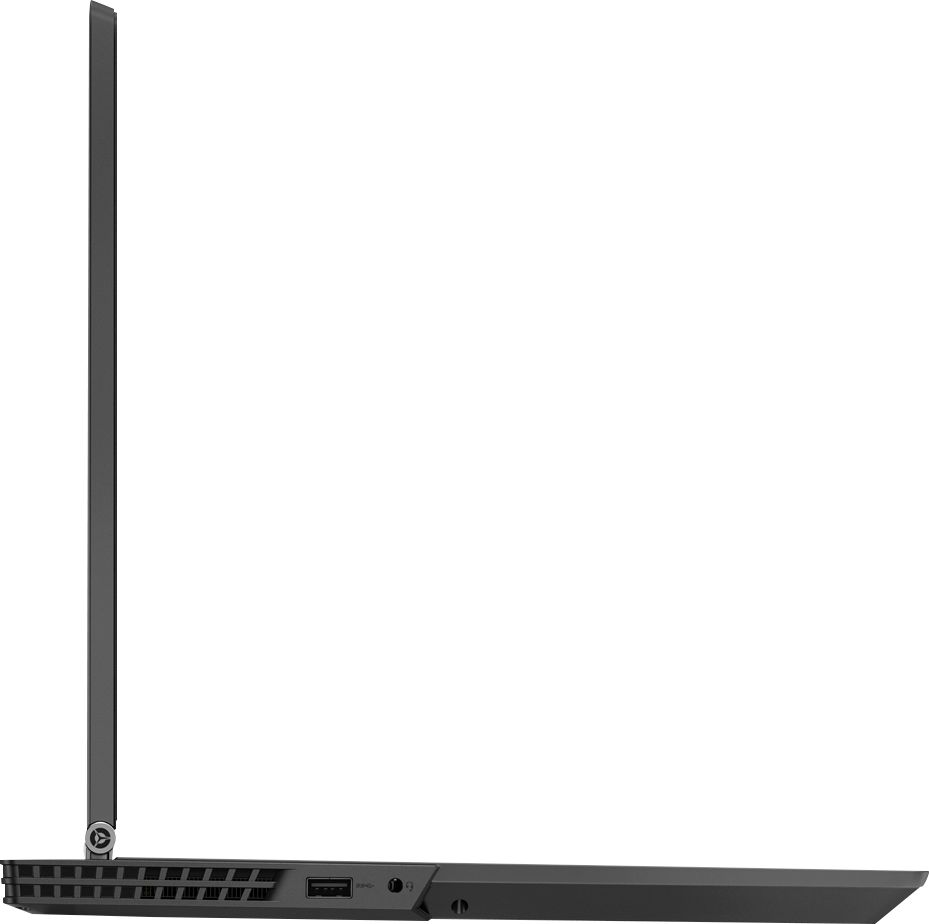
Posted .We are sorry to hear that you are having issues with your Lenovo Legion Y530. Concerning the device not turning on or loading Windows 10. This system is equipped with OneKey Recovery System. There is a very small pin hole on the right side of the device, right near the USB port on the device. You will need a pin to push this reset button. Plug the device in. Let the battery charge for about 15 minutes. Push the reset button. The system should boot to a choice screen where you can choose "Restore To Factory Default". Select this. It will delete everything from the hard drive except the original factory install of the operating system. You will need to reinstall all programs and files after the reset. If you don't have copies of the files, try to make one before you restore by selecting "Boot to desktop" and trying to back up your files. If the problem persists after the factory reset, we recommend you contact Lenovo Tech Support at: 877-453-6686. For 2018, Lenovo retained its place for a second year as the best laptop vendor:
https://www.laptopmag.com/articles/laptop-brand-ratings
My total UNFAIR opinion of this laptop
||Posted . Owned for 2 weeks when reviewed.This reviewer received promo considerations or sweepstakes entry for writing a review.I never got to use the laptop, but I keep getting emails to review it ,, so here goes....Bought this laptop as a refurb at a great price after researching and seeing it was a great deal. Bought it. But while setting it up it would not connect to internet. Took it in to Geek Squad they could not fix it and said they would have to send it out. Recommended I get another instead of waiting on this one. So in the end I bought a different Lenovo model laptop
I would recommend this to a friendBrand response from Lenovo Product Expert
Posted .The Lenovo Legion Y530 laptop top ships with the latest 5G 802.11 AC (2 x 2) frequency WiFi capability. Be sure you have the latest version of Windows 10 on the computer and that all of the supporting BIOS files and drivers are up to date. You can easily accomplish this by scanning the device with the Lenovo Utility software on the device. Since you are having difficulty connecting to WiFi, you will need to connect the device via ethernet cable, through the ethernet port on the device for this fix. This system has Lenovo utilities installed to help maintain the health of the device and keep the operating system software up to date. Type "Lenovo Vantage" in the Cortana Search window (if Lenovo Vantage is not installed on your device, you can download the APP and install it now). Select Lenovo Vantage from the list. In the window that opens, click on "Health and Support". In the expanded menu, select "Hardware Scan" In the window that opens, select "Run Quick Tests". This will scan your entire system for errors. Follow any directions that may pop up. If the problem continues after this scan, now click on "System Update". First select Windows update from the menu. Scan your system to be sure you have the latest version of Windows 10. Once that scan is complete, select "Additional Updates". This will scan your device to be sure there are no new BIOS/Driver updates needed. Follow any instructions that may pop up. If the issue still continues after these updates, we recommend you call Lenovo Tech Support at: 877-453-6686 for additional help.
computer doesnt work (again)
||Posted .This reviewer received promo considerations or sweepstakes entry for writing a review.bought computer 1 in jan 19. 2 weeks later keys fell off. then wifi started not connecting. sent it off, got "fixed". 3 days later same thing. sent it in, not repairable. claimed it was dropped, it wasnt. had extended warranty. son wanted same computer. 2 weeks old doing same thing. we are on vacation and cant return it
No, I would not recommend this to a friendBrand response from Lenovo Product Expert
Posted .We are sorry to hear that you are having issues with your Lenovo Legion Y530 laptop. We recommend you call Lenovo Tech Support for help with your specific issues at: 877-453-6686. For 2018, Lenovo retained its place for a second year as the best laptop vendor:
https://www.laptopmag.com/articles/laptop-brand-ratings
Not what i expected
||Posted . Owned for 1.5 years when reviewed.This reviewer received promo considerations or sweepstakes entry for writing a review.It is probably the slowest laptop i have ever had. Even playing the sims was laggy.
No, I would not recommend this to a friend- Cons mentioned:Hard drive

Little Not To Like
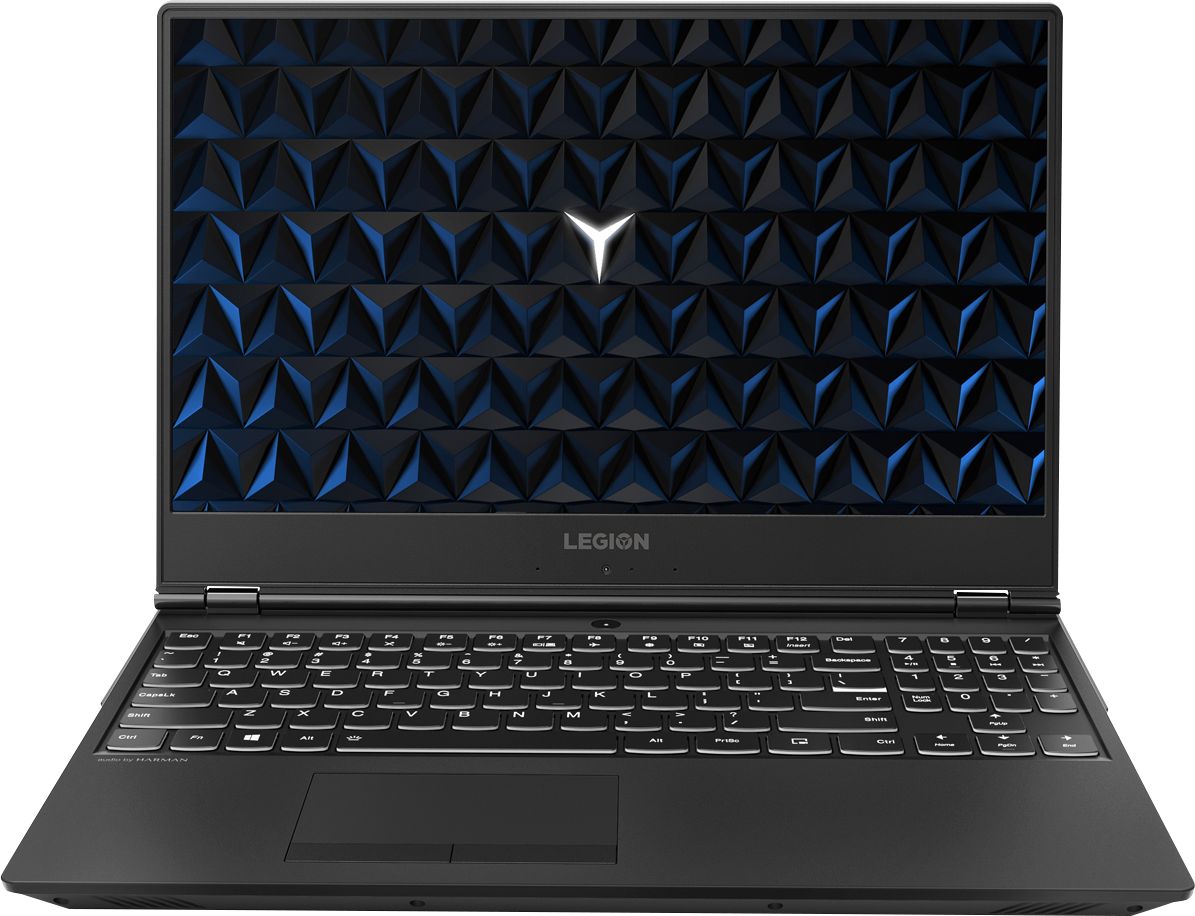
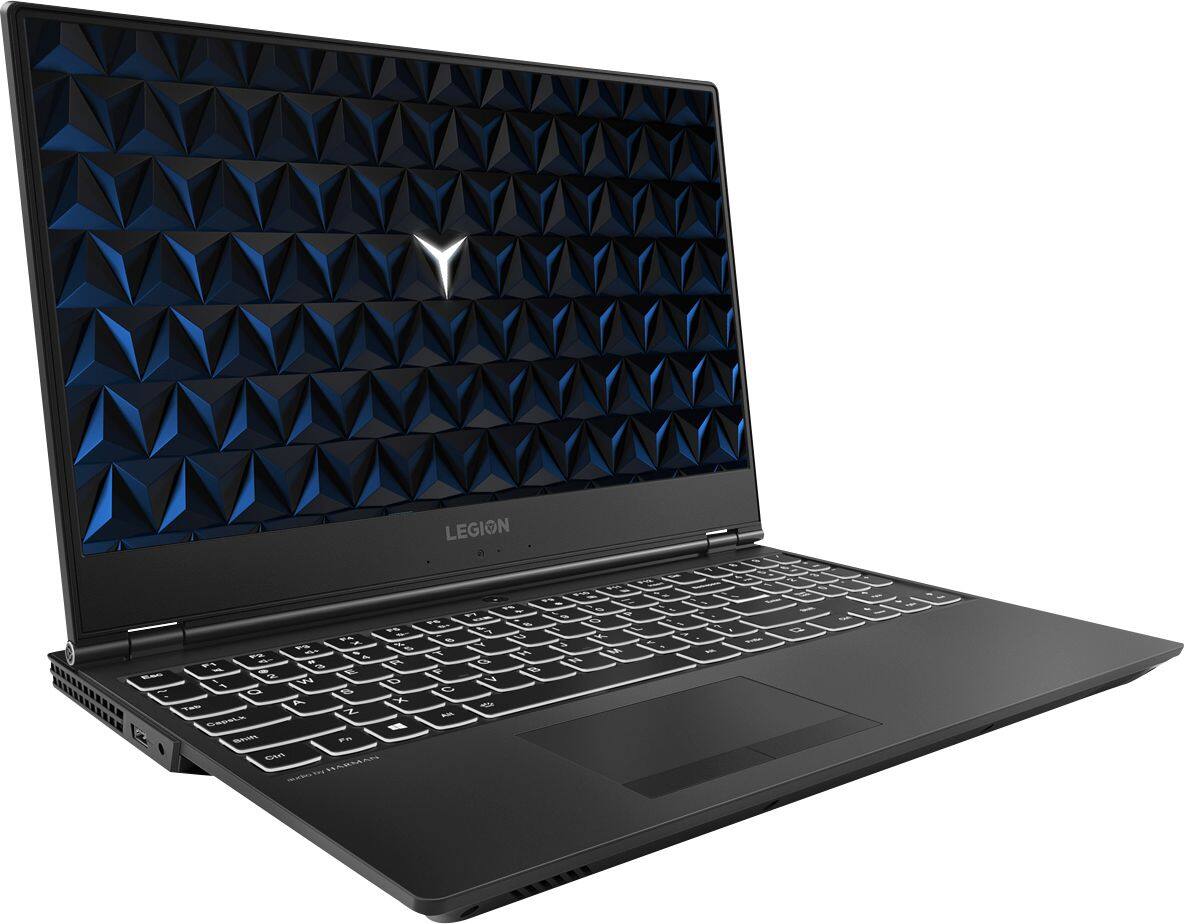
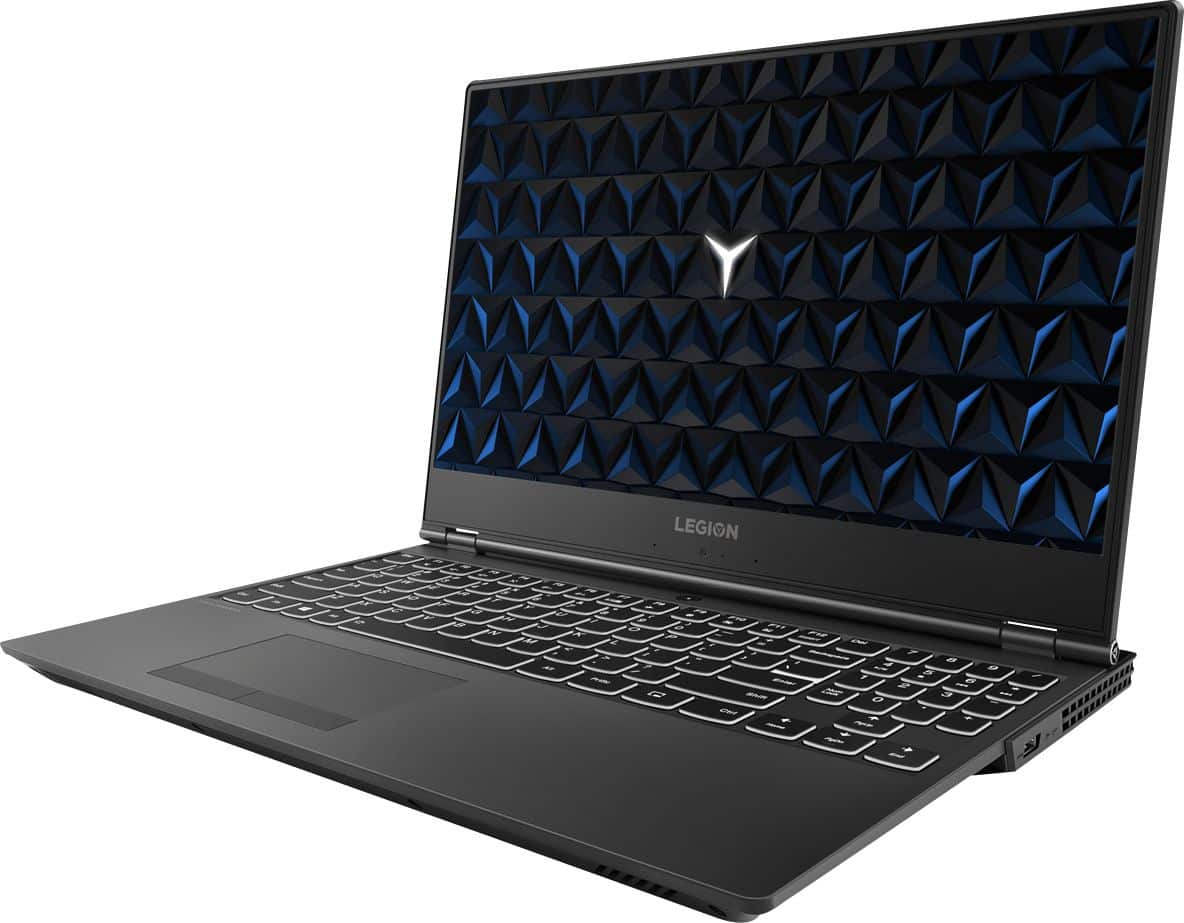
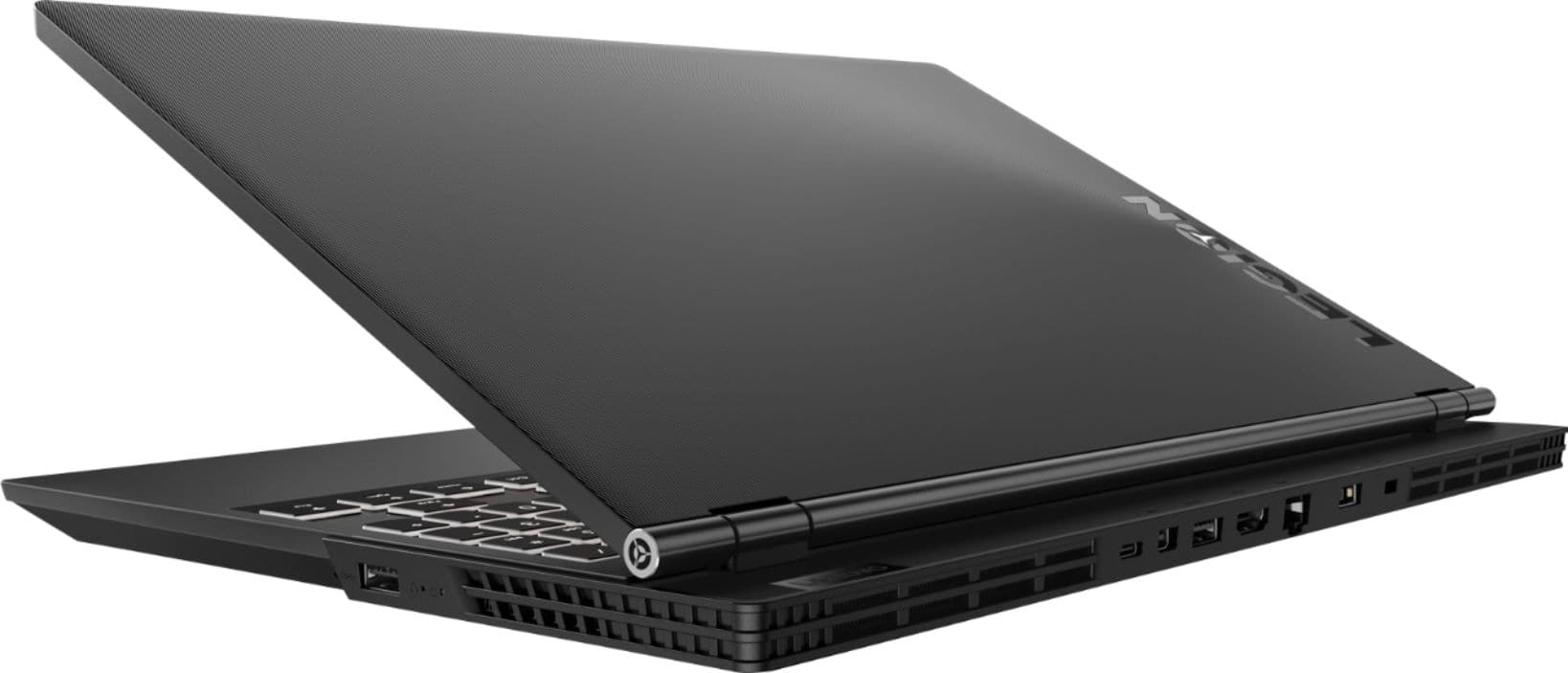
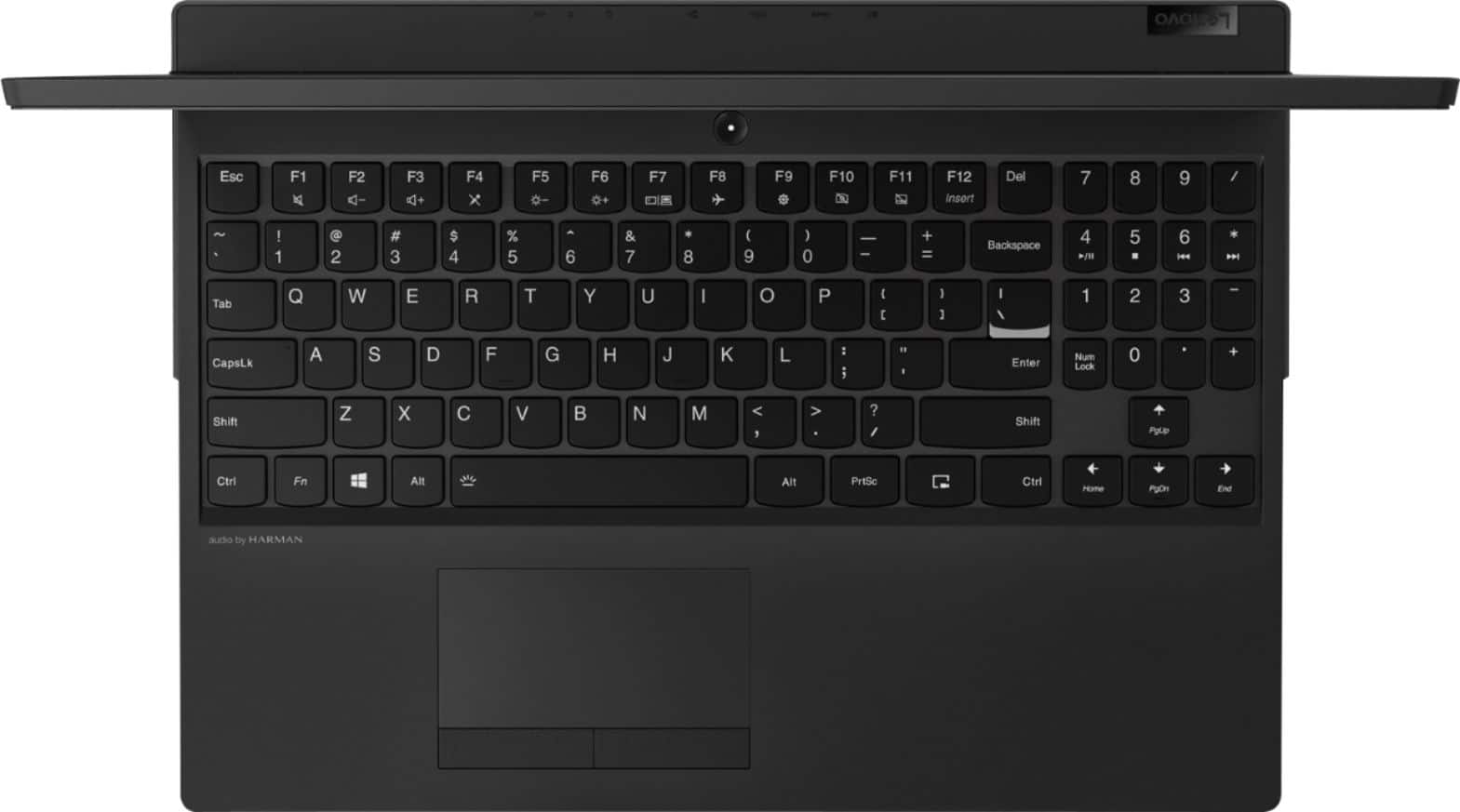
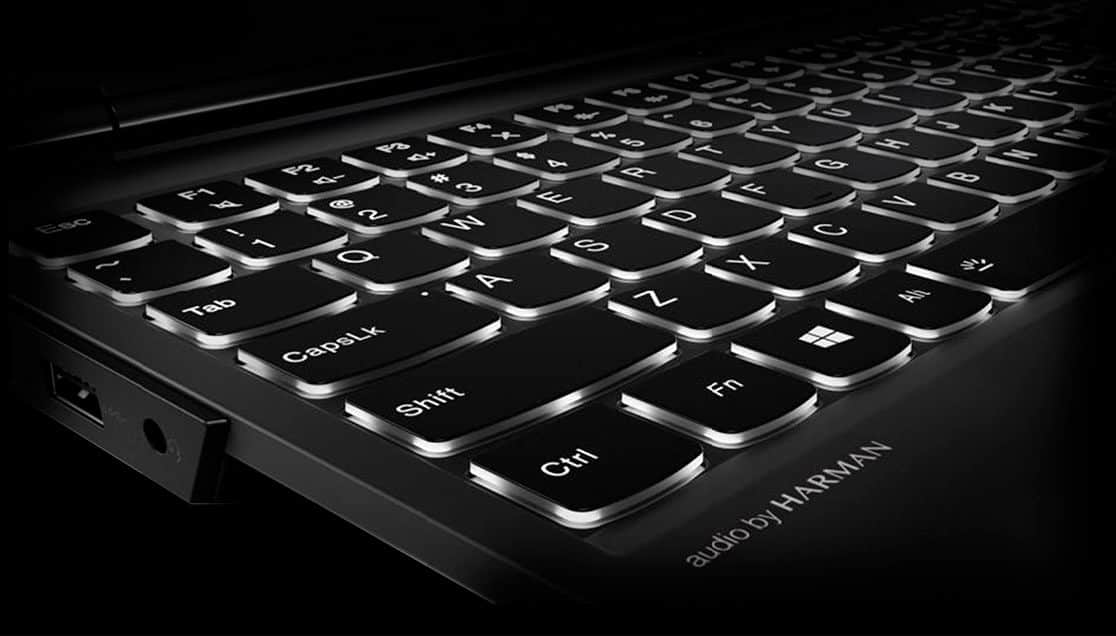
|Posted .This reviewer received promo considerations or sweepstakes entry for writing a review.Pros . Nice backlit full key keyboard . Great dual cooling system . 6-core i7 8th generation . Gtx 1050ti graphics card . Great touchpad . 1TB drive Cons . Camera is on the bottom of the screen . HDD instead of SDD . 8GB RAM There is little not to like about the Lenovo Legion Y530. The design is excellent: relatively light and thin for a gaming laptop, a great touch pad and a nice backlit full key keyboard although you can’t change the color of the light. Since it use an Intel i7 CPU and a GTX 1050ti GPU it does get hot but it has a great dual cooling system that can be adjusted via software. For everyday tasks, the battery last about 4 hours but I do not recommend to run games on batteries. In my experience, I had to connect it to power in less than an hour after playing Battlefield but that is expected with a powerful laptop like this one. It does video editing well too but the battery charge won’t last for very long either. Again, this is expected and is the price you pay for such power. Good IPS display. The plastic body doesn’t feel cheap. The speakers are above average. 802.11ac WiFi performs very well and it also comes with Ethernet, USB 3 and type C ports as well as HDMI and mini DP. There are only three issues with this model. First, it uses a Hard Disk Drive (HDD) instead of a Solid State Drive (SSD). Once you use a SSD, you will never consider a HDD as the primary storage system again. I am replacing it with a 1TB SSD. Second, only 8 MB of RAM is the bare minimum and my recommendation is to invest on the 16 GB model that is also available at Best buy. Those two issues affect overall performance of such a nice machine. Lastly, the camera is on the bottom, not the top of the screen. Not an issue for many people and not a deal breaker for me but it is not my preferred place for a camera. Of course, the two first issues are just to make it more affordable, so you can't complain much. Overall, it is a great gaming laptop, maybe except for hard core gamers that are willing to spend 2 to 5 times the price. If you don’t have that money to spare, you can’t go wrong with this one. Highly recommended.
I would recommend this to a friendBrand response from Lenovo Product Expert
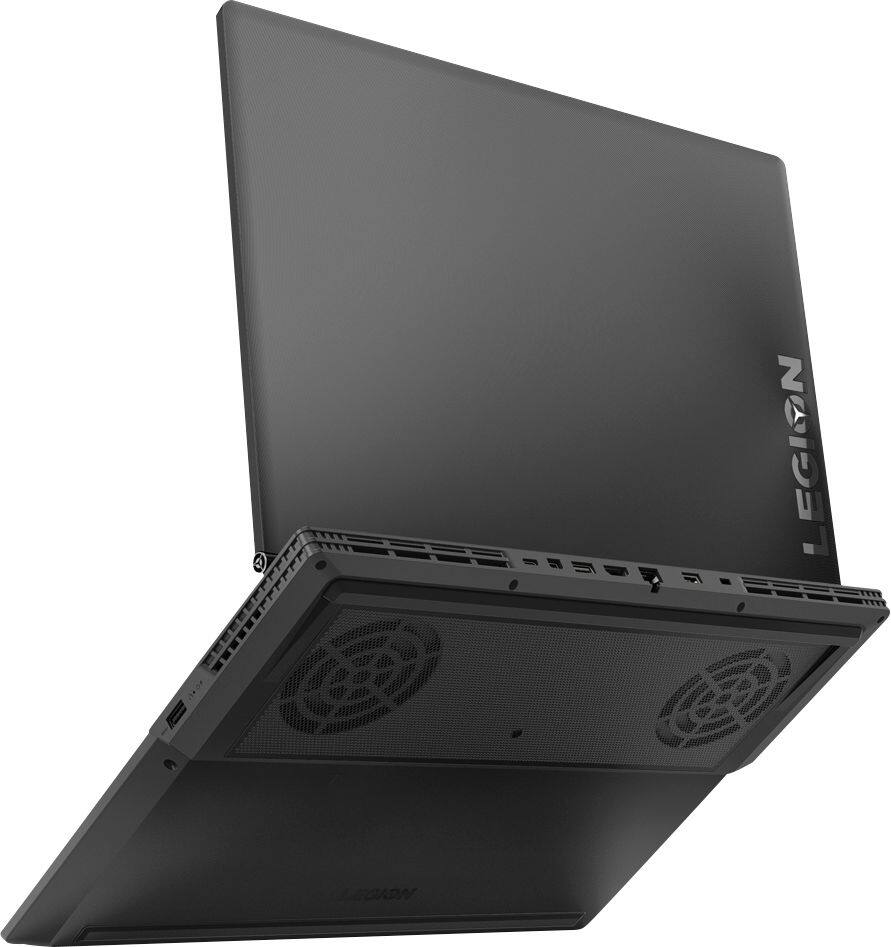
Posted .Thank you for choosing the Lenovo Legion Y530 laptop. The high performance Legion Y530 has a unique cooling architecture, it features a dual-channel thermal system, offering multiple benefits: individual CPU and GPU cooling, for cooler system temperatures; four thermal vents, for improved airflow; and 70 individual fan blades per channel, to reduce system noise. The standard 1TB hard drive has a speed of 7200RPMs. The RAM within the Legion Series is DDR4-2666MHz, this configuration ships with 8GB RAM. The web cam is on the bottom of the screen to keep the screen bezels as thin as possible, providing maximum viewable screen space (measured diagonally) in the smallest possible footprint. Please keep in mind, this model is not user upgradable. A certified technician must do all of the work, so as to not void the warranty.

Horrible performance
||Posted . Owned for 5 months when reviewed.This reviewer received promo considerations or sweepstakes entry for writing a review.This laptop performs like it is incredibly outdated. I cannot even browse a website without the browser freezing as content is loaded. I have a 250 Mbps connection. I expected much better than this from a “gaming laptop”. I want to return it for a refund.
No, I would not recommend this to a friendNot good for design programs
||Posted . Owned for 1.5 years when reviewed.This reviewer received promo considerations or sweepstakes entry for writing a review.I wouldn’t recommend this laptop for design programs.
No, I would not recommend this to a friend- Pros mentioned:Build quality, Ram
Good gaming laptop, lacked by SSD(and some RAM)
|Posted .This reviewer received promo considerations or sweepstakes entry for writing a review.I am reviewing the machine with 1050ti, 8GB RAM and 1TB HDD (no SSD). This is a nice rig, it could be very good if you upgrade it with SSD as for some reason Lenovo did not even put a hybrid drive on this thing. It does not have touch screen(so no pen support), which I am fine with, but it would have been a good to have. It does not have 4k which is actually correct as laptop GPU anyways can not push the FPS. Heck I am actually happy that they put 1080 into it. What I miss though is the IR camera, which is required for Windows Hello, and is not supported by this machine. That aside, build quality is top notch even though that makes it a heavy machine. This one came with GTX1050 TI, which I say plays game fine on medium settings. I am not someone who aims for highest FPS, but I played witcher 2 on medium settings and this thing played that fine. And even though that is slightly old game, that thing can tax desktop GPU (I have two desktops with GTX970 and 580). So what they aimed for, in gaming they got it. It would be great to have more RAM but I doubt you will miss that too much on this resolution as the card comes with 4 GB. This thing can be improved with the addition of a SSD, omission of SSD is just beyond me in this year, but hey you can always upgrade. And I check in youtube and it seems it is easy to upgrade HDD to SSD,(do check with Lenovo for warranty though). So a good machine, but with some very silly omission. I will be putting more technical details in my review of same laptop with 16 GB RAM.
No, I would not recommend this to a friendBrand response from Lenovo Product Expert
Posted .This model ships with a 1TB 7200RPM hard drive. Please keep in mind, this model is not user upgradable. A certified technician must do all of the work, so as to not void the warranty.
Internet connectivity issues.
||Posted .This reviewer received promo considerations or sweepstakes entry for writing a review.I have had nothing but problems with staying connected to the internet, starting about a month after purchase. They can't fix it in store, so now I'll have to send it out for at least two weeks, which isn't an easy option.
No, I would not recommend this to a friendBrand response from Lenovo Product Expert
Posted .We are sorry to hear that you are having issues with WiFi connectivity within your Lenovo Legion Y530 laptop. There is a new RealTek WiFi Card Driver update version currently available. This will correct the WiFi connectivity issue that is currently being found within Lenovo models with the RealTek 8822BE WiFi Card.
Install the new driver version on the computer with the WiFi connectivity issue, RealTek Wireless Driver for Windows 10 (64-bit) Lenovo –
https://download.lenovo.com/pccbbs/mobiles/r0prw12w.exe
If the WiFi signal continues to drop after restarting the computer, manually change the Bandwidth setting under the "Advanced Driver Properties" within the Device Manager, from
80Mhz_40Mhz_20Mhz to 40Mhz_20Mhz. If you need additional help or the issue continues, we recommend you call Lenovo Tech Support at: 877-453-6686. For 2018, Lenovo retained its place for a second year as the best laptop vendor:
https://www.laptopmag.com/articles/laptop-brand-ratings
Defective
||Posted .This reviewer received promo considerations or sweepstakes entry for writing a review.I bought a computer supposedly certified by geek squad. Well it is supposed to be a gaming laptop but it keeps freezing and pausing and when I launch games the games crash. Waste of money. It can barely surf the internet.
No, I would not recommend this to a friendBrand response from Lenovo Product Expert
Posted .We are sorry to hear that you are having issues with your Lenovo Legion Y530 laptop. Be sure any software you installed is compatible with Windows 10. There is no need to install Microsoft Office software. The software is already part of the operating system, you just need to activate the software with a purchased product key. If you have installed a copy of Microsoft Office, this is conflicting with the existing copy on the system and this will slow your system down. If you have installed a 3rd party anti-virus program, be sure that Windows Defender is turned off and that the trial version of McAfee Anti-Virus software is uninstalled. There can only be one anti-virus program on the system. Additionally, this system has Lenovo utilities installed to help maintain the health of the device and keep the operating system software up to date. Type "Lenovo Vantage" in the Cortana Search window (if Lenovo Vantage is not installed on your device, you can download the APP and install it now). Select Lenovo Vantage from the list. In the window that opens, click on "Health and Support". In the expanded menu, select "Hardware Scan" In the window that opens, select "Run Quick Tests". This will scan your entire system for errors. Follow any directions that may pop up. If the problem continues after this scan, now click on "System Update". First select Windows update from the menu. Scan your system to be sure you have the latest version of Windows 10. Once that scan is complete, select "Additional Updates". This will scan your device to be sure there are no new BIOS/Driver updates needed. Follow any instructions that may pop up. If the issue still continues after these updates, we recommend you call Lenovo Tech Support at: 877-453-6686 for additional help.
wouldnt charge
||Posted . Owned for 3 weeks when reviewed.This reviewer received promo considerations or sweepstakes entry for writing a review.Had this for about 3 weeks never charged to 100%. Would not stay connected to internet. It was open box but never had a issue with open box. Very dissapointed. Not sure what the issue was. Returning today.
No, I would not recommend this to a friendBrand response from Lenovo Product Expert
Posted .We are sorry to hear that you had issues with your Lenovo Legion Y530 laptop. Be sure you have the latest version of Windows 10 on the device and that all of the supporting BIOS files and drivers are up to date as well. This is easily accomplished by scanning the computer with the Lenovo Utility software installed on the computer. This system has Lenovo utilities installed to help maintain the health of the device and keep the operating system software up to date. Type "Lenovo Vantage" in the Cortana Search window (if Lenovo Vantage is not installed on your device, you can download the APP and install it now). Select Lenovo Vantage from the list. In the window that opens, click on "Health and Support". In the expanded menu, select "Hardware Scan" In the window that opens, select "Run Quick Tests". This will scan your entire system for errors. Follow any directions that may pop up. If the problem continues after this scan, now click on "System Update". First select Windows update from the menu. Scan your system to be sure you have the latest version of Windows 10. Once that scan is complete, select "Additional Updates". This will scan your device to be sure there are no new BIOS/Driver updates needed. Follow any instructions that may pop up. If the issue still continues after these updates, we recommend you call Lenovo Tech Support at: 877-453-6686 for additional help. For 2018, Lenovo retained its place for a second year as the best laptop vendor:
https://www.laptopmag.com/articles/laptop-brand-ratings
Its ok
||Posted .This reviewer received promo considerations or sweepstakes entry for writing a review.It was an ok pc.. slow with no ssd. 1050ti lacks in power for most games. Would not play battlefield v on low settings. Was choppy. Returned and purchased dell g7 with 1060
No, I would not recommend this to a friendBrand response from Lenovo Product Expert
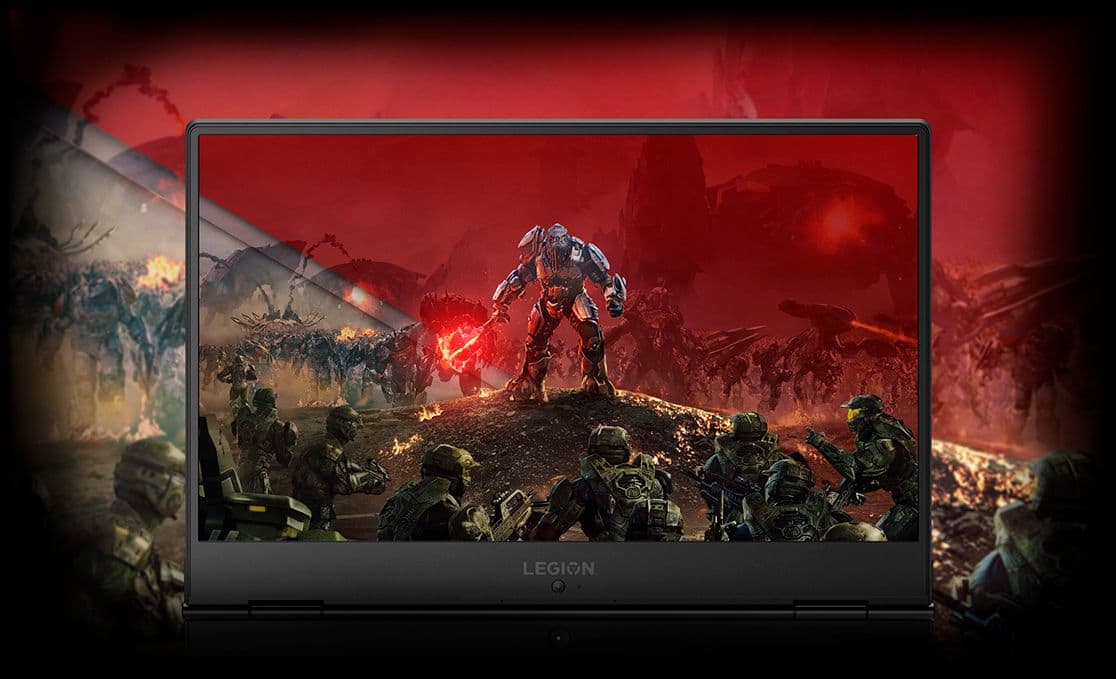
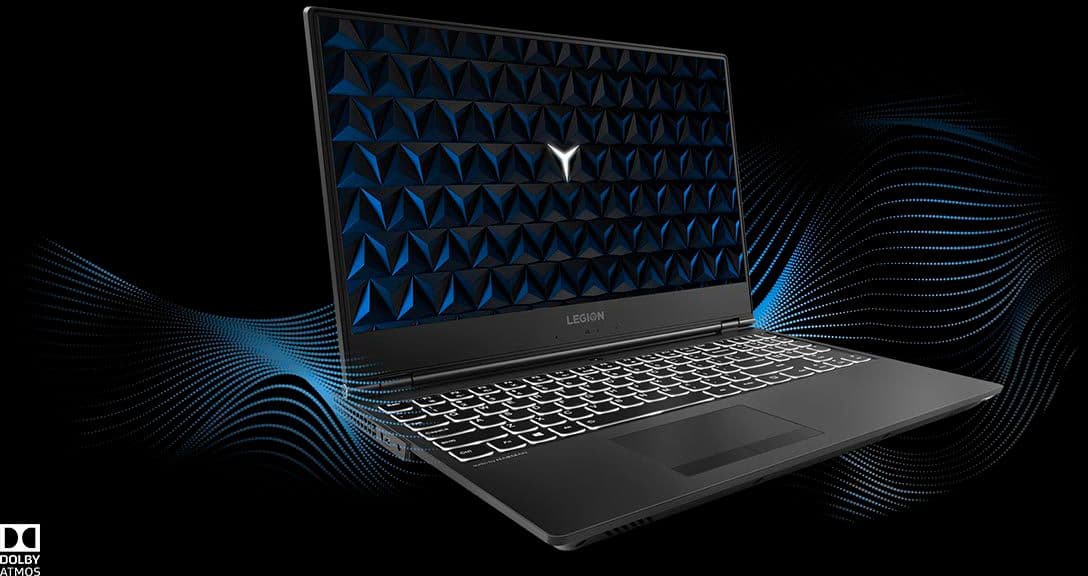
Posted .The Lenovo Legion Y530 laptop, model number 81FV0001US, ships with a standard 1TB 7200 RPM hard drive, which is Intel Optane Memory ready. This configuration ships with the powerful Six-Core/Twelve-Thread Intel Core i7-8750H processor, supported by 8GB of DDR4-2666MHz RAM. There is also a discrete Nvidia GeForce GTX 1050TI GPU, with dedicated 4GB GDDR5 RAM on the card. This 15.6-inch laptop gives you exactly what you need for a gaming experience, or other demanding software, that balances performance and portability. Its breathtakingly sleek design includes a three-sided narrow bezel for a more immersive gaming experience. If you are looking for a powerful computer that is still portable, the Lenovo Legion Y530 is a great choice.
Screen back light malfunction
||Posted . Owned for 1 year when reviewed.This reviewer received promo considerations or sweepstakes entry for writing a review.This gaming computer is not good, slow performance. Screen back light not working in a year. Total waste of money. Don’t buy it
No, I would not recommend this to a friend- Pros mentioned:Performance
A good gaming laptop, but for the mild gamer
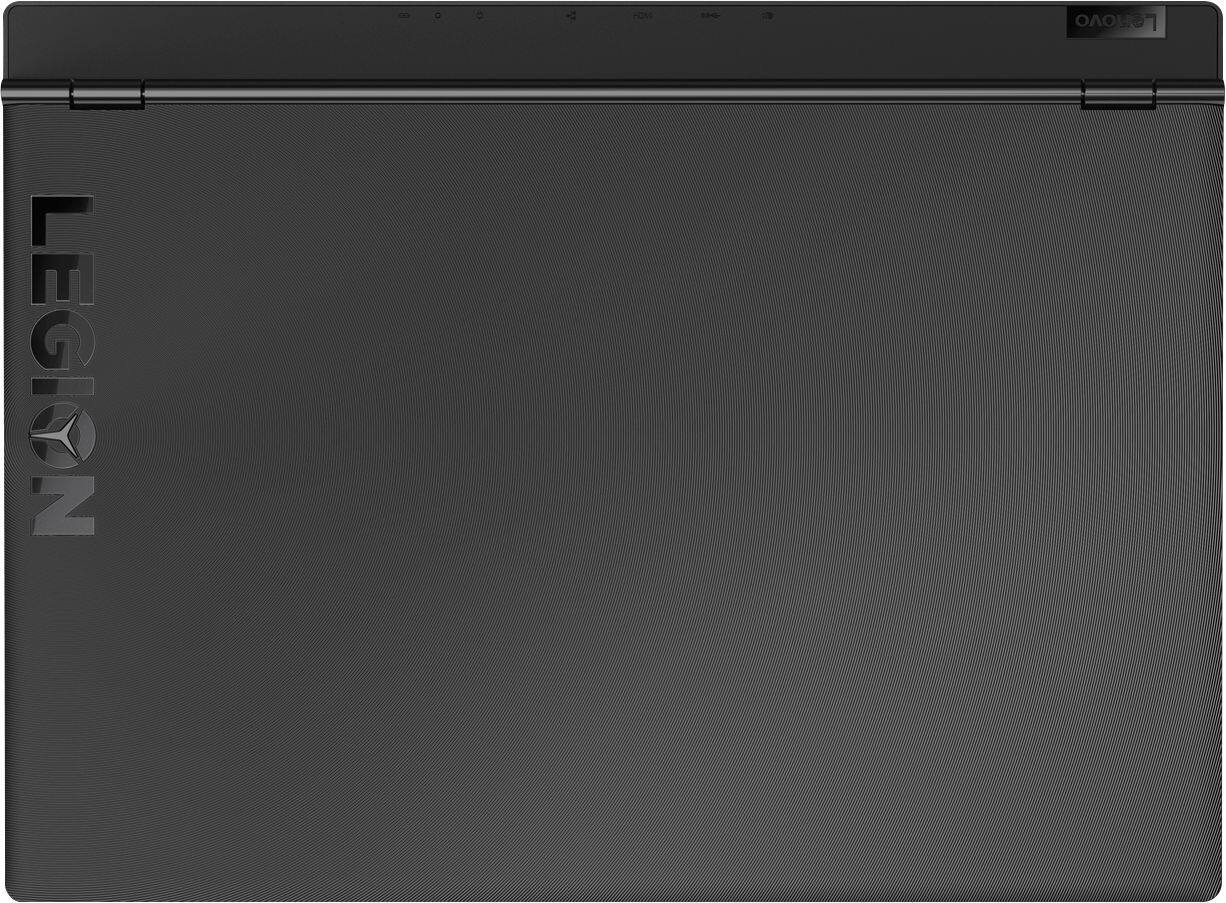
|Posted .This reviewer received promo considerations or sweepstakes entry for writing a review.Upon opening the box, Lenovo likes to keep it basic. There is not much included inside the box. It does throw you off a bit, that the user guide comes in every language, with Arabic on the front cover. All the languages are in alphabetical order so you need to flip some pages to find English. The laptop comes in a nice protective sleeve, and also has a nice screen protector insert that can be used later on for general use when you close the laptop or when traveling with it. It has a standard Windows 10 home setup screen when powering on for the first time. On the lid the "Y" in the Legion lettering lights up when the computer is powered on and also has back lit keys . The casing itself and keys seem to be very prone to collecting fingerprints. Most of the connections are on the back of the laptop, but there is a usb port on each side and the audio jack on the left side. The bottom is raised in the back and has 2 visible cooling fans on each side. The speakers are in the front. This laptop is backwards from many other laptops in that its keyboard is set up for gaming, so the F1-F12 keys serve as the main function, and you must push the Fn key in order to use the alternate functions on the keyboard such as volume up and down, play, pause, search, etc., where on most laptops the alternate functions come first before the F1-F12 keys. I do like that the keyboard does come with a numpad on the side. On to the gaming. This laptop runs pretty smooth when running games like PUBG, but does slow down when on the highest settings. With only 8GB of RAM in this system, it is much friendlier towards older games. Unless you are a lefty, it is almost impossible to game with out at least having an external mouse . The touchpad is left of center and is a bit different as well as the touchpad itself does not click to make button presses. You can tap the touchpad to click on something or use the clickers underneath the pad. The sound output is ok. It doesn't get too loud. I would probably have expected more from them being Harmon speakers. They are very clear sounding though, but I would still recommend using the Bluetooth and connecting to a home theater set up or wearing headphones while gaming. The webcam is off the norm as well. It is located at the bottom of the screen so if you are going to utilize the webcam you have to have the screen angled way back to be able to see your face and it has to look up at you. It takes pictures at .9mp but can record video at 720p. Its mic pic up is pretty decent if using to Skype or use chat channels when gaming, but overall the camera is not a selling point to this laptop. Overall this is a very quirky gaming laptop, but as long as you are using an external mouse it is not too bad. Using the Oculus tester, it just meets the minimum system requirements to run VR as well. I would go for the 16GB version of this laptop instead.
I would recommend this to a friendBrand response from Lenovo Product Expert
Posted .Thank you for choosing the Lenovo Legion Y530. We are pleased to hear that the Legion Y530 is working out for you.
Replaced 1st, returned 2nd
||Posted .This reviewer received promo considerations or sweepstakes entry for writing a review.1st laptop died in 3 days. Returned and got another one. Last week, laptop fired internally. Returned for store credit.
No, I would not recommend this to a friend- Pros mentioned:Performance, Ram
Elegant, slick, powerful
Posted .This reviewer received promo considerations or sweepstakes entry for writing a review.This laptop was awesome. It was slim, quiet, elegant, and powerful. I was able to use it for my IT courses deploying small VM servers and running a game during lunch. Ram is easily upgradable to 16 gigs and honestly worth it. Lenovo legions are one of the best laptops you can get in the market
I would recommend this to a friend The worst laptop
||Posted . Owned for 1.5 years when reviewed.This reviewer received promo considerations or sweepstakes entry for writing a review.the laptop is slow and always freezes. I have a lot of problems with this laptop
No, I would not recommend this to a friendScreen died
||Posted .This reviewer received promo considerations or sweepstakes entry for writing a review.After 4 months of using the laptop the screen backlight died with out any wired usage.
No, I would not recommend this to a friendBrand response from Lenovo Product Expert
Posted .We are sorry to hear you are having an issue with your Lenovo Legion Y530 laptop. We recommend you call Lenovo Tech Support for help with your specific issue at: 877-453-6686.
- Pros mentioned:Build quality, Performance
Awesome laptop, Wish I could give it 5 stars.
Posted .This reviewer received promo considerations or sweepstakes entry for writing a review.Couple thoughts. -The keyboard is really REALLY good, which we've come to expect from Lenovo, however I dislike the number pad,.. A LOT. the layout is very odd. I'm still trying to figure it out. Mouse is pretty good too once settings have been adjusted to your liking, however mine cuts out occasionally for some odd reason. I sometimes have to disable/enable the touchpad (Fn + F11). -Upgraded to NVMe SSD, couldn't imagine going without. -Coming from an HP Omen 15, my speakers are super soft, -Mine has one pixel that is bright blue. After the screen has been on for a bit it seems to function normally. -Lastly, you should look into undervaluing to reduce temps and increase performance. Which is super easy with Intel Extreme Tuning Utility. Take voltage down to around -0.150 and you'll see a noticeable improvement in temps and hold higher clock speeds longer. Check out ThrottleStop If you want to take things a step further. This video is a great tute. (https://www.youtube.com/watch?v=yNt9L3BWOFo&t=332s&index=2&list=FLuob7NYoLZdEnBLD6CxPNcw) Great machine, but docked for faulty pixel and weak speakers.
I would recommend this to a friendBrand response from Lenovo Product Expert
Posted .Thank you for choosing the Lenovo Legion Y530. This configuration ships with a 1TB 7200RPM standard hard drive that is Intel Optane Memory ready. Though this model is not user upgradable, your certified technician can add up to 16GB of Intel Optane Memory, making the standard hard drive perform like a hybrid drive, giving you solid state hard drive performance with the programs you use the most. Concerning the issues you mention about your touchpad, a BIOS/driver update may be necessary. You can easily doe this yourself. This system has Lenovo utilities installed to help maintain the health of the device and keep the operating system software up to date. Type "Lenovo Vantage" in the Cortana Search window (if Lenovo Vantage is not installed on your device, you can download the APP and install it now). Select Lenovo Vantage from the list. In the window that opens, click on "Health and Support". In the expanded menu, select "Hardware Scan" In the window that opens, select "Run Quick Tests". This will scan your entire system for errors. Follow any directions that may pop up. If the problem continues after this scan, now click on "System Update". First select Windows update from the menu. Scan your system to be sure you have the latest version of Windows 10. Once that scan is complete, select "Additional Updates". This will scan your device to be sure there are no new BIOS/Driver updates needed. Follow any instructions that may pop up. This configuration ships with stereo Harmon 2W speakers and Dolby Home Theatre sound enhancement. Be sure you have Dolby Home Theatre turned on and adjusted to your preferences for the optimum audio performance. Finally, concerning the dead pixel issue you mention, here is a link to tips for fixing this issue within Windows 10: https://windowsreport.com/best-software-fix-dead-pixels-windows-10/
- Cons mentioned:Battery life
Good Laptop
|Posted .This reviewer received promo considerations or sweepstakes entry for writing a review.Overall this is a very good laptop. Even with only 8GB of ram it runs smoothly and is able to play most games with the settings set to a reasonable level. As long as your not running several different things at once the 8GB of ram is enough to keep you going and the 1050ti graphics is great for a laptop gamer. The only thing I wish was a little better was the battery life. It tends to be on the short side so try not to stray too far from power just in case.
I would recommend this to a friendBrand response from Lenovo Product Expert
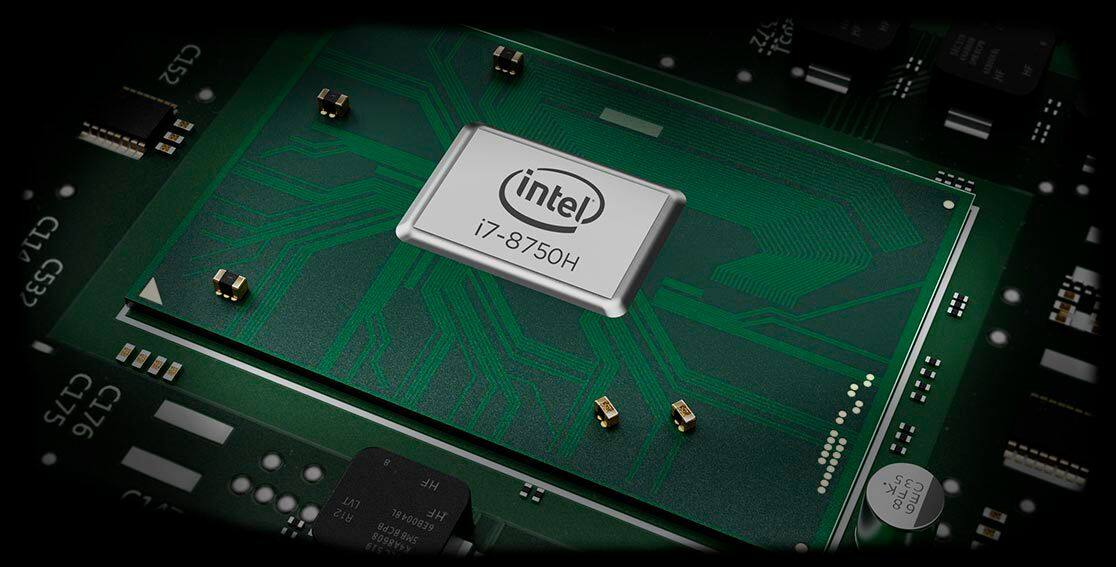
Posted .Thank you for choosing the Lenovo Legion Y530 laptop. This configuration comes with the 8th Generation, 6-core/12-thread Intel Core i7-8750H processor. This processor has 9MB of cache memory on the processor as well as 8GB of DDR4-2666MHz RAM. It is configured for gaming and multi-tasking. The Y530 has a 3CELL 52.5WH, Lithium Polymer battery with a battery life of up to 5 hours, depending on the work that the device is performing.