Customer Ratings & Reviews
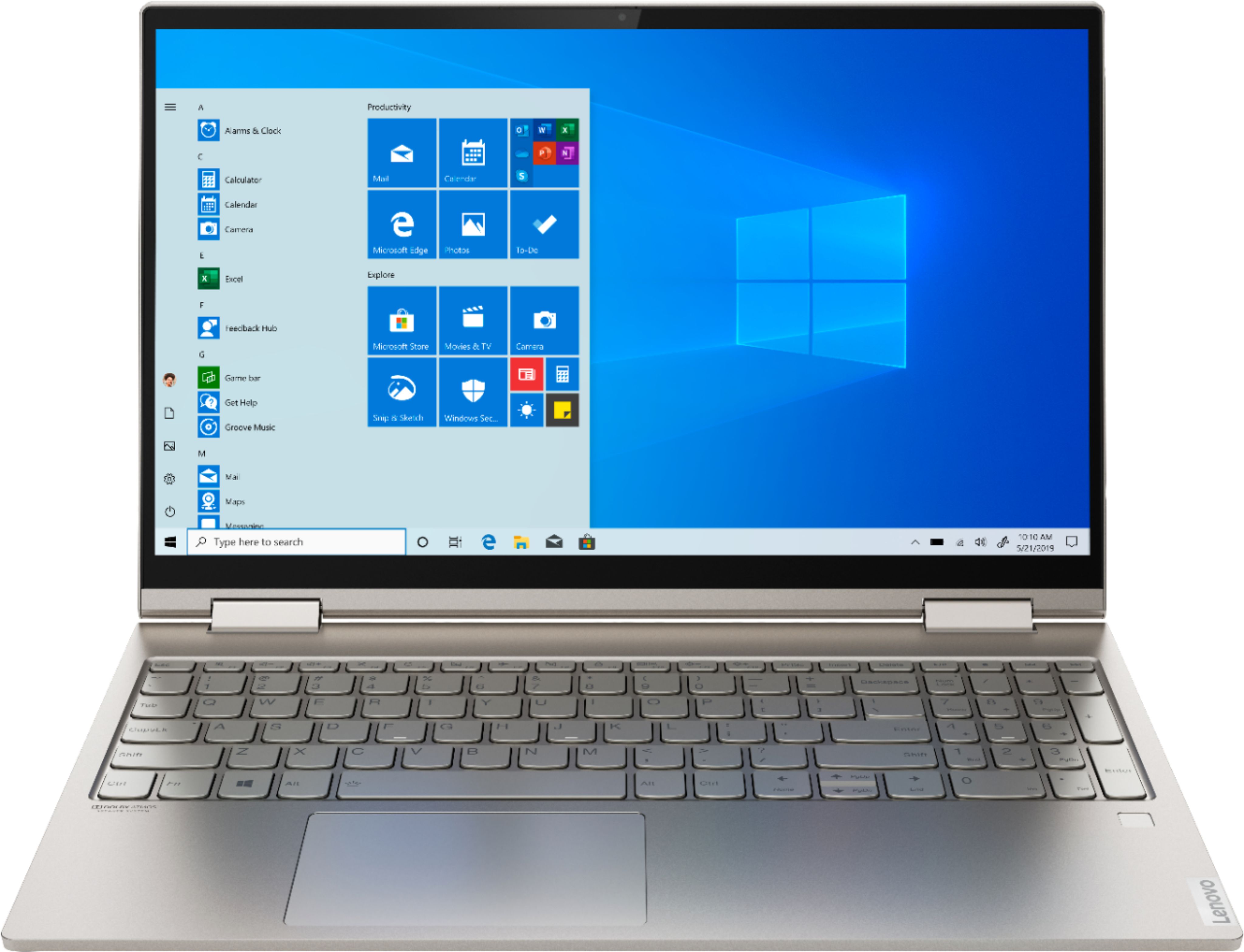
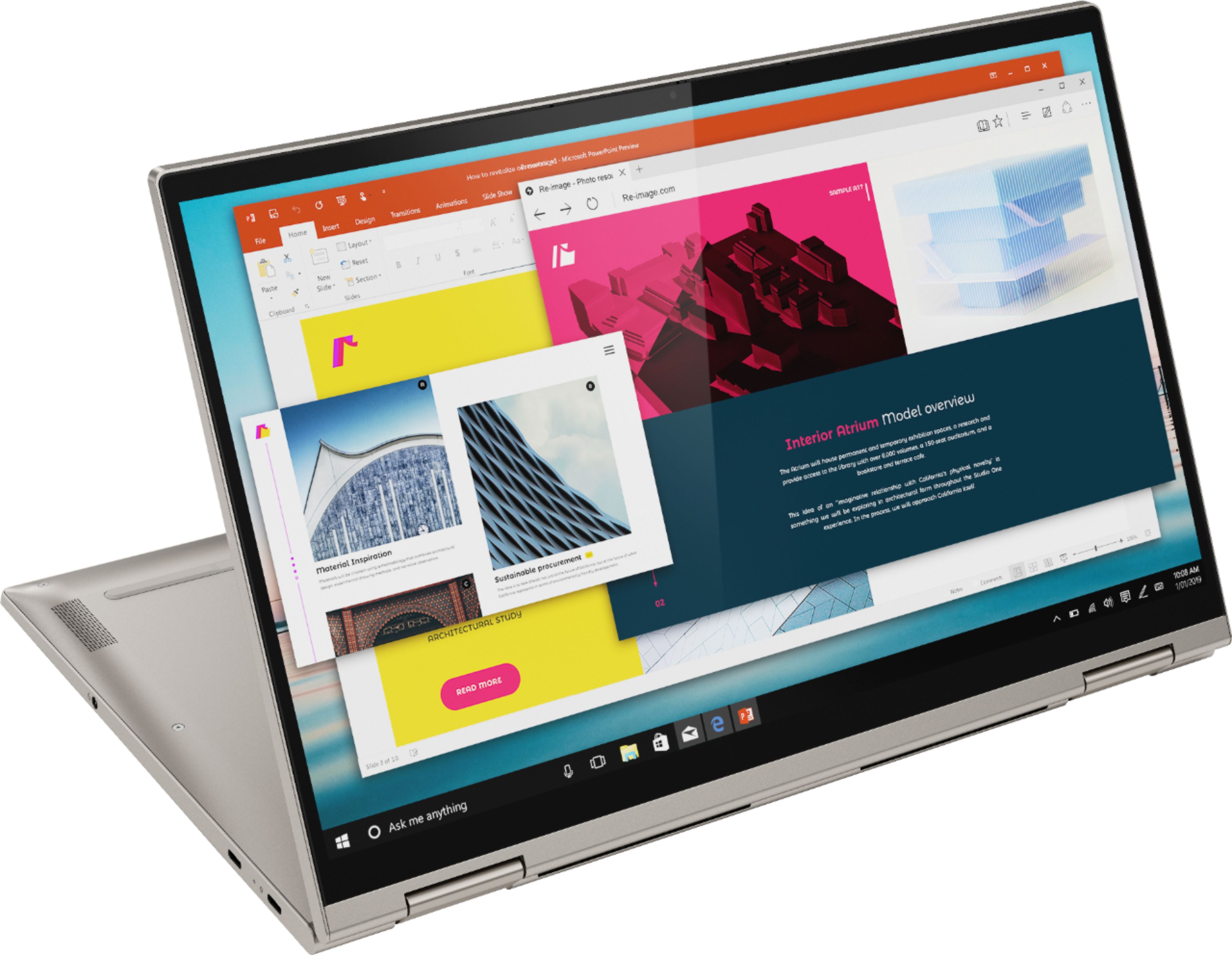
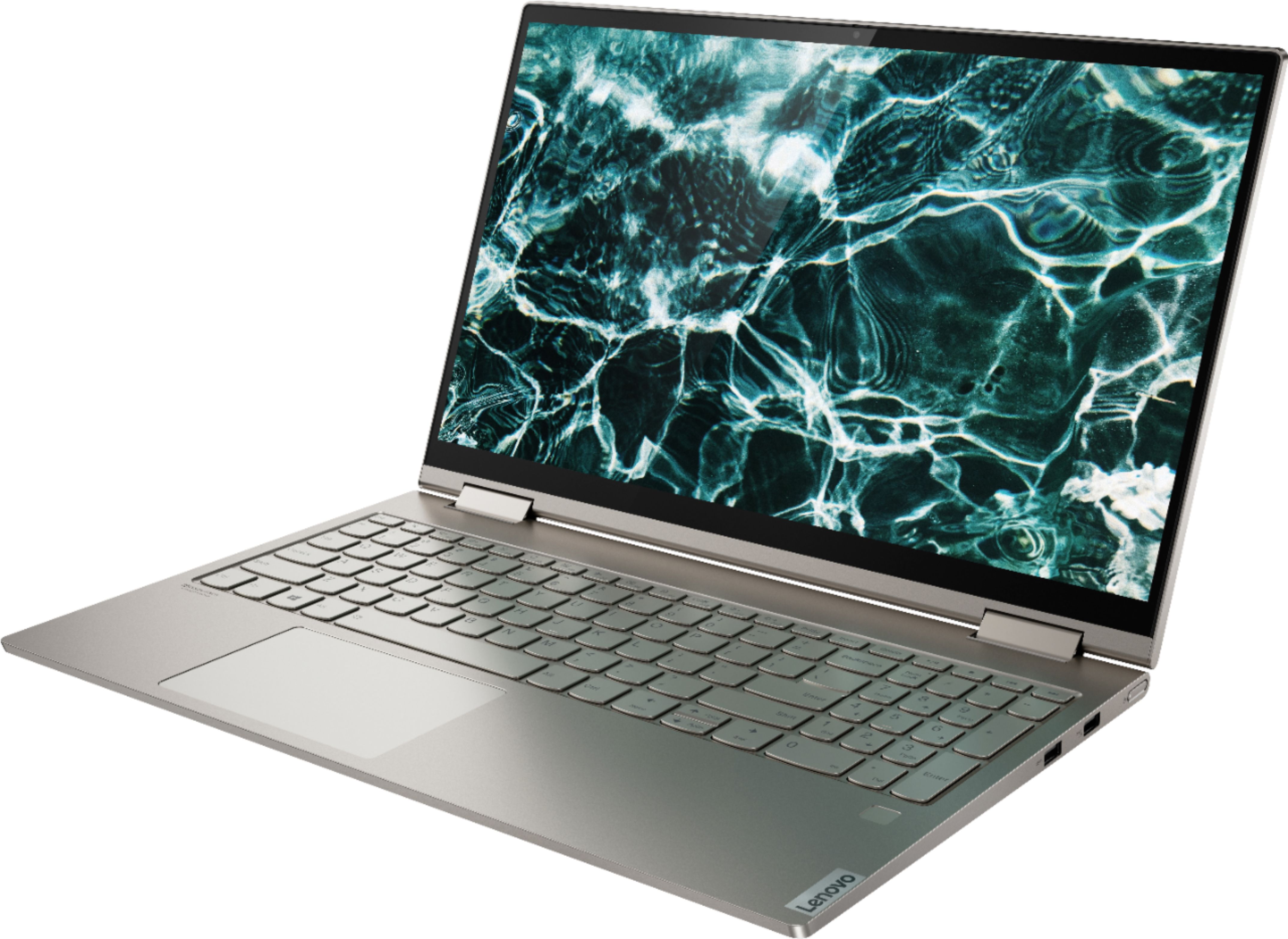
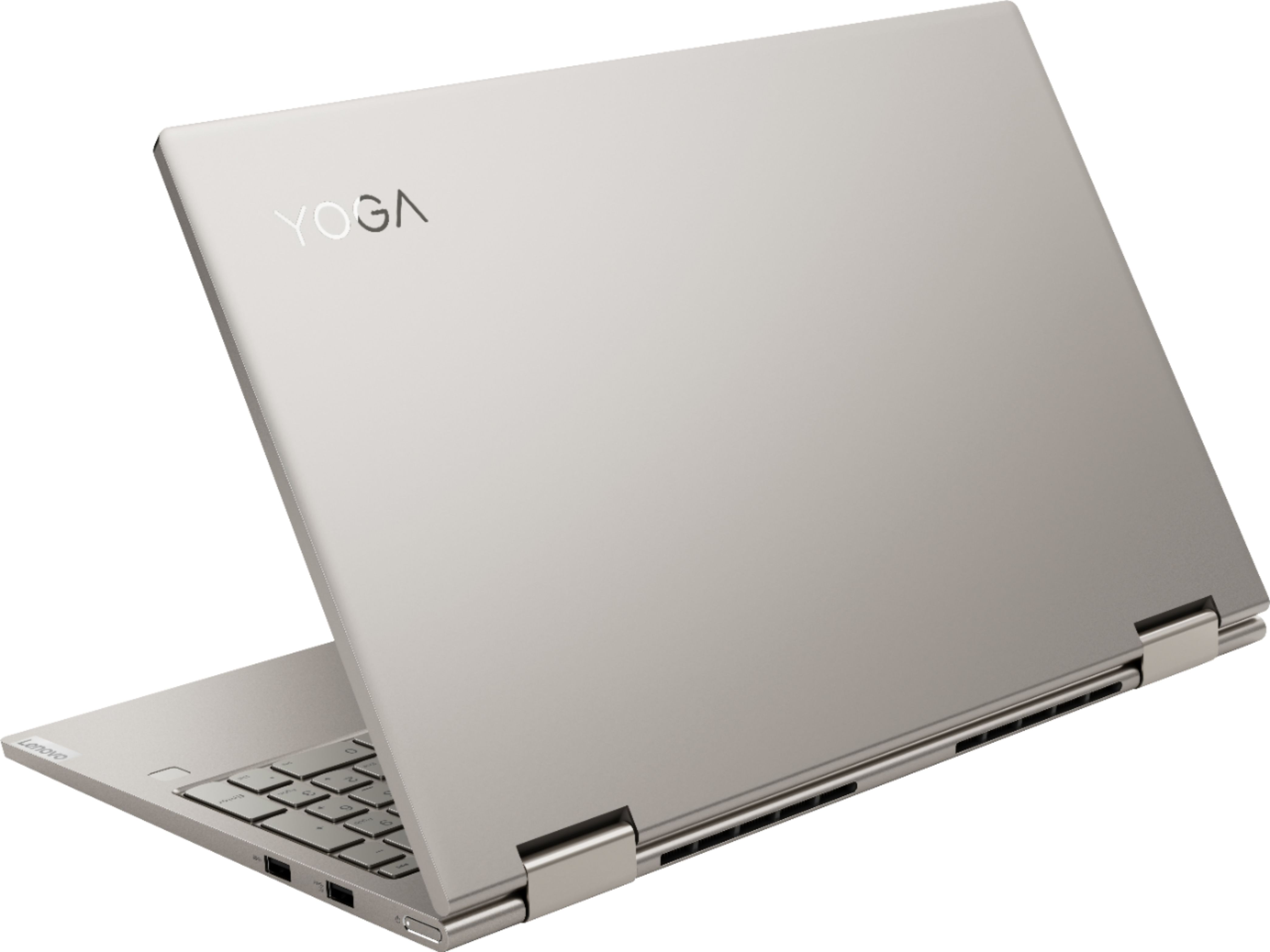






- Model:
- 81TD0005US
- SKU:
- 6367802
Rating by feature
- Battery Life
Rating 4.1 out of 5 stars
- Speed
Rating 4.3 out of 5 stars
- Display
Rating 4.5 out of 5 stars
Customers are saying
Customers often highlight the responsive touch screen, ease of use, and lightweight design as significant advantages. Positive feedback also frequently mentions strong performance and good battery life. However, some users reported issues with the device overheating and occasional excessive fan noise. A few customers also commented on the price point being higher than expected.
This summary was generated by AI based on customer reviews.
Horrible
||Posted . Owned for 2 months when reviewed.This reviewer received promo considerations or sweepstakes entry for writing a review.Within three months I was back at Geek Squad having to send my laptop out for repairs. It stopped charging and powering on. This is by far the worst laptop I’ve owned. 2 weeks into online school and I’m using my 6 y/o HP. It might be slow, no touch screen, or a 2 in 1, but at least it works.
No, I would not recommend this to a friendBrand response from Lenovo Product Expert
Posted .We are sorry to hear that you are having issues charging your Lenovo Yoga C740-15. First, confirm that thew AC adapter/charger is not the problem. You should see a white charging light when the computer is plugged in and charging. Also, if the computer is charging you should be able to roll your cursor over the battery indicator and confirm that the computer is either fully charged or is currently charging. If the AC adapter is not the issue, resetting the computer back to original factory settings my also reset the battery back to its original state as well. If you can no longer boot the computer, this system is equipped with OneKey Recovery System. There is a very small pin hole on the bottom of the device, right near the top right corner of the cooling vent on the bottom of the device. You will need a pin to push this reset button. Plug the device in. Let the battery charge for about 15 minutes. Push the reset button. The system should boot to a choice screen where you can choose "Restore To Factory Default". Select this. It will delete everything from the hard drive except the original factory install of the operating system. You will need to reinstall all programs and files after the reset. If you don't have copies of the files, try to make one before you restore by selecting "Boot to desktop" and trying to back up your files. If the problem persists after the factory reset, we recommend you contact Lenovo Tech Support at: 877-453-6686.

Wrong description
||Posted . Owned for 3 months when reviewed.This reviewer received promo considerations or sweepstakes entry for writing a review.I bought this computer but it came without a charger and guess what its driver turns out to be 27 GB instead of 512 GB. My daughter was using it and she just realized it. I will start to warranty process but I do not know is it going to solve my problem
No, I would not recommend this to a friendNot Good
||Posted . Owned for 2 weeks when reviewed.This reviewer received promo considerations or sweepstakes entry for writing a review.Not satisfied with this product , Bad sound quality .
No, I would not recommend this to a friendBrand response from Lenovo Product Expert
Posted .Hello, we are sorry to hear you are experiencing an issue with the sound on your Lenovo Yoga C740 laptop model # 81TD0005US. For added volume, clarity, and warmth in sound quality we recommend turning on Dolby Atmos. This is an included App and will allow you to utilize all of the intended features of the speakers on your laptop. to get started please type "Dolby Atmos Speaker System" into the Windows 10 Cortana search bar at the bottom corner of your screen. Select the App, then turn the power button on at the top left of the application. If this does not remedy your sound problem it is possible updating the system software, device drivers, and bios will. You can easily accomplish this by scanning the computer with the Lenovo Utility software available on this computer. This system has Lenovo utilities installed to help maintain the health of the device and keep the operating system software up to date. Type "Lenovo Vantage" in the Cortana Search window (if Lenovo Vantage is not installed on your device, you can download the APP and install it now). Select Lenovo Vantage from the list. In the window that opens, click on "Health and Support". In the expanded menu, select "Hardware Scan” In the window that opens, select "Run Quick Tests". This will scan your entire system for errors. Follow any directions that may pop up. If the problem continues after this scan, now click on "System Update". First select Windows update from the menu. Scan your system to be sure you have the latest version of Windows 10. Once that scan is complete, select "Additional Updates". This will scan your device to be sure there are no new BIOS/Driver updates needed. Follow any instructions that may pop up. If the issue continues after these updates, we recommend you call Lenovo Tech Support at: 877-453-6686 for additional help.
Hate this computer
||Posted .This reviewer received promo considerations or sweepstakes entry for writing a review.I hate windows 10s. Microsoft is not user friendly. Now that Best Buy is closed in my town I can’t get to geek squad to see if anything can be changed or teach me how get along with it better. I have tecksupport that is fast running out. A lot of money for wasted.
No, I would not recommend this to a friendBrand response from Lenovo Product Expert
Posted .The Lenovo Yoga C740-15 ships with Windows 10 Home 64-bit Operating System. With regard to learning your way around Windows 10, you may want to try YouTube.com (just type that address in your browser address window). There are hundreds for free instructional videos there about Windows 10. Just type Windows 10 Introduction in to the YouTube search window. You can watch free videos there that will show you the basics all the way up to tips and tricks videos and they're all free.
Bad computer
||Posted . Owned for 11 months when reviewed.This reviewer received promo considerations or sweepstakes entry for writing a review.DO NOT BUY A YOGA LENOVO!! I got my lenovo 16 Mos ago . Spent a $1000.00 , and already the fans went out. Had to spend another $175.00 to fix it . They should be built better for that kind of money. Very dissapointed in Lenovo
No, I would not recommend this to a friendDon't Buy This
||Posted .This reviewer received promo considerations or sweepstakes entry for writing a review.Horrible. Mine ended up as a brick more or less. Somewhere along the line, the firmware updates started to fail and it wouldn't turn on half the time. My protection plan expired 10 days ago too, fail on my part.
No, I would not recommend this to a friendWiFi keep dropping out.
||Posted . Owned for 1 month when reviewed.This reviewer received promo considerations or sweepstakes entry for writing a review.I bought Yoga C740 15'' laptop in May. The price is about $1,000. I don't like this computer, because WiFi keeps dropping out on Windows 10. I must reconnect. I have tried many ways to fix it, but so far I couldn't fix it, even professional IT.
No, I would not recommend this to a friendBrand response from Lenovo Product Expert
Posted .The Lenovo Yoga C740-15 5G, Wide-Range/High Speed 2x2 802.11AC WiFi. If you are having issues with connectivity, be sure you have the latest version of Windows 10 on the computer, then update all of the BIOS files and drivers up to that latest version of Windows 10. You can easily accomplish this by scanning the computer with the Lenovo Utility software available on this computer. This system has Lenovo utilities installed to help maintain the health of the device and keep the operating system software up to date. Type "Lenovo Vantage" in the Cortana Search window (if Lenovo Vantage is not installed on your device, you can download the APP and install it now). Select Lenovo Vantage from the list. In the window that opens, click on "Health and Support". In the expanded menu, select "Hardware Scan" In the window that opens, select "Run Quick Tests". This will scan your entire system for errors. Follow any directions that may pop up. If the problem continues after this scan, now click on "System Update". First select Windows update from the menu. Scan your system to be sure you have the latest version of Windows 10. Once that scan is complete, select "Additional Updates". This will scan your device to be sure there are no new BIOS/Driver updates needed. Follow any instructions that may pop up. If the issue still continues after these updates, we recommend you call Lenovo Tech Support at: 877-453-6686 for additional help.
Bad experience
||Posted . Owned for 1 month when reviewed.This reviewer received promo considerations or sweepstakes entry for writing a review.Always been an hp girl wanted to try something different, opened it brands new- arrived defective, never had that problem with hp. Was able to return it & guess who I went back you.. hp!! Should’ve done that from the start.
No, I would not recommend this to a friendBrand response from Lenovo Product Expert
Posted .We are sorry to hear you experienced this issue with your Lenovo Yoga C740
Overheated while charging otherwise loved it
||Posted .This reviewer received promo considerations or sweepstakes entry for writing a review.As soon as I plugged in the laptop to charge it, it started heating up. Since the case and keys are metal, the keyboard surface also got hot. When I unplugged it, it cooled off but the screen dimmed noticeably.
No, I would not recommend this to a friendBrand response from Lenovo Product Expert
Posted .It is normal for any laptop computer to feel warm to the touch while charging or under maximum workload. There is an internal fan within the Yoga C740-15 to maintain the proper operating temperature for the computer under normal situations, including charging and maximum workloads. Regarding the screen dimming when unplugged, this is a power management setting function. You can set your power management settings to maintain screen brightness at the same level whether plugged in or on battery. You can do this by going to Control Panel, Hardware and Sound, Power Options. Click on Change plan settings next to your active power plan. Click on Change advanced power settings. Scroll down to Display, then under Enable adaptive brightness, switch it off for both the battery and plugged in modes. Here is a link to more information: https://windowsreport.com/prevent-laptop-screen-automatic-dimming/#:~:text=Go%20to%20Control%20Panel%2C%20Hardware,battery%20and%20plugged%20in%20modes
- Pros mentioned:SpeedCons mentioned:Fan noise, Heat
Returned one (HOT, noisy!) - kept one (Perfect)
Posted .This reviewer received promo considerations or sweepstakes entry for writing a review.LOVE the keyboard, touch pad, screen resolution, speed. HOWEVER, I returned one unit because it got HOT and was noisy. The one I switched it for is wonderful. No fan noise, no heat. HOWEVER there is an issue (ON BOTH) with the quotation mark key. It doesn't type until you hit it a second time ... and then it does it double. I figured out how to solve it by going to the Lenovo forum. But if you can't figure it out, it's not a keeper. It has to do with the "language bar". (Even the Geeks thought it was a software issue and said I should return it!) And, even after finding out the "fix", it's still an issue because the computer keeps changing it by itself. But, not such a big issue once you know about it and just click it back to "English US" (NOT International). Lenovo, if you are reading this, please let me know how to permanently fix this!!!!! WOULD HAVE BEEN A 5 STAR WITHOUT THIS ISSUE.
I would recommend this to a friendBrand response from Lenovo Product Expert
Posted .We are sorry to hear that you are having issues with your Lenovo Yoga C740-15. First, be sure you have the latest version of Windows 10 on the computer, it is version number 2004. Then update all of the BIOS files and drivers up to this latest version of Windows 10. Here is a link to information about setting and saving your choice of Windows 10 display language: https://support.microsoft.com/en-us/help/4027670/windows-10-add-and-switch-input-and-display-language-preferences. If the issue continues, we recommend you call Lenovo Tech Support at: 877-453-6686.
Out of box doesnt work
||Posted .This reviewer received promo considerations or sweepstakes entry for writing a review.Terrible. Out of box the touchpad does not work and the touchscreen does not work. The drivers are not installed and basically the computer is useless.
No, I would not recommend this to a friendBrand response from Lenovo Product Expert
Posted .We are sorry to hear that you are having issues with your Lenovo Yoga C740-15. It is possible that resetting the computer back to original factory settings may correct the problem. Since you can not properly boot the computer, this system is equipped with OneKey Recovery System. There is a very small pin hole on the bottom, right side of the device, right near the top right corner of the cooling vent on the bottom device. You will need a pin to push this reset button. Plug the device in. Let the battery charge for about 15 minutes. Push the reset button. The system should boot to a choice screen where you can choose "Restore To Factory Default". Select this. It will delete everything from the hard drive except the original factory install of the operating system. You will need to reinstall all programs and files after the reset. If you don't have copies of the files, try to make one before you restore by selecting "Boot to desktop" and trying to back up your files. If the problem persists after the factory reset, we recommend you contact Lenovo Tech Support at: 877-453-6686.
Computer died.
||Posted . Owned for 1 year when reviewed.This reviewer received promo considerations or sweepstakes entry for writing a review.Unfortunately, the computer stopped working, service repair recommended a new motherboard and computer is only one year, two weeks old. Sadly, it was a nice computer.
No, I would not recommend this to a friendDO NOT WASTE YOUR MONEY
||Posted . Owned for 1 year when reviewed.This reviewer received promo considerations or sweepstakes entry for writing a review.Terrible Laptop and support from LENOVO is non-existent. They never responded to my issues. Then, warranty expired and nobody helped me out.
No, I would not recommend this to a friendHorrible and glitchy from the start
||Posted . Owned for 4 months when reviewed.This reviewer received promo considerations or sweepstakes entry for writing a review.Unfortunately this laptop needs to go back as it consistently crashes when remote workstation launches. It started out well but at this point will be opting for another PC.
No, I would not recommend this to a friendBrand response from Lenovo Product Expert
Posted .We are sorry to hear that you are having issues with your Lenovo Yoga C740-15. Windows 10 Home, the Operating System on the Yoga C740-15 should not crash. Be sure any software you installed is compatible with Windows 10. You mention using a remote workstation software, be sure this software is compatible with Windows 10 and this computer's specific configuration. There is no need to install Microsoft Office software. The software is already part of the operating system, you just need to activate the software with a purchased product key. If you have installed a copy of Microsoft Office, this is conflicting with the existing copy on the system and this will slow your system down. If you have installed a 3rd party anti-virus program, be sure that Windows Defender is turned off and that the trial version of McAfee Anti-Virus software is uninstalled. There can only be one anti-virus program on the system. You may need to restore your system to original factory default settings if any of the programming errors have occurred. You can do that by typing "restore" in the Cortana search window. Just click on the magnifying glass icon at the bottom left of your Windows 10 Desktop. Click on "Reset This PC" Then click on "Get Started" and follow the on screen directions to restore to factory defaults. If the problem persists, we recommend you contact Lenovo Tech Support at: 877-453-6686.
Just Build Your Own
||Posted . Owned for 7 months when reviewed.This reviewer received promo considerations or sweepstakes entry for writing a review.Do NOT BUY it sucks. You can't do anything. This junk can't even run fortnite. It's like playing on a slide show. It also drops the internet connection often.
No, I would not recommend this to a friendBrand response from Lenovo Product Expert
Posted .We are sorry to hear you are experiencing issues. The Lenovo Yoga C740 15" laptop model # 81TD0005US is not intended for heavy gaming. This unit ships Integrated Intel UHD Graphics. For heavy gaming we recommend a machine that has dedicated Graphics like the Legion Gaming Laptop product line. Regarding the internet connected please ensure you are running the latest system device drivers. You can easily accomplish this by scanning the computer with the Lenovo Utility software available on this computer. This system has Lenovo utilities installed to help maintain the health of the device and keep the operating system software up to date. Type "Lenovo Vantage" in the Cortana Search window (if Lenovo Vantage is not installed on your device, you can download the APP and install it now). Select Lenovo Vantage from the list. In the window that opens, click on "Health and Support". In the expanded menu, select "Hardware Scan” In the window that opens, select "Run Quick Tests". This will scan your entire system for errors. Follow any directions that may pop up. If the problem continues after this scan, now click on "System Update". First select Windows update from the menu. Scan your system to be sure you have the latest version of Windows 10. Once that scan is complete, select "Additional Updates". This will scan your device to be sure there are no new BIOS/Driver updates needed. Follow any instructions that may pop up. If the issue continues after these updates, we recommend you call Lenovo Tech Support at: 877-453-6686 for additional help.
Horrible Laptop
||Posted . Owned for 1 year when reviewed.This reviewer received promo considerations or sweepstakes entry for writing a review.I had to replace the laptop after a 15 months. It was serviced twice after a year, then had to be replaced due defective motherboard.
No, I would not recommend this to a friendLenovo was a Lemmon...
||Posted . Owned for 1 month when reviewed.This reviewer received promo considerations or sweepstakes entry for writing a review.The laptop rejected after some minutes the wireless internet intermittently, very bad functionality.... I returned the computer after one week...
No, I would not recommend this to a friendBrand response from Lenovo Product Expert
Posted .We are sorry to hear that you had issues with your Lenovo Yoga C740-15. Be sure any software you installed is compatible with Windows 10. There is no need to install Microsoft Office software. The software is already part of the operating system, you just need to activate the software with a purchased product key. If you have installed a copy of Microsoft Office, this is conflicting with the existing copy on the system and this will slow your system down. If you have installed a 3rd party anti-virus program, be sure that Windows Defender is turned off and that the trial version of McAfee Anti-Virus software is uninstalled. There can only be one anti-virus program on the system. You may need to restore your system to original factory default settings if any of the programming errors have occurred. You can do that by typing "restore" in the Cortana search window. Just click on the magnifying glass icon at the bottom left of your Windows 10 Desktop. Click on "Reset This PC" Then click on "Get Started" and follow the on screen directions to restore to factory defaults. If the problem persists, we recommend you contact Lenovo Tech Support at: 877-453-6686.
In 8 months hard drive needed to be replaced.
||Posted .This reviewer received promo considerations or sweepstakes entry for writing a review.Purchased in April 2020 needed to replace the hard drive in December. Note to manufacturer do your homework. Dell gets a F+ in my book.
No, I would not recommend this to a friendNot a good value
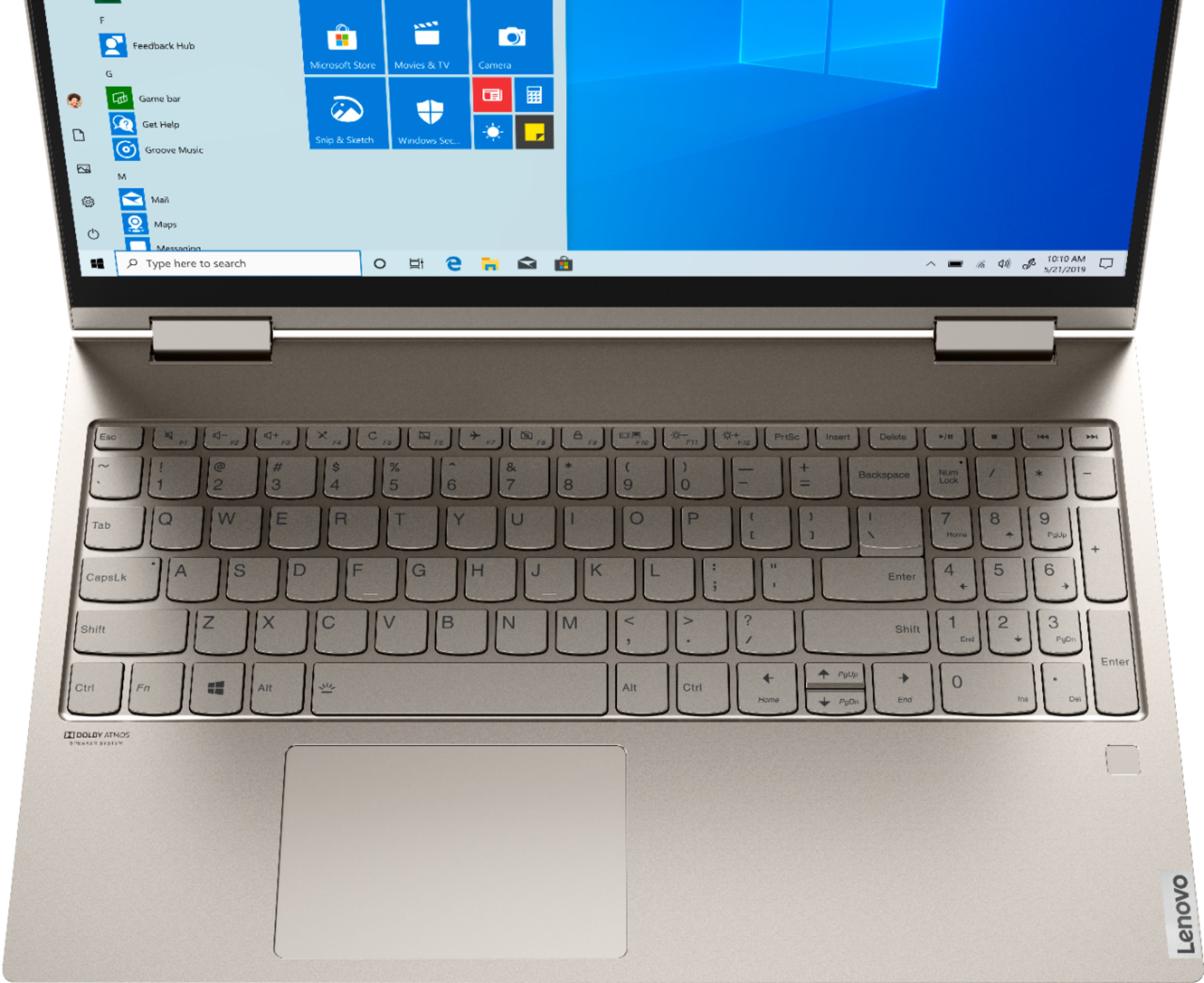
||Posted . Owned for 3 months when reviewed.This reviewer received promo considerations or sweepstakes entry for writing a review.Definitely not worth the money. The edge of the keyboard area is sharp and uncomfortable on the wrists. No HDMI, no SD card reader.
No, I would not recommend this to a friendBrand response from Lenovo Product Expert
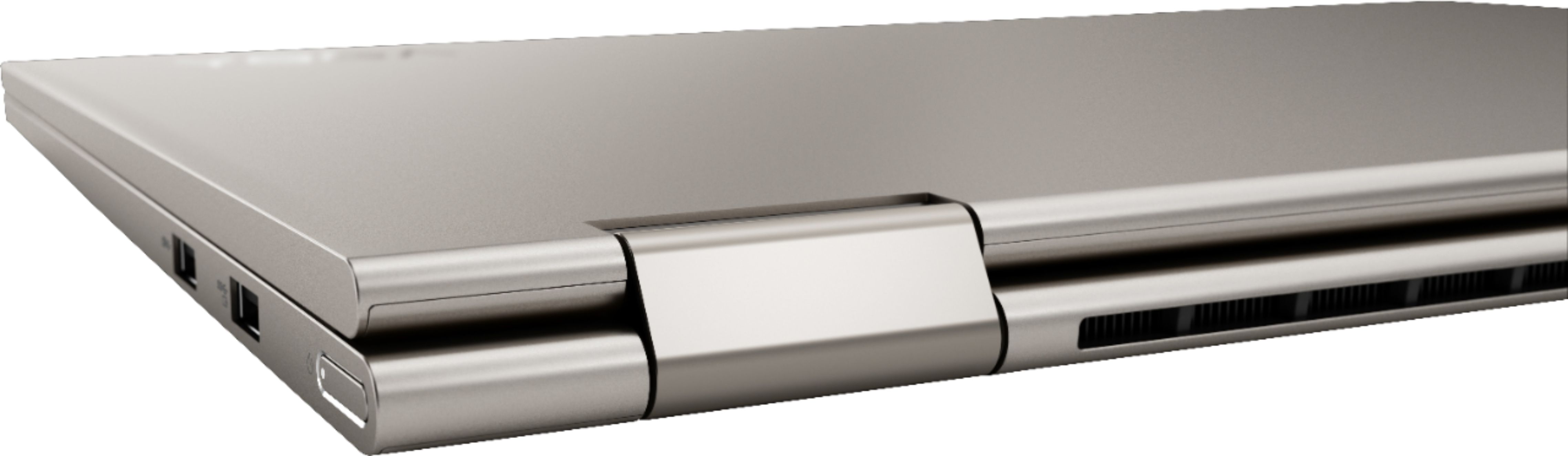
Posted .The Lenovo Yoga C740-15 ships with beveled edges for comfort. The Yoga C740-15 ships with USB-c with video out capabilities. You can connect an HDMI external monitor to the Yoga C740-15 by using a USB-c to HDMI adapter. There is no built in SD card reader within the Yoga C-740-15, but you can easily read your SD smart cards with the Yoga C740-15 by using an external, USB-based SD card reader. Combining heavyweight performance with lightweight portability, the Yoga C740’s 10th Gen Intel Core i7 processor enables longer battery life, high-speed connectivity, and ultra-responsive multi-tasking performance in a sleek package. Packing a one-two punch of stunning audio and visual experience, the Yoga C740 is the perfect companion for streaming your favorite videos or playing games. With a 15.6-inch FHD HDR wide-angle display with 500 nits brightness, this laptop delivers millions of colors to your screen. To match the tantalizing visuals, the Yoga C740’s Dolby Atmos speaker system creates an audio experience in which sound flows above and around you. Yoga is committed to protecting your privacy. Log in with your fingerprint or slide the Yoga C740’s TrueBlock Privacy Shutter closed for true peace of mind when you’re not using your webcam.
Bad purchase
||Posted . Owned for 1 year when reviewed.This reviewer received promo considerations or sweepstakes entry for writing a review.Camera never work and now the laptop won’t turn on- The key board is translucent too, - difficult to see
No, I would not recommend this to a friend