Customer Ratings & Reviews
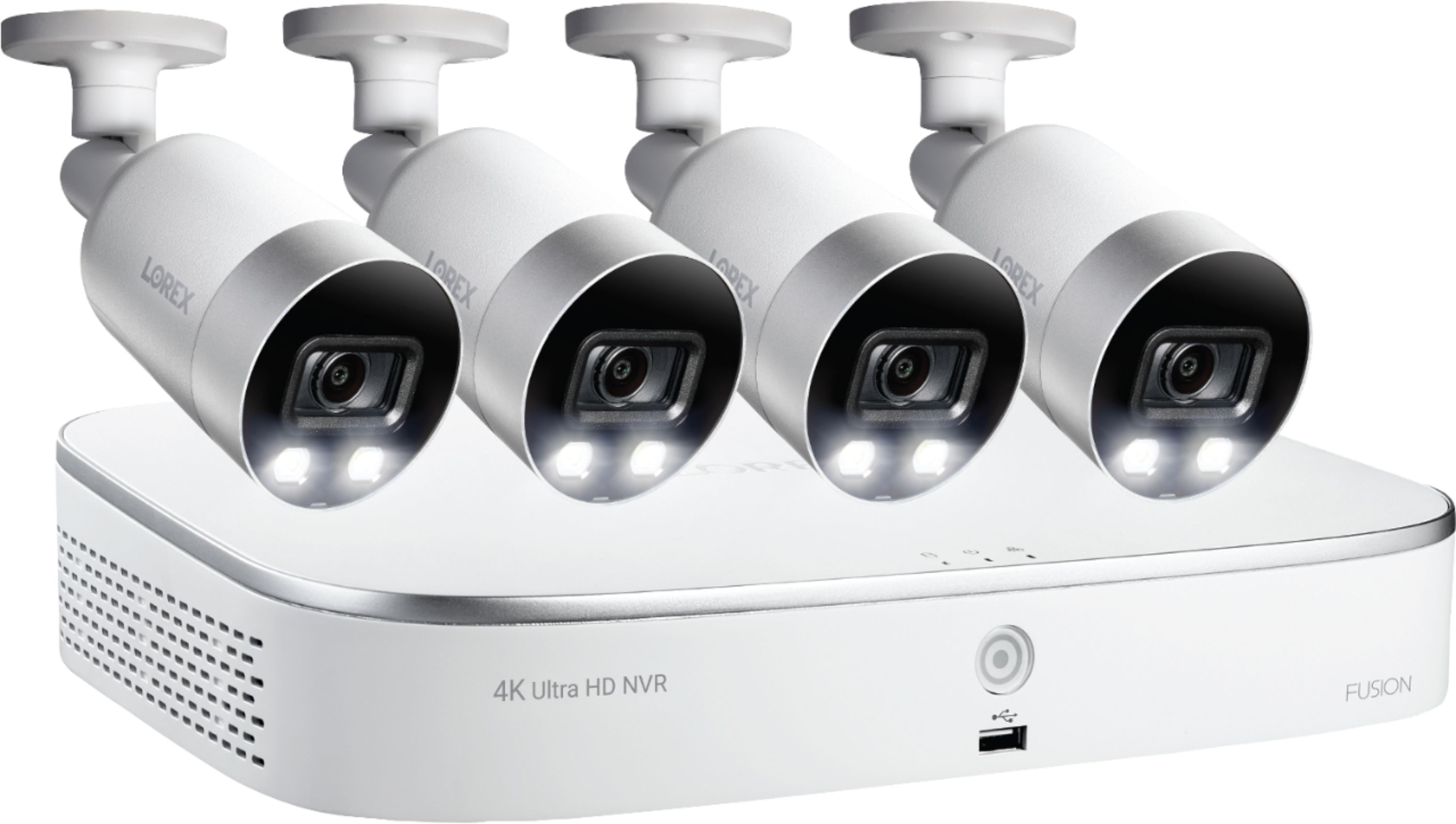
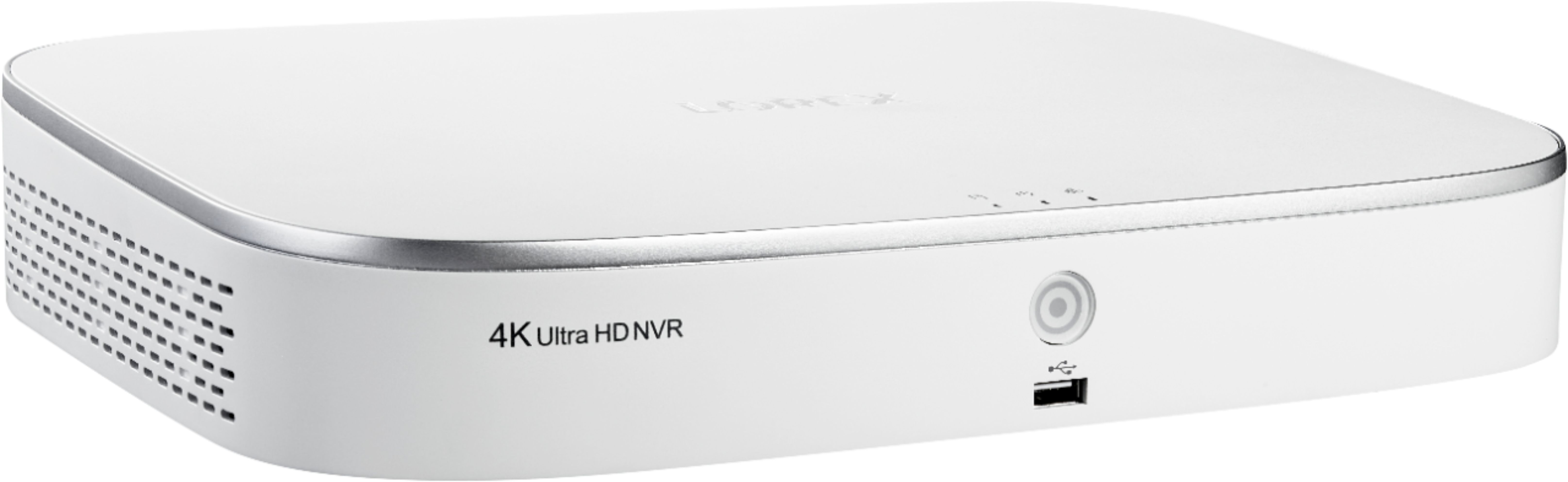
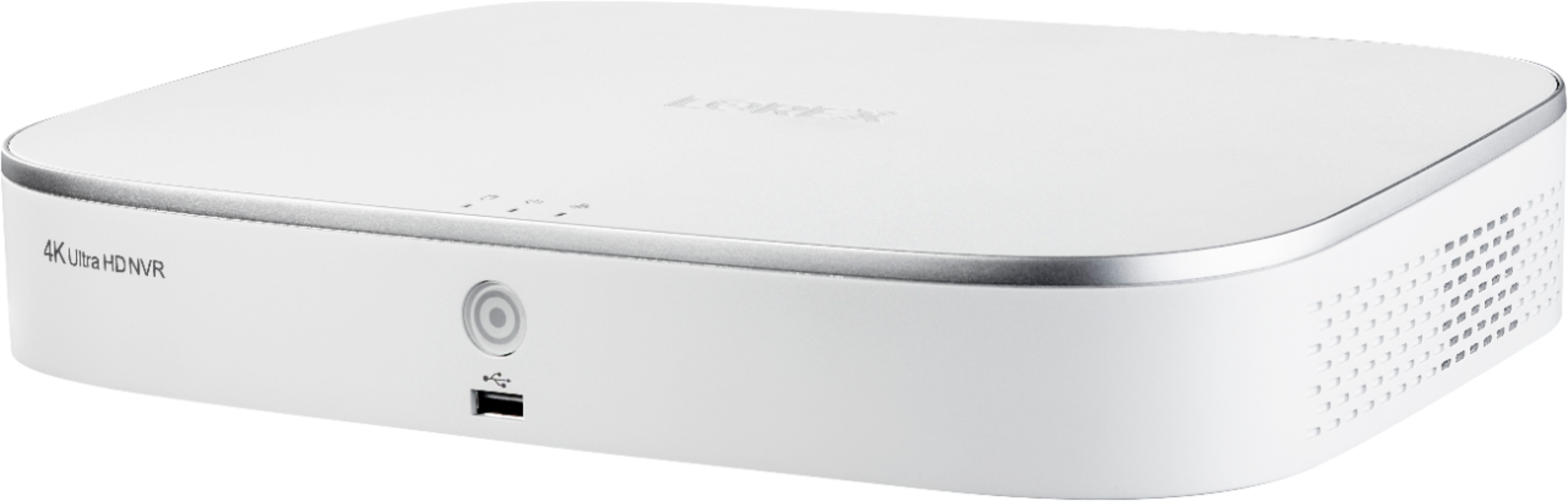

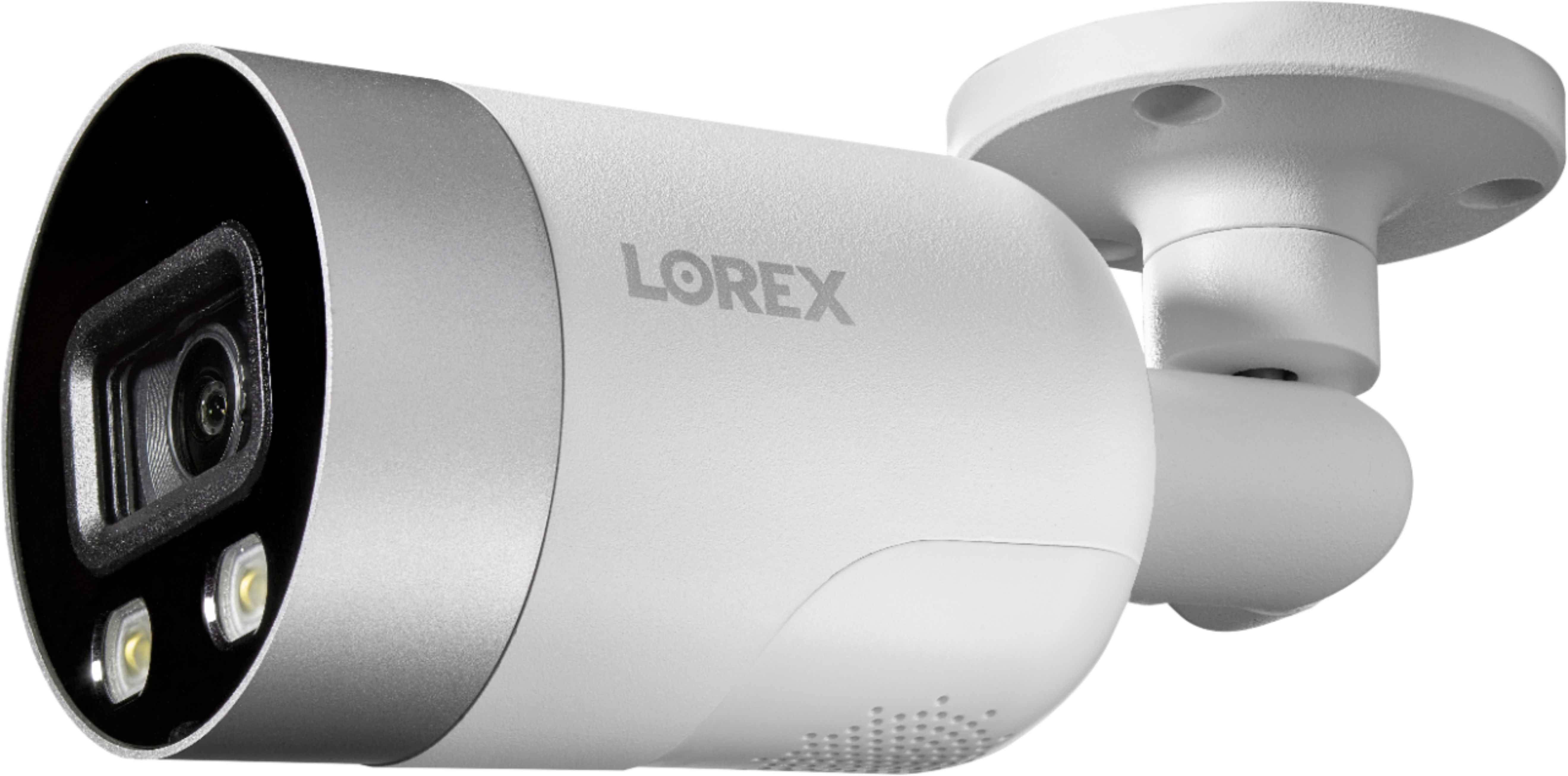
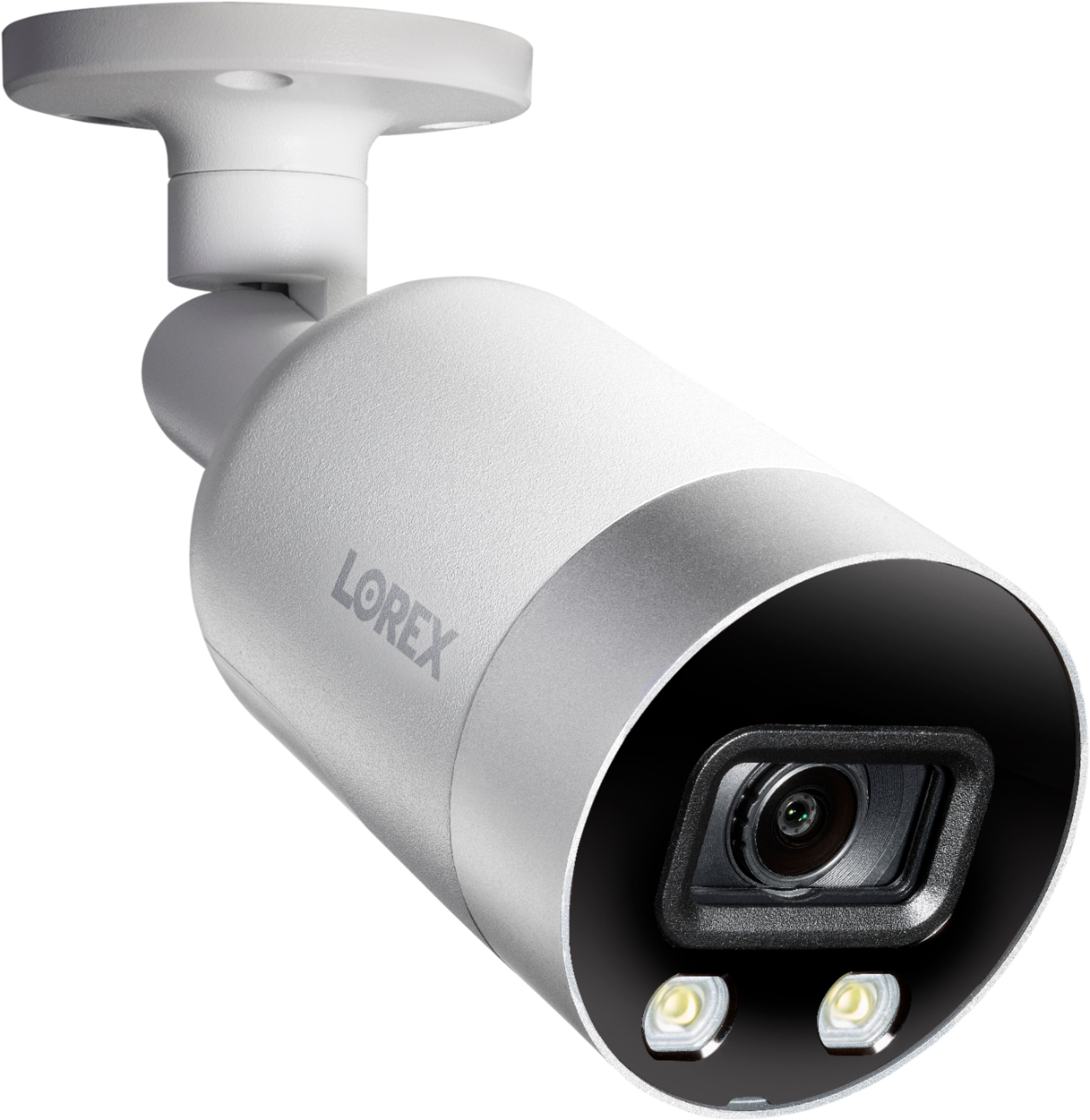
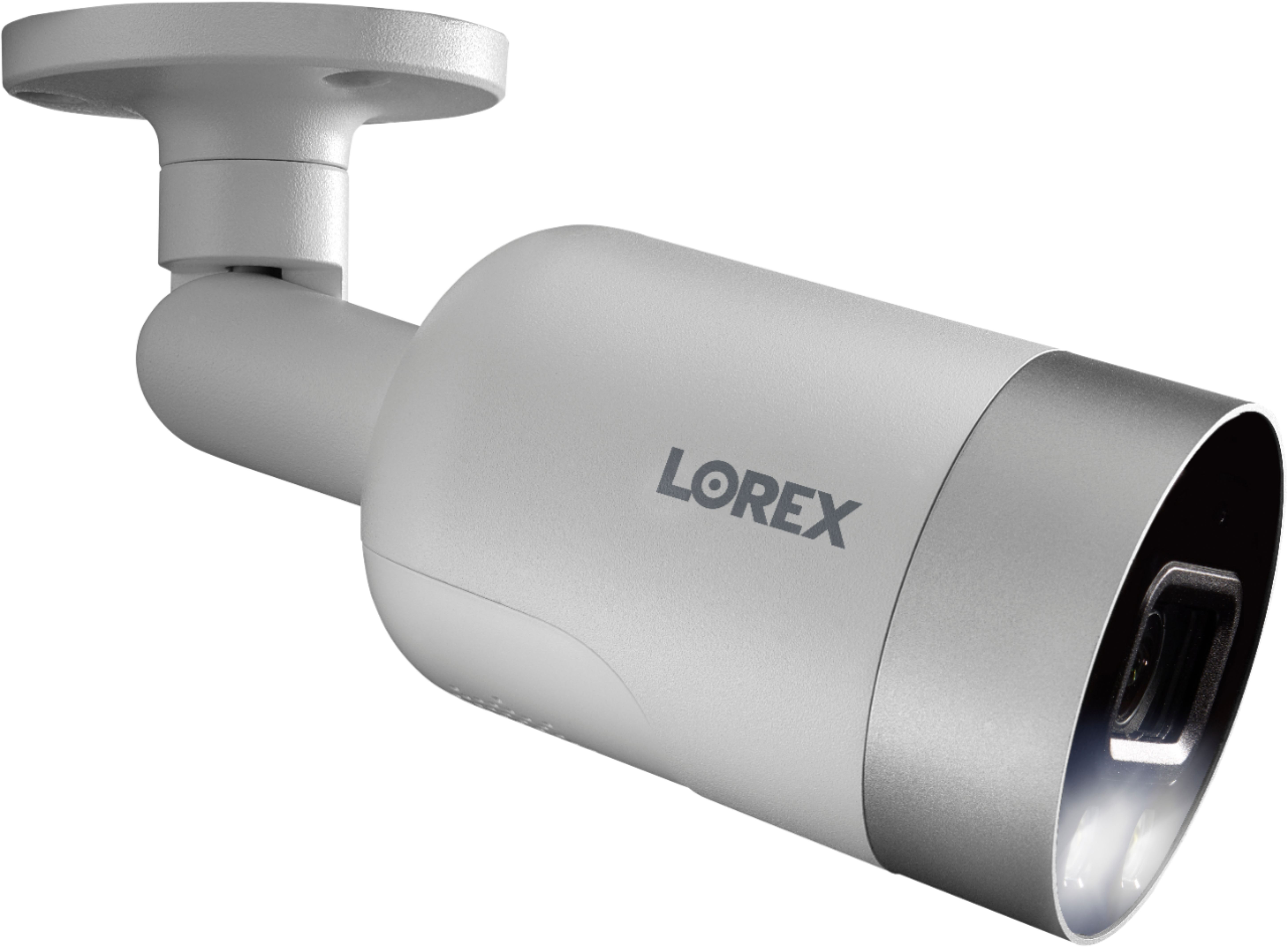
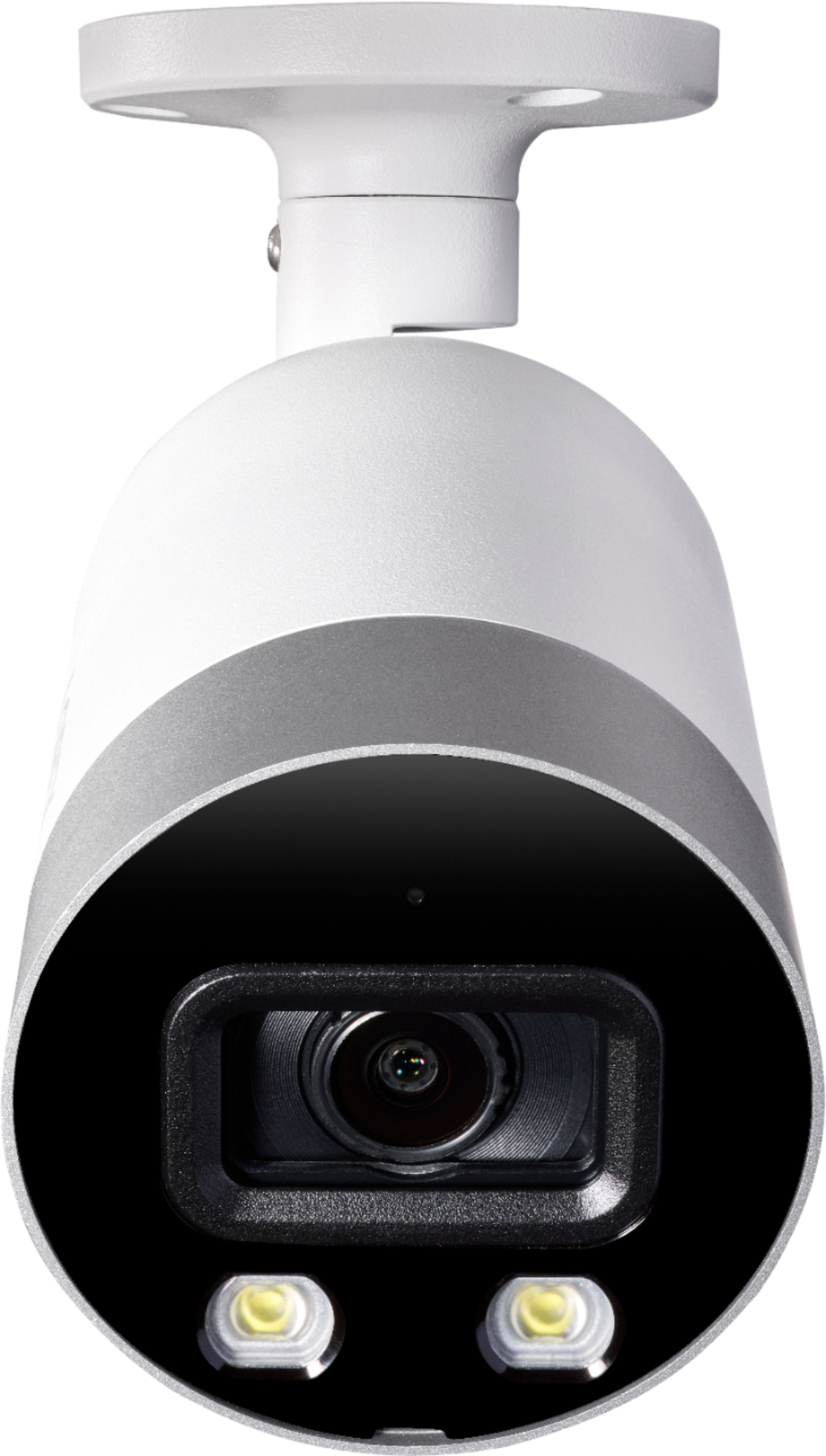
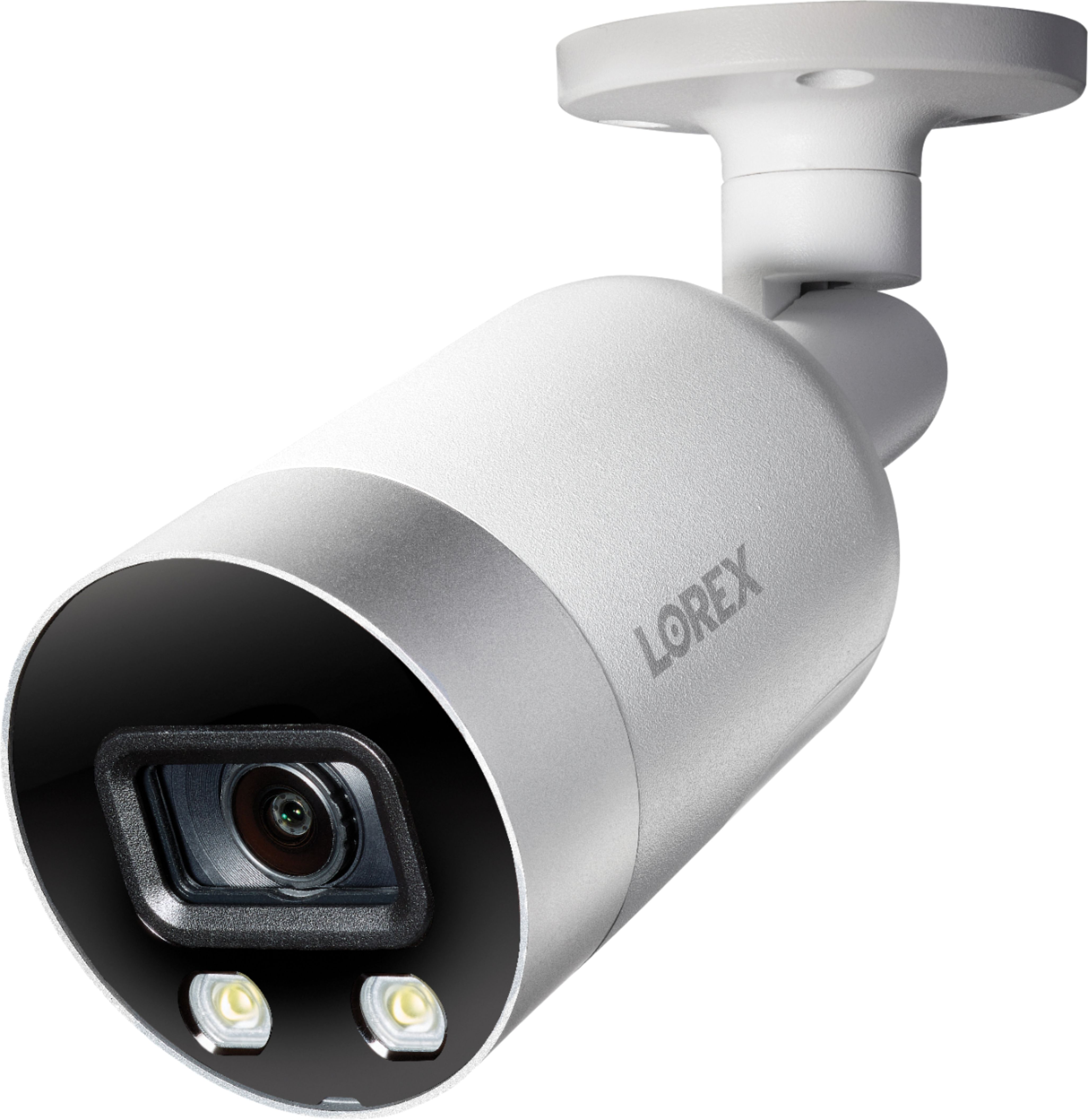
- Model:
- N841A82-8AB4E
- SKU:
- 6403926
Rating by feature
- Value
Rating 4.1 out of 5 stars
- Quality
Rating 4.5 out of 5 stars
- Ease of Use
Rating 4.2 out of 5 stars
Customers are saying
Customers love the 8-Channel, 4-Camera Indoor/Outdoor Wired 4K UHD 2TB NVR Surveillance System's superb picture quality and ease of use. Many appreciate the system's reliable motion detection features, receiving helpful notifications. The included 2TB hard drive offers ample storage for recorded video. Overall, the system is praised for its user-friendly setup and clear, high-resolution images.
This summary was generated by AI based on customer reviews.
- Pros mentioned:Image quality
Great Investment.
||Posted . Owned for less than 1 week when reviewed.This reviewer received promo considerations or sweepstakes entry for writing a review.Nothing but awesomeness! I've been wanting to upgrade for awhile when my DVR on my 8 yr old Samsung finally bit the dust. So I went shopping and doing research and looking at options and settled for this. Man I wasn't disappointed. This thing is full of options and I am sure theres some I haven't found yet. The night resolution is outstanding. We have a lot of problems with car burglaries in my area and I had caught some kids on my other cams but the picture was too blurry. Well not no more! I can see a pimple on a mouse's butt from across the street! lol The picture I am including is of my neighbors car that had the wiring short out and caught fire. Yes my camera's caught it all from a half a block away. This is a zoomed in shot. Also having a lot of fun messing with our dog's head by talking to him over the camera. He freaks out and runs for the door. lol
I would recommend this to a friend - Pros mentioned:Image quality
Great Overall Surveillance System
||Posted . Owned for 1 month when reviewed.This reviewer received promo considerations or sweepstakes entry for writing a review.For me, this was a MASSIVE upgrade in surveillance security. I was originally using two 1st generation NEST outdoor cameras. The two biggest cons with those cameras are the cloud subscription that you have to pay for, and the wireless connection that can become unstable over time. This system fixed both those cons AND upgraded the picture quality to 4K UHD! In addition, I also get two more cameras to use. While the GUI in the NVR system is archaic at best, it does get the job done. Fortunately once the NVR settings are set, I can access my camera feeds from the Lorex phone app, or also the PC desktop application. This makes viewing the live cameras much easier than having to physically access the NVR itself.
I would recommend this to a friend - Pros mentioned:Image quality, SetupCons mentioned:App usability, Connectivity

Good Vid Quality, Decent Hardware, Bad Software
|Posted .This reviewer received promo considerations or sweepstakes entry for writing a review.UNBOXING: First thing I noticed was the attention to packaging. Everything was neatly packaged and secure inside the box. Even if the delivery man tossed it around in the truck, I wouldn’t be worried about any damage to the product. Once I got everything out of the box and laid out I noticed they included a mouse, a short LAN cable to connect to my router, and an HDMI cable to connect to a 4K tv or monitor. Also of note, included in the box are 4 - 30m (almost 100ft) Ethernet cables that are actually good quality and are plenty of length for most set-ups. And finally, included is the standard paperwork, warranties, quick guide setup, and stickers to place in your windows if you enjoy that. This is definitely an ALL IN ONE system and you don’t have to worry about buying accessories or signing up for services to get the most out of your product. SETUP: Once I emptied the box I started to work on the setup. This was insanely fast and easy. What I did was loosely run cable to the locations I wanted cameras and temp mounted the cameras there while running the cables straight to the NVR box in my basement. Once I had my cameras soft mounted and everything set up in the software, I went back and ran the cables clean through the walls etc. One thing I noticed during setup is there are no longer basic options to turn on or off the LED lights when motion is detected or to turn off the IR light if you want to point through a window. My cameras seem to fire the LED at random and I can’t figure out why they do sometimes and not others. Once I had all the cameras soft mounted and plugged in I walked through the quick setup wizard and was able to start looking at options and settings. Unfortunately this did not take long because there are not really a lot of options, but more on that later. What I did like was the crisp clear picture, relatively wide viewing angle and ability to set notification zones to avoid street traffic or sidewalk traffic triggering a notification. Once basic setup was complete, I had a 4K 4x4 image of all my cameras and was able to playback, live view, and toggle cameras easily. Like I mentioned earlier, I chose to put my NVR box in my basement for ease of running cable and a few other reasons. This ended up being a smart choice because the NVR unit itself is quite loud. It has a fan that runs as soon as power is supplied and I assume there is not much housing for the hard drive which can also be heard clicking away. This is not a huge deal, but for someone who wants to store this in a bedroom or quiet office, it may be a deal breaker. I also chose the basement because I assumed I would not need to access the device itself very often after setup and can just use the app to monitor and review any footage. This is where things get not so good. OPERATION/SOFTWARE: If the camera quality is great, and the hardware is decent, then the software and user experience is barely just ok. Let me first say that I am not unfamiliar with technology and know my way around a piece of tech. I can picture some non-tech users getting confused or frustrated when trying to operate the software and/or app for this Lorex system. It’s just not user friendly. The menu is clunky and the logical style of thinking where to find a setting is not present. If I want to change a setting on the camera it can take me 2 or 3 attempts to find the right location in the menu for that setting. The software on the NVR is rough, the app is straight up no good. Before I bash it too hard though, I will point out that overall the system is not “unusable,” it works and does the basic functions that you need, ie stream/record video, and monitor your surroundings. So it is not useless, but I am one of those people that likes to have options and customize settings to my specific needs and unfortunately with this system, that's not possible. The APP: First the good; setting up the app was a piece of cake! (make sure you set up the NVR first and have an account already etc) but then it’s as easy as scanning a code on the NVR unit and the app connects to your account and everything is basically ready to go from there. But that’s when I started to get frustrated. The menu is again clunky and can take a while to find what you are looking for and not every setting found on the NVR is available in the app, which means to change those, you’ll need to go back to the box itself. Luckily these issues can be fixed in updates but that's hoping one comes, not exactly a great strategy. Possibly the biggest issue with the app is the login though. For some reason Lorex will only allow ONE mobile device to login to the app at one time. This means if my phone is logged in and I go to login on my tablet or my wife logs in on her phone to check a camera, my phone will be automatically logged out. If that was the end of the problem then I guess whatever, unfortunately that is not the end of the problem. When my phone is forced to log out because a second device has logged in then my phone also will not receive any future app notifications. This means no person/motion/vehicle alerts to my phone until I open the app and login again (forcing the other device to logout and not receive any future notifications) Put another way, this means my wife and I can not both receive alerts to our phones at the same time. If we are not physically together 24/7 (which, I love her, but that’s not happening) then one of us will not be able to monitor the system and could be caught virtually fighting over who is logged in. This is a major oversight and in a time where people own multiple mobile devices and expect to be able to remotely monitor their security at any time, it is inexcusable. I understand a potential security reasoning for this but using 2 step verification or something similar would pretty much negate any of those concerns. (NOTE: I am using Android devices and the google play store app) In short, this system is not very “user friendly” and can be a bit of a learning curve to use it to its full potential but if you’re someone who is fine with simple, default, and don’t want remote access then you should be ok. OVERALL: Ok, so what about the good stuff though? Look, I may be a little harsh on this and that may be because I was hoping for more but I also understand that my concerns are not going to be everyones. The good news is that the cameras work really well, the 4K image is above average security footage, (it’s not amazing, but it’s also not a cinema camera, it’s a security camera shooting 15fps) and is good enough to be able to see details like license plates and faces in the right conditions. I have seen much worse quality in security footage. If customization and setting controls is not your concern, you’ll still get good footage, 2TB storage and no subscription and be very happy with this system. Heck, even with all my issues I’m still happy with the overall. The NVR box is sleek, small, and lightweight and other than loud, really is a nice modern box you can place just about anywhere. The PoE (power over ethernet) makes setup and cable running a breeze without needing to run seperate power to each camera. Custom detection zones and notification controls are nice and work well most of the time. Also of note, this system works with Google assistant and or Alexa and works pretty good. I have google and after connecting and allowing permissions etc I was able to ask google to show me a camera on a chromecast tv and after a bit of a delay, it would show up 9 out of 10 times. This is more of a bonus feature and requires your assistant to work properly but if you know what you’re doing it can be useful, especially if you have a google nest hub display or alexa’s show display. TL;DR: PROS: - Good picture quality and camera hardware - PoE allows one cable run to camera to handle everything - Box includes EVERYTHING you need to get up and running including plenty of ethernet - LED spotlights and siren on camera - Talk back option through camera - Voice assistant integration - 2TB harddrive built in and NO cloud subscription needed for remote access - Modern design and look - Compatible with almost all Lorex products allows for upgrades in the future and longevity - 8 channels allows the option to add more than the 4 included cameras CONS: - App is buggy and lacks some custom options - Only one user can be logged in to the app at one time - Noisy NVR fan and HDD - No redundancy or offsite backup option for recordings - No camera settings for built in LED lights and IR light controls OVERALL: it’s a good system that needs work in the software and takes some time to get it to work the way you want but once you spend some time with it and if you can ignore some annoying issues in hopes that a firmware update will solve them, then you will still be happy with this system. Bottom line is you get an all in one security system with remote access without paying for any subscriptions or jumping through hoops and agreements to get there. You can be set up and going in one weekend with basic knowledge of running cables and some tech savvy brains.
I would recommend this to a friend - Pros mentioned:Image quality
These cameras work excellent.
||Posted . Owned for 3 weeks when reviewed.This reviewer received promo considerations or sweepstakes entry for writing a review.The Lorex 8-Channel, 4-Camera Indoor / Outdoor Wired 4K. Wired is the key. After you get the wiring routed that's when the fun begins. These cameras are crystal clear and their not connected to a 4k Monitor YET...They Zoom real nice. I purchased 2 more and come pay day two more will be ordered, that makes 8. It's nice to be able to look out at our whole property from the desk chair. Down load the mobile APP and receive notifications and it comes with a Timeline feature so you can review what occurred while your away!
I would recommend this to a friend - Pros mentioned:Image quality
Worth the Prize$$
||Posted . Owned for 1 week when reviewed.This reviewer received promo considerations or sweepstakes entry for writing a review.A friend recommend this set of cameras I it didn’t disappoint. The image quality is amazing. You have to setup the camera through the main system when connected on the Tv so you can setup the motion sensors right. If not you will get many notifications in less than an minute(specially if in front a a busy street) I didn’t know the password and customer support from LOREX was amazing. They helped me setup the wizard in less than 10 minutes.
I would recommend this to a friend - Pros mentioned:Image quality
Great system
||Posted .This reviewer received promo considerations or sweepstakes entry for writing a review.Great cameras; easy to install; very high quality video-sharp and clear; still working on tuning sensitivity. The Smart Motion for persons and cars function triggers on cats and moving shadows. If I can get this worked out, 5 Stars for sure.
I would recommend this to a friend - Pros mentioned:Image quality
Excellent Video Quality
||Posted . Owned for 3 weeks when reviewed.This reviewer received promo considerations or sweepstakes entry for writing a review.Excellent picture quality, both day and night. Everything can be controlled via app on the phone. The alarm is a very nice feature, plenty loud enough to scare people away. 2-way audio allows for communication via camera.
I would recommend this to a friend Pretty good, but not amazing.
||Posted . Owned for 3 months when reviewed.This reviewer received promo considerations or sweepstakes entry for writing a review.It’s pretty good, but not amazing. The video overlooking my pool is pretty choppy. The app is not great or easy either. It’s a pain if you wanna let others have access to your cameras. The video clarity is pretty good, but I can’t zoom in to get license plates in the street. When searching through videos, I wish it had 10 second skips or something like that to help fast forward. No app for iPad, just the regular iPhone app that you have to expand. Overall it’s pretty good, but my wife wouldn’t be able to use it, but tell her I said that.
I would recommend this to a friend- Pros mentioned:Image quality, Motion detectionCons mentioned:Noise level
The Best of the Best in Surveillance
|Posted .This reviewer received promo considerations or sweepstakes entry for writing a review.From Lorex’s Fusion Collection I installed an 8-Channel, 4-Camera Indoor/Outdoor Wired 4K UHD 2TB NVR Surveillance System which is capable of numerous functions. So far it appears to be a very quality system and impressive in all of the adjustments that can be made to the cameras and system to deliver the best possible surveillance of one’s property. The cameras can be installed inside or outside and the system manages up to 8 cameras. Surveillance systems most often use either a DVR recorder or are known as NVRs. This system is an NVR which stands for Network Video Recorder. An NVR saves the encoded videos from the IP cameras and network. It does not need dedicated video processing hardware. On the other hand, the DVR uses a small chip in the system to encode and process the analog videos into digital format so that the videos can then be assembled and made accessible for playback and viewing. There are also differences in the types of wiring and types of cameras used, each based upon which system is chosen. An NVR uses IP (Internet Protocol) Cameras whereas a DVR uses Analog & Coax Based Cameras. The former is wired with Ethernet cables and the later Coax Cables. The IP cameras that came with this NVR system network by using either Category 5e or Category 6 cables. The differences between the two recording systems and their respective security cameras and wiring was something that I was totally unaware of before researching and installing this system. I chose this system because I prefer to use a surveillance system that is internet based. The NVR records and allows viewing of impressive videos in 4K Ultra HD resolution. The video and still photos are clear and colors vivid both day and night, but of course delineated slightly more during the daylight hours. This system features Smart Motion Detection and through this allows the user to configure the system to send notifications that are most important by tailoring the menu for each camera to the intensity desired for monitoring motion, and for monitoring people or vehicles. The cameras are deterrence cameras and they are all equipped with a siren. They also have warning lights which are usually tripped by movement but can be manually enabled as can the siren. Each camera has two-way audio and through the mobile app, sound can be transmitted through the camera’s speaker and with another tap of the microphone icon on the app, the microphone is reversed. This feature allows for speaking and listening to visitors on the property. Overall, the camera deterrence can be set for a given area, and within the system weekly schedules for person or vehicle detection can be established. Warnings can be set to signal the warning light or siren or both depending on the situation. Sensitivity and threshold levels can be applied to each of these setting as preferred. The camera configurations for advanced person/vehicle detection or for active deterrence are advanced and need a little fine tuning, but then seem to do exactly as planned. The unit can be attached to a monitor and mouse for easy setup, reconfigurations and viewing. On the Home setting, all settings can be configured individually for each individual camera. Viewing can occur as single camera channels or multiple channels can be viewed simultaneously. Streaming can also be switched to HD video quality or reduced again to optimize streaming. Here as well as on the app, audio can be toggled from muted to unmuted and back. Snapshots can be manually initiated in order to save a still image. Manual recording can also take place to record a current live view. The timeline that is provided within the system is a great assist tool when searching to playback recorded videos. With the Smart Search feature, quick filtering of motion events based on the timeline can be found. Specific recordings can be searched for and backed up, and blocks of time with the start and end date specified can be found quickly. There is even a One Key Backup to backup all the files that match your filtered and set search. Recordings can easily be backed up by using a flash drive and inserting it into the USB port on the front of the unit. The resolution can be changed to match 4K or 1080p monitors and the viewing can be set to BLC (backlight compensation), HLC (highlight compensation), or WDR (wide dynamic range) which seems to be the most natural on my system. They can also all be disabled. This system has everything that one could need in a deterrence security system. I can add 4 more cameras to the existing four and I can purchase one or some of them to be PZT (Pam, Zoom, Tilt) cameras if there are areas around the property that need the ability to observe a specific space or area in more detail. This system has considered all of the obstacles and has tried to answer with solutions. I highly recommend the purchase of the Lorex 4K Smart Deterrence NVR Security System. It was very easy to install and set up and it is very easy to use. THE RESULTS SPEAK FOR THEMSELVES! I only have one con about the entire system and that is that the recording unit is fairly loud in comparison to similar products. The installer that helped me install the system asked if I wanted to put it in my bedroom and I am really glad that it is in my home office where I do not hear it at night. Other than that, this is a super nice surveillance deterrence system delivered in a simple package with the great professional quality of Lorex. Go check one out today!
I would recommend this to a friend - Pros mentioned:Image quality
Lorex
||Posted . Owned for 2 weeks when reviewed.This reviewer received promo considerations or sweepstakes entry for writing a review.Amazing perfect view you can see everything very clear on the camera.
I would recommend this to a friend Great for beginners and basic home security!
||Posted . Owned for less than 1 week when reviewed.This reviewer received promo considerations or sweepstakes entry for writing a review.Solid cameras! Only thing I haven’t quite figured out yet is why I keep getting notifications for everything even after I’ve set my motion detection zones. Overall I like the audio capability and camera recording quality and ease of use.
I would recommend this to a friend- Pros mentioned:Image quality, Night vision, Setup
Clear image quality both day and night.
|Posted .This reviewer received promo considerations or sweepstakes entry for writing a review.Clear, sharp images. Easy setup with onboard menu via included mouse interface, Windows PC software for remote viewing. My opinion of the camera image quality was amazing. License plates and text on truck graphics were easy to read. Zooming caused little pixelation. First impressions was the packaging. So neat and orderly. Every item was safe in its own sustainable inner pack. Each camera lens was protected with a scratch shield. Mounting brackets allowed for limitless adjustability. Deterrent lights and siren if you care to enable. Included were 90-foot POE cat-5e cables. I read it can also be powered and run from an ethernet POE switch. I'll have to try that later. Playback is easy. This is important. Since these are meant for outdoor use, the day and night vision was superior. They make a great indor camera as well. The recorded clarity and zoomable image of this networked recorder is brilliant, not fuzzy specks on the screen. You can capture a still image for distribution or archiving as well as the video. Comes with a full 2-year warranty.
I would recommend this to a friend - Pros mentioned:Image quality
Great CCTV system for home or business
|Posted .This reviewer received promo considerations or sweepstakes entry for writing a review.There are a lot of options available these days for installing home security around your home or business. The benefit of the Lorex system, is the on premises DVR for recording activity and ease of installation (albeit a bit more involved). The Security in a Box kit comes well packaged, with most everything you’ll need to install, sans the tools. It comes packaged with four (4) 100 Ft rolls of ethernet cable, that allows for power over ethernet installation (PoE). If you’re needing to go a bit longer, you may need to get some additional parts to ensure you get a good connection over the longer distance. In my case, these were getting installed around the exterior of my home, requiring a bit more planning and running of wire through walls, and in my attic, for proper placement. The included cable was actually long enough for my install, and took an entire afternoon to install. The DVR itself will provide power, using the available ethernet ports on the back of the unit. The package comes with 4 cameras, and you’ll find a total of 8 available ports; so you can add four more if you need to cover a larger area. The great thing about the included cameras, was the adhesive backed mounting template, which made drilling and prep a breeze! Each camera came with a template, so you don’t need to worry about saving the first one or making copies. The ethernet cable comes with an end with an already attached weather protective plastic cap that twists into place at the camera. So, make sure you’re leaving the non-cap side at your DVR location, and not snaking the wrong side (I did that on the first run). Some things to consider with placement of the DVR is proximity to a router or switch with an available ethernet port, power, and a monitor for viewing. If you’re not going to use the app or require online remote viewing, you can bypass the network install part of the DVR setup. This is great for those in more rural areas, or who only need recording to be done on-site. There is an included mouse, that connects to a USB port on the DVR and will allow for navigation and text entry (using a pop up keyboard on screen) for setup. Setting up the DVR was fairly straight forward, even telling you where to download the smart app and installing a quick update. You can then essentially pair this to your online account, which is used to login remotely from the App on your iOS or Android device. The DVR will even walk you through setup of each camera individually to ensure proper placement and labeling. Overall, I didn’t run into any issues with installation of the DVR or with camera setup, aside from having to go back and forth to check placement. It helps to have a second person that can tell you how to direct any adjustments. Picture quality is actually really great, compared to other wireless solutions. I noticed only some pixelation during initial setup, but the picture cleared up fairly quickly as it adjusted to the ambient lighting. Outdoor visibility is pretty great, and the built in flood lights do a great job illuminating the area immediately around the camera. Night time visibility is also great, especially in a neighborhood setting. The Smart Detection also works really well! It did a fairly good job at avoiding smaller movements, such as a bug flying in front of the camera, while doing exceptionally better at tracking people. Overall, it performs better than my Arlo wireless setup that was installed previously, while also providing continuous recording capability and not just activity alert recordings. Keep in mind, that to do a great installation, you’ll need a few tools. In my case, I had a cordless drill (with bits for the wire run and for the template), some sealant for the wire run holes, and a screw driver for mounting the camera. The unit comes with a short ethernet cable for the router, so if your router isn’t close by prepare to get a long ethernet cable, and it also includes the HDMI cord for connection to a TV or monitor of your choosing. Overall, I’m really impressed with the ease of installation for both the DVR and the online app setup. With a good internet connection (300 Mbs down and 20 up) I didn’t have any issues with streaming in the app or viewing of recordings when away from home. The cameras offer great visibly in all weather conditions, didn’t have any condensation issues, and the SMART detection works a lot better than expected. This is a bit pricey, but considering that a similar all WiFi based solution is the same cost, and there are no monthly service fees, this is an easy recommendation.
I would recommend this to a friend - Cons mentioned:App usability, Noise level
A Mix of Good and Not Good
|Posted .This reviewer received promo considerations or sweepstakes entry for writing a review.This is a hard system to review. I have had experience with a few other security systems including app-based, wireless indoor/outdoor home security cameras (that failed me because of the need to recharge cameras more frequently than I wanted) and wired office building non-Lorex systems similar in concept but on a 20-camera scale (that have failed me because the camera/software technology became outdated and abandoned by manufacturer) and "doorbell cams." I grabbed the Lorex N841A82-8AB4-E first and foremost because I decided that I needed the following options for my home: - (Smart) Motion detection/activation - Activity notification to mobile device - High quality resolution - Night vision - App, PC and "tv" based monitoring of video - Audio recording and the ability to send audio out through the cameras - Power Over Ethernet (PoE) - "Relatively" easy installation - Expandability and options for things like smart doorbell, alarms or motion lighting - NO MONTHLY SERVICE FEES HARDWARE (4 stars) No complaints regarding the hardware specs. The unit comes with 4 cameras that are solid, made with metal components, 4 100ft long CAT5 cables with weatherproof, locking connectors on the camera end, and the NVR with one input port, 8 PoE (up to 300') camera ports, VGA/HDMI/USB inputs/outputs, and a wired mouse. First, I wish the mouse was wireless. I keep the NVR (control center) in a cabinet in our family room entertainment center. I sit on the couch. It would be nice to control the system with a wireless mouse or even a "remote control" device or app option (like how a Roku app on your phone can control the TV screen). Second, the fan in the NVR is louder than it should be. It is more like a PC fan than a laptop fan as far as decibels. Fortunately I can close the cabinet door to make the fan noise inaudible but it would be distracting if I had the NVR out in the open. Third, while the cameras themselves are well constructed, I already stripped one of the arm adjustment screws and found adjusting angles when mounting the camera to be a geometrical challenge. Finally, while 100' of CAT5 with weatherproof connectors is nice, the cables came tightly bundled and coiled in a manner that made them difficult to work with. I left them out in the hot sun to try to make them less "coily and kinky." 4 stars for quality hardware with minor flaws such as fan noise, easily stripped screws, and mechanically challenging camera arm adjustment/tweaking. SOFTWARE (3 stars) I am impressed by the sheer amount of features in the Lorex software on the NVR. There are tons of things to control. If you have ever used a professional, business oriented security camera system, the Lorex software is similar as for as options and controls. That being said, it is not necessarily intuitive. There are still tons of features and settings I need to spend time figuring out. However, out of the box, plug it in, turn it on and IT WORKS. You don't need an engineering degree to make the system work. Plug things in, see your cameras, be happy. The on-screen NVR menu is a bit archaic. Again, extremely feature-filled but things such as playback and zoom could be presented better on-screen. Categorization of features leaves a bit to be desired too (on the NVR and on the app) as I found myself asking "Where the heck did I find that setting?!?!?!" The app on the phone is a bit cleaner and easier to understand but also a bit more limited than the NVR software. You get live view, recorded view, notification settings, set monitoring zones, alarm, talkback, etc. features on the phone but you cannot see/change the actually NVR controls and settings (i.e. change network settings) from the phone. The app also uses a ton of resources on my Moto X4 phone and has crashed a couple of times when trying to set activation zones and scan playback video. However, watching live video and switching between cameras on the app is solid. Lastly, I want to view this system via a laptop and web app or directly via client software. I have yet to figure out how to do that and am mildly frustrated it has taken a fair amount of effort to get nowhere on this endeavor. I will definitely need to do more surfing to find out how/if. BIGGEST APP COMPLAINT IS WITH PUSH NOTIFICATIONS. I wanted person and car push notifications ON. I had to turn OFF the vehicle detection because it was constantly notifying me of my parked cars out front. People notification is still turned on but if one person comes into camera view I receive 6-8 notifications over a 2-minute timespan. There needs to be an option to say "alert only once in a 5 minute period" or something similar. I have adjusted motion sensitivity and camera angles and still get far too many push notifications. IMAGE QUALITY (3.5) This is probably the main reason people buy a security camera: To see (clearly) what is happening on their property. In daylight, the camera quality is AMAZING. Truly amazing. Both on my 50" 4K tv and on my mobile phone. At night, the quality is "meh." I have yet to get "full color at night with the help of some external lighting" (that is a manufacturer's note that I missed pre-purchase) and the long-range IR night vision that "records crisp black and white footage up to 150' away" fell about 50'-75' short in my opinion, especially when compared to daylight distance. The images attached to this post highlight the difference. While I realize background lighting, reflection from objects like trees/grass, etc. all play a role in the effectiveness of night vision, I don't think there is anything negatively unique about my property and therefore am frustrated I don't have a better view of our cars parked about 60'-90' feet from a camera. OVERALL I would say this is a solid surveillance system with lots of features and options. Overkill for the home use who just wants the front door and driveway monitored. Great for anyone with good install/tech skills who wants "full property" options and expandability. I personally like the features and options but also feel that some things come up short like night vision promises and "over notification" from the push messages. Perhaps with more tweaking will improve my opinion on the software.
I would recommend this to a friend UNHAPPY CUSTOMER
||Posted . Owned for 9 months when reviewed.This reviewer received promo considerations or sweepstakes entry for writing a review.The first 9 months everything was great. Now, I'm getting blue messages on the screen, the alarm in the cameras are malfunctioning going off in the middle of the night. At this point the unit wont even boot up to view the cameras. I contacted Lorex, they tried ebery course of troubleshooting possible, still not working. Lorex is doing everything to not replace this unit, hoping that the warranty will expire. So dissapointed after spending over $800.00 for these cameras, not including installation.
No, I would not recommend this to a friendBrand response from Lorex Technology Team
Posted .Dear Customer,
We are very sorry to hear about this experience, and we would be happy to provide immediate assistance. When you have a moment, please get in touch with our technical support team at 1(888) 425 - 6739. We sincerely apologize again for this issue and hope to hear from you soon. Thank you, Lorex Customer Experience team
Updated system, outdated interface
|Posted .This reviewer received promo considerations or sweepstakes entry for writing a review.I have really enjoyed my Lorex DVR Surveillance system from 2018. However, putting it right beside the new 2020 NVR Surveillance System really shows the improvements. Now, some of the differences are due to DVR using coax video & power cable versus the NVR using CAT5E with power over Ethernet, and some of the differences are listed in an attached photo. But, it really feels like an upgrade even though both systems are 4K and very similar in many ways. One thing right off the bat were the cameras look and feel beefier than the former all plastic versions. The other difference between the DVR and NVR is that 105° camera versus 111° and it really makes a difference. I added a comparison of the two in a photo attached. They added smart features to their models that help reduce notifications from bugs or birds flying in front of the camera. Which still takes a little tweaking, it’s a lot easier and reliable than the previous version. They also include active deterrence, which can turn on the two bright LED lights, image attached, or strobe them for a set amount of time when a person or vehicle is detected; the NVR can also activate an alarm. The alarm will get the person's attention, but sounds like a toy emergency vehicle. Another difference between the DVR and NVR models is 6 frames per second recording on DVR versus 15 on NVR. I noticed on my old system, especially in low light, that anything that moved tended to have a blur to it and look choppy, fifteen frames per second is noticeably smoother. With the NVR you can also extend your cameras using an external POE switch that is connected to your network, or purchase the 12V adapters to power the camera and use a standard switch. The NVR also allows for the connection of their Lorex Fusion wireless devices through a WiFi router. One other difference between these models is that the NVR allows for 2 way audio, push to talk, and audio recording. For my particular setup the cameras are too far away from the typical location of people, so it is hard to communicate through them. However, when I was testing them out and had one at door height, I was able to easily communicate using the app on my phone. The LOREX Home app is a little more modernized than the LOREX Cloud app that was used for the older DVR. It gives you notifications of person or vehicle, though it has had some false alerts, might need more tweaking. The app also allows for geofencing that you can enable the notifications automatically when you leave the area. Viewing live video, searching the timeline, activating the alarm or LED lights can all be done easily through the app. The interface through the connected monitor via HDMI for 4K, or VGA, not included, for 1080p, with the mouse still looks a bit dated though, and it takes some exploring to get to know where everything is. Some features were deep in menus and tabs. Also, don’t forget to hit APPLY after every change cause going to a different tab resets it. Some settings can only be set from the monitor though. Even using the PC application ‘FLIR Cloud’, which isn’t in the documentation anywhere, doesn’t give all the options. I feel the user interface should be consistent and accessible across the board. Everything you need to get this system up and running is included in the box, just requires some planning. The 100ft of Non-UL listed surface mounted only CAT5E cable was more than enough to wrap around my house. But, technically not rated to go in-wall or floor-to-floor. Also keep in mind that the only location the video is recorded and saved is on that NVR unless you do a manual record from the mobile app, which is lower resolution. This means if the NVR is easily stolen, so is your video evidence. Overall though, I like the added features of the NVR, the smart features and the ability to add other networked cameras. The 4K resolution is definitely better than 1080p systems I have used, but still leaves some graininess that doesn’t quite give the perfect image you would imagine. The user interface still leaves a lot to desire, but once set up the mobile app covers most options for the logged in user.
I would recommend this to a friendGREAT NVR!
|Posted .This reviewer received promo considerations or sweepstakes entry for writing a review.Got the system via mail - everything was well packaged and included everything needed to get the system running - Just need the tools(drill/screwdriver) to install. The NVR has 8 PoE ports that provide power to the cameras so its a simple plugin - 100' of cable is provided with the system - although for a cleaner install I pulled new lines and terminated them at length. I do love the fact that you are NOT required to plug the cameras into the NVR but can also use any PoE switch - providing some additional install options as you may hit some cable length limits of 300' Install was simple - identify location for each camera - run cat5e to each and plugin - Setup via phone app Remote viewing is good quality and provides access to all recordings - notifications are also sent during a specified schedule. Local viewing is available via HDMI out and can be set to many different outputs and not limited to 4K Lorex offers a PC/Mac app but I had issues with this in that I had to set up the log in every time - so I can't use it - I contacted support and was informed a newer version would be coming out eventually. ISSUES: I did have an issue with deterrence - where motion would activate the spotlights - This function can be put on a schedule but I had to access the physical NVR interface to configure this - the cloud app nor the phone app allowed this configuration. So I had to plug in a monitor and setup using the mouse. With a NVR I believe I should never have to access the device directly to do anything. I hope this to be fixed in the future via upgrade. This particular system was limited to only 8 cameras and as such has 8 PoE ports - not sure if you could expand in the future via a software license. So purchase the appropriate camera count you need now and may possibly need in the future.
I would recommend this to a friend- Pros mentioned:Image quality, Setup
Fantastic product!!!
||Posted . Owned for 1 week when reviewed.This reviewer received promo considerations or sweepstakes entry for writing a review.These cameras are amazing, the image quality is crystal clear. I was looking at wireless cameras due to ease of installation but decided to go wired so I didn't have to mess around with changing batteries. These are power over ethernet (POE) meaning they draw power from the same Cat5e cable they use to connect to the NVR. Also the big difference between these and the cheaper DVR version means you can expand and add wireless cameras if you like, up to 8 cameras total. The interface on this system is easy to navigate and configure unlike some of the other security systems out there. You WILL need to plug this NVR into your router so make sure you have an open port on your home router. I paid a security company a few hundred bucks to install these (no offense geek squad) and it turned out fantastic. I had them run an extra HDMI cable from the NVR to my office so I could plug in to my 32" computer monitor which works great. Major advantages to this setup: 1) MUCH cheaper than getting 1080p cameras through a security company. (They wanted $350 per camera + install) 2) Local storage on the NVR, about 3-4 days of constant recording from all 4 cameras, so no monitoring fees. 3) Lorex home app which allows me to see the feed on my apple TV or mobile device/tablet as well as the HDMI to a computer monitor for a direct local feed. 4) Hard wired means much less chance anyone could just walk up and steal a camera plus never have to worry about changing a battery 5) high quality picture Vs regular HD cameras means I can easily see faces, license plate numbers, and other details clearly 6) cost savings vs paying marked up prices through a security company and monthly monitoring fees.
I would recommend this to a friend - Pros mentioned:Image quality, Motion detection
Good but, not perfect
||Posted . Owned for 1 month when reviewed.This reviewer received promo considerations or sweepstakes entry for writing a review.It’s pretty good but, not perfect. The video is really good; it’s really clear and does pretty good with fast movement even while using the app. The 2 way talk is really good; I haven’t had any issues with that feature. The motion notifications work pretty good but, is not perfect. I don’t like how if you hit the light or sirens on the app, the light and sirens turn back off after 10seconds and you have to keep turning that feature back on if you want it on; the light for sure could be useful if it actually stayed on. It responds well with the app but, when using playback, it doesn’t have a option to slow down, fast forward, rewind, or move frame to frame, so it’s really hard to use on the app and those options should be added. It sometimes will mess up when trying to playback from the app and will keep saying “loading video” at certain points of the video playback so you will sometimes have to check the actual recorder to get the full video. If you are zooming in on the video and trying to navigate through your playback video on the app by sliding the timeline, it will automatically zoom back out and that is annoying so that to should be improved.
I would recommend this to a friend - Pros mentioned:Image quality, Night vision
Great security cameras
||Posted . Owned for 1 month when reviewed.This reviewer received promo considerations or sweepstakes entry for writing a review.I've had two other home security camera sets and this one by far is the best I've ever had!!! The picture quality is great being 4K and having HDR capabilities makes it even better. Streaming the video and audio to my phone with their app works quite well and can switch between cameras very quickly with very little lag or even watch all of them on my mobile while 1 selected camera streams audio. Audio selection can be changed by a simple tap or turned off/on in the same manner. It compatible with a large variety of other loxex cameras, both wired and wireless when connected to your home network being part of the "Fusion Collection." I have the doorbell camera on its way that will work with this system as well. The cameras do get a little warm to the touch but is absolutely normal for all the computing they do to send a signal to the NVR. There is a siren or spotlight function that can be used when sensing people or vehicles (which this setup can do.) The night vision is good for long distance but I was hoping the ir was more of a wide area blaster. My only real gripe is in the app when selecting cameras you have to swipe side to side. I was hoping more of a up/down scroll. It comes with a 2TB hard drive installed and can be upgraded to 8TB. I highly recommend this unit for any home or small business needing reliable and clear video security.
I would recommend this to a friend