Customer Ratings & Reviews
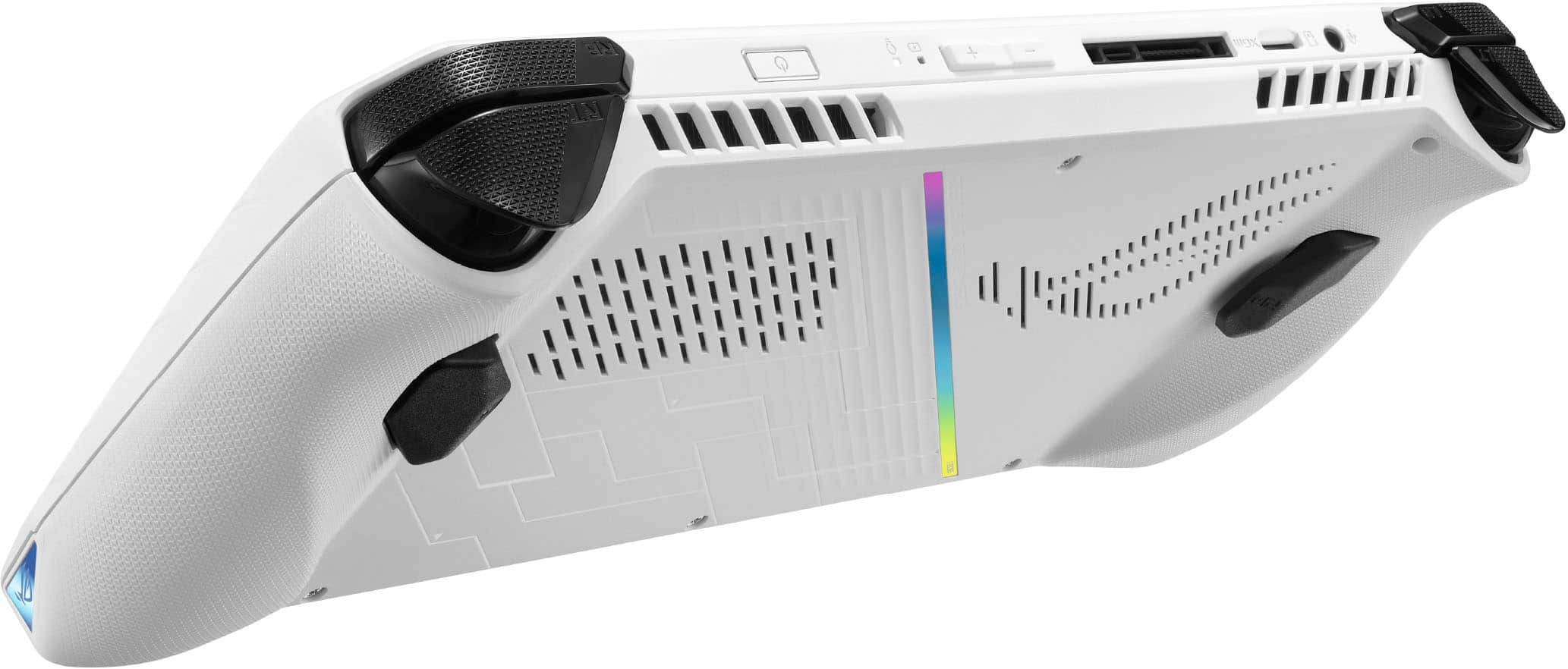
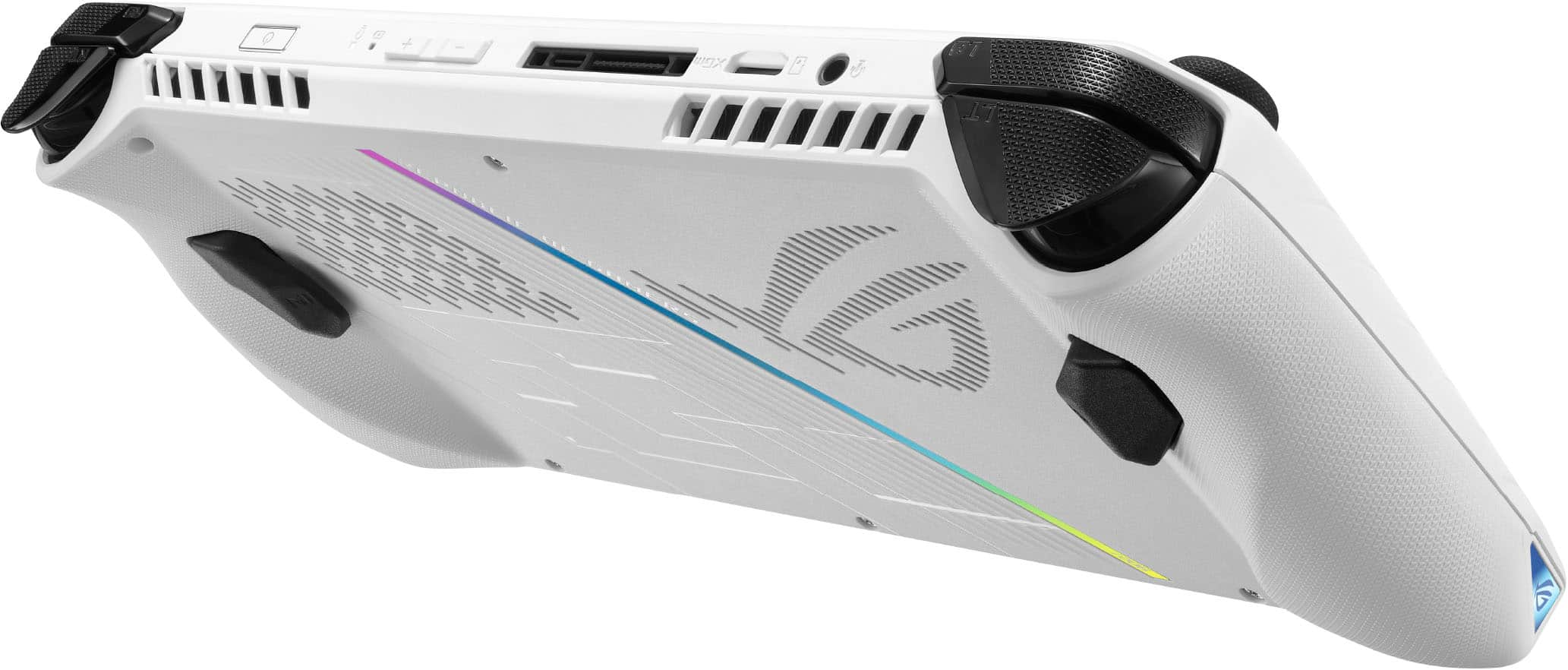


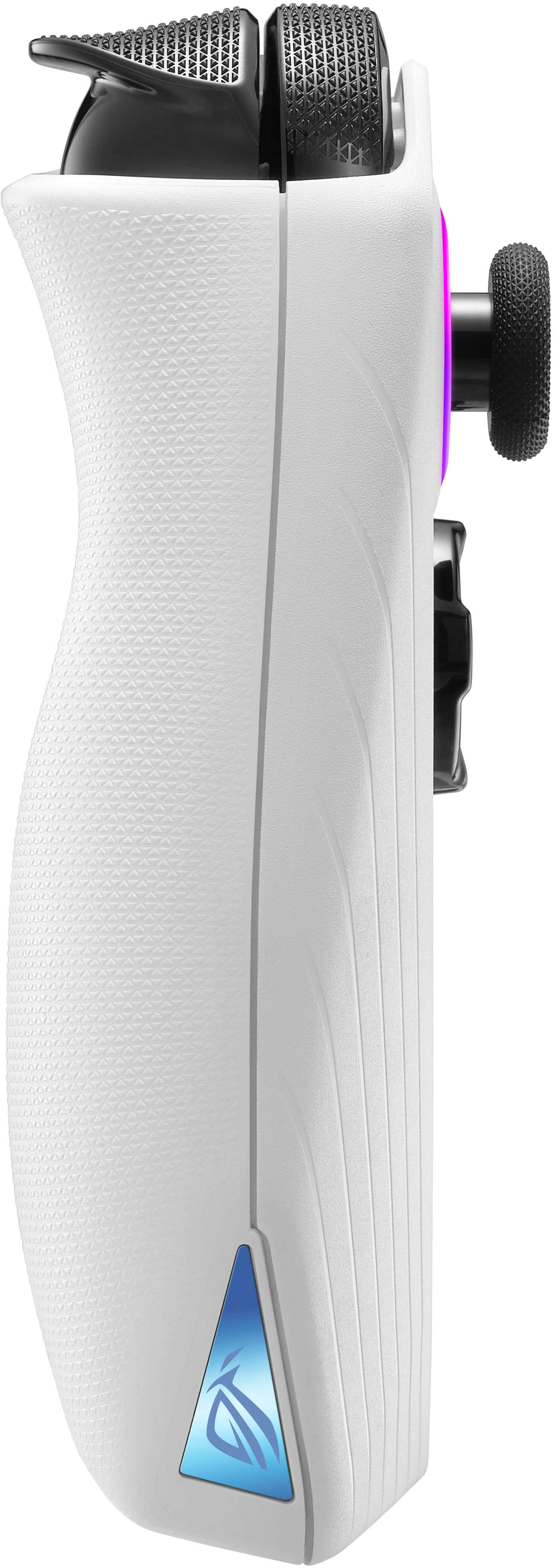
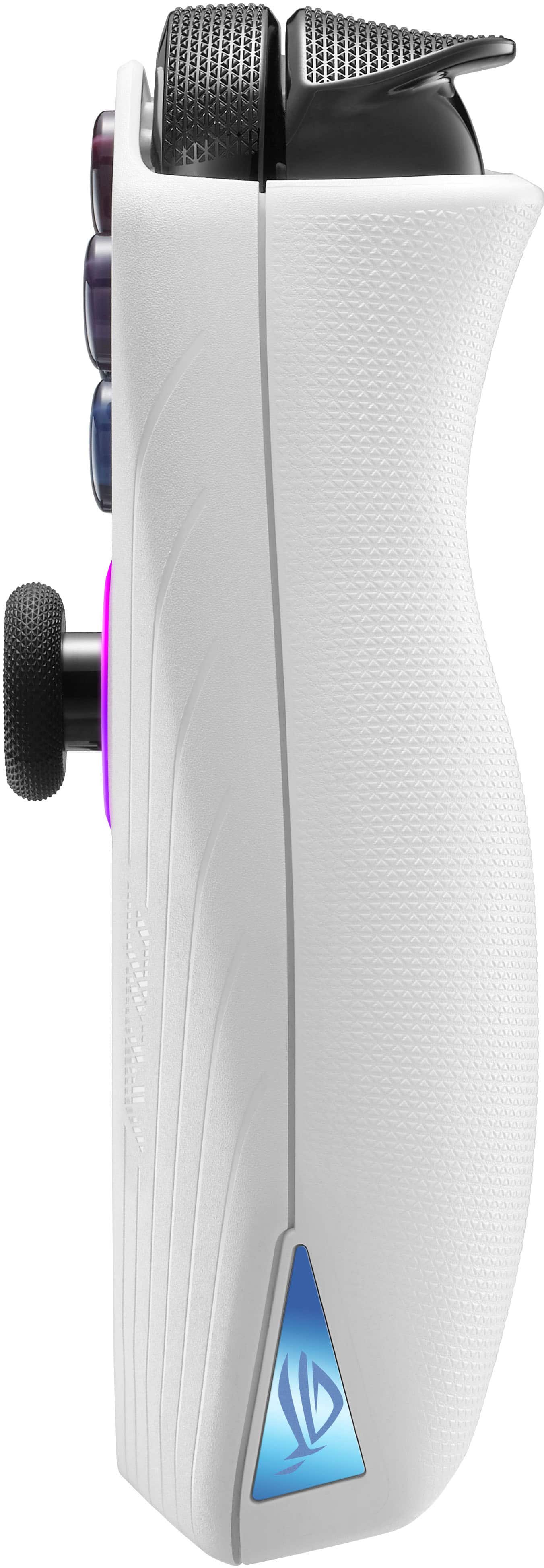






- Model:
- RC71L-ALLY.Z1X_512
- SKU:
- 10141861
Rating by feature
- Performance
Rating 4.6 out of 5 stars
- Storage Capacity
Rating 4.0 out of 5 stars
- Controller
Rating 4.4 out of 5 stars
Customers are saying
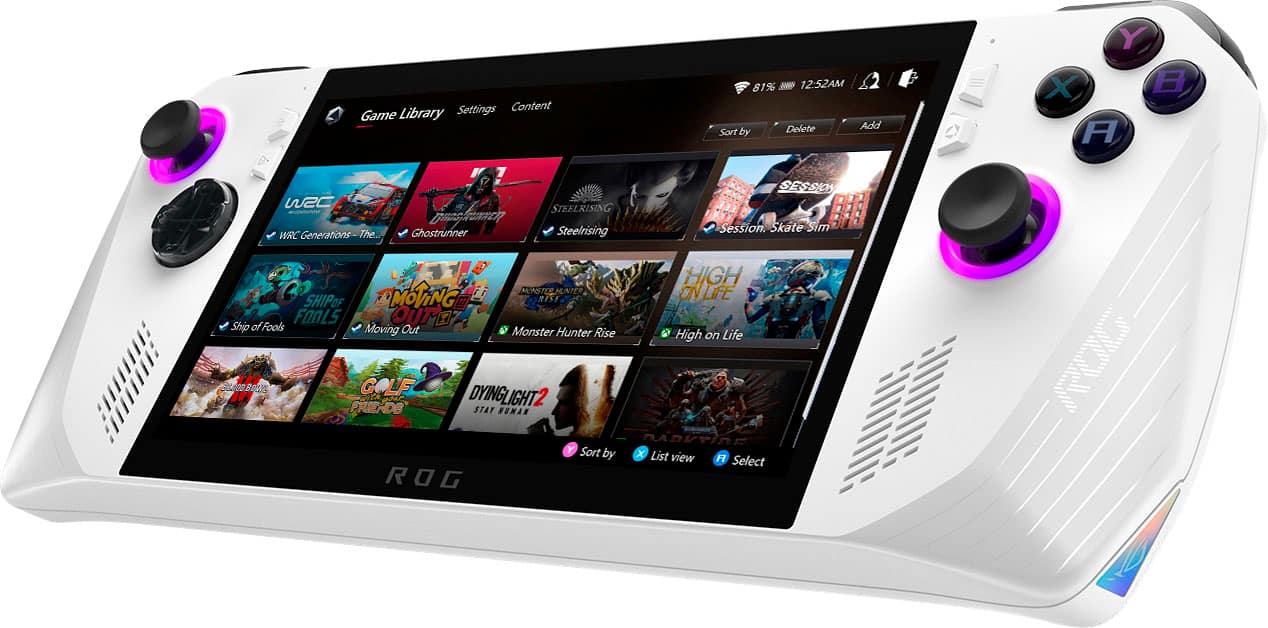
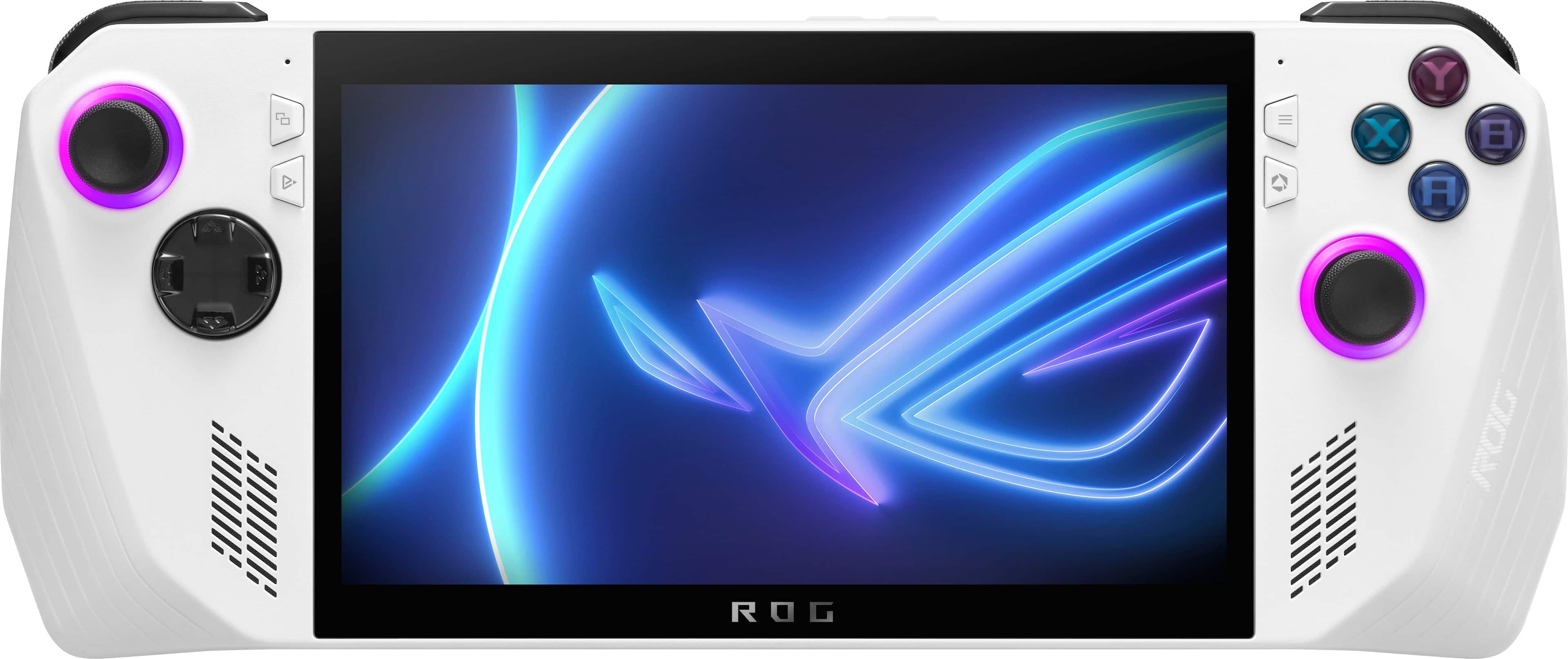
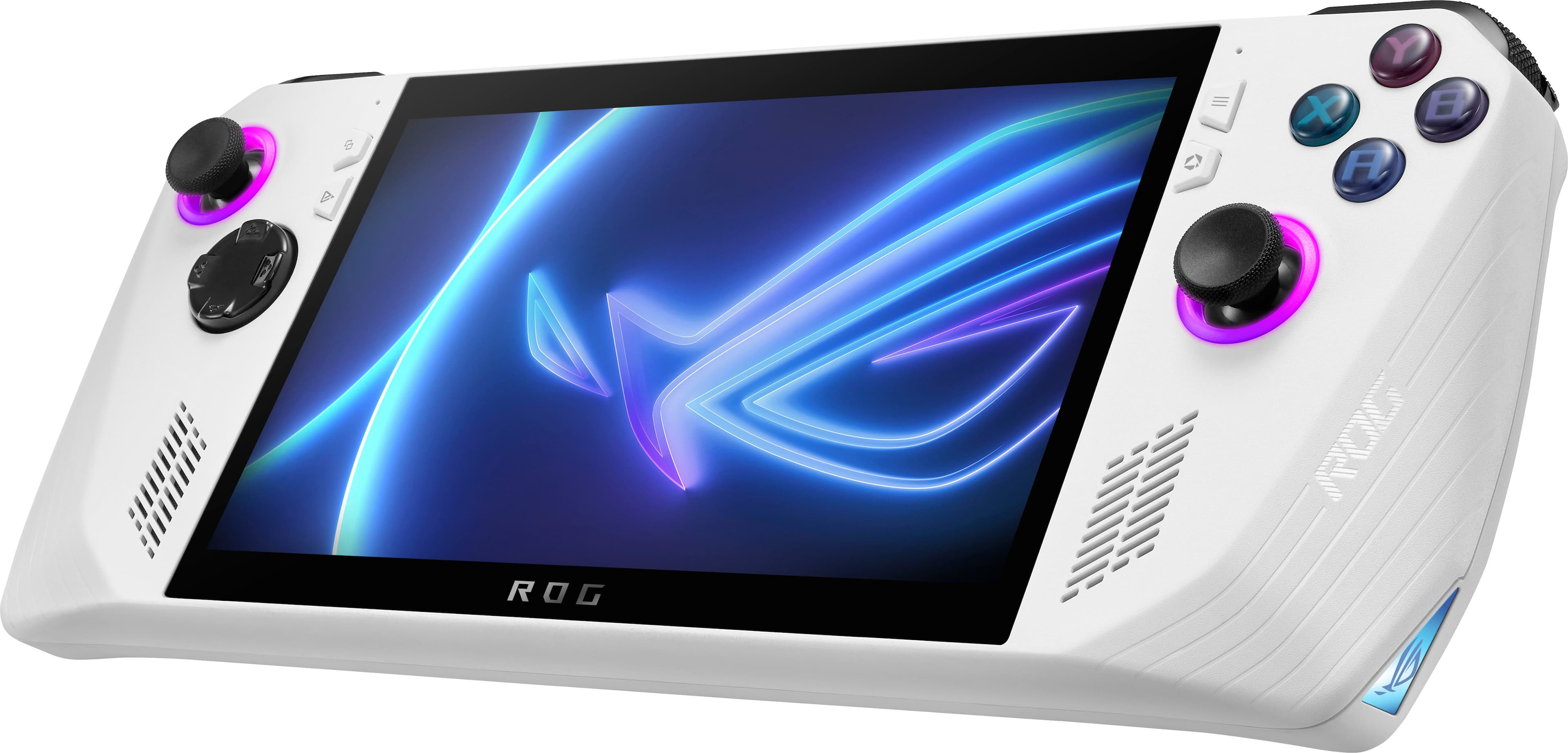
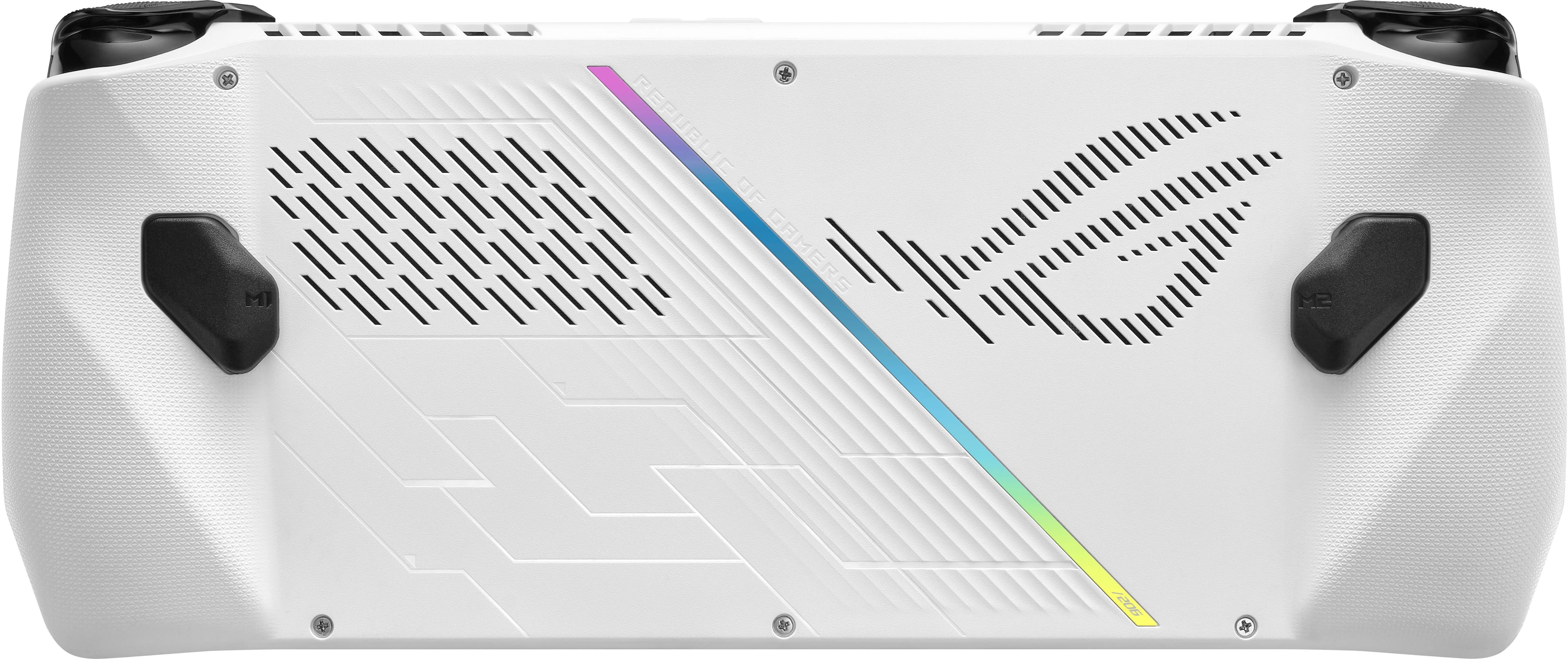
Customers consistently note that the device delivers impressive overall performance, excellent portability, and a high-quality screen that enhances the gaming experience. While users appreciate the lightweight design and broad game compatibility, they frequently express concerns regarding the battery life and the reliability of the SD card reader. Additionally, some feedback suggests that there is room for improvement regarding heat dissipation and total storage capacity.
This summary was generated by AI based on customer reviews.
- Pros mentioned:Screen quality, WeightCons mentioned:Battery life
I want so badly to like this devicd
||Posted . Owned for less than 1 week when reviewed.This reviewer received promo considerations or sweepstakes entry for writing a review.I dont know. Is it better than the steam deck? Not really. The SD was really so thought out. Is it more powerful than the deck? Heck yeah. But power doesnt always translate to a good user experience. Lets start out with the good...screen is beautiful and 120hz is monumentially smoother than the 60hz panel you get on the deck. Weight is nice. Thermals are darn good for what power its churning out. The RGB is also nice looking. Loud, clear speakers. A lot to like. Now for the bad. The battery life is as awful as they say. One hour and it's done. Armory crate is glitchy. But my biggest complaint is these analog sticks, which basically make the machine pointless to me. Theres so much deadzone that cant be tuned out of these sticks. Ive been getting whipped in COD matches. Theres just no adjusting them. In armory crate it already says they're at 0% but it just cant sense sharp movements well. If single player games are your jam, this wont be your issue but if you play competitive like me, its not worth it. It's not a steam deck killer. Its a lovely PC handheld, but that's as far as I'd take it. Not impressed. I'll be returning it shortly.
No, I would not recommend this to a friendBrand response from ASUS Answers
Posted .Dear TheRivalDad,
We do understand your disappointment and the inconvenience this may have caused.
With less demanding games, the battery will last approximately 5 hours. To resolve the issue with Armoury Crate, please check if Windows is up todate and driver and BIOS are up to date. Drivers and BIOS are posted at: https://rog.asus.com/ph/gaming-handhelds/rog-ally/rog-ally-2023/helpdesk_download/.
Should you need further assistance with the product, please email me at cl-rodel@asus.com and I would be more than happy to help. Or, you are most welcome to call Product Support Hotline at: 1(888) 678-3688. Also, you can chat with an ASUS live support agent from the link: https://www.asus.com/us/support/article/1135/.
Thank you for choosing an ASUS product.
Regards,
Rodel
ASUS Customer Loyalty
- Pros mentioned:PortabilityCons mentioned:Battery life, Storage capacity
For the Gaming Dad on the Go
||Posted . Owned for 1 week when reviewed.This reviewer received promo considerations or sweepstakes entry for writing a review.Absolutely a great addition to my household. Know what you're getting though. This is like a handheld gaming PC so you'll need to handle all your updates and BIOS updates before you really get into gaming. Unlike the Steam Deck, you'll need to tweak a few power settings to get the most out of your ROG Ally. Battery power isn't the greatest so think about investing in a nice power bank. Lastly, this thing comes with 512GB. This may work for most people but if you KNOW you're going to be installing and keeping a lot of games on your device, you'll want to purchase a larger SSD. Installation is incredibly simple. Once all your initial tweaks are done, you'll be playing some of the latest titles in a nice 1080p. I have a gaming PC, Series S, and PS5, but this machine allows me to game while still sitting with the family and not hogging the television. The perfect dad machine in my opinion.
I would recommend this to a friend - Pros mentioned:Overall performanceCons mentioned:Storage capacity
I am impressed. Zero major issues since day one.
||Posted . Owned for 3 weeks when reviewed.This reviewer received promo considerations or sweepstakes entry for writing a review.Honestly, this device actually exceeded my expectations. Coming from a person who primarily games on a gaming PC, the experience is extremely good if you know what to expect. The one thing of course, that doesn’t really have to be stated…. but it is what it is, is the fact that windows in general just is going to be a little difficult to adjust to if you are normally a Console gamer, or a steam deck user. There are a ton of variables within windows. From day one I haven’t had any major issues out of this other than the occasional software blip, but everything over all is better than expected, and I have been enjoying playing modern warfare, Forza horizon 5 and much more at 1080P with around 90 to 100 FPS without having to sacrifice quality as much as one would expect. It’s been a very fun device to tune in to get a little bit of extra performance out of as well. There are a few nuances with this device. I will notate that, unfortunately they are going to be somewhat of an issue for some people, but not for most. The one issue that I personally have had is that it only has 16 GB of RAM, which is a normal gaming PC environment should be OK although it is squeaking a little close to what I would say is acceptable, nonetheless, it is usually acceptable. However, in this case, since you are sharing your memory and your VRAM, you do need to notate that although you think you have 16 GB in reality, you only have about 12 to work with. Games that use a lot of ram, for instance, modern warfare, if you look at your ram system usage, you’ll see it pegged close to 100% before any tuning or adjustments. After deep loading windows, I can get that number down a good bit and it’s with an an acceptable range. I will say if you are user who does not pay attention to what apps start up with your computer or you like to run active wallpaper engine or you like to run a lot of things in the background your experience will vary and you may have some frames stuttering, unless you actually tune some of that stuff to not start up with your device and you ditch the active wallpaper engine. I know there’s been a lot of backlash from this device with the memory card reader, however, I have had zero issues, and I have been using it since day one without a problem. I do have a manual fan curve set so my fans are 100% once it reaches 80°C. My temperatures in games generally stay in the 70s which is extremely acceptable for me for an APU. There’s a lot of debate on the bios and performance differences, but I can say clearly, without a doubt that the Later bios for the games that I play, did get an increase in performance, but your experience may vary. For the most part, I have enjoyed this device I have enjoyed tinkering with it, and I have enjoyed seeing its potential. My final thoughts are if you are a long time PC gamer, and you were experienced with windows. I would think that you should have a great experience with this. However, if you are use to a steam deck and the simplicity of it, or you were used to playing on Xbox or Ps5 you may come into some frustrations with the learning curve of windows itself, and having to be a little bit more in control of your environment. The last thing I will notate, and this is going to come down to your choice of games, but I however ran out of storage space pretty quickly and I ended up ordering a 2 TB nvme.
I would recommend this to a friend - Pros mentioned:Game compatibility, Screen qualityCons mentioned:Battery life
ASUS ROG Ally Z1 Extreme
||Posted . Owned for 1 month when reviewed.This reviewer received promo considerations or sweepstakes entry for writing a review.Excelent The ASUS ROG Ally Z1 Extreme is a powerful handheld gaming console that rivals traditional gaming laptops. Featuring the AMD Ryzen Z1 Extreme processor and a 7-inch 120Hz touchscreen, it delivers smooth gameplay and vibrant visuals. Its ergonomic design ensures comfort during long gaming sessions, while Windows 11 compatibility allows access to a vast library of PC games. Despite its impressive performance, battery life remains a drawback, especially during demanding gameplay. However, its versatility, high refresh rate, and robust build make it an excellent choice for gamers seeking a portable yet powerful gaming experience.
I would recommend this to a friend - Pros mentioned:Overall performance, Portability, Screen qualityCons mentioned:Battery life
Love my Ally
||Posted . Owned for 1 week when reviewed.This reviewer received promo considerations or sweepstakes entry for writing a review.The ROG Ally is an amazing device, powerful and tiny it runs full PC games with ease. Battery life could be better, even at 15W I feel the steam deck gets better battery life. That said when plugged in this tiny device can handle games incredibly well. Ergonomics, build quality, performance, versatility and portability are on point. Best handheld on the market right now.
I would recommend this to a friend - Pros mentioned:Overall performance, PortabilityCons mentioned:Battery life, Storage capacity
ROG Ally A Great Handheld PC!
||Posted . Owned for 3 weeks when reviewed.This reviewer received promo considerations or sweepstakes entry for writing a review.Great handheld PC. Runs well once set up. Won't be disappointed. Will list my personal pros and cons with the device. Pros: Portability, Convenience, Speed, Versatility. Cons: Can use more space from factory at least 1TB will be nice. Battery life can drain quick depending on what you're running.
I would recommend this to a friend - Pros mentioned:Overall performance, PortabilityCons mentioned:Storage capacity
Freedom to play anywhere
||Posted . Owned for 3 weeks when reviewed.This reviewer received promo considerations or sweepstakes entry for writing a review.Pros This has rejuvenated my interest in gaming. For awhile i have been just so tired of sitting at my desk all day (work in technology) this has given me the freedom to move around and play games not tied to my desk. So far it has played everything perfectly fine, with no issues. My only conplaijt is the joy sticks feel a little loose for a controller, very sinilar to the nintendo switch, not my cup of tea but i got used to it. I have logged around 50 or 60 hours on it throguh multiple games and have really enjoyed the freedom of untying myself from my computer desk. Highly recommend if you are in the fence. Cons Since it is windows based you have to do some initial set up and uninstalling of the normal bloatware and updates. The wifi takes alittle extra time to connect, im finding my apps load before my wireless turns on which is kind of annoying but not a deal breaker. Its white so it gets quite dirty easily. Had to buy a new carry case because its bugger than my switch. 512gb storage. It sounds like alot but two triple A games basically takes up over half the space. It does have sd card slot though.
I would recommend this to a friend - Pros mentioned:Overall performanceCons mentioned:Battery life

One of the best handhelds ever made.
|Posted . Owned for 3 weeks when reviewed.This reviewer received promo considerations or sweepstakes entry for writing a review.[Employee of bestbuy] So I've been looking at this for a while now, and I pulled the trigger on an open box and I'm so glad that I did. This plays almost everything I've thrown at it, monster hunter world, metal gear sold v, the outer worlds 1 and 2. Pros Great performance Steam and Xbox game pass, origin, etc. Good software Cons The software Battery life. So when I first plugged this in and was on the setup screen I had stick drift on my right analog stick. I updated windows and all of the rog software and this seems to have fixed it. Looking into it, it seems that the mouse support is from an emulated Xbox controller, which for the most part works fine. But I did have to calibrate it. The stick has only drifted 3 times total. So bummer for sure but it's been fine since. Windows has gotten better with using this console as a "tablet", and the rog button brings up an on screen display that let's you change things like cpu wattage, turbo mode, in game stats and other things. What's really nice is it's customizable how ever you want it. Overall I'm happy with this system, I just wish that there was a larger ssd but I added in a high endurance micro SD card.
I would recommend this to a friend - Pros mentioned:Screen qualityCons mentioned:Battery life
Great at what it does, but not without problems
||Posted . Owned for 1 month when reviewed.This reviewer received promo considerations or sweepstakes entry for writing a review.This product is great at what it’s meant to do: Play PC games completely from a mobile standpoint. However, what it has in flair and features, it lacks in practicality and the shortcomings do show. Pros: - Well built chassis with a premium feel - Analog sticks are good quality - Screen is vibrant with a nice glossy finish to make colors pop - Nice resolution at 1080p - Excellent speakers and sound quality - Ability to play any PC game on the go - The Z extreme AMD chip delivers great performance for what it try’s to do Cons: - Poor optimization for Windows 11. This will hopefully be fixed in future windows updates (as they expand their mobile UI capabilities. - Confusing update cycles. You need to go to multiple different spots for updates. - Poor battery life makes you wish you were always connected to a battery. This is even on a custom 17W mode. - SD card issues that still persist make using the slot a risk, essentially hampering your storage space significantly. - Game performance varies a lot on this device. I do recommend 720p for more games to be acceptable at 60+ frames. You will likely never fully utilize the 120hz refresh rate. 720p with AMDs super resolution upscaling actually keeps 1080p fidelity. Would I recommend it? If you absolutely need a handheld now.. sure. If you CAN wait for the next generation, do yourself a favor and hang on before buying it.
I would recommend this to a friend - Pros mentioned:Overall performance, PortabilityCons mentioned:Battery life
Not perfect but I love it.
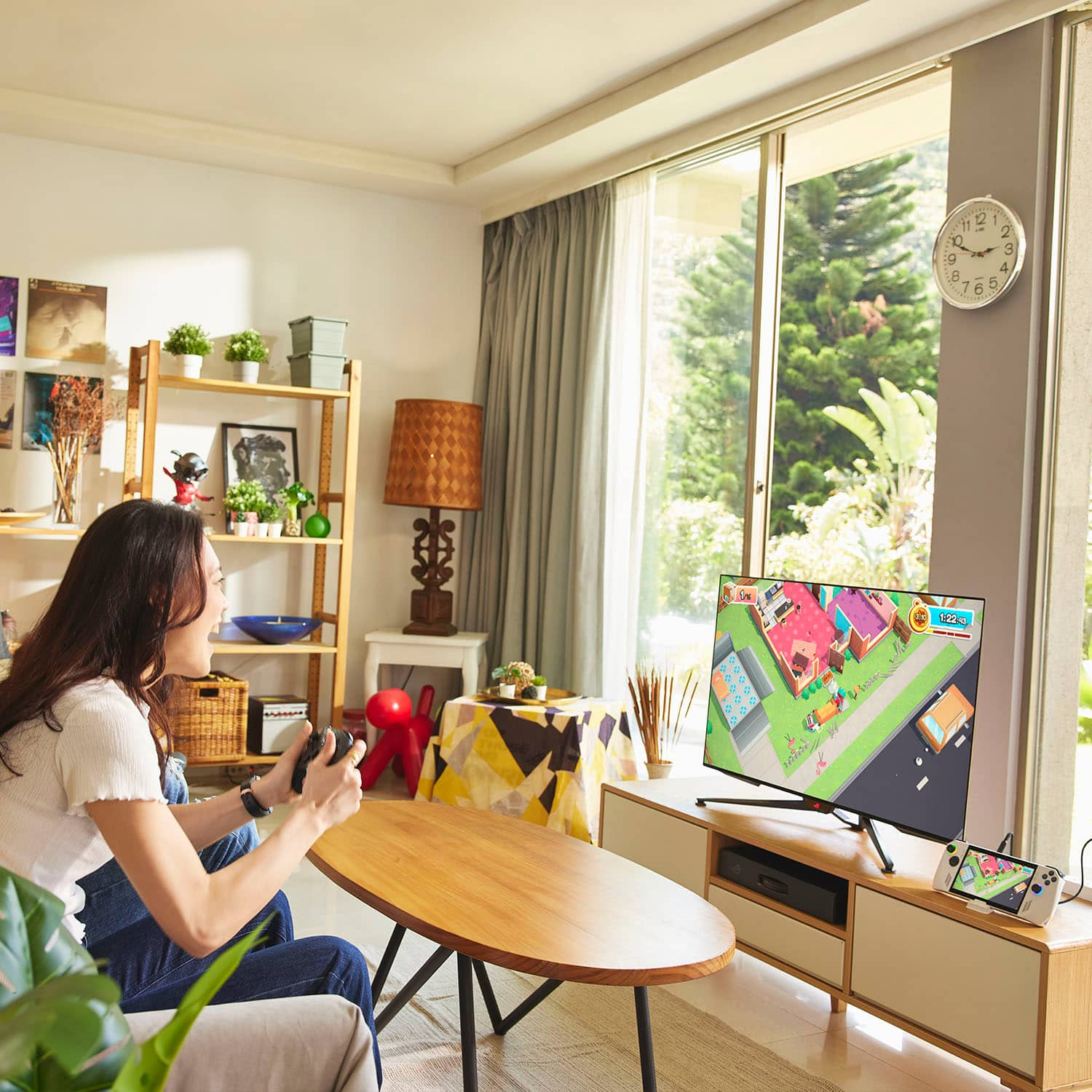
||Posted . Owned for 1 month when reviewed.This reviewer received promo considerations or sweepstakes entry for writing a review.It's really good to be able to play all of my PC games portably. And they all play well. And it's comfortable to hold. Love the powerful hardware and the price at $700. The only drawbacks are the battery life, no dedicated trackpads (but it does have capacitive touchscreen with multi touch), and I love Windows 11 but it's poorly optimized for handheld devices such as this. Some games outside of Steam need to be manually tweeked to get it working, especially older games that run on DOSBox. For games that don't run on DOSBox but still need manual tweaking, Asus's Armoury Crate works well though it can get a bit tedious. It does support USB-C video output and Bluetooth so if you get a USB-C charging dock for it with HDMI port, you can connect the ROG Ally to a big screen monitor, dedicated gamepad, gaming keyboard, gaming mouse, and Bluetooth speakers so you can use the ROG Ally as if it is a desktop gaming PC. Plus, there's XG-Mobile support so you can "upgrade" the ROG Ally's built-in graphics hardware with an external graphics card that connects via XG-Mobile.
I would recommend this to a friend - Pros mentioned:Screen quality
Some tips for new (and experienced) Ally owners
||Posted . Owned for 1 week when reviewed.This reviewer received promo considerations or sweepstakes entry for writing a review.There's a lot to love in this little package. First, full disclaimer, I have a steam deck, I use a Mac regularly and am fully ingrained in the Apple ecosystem, and finally I primarily game on consoles. With that in mind, I purchased my steam deck for the purposes of on the go gaming. Let me tell you, it is fantastic. I do now have a pretty good steam library, and verified games work out of the box pretty well. Non-verified games take tweaking, sometimes a lot, sometimes a little. But, this isn't a review of the steam deck, it's a review of the Ally and why it's become my daily driver and finally some tips. The Ally is a great product externally. It is built great, and compared to the Deck it's got everything you want in a lighter package. The speakers on the Ally are fantastic, Dolby Atmos sorta works, but the device sounds great. It does not get hot where you hold it. And you do have to hold it a certain way. It is natural, but the bottoms of your palms should slightly curve around the both of the Ally. I've spent 2 plus hour gaming sessions doing this without discomfort. The buttons and joysticks are a bit mushier than the deck, but it's hardly noticeable. It does feel as though the sticks are a bit taller, maybe that's because of how it's held, but I did have to adjust deadzones to accommodate that. The shoulder buttons and triggers feel great. The back buttons are worthless. In fact I've removed their function entirely because they just get in the way. I am working on 3D printing new buttons that are shallower that may work better. Now, here's the controversial part. Asus chose windows. This gives us a lot of benefits like wide compatibility, easy trouble shooting, but it also gives us bloat, and a less than perfect experience. Setup of the Ally involved updating windows, updating MyAsus, and updating Armoury Crate. Unlike the steam deck and every other device I own, the update process is arduous. Luckily, no issues at all with the updates. You also need to make sure you set the power settings in windows properly, you also need to make sure you remove useless programs like Teams, and Office. I have no idea why those are included here. But, once you do all that, and let me tell you it's easily a couple hours - you're good to go. Install your games like you would, or use armoury crate to install launchers for you and then install the games that way. Armoury Crate is ok for settings and stuff, but I wouldn't use it as a launcher. It's just too clunky. Speaking of settings here are some that will help: Don't use the stock operating modes. Instead create a "plugged" and "unplugged" mode. Plugged is set at 25 watts with fan curve 3, and unplugged is set at 15 watts with the same curve. The fan on this device shines! The steam deck fan is loud, even at 15 watts. The Ally's fan at 15 watts is barely noticeable. With the "unplugged" manual operating mode, I get almost 2 hours with Diablo 4. Which is exactly the same as I get with the Steam Deck. Here's the thing - I can play D4 with high settings and get well over 70fps on the ally for those 2 hours. The deck gives me 40fps on average. So my experience is better on the Ally. "Plugged" mode is night and day different. Again, the fans are very quiet, but I'm routinely getting 80-90 FPS in D4 on high+ settings. I use this if I'm by an outlet. All in all - Asus and Microsoft have to work on the software a bit. Get rid of the bloat. But, the device is in much better shape than the Deck was at this point at its launch. I highly recommend the Ally for PC and console gamers. If you're not used to tweaking things and using windows, get the deck.
I would recommend this to a friend - Pros mentioned:Overall performance, Screen qualityCons mentioned:Heat dissipation
It's a good handheld "console pc"
||Posted . Owned for 1 week when reviewed.This reviewer received promo considerations or sweepstakes entry for writing a review.My Opinion. Pros: • Works Great • Speakers Sound Great On YouTube And In Games • Good Battery Life • Steam "Full & Partial Controller Support Games Only" (Have Not Tried EA, Epic Games, GOG, etc.) • Able To Sign Out of MS account Into Local Account • Basically A "Phone" But Without Service & Cameras • Would Recommend? Eh, Yeah, Why Not. • Screen Can Be Flipped To Easily Watch TikTok or YouTube Shorts (See Pictures) Cons: • Not As Fast/Powerful As I Thought It Would Be • Screen Can Heat Up Also While Under Heavy Gaming • Games Won't Play In Full Graphics, Will Have To Lower Them For Performance • Screen Sometimes Doesn't Respond To Finger Touches • Should Have Added A Pen For Easier Touches • Can't Transfer Files From ROG Ally To PC (Doesn't Show Up) • Keyboad Doesn't Show Up At Times When Needed Typing
I would recommend this to a friend - Pros mentioned:Game compatibilityCons mentioned:Battery life, Heat dissipation
you should probably wait for a markdown
||Posted . Owned for 3 weeks when reviewed.This reviewer received promo considerations or sweepstakes entry for writing a review.serves its purpose as a low-end portable gaming PC plays an decent amount of games some i honestly wasn't expecting it to be able to play which was a nice surprise battery life is non existent so long plays are always plugged into the wall which is understandable for a portable gaming pc. screen gets hot fast and is loud like a jet engine. downgraded to windows 10 because i hate windows 11 upgraded to 1tb ssd because it really sucks having to reinstall games in general. i got it on sale and at $100 off it felt like an okay buy its just not great outta the box. i would only recommend this to people who want a low-end gaming pc for traveling.
No, I would not recommend this to a friend - Pros mentioned:Overall performanceCons mentioned:Storage capacity
Solid upgrade over the Steam Deck but with issues
||Posted . Owned for 1 month when reviewed.This reviewer received promo considerations or sweepstakes entry for writing a review.The ROG Ally is priced very competitively in the market space against handhelds like the Steam Deck & Ayaneo 2. However it’s held back by hardware flaws and software bugs. For raw performance the turbo mode (30w) is absolutely fantastic, there isn’t a single game you can’t easily play. On the flip side the Zen 4/RDNA3 SoC used in the Ally is horrible at lower power setting (which is kind of important for a handheld). At 10w the Ally is considerably slower than the older Zen3 6800U in the Ayaneo 2. The last photo in my review show the Ally running roughly 35% slower at 10w. This same performance disparity at lower wattage can be seen between the Ally & Steam Deck as well. As in most cases the Steam Deck ties or beats the Ally at anything below 15w. Maybe this is a just immature drivers but this makes the $700 a hard sell compared to the $350 Deck. The other elephant in the room is the widely reported SD card issue. My Ally ran my SD card fine until about the 5 week, just outside of the return window my SD card reader died. At this time it’s hard to say if this is a driver issue, or hardware issue but regardless it’s been 3 weeks+ without an actual update from Asus on a fix for the issue. My last gripes with the Ally is the small storage & ram (given the issue with the SD cards this is a big deal). Flash memory is insanely cheap now, with 1tb drives costing $40-60, Asus could have put a 1tb drive in the Ally for another $20-25. They also should have included 20gb instead of 16gb of ram, since the Z1 SoC is an APU so it uses your ram for VRAM. Now with games like Last of Us using 8gb+ of VRAM and Windows consuming 2-3gb, it only leaves you 4-5gb for the games. Again another 4gb ram module would cost $20. My last hardware complaint is the lack of Hall Effect sensors. At this point they cost basically the same as regular joysticks. Bad: 1. 16gb of ram can easily become a bottleneck when playing games that require 8gb of VRAM 2. No Hall Effect Sensors (very noticeable deadzone issues) 3. Small 512GB storage for a $700 device 4. Weak performance at lower wattage modes 5. SD Card reader failure 6. Sticky buttons & D-pad The Good: 1. Fantastic 20w+ performance 2. More affordable then devices like the Ayaneo 3. 120hz screen is amazing 4. Easy to upgrade (joysticks and NVME are easily accessible) 5. Windows OS adds so much flexibility 6. Armory Crate is surprisingly polished
No, I would not recommend this to a friend - Pros mentioned:Game compatibility, Overall performance, Weight
If you need a pc...
||Posted . Owned for 3 weeks when reviewed.This reviewer received promo considerations or sweepstakes entry for writing a review.This mini pc rocks! Not just as a gaming device. This has the ability to replace an entire tower desktop when docked into a monitor, mouse & keyboard. Even if you plan to play absolutely no games on this device, it's an absolute steal for a computer with this kind of specs. It has one of, if not the best mobile processor you can get paired with gtx 1650 comparable graphics. I'd recommend this to anyone in need of a pc. As far as gaming is concerned, i've been having a blast so far. Games are smooth, even at lower frame rates thanks to adaptive sync. This is the only handheld on the market with this technology and it makes a huge difference. The device is lightweight and feels nice in the hand. My only gripe is with the Asus Armoury Crate software but software can be improved and I believe it will. Asus has a real winner here as long as the price remains at $699. If Asus could make a xg mobile graphics adapter with a longer cable, it would make a perfect companion for the Ally.
I would recommend this to a friend - Pros mentioned:Game compatibility, Overall performanceCons mentioned:Battery life
Gaming on the go has never felt better!
||Posted . Owned for 1 week when reviewed.This reviewer received promo considerations or sweepstakes entry for writing a review.Best handheld on the market. The Z1 Extreme is where it is at! there are many aftermarket things for this such as a 7 port dock station. You can easily upgrade it to a 4TB with a 90 degree and an SSD. Windows works smooth on this and there isnt one AAA game I have not been able to play on this. Expect about an hour of play off battery on 30 watt mode but again they have aftermarket battery packs. Gaming on the go has never been better. I am currently using it as my main desktop PC as we speak. With the dock I have a CAT8 hardwired with bluetooth mouse and keyboard, HDMI 2.1 cables. This thing runs FAST and the picture quality is amazing for what it is. The future looks bright for the Ally. Highly anticipating the Ally 2 to drop in the near future!
I would recommend this to a friend - Pros mentioned:Portability, WeightCons mentioned:Battery life
If you’re on the fence, just do it.
||Posted . Owned for 3 weeks when reviewed.This reviewer received promo considerations or sweepstakes entry for writing a review.Despite the back and forth battle between this and the steam deck I pulled the trigger and went with the ROG. 1 month in and this thing is awesome. It’s light, nimble, and a complete power house. I’m a pc gamer but having a windows pc in a hand held allows me to play from the couch and hang with the wife more! Also enabling gaming from anywhere is a huge plus if you don’t own a gaming laptop. All together I think it is worth it. I’m able to play on the go and when I travel and that is a big plus for me personally. I do recommend modding it if you want more SSD space. There are some inexpensive boards that fit like a glove and are easy to install. Also a docking station and wireless controller is a must if you want to get this puppy on your TV. Only con is the battery life but if you’re doing a long gaming session you will be plugged in anyways.
I would recommend this to a friend - Pros mentioned:Overall performance, Screen qualityCons mentioned:Battery life
The ultimate handheld console
||Posted .This reviewer received promo considerations or sweepstakes entry for writing a review.Excellent machine, really fast and reliable as the steam deck, but his battery lack on lifespan it runs out really fast on demanding games, the controllers are really robust the Asus feature for gaming really seamless to valve eco system. The screen is not oled but I can’t find so much difference. A really good product for his price I will not change it.
I would recommend this to a friend - Pros mentioned:Overall performance, PortabilityCons mentioned:Battery life
Portable Gaming Bliss: ASUS ROG Ally Z1 Extreme
||Posted . Owned for 1 week when reviewed.This reviewer received promo considerations or sweepstakes entry for writing a review.I recently got my hands on the Asus ROG Ally Z1 Extreme, and I have to say, it has been an incredible companion for my gaming adventures on the go. This beast of a machine not only plays most AAA games with satisfactory performance, but it also feels surprisingly light and comfortable, proving that size isn't everything. The OLED 120Hz screen is an absolute delight, delivering super crisp visuals that bring my games to life. While the battery life could be better, I'm happy to report that Asus has been actively releasing updates since I purchased it on June 16th, and things are looking promising. They seem dedicated to enhancing the overall experience, which gives me confidence in my purchase. All in all, I couldn't be happier with the Asus ROG Ally Z1 Extreme. It's been a worthwhile investment for me, and I highly recommend it to fellow gaming enthusiasts on the move.
I would recommend this to a friend - Pros mentioned:Overall performance, Screen quality
A detailed review for the ROG Ally
||Posted . Owned for 3 weeks when reviewed.This reviewer received promo considerations or sweepstakes entry for writing a review.The ROG Ally is a great device with a comfortable grip. The only downside as far as the comfort goes is that the bottom corners are a bit sharp but not to a point where it’s uncomfortable to hold. The screen is absolutely gorgeous with colors that pop and 120Hz refresh rate. The audio is fantastic and better than my Legion 5 Pro laptop. PC games run smoothly as butter, as well as emulation. The sticks feel great although I do wish they had more tension. They are pretty easy to move, but I’ve gotten used to it. The face buttons feel great…nice and springy. The d-pad feels okay, but when playing 2D retro games, it’s easy to hit accidental diagonals and can be frustrating. Maybe I just need to get good, but I’d have preferred a d-pad like that Dualsense has or just a standard one at least. It’s fine though. The back buttons do feel cheaper compared to the rest of the inputs. The plastic feels like a step below in quality and they feel kinda loose, but they click okay and work fine. It just feels like it was a bit of an afterthought. But the triggers are easily the best feeling of all the inputs. They nailed it with these! Perfect tension and they are just so satisfying to pull. The volume buttons are in a weird spot, but I just have a secondary function added to LB + RB for volume down/up and that works perfectly. I really wish they would have added another USB-C port as I don’t get why they would think a single port for charging was enough, but that seems to be the norm and far from a deal-breaker. I also wish that the device had a bigger battery. I mean these are handheld devices meant for gaming on-the-go. A long-lasting battery should be a higher priority guys. Worst case scenario with max TDP, you get an hour. Performance mode will net you 1 1/2 hours. A solid power bank is a great accessory to have. As far as RAM goes, 16GB is okay for now but I would have liked to see 32GB for better future proofing. With RAM being as cheap as it is and games becoming more memory-hungry, there’s not really any excuse to only give 16GB on these devices with APUs that share memory. I’d like to have seen some options with more storage as well but that can easily be upgraded. I haven’t experienced any major issues, just some small bugs and Windows quirks like the keyboard not wanting to come up automatically on occasion. With that said, if you’re familiar with Windows, once you get everything set up and where you want it, you’re golden. Armory Crate SE is a lot better of an experience than I thought it was gonna be to be honest. Everything works as expected and the quick panel is nice. You can configure the buttons how you want and customize the secondary functions. My only gripe with AC is in the custom operating mode. It’s a pain to set fan curves and you should be able to mirror the settings but it’s okay and software will be updated over time. Asus has been regularly updating and improving the software. I have not had any issues with my SD card like some but I haven’t used the slot much. Overall, the ROG Ally is a great device with some minor flaws that can be overlooked if you’re looking for a powerful handheld gaming PC with a beautiful display, great audio, and are willing to deal with the quirks of Windows. I’m settling on 4 stars instead of 5 because it’s not perfect…but hardly anything is. Hopefully this review was helpful.
I would recommend this to a friend