DVI Graphics Card
-
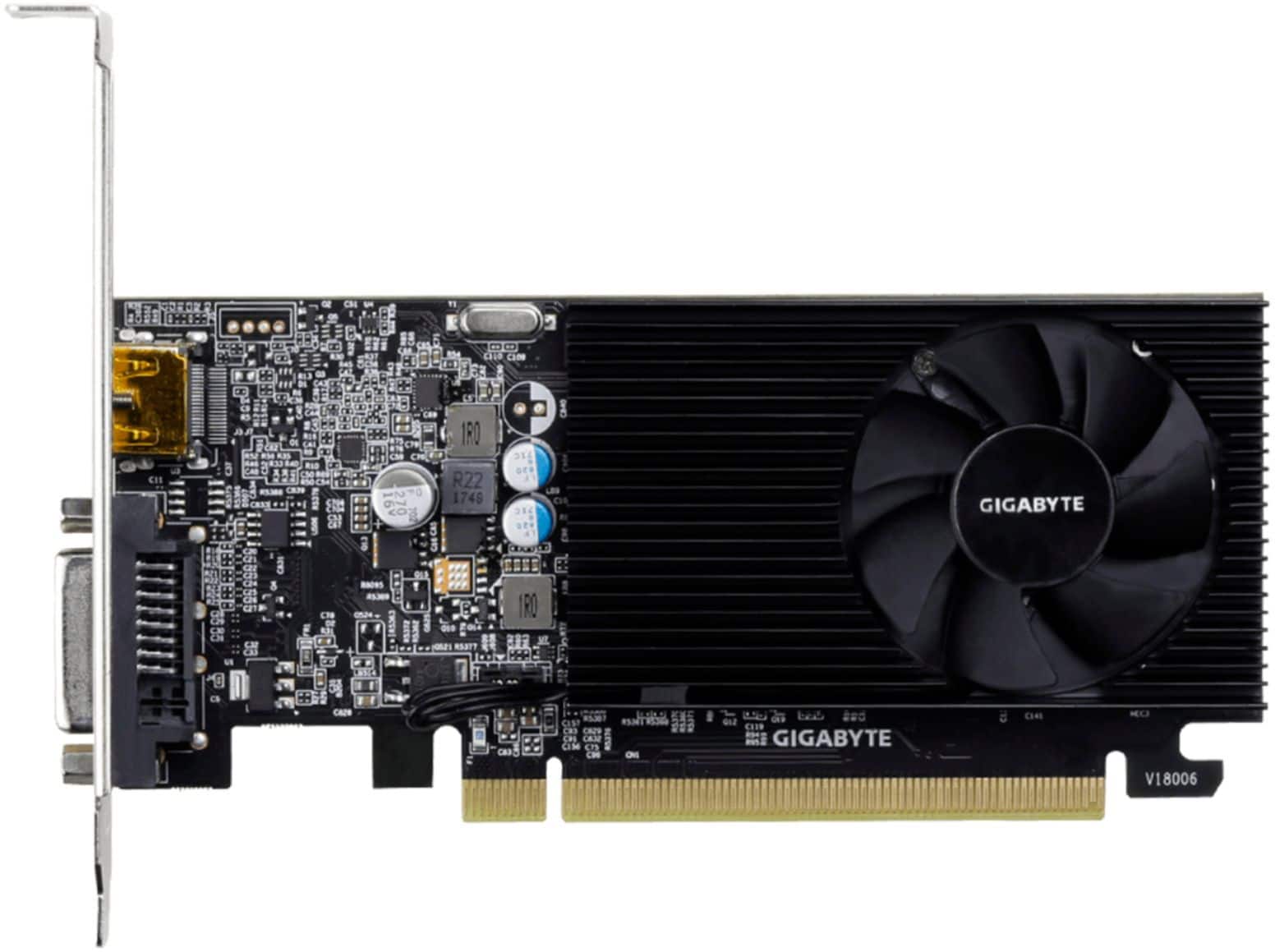
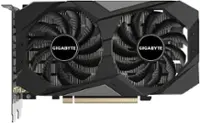
GIGABYTE - NVIDIA GeForce GT 1030 2GB GDDR4 PCI Express 3.0 Graphics Card - Black
SKU: J3ZW9254YHSee all GPUs / Video Graphics CardsProduct Description
A low-profile black graphics card with 2GB GDDR4 memory, HDMI and DVI-D ports, supporting 4K resolution.Your price for this item is $138.67Save $6The previous price was $145.07 -
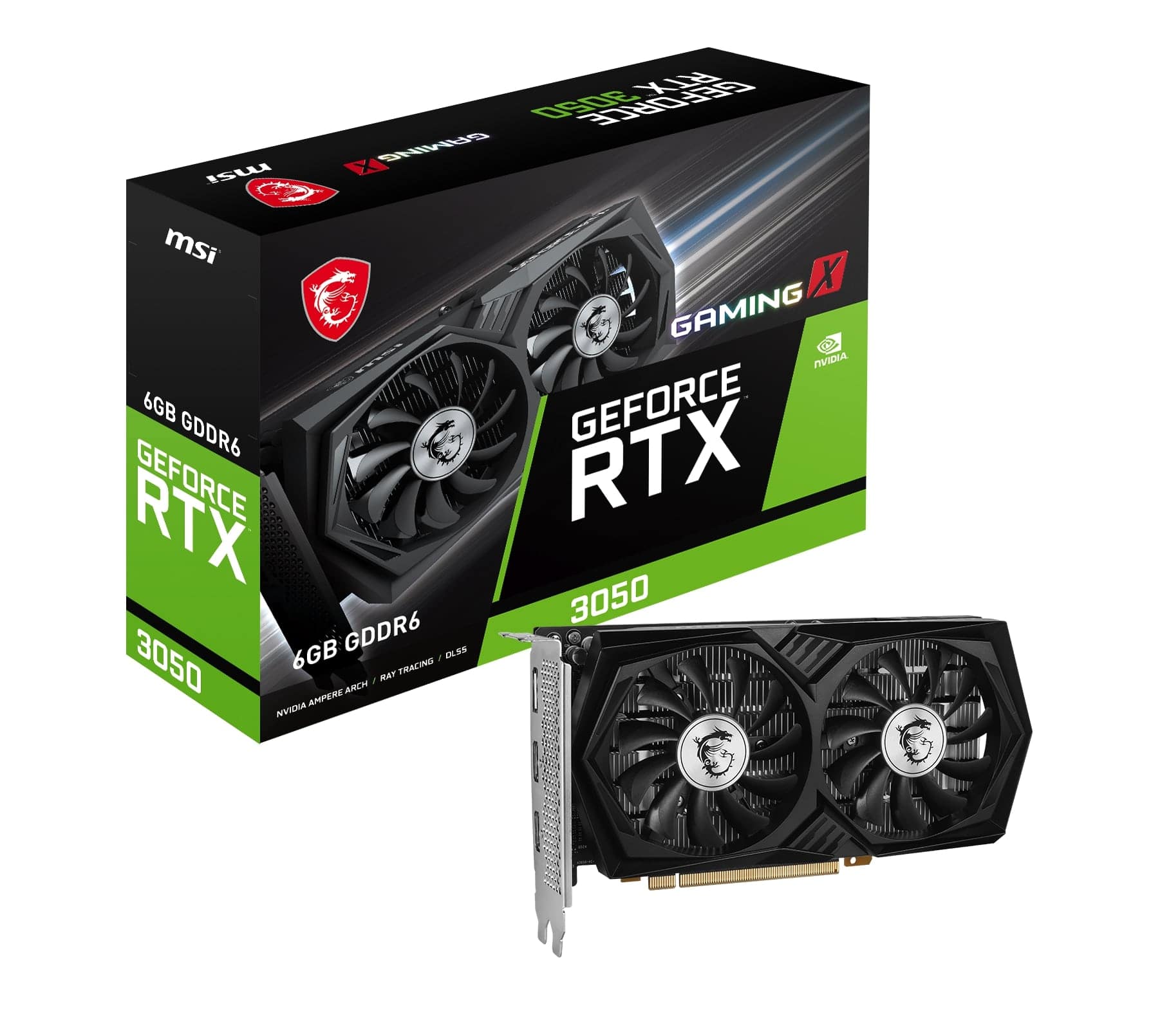
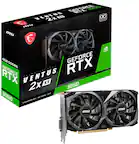
MSI - NVIDIA RTX 3050 GAMING X 6G - 6GB GDDR6 - PCI Express 4.0 - Graphics Card - Black
SKU: J3P7TXPGVCGreat product at great price in the best electronic store in the US...Great product. Delivered quickly. Always loke buying frim Best Buy....Great product
See all GPUs / Video Graphics CardsProduct Description
A high-performance black graphics card with 6GB GDDR6, triple-fan cooling, and PCI Express 4.0 support.Your price for this item is $279.99 -
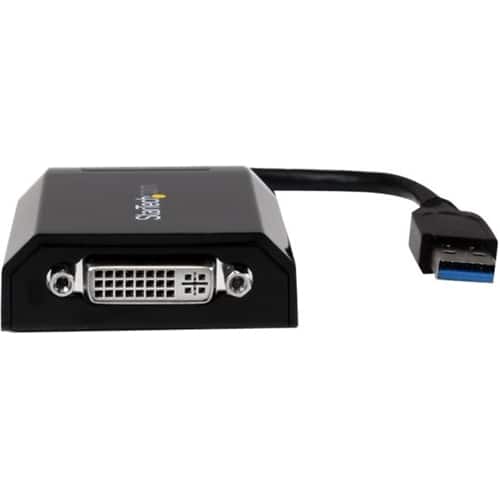
StarTech.com - External Video Adapter - Black
SKU: J7PHY2V2KPSee all Monitor & Video CablesProduct Description
A black USB 3.0 to DVI adapter that adds a second monitor for expanded digital workspace.Your price for this item is $118.99
Best Sellers
Related Pages


FAQ
A DVI graphics card is a type of video card that features a Digital Visual Interface (DVI) port, allowing you to connect your computer to monitors, projectors, or other display devices that support DVI input.
Yes, you can connect a DVI graphics card to an HDMI monitor using a DVI-to-HDMI adapter or cable. However, DVI does not carry audio signals, so you will need a separate solution for audio.
DVI connections provide a high-quality digital signal, which results in clear and sharp images on your display. DVI is also widely compatible with many monitors and supports both digital and analog signals, depending on the port type.
Many DVI graphics cards support both digital and analog signals, making them compatible with a wide range of older monitors that use VGA or DVI inputs. You may need a DVI-to-VGA adapter for analog-only monitors.
Some DVI graphics cards offer multiple video outputs, allowing you to connect more than one display at a time. Check the specifications of the card to see how many monitors it can support simultaneously.