DVI Computer Monitors
-
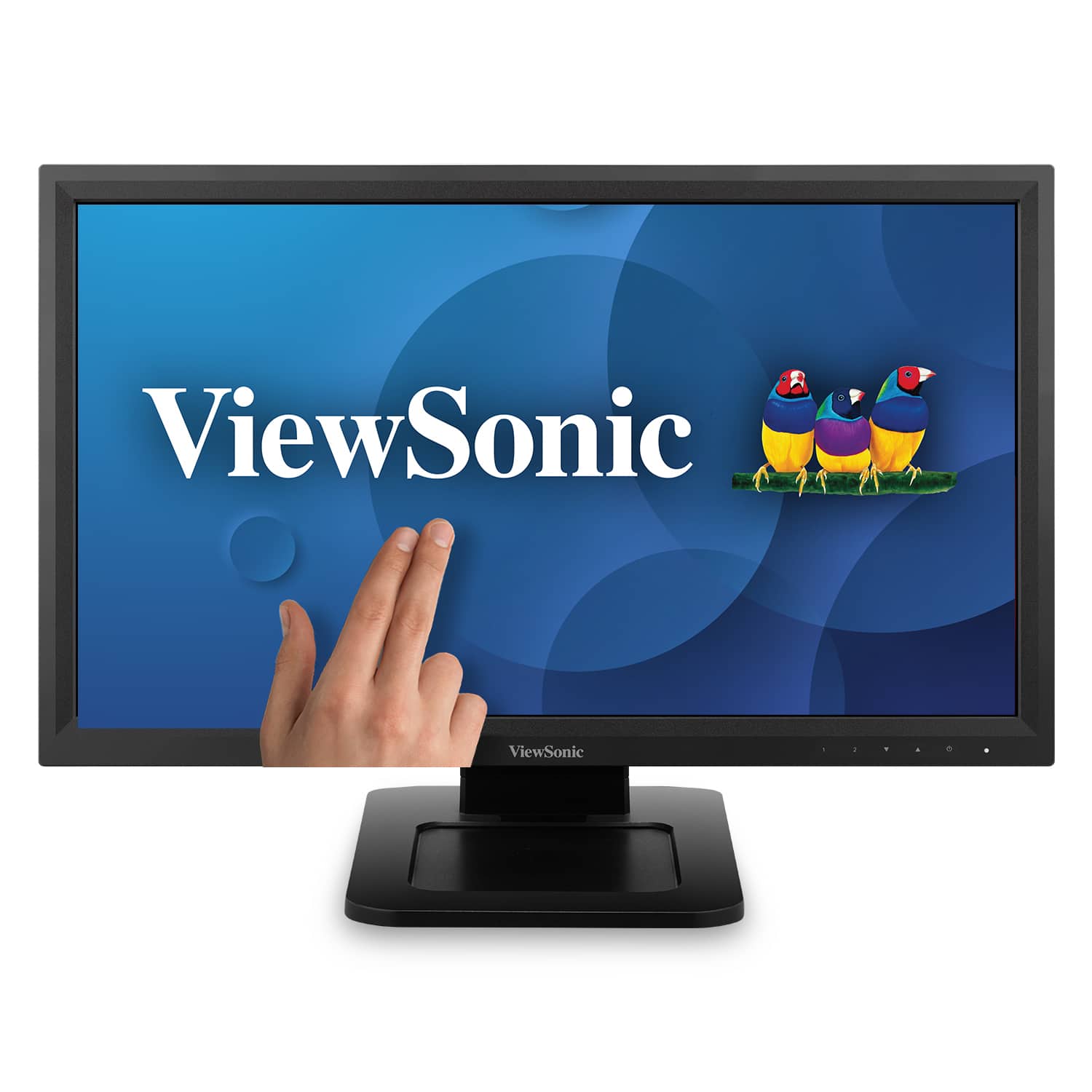
ViewSonic - TD2211 22" LCD FHD Touch-Screen Monitor (VGA, HDMI, DVI, USB) - Black
SKU: J37H88VSK6See all All MonitorsProduct Description
A black LED touchscreen monitor with Full HD resolution, multiple connectivity options, and integrated speakers.Your price for this item is $341.56 -
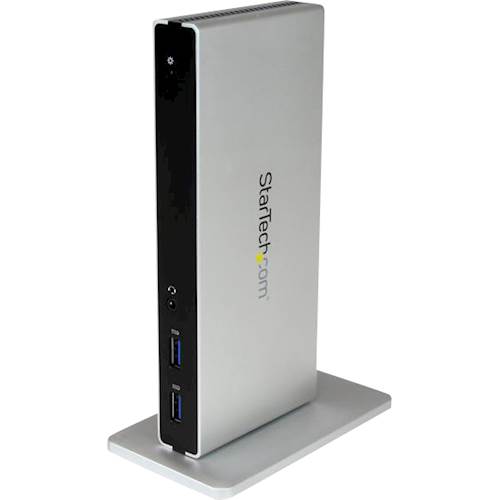
StarTech.com - DVI Dual-Monitor USB 3.0 Docking Station - Black / Silver
SKU: J7PHY2VF3TSee all Docking StationsProduct Description
A black-and-silver USB 3.0 docking station supports two monitors, DVI, HDMI, VGA, device charging, and flexible placement.Your price for this item is $61.99 -
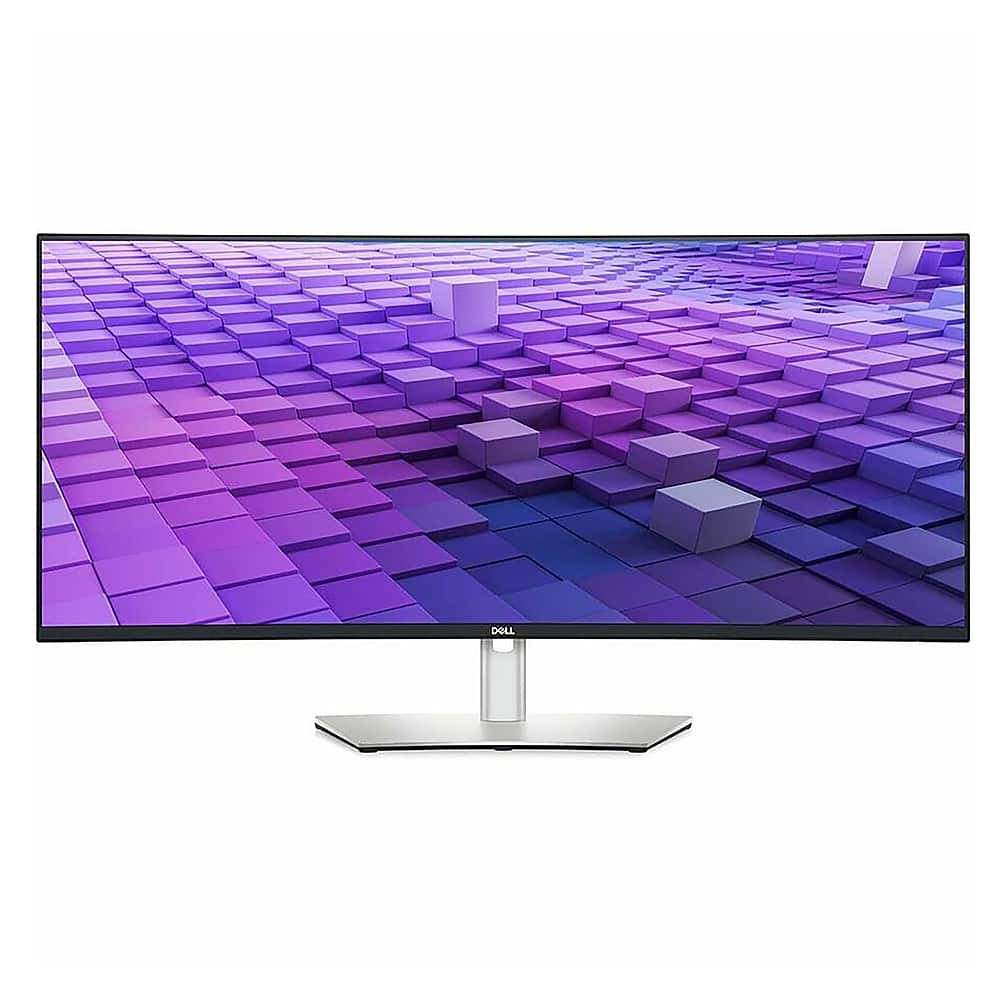
Dell - UltraSharp 37.5" IPS LED Curved 60Hz Monitor (VGA, USB, HDMI, DVI) - Black/Silver
SKU: J3K4L6CG4TSee all Curved MonitorsProduct Description
A curved ultrawide IPS LED monitor in black and silver with 3840 x 1600 resolution and vibrant color coverage.Your price for this item is $1,329.99Save $50The previous price was $1,379.99
Best Sellers






Related Pages



FAQ
A DVI computer monitor is a display screen that features a DVI (Digital Visual Interface) port for connecting to computers and other devices. DVI provides a high-quality digital signal for clear and sharp images, making it a popular choice for both home and office use.
You can connect a variety of devices to a DVI computer monitor, including desktop PCs, laptops, graphics cards, and some gaming consoles, provided they have a compatible DVI output or you use an appropriate adapter.
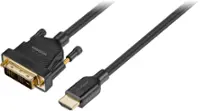
Yes, you can use adapters or converter cables to connect HDMI or VGA devices to a DVI monitor. Keep in mind that you may need a specific adapter depending on whether your monitor uses DVI-D (digital), DVI-A (analog), or DVI-I (integrated) connections.
Yes, DVI-D ports transmit digital signals, DVI-A ports transmit analog signals, and DVI-I ports support both digital and analog signals. It's important to match your monitor’s DVI port type with your device’s output for optimal compatibility.
DVI monitors are suitable for gaming and multimedia use, especially if they support high resolutions and refresh rates. While newer standards like HDMI and DisplayPort offer additional features, DVI still provides reliable performance for most gaming and video needs.