Gaming PC Cooling System
-
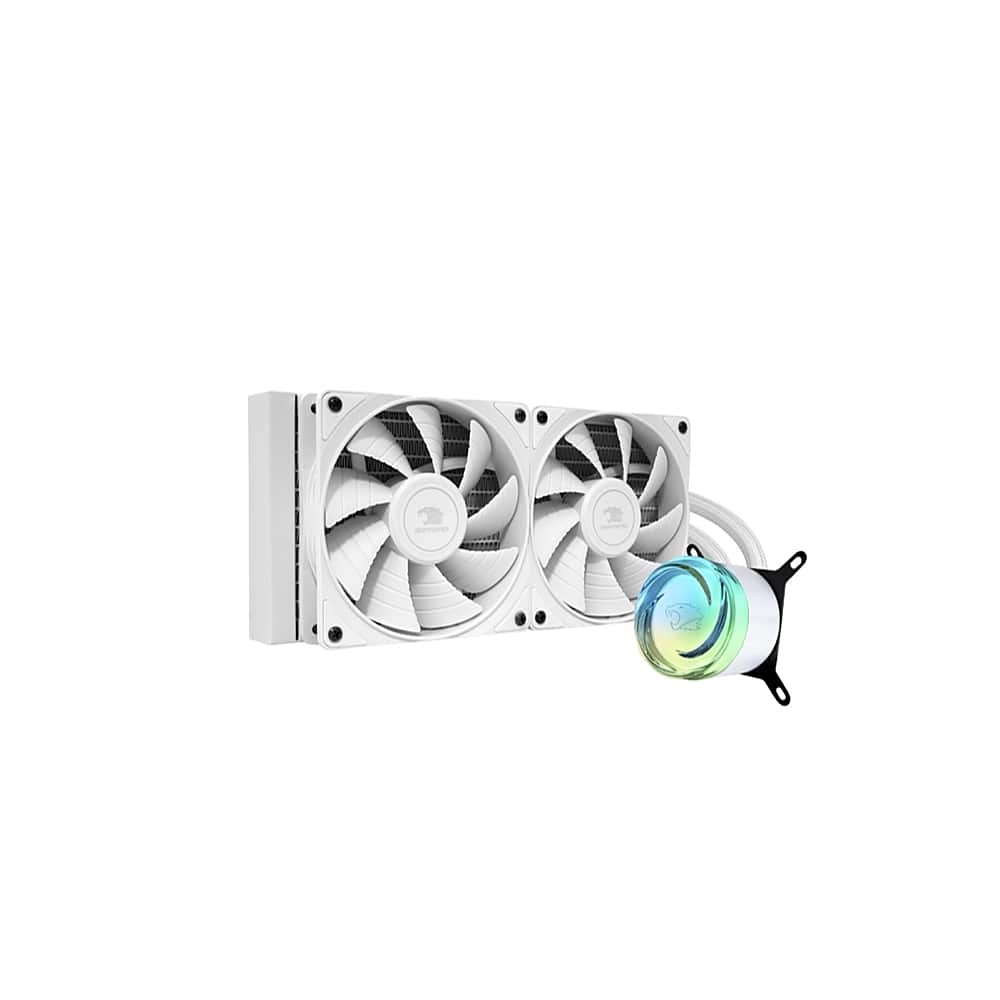
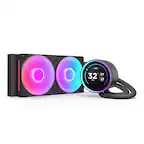
iBUYPOWER - AW4 240mm Radiator CPU Liquid Cooler (2 x 120mm Core Fans) with RGB Display - White
SKU: J3R75JLVZXSee all Water CoolingProduct Description
A white liquid CPU cooler featuring dual 120mm PWM fans, RGB display, and braided sleeved tubing.Your price for this item is $79.99 -
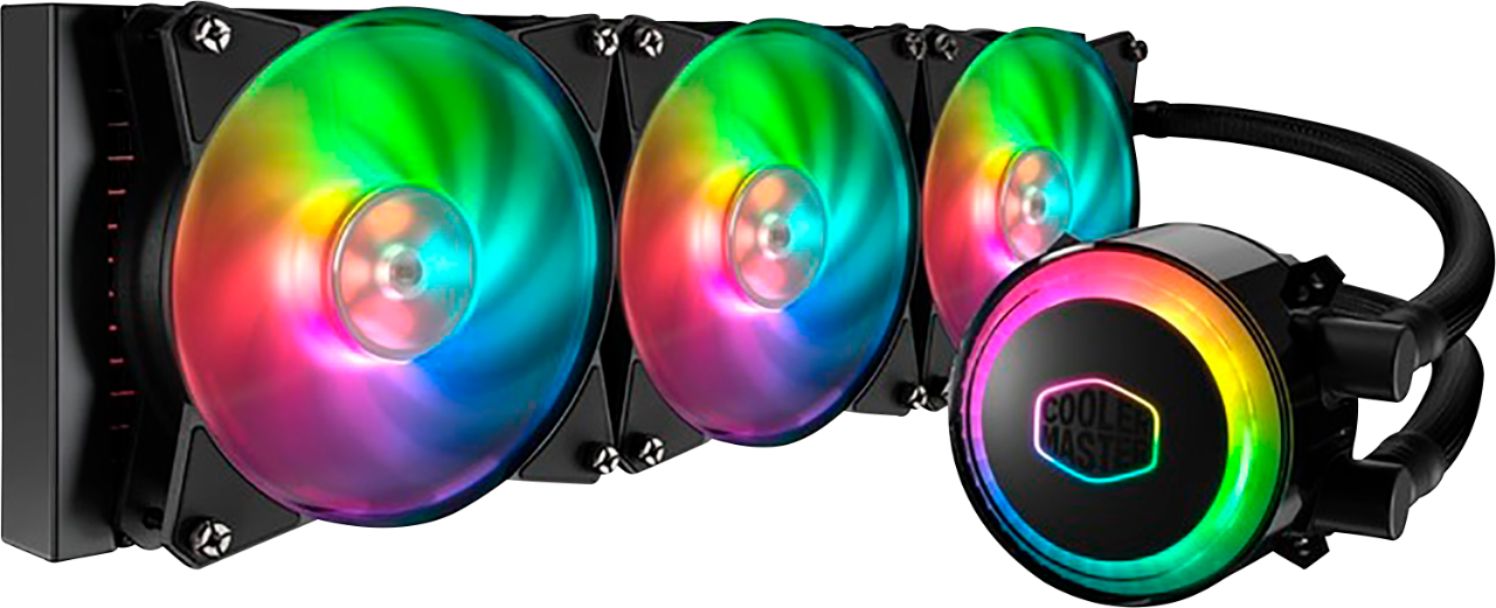
Cooler Master - MasterLiquid ML360R RGB 120mm Processor Liquid Cooling System with RGB Lighting - Black
SKU: J3K4GJ3KQ3See all Water CoolingProduct Description
A black liquid cooling system with three 120mm RGB fans, silent dual-chamber, and customizable lighting.Your price for this item is $99.39 -
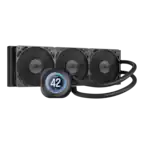
iBUYPOWER - AW4 360mm Radiator CPU Liquid Cooler (3 x 120mm Core Fans) with RGB Display - Black
SKU: J3R75JLVZSSee all Water CoolingProduct Description
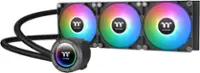
A black liquid CPU cooler featuring three 120mm PWM fans, RGB display, and durable braided tubing.Your price for this item is $99.99 -
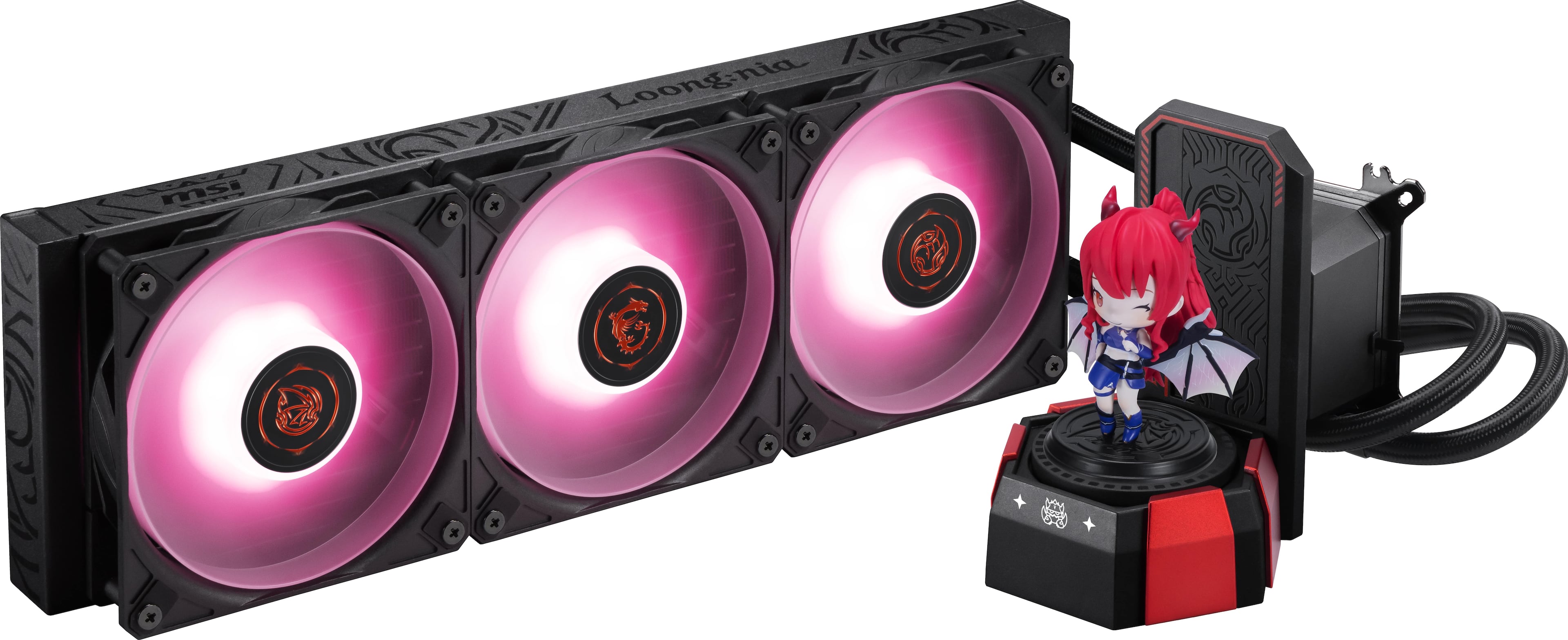
MSI - CORELIQUID A17 MLG EDITION CPU Liquid Cooler-360mm Radiator-Triple 120mm ARGB PWM Fans-Uni Bracket - Black & Red
SKU: J3P7TXQTLFSee all Water CoolingProduct Description
A high-performance black and red liquid CPU cooler with triple 120mm ARGB fans and wide compatibility.Your price for this item is $179.99 -
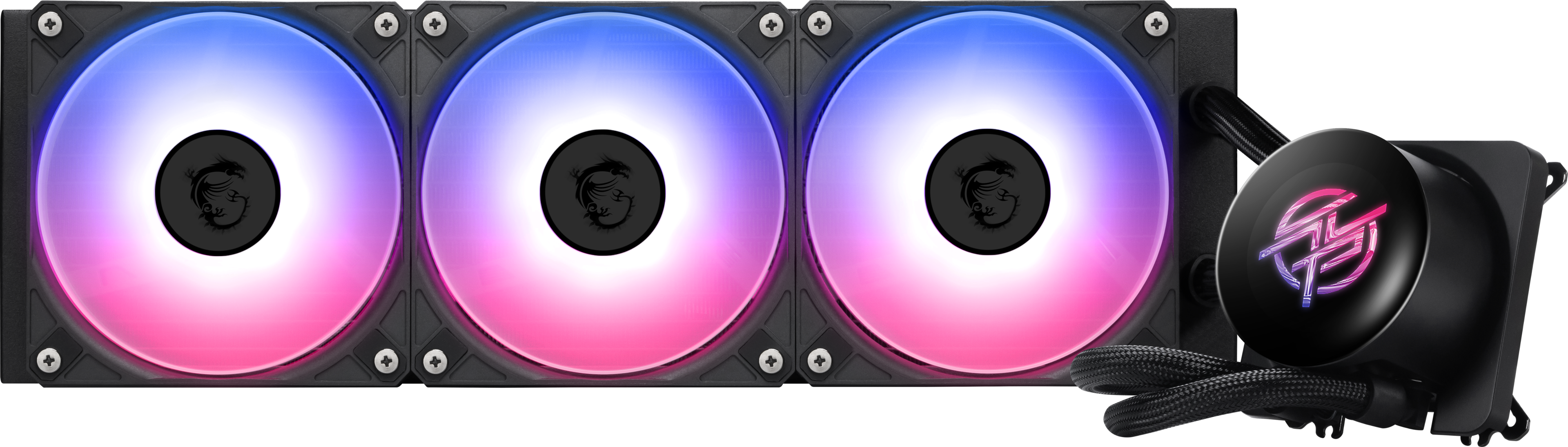
MSI - MPG CORELIQUID P13 360 -CPU Liquid Cooler-360mm Radiator-IPS 2.1"LCD Screen-Triple 120mm ARGB PWM Fans-Uni Bracket - Black
SKU: J3P7TXRGG6See all Water CoolingProduct Description
A high-performance black liquid CPU cooler with triple 120mm ARGB fans and a 2.1" IPS LCD screen.Your price for this item is $149.99Save $40The previous price was $189.99 -
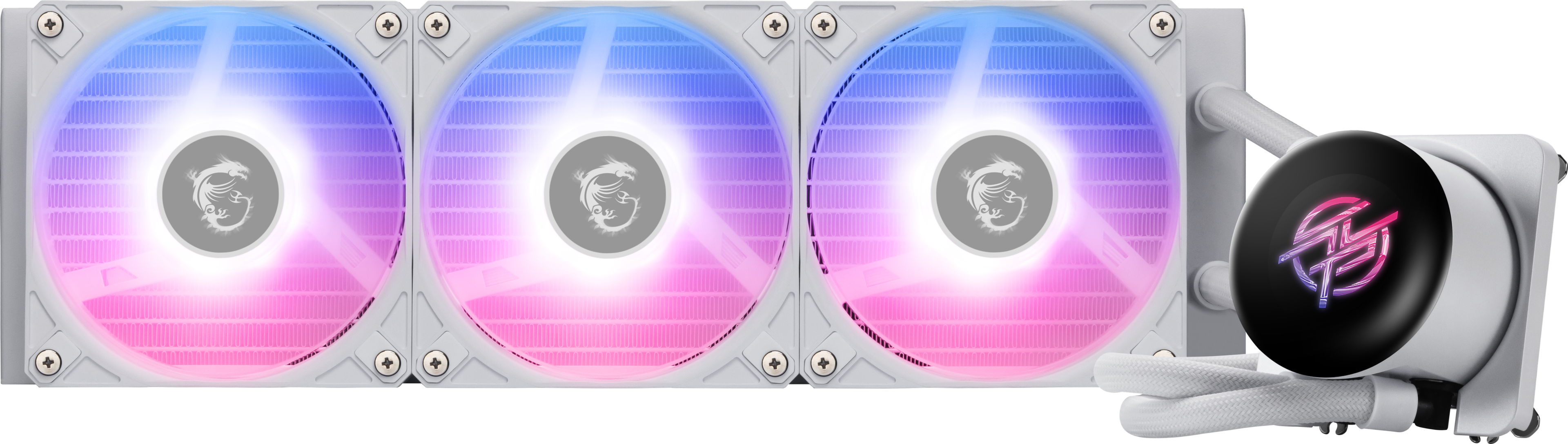
MSI - MPG CORELIQUID P13 360 -CPU Liquid Cooler-360mm Radiator-IPS 2.1"LCD Screen-Triple 120mm ARGB PWM Fans-Uni Bracket - White
SKU: J3P7TXRGL9A great and powerful CPUA wonderful replacement for my computer after my previous cpu went out It’s
See all Water CoolingProduct Description
A white liquid CPU cooler featuring a 360mm radiator, IPS LCD screen, and triple 120mm ARGB fans.Your price for this item is $149.99Save $40The previous price was $189.99 -
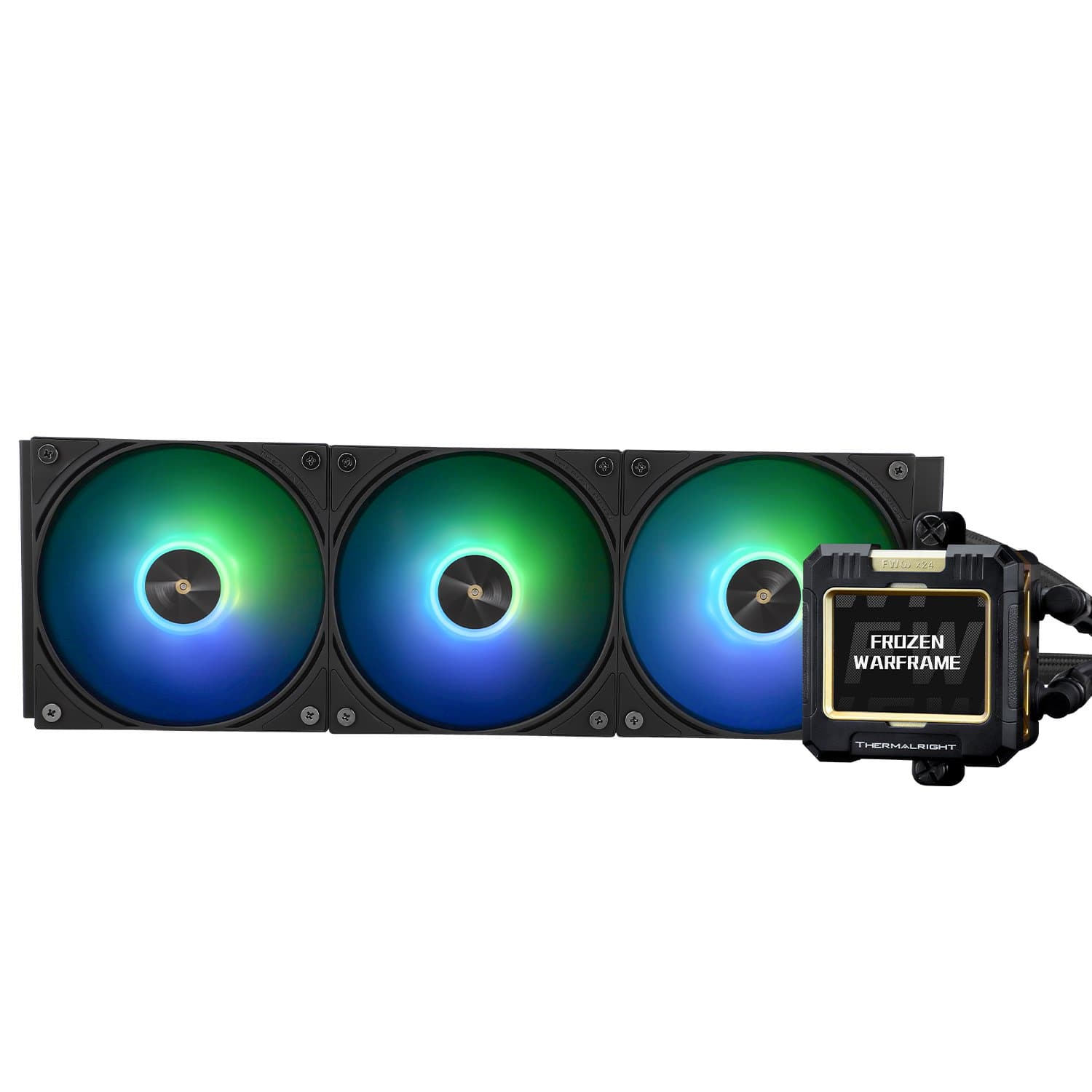
Thermalright - FW360 ARGB CPU AIO Cooler, PC 360 Specification Water Cooler System, IPS LCD Screen with 320x240 Resolution - Black
SKU: J3LPXZPC3QSee all Water CoolingProduct Description
A black liquid CPU cooler featuring ARGB lighting, three 120mm fans, and a 2.4-inch IPS LCD display.Your price for this item is $84.99Save $5The previous price was $89.99

Best Sellers

Related Pages




FAQ
Gaming PC cooling systems typically come in two main types: air cooling and liquid cooling. Air coolers use fans and heat sinks to dissipate heat, while liquid coolers circulate coolant through tubes and a radiator for more efficient temperature control.
Choosing between air and liquid cooling depends on your PC's performance needs, case compatibility, and aesthetic preferences. Air coolers are often simpler to install and maintain, while liquid coolers can provide quieter and more effective cooling for high-performance builds.
Most aftermarket cooling systems are designed for easy installation in a wide range of gaming PCs. Always check your case’s compatibility and available space before purchasing a new cooling solution.
Yes, regular maintenance is recommended. For air coolers, clean dust from fans and heat sinks periodically. For liquid coolers, check for leaks and ensure the radiator and fans are free from dust buildup.
Upgrading your cooling system can help keep your CPU and GPU temperatures lower, which may allow for better sustained performance and can potentially extend the lifespan of your components, especially during intense gaming sessions.