Monitor With Resolution Adjustment
-
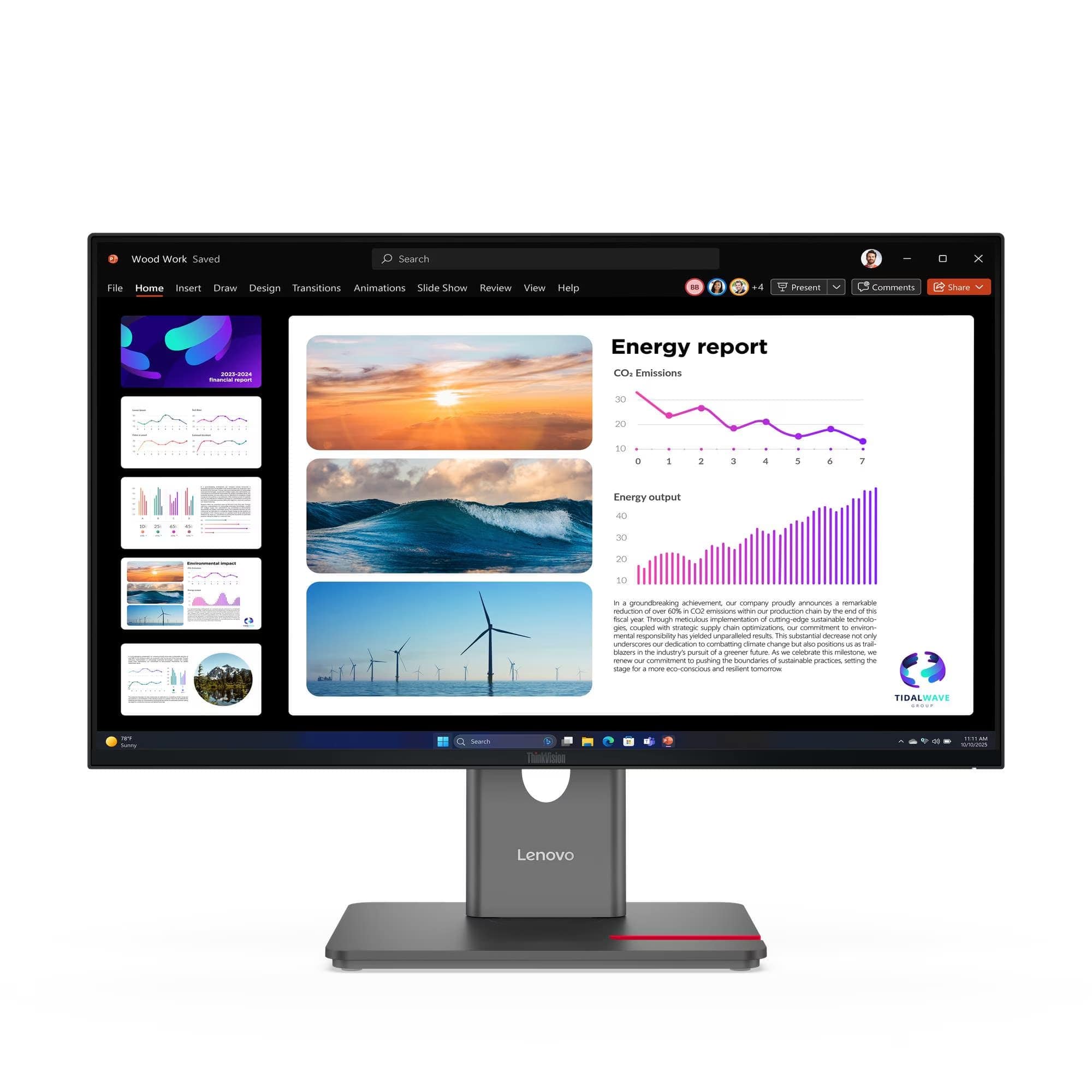
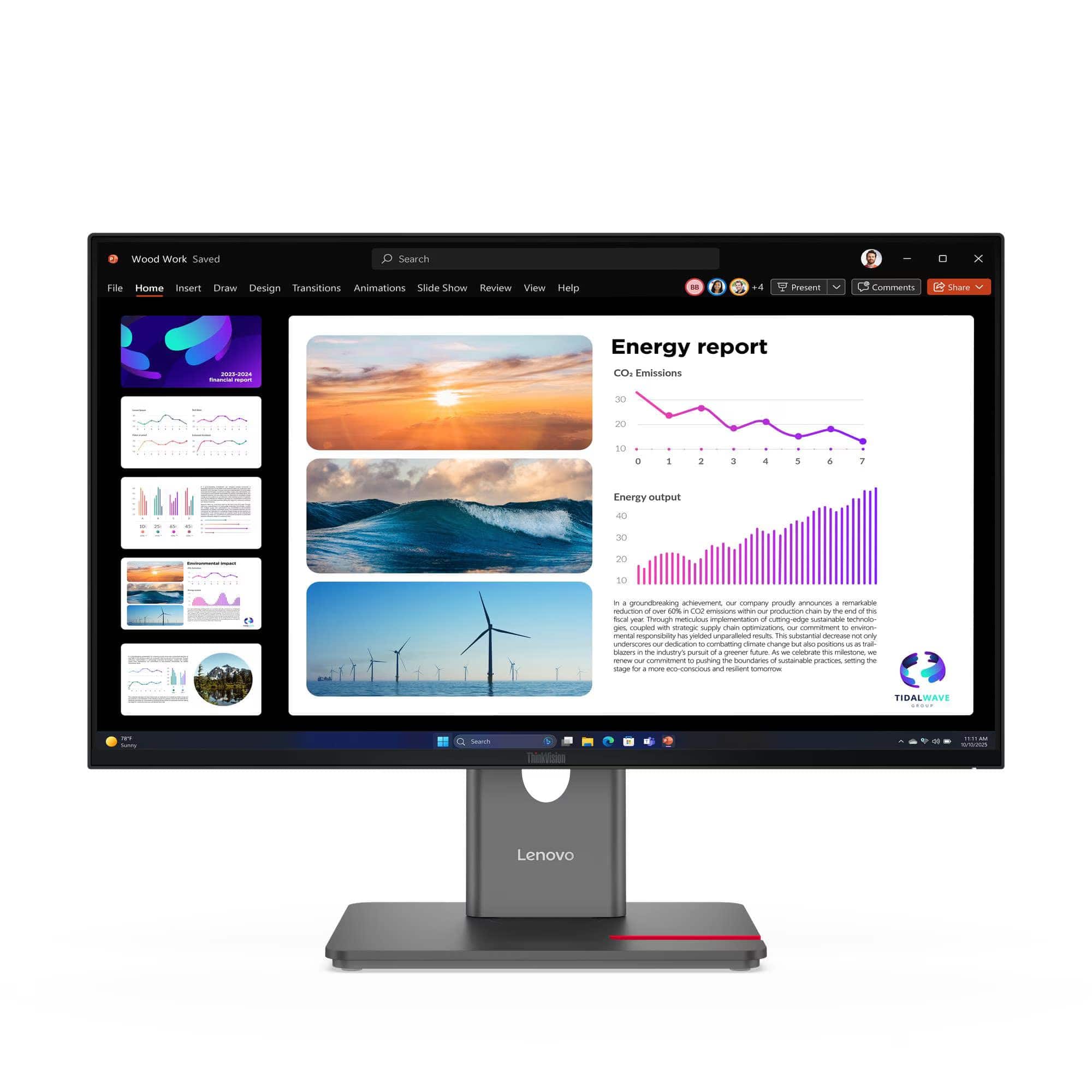
Lenovo - ThinkVision 23.8" IPS LED QHD (2560x1440) 48Hz - 120Hz Monitor (HDMI, DP - Black
SKU: JJGH3YYKQCSee all All MonitorsProduct Description
A black IPS LED monitor with QHD resolution, 48-120Hz refresh rate, HDR10, and built-in USB hub.Your price for this item is $229.99Save $60The previous price was $289.99 -
Lenovo - ThinkVision 21.5" IPS LED FHD 48Hz - 100Hz Monitor (HDMI, VGA) - Raven Black
SKU: JJGSHPQ2C2See all All MonitorsProduct Description
A raven black IPS LED monitor offering FHD resolution, 100Hz refresh rate, and low blue light technology.Your price for this item is $102.99Save $7The previous price was $109.99 -
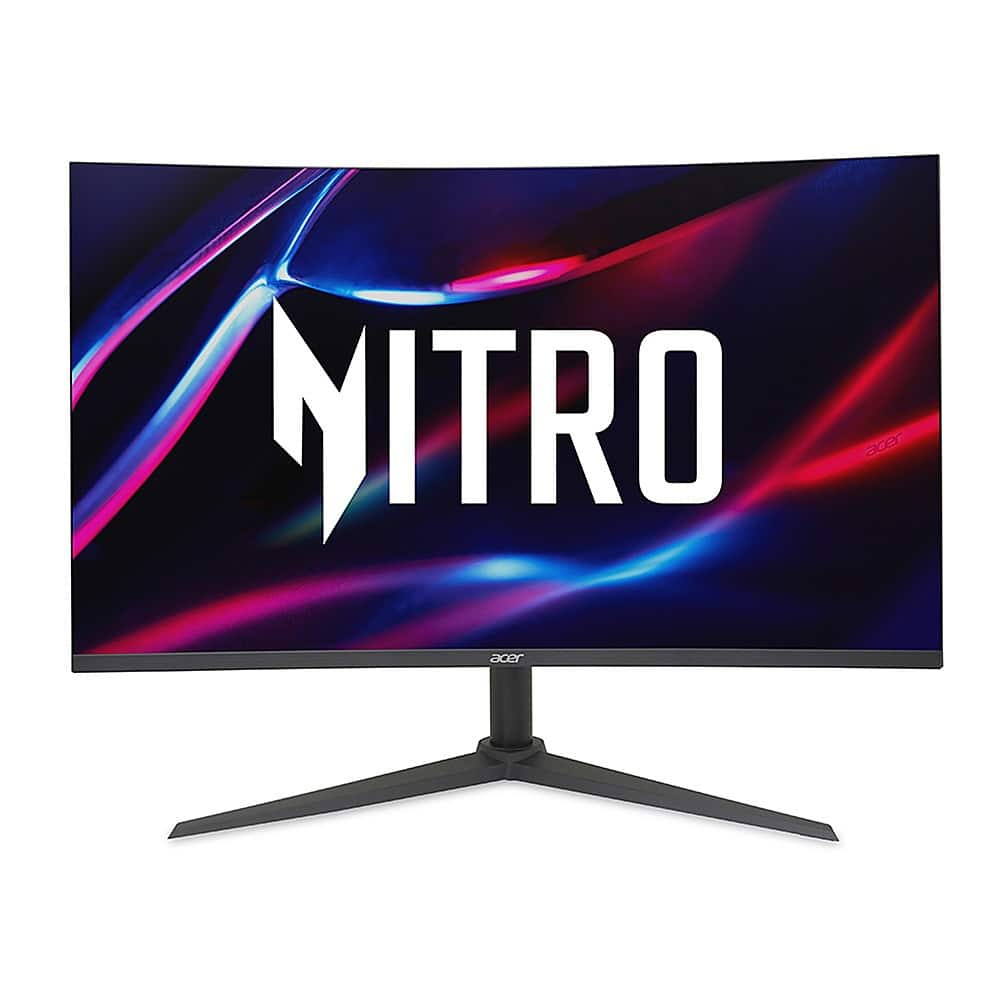
Acer - Nitro 31.5” WQHD Gaming Monitor, AMD FreeSync (1 x DP 1.4, 2 x HDMI 2.0 Ports & 1 x Audio Out) - Black
SKU: JJ8V8HCXJSThe best for the price...Great Monitor
See all Curved Gaming MonitorsProduct Description
A curved black gaming monitor with WQHD resolution, 180Hz refresh rate, and AMD FreeSync for smooth visuals.Your price for this item is $229.99Save $70The previous price was $299.99 -
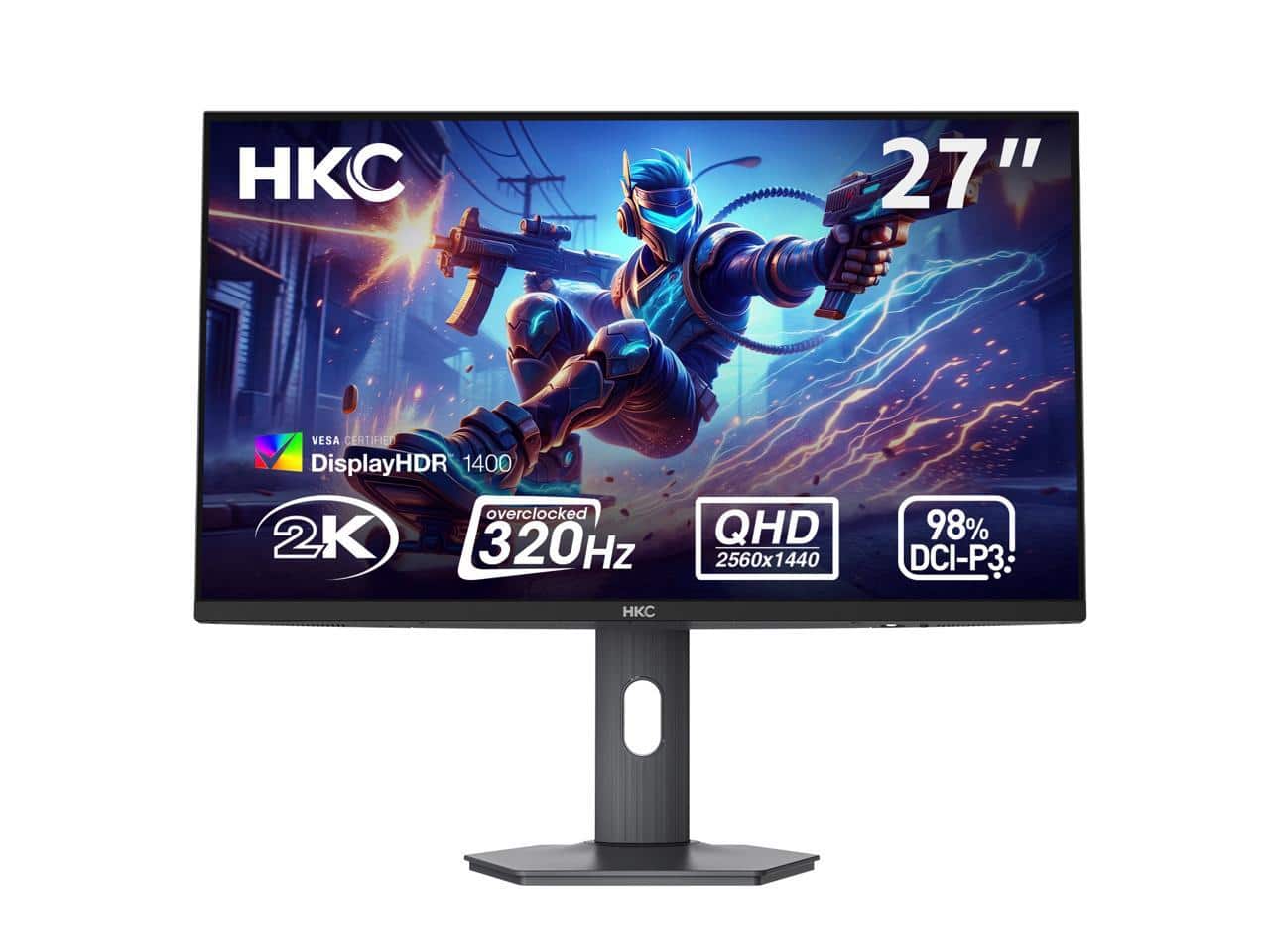
HKC - G27M5 27" QD-Mini LED 1440p 320Hz IPS HDR1400 1152-Zone Backlight 1ms 98% DCI-P3 Height Adjustable Esports Monitor
SKU: J3R85G82C6See all All MonitorsProduct Description
An esports monitor with QHD resolution, 320Hz refresh rate, HDR1400, 1ms response, and adjustable height.Your price for this item is $248.39Save $100The previous price was $348.39 -
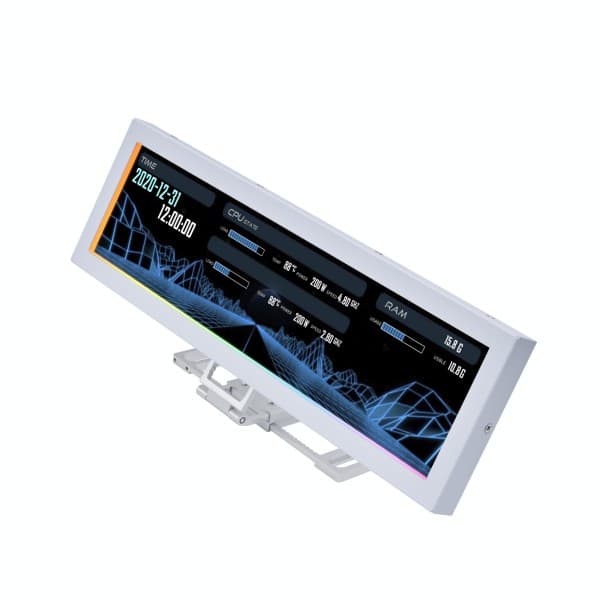
Lian Li - 8.8" Universal Screen for PC - Dynamic Screen Control Customizable ARGB Frame Temperature Display Panel - Mini Monitor - White
SKU: J39TC2ZGCVI love it! A lot heavier and more well built than i even expected!...This has been a great edition to my gaming setup....discovered I had it hooked up to the wrong kind of usb port and moved it to a 2.0...
See all All MonitorsProduct Description
A customizable white mini monitor with ARGB frame, 8.8" IPS LCD, and USB connectivity for PC setups.Your price for this item is $84.99Save $12The previous price was $97.10 -
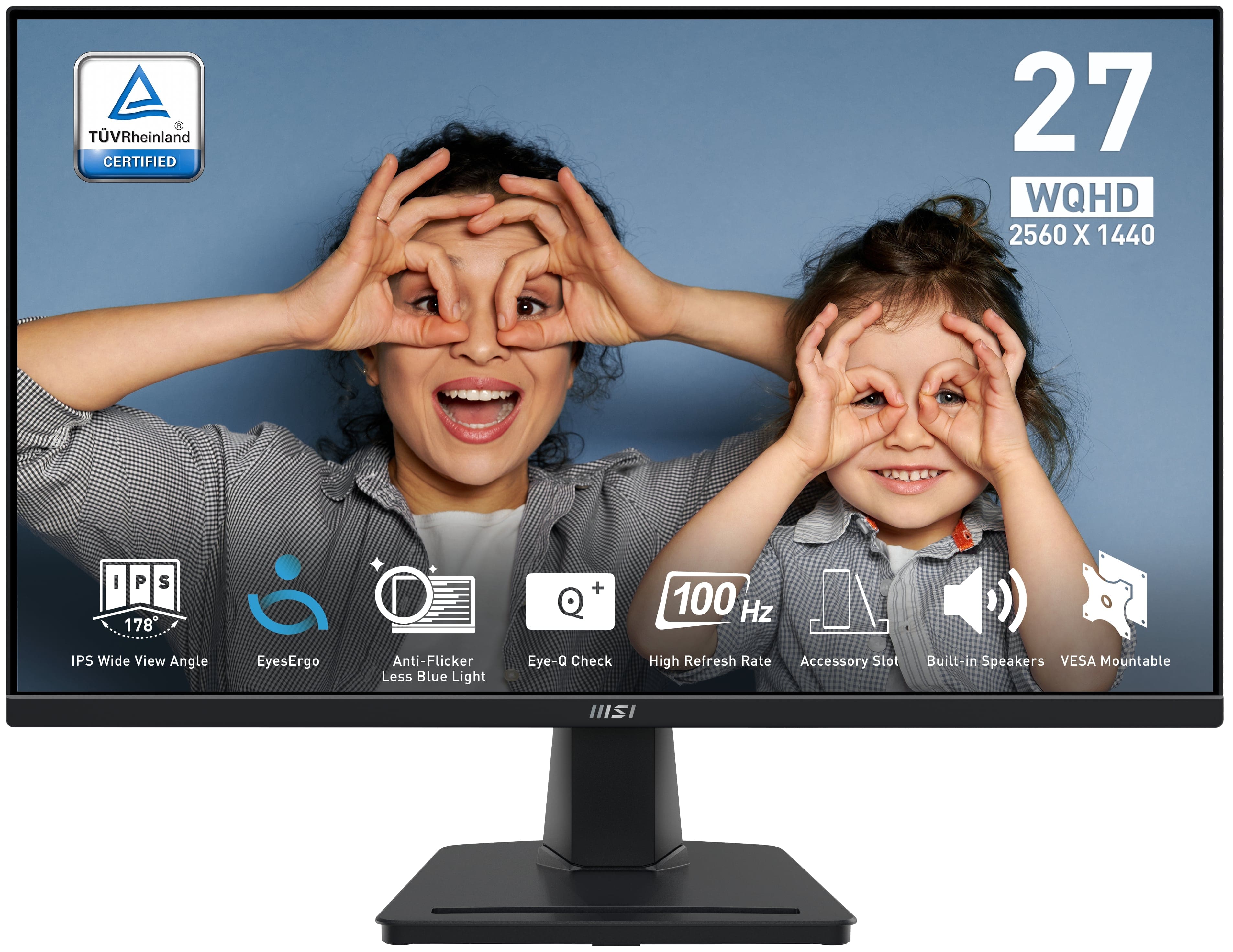
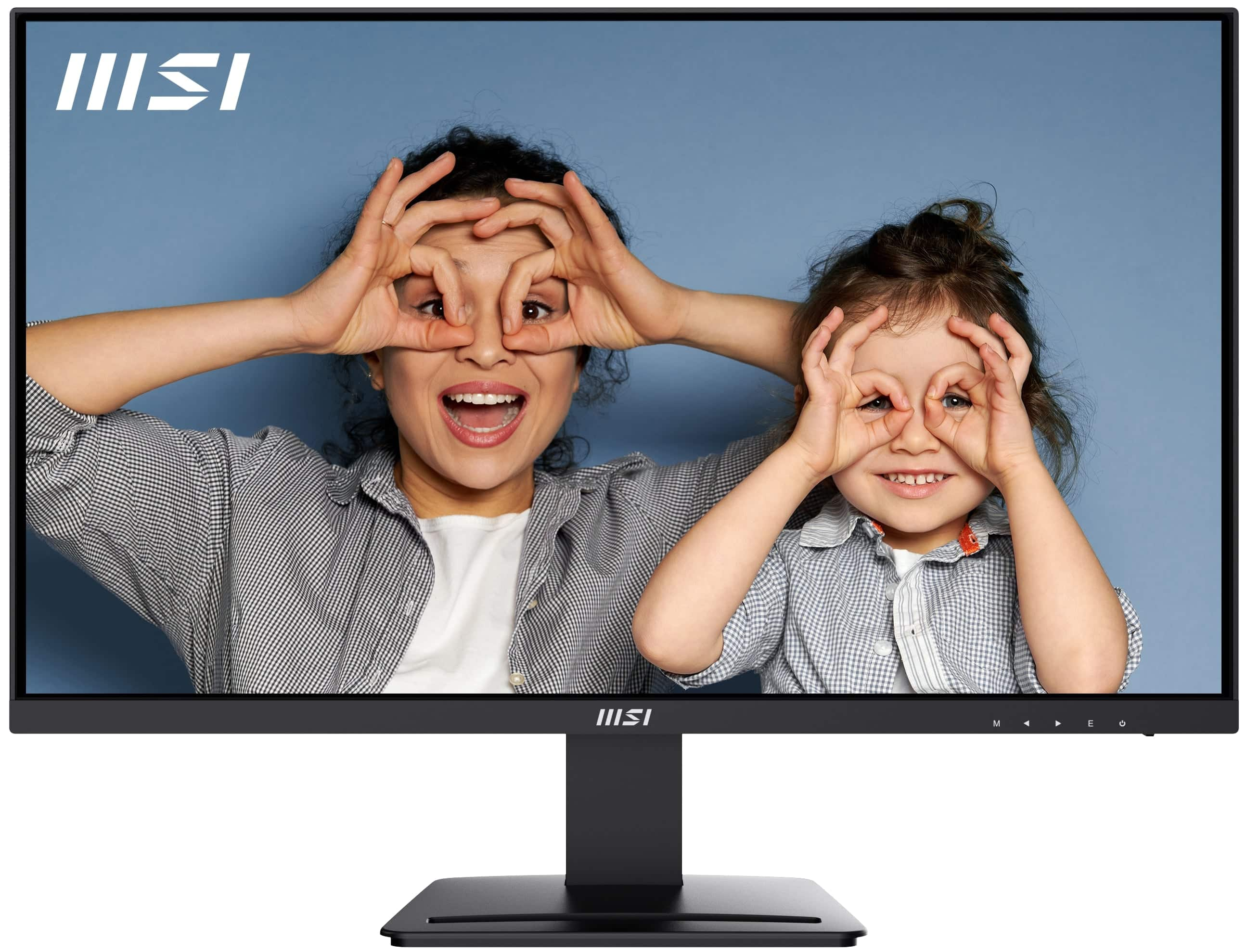
MSI - PRO MP275Q 27" QHD 100Hz 1ms Adaptive Sync Monitor with built-in speaker (DisplayPort, HDMI, ) - Black
SKU: J3P7TXY5Y4Great monitor at Price...Been using it for months now and it's been great. Love it...The 27" QHD screen is super sharp, and the colors look great whether I’m gaming, working, or streaming...The built-in...
See all All MonitorsProduct Description
A black IPS monitor with QHD resolution, 100Hz refresh rate, 1ms response, and built-in speakers.Your price for this item is $194.49 -
ViewSonic - VG2752-2K 27 IPD QHD Ergonomic Monitor (USB HUB, HDMI, DisplayPort) - Black
SKU: J37H8G77ZWSee all All MonitorsProduct Description
A black ergonomic QHD monitor with IPS panel, USB-C connectivity, integrated USB hub, and adjustable stand.Your price for this item is $299.99 -
MSI - PRO MP273U 27" UHD 60Hz 4ms Adaptive Sync Monitor with HDR ready ,Built-in Speakers (DisplayPort, HDMI ) - Matte Black
SKU: J3P7TXPW8KThe built-in speakers are not the best but gets the job done....Practical and looks great...resolution is better than my current one and I haven’t noticed any delays or lagging so the visuals look great...
See all All MonitorsProduct Description
A matte black 27-inch 4K UHD IPS monitor with HDR, Adaptive Sync, built-in speakers, and ergonomic design.Your price for this item is $162.99Save $37The previous price was $199.99 -
ViewSonic - VG2456 24" IPS LED FHD Monitor (DisplayPort, HDMI, USB) - Black
SKU: J37H88FY43See all All MonitorsProduct Description
A black IPS LED monitor featuring 1080p resolution, USB-C connectivity, ergonomic adjustments, and integrated speakers.Your price for this item is $259.99 -
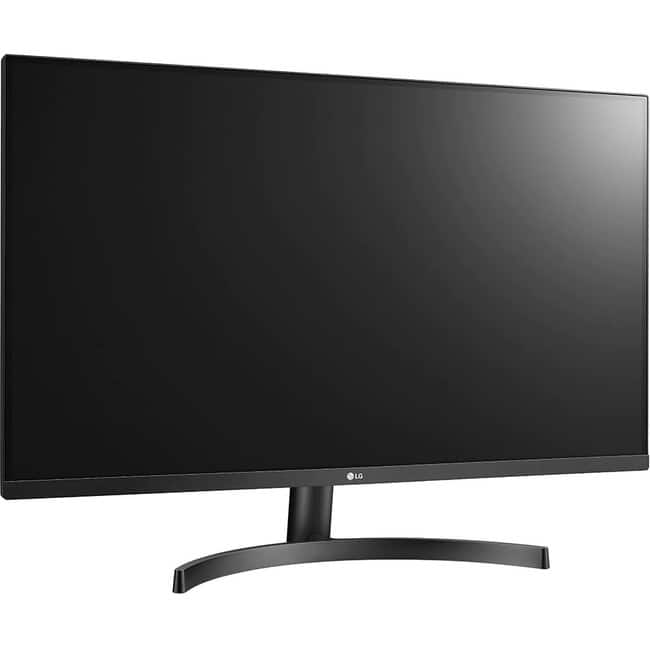
LG - 32BN50U-B 32" 4K UHD LCD Monitor - 3840 x 2160 UHD Resolution - AMD FreeSync - Black
SKU: JJ8VPZS754Great Monitor...It works great to extend my work computer.
See all All MonitorsProduct Description
A black LED monitor featuring 4K UHD resolution, HDR10, AMD FreeSync, and an adjustable stand.Your price for this item is $359.99Save $29The previous price was $388.99


Best Sellers







Related Pages
FAQ
Resolution adjustment refers to the ability to change the number of pixels displayed on a monitor screen, allowing you to customize the sharpness and clarity of images and text to suit your preferences or specific applications.
You can adjust the resolution through your operating system's display settings. On Windows, right-click the desktop, select 'Display settings,' and choose your desired resolution. On macOS, go to 'System Preferences' > 'Displays' and select the resolution you prefer.
Changing your monitor's resolution can improve image clarity, optimize your workspace for multitasking, or enhance the performance of certain applications and games that run better at specific resolutions.
Most modern monitors support several resolution settings, but the available options depend on the monitor's native resolution and the capabilities of your graphics card.
Yes, in some cases, changing the resolution can impact the available refresh rates. Lower resolutions may allow for higher refresh rates, while higher resolutions might limit the maximum refresh rate your monitor can achieve.