Mouse For Photoshop
-
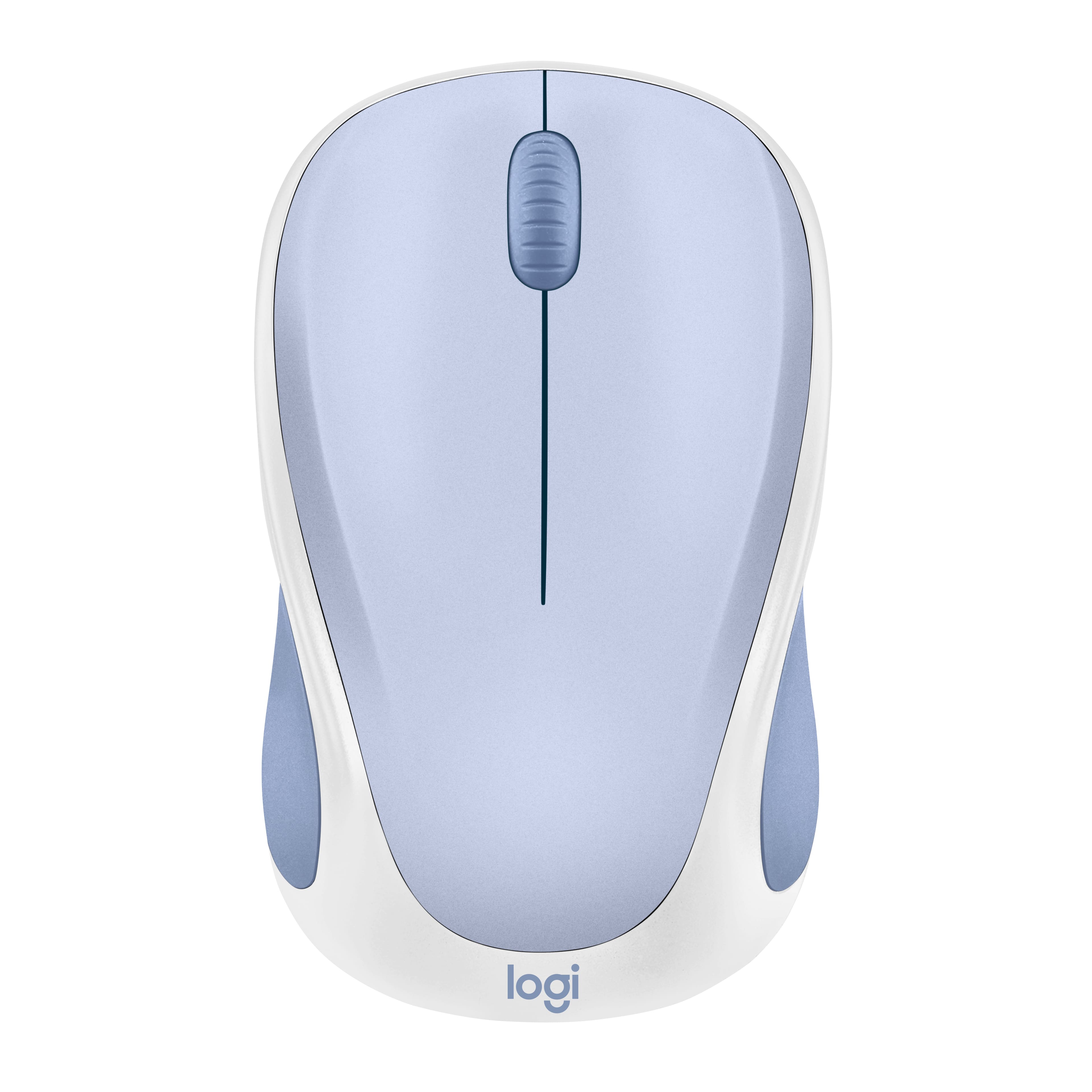
Logitech - Design Mouse Limited Edition Wireless Optical 3-button Mouse with Broad Compatibility - Wireless - Light Lilac
SKU: J7H7ZYL6XSGreat looking, Great working....I love this mouse. It is lightweight and so easy to manage and for me that is a great thing....Love the color. Works well for new dell. Easy setup.
See all USB & USB C Wired MiceProduct Description
A compact, wireless optical mouse in light lilac with three buttons, ambidextrous design, and plug-and-play setup.Your price for this item is $22.99 -
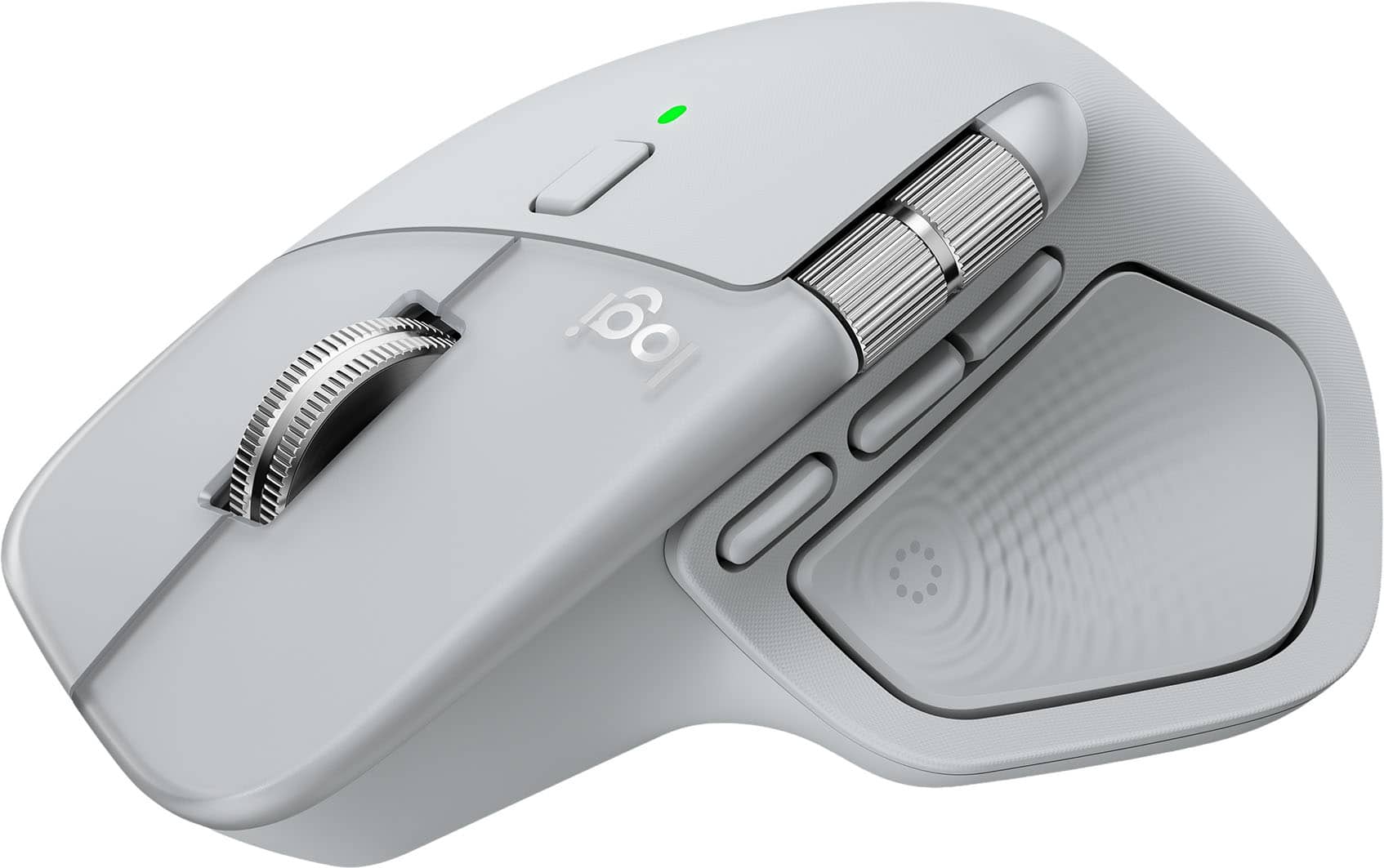
Logitech - MX Master 4 Wireless Laser Ergonomic Mouse with Advanced Performance Haptic Feedback - Wireless - Pale Gray
SKU: J7H7ZYLG2XGreat product!...I love this mouse, i had the master 3 and decided to get thsi one too. best one on the maket period....Prolly the best mouse I’ve used...I love it a lot, the haptic feedback , the extra...
See all Wireless & Bluetooth MiceProduct Description
An ergonomic pale gray wireless mouse featuring advanced haptic feedback, 8 programmable buttons, and USB-C charging.Your price for this item is $119.99 -
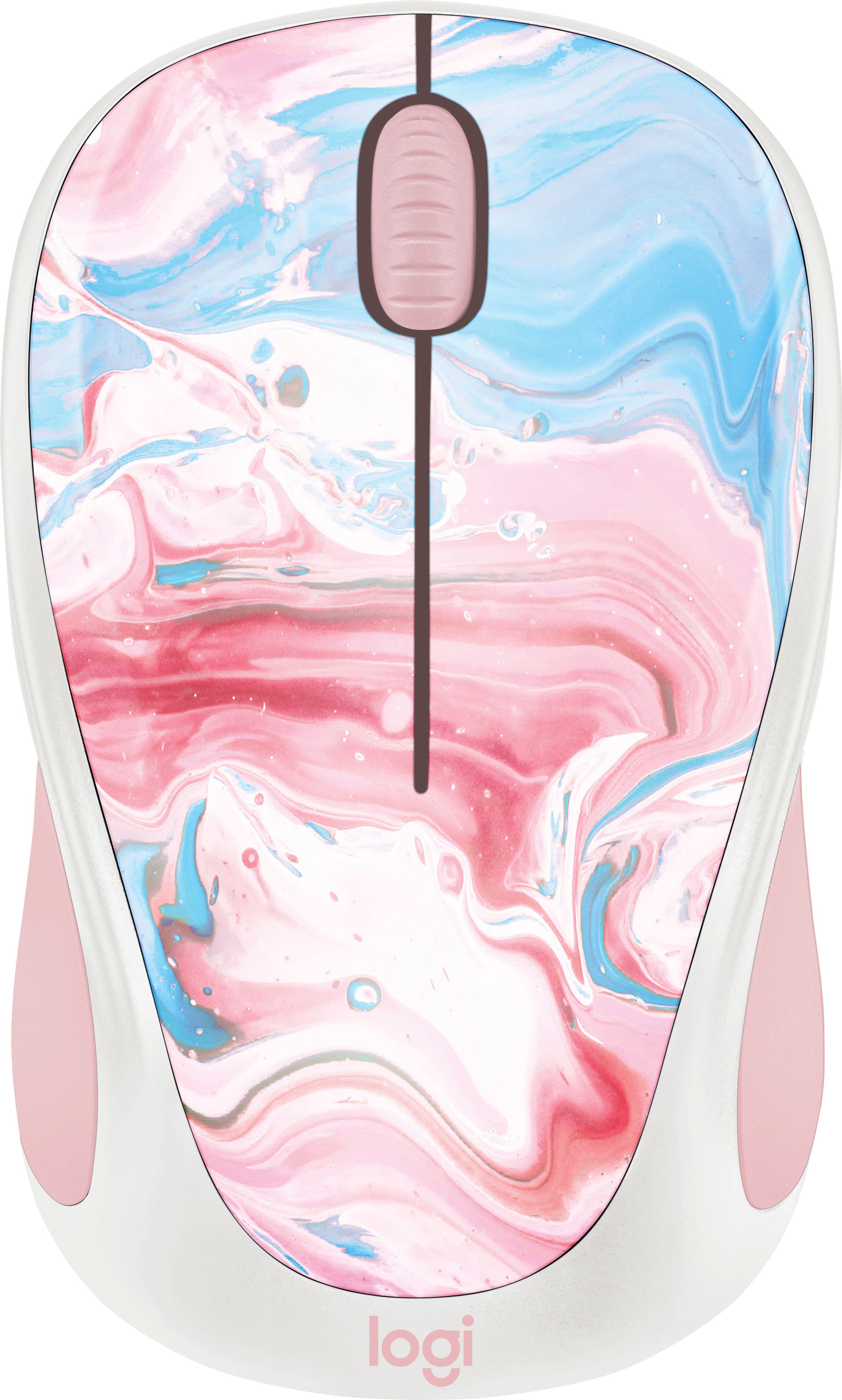
Logitech - Design Collection Limited Edition Wireless 3-button Ambidextrous Mouse with Colorful Designs - Wireless - Cotton Candy
SKU: J7H7ZY8V2HSee all USB & USB C Wired MiceProduct Description
A compact, ambidextrous wireless mouse in Cotton Candy pink with three buttons and vibrant, mood-boosting design.Your price for this item is $31.84Save $6The previous price was $37.99 -
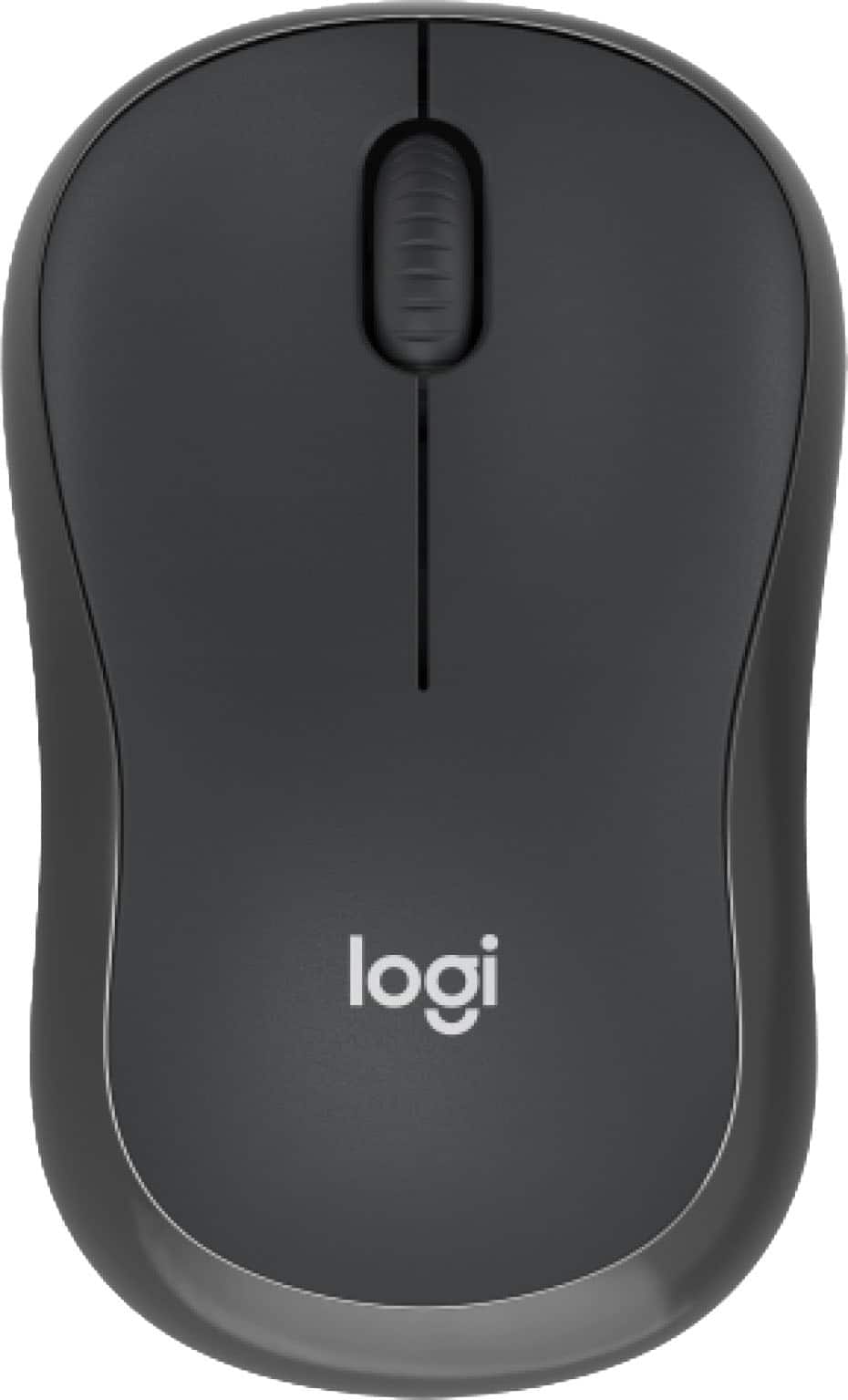
Logitech - M240 Silent Bluetooth Wireless Optical Ambidextrous Mouse - Wireless - Graphite
SKU: J7H7ZYG78FThe best mouse. i love it. works perfect. connects perfect. long lasting....Always trust Logitech and Best Buy..Love this mouse. Thank you !!!...Good Buy the best
See all MiceProduct Description
A graphite wireless Bluetooth mouse with silent clicks, ambidextrous design, and 18-month battery life.Your price for this item is $20.99Save $2The previous price was $22.99 -
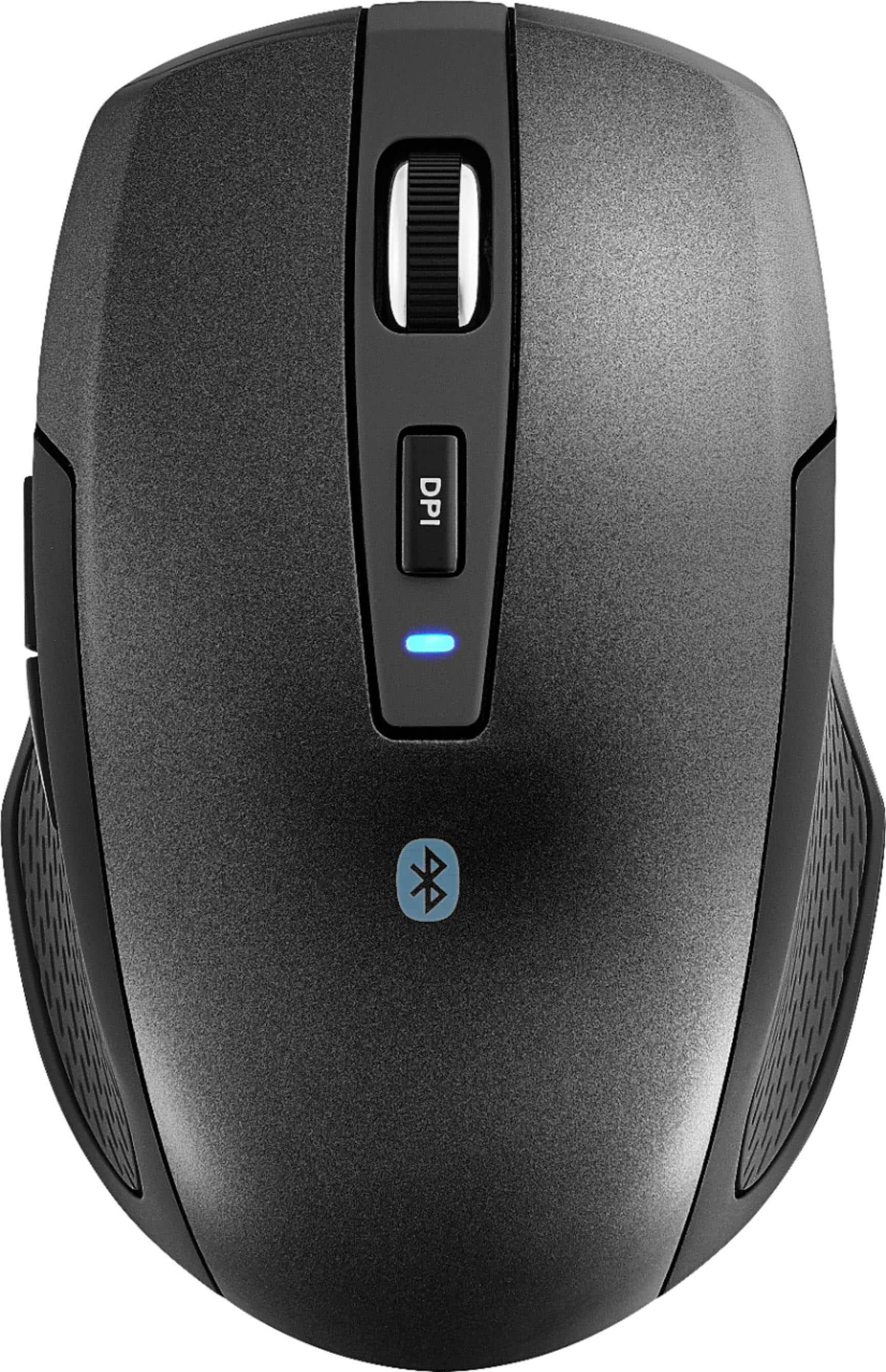
Best Buy essentials™ - Lightweight Bluetooth Optical Standard Ambidextrous Mouse with 6-Button - Wireless - Black
SKU: J2FPJKSK2JLove it. Lightweight and very responsive....Love it. Lightweight and very responsive. Best purchase of the year....Love it...Love it,It connects to two devices.The best purchase I made
See all All Best Buy EssentialsProduct Description
A wireless black Bluetooth mouse with six buttons, ambidextrous design, and precise 1600 DPI optical tracking.Your price for this item is $16.99 -
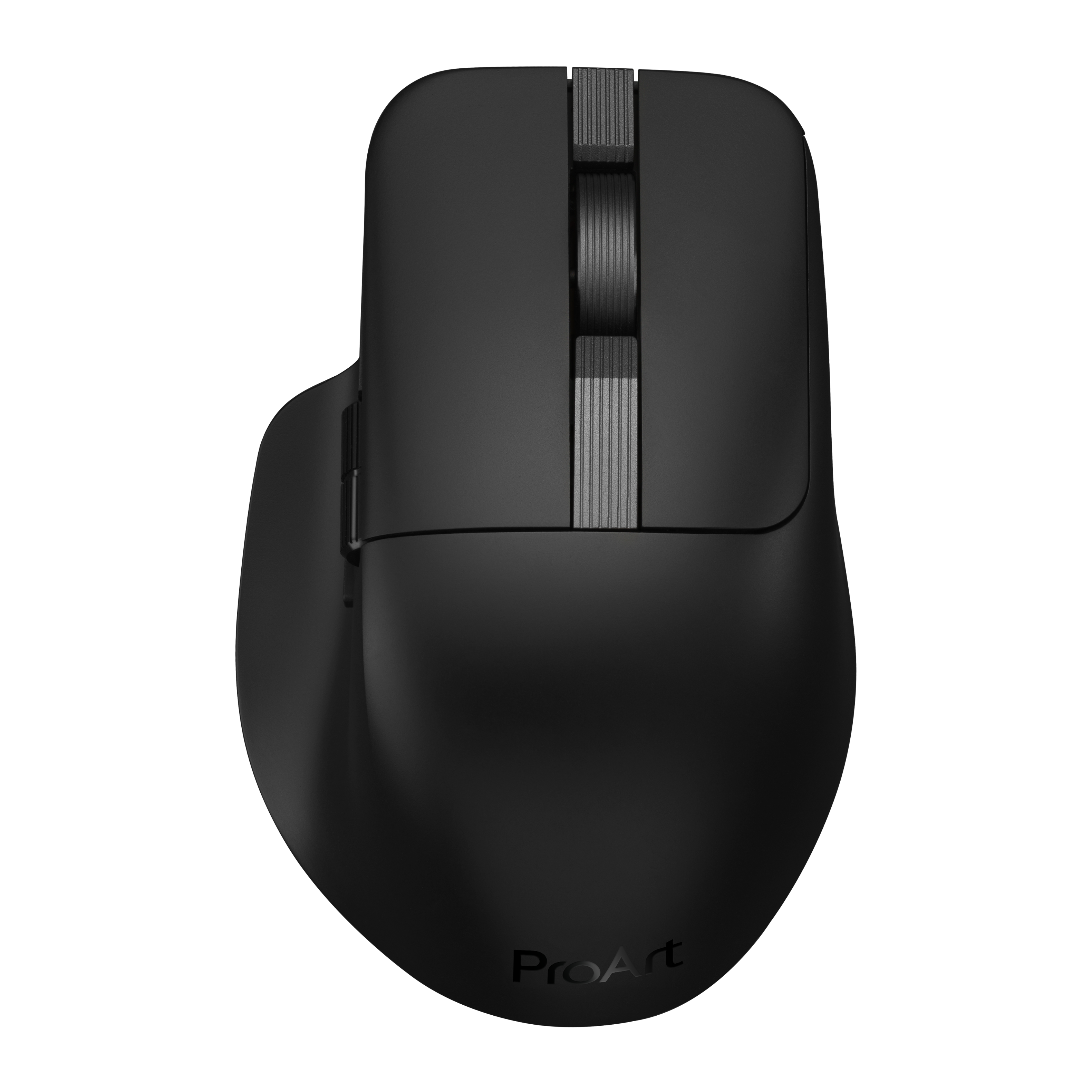
ASUS - ProArt MD301 Optical Ergonomic Mouse with Hot-Swappable Switches and SmartShift Scroll Wheel - Wireless - Black
SKU: JJGHGPYXR9Like it, not love it...Default switches are great and it is easy to swap them if needed.
See all USB & USB C Wired MiceProduct Description
An ergonomic black wireless mouse with 8000 DPI, six programmable buttons, and SmartShift scroll wheel.Your price for this item is $99.99 -
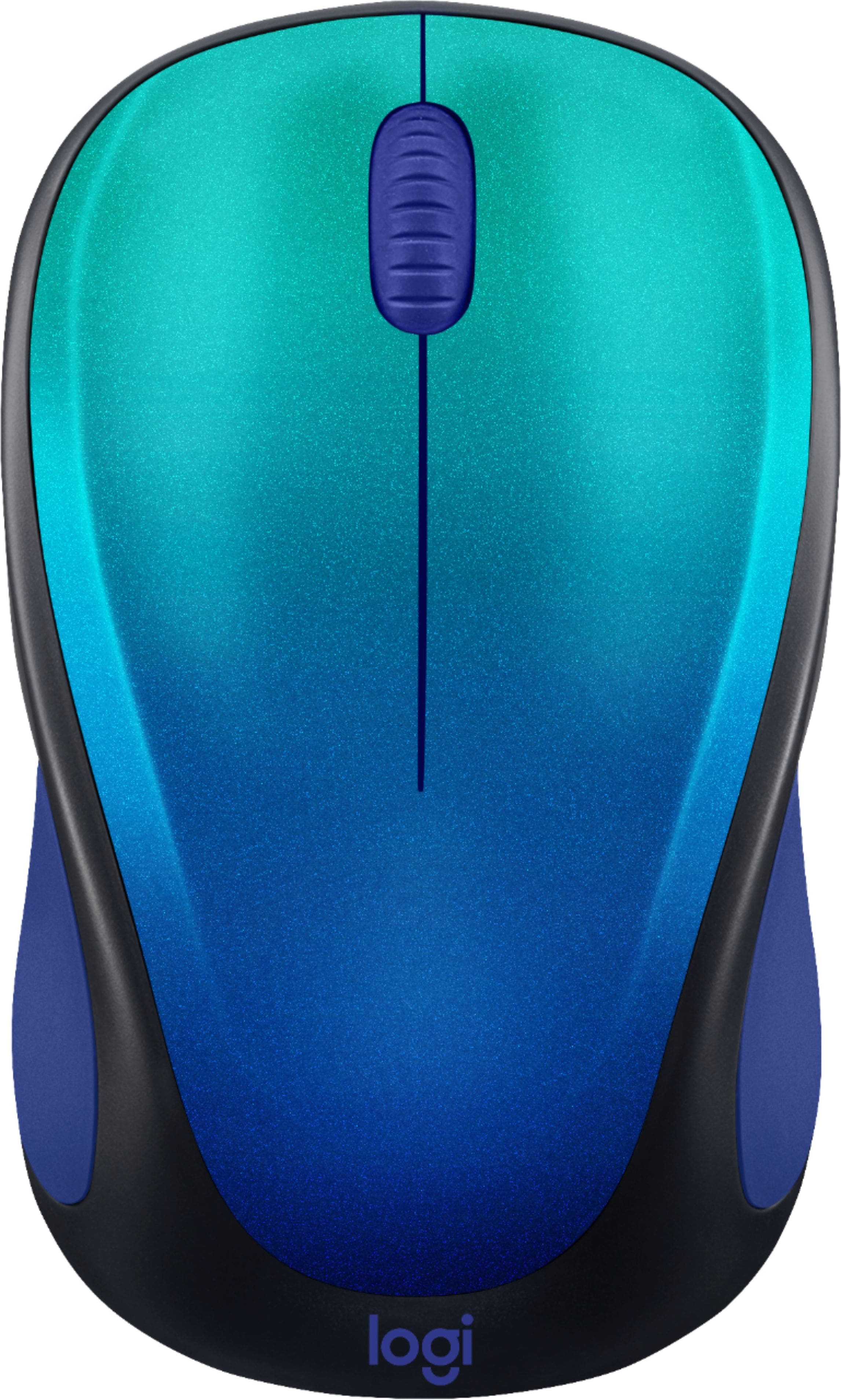
Logitech - Design Collection Limited Edition Wireless 3-button Optical Ambidextrous Mouse with Colorful Designs - Wireless - Blue Aurora
SKU: J7H7ZY3HHSLove the design!...Love it and would buy another one on the future. Best buy is convenient and has great products....Logitech makes the best mini-mouse...Love this small mouse, easy to carry works great...
See all MiceProduct Description
A compact, ambidextrous wireless mouse in Blue Aurora with three buttons and vibrant, mood-boosting design.Your price for this item is $22.99 -
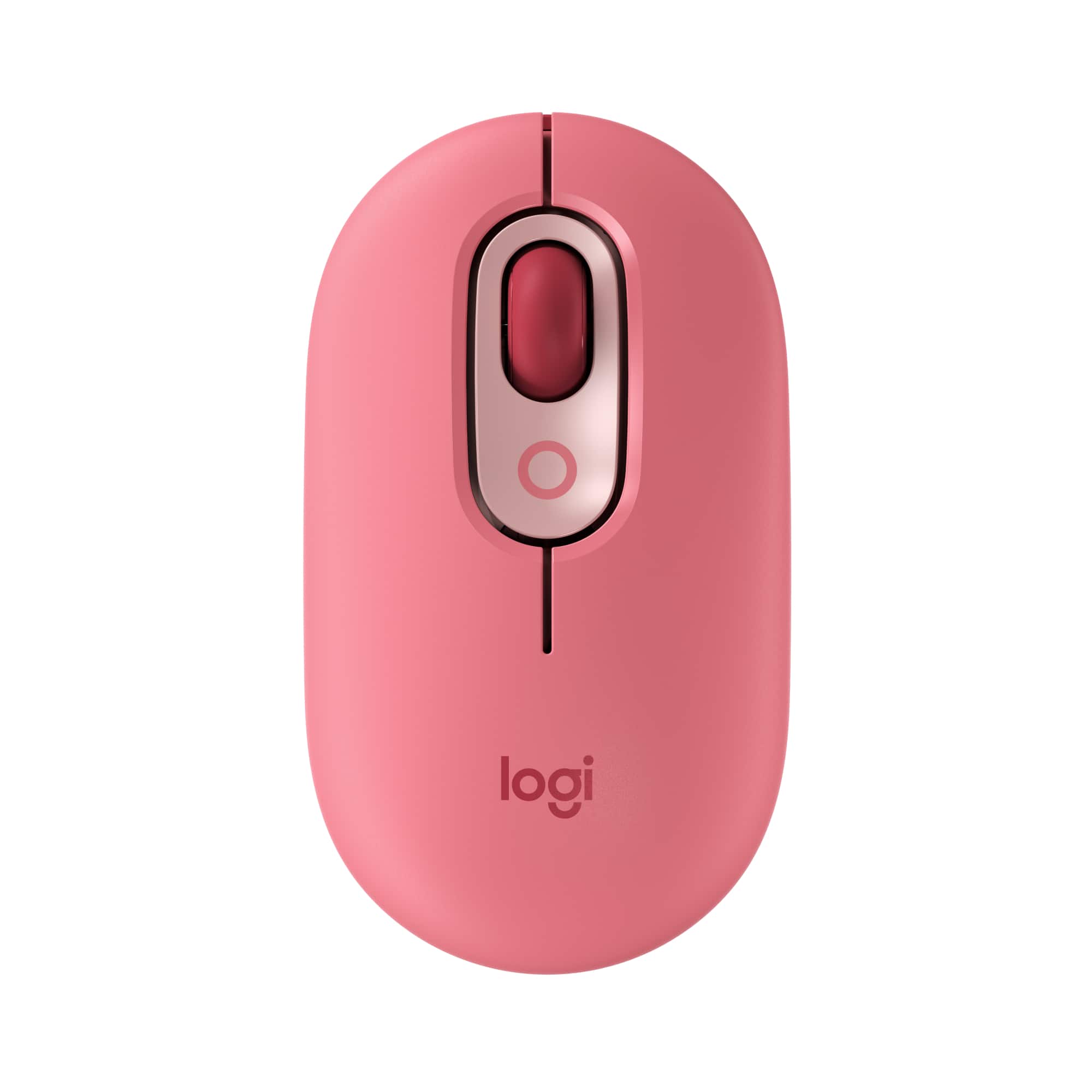
Logitech - POP Mouse Wireless Bluetooth Optical Ambidextrous Mouse with Customizable Emojis - Wireless - Heartbreaker Rose
SKU: J7H7ZY8JGXBest mouse ever!...It’s quite nice comfy and I love the colors!...The Logitech has made the best mouse ever and it’s Bluetooth sorry if I sound like a bot but this thing...is great!...Excellent Product...
See all MiceProduct Description
A playful wireless mouse in Heartbreaker Rose with customizable emojis, quiet clicks, and multi-device Bluetooth connectivity.Your price for this item is $24.99Save $5The previous price was $29.99 -
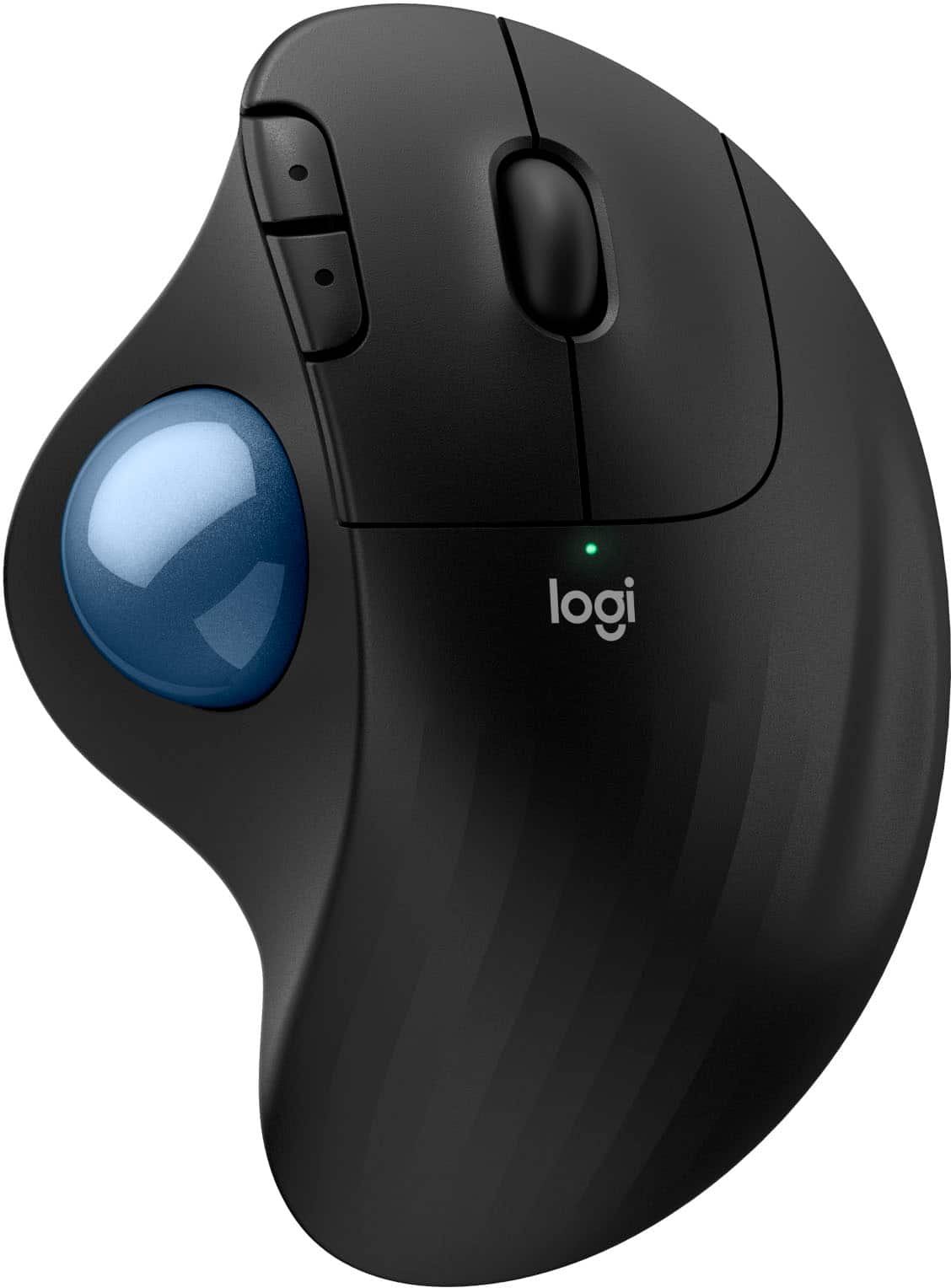
Logitech - ERGO M575 S Wireless Ergonomic Trackball Mouse - Wireless - Black
SKU: J7H7ZY8FK9Best mouse!...I enjoy trackballs for computers and I rate this the best value for a trackball.
See all MiceProduct Description
An ergonomic black wireless trackball mouse offering smooth thumb control, Bluetooth connectivity, and reduced muscle strain.Your price for this item is $39.47Save $10The previous price was $49.99 -
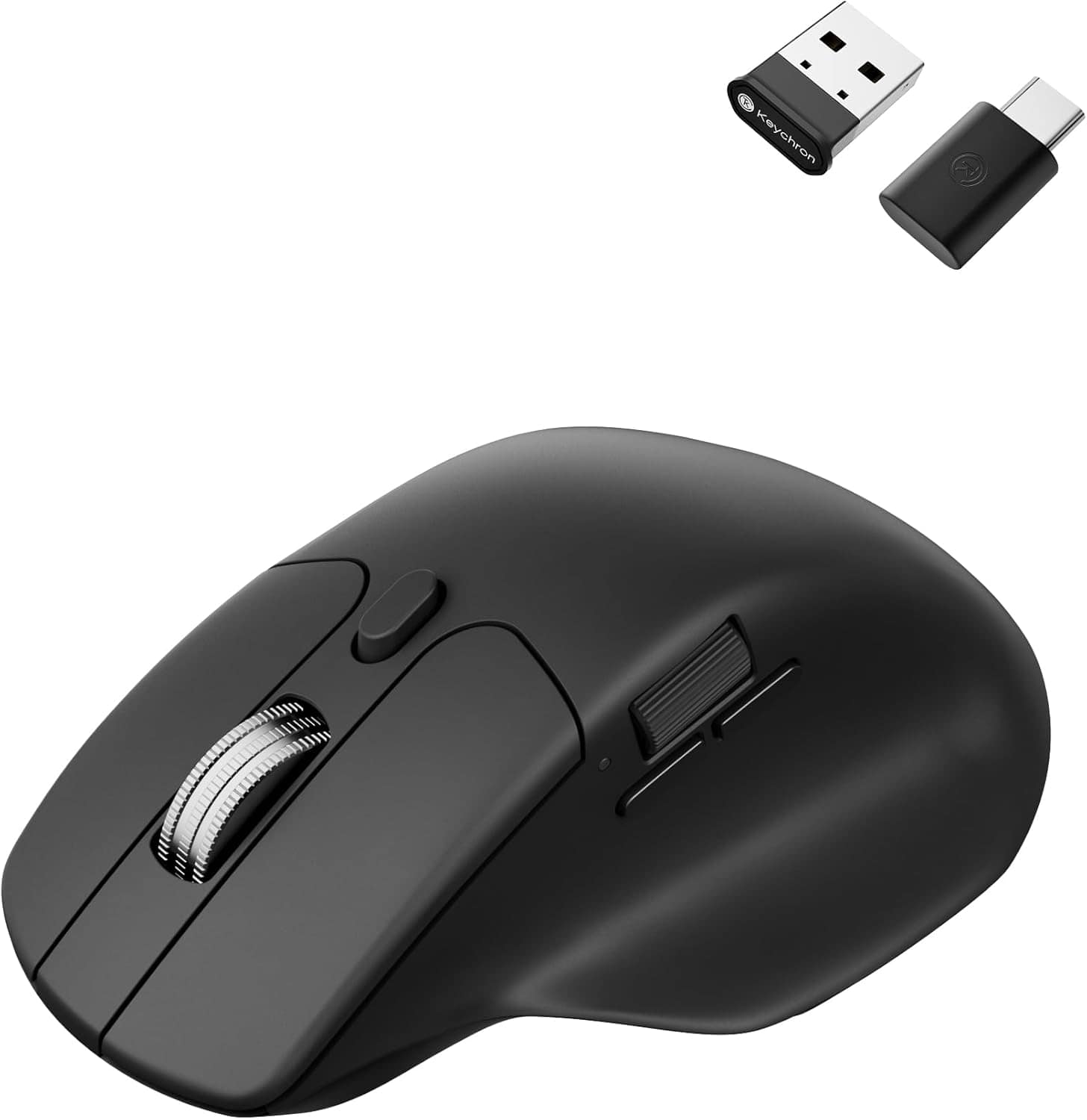
Keychron - M6 Ergonomic Wired & Wireless Laser Mouse w/ Macro Button & Fast-Scrolling Metal Wheel, For Windows PC & Mac - Wired - Black
SKU: CGJVZ4YC3GThe best...I’ve gotta say, after searching for the 100’s of mouses for my set up, this has got to be the best one...I’d buy it 100x over what a great product....Love it!
See all USB & USB C Wired MiceProduct Description
An ergonomic black wireless mouse featuring Bluetooth, wired options, and over ten programmable macro buttons.Your price for this item is $49.99
Best Sellers





Related Pages






FAQ
When choosing a mouse for Photoshop, consider features such as high DPI sensitivity for precise cursor control, customizable buttons for quick access to tools and shortcuts, ergonomic design for comfortable long-term use, and smooth tracking for detailed editing work.
Yes, wireless mice can be excellent for Photoshop editing as they offer greater freedom of movement and a clutter-free workspace. Look for models with reliable connectivity and low input lag to ensure smooth performance during detailed design tasks.
Customizable buttons allow you to assign Photoshop tools or keyboard shortcuts directly to your mouse, streamlining your workflow. This can help you quickly switch between brushes, undo actions, or zoom in and out without reaching for the keyboard.
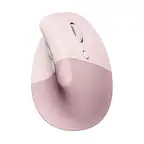
A vertical mouse can be beneficial for Photoshop users who spend long hours editing, as it promotes a more natural hand position and may reduce wrist strain. This ergonomic advantage can help maintain comfort during extended creative sessions.
Mice with adjustable DPI (dots per inch) are particularly useful for graphic design work in Photoshop. They allow you to switch between fast movements for broad strokes and precise, slow movements for detailed edits, giving you greater control over your projects.