Nintendo Switch Storage Card
-
SANDISK - 256GB microSD Express Memory Card, Works with Nintendo Switch 2, R/W up to 880/650MB/s
SKU: JXJ62C6FGRWorks great. Love the extra space it gives when gaming...Best switch 2 card...As always great product super fast transfers and use.
See all microSD ExpressProduct Description
A high-speed black and red microSD card with 256GB storage, PCIe 3.1 NVMe, and UHS-I compatibility.Your price for this item is $79.99Save $20The previous price was $99.99 -
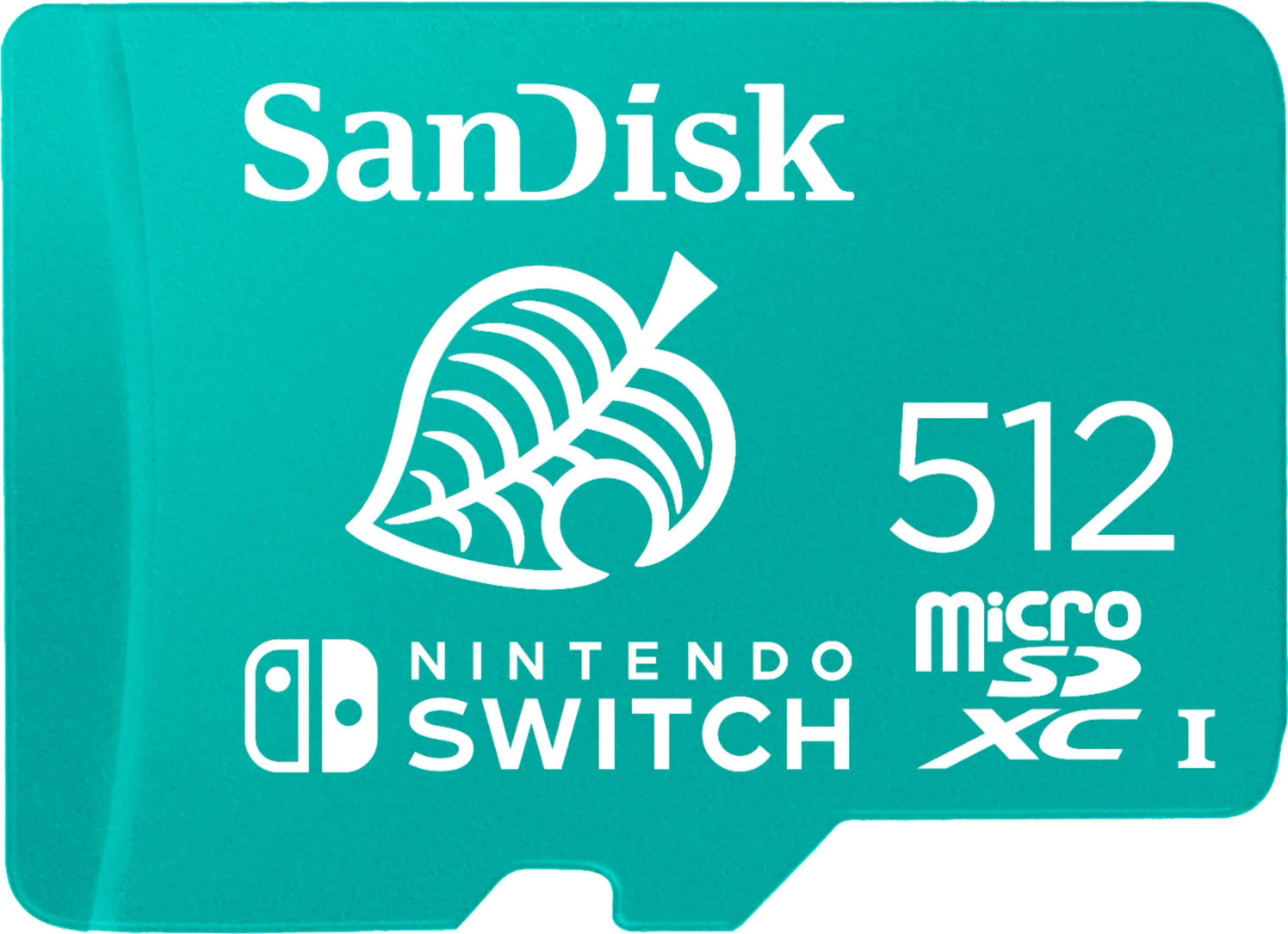
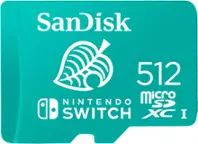
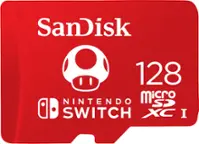
SANDISK - 512GB microSDXC UHS-1 Memory Card Licensed for Nintendo Switch 1
SKU: JXJ62C9ZPWGreat...Great product.works great. Best buy is great. Will buy more again....I always love to have a good gigabyte size on my Nintendo switch!...This is the best one, love it since it has design of animal...
See all microSDXCProduct Description
A green microSDXC card offering 512GB storage, fast transfer speeds, and durable water-resistant design.Your price for this item is $179.99 -
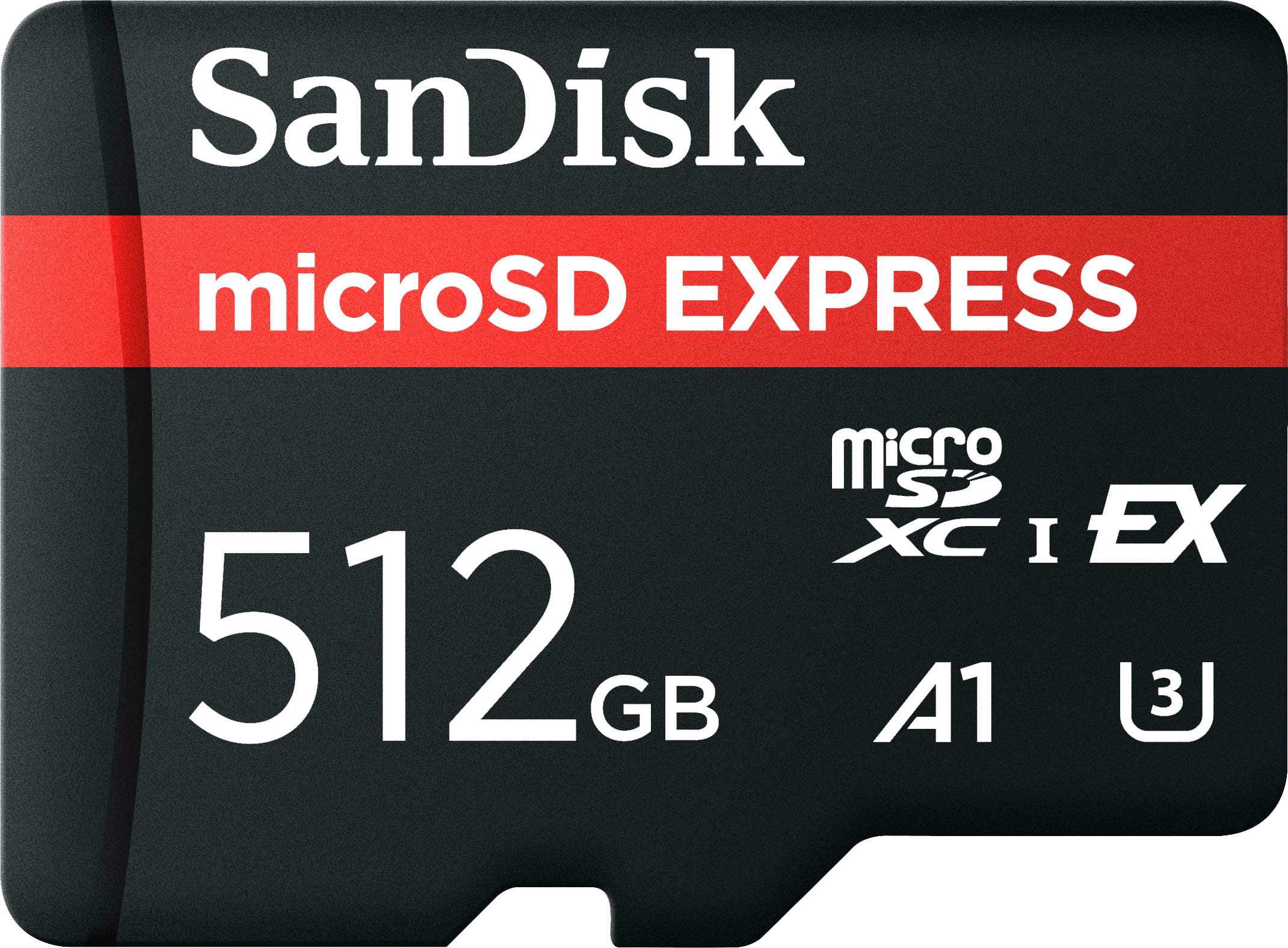
SANDISK - 512GB microSD Express Memory Card , Works with Nintendo Switch 2, R/W up to 880/650MB/s
SKU: JXJ62CR2T5Great purchase! The staff was super friendly and was able to answer all of my questions....Had previous bad experience buying from Amazon, Best Buy was great....I love going to Best Buy
See all microSD ExpressProduct Description
A high-speed black and red microSD card offering 512GB storage and PCIe 3.1 NVMe performance.Your price for this item is $158.99Save $41The previous price was $199.99 -
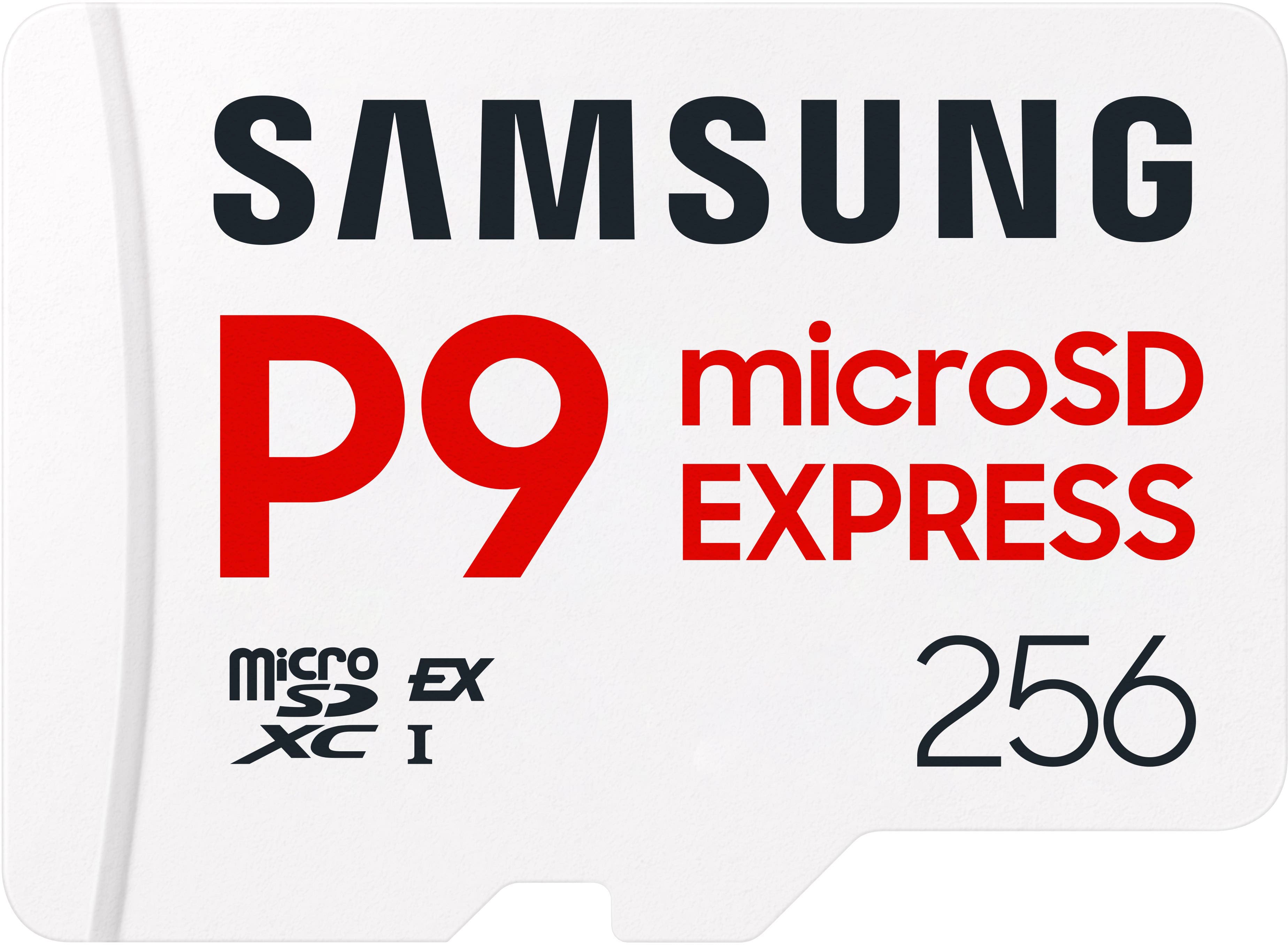
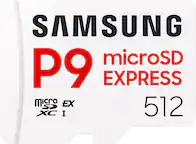
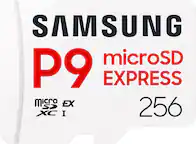
Samsung - P9 Express 256GB microSDXC Memory Card
SKU: JJGRF397XYGreat products...It's a great memory card holds so much and I love it does everything and more thanks Samsung...Very well made stores everything on one small chip i love it very fast.
See all microSD ExpressProduct Description
A white microSDXC card offering 256GB storage and 800MB/s read speed for smooth, reliable gaming.Your price for this item is $99.00Save $54The previous price was $153.99 -
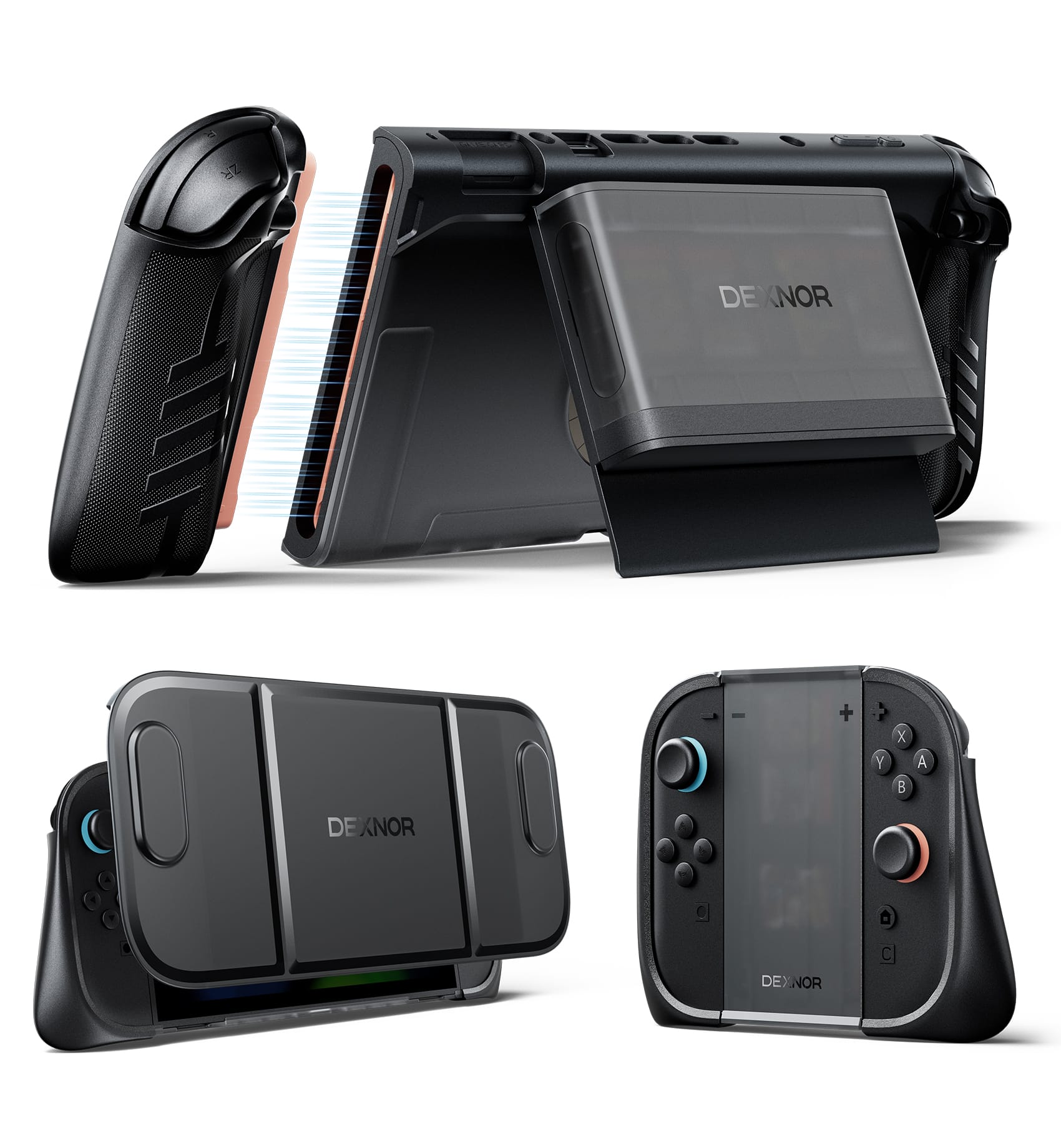
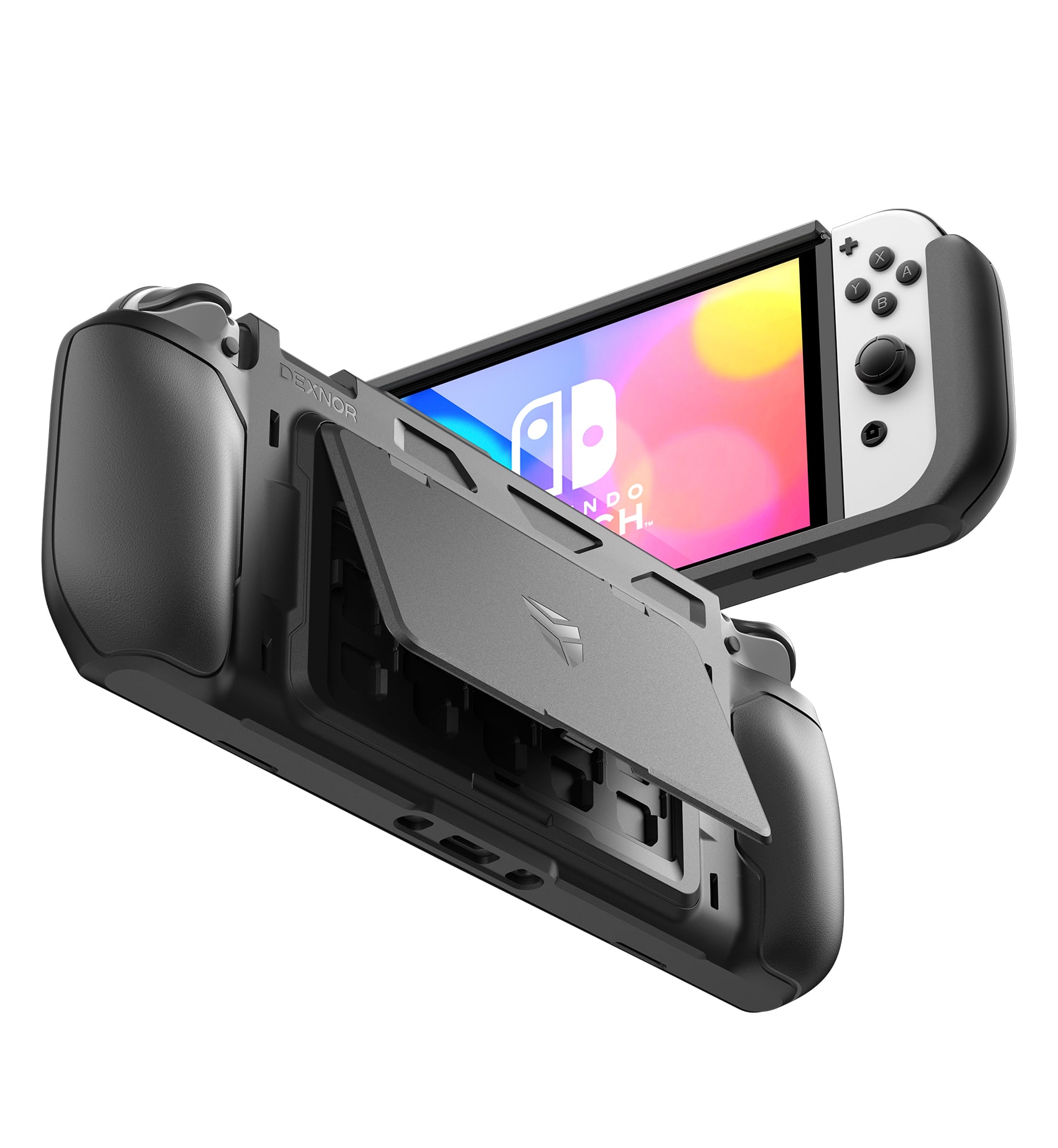
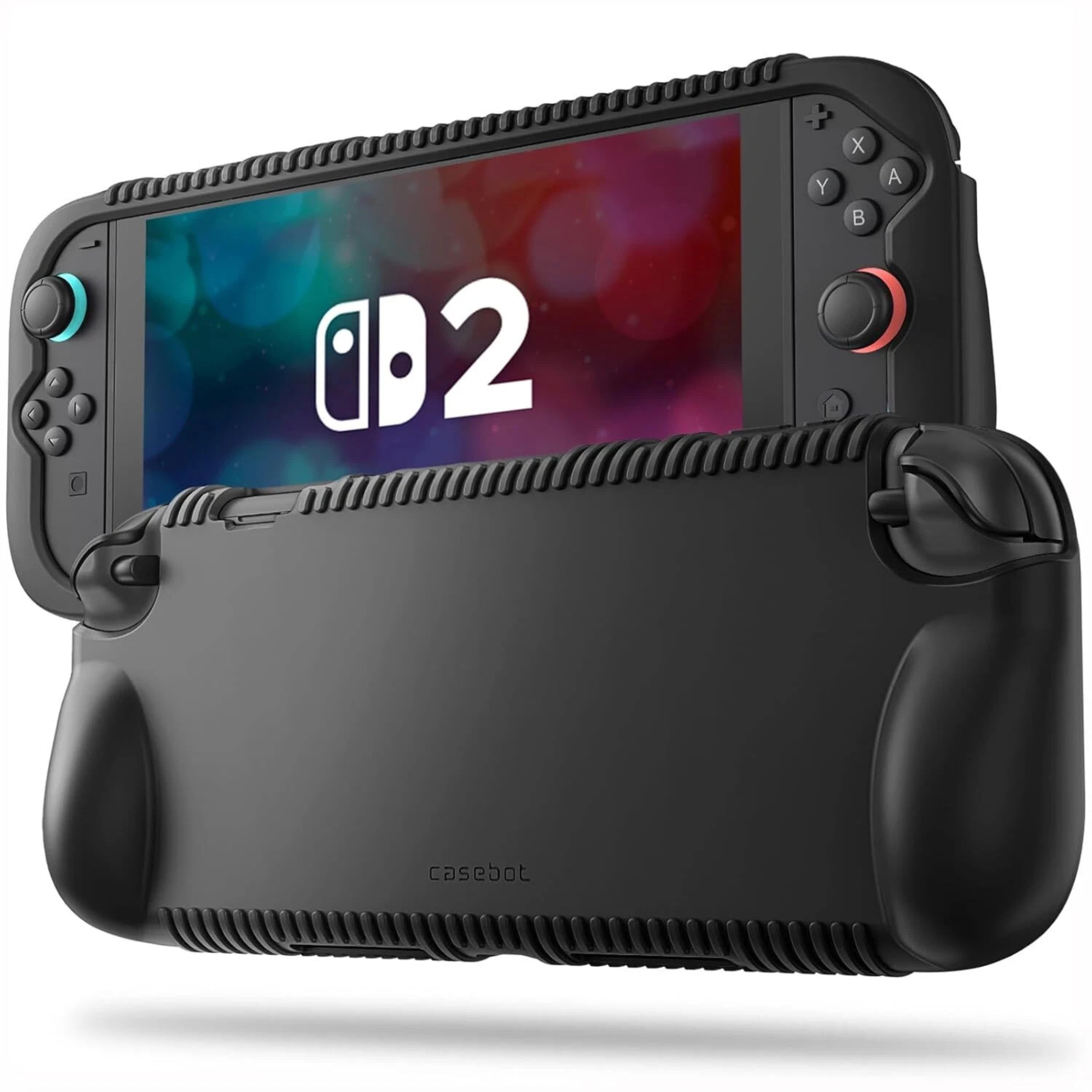
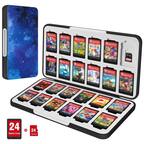
Dexnor - Case for Nintendo Switch 2 2025 with Transformable Grip, Detachable Magnetic Card Holder Storage, Ergonomic Design - Black
SKU: CZW2YXJGLHSee all Video Game AccessoriesProduct Description
A black ergonomic case offering transformable grip, magnetic card storage, adjustable kickstand, and shockproof protection.Your price for this item is $39.99Save $6The previous price was $45.99 -
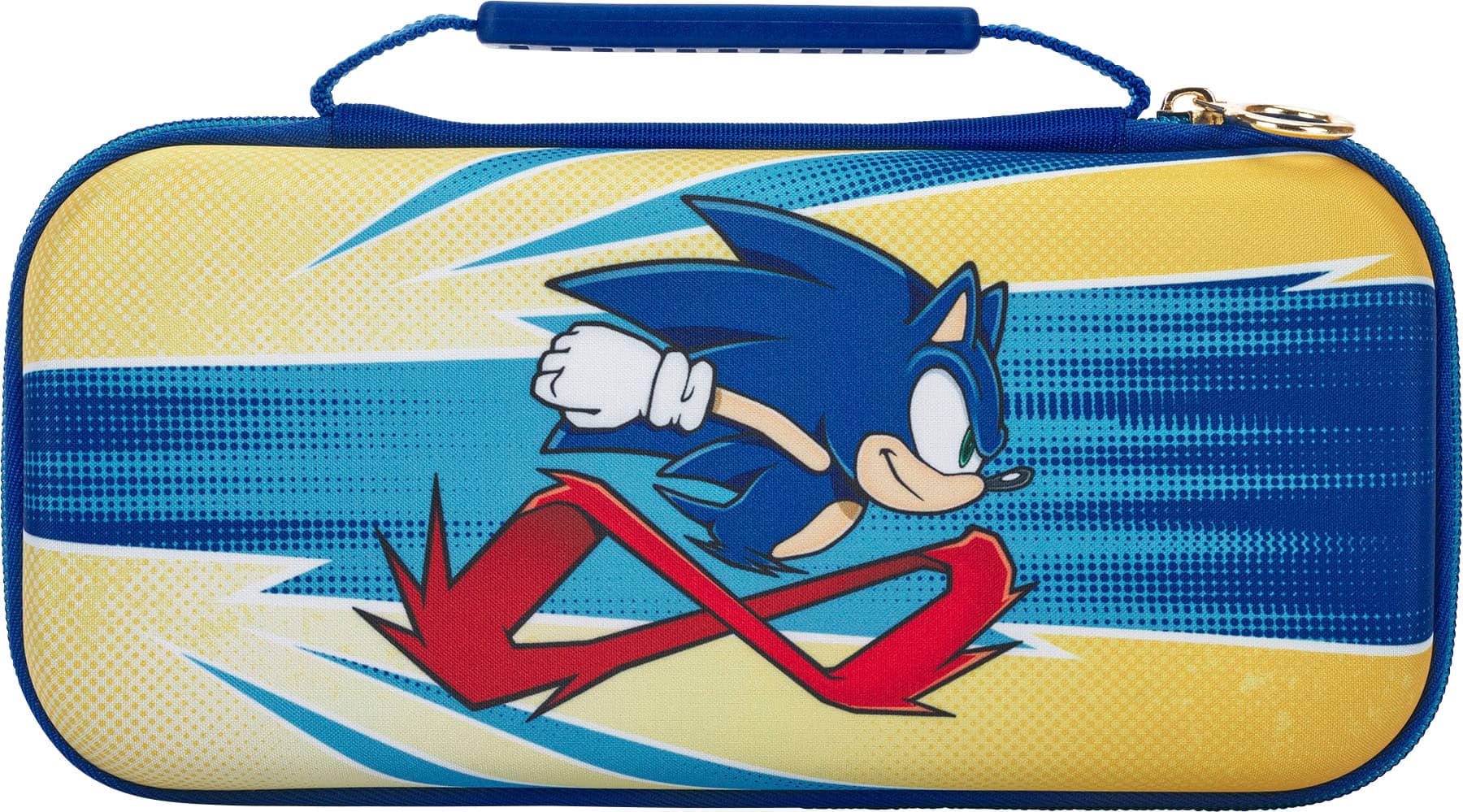
PowerA - Protection Case for Nintendo Switch - OLED Model, Nintendo Switch and Nintendo Switch Lite - Sonic Peel Out
SKU: JXJ34PK7HKGreat product...Amazing gift with purchase of my game…love best buy and all the promos...Great storage for switch...Great storage for the switch! Kids love it because it's Sonic!
See all Video Game AccessoriesProduct Description
A sturdy yellow fabric case with felt lining and game card storage for Nintendo Switch consoles.Your price for this item is $9.99Save $10The previous price was $19.99 -
Dexnor - Shockproof Case for Nintendo Switch OLED Model (2021)&Joy-Con Controller with Kickstand, MicroSD&Game Card Storage Slots - Black
SKU: CZW2YXJQGLSee all Handheld Gaming AccessoriesProduct Description
A black shockproof case with kickstand, ergonomic grips, and storage slots for games and microSD cards.Your price for this item is $21.99Save $8The previous price was $29.99 -
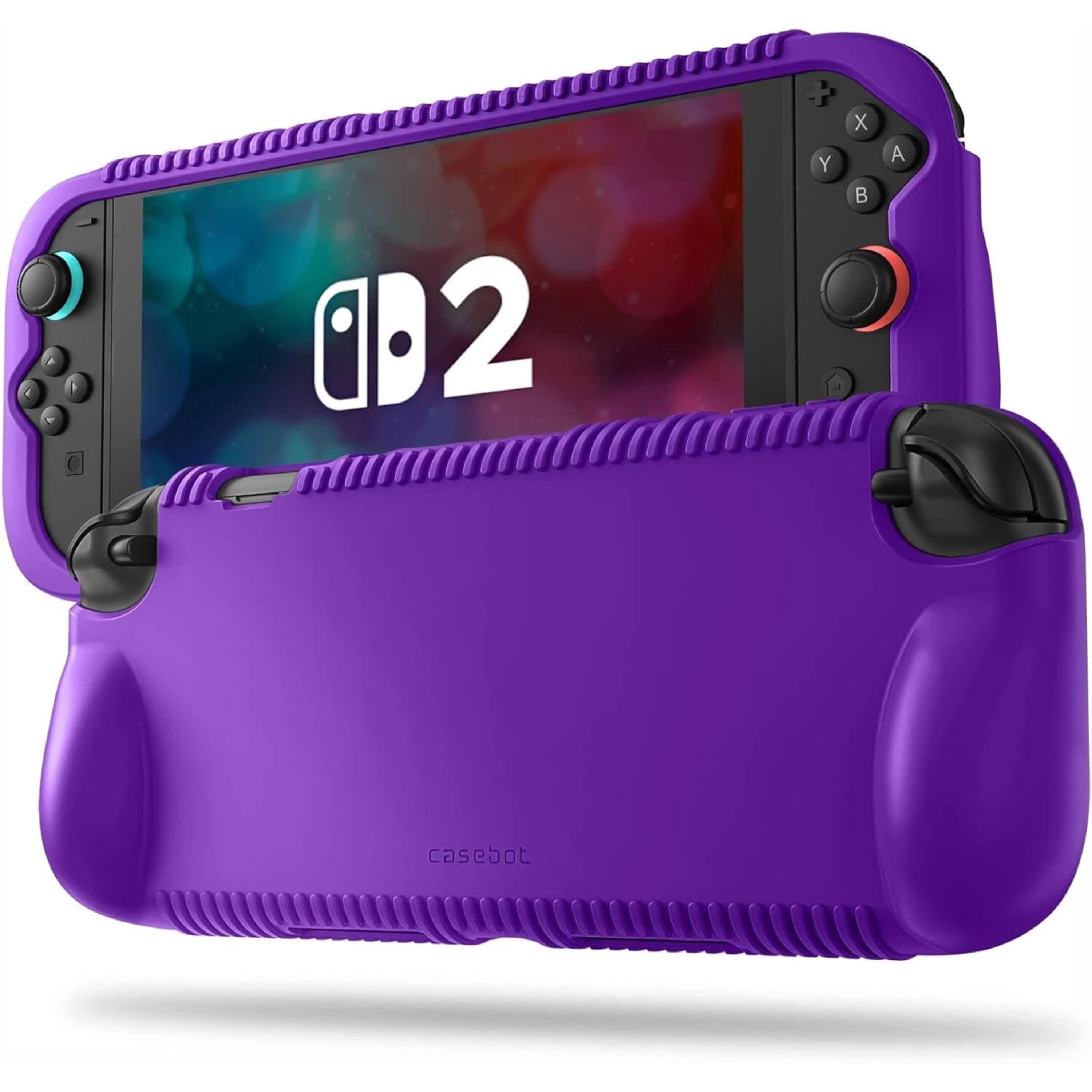
Kitcheniva - Soft Silicone Case For Nintendo Switch 2 2025 With Game Card Slots - Purple
SKU: JZFC7W9JH3See all Nintendo Switch 2 Cases & SkinsProduct Description
A durable purple silicone case with ergonomic handles, textured grip, and built-in game card slots.Your price for this item is $21.99 -
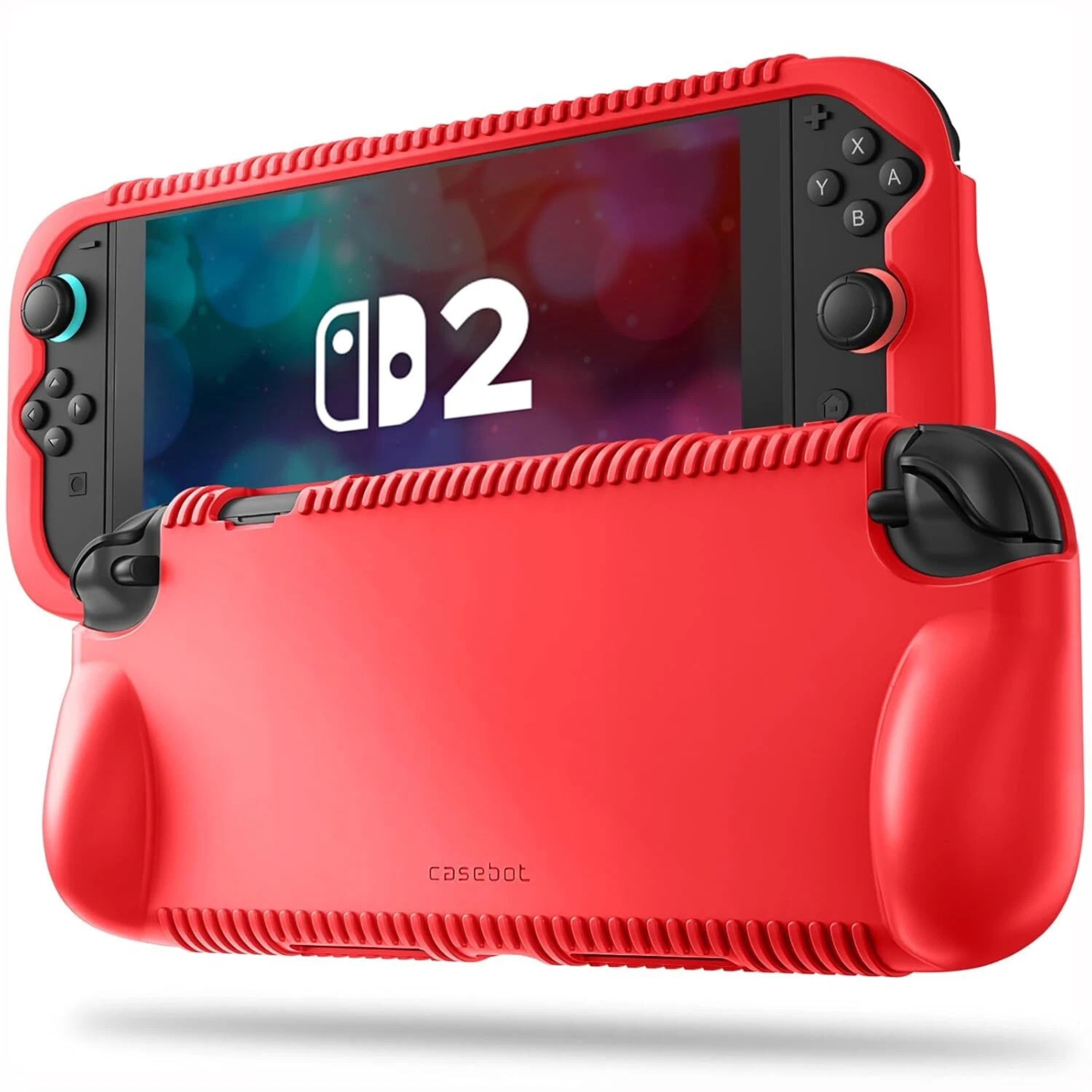
Kitcheniva - Soft Silicone Case For Nintendo Switch 2 2025 With Game Card Slots - Red
SKU: JZFC7W9JQGSee all Nintendo Switch 2 Cases & SkinsProduct Description
A red silicone case with ergonomic handles, shock absorption, and built-in game card slots for Switch 2.Your price for this item is $21.99 -
Kitcheniva - Soft Silicone Case For Nintendo Switch 2 2025 With Game Card Slots - Black
SKU: JZFC7W9JQ7See all Nintendo Switch 2 Cases & SkinsProduct Description
A black silicone case with ergonomic handles, textured grip, and built-in game card slots for Switch 2.Your price for this item is $21.99

Best Sellers


Related Pages

FAQ
Yes, most Nintendo Switch storage cards use the microSD, microSDHC, or microSDXC format, making them compatible with a wide range of other devices such as smartphones, tablets, cameras, and laptops. However, it's always best to check the device specifications for compatibility.
To install a storage card, power off your Nintendo Switch, locate the microSD card slot under the kickstand, insert the card with the label facing away from the console, and turn the system back on. Your Switch will automatically recognize the storage card.
Using a high-quality, high-speed storage card can help maintain optimal performance when downloading, saving, or loading games. For the best experience, choose a card with a fast read and write speed, such as those marked UHS-I or higher.
Downloaded games and screenshots can be moved between storage cards using a computer, but save data is stored on the Nintendo Switch’s internal memory and cannot be transferred via the storage card. Back up your save data using Nintendo Switch Online’s cloud service if needed.
Most new storage cards can be used right away, but if your Nintendo Switch prompts you to format the card, follow the on-screen instructions. Formatting will erase all data on the card, so ensure it’s empty or back up any important files first.