Micro Sd Cards For 3ds
-
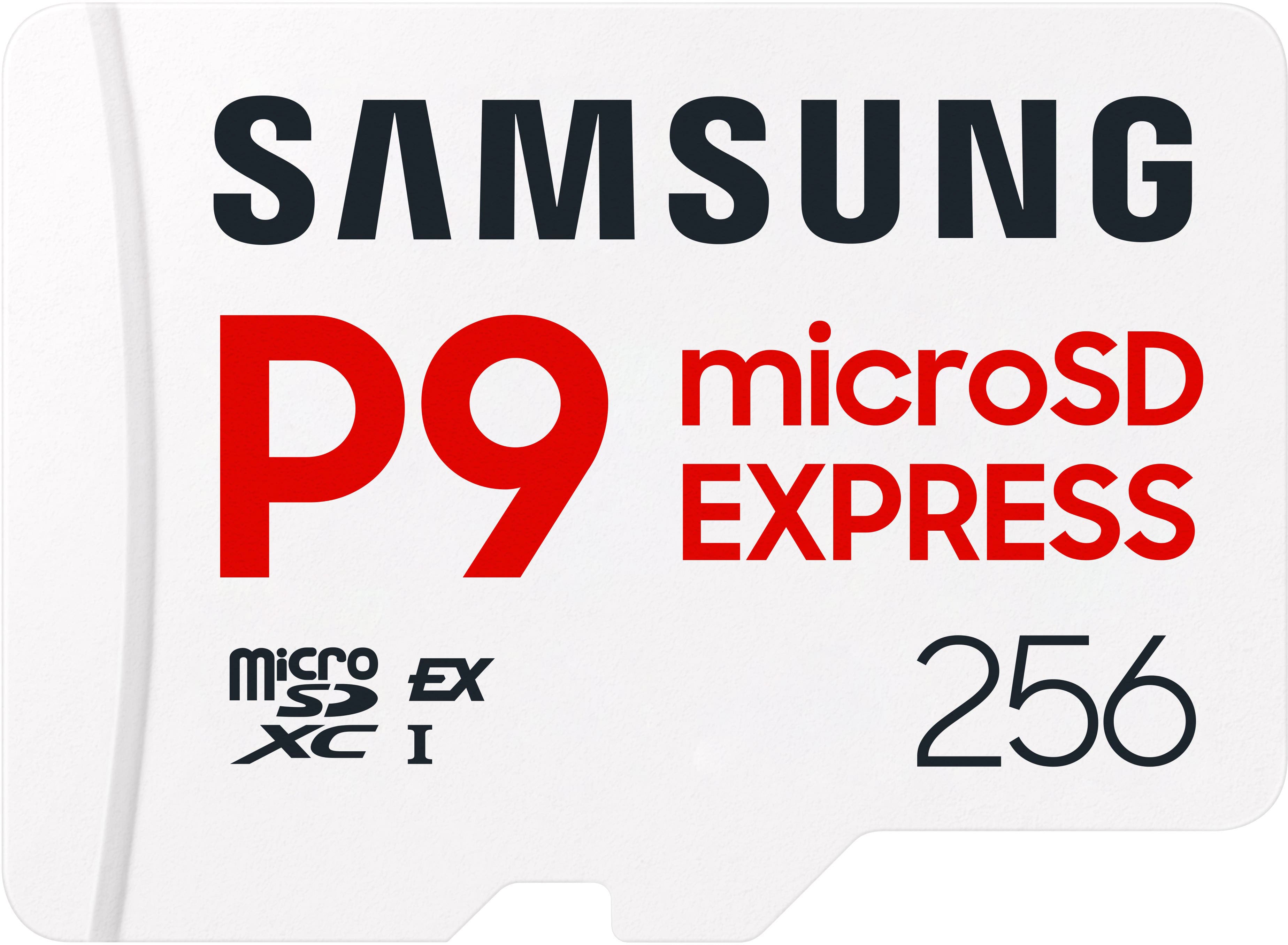
Samsung - P9 Express 256GB microSDXC Memory Card
SKU: JJGRF397XYi love how much this sd card works so smoothy with...Very reliable smooth best I ever used great product everybody in the world should use this...Great ful...Samsung great futures I love Samsung I used...
See all microSD ExpressProduct Description
A white microSDXC card offering 256GB storage and 800MB/s read speed for smooth, reliable gaming.Your price for this item is $153.99 -
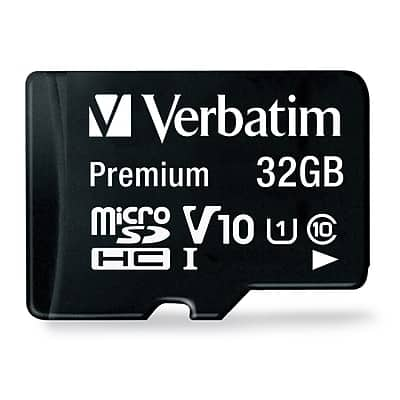
Verbatim - Premium 32GB microSDHC Memory Card with Adapter, Class 10, UHS-I, V10
SKU: J72FJTH3LLSee all microSDHCProduct Description
A durable 32GB microSDHC card with adapter, Class 10, UHS-I, V10, waterproof and shockproof.Your price for this item is $19.00Save $20The previous price was $39.99 -
Ruko - 128G Micro SD Card with Adapter & Reader, A2, Class10, UHS-I U3/V30, 4K UHD, Up to 100MB/s Read
SKU: CZTT3PFXK4See all microSDXCProduct Description
A white and gold microSDXC card with 128GB storage, 100MB/s speed, reader, and adapter included.Your price for this item is $59.99 -
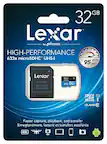
Lexar - Media Professional 32GB microSDHC Memory Card with Adapter, Class 10, UHS-I
SKU: J36XPKZJC8Great quality at an affordable price! Would definitely repurchase this the next time....Outstanding memory card, works fast without any issues, great quality too
See all microSDHCProduct Description
A high-speed 32GB microSDHC card with UHS-I and Class 10 performance for full-HD and 4K video.Your price for this item is $16.24Save $0The previous price was $16.49


Best Sellers

Related Pages





FAQ
Most Nintendo 3DS models, including the New Nintendo 3DS, New 3DS XL, and 2DS, support micro SD cards. However, some older models may require a standard SD card or an SD adapter for micro SD cards. Always check your device specifications before purchasing.
To format a micro SD card for your 3DS, use the FAT32 file system. You can format the card using your computer or directly through the 3DS system settings. Be sure to back up any important data before formatting, as this process will erase all files on the card.
Yes, you can use a micro SD card to transfer downloaded games, save data, and other content between 3DS systems. Make sure to follow Nintendo's official data transfer process to ensure all files are moved properly.
The speed class of your micro SD card can impact game loading times and performance. Higher-speed cards generally provide faster data access, resulting in quicker load times and smoother gameplay.
While you can use the same micro SD card for different devices, it's important to note that the 3DS may create specific folders and files unique to its system. Switching the card between devices could lead to data corruption or compatibility issues, so it's best to dedicate a card for 3DS use.