Note Battery
-
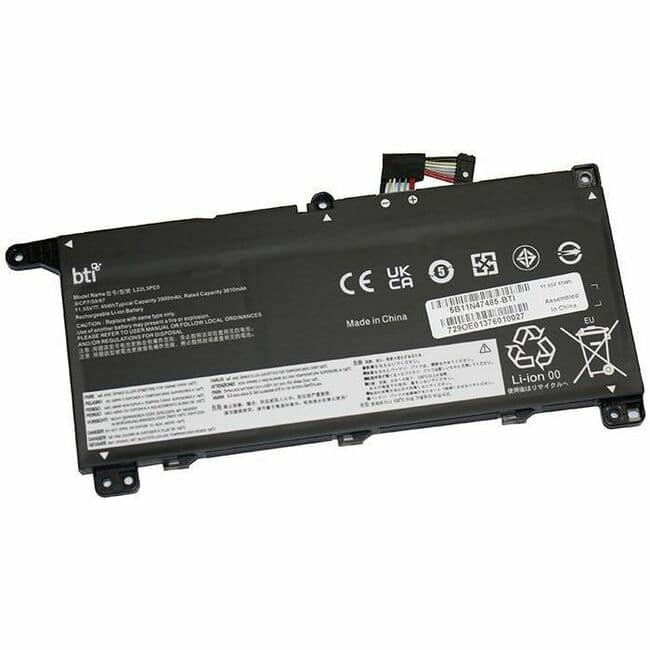
BTI Battery Tech - BTI 5B11N47485-BTI 11.55V 45WHR LI-ION BATTERY 5B11N47485, L22L3PE0, 5B11N47495, 5B11N47497, 5B11L67317, 5B11L67323
SKU: J3ZGJHLY9FSee all Lithium BatteriesProduct Description
A rechargeable 3-cell lithium-ion battery delivering 11.55V and 45Wh for select Lenovo ThinkBook models.Your price for this item is $96.62Save $20The previous price was $117.24 -
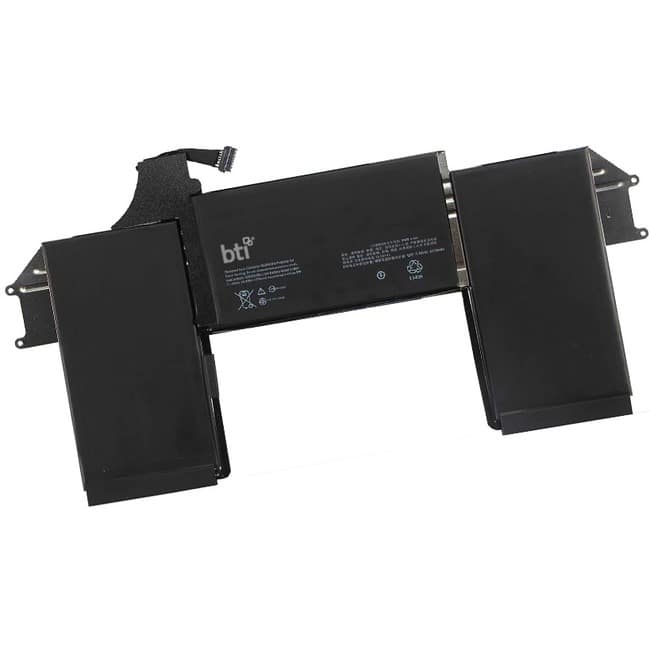
BTI Battery Tech - BTI A1965-BTI 11.4V 50WHR LI-ION BATTERY - For Notebook - Battery Rechargeable - 4800 mAh - 11.4 V DC
SKU: J3ZGJHGQ9SSee all Lithium BatteriesProduct Description
A rechargeable lithium-ion notebook battery delivering 11.4V and 4800mAh for reliable portable power.Your price for this item is $128.80 -
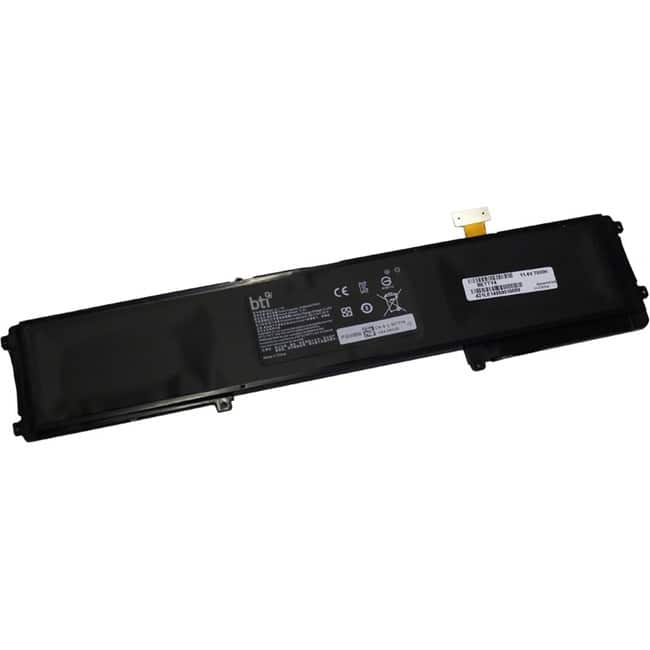
BTI Battery Tech - BTI Battery - For Notebook - Battery Rechargeable - 6102 mAh - 11.4 V DC
SKU: J3ZGJHGWLWSee all Rechargeable BatteriesProduct Description
A rechargeable notebook battery offering 6102 mAh capacity and 11.4 V DC power for reliable performance.Your price for this item is $110.35Save $37The previous price was $148.15 -
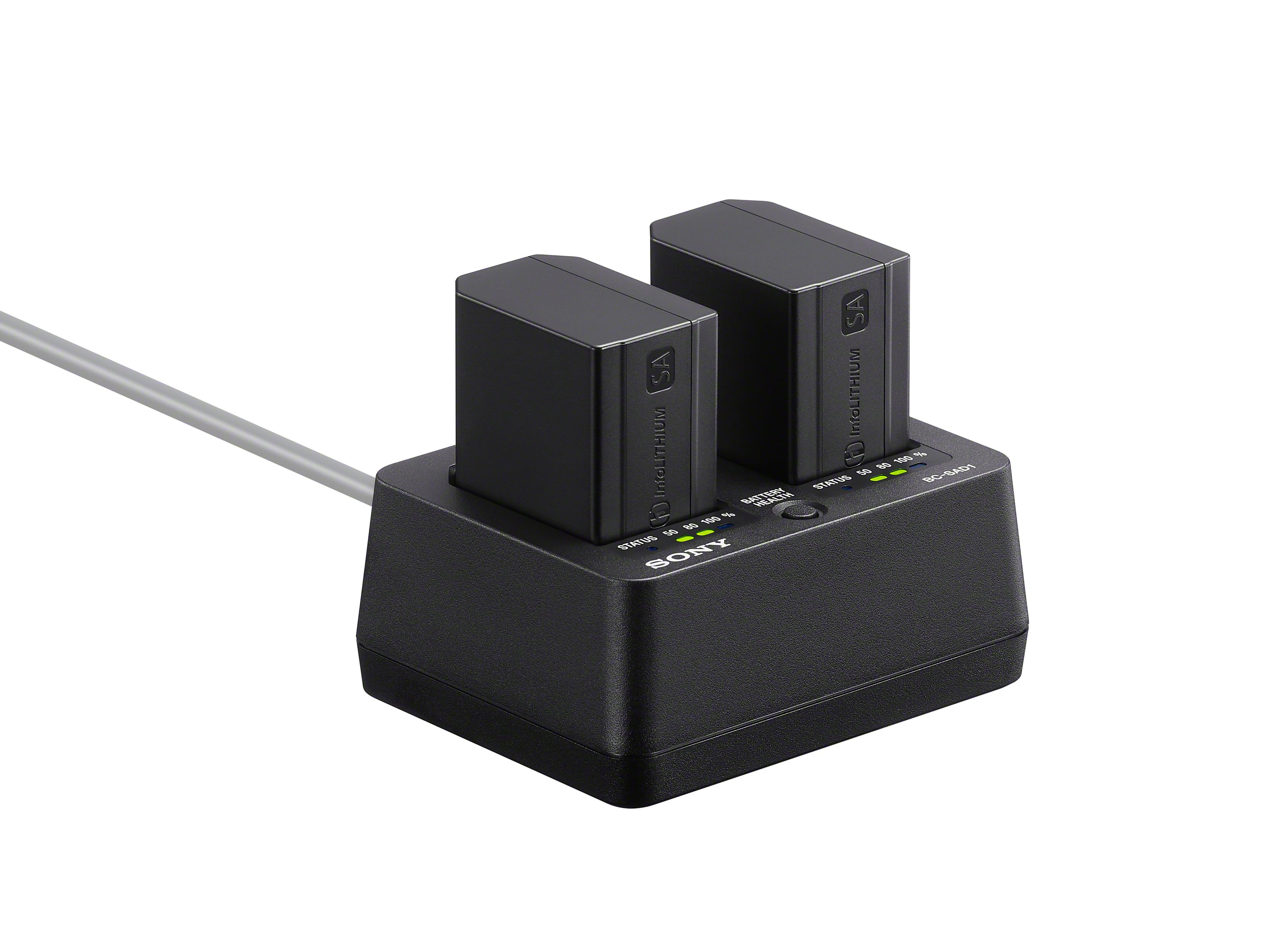
Sony - NPSA100 | SA-type high capacity rechargeable battery pack - Black
SKU: J7XSRH55GLSee all Camera BatteriesProduct Description
A high-capacity 2670 mAh rechargeable battery pack in black with power and health indicator.Your price for this item is $118.00Save $1The previous price was $119.99 -
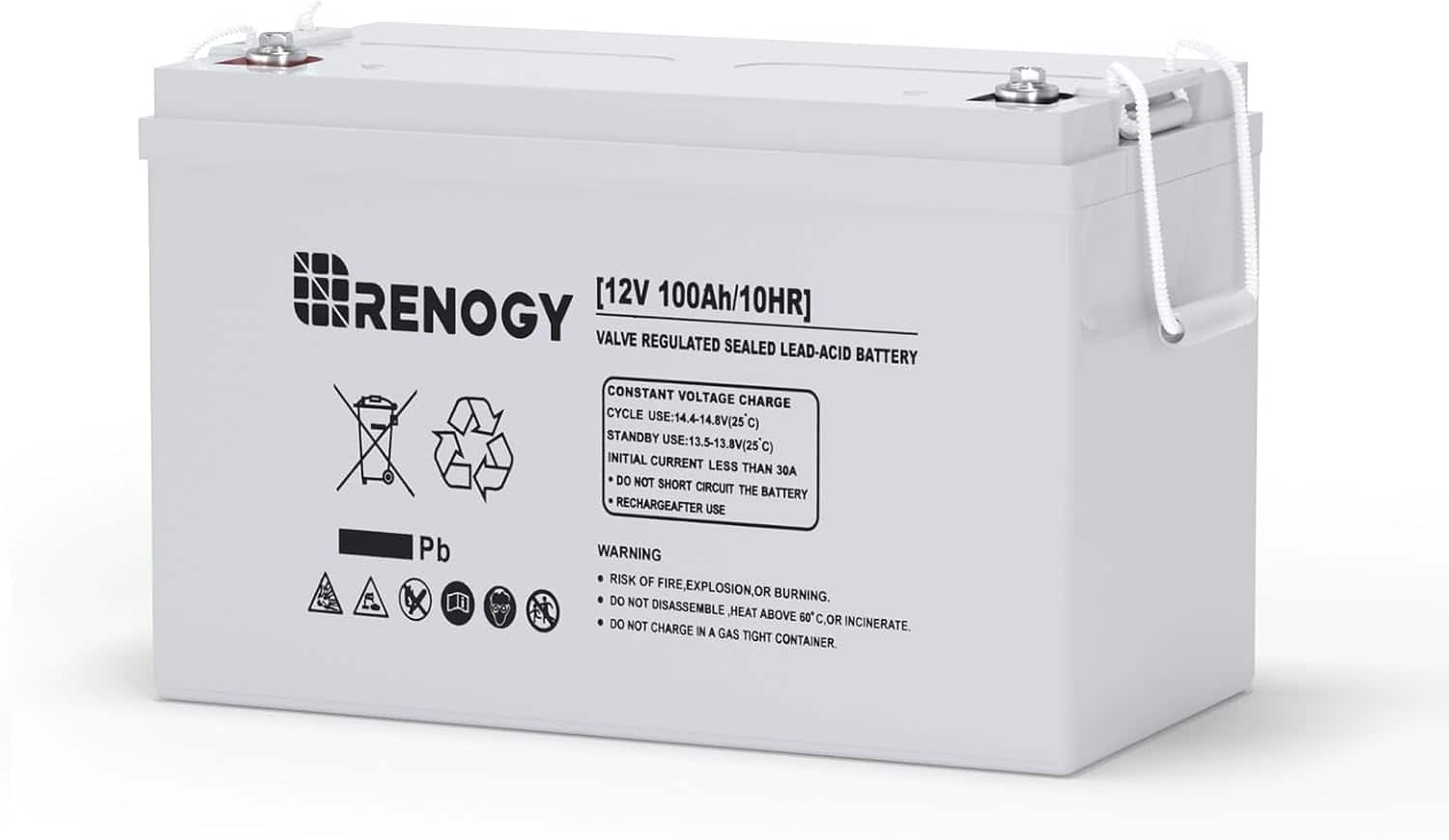
Renogy - Deep Cycle AGM Battery 12 Volt 100Ah
SKU: J3LWZ8HQF5The batteries are the best and their support team is very knowledgeable in the future of solar system...Best value
See all Lithium BatteriesProduct Description
A gray, sealed 12V rechargeable AGM battery designed for reliable performance in extreme temperatures.Your price for this item is $208.99Save $11The previous price was $219.99 -
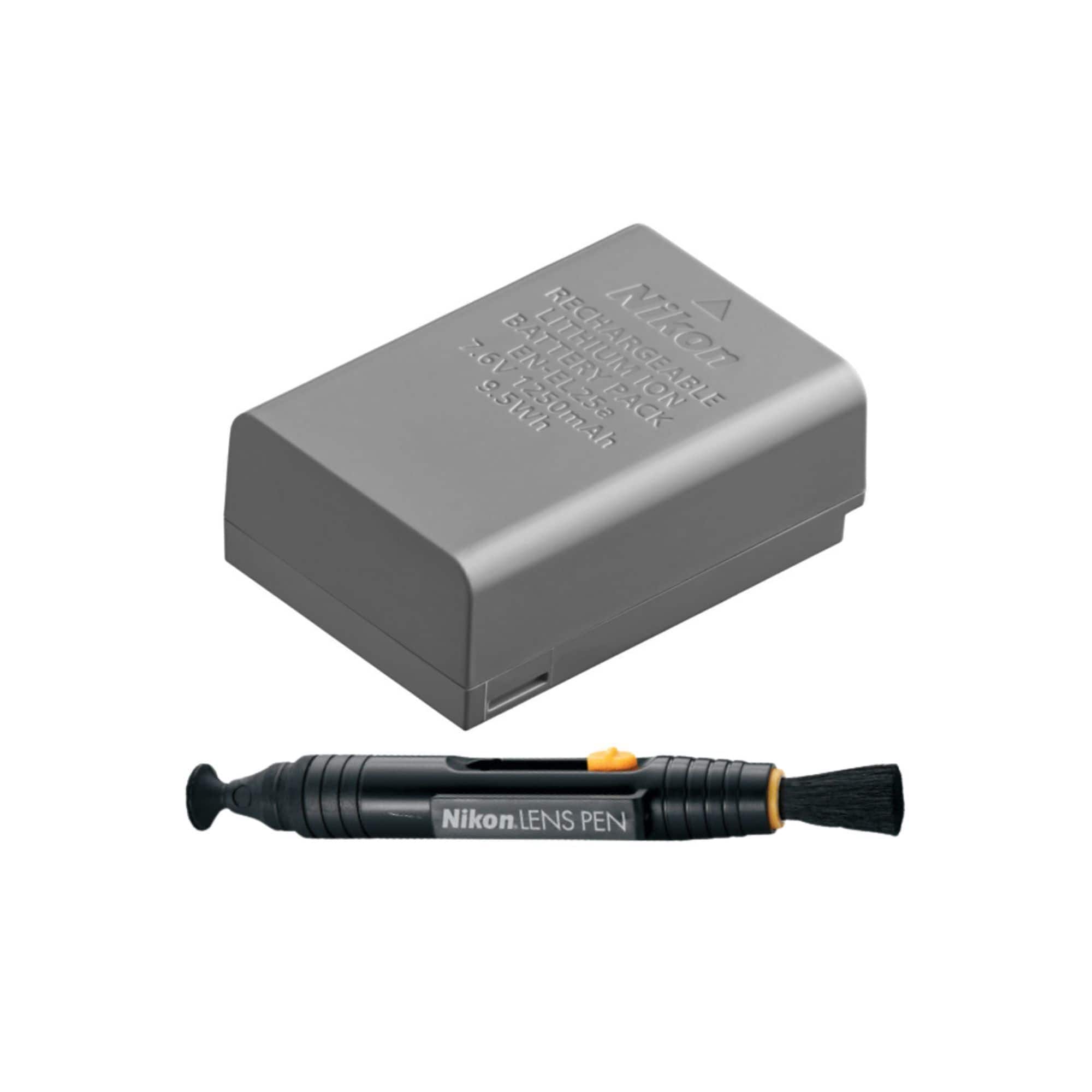
EN-EL25a Rechargeable Lithium-Ion Battery with Nikon Lenspen bundle
SKU: JJG2F8GGT4See all Camera BatteriesProduct Description
A high-performance rechargeable lithium-ion battery bundle with extended power and USB in-camera charging support.Your price for this item is $69.99 -
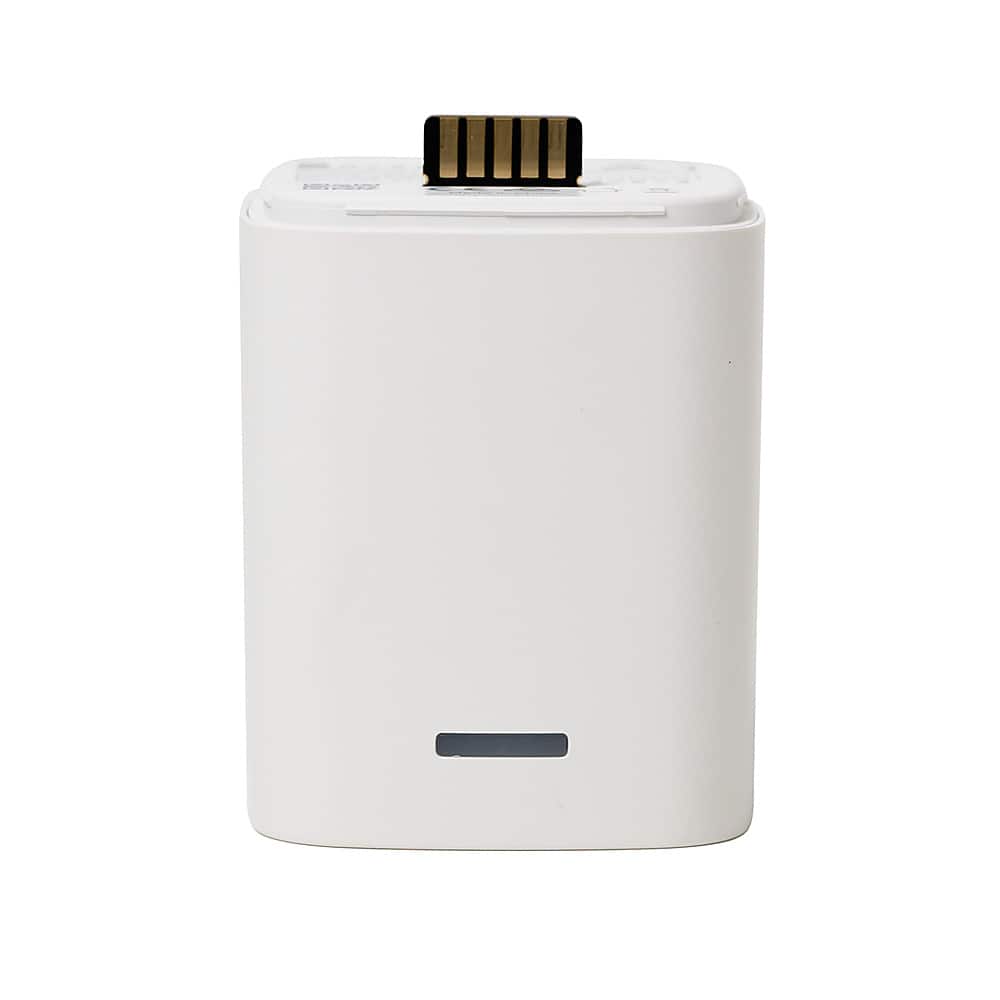
RYSE - BatteryPack 1850 mAh for SmartShade
SKU: JXC4HXFFK4See all Smart LightingProduct Description
A rechargeable white battery pack providing 1850 mAh power for wire-free operation of compatible smart shades.Your price for this item is $49.99
Best Sellers
Related Pages





FAQ
Note batteries are specifically designed for Samsung Galaxy Note series smartphones. Compatibility may vary by model, so be sure to check your device's model number before purchasing.
To install a new Note battery, power off your device, remove the back cover, and carefully detach the old battery. Align the new battery with the contacts and secure it in place before replacing the cover and powering on your device.
Replacing your Note battery can restore your device’s battery life, improve performance, and reduce the need for frequent charging, giving your smartphone a longer usable lifespan.
Yes, you can use a third-party charger with your Note battery, but it is recommended to use certified chargers to ensure optimal charging speed and to protect your device from potential damage.
Store your spare Note battery in a cool, dry place away from direct sunlight and extreme temperatures. Avoid storing it fully charged or completely drained for prolonged periods to maintain battery health.