Roku Cables
-
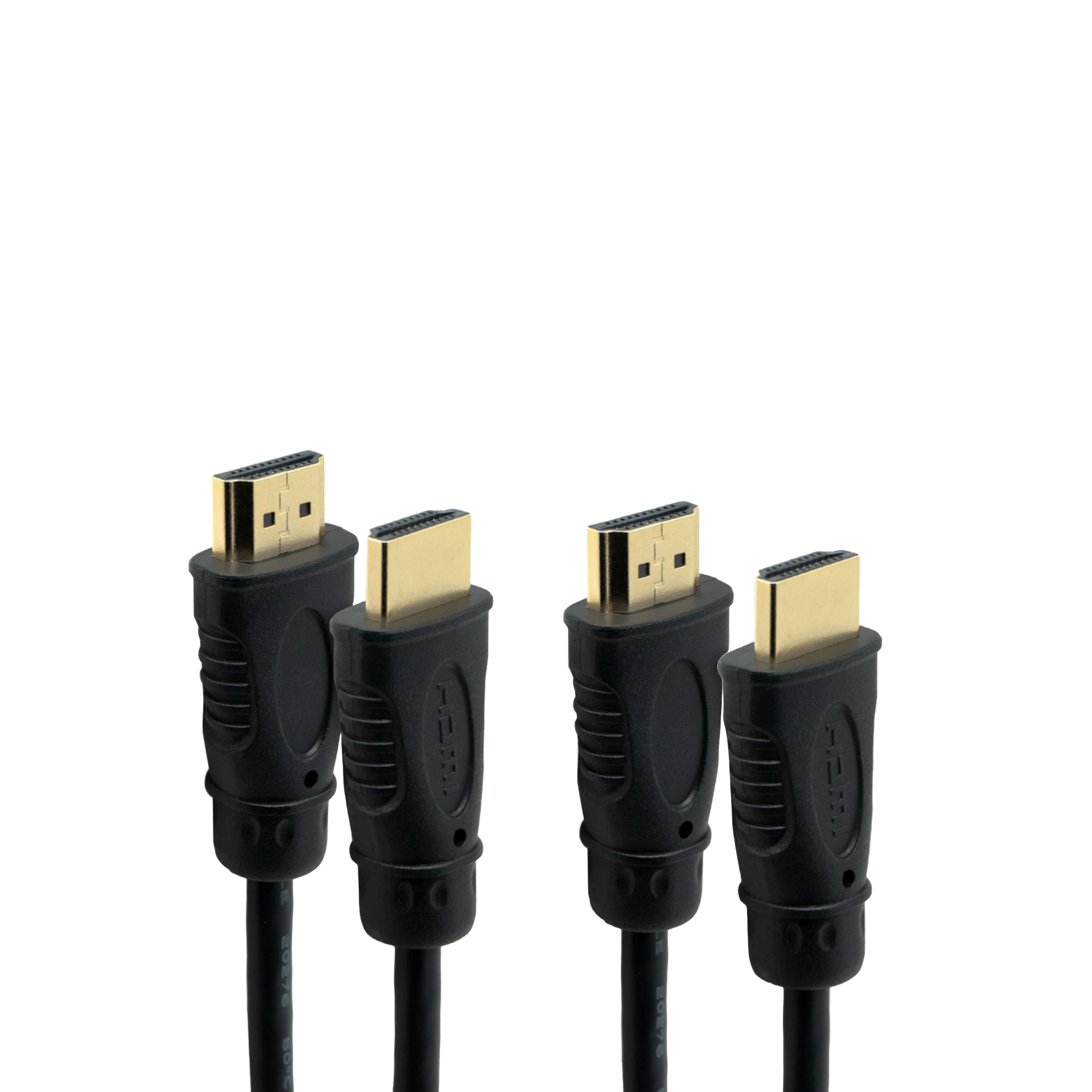
J-Tech Digital - 6ft 8K HDMI Cable (2-Pack) - Black
SKU: J3GW77ZF9TSee all 8K HDMI (2.1) CablesProduct Description
A black HDMI 2.1 cable 2-pack delivering 8K resolution, noise elimination, and zero latency connectivity.Your price for this item is $17.31 -
J-Tech Digital - 10ft 8K HDMI Cable (2-Pack) – 4K 120Hz, 8K 60Hz, HDMI 2.1, HDCP 2.2/2.3 - Black
SKU: J3GW77ZF9PSee all 4K HDMI (2.0) CablesProduct Description
A black HDMI 2.1 cable 2-pack supporting 8K 60Hz, 4K 120Hz, and HDCP 2.2/2.3.Your price for this item is $19.35 -
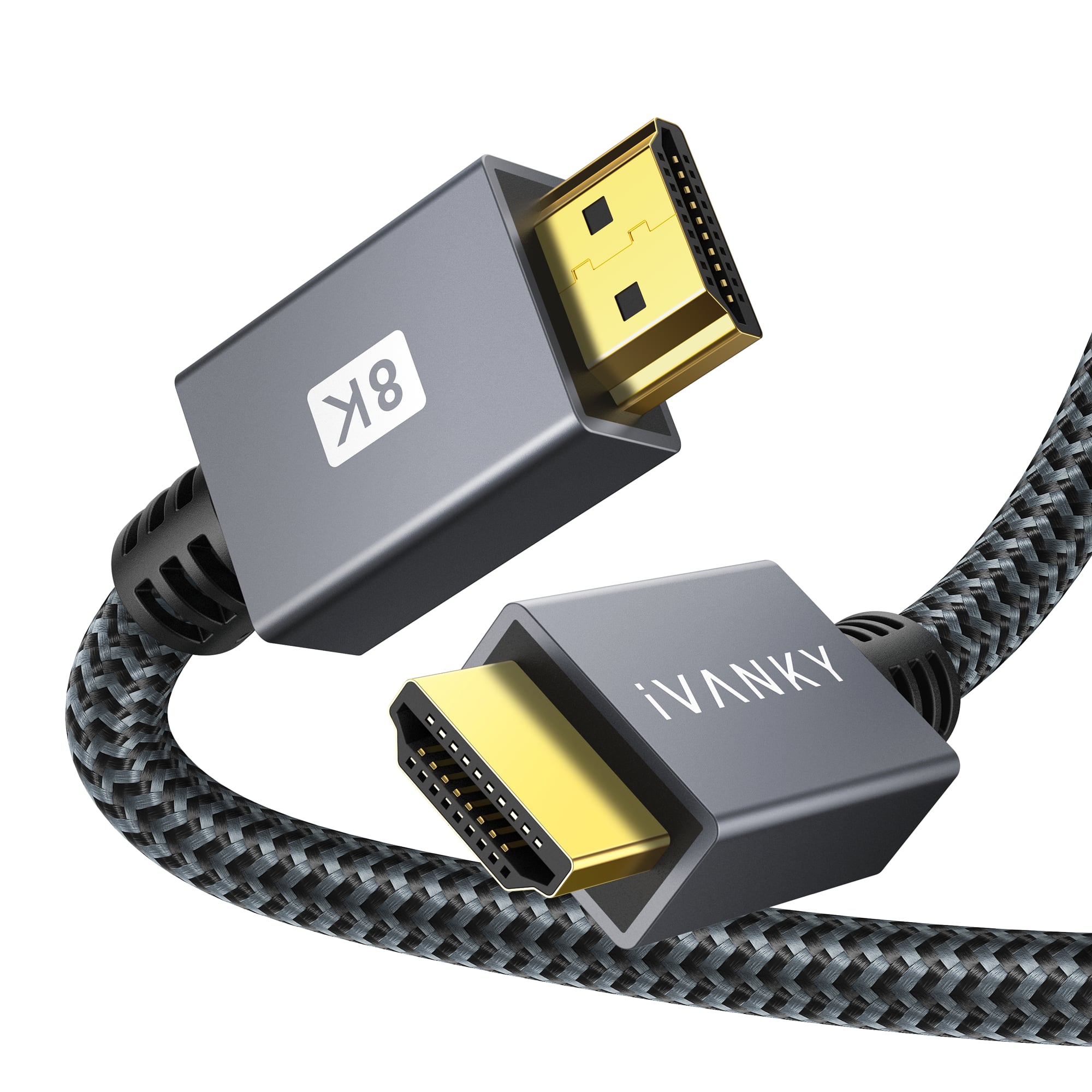
iVANKY - 8K HDMI Cable 6.6 FT, High Speed 48Gbps HDMI 2.1 Cable for Roku TV/PS5/HDTV/Blu-ray - Black
SKU: CZTZ2FCFW9See all A/V Cables & ConnectorsProduct Description
A high-speed black braided HDMI 2.1 cable supporting 8K@60Hz, 4K@120Hz, HDR, and 3D.Your price for this item is $14.99 -
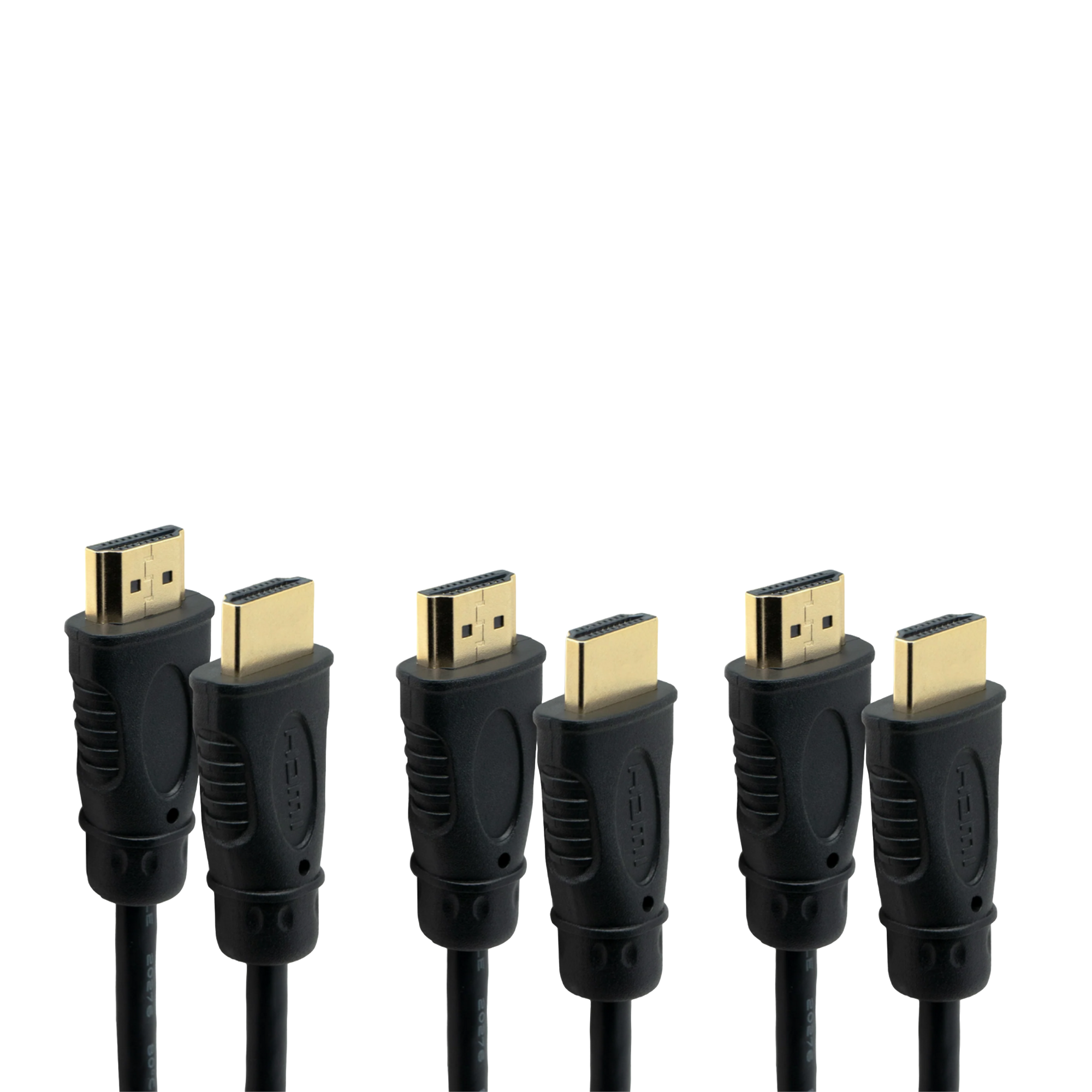
J-Tech Digital - 3ft 8K HDMI Cable (3-Pack) - Black
SKU: J3GW77ZF6YSee all 8K HDMI (2.1) CablesProduct Description
A pack of three black HDMI 2.1 cables delivering 8K resolution with noise elimination and zero latency.Your price for this item is $15.39
Best Sellers

Related Pages





FAQ
There are several types of Roku-compatible cables available, including HDMI cables for connecting some Roku devices to your TV, power cables for supplying electricity, and Ethernet cables for wired internet connections. Some Roku models may also use USB cables for power or additional functionality.
Some Roku streaming players use standard HDMI cables to connect to your TV, while Roku streaming sticks plug directly into a TV’s HDMI port. For 4K or HDR streaming, it's recommended to use a high-speed HDMI cable to ensure the best picture and audio quality when an HDMI cable is required.
Yes, you can use third-party HDMI, USB, or Ethernet cables with your Roku device as long as they meet the required specifications. Just make sure the cable is compatible with your Roku model for optimal performance.
An Ethernet cable is used to connect your Roku device directly to your router for a stable and reliable wired internet connection. This can help reduce buffering and improve streaming quality, especially in areas with weak Wi-Fi signals.
You can check your Roku device’s user manual or product specifications to determine which type of cable is required. Some streaming players use an HDMI cable, streaming sticks plug directly into an HDMI port and use USB or a power adapter for power, and some set-top box models may also support Ethernet connections.