Roku Remote
-
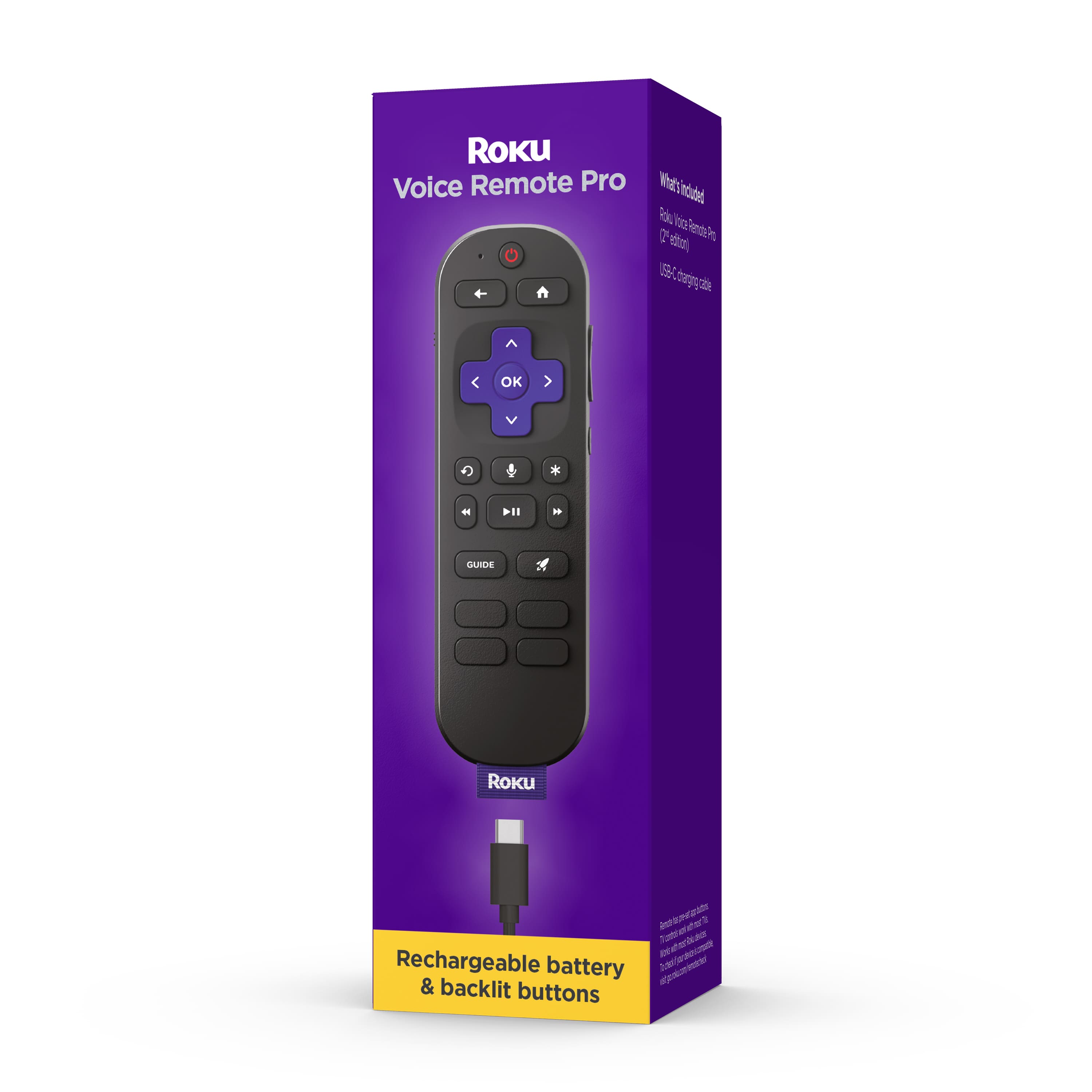
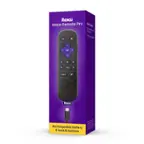
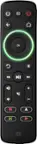
Roku - Voice Remote Pro (2nd Edition) | Rechargeable Replacement Voice Remote, Backlit Buttons & Hands-Free Voice Controls - Black
SKU: J3PFCJQ9CRGreat product!! Love the rechargeable remote!! Great service at Best Buy!!...Love doing business with Best Buy they’re fast and curious...Thank you best buy...Great product!
See all TV Replacement Remote ControlsProduct Description
A rechargeable black remote with backlit buttons, hands-free voice controls, and a lost remote finder.Your price for this item is $29.99 -
Xtreme - Roku TV Replacement Remote Control, Universal IR Remote for Roku Smart TVs, Pre-Programmed, No Setup Required - Black
SKU: J385T4VPZ8See all TV Replacement Remote ControlsProduct Description
A pre-programmed black universal IR remote offering instant control and app shortcuts for Roku Smart TVs.Your price for this item is $14.99 -
One for All - Roku TV Replacement Remote - Black
SKU: J3GWQP27WJSee all TV Replacement Remote ControlsProduct Description
A black universal remote offering instant setup, customizable app shortcuts, and full compatibility with all Roku TVs.Your price for this item is $34.30Save $0The previous price was $34.99 -
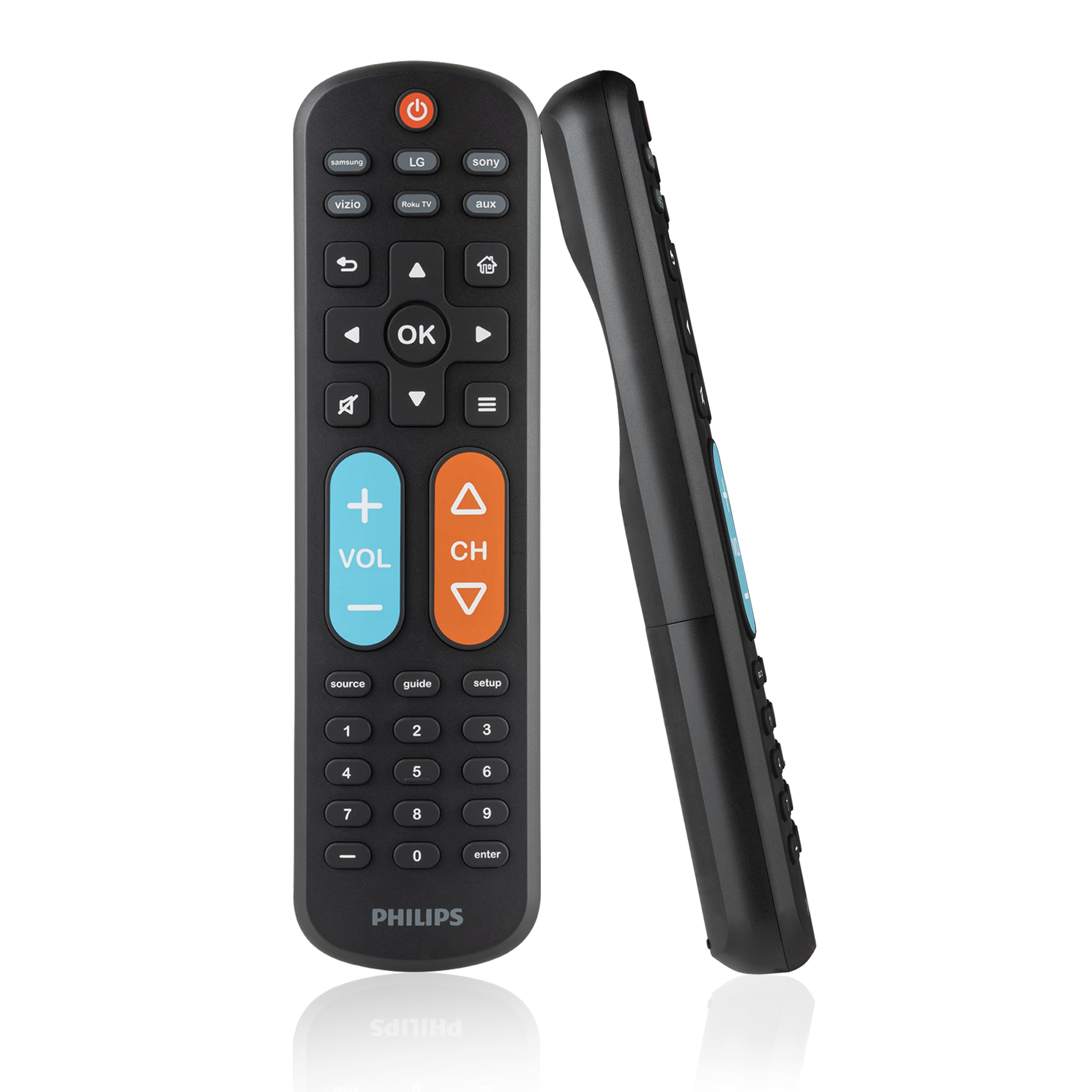
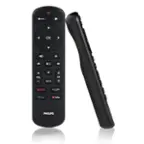
Philips - OneTouch Big Button MotionGlow Universal Remote for Samsung Smart TV, LG, Sony, VIZIO, Fire TV, Roku TV - Black
SKU: J73JSVZK9FLove it!...I love the size, better for longer nails!...I love that it lights up from motion, very easy to set up and use....They absolutely love them....Just point and push the tv brand and it automatically...
See all TV Remote ControlsProduct Description
A black universal remote with OneTouch setup, MotionGlow backlight, and easy-to-read, colorblind-friendly buttons.Your price for this item is $19.99 -
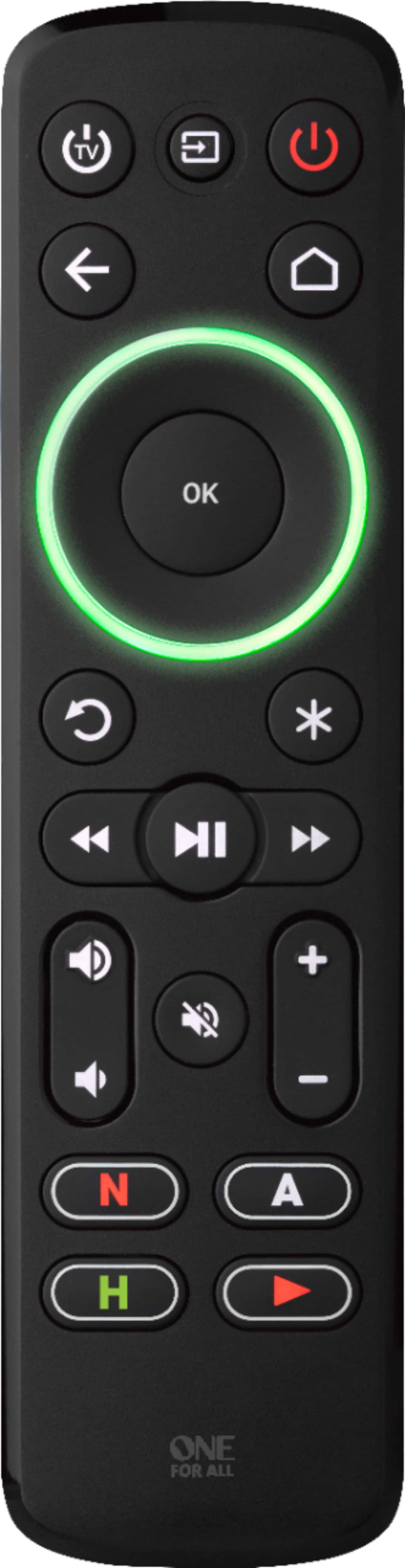
One for All - Streamer Remote - Black
SKU: J3GWQPCF9Qthe best $50 I’ve ever spent
See all TV Remote ControlsProduct Description
A black backlit remote that easily controls up to three devices with customizable colored ring indicators.Your price for this item is $29.99


Best Sellers


Related Pages




FAQ
Most Roku remotes are designed to work with a wide range of Roku streaming devices, but compatibility may vary depending on the model. It's important to check the product details to ensure the remote matches your specific Roku device.
Many Roku remotes, especially enhanced or voice remotes, allow you to control your TV’s power and volume. Look for remotes with dedicated power and volume buttons for this functionality.
Standard IR Roku remotes require a direct line of sight, while enhanced remotes with wireless connectivity (RF or Bluetooth) do not. Check the remote type to determine if line of sight is necessary.
To pair a new Roku remote, insert the batteries, then follow the on-screen instructions or press and hold the pairing button inside the battery compartment until the pairing light flashes. The device will guide you through the setup process.
Yes, several Roku remotes feature built-in microphones for voice search and commands. These remotes let you quickly find content and control your Roku device hands-free.