Deals for every list.Start early, save early.Shop now

Main Content
Skip to contentGo to Product Search

Deals for every list.Start early, save early.Shop now

Main Content

Fire Stick Remote

Browse Fire Stick remote options to replace a lost controller or keep a spare handy. Before choosing a replacement remote, check compatibility with your specific Fire TV Stick model, then compare button layouts, supported functions, and pairing requirements to find the right fit for your setup.
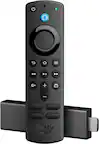
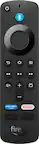
Results

Fire Stick Remote

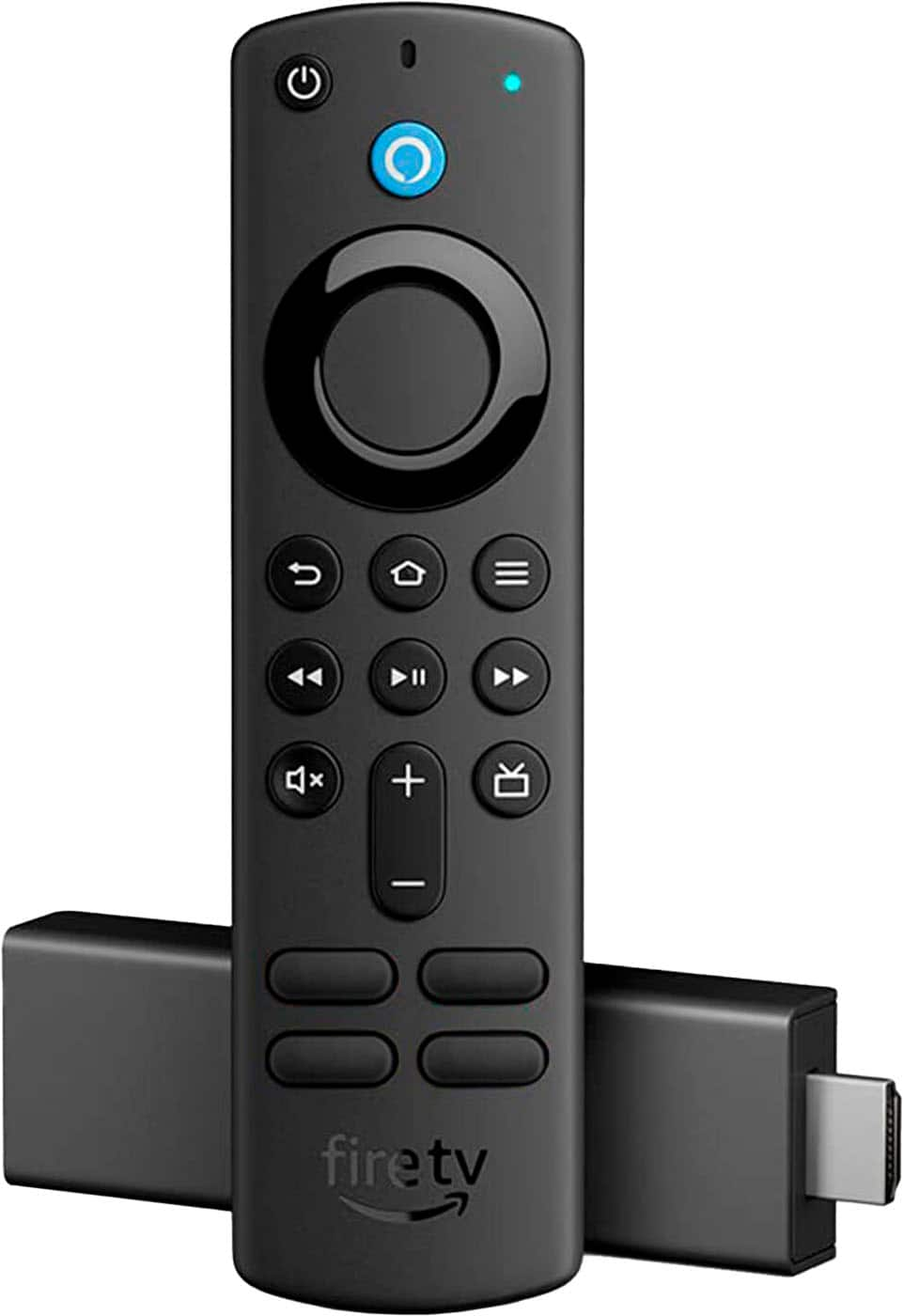
A Fire Stick remote is a handheld controller for navigating a compatible streaming device, opening apps, selecting entertainment, and controlling playback. Depending on the model, it may also support voice search, television power, volume adjustment, and other shortcuts. For a replacement remote, compatibility is the most important consideration: the streaming device’s model and generation matter, and a familiar shape or nearly identical button layout does not guarantee that two devices will work together. Some controllers support several generations of streaming hardware, while others have narrower requirements. The distinction between a remote designed for a streaming stick and one intended for a television with streaming features built in is especially important. Both may look similar while supporting different equipment. Connection methods also affect everyday use. Many streaming remotes communicate with the streaming device through Bluetooth, allowing navigation without pointing directly at a receiver, while television or audio controls may depend on infrared support and the connected equipment. A controller that handles streaming menus may not provide every function needed for a separate soundbar or receiver. Voice-enabled options add another layer of convenience, particularly when entering a long movie title or searching for an actor would otherwise mean moving through an onscreen keyboard one letter at a time. Those capabilities depend on compatible hardware, supported services, and an internet connection; voice functionality should not be assumed from appearance alone. Dedicated app buttons can offer quick access to frequently used destinations, although their assignments and usefulness vary, and they are not necessarily customizable. For everyday browsing, a clearly defined directional ring, an easy-to-find select button, and distinct playback controls can be more valuable than a crowded arrangement of extra keys. The best match is a compatible controller whose essential functions suit the television setup, whether that means straightforward navigation for a bedroom screen or broader control of the main entertainment system. Pairing requirements, supported television controls, and any limitations described in the compatibility information help distinguish a practical replacement from one that merely resembles the original.

The physical design of a streaming remote becomes noticeable during ordinary moments: pausing a show with one hand, finding the volume button without looking down, or retrieving the controller from between sofa cushions. Common construction includes a lightweight plastic housing and compact buttons, with finishes, button materials, and overall dimensions varying by model. A slim body can feel unobtrusive on a side table, while a slightly fuller shape may be easier for some hands to hold securely. Button spacing, tactile feedback, and the contrast between symbols and the surrounding surface all influence ease of use. People with limited dexterity or reduced vision may find clearly separated controls and readable markings more useful than a particularly small design. Backlighting, where offered, can help distinguish controls in a dim room, but it is not a standard feature across replacement remotes. Protective covers are another consideration for households where controllers regularly slide off armrests or get carried from room to room. A properly fitted silicone cover can improve grip and add cushioning against minor bumps, though it should match the remote’s exact shape and leave buttons, microphones, sensors, and battery access unobstructed. A cover does not make an ordinary remote waterproof or guarantee protection from a hard fall. Durability also involves details that are easy to overlook, including a battery door that closes securely and buttons that remain responsive with repeated use. Battery type and power requirements vary, so those specifications belong alongside compatibility when comparing options. Routine care is generally simple: protection from spills, crumbs, and excessive pressure helps preserve the controls and battery compartment. Cleaning should follow the manufacturer’s directions rather than involve soaking the housing or allowing liquid into openings. A dedicated place on a table or in a remote holder can also reduce the everyday knocks and misplaced-controller searches that often lead to a replacement.

Different households need different things from a Fire Stick remote. A frequent movie watcher may value responsive playback buttons and convenient volume control, while someone who mostly opens one or two streaming apps may prefer a simple layout with fewer distractions. In a shared living room, recognizable controls make it easier for family members and visitors to settle in without juggling several unfamiliar devices. Voice search can be helpful for someone who finds onscreen typing awkward, although a microphone button does not replace every navigation function, and voice features have their own supported settings and limitations. A replacement can also make a useful, practical gift for someone whose compatible controller has been lost, damaged, or worn through years of daily use. Knowing the recipient’s exact streaming hardware is more important than choosing by appearance, and any required pairing or setup should be part of the expectation. For a guest room or a second television, keeping the remote matched to that room’s equipment helps avoid confusion, especially when several controllers look alike. A remote intended to travel with a streaming device still needs compatible hardware and may require adjustments for television power or volume at a different destination. Households comparing controllers for another streaming platform can also explore the Roku Remote category, since controls for different ecosystems are not automatically interchangeable. Even within one platform, the combination of device support, television compatibility, and button functions matters more than a shared design. For a familiar viewing setup, a well-matched replacement should make routine actions feel straightforward: moving through a watchlist, backing out of an app, pausing for a conversation, or lowering the sound without reaching for another controller. Clear compatibility information, comfortable handling, readable controls, and realistic expectations about voice and television functions provide a useful basis for comparing remotes intended for everyday streaming.

FAQs