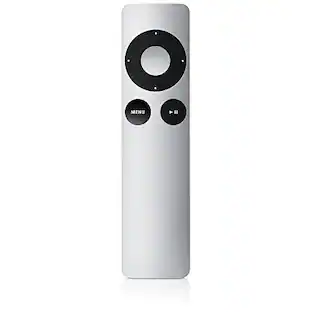
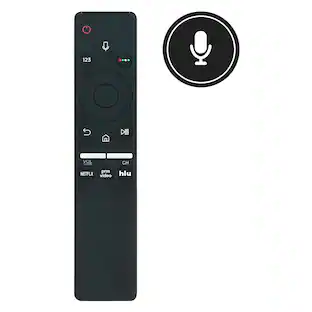
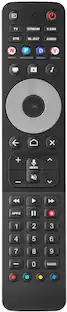
Roku - Voice Remote Pro (2nd Edition) | Rechargeable Replacement Voice Remote, Backlit Buttons & Hands-Free Voice Controls - Black
Customers are saying
Customers recognize the product for its excellent performance, particularly highlighting the convenience of the backlit buttons and the impressive battery life. Users also appreciate the intuitive ease of use, reliable voice control, and the straightforward setup process. While the vast majority of feedback is positive, a small number of users expressed minor concerns regarding the lack of a headphone jack, occasional compatibility issues, and rare charging difficulties.
Stay powered for months
Keep your remote running for three months on a single charge. With 50% more battery life and USB-C charging, Roku Voice Remote Pro (2nd Edition) is the ultimate TV companion.
Built for movie nights
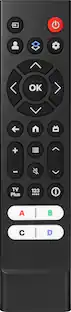
No more fumbling in the dark to find the pause button or turn up the volume. Always know what you’re about to press with easy-to-see backlit buttons.
Just talk to it
Got popcorn fingers? Leave the remote in the other room? Just say “Hey Roku” from across the couch and control your streaming with your voice.
Find your lost remote
Don't break a sweat tearing apart the couch. Just say “Hey Roku, where’s my remote?” or find it using the free Roku Mobile app.
One that does it all
No more juggling remotes. Roku Voice Remote Pro (2nd Edition) powers up your TV, adjusts the volume, and controls your Roku device.
Live TV in a click
Start watching free live TV and local news with just one press.
Do more with your voice
Quickly search across thousands of apps, play entertainment, control your streaming, and more with voice commands.
Save your faves
Set shortcuts to open any app, turn on closed captions, search entertainment, and more with the quick launch button.
Very compatible
Our ultimate remote is designed to work with most Roku players* and any Roku TV model.
- Remote Control TypeVoice control, DedicatedRemote Control FeaturesBacklit, Ergonomic design, Menu and guide support, Remote locator, Voice Activated
Reviews
Rating 4.7 out of 5 stars with 883 reviews
- Backlit Buttons (227)
- Overall Performance (182)
- Battery Life (166)
- Ease of Use (97)
- Voice Control (77)
- Compatibility (4)
- Headphone Jack (4)
- Charging (3)
Customer Images
The vast majority of our reviews come from verified purchases. Reviews from customers may include My Best Buy members, employees, and Tech Insider Network members (as tagged). Select reviewers may receive discounted products, promotional considerations or entries into drawings for honest, helpful reviews.

Compare similar products
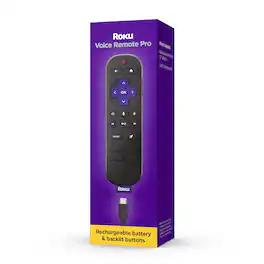
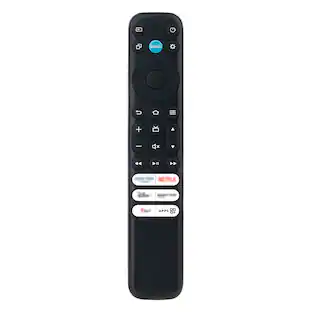
Roku Voice Remote Pro (2nd edition) is the ultimate Roku remote. Enjoy convenient USB-C charging with 50% more battery life that lasts three months on a single charge. Easy-to-see backlit buttons make movie night navigation a breeze. And using your voice to search and control your streaming is as simple as saying, “Hey Roku.” There’s even a voice-activated lost remote finder for when it plays hard to get. Roku Voice Remote Pro (2nd edition) works with most Roku players and all Roku TV models.

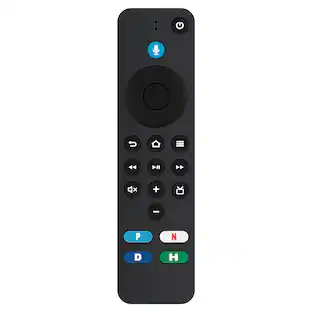
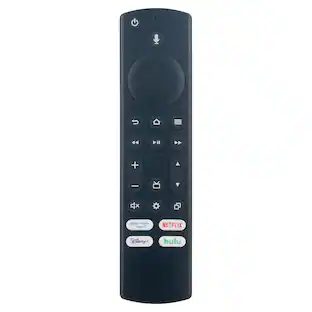
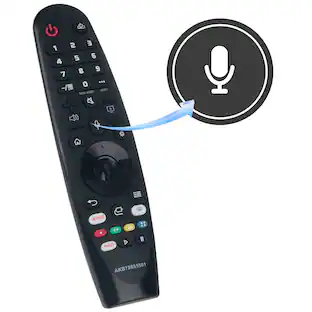
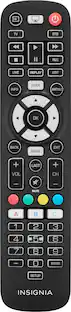
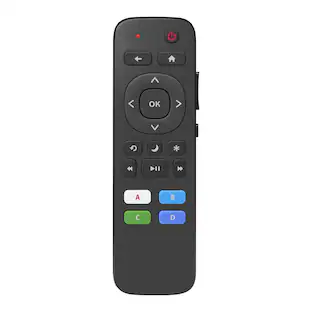
Replace a missing or damaged Roku TV remote with the Insignia Roku Replacement Remote for Insignia, TCL, and Hisense TVs. The remote features both IR learning and macro-learning to easily customize its four programmable buttons to your liking. There are user-friendly buttons to intuitively handle almost any function you are looking for. The remote easily fits in your hand with its slim, lightweight design.

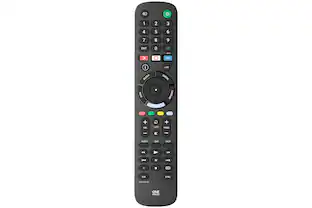
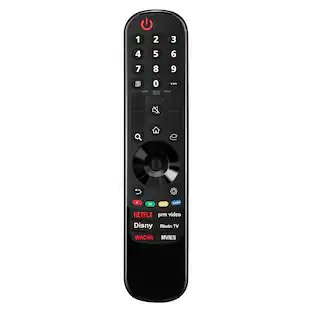
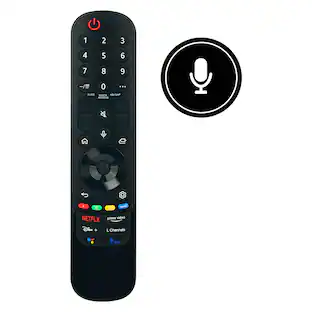
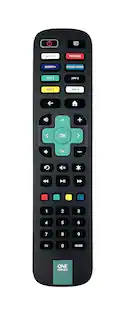
The One For All Roku TV Replacement Remote is the ideal replacement for your original Roku TV remote control. You don’t need to worry about compatibility as this remote works just the same as your original one. No setup is required, simply insert the batteries and it's ready to use on all Roku televisions. This replacement remote supports all common Roku TV functions. Alternatively you can easily use the learing feature to fully customise this remote to your needs, so you will not miss any key! The Roku TV Replacement Remote features 8 handy app shortcut keys to your favourite streaming services, you can select the desired streaming service from a carrosel of 25 available apps and set them up as desired, you will be just one key press away from Amazon Prime, YouTube, Netflix or any other online streaming app.Control the volume (and mute) of your Sound bar/ Audio Receiver thanks to the Audio feature, setup the remote control to your TV and Soundbar/ Audio device as if they were one!. The Roku TV replacement remote is compatible with all types of Roku TVs. This is the perfect solution to replace your old or broken Roku TV remote. Compatible with all brands of Roku Tvs, not compatible with Roku sticks.

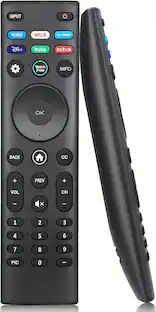
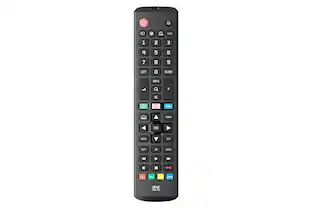
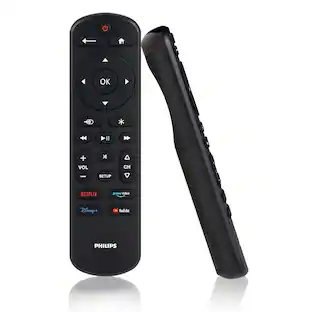
Skip the hassle of programming your replacement remote with the patent-pending Philips OneTouch Streaming Remote. Designed for smart TVs, this remote comes preprogrammed to control six top TV brands and four popular streaming apps — no programming required. Operate your Samsung, LG, Sony and Vizio TVs, as well as Fire TVs and Roku TVs and enjoy direct access to Netflix, Prime Video, Disney+ and YouTube. You’ll soon discover this is the perfect replacement remote for every TV in your home — not to mention the perfect spare to keep on hand for when your TV’s remote breaks or goes missing. Setup is simple. Insert two AAA batteries, then press the TV device button for your TV’s brand. Whether you have a Samsung TV in the living room, a Sony TV in the kitchen, an LG TV in the bedroom, a Vizio TV in the office, a Fire TV in the den or a Roku TV in the home theater, this remote controls them all for endless entertainment at the touch of a button. Additionally, the fully backlit keypad is perfect for bingeing marathons when the lights are low. Take complete control of all your TVs with the Philips OneTouch Streaming Remote.
| Pros for Roku - Voice Remote Pro (2nd Edition) | Rechargeable Replacement Voice Remote, Backlit Buttons & Hands-Free Voice Controls - Black | |||
|---|---|---|---|
| Overall Performance, Ease of Use, Backlit Buttons, Battery Life, Voice Control | Overall Performance, Ease of Use, Connectivity, Setup, Button Functionality | There were no pros for this product— | Ease of Use, Overall Performance, Connectivity, Setup, Compatibility |
| Cons for Roku - Voice Remote Pro (2nd Edition) | Rechargeable Replacement Voice Remote, Backlit Buttons & Hands-Free Voice Controls - Black | |||
| Compatibility, Headphone Jack, Charging | Compatibility, Voice Control | There were no cons for this product— | Button Layout |
Specs
Will this remote work on the Roku Streaming Stick 4K?
Answered by Roku SupportHello Jeff66, yes simply hold the back and home button at the same time for a few seconds until you see a white light and it will automatically pair to the closest Roku device or TV that is turned on.
What can I do if I lose my Roku remote?
You can use the voice-activated lost remote finder by saying, 'Hey Roku, where's my remote?'
This question and answer was generated by AI based on customer and product data.How many buttons does the Roku Voice Remote Pro have?
The Roku Voice Remote Pro has 22 buttons.
This question and answer was generated by AI based on customer and product data.Does this remote work with all Roku devices?
This remote is compatible with most Roku players and all Roku TV models.
This question and answer was generated by AI based on customer and product data.What kind of batteries does this remote use?
This remote uses a rechargeable lithium-ion battery.
This question and answer was generated by AI based on customer and product data.

Customers often buy these together
Customers ultimately bought
Elevate your entertainment Sponsored

Discover related products
 $28.99The price was $119.99