Main Content
Categories & Filters

Sleek Monitors For Modern Setups

Elevate your workspace with sleek monitors for modern setups, designed to complement any contemporary environment. Whether you're upgrading your home office, enhancing your gaming station, or streamlining your professional desk, these monitors offer a stylish solution that fits seamlessly into today’s tech-savvy lifestyles. Discover options that blend cutting-edge aesthetics with versatile performance, making it easy to create a clean, organized, and visually appealing setup. Find the perfect monitor to match your modern vision and enjoy an upgraded viewing experience every day.

Read More
Results
Main Results
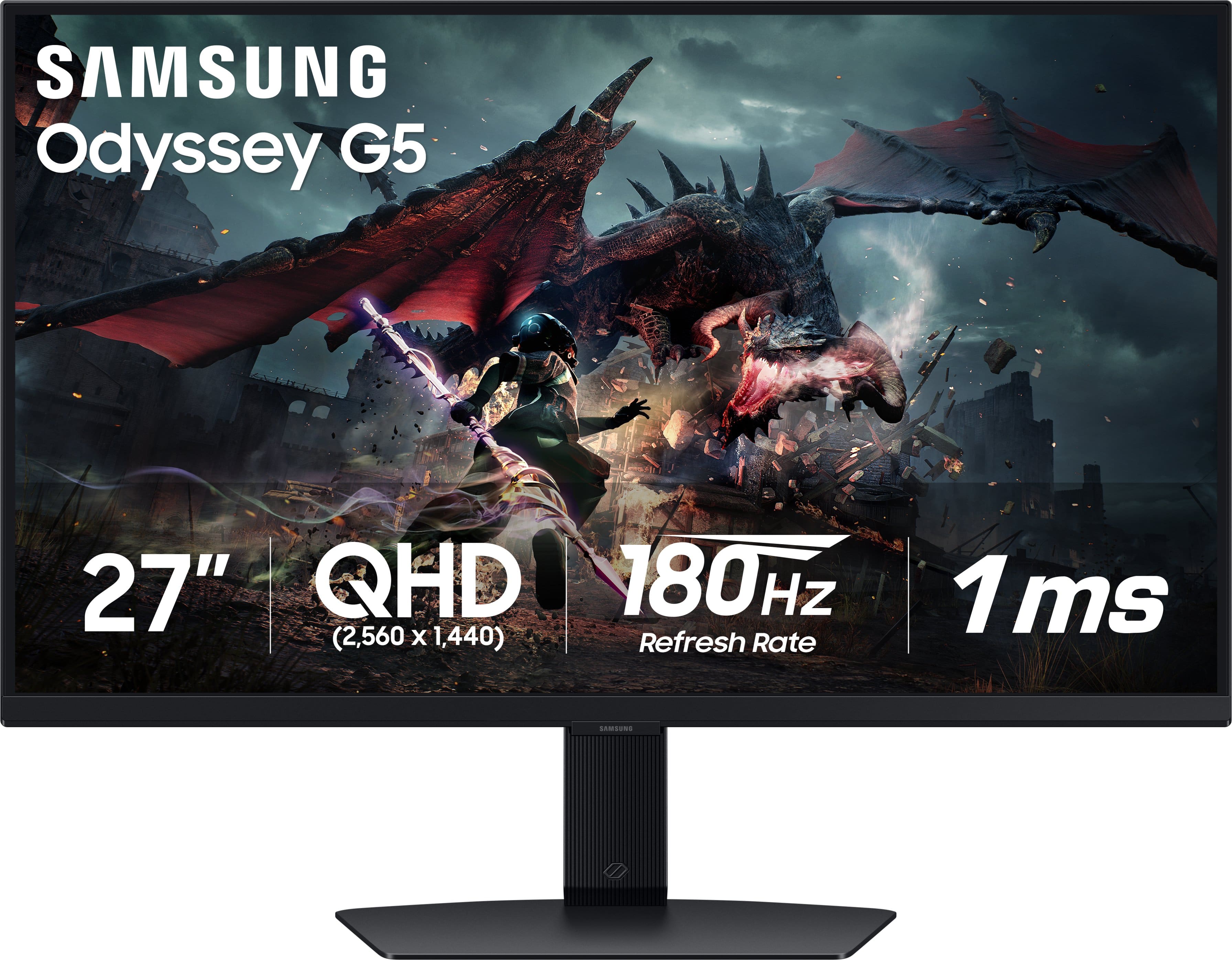
  1. Samsung - 27” Odyssey G50D QHD IPS 180Hz 1ms AMD FreeSync and G-Sync Compatible Gaming Monitor with HDR 400 (DisplayPort, HDMI) - Black

    SKU: J3ZYG2HYQS

    Love it I’m gaming all night best one yet!!!!Must buy this !!!!...Works great. The best display i have had so far. 4k

    Product Description

    A black QHD gaming monitor with 180Hz refresh rate, 1ms response, HDR400, and adaptive sync support.
    See all Gaming Monitors
    Your price for this item is $209.99
    Save $140
    The previous price was $349.99
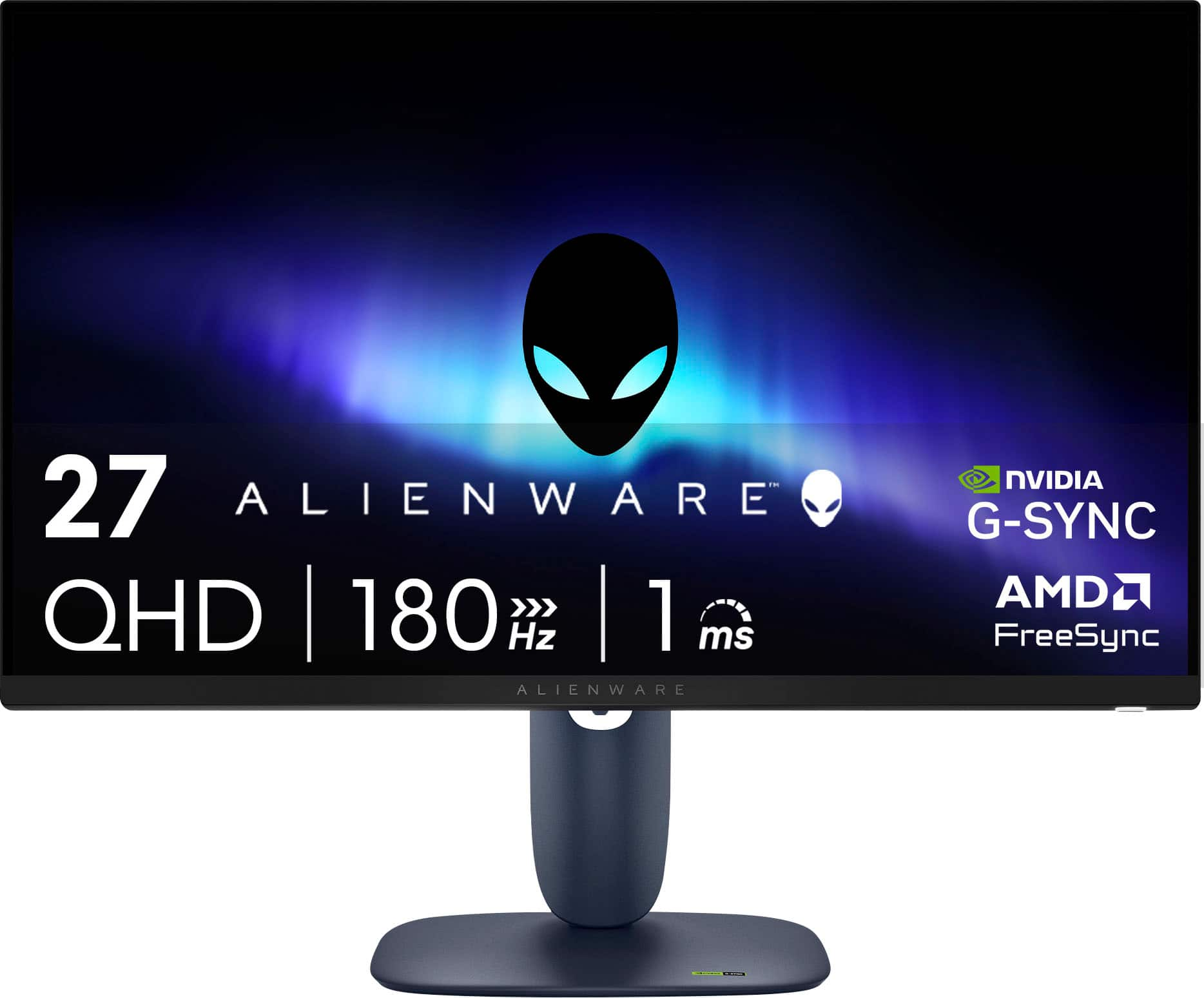
  2. Alienware - AW2725DM 27" IPS LED QHD 180Hz 1ms FreeSync and G-Sync Compatible Gaming Monitor with HDR (HDMI, DisplayPort, USB) - Interstellar Indigo

    SKU: J3K4L636PR

    Great item I love Best Buy. Come to Best Buy for all your needs...Amazing cool equipment best in town love it absolutely

    Product Description

    A black QHD gaming monitor with 180Hz refresh rate, 1ms response, HDR, FreeSync, and G-Sync support.
    See all Gaming Monitors
    Your price for this item is $199.99
    Save $70
    The previous price was $269.99
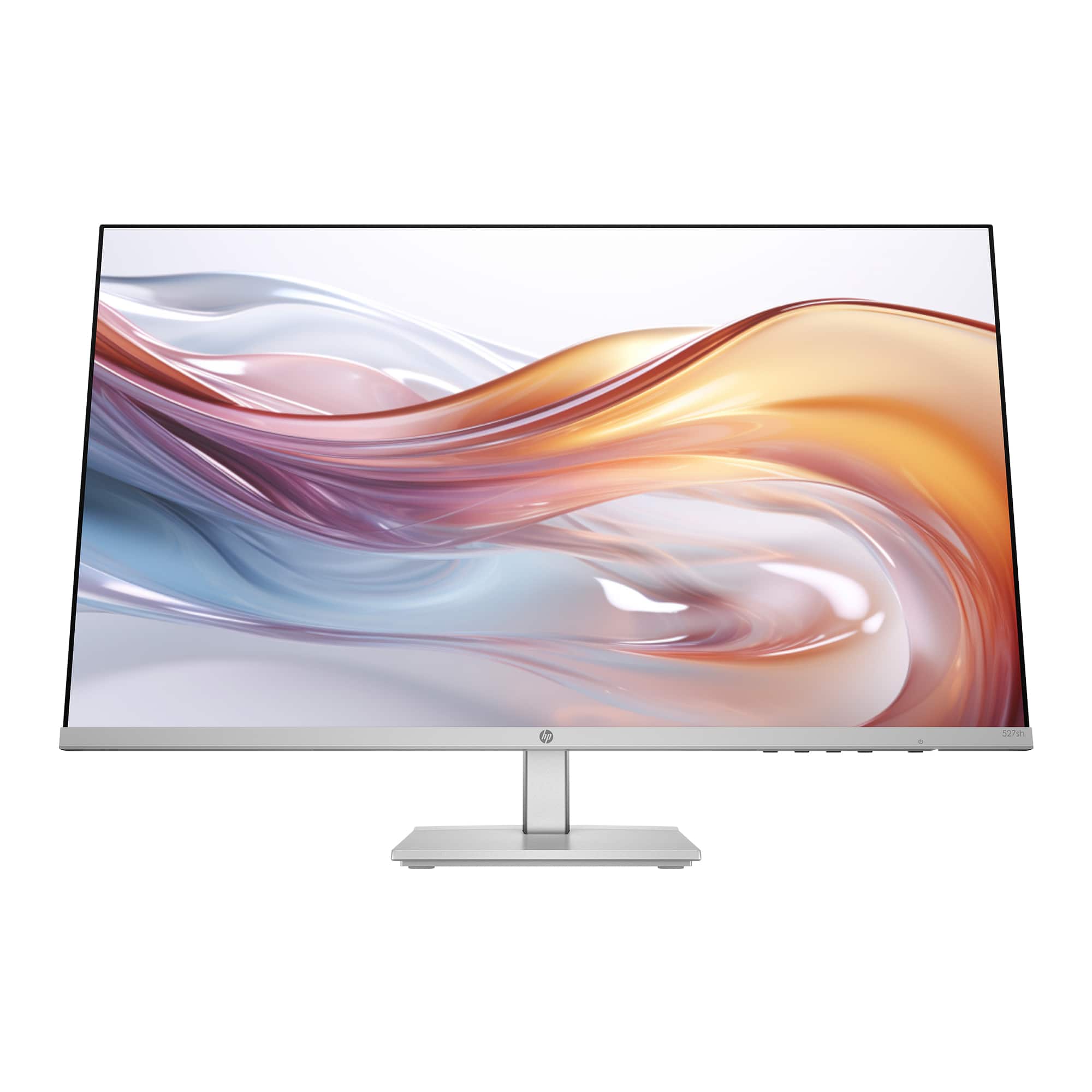
  3. HP - 27" IPS LED FHD 100Hz Monitor with Adjustable Height (HDMI, VGA) - Silver & Black

    SKU: JJGLF5GC29

    Monitor -Best purchase...I love it! The size is great and the clarity is excellent....Great Monitor...Great monitor. l love that it can adjust up and down that it can tilt....Best for gaming and for work!...

    Product Description

    A sleek silver and black IPS LED monitor with FHD resolution, 100Hz refresh rate, and adjustable height.
    See all All Monitors
    Your price for this item is $149.99
    Save $80
    The previous price was $229.99
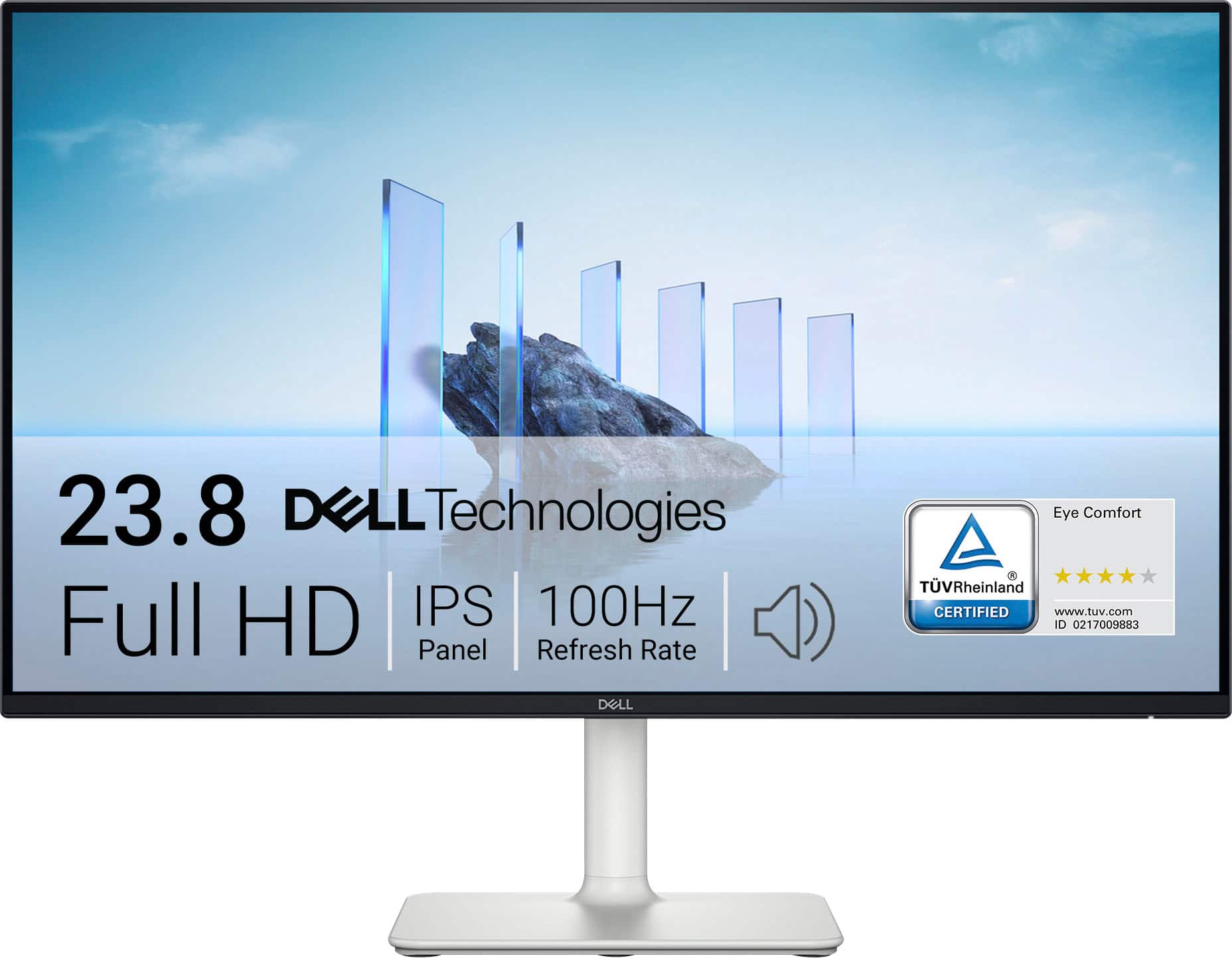
  4. Dell - S2425H 24" IPS LED FHD 100Hz 8ms Monitor (HDMI) - Ash White

    SKU: J3K4L62KC5

    Has great sound quality. Great pic. Would recommend for sure!...Great monitor for office work or recreation. Crisp color

    Product Description

    An ash white IPS LED monitor with FHD resolution, 100Hz refresh rate, and integrated speakers for immersive viewing.
    See all All Monitors
    Your price for this item is $289.99
  5. Dell - SE2426HS 24" IPS LCD FHD 144Hz FreeSync Height Adjustable Monitor (HDMI, USB) - Black

    SKU: J3K4L6WZWZ

    Best Graphic best price...The graphics is very great and perfect. With a great price. Best buy the best....Best Lcd...I am in love with this LCD and totally saturated with my purchase

    Product Description

    A black IPS LCD monitor with 144Hz refresh rate, 1ms response time, and AMD FreeSync support.
    See all All Monitors
    Your price for this item is $89.99
    Save $30
    The previous price was $119.99
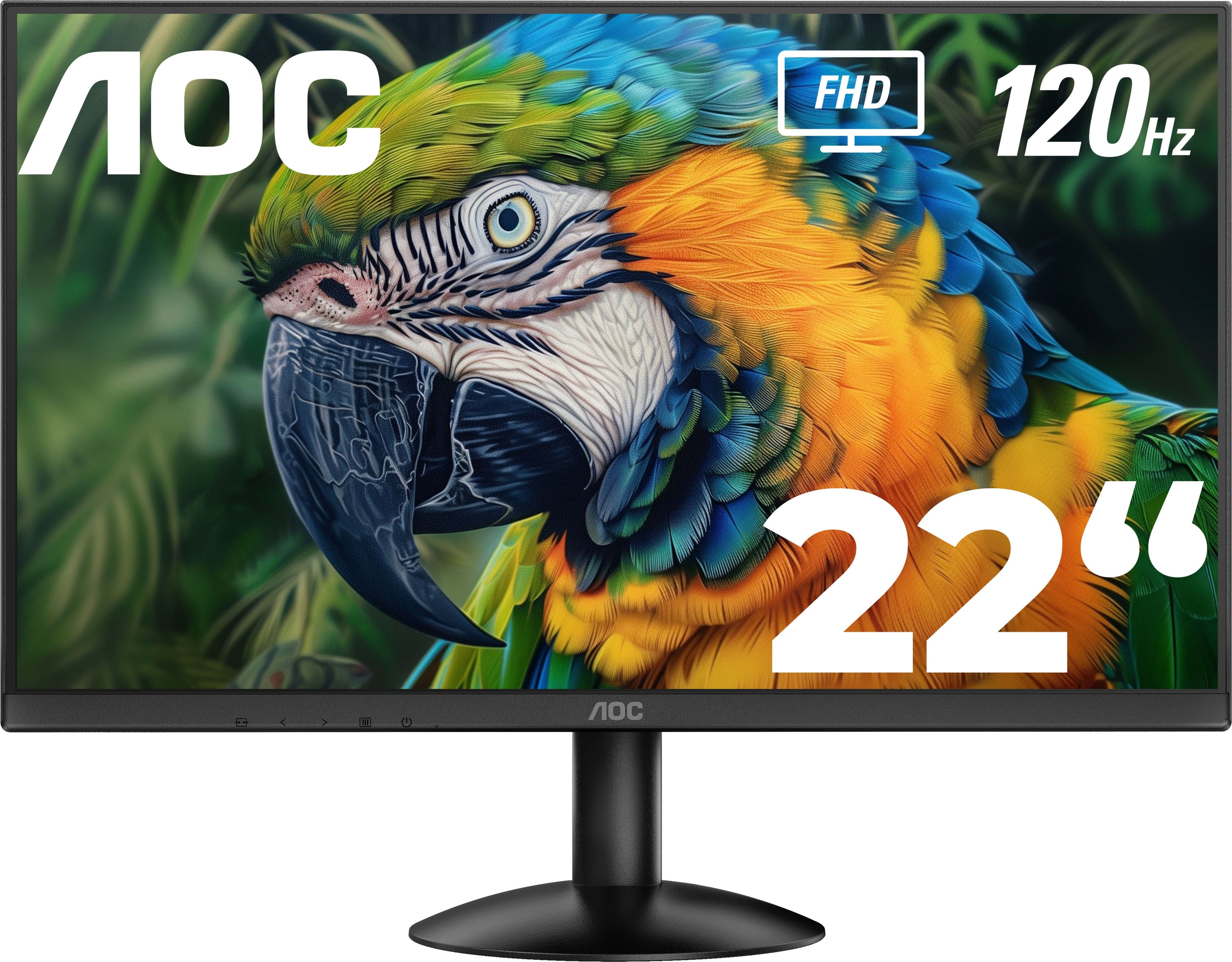
  6. AOC - 22" 22B30HM2 FHD monitor - Black

    SKU: JX9GSKP6QG

    This was great price for this monitor! I bought it for my bf and he loves it!...The guy at Best Buy was super helpful with everything we needed and super nice so great service!...GREAT PURCHASE MONITOR...Then,...

    Product Description

    A sleek black frameless monitor featuring FHD resolution, VA panel, 120Hz refresh rate, and AMD FreeSync.
    See all All Monitors
    Your price for this item is $99.99
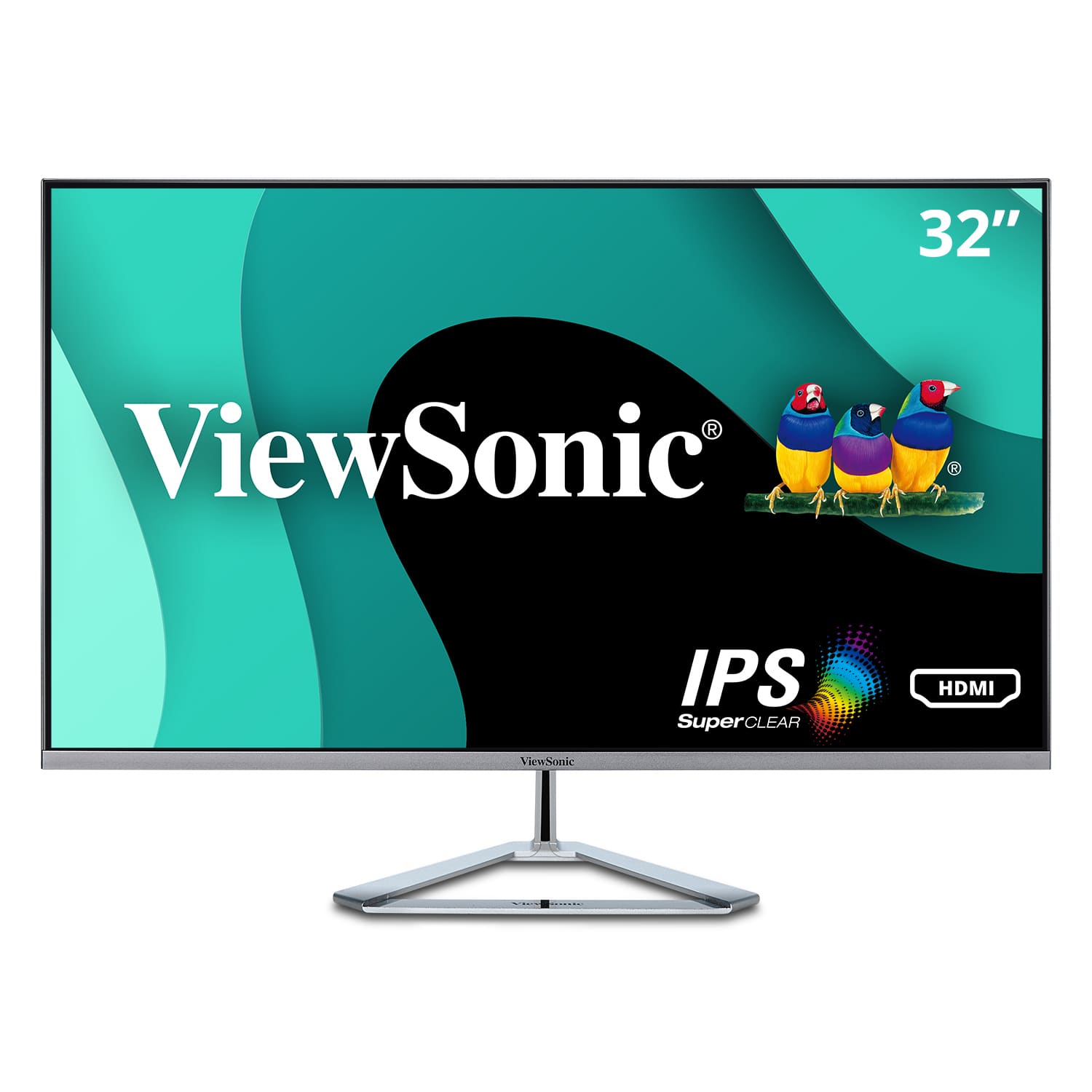
  7. ViewSonic - VX3276-MHD 31.5" IPS LCD FHD Monitor (DisplayPort VGA, HDMI) - Metallic Silver

    SKU: J37H8YY7FW

    Great monitor…great value....Great monitor for home or office!...This is a great monitor.

    Product Description

    A sleek metallic silver monitor featuring a 31.5" IPS FHD display, 75Hz refresh rate, and integrated speakers.
    See all All Monitors
    Your price for this item is $184.33
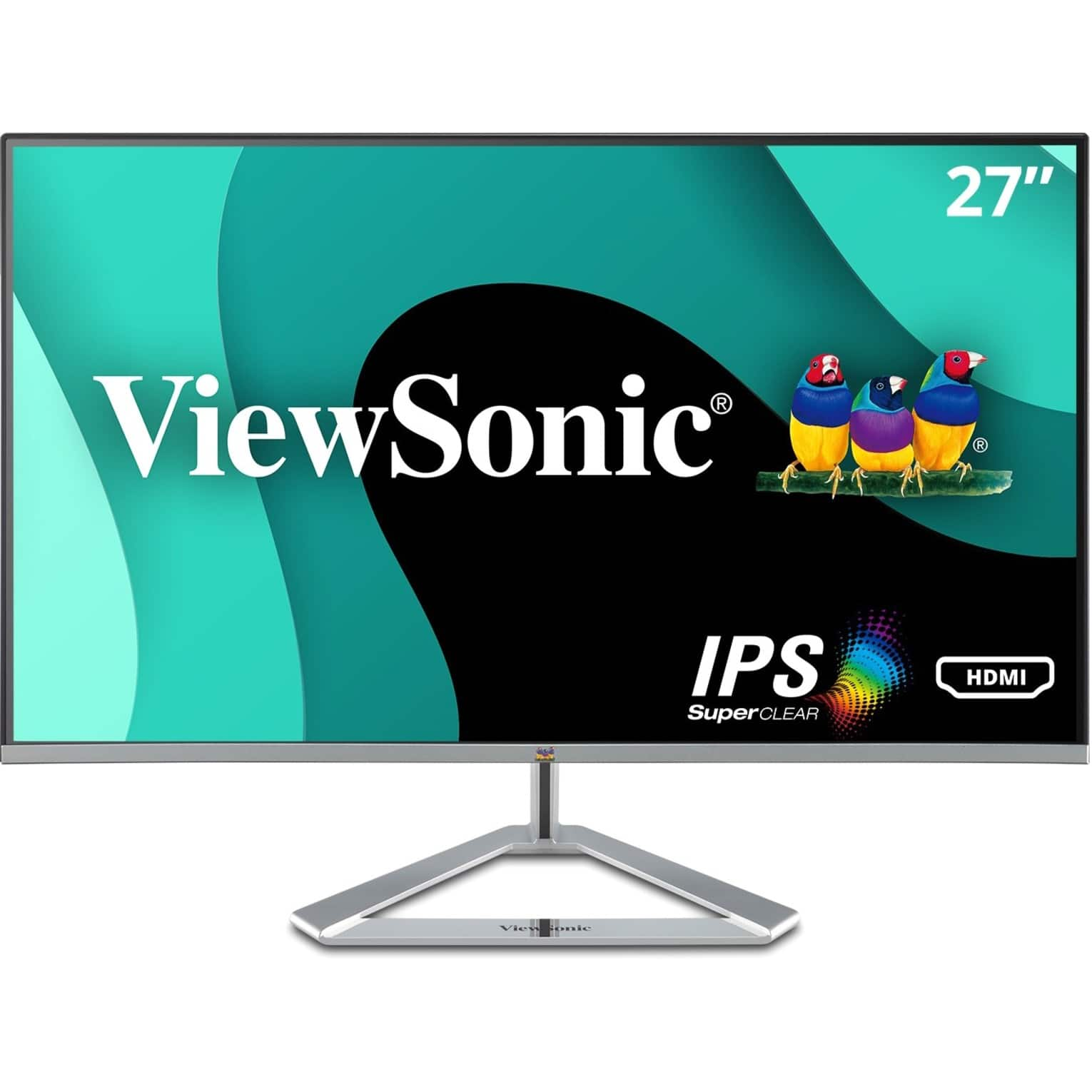
  8. ViewSonic - VX2776-SMHD 27" IPS LCD FHD Monitor (DisplayPort VGA, HDMI) - Black/Silver

    SKU: J37H8YJ92V

    Product Description

    A sleek black and silver IPS monitor with Full HD resolution, ultra-wide viewing angles, and integrated speakers.
    See all All Monitors
    Your price for this item is $149.99
  9. Dell - 23.8" IPS LED FHD 100Hz Monitor (VGA, USB, HDMI) - Black, Silver, Multicolor

    SKU: J3K4L62V5Y

    Product Description

    A sleek black and silver IPS LED monitor offering FHD resolution, 100Hz refresh rate, and versatile connectivity.
    See all All Monitors
    Your price for this item is $181.99
    Save $7
    The previous price was $188.99
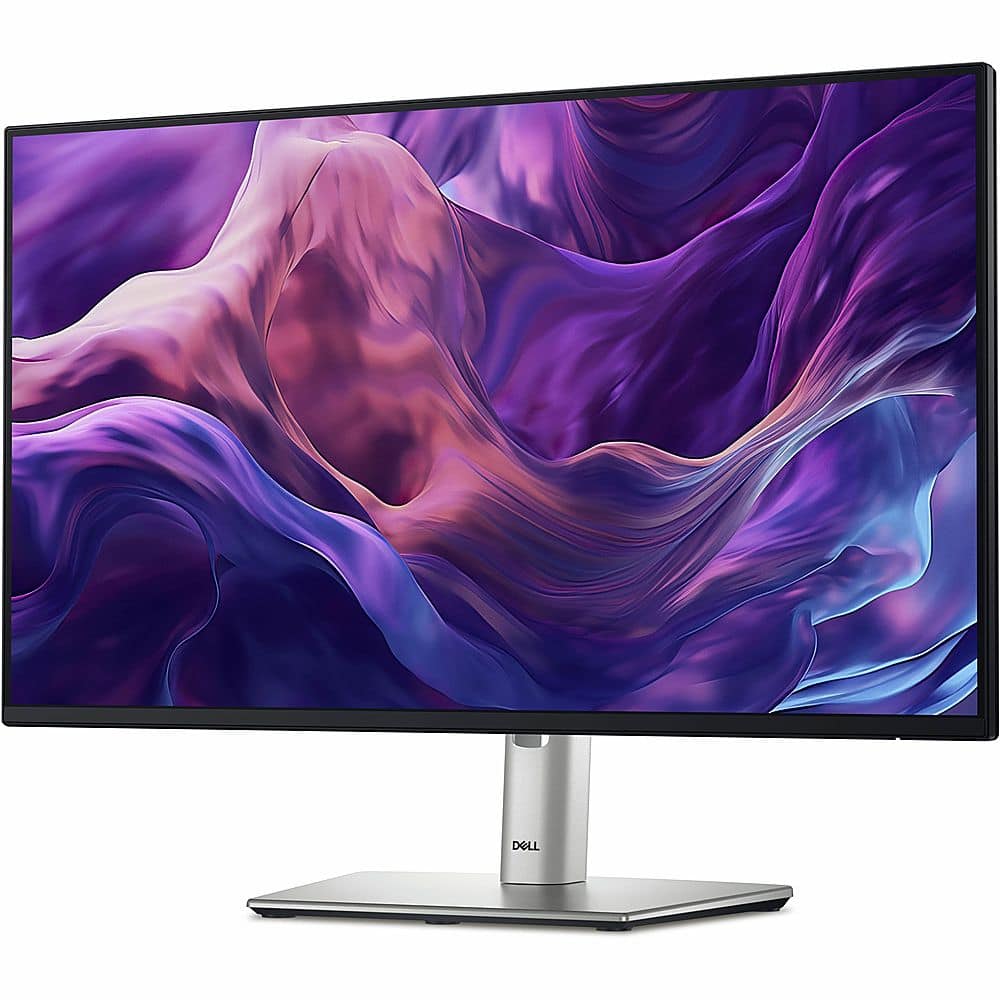
  10. Dell - 27" LCD FHD Monitor (DisplayPort, USB, HDMI) - Black/Silver

    SKU: J3K4L9VSF5

    Product Description

    A sleek black and silver IPS monitor with FHD resolution, ultrathin bezels, and adjustable stand height.
    See all All Monitors
    Your price for this item is $299.00
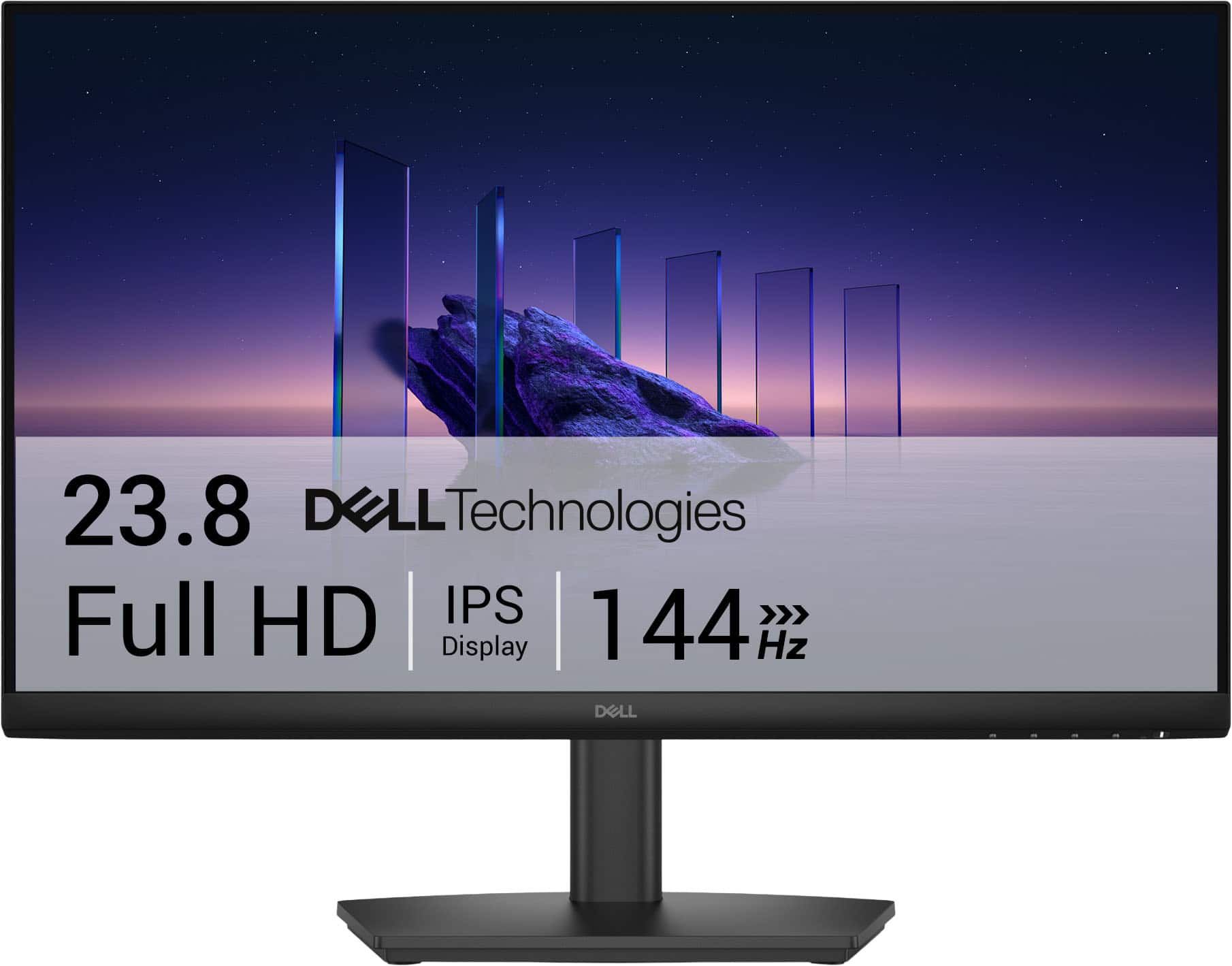
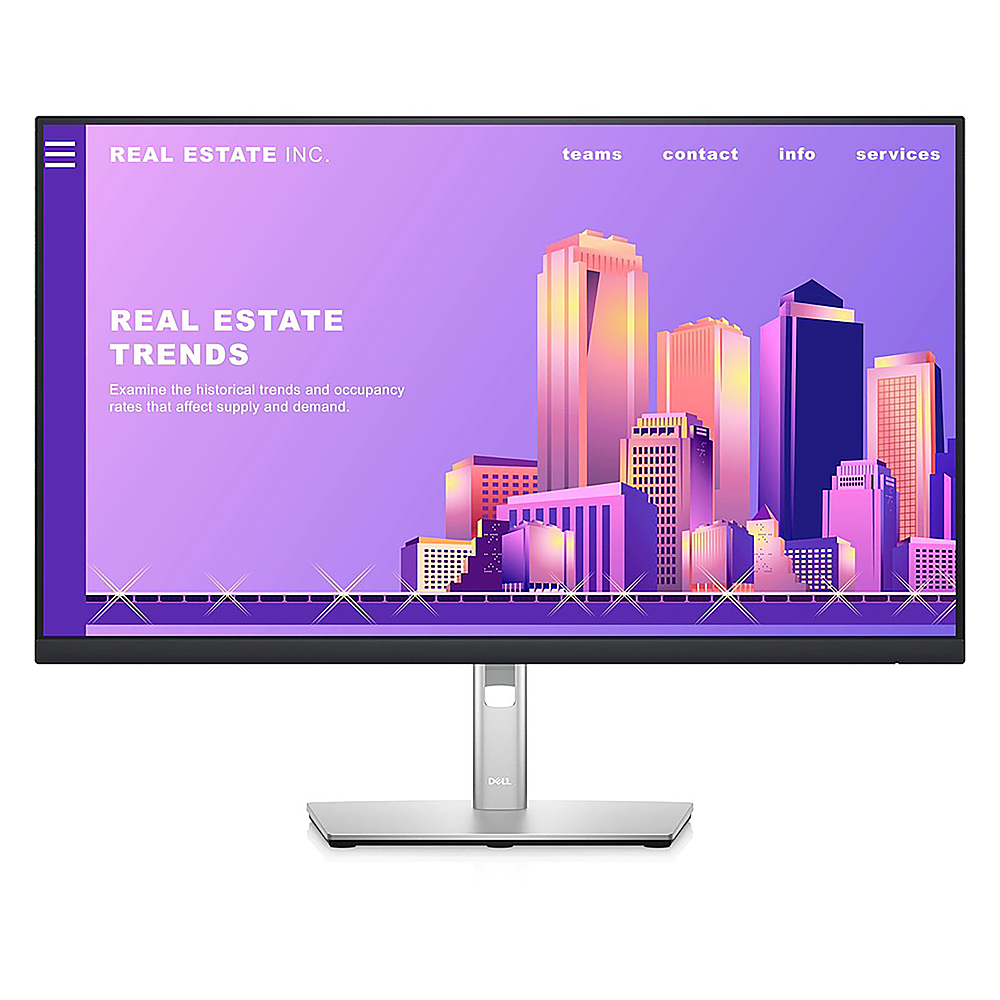
Sleek monitors can bring a polished, intentional look to a modern setup while adding the screen space and clarity needed for work, creativity, study, entertainment and everyday computing. Instead of treating a monitor as an afterthought, many shoppers now choose one as a central part of the room’s design, pairing a slim display with a clean desk, a compact keyboard, a wireless mouse and carefully managed cables. Narrow bezels help the picture extend closer to the edges, while a thin profile can leave more visual breathing room on a shallow desk or floating shelf. Metallic finishes, understated stands and simple geometric lines can complement home offices, bedrooms, shared workspaces and living areas without competing with the rest of the décor. A sleek monitor may also be a thoughtful gift for a student preparing for a new semester, a remote worker refreshing a home office during the cooler months, a creative professional building a more accurate editing station or a gamer looking to complete a streamlined setup. When evaluating options, begin with the available space and the way the screen will be used. A 24- or 27-inch monitor can fit comfortably on a compact desk and still provide plenty of room for documents, browser windows and video calls. A 31.5-inch or larger display offers a more immersive view and makes side-by-side multitasking easier, although it deserves a deeper desktop and a comfortable viewing distance. Ultra-wide and wide-format screens can replace a two-monitor arrangement for shoppers who want multiple windows without a center bezel, while a conventional 16:9 screen remains versatile for office work, streaming and console or PC gaming. A VESA-compatible design is worth considering when a monitor arm or wall mount is part of the plan, particularly for setups where raising the display can improve posture and free space beneath it.

Resolution is another important part of the decision. Full HD can be practical for basic productivity and smaller screens, while QHD provides a noticeable increase in workspace and text sharpness on many 27-inch displays. 4K UHD is well suited to detailed photos, video, design projects, spreadsheets and crisp text, especially on larger screens where extra pixels help images look refined rather than stretched. Some premium displays go beyond standard 4K with very high resolutions or wide formats for extensive timelines, large design canvases and multi-window workflows. Color performance matters when the monitor will be used for photography, video editing, illustration or content creation. Look for coverage of color spaces such as sRGB or DCI-P3, along with a panel that offers consistent color across a broad viewing angle. HDR support can add brighter highlights and deeper-looking contrast in compatible movies, games and creative content, though the real-world impact depends on brightness, contrast and local dimming capabilities rather than the HDR label alone. Panel type also shapes the experience: IPS-style panels are often valued for color and viewing angles, while other panel technologies may emphasize contrast or fast response. For games and fast-moving video, check the refresh rate, response time and adaptive-sync compatibility. For office work, comfort features can be just as meaningful as headline specifications. Height, tilt, swivel and pivot adjustments make it easier to position the screen for long sessions, and a low-blue-light mode or flicker-reduction feature may be useful when reading late in the day. Built-in speakers can reduce desktop clutter for calls and casual media, while a headphone jack offers a convenient connection point.

Connectivity has a major effect on whether a setup stays clean over time. Check which video inputs are included, such as HDMI, DisplayPort or USB-C, and make sure they match the computer, docking station, game console or other sources that will be connected. USB-C can be especially helpful for compatible laptops because one cable may carry video, data and power, reducing the tangle of cords across a desk. When power delivery is supported, a monitor may charge a connected laptop while also serving as its display, with the exact wattage determining how well it handles different computers under load. A built-in USB hub can keep a webcam, keyboard, storage drive or other accessory within easy reach, while an Ethernet connection on select displays can help simplify a laptop workstation. A KVM switch is useful for people who move between two computers and want to share one monitor, keyboard and mouse without repeatedly unplugging everything. Software features can add another layer of convenience, including tools for arranging windows, switching inputs or dividing a large screen into organized work zones. Before purchasing, verify the included cables, the computer’s output capabilities and the monitor’s maximum supported resolution and refresh rate; a display may offer impressive specifications that require the right port standard and cable to reach their full potential. Shoppers comparing styles and finishes can also browse Stylish Monitors for Workspace Aesthetics for more ideas that balance appearance with everyday performance.

The best sleek monitor is ultimately the one that fits the person, the desk and the daily routine. Someone who spends hours in spreadsheets may appreciate a larger high-resolution panel, sharp text and an adjustable stand, while a photographer or designer may place color accuracy and a wide gamut at the top of the list. A student might benefit from a dependable 27-inch screen with simple connectivity for research, writing and online classes, and a remote employee may value USB-C charging, a webcam-friendly layout and easy input switching. For a shared family space, wide viewing angles and a neutral finish can make the monitor comfortable for more than one person and easy to blend into the room when the workday ends. A gaming-focused setup may call for a higher refresh rate, adaptive sync and a responsive connection, whereas a home entertainment station may benefit from strong contrast, HDR support and built-in audio. Consider the desk’s lighting as well: a matte screen can help reduce reflections near a window, and thoughtful brightness controls can make the display more comfortable as daylight fades during the cooler months. It is also helpful to measure the stand footprint, cable routing path and distance from the front edge of the desk before ordering. Even a beautifully minimal monitor can feel bulky if its base takes up valuable room or if the ports are difficult to reach. With the right combination of size, resolution, color, ergonomics and connectivity, a sleek display can make a workspace feel calmer and more capable, turning a crowded collection of devices into a cohesive place for focused work, creative projects, gaming and relaxation.

FAQ

Monitors designed for modern setups often feature slim bezels, minimalist stands, high-resolution displays, and advanced connectivity options like USB-C or HDMI. These features help create a clean, stylish workspace while supporting the latest devices.

Sleek monitors typically have thin profiles, edge-to-edge screens, and elegant finishes that blend seamlessly with contemporary decor. Their streamlined design reduces visual clutter and contributes to a more organized and visually appealing environment.

Yes, modern monitors often include versatile ports such as USB-C, DisplayPort, and multiple HDMI inputs. These allow easy connection to laptops, desktops, and other devices while supporting fast data transfer and charging capabilities.

Absolutely. Many sleek monitors offer ultra-wide aspect ratios or can be easily paired side-by-side thanks to their slim bezels. This makes them ideal for multitasking, increasing productivity by allowing more windows or applications to be open simultaneously.

Common display technologies include IPS panels for wide viewing angles and accurate colors, LED backlighting for energy efficiency, and high refresh rates for smooth visuals. Some models also feature anti-glare coatings and blue light filters for comfortable extended use.