ViewSonic - VX3276-MHD 31.5" IPS LCD FHD Monitor (DisplayPort VGA, HDMI) - Metallic Silver
Customers are saying
Customers are satisfied with the VX3276-MHD monitor's color quality, describing the picture as clear and crisp. They also appreciate how easy it is to set up. Overall, users seem to find the monitor user-friendly and visually appealing. There were no cons mentioned about this product.
Highlights
Full HD
31.5in screen size with 1920 x 1080 resolution provides a native display of Full HD video sources without any degradation due to down-sampling technologies
Viewable Screen Size and Panel Type
31.5in screen size with LED backlight that enhances the display performance to deliver an outstanding color range and contrast ratio
LCD Display
Enjoy stunning, luminescent visual images with LCD display
VESA Compatible
VESA mount compatibility allows you to mount the display on a wall or with a stand depending on your specific needs
Brightness
View your content easily in well-lit areas with 250 Nit brightness
Contrast Ratio
80,000,000:1 contrast ratio provides great execution for displaying the darkest black and brightest white
- Refresh Rate75HzMaximum Resolution1920 x 1080Response Time4 millisecondsPanel TypeIPSSynchronization TechnologyNot Applicable
Reviews
Rating 4.5 out of 5 stars with 29 reviews
- Color Quality (16)
- Setup Ease (6)
- Design (3)
Customer Images
The vast majority of our reviews come from verified purchases. Reviews from customers may include My Best Buy members, employees, and Tech Insider Network members (as tagged). Select reviewers may receive discounted products, promotional considerations or entries into drawings for honest, helpful reviews.
Compare similar products

The ViewSonic VX3276-mhd is a sleek 32-Inch Full HD monitor with a modern and minimalist style perfect for home and office use. With SuperClear IPS Panel technology, this monitor offers best-in-class screen performance with ultra-wide viewing angles. A premium ID includes an ultra-slim profile, unique desktop stand, and a sleek edge-to-edge frameless design, that when combined with vivid 1920x1080 resolution and dual speakers, deliver an immersive viewing experience for home entertainment, multimedia applications, and office work. HDMI, DisplayPort, and VGA inputs offer flexible connectivity options for both computing and gaming environments, while ViewSonics exclusive ViewMode feature provides intuitive presets for optimized screen performance in different applications. In addition, Flicker-Free technology and a Blue Light Filter help to minimize eyestrain from extended viewing periods. With ViewSonics industry-leading 3-year limited warranty, this monitor is a solid long-term investment that combines style and high performance on any desktop.

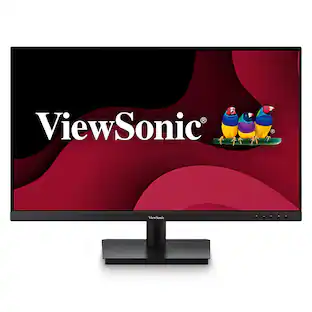
With an expansive screen and flexible connectivity options, the ViewSonic VA3209m monitor delivers an immersive viewing experience well suited for home or office use. This 32" (31.5" viewable) monitor comes with SuperClear IPS panel technology so you can experience stunning brightness and contrast at nearly any viewing angle. With a minimalist edge-to-edge screen and a 3-sided frameless bezel, you can easily create a seamless multi-monitor setup. Connect laptops, PCs, gaming consoles and other multimedia devices using the HDMI port. And with powerful features like flicker-free technology and a blue light filter, you can work or play for longer with less strain. Enjoy a 3 year limited warranty, industry-leading pixel performance policy and so much more with the ViewSonic VA3209M monitor.
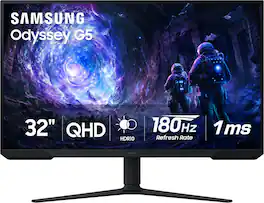
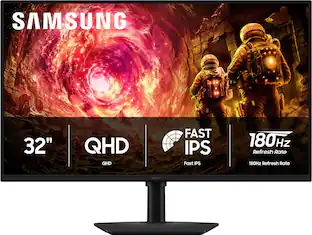
Samsung’s 32” Odyssey G5 G51F Gaming Monitor boasts incredibly detailed, pin-sharp images with QHD resolution (2560x1440). HDR10 provides brighter highlights, improved contrast and color accuracy, making every scene feel more vivid and realistic. 180Hz Refresh Rate and near-instant 1ms Response Time (MPRT) captures all your moves with reduced lag for ultra-smooth gameplay. AMD FreeSync Premium Pro reduces choppiness, screen lag, and image tears. Black Equalizer allows you to adjust dark areas in games, so you can locate opponents hiding in the deepest shadows. Virtual Aim Point allows you to hit your marks with next-level accuracy, giving you the optimal aim with crosshairs on the screen. Auto Source Switch+ instantly switches to a new source signal when connected devices are turned on, without having to use multiple inputs. Ergonomic stand makes it simple to tilt and adjust the monitor for total gaming comfort.
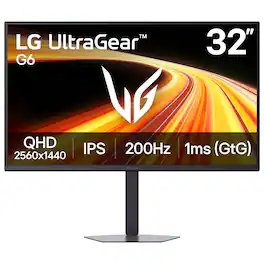
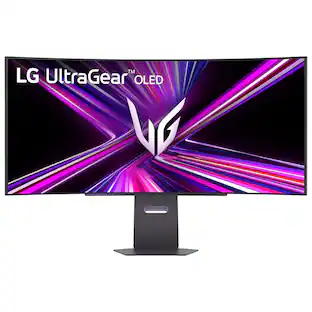
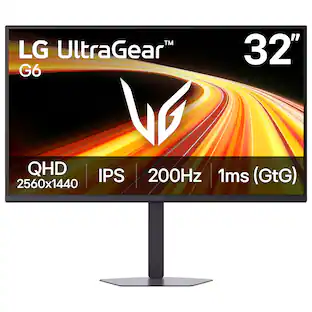
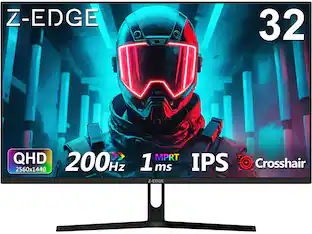
Dominate every match with the 32" QHD (2560x1440) UltraGear gaming monitor built for speed and precision. A 200Hz refresh rate and 1ms (GtG) response time deliver ultra-smooth motion, reduced blur, and fast, responsive control—so you can react instantly and stay ahead in fast-paced gameplay. The large 32-inch QHD display delivers sharp detail and expanded screen space, giving you more room to track movement and stay fully immersed. HDR10 and up to 99% sRGB bring bold color, deeper contrast, and improved visibility in both dark scenes and bright highlights. Stay tear-free with NVIDIA G-SYNC Compatible¹ and AMD FreeSync Premium, minimizing stutter and input lag for consistently smooth performance across your favorite games. High-speed 200Hz gameplay keeps every frame fluid and controlled, while 1ms response time reduces ghosting for crisp clarity in motion. Gain a competitive edge with built-in gaming tools. Dynamic Action Sync reduces input lag for faster reactions, Black Stabilizer reveals enemies in dark scenes, Crosshair improves aim in FPS games, and the FPS Counter delivers real-time performance data. LG Switch streamlines your setup with quick access to display settings, brightness, and multi-window layouts—split your screen into up to 11 layouts and keep gaming, streaming, and multitasking organized. The adjustable stand with tilt, swivel, and height lets you dial in your ideal setup, while the slim, space-saving design keeps your desk clean and focused.
| Pros for ViewSonic - VX3276-MHD 31.5" IPS LCD FHD Monitor (DisplayPort VGA, HDMI) - Metallic Silver | |||
|---|---|---|---|
| Design, Color Quality, Setup Ease | Picture Quality | Overall Performance, Screen Size, Refresh Rate, Resolution | Overall Performance, Refresh Rate, Design, Screen Size, Display Clarity |
| Cons for ViewSonic - VX3276-MHD 31.5" IPS LCD FHD Monitor (DisplayPort VGA, HDMI) - Metallic Silver | |||
| There were no cons for this product— | There were no cons for this product— | Speakers, Connectivity, Black Levels, HDR Performance | There were no cons for this product— |
Specs
Customers often buy these together
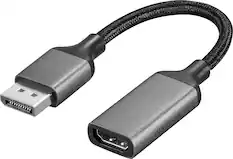
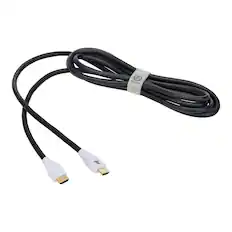
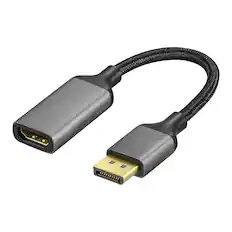
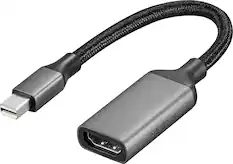
Monitor and Video Cables

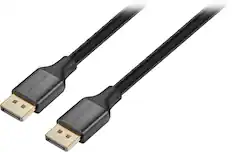
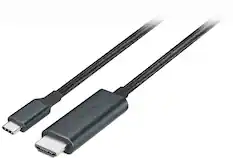
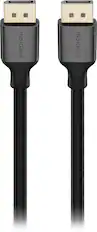

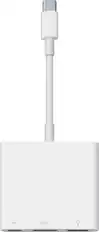

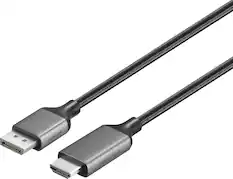

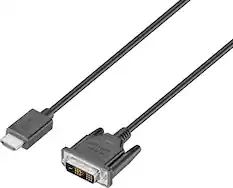
Cables and Adapters
More to consider
 Top Deal$199.99The price was $329.99
 $169.99The price was $199.99
 Top Deal$149.99The price was $229.99
 Top Deal$219.99The price was $349.99
 $209.99The price was $249.99

Explore tech essentials Sponsored
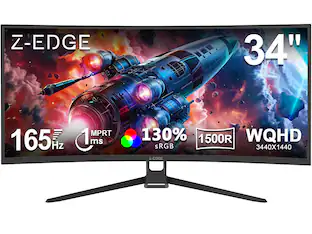 $229.99The price was $249.99
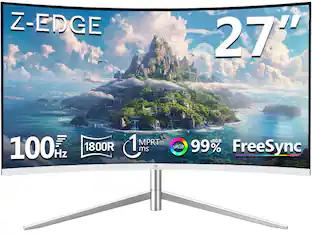 $149.99The price was $169.99
Discover related products
 $12.99The price was $13.99
 $459.99The price was $535.78








Keep exploring
 $1,499.99The price was $2,101.91
 $824.99The price was $979.32
 $204.99The price was $221.49