Syncing iPhones
-
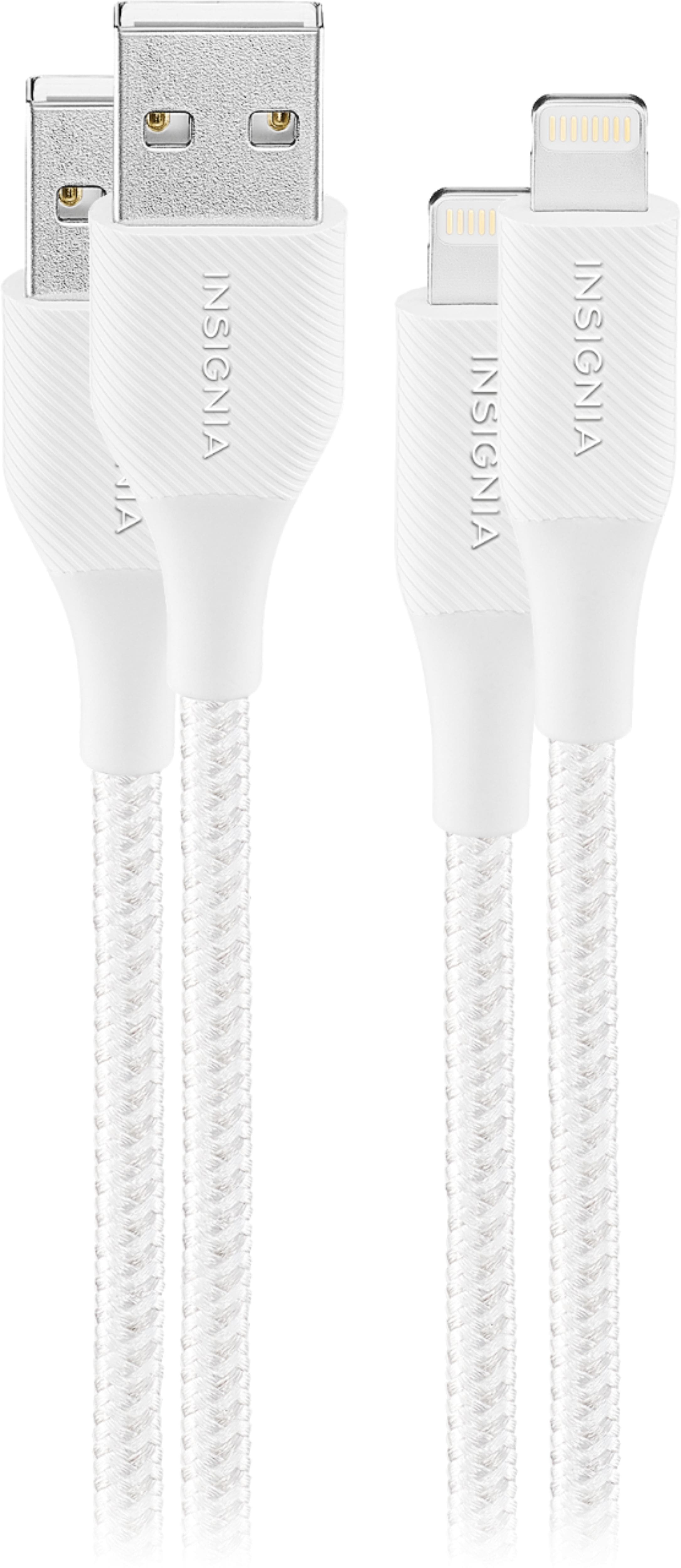
Insignia™ - 6' Lightning to USB Charge-and-Sync Cable (2 Pack) - Moon Gray
SKU: J2FPJKLHZZGreat product and works very well with my phone I love best buy...Great find, and love the color. Best Buy reps were helpful in the selection.
See all Cell Phone Chargers & CablesProduct Description
A durable, moon gray braided cable pair for charging and syncing Lightning devices with flexible 6-foot reach.Your price for this item is $16.99Save $2The previous price was $18.99 -
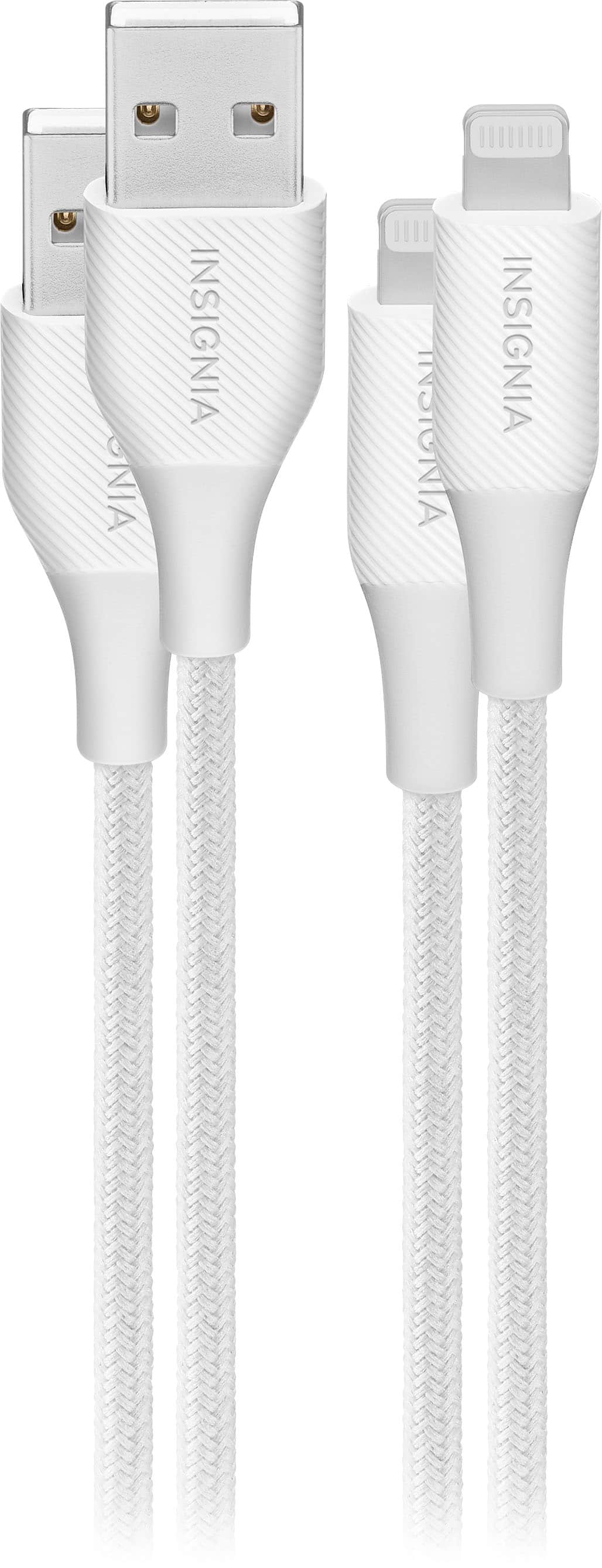
Insignia™ - 4' Lightning to USB Braided Charge-and-Sync Cable (2 Pack) - Moon Gray
SKU: J2FPJKS56HThis charger is my favorite to buy from Best Buy. Its a great product that lasts a long time....I love going to Best Buy. The workers are always very helpful and friendly....Mack was great!...Great product...
See all Cell Phone Chargers & CablesProduct Description
A durable moon gray braided cable pair for charging and syncing Lightning devices with flexible 4-foot reach.Your price for this item is $14.99Save $2The previous price was $16.99 -
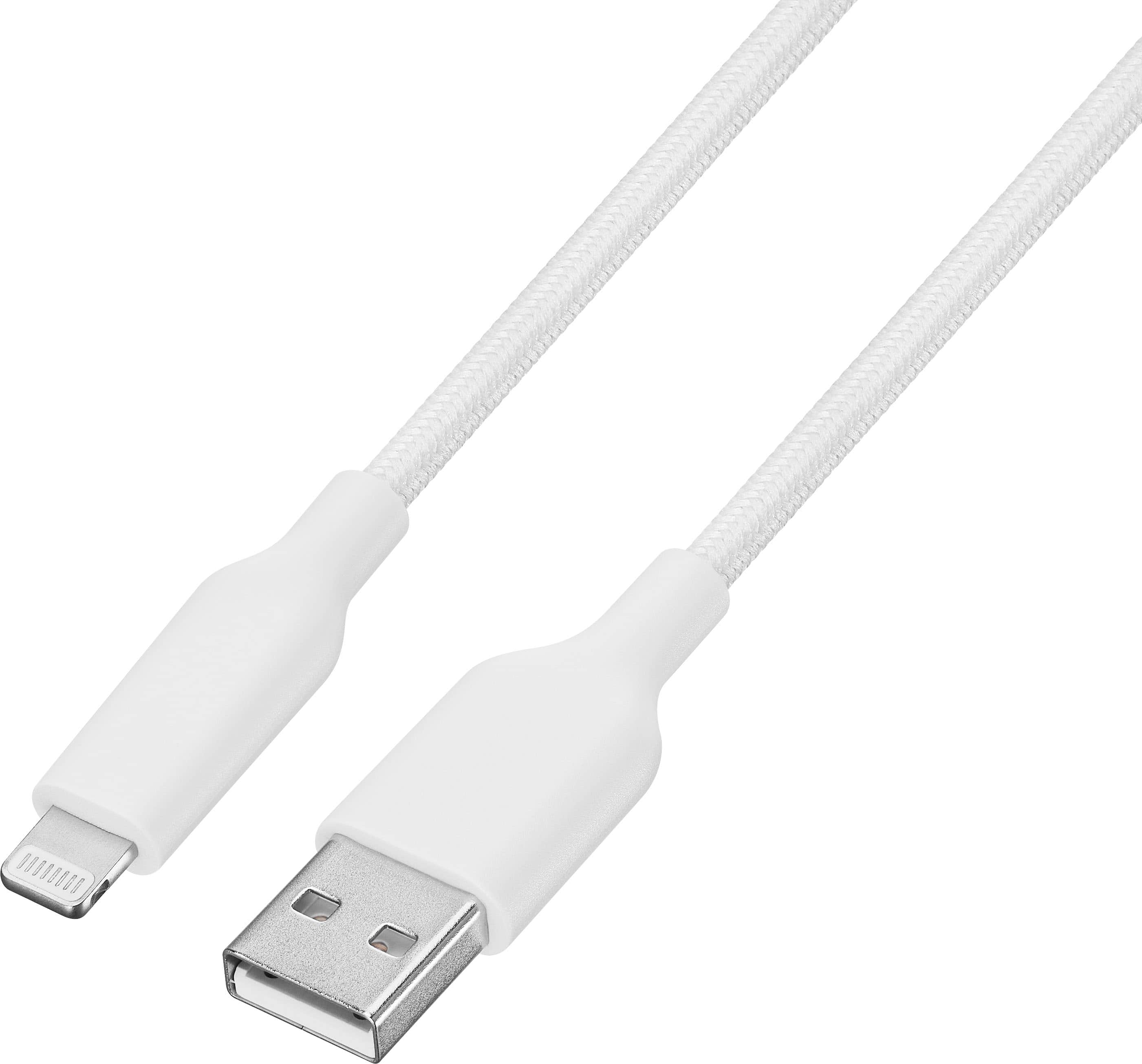
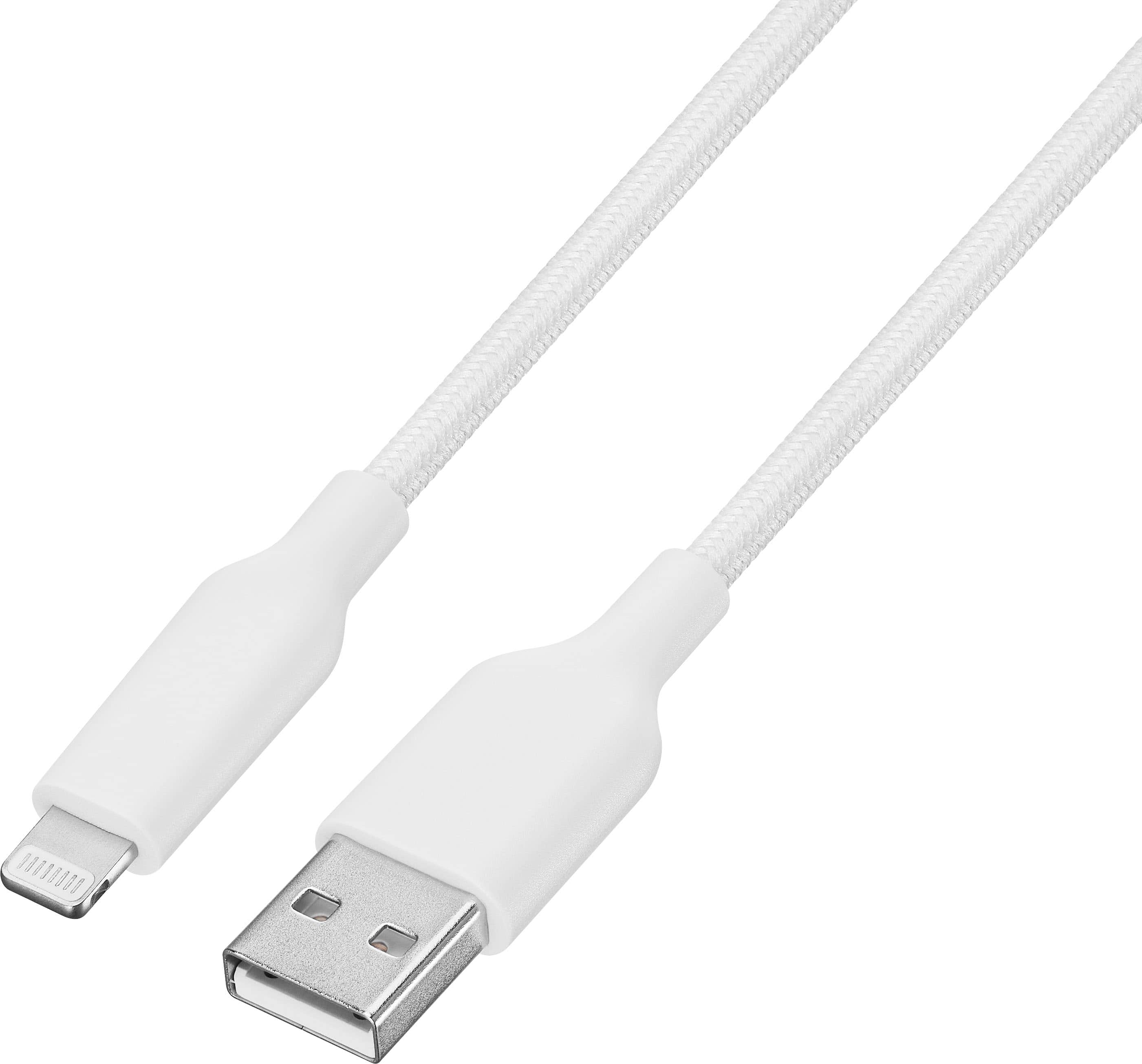
Best Buy essentials™ - 6’ Lightning to USB Braided Charge-and-Sync Cable - White
SKU: J2FPJKSV3RGO TO BEST BUY. THEY HAVE THE BEST...Amazing charger it chargers really fast I love it thanks best buy !!!...Best charger...Love the charger it’s the only one that hasn’t broken on me
See all Cell Phone Chargers & CablesProduct Description
A white braided 6-foot cable that charges and syncs Lightning devices with USB-A connectivity.Your price for this item is $11.99 -
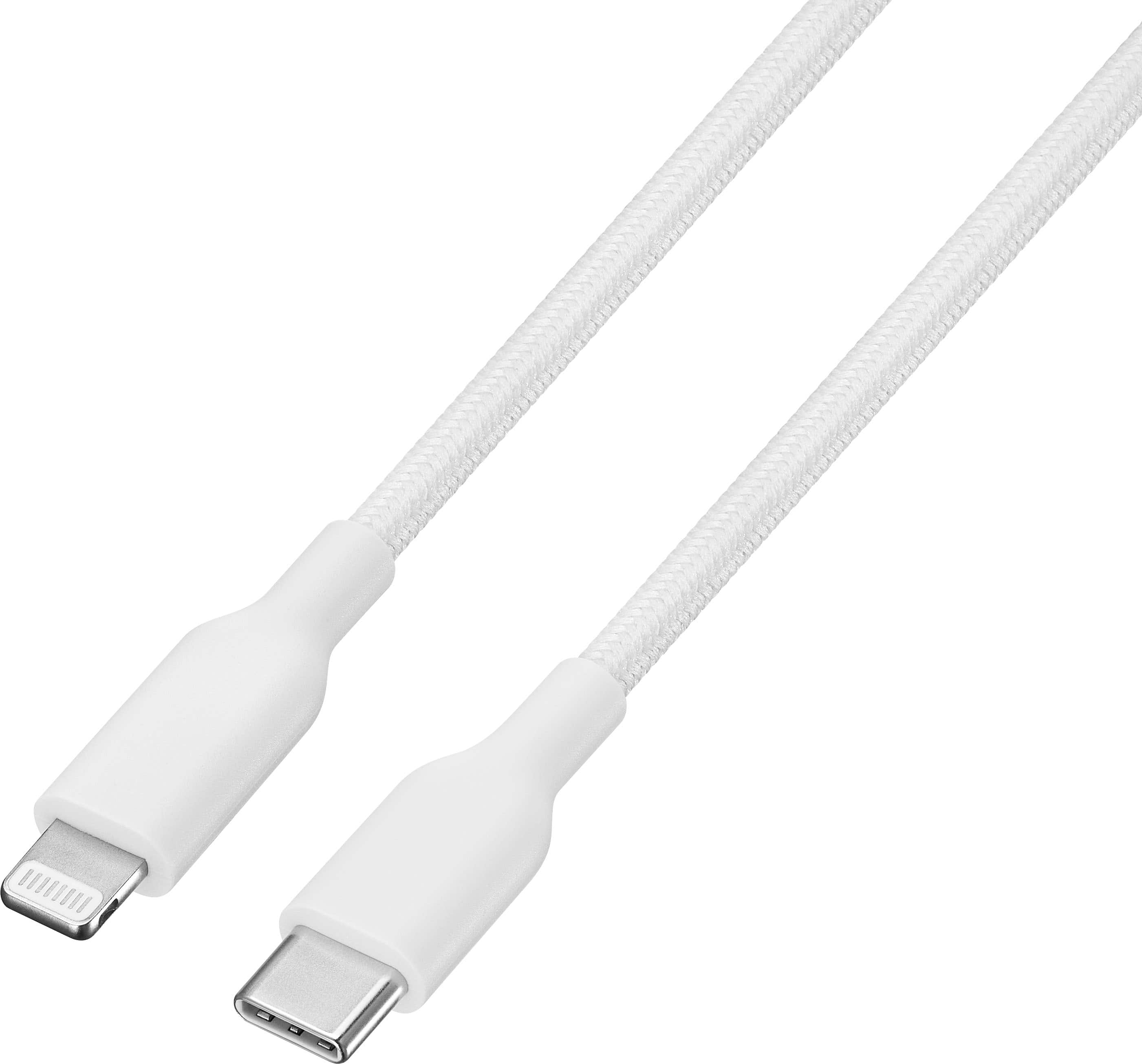
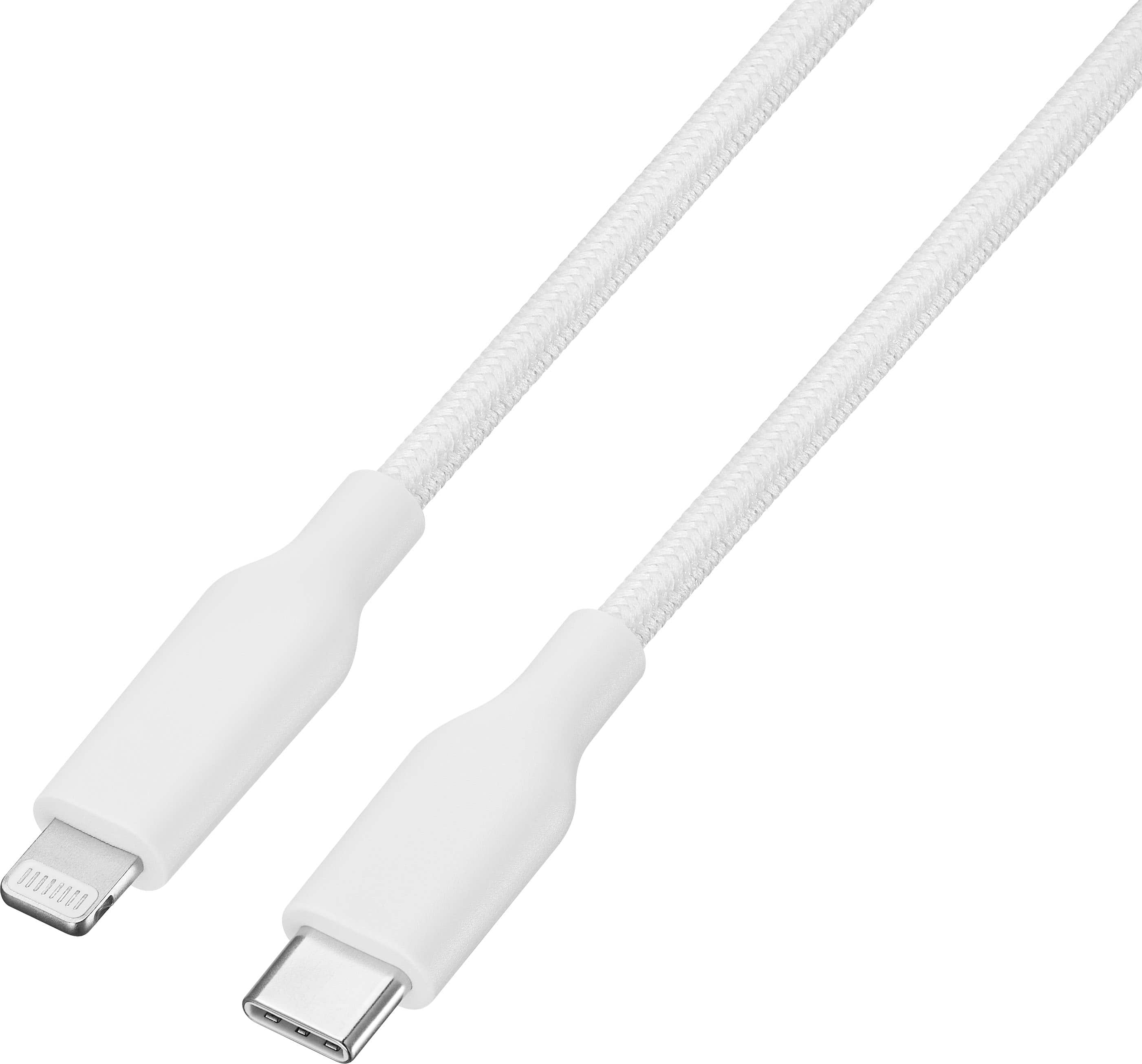
Best Buy essentials™ - 4’ Lightning to USB-C Braided Charge-and-Sync Cable - White
SKU: J2FPJKSV26Great product!!...I love to buy at best buy....Always best service and best products easy to buy and get fast as 1 hour or get deliver to you’re door...Great charger for mi iphone....It’s great we’re...
See all Cell Phone Chargers & CablesProduct Description
A white braided cable that charges and syncs Lightning devices via USB-C for reliable performance.Your price for this item is $14.99 -
Best Buy essentials™ - 10’ Lightning to USB-C Braided Charge-and-Sync Cable - White
SKU: J2FPJKSVX9The best cable I’ve ever had! Love it and I know you would too!...Best quality for best price!...Love this item!! This has been very useful and less expensive....I love how Best Buy always has options...
See all Cell Phone Chargers & CablesProduct Description
A durable white braided cable that charges and syncs Lightning devices via USB-C with flexible 10-foot reach.Your price for this item is $19.99 -
Best Buy essentials™ - 10’ Lightning to USB Braided Charge-and-Sync Cable - White
SKU: J2FPJKSV34Works great very happy with purchase thank you Best Buy...Best buy...Great Work When Need to keep my things working
See all Cell Phone Chargers & CablesProduct Description
A durable white braided cable that charges and syncs Lightning devices with a USB-A connector.Your price for this item is $15.99 -
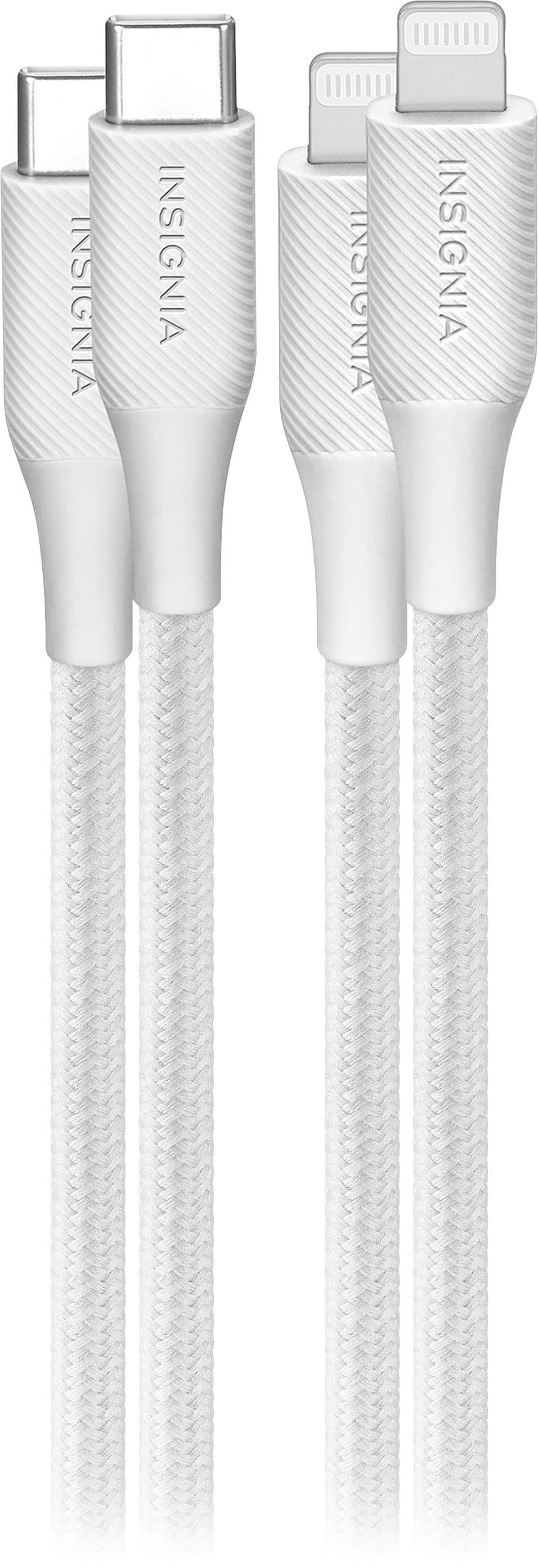
Insignia™ - 10' Lightning to USB-C Braided Charge-and-Sync Cable (2 Pack) - Moon Gray
SKU: J2FPJKS56FI love this charging cord 100 times better than the original apple cord, the braided cord is stronger...and more flexibility, the length is great too, and cheaper which is the best win plus you get 2...
See all Cell Phone Chargers & CablesProduct Description
A durable moon gray braided cable set for charging and syncing Lightning devices via USB-C connection.Your price for this item is $21.99Save $2The previous price was $23.99 -
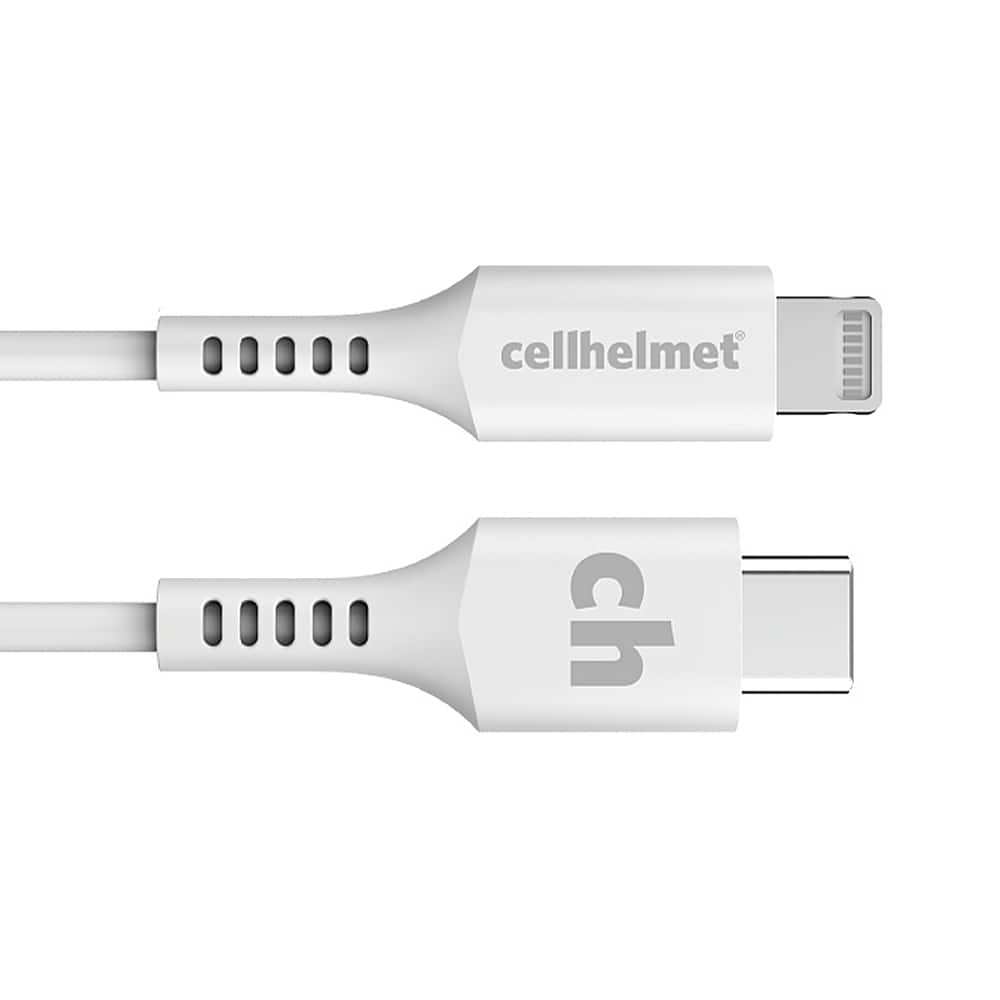
Cellhelmet - 10' Type-C to Lightning Charge Cable - White
SKU: J3GW78KP4RSee all Charging CablesProduct Description
A durable white USB-C to Lightning cable designed for reliable charging and syncing of Apple devices.Your price for this item is $34.99 -
Cellhelmet - 6' Type-C to Lightning Charge Cable - White
SKU: J3GW78KP4GSee all Charging CablesProduct Description
A durable white USB-C to Lightning cable designed for reliable charging and syncing of Apple devices.Your price for this item is $29.99 -
Qixxronics - 2-PACK 3ft 30-Pin Cable Sync and Charge Dock USB Cable Compatible with iPhone 4 4S / iPad 1 2 3 / iPod Nano/iPod Touch - White
SKU: J322CCK54RSee all Charging CablesProduct Description
A pack of two white 3ft 30-pin USB cables for syncing and charging older Apple devices.Your price for this item is $11.99


Best Sellers




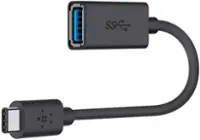
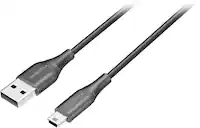
Related Pages

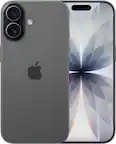
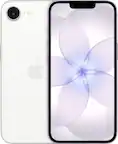
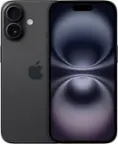
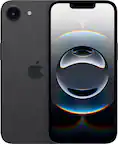

FAQ
Syncing an iPhone refers to the process of transferring data such as contacts, photos, music, and apps between your iPhone and a computer or cloud service. This keeps your information updated and consistent across devices.
You can sync your iPhone with your computer using iTunes (on Windows or older Macs) or Finder (on macOS Catalina and later). Connect your iPhone via USB, open the app, select your device, and choose the content you want to sync.
Yes, you can sync your iPhone wirelessly using iCloud. Once iCloud is set up, your photos, contacts, calendars, and more will automatically sync across all your Apple devices when connected to Wi-Fi.
If your iPhone isn't syncing, try restarting both your iPhone and computer, ensure you have the latest software updates, check your cable or Wi-Fi connection, and make sure you're signed in with the same Apple ID on all devices.
Yes, you can choose to sync only specific types of content, such as music, contacts, or photos. In iTunes or Finder, simply check or uncheck the boxes for the content you wish to sync before starting the process.