Anker - Flat Plug Power Strip - Black
About this product
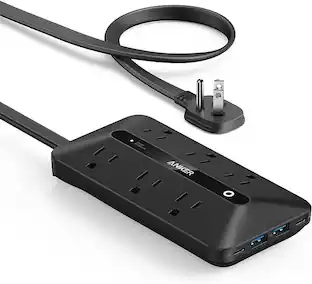
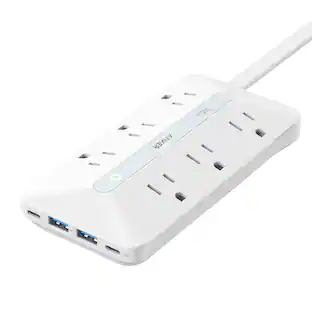
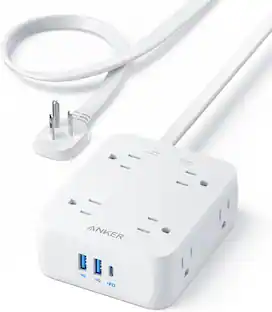
Anker Flat Plug Power Strip, 12-in-1 USB-C Power Strip with 8 AC Outlets, 2 USB-C, 2 USB-A Ports, 5feet Extension Cord, Slim Desk Charging Station, 900J Surge Protection, 35W Max for Home, Office
Color
BlackFeatures
12-in-1 Ports
Simplify your workspace with a single solution that offers 2 USB-C ports, 2 USB-A ports, and 8 AC outlets to charge all your devices.
Speedy 35W Max Charging
Engineered for efficiency, the power strip delivers up to 35W of fast charging via the USB-C1 port, quickly powering a 13-inch MacBook Air (2024) to 50% in just 47 minutes.
Slim Design, Optimal Performance
Experience superior performance packed into a slim and stylish design that complements any setting.
Hang and Power
Keep your spaces clutter-free with our flat cable and plug that's designed to fit perfectly and hang neatly.
What You Get
Anker USB Power Strip (12-in-1, 35W), welcome guide, 18-month warranty, $200,000 connected equipment guarantee for the product's full service life, and friendly customer service.
Specifications
- Amperage15 amperes
Reviews
Rating 5 out of 5 stars with 1 review
Customer Images
The vast majority of our reviews come from verified purchases. Reviews from customers may include My Best Buy members, employees, and Tech Insider Network members (as tagged). Select reviewers may receive discounted products, promotional considerations or entries into drawings for honest, helpful reviews.
Compare similar products
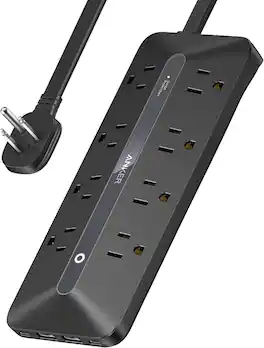
Anker Flat Plug Power Strip, 12-in-1 USB-C Power Strip with 8 AC Outlets, 2 USB-C, 2 USB-A Ports, 5feet Extension Cord, Slim Desk Charging Station, 900J Surge Protection, 35W Max for Home, Office
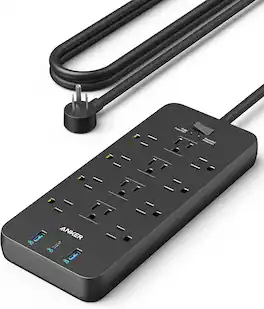
Anker Power Strip with 2100J Surge Protector, Outlet Extender, 5ft Extension Cord with Multiple Outlets, 12 AC, 2 USB A,1 USB C Port for 20W, Home Office, Dorm Room Essentials, TUV Listed
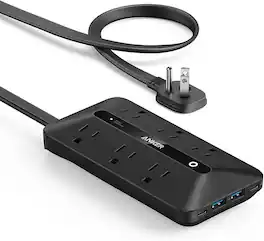
Anker 300J Flat Plug 10-in-1 Ultra Thin Power Strip with 6 AC, 2 USB-A & 2 USB-C Ports, Extension Cord, Desk Charging Station for Home, Office, College, Dorm, 5 Feet, Black
Anker Power Strip with 2100J Surge Protector, Outlet Extender, 10ft Extension Cord with Multiple Outlets, 12 AC, 2 USB A,1 USB C Port for 20W, Home Office, Dorm Room Essentials, TUV Listed
Specs
Questions & Answers
Is this usable in France and Italy?
Answered by Anker TeamYes, many Anker power strips, including models such as the Anker 310 Power Strip and others listed in the provided information, support a wide input voltage range (100-240V), making them usable in countries like France and Italy. However, please note that these power strips may require a plug adapter to fit the specific type of outlet used in those countries. Always check the model and input voltage that your specific power strip supports before use.

Customers often buy these together
Anker Power Strip with 2100J Surge Protector, 5ft Extension Cord with Multiple Outlets
$28.99The price was $39.99CyberPower 6-AC Outlet 900-Joule Essential Series Surge Protector Power Strip, 4-Ft. Cord, CSB604
$31.55The price was $32.62
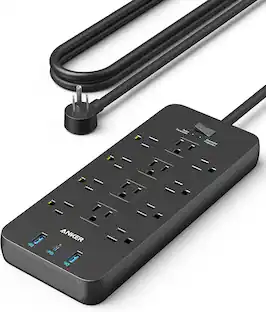
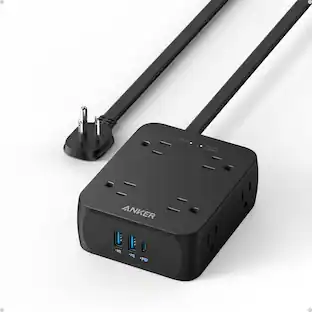
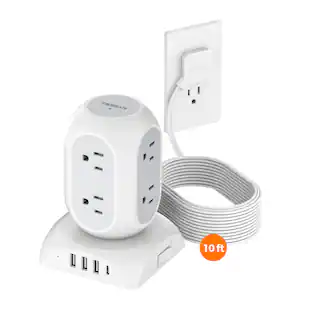

Customers ultimately bought
Anker Power Strip with 2100J Surge Protector, 5ft Extension Cord with Multiple Outlets
$28.99The price was $39.99Rocketfish™ 12-Outlet Strip/1-USB-C/1-USB 4,680 Joules Surge Protector
Black Friday Deal$54.99The price was $69.99

Elevate your entertainment Sponsored
Rocketfish™ 12-Outlet 5,280 Joules Surge Protector with USB and USB-C
Black Friday Deal$144.99The price was $189.99Rocketfish™ 7-Outlet/1-USB-C/1-USB 3,600 Joules Surge Protector
Black Friday Deal$99.99The price was $129.99Insignia™ 12-Outlet/1-USB-C/1-USB 3,600 Joules Surge Protector Strip
Black Friday Deal$44.99The price was $49.99
Keep exploring
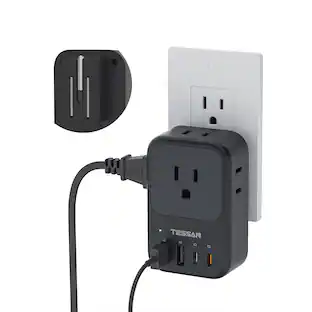
TESSAN Foldable Plug Wall Tap Outlet Extender with PD 20W USB C Charger, 4 AC Outlets and 4 USB Ports
$19.99The price was $29.99BN-LINK ES1513-5-2 Wireless Remote Control Outlet, 5 Receivers + 2 Transmitters, Long Range, 1200W/10A
$26.99The price was $27.99