Apple - Mac mini Desktop - M4 Pro chip - Built for Apple Intelligence - 24GB Memory - 512GB SSD - Silver
Customers are saying
Customers appreciate the impressive performance and high processor speed of this device, which users frequently describe as fast and powerful. Many reviewers also highlight the convenient, compact size and quiet operation, noting that it is easy to set up and portable. While the overall feedback is highly positive regarding its multitasking capabilities and memory, some users have expressed a desire for a wider selection of USB ports.
Highlights
LOOKS SMALL, LIVES LARGE—At just 5 by 5 inches, Mac mini is designed to fit perfectly under a monitor and is easy to place just about anywhere.
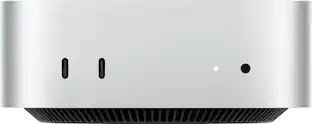
CONVENIENT CONNECTIONS—Get connected with Thunderbolt, HDMI, and Gigabit Ethernet ports on the back, and for the first time, front-facing USB-C ports and a headphone jack.
SUPERCHARGED BY M4 PRO—The M4 Pro chip brings extra power to take on demanding projects like working with complex scenes or compiling millions of lines of code.
BUILT FOR APPLE INTELLIGENCE¹—Apple Intelligence helps you write, express yourself, and get things done effortlessly. With groundbreaking privacy protections, it gives you peace of mind that no one else can access your data—not even Apple.
APPS FLY WITH APPLE SILICON²—All your favorites, including Microsoft Excel, Adobe Photoshop, and Zoom, run lightning fast in macOS.
IF YOU LOVE IPHONE, YOU’LL LOVE MAC—Mac works like magic with your other Apple devices. View and control what’s on your iPhone from your Mac with iPhone Mirroring.³ Copy something on iPhone and paste it on Mac. Send texts with Messages or use your Mac to make and answer FaceTime calls.⁴
PRIVACY AND SECURITY ARE BUILT RIGHT IN—Every Mac comes with robust defenses against viruses and malware. If your Mac is lost or stolen, Find My can help you get it back. FileVault makes sure your files are encrypted so others cannot access them. And free security updates help keep your Mac protected.
CARBON NEUTRAL—Mac mini is carbon neutral. Learn more about Apple’s commitment to the environment at apple.com/2030.
- Processor ModelApple M4 ProStorage TypeSSDTotal Storage Capacity512 gigabytesSystem Memory (RAM)24 gigabytesGraphics TypeIntegrated
Reviews
Rating 4.8 out of 5 stars with 129 reviews
- Performance (63)
- Processor Speed (29)
- Size (23)
- Noise Level (10)
- Portability (10)
- Port Selection (5)
Customer Images
The vast majority of our reviews come from verified purchases. Reviews from customers may include My Best Buy members, employees, and Tech Insider Network members (as tagged). Select reviewers may receive discounted products, promotional considerations or entries into drawings for honest, helpful reviews.
Compare similar products
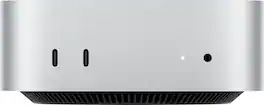
The far mightier, way tinier Mac mini is 5 by 5 inches of pure power. Built for Apple Intelligence. The M4 Pro chip brings extra power to take on demanding projects like working with complex scenes or compiling millions of lines of code. With ports at your convenience, on the front and back.

Mac mini packs pure power into a small, five by five–inch desktop. The M5 Pro chip brings even more performance to advanced AI tasks and creative and technical workflows. With ports on the front and back.
The far mightier, way tinier Mac mini is 5 by 5 inches of pure power. Built for Apple Intelligence.Redesigned around Apple silicon to unleash the full speed and capabilities of the spectacular M4 chip. With ports at your convenience, on the front and back.

Mac mini packs pure power into a small, five by five–inch desktop as the M6 chip delivers next-level AI capabilities. Mac mini features 2.5 Gigabit Ethernet with support for Wi-Fi 7 and Bluetooth 6, with ports on the front and back.
| Pros for Apple - Mac mini Desktop - M4 Pro chip - Built for Apple Intelligence - 24GB Memory - 512GB SSD - Silver | |||
|---|---|---|---|
| Performance, Size, Noise Level, Portability, Processor Speed | There were no pros for this product— | Performance, Size, Portability, Noise Level, Speed | There were no pros for this product— |
| Cons for Apple - Mac mini Desktop - M4 Pro chip - Built for Apple Intelligence - 24GB Memory - 512GB SSD - Silver | |||
| Port Selection | There were no cons for this product— | Port Selection, Storage Capacity, Connectivity | There were no cons for this product— |
Specs
Customers often buy these together
Office Software



Monitors
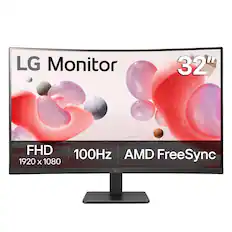
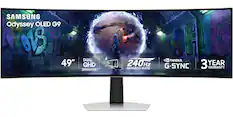

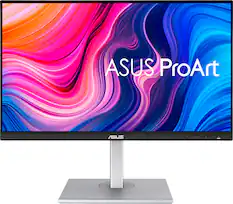
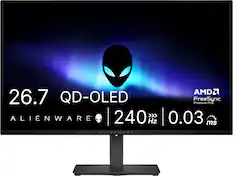
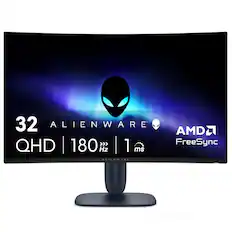

More recommended items
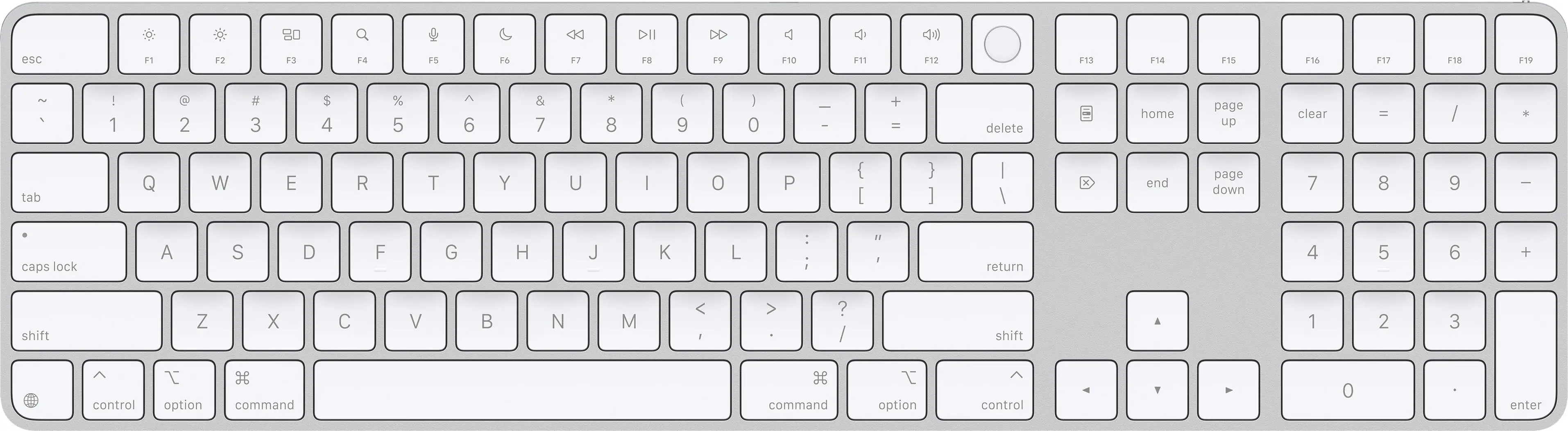 Computer Keyboards
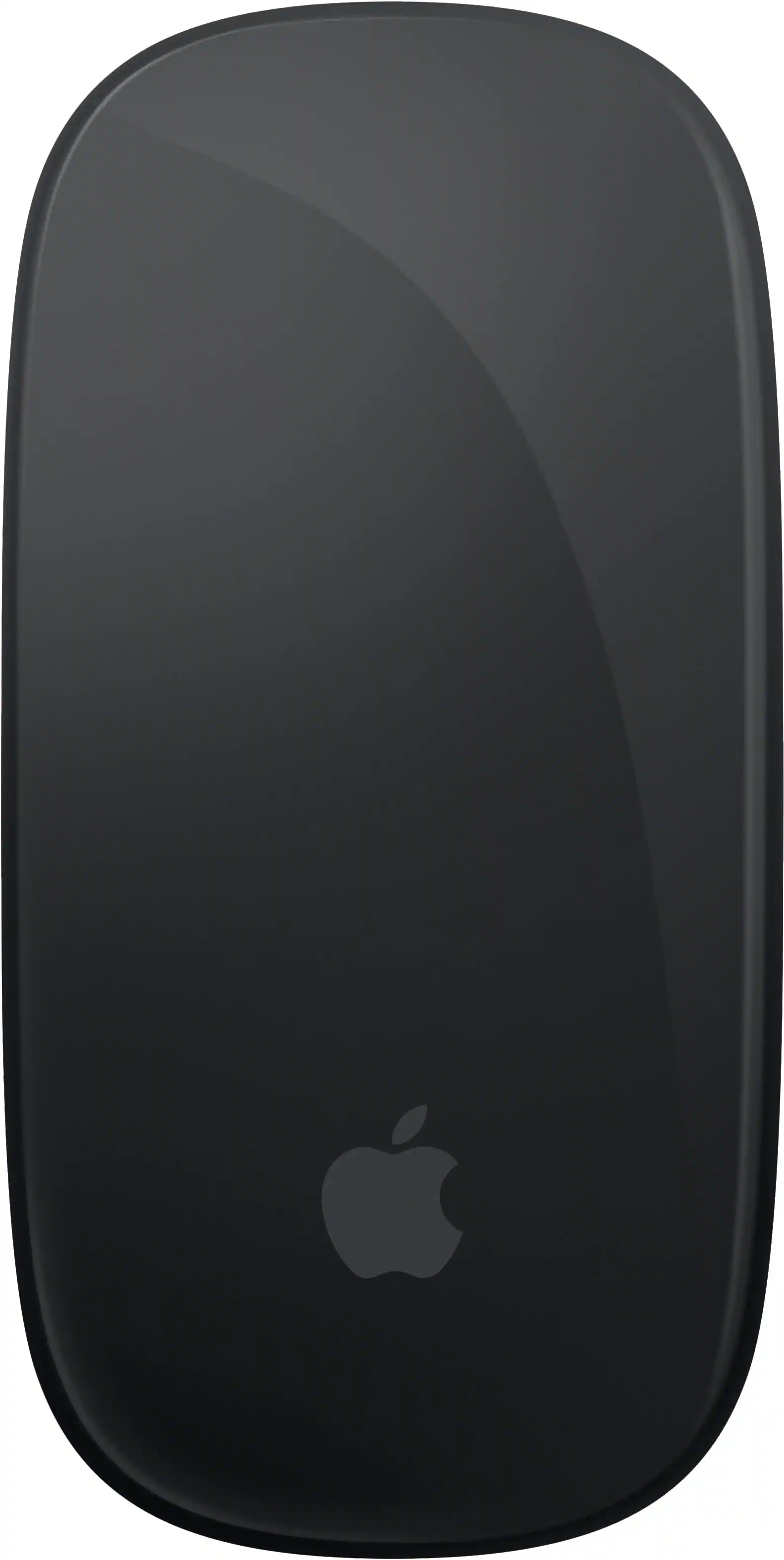 Mice
Mice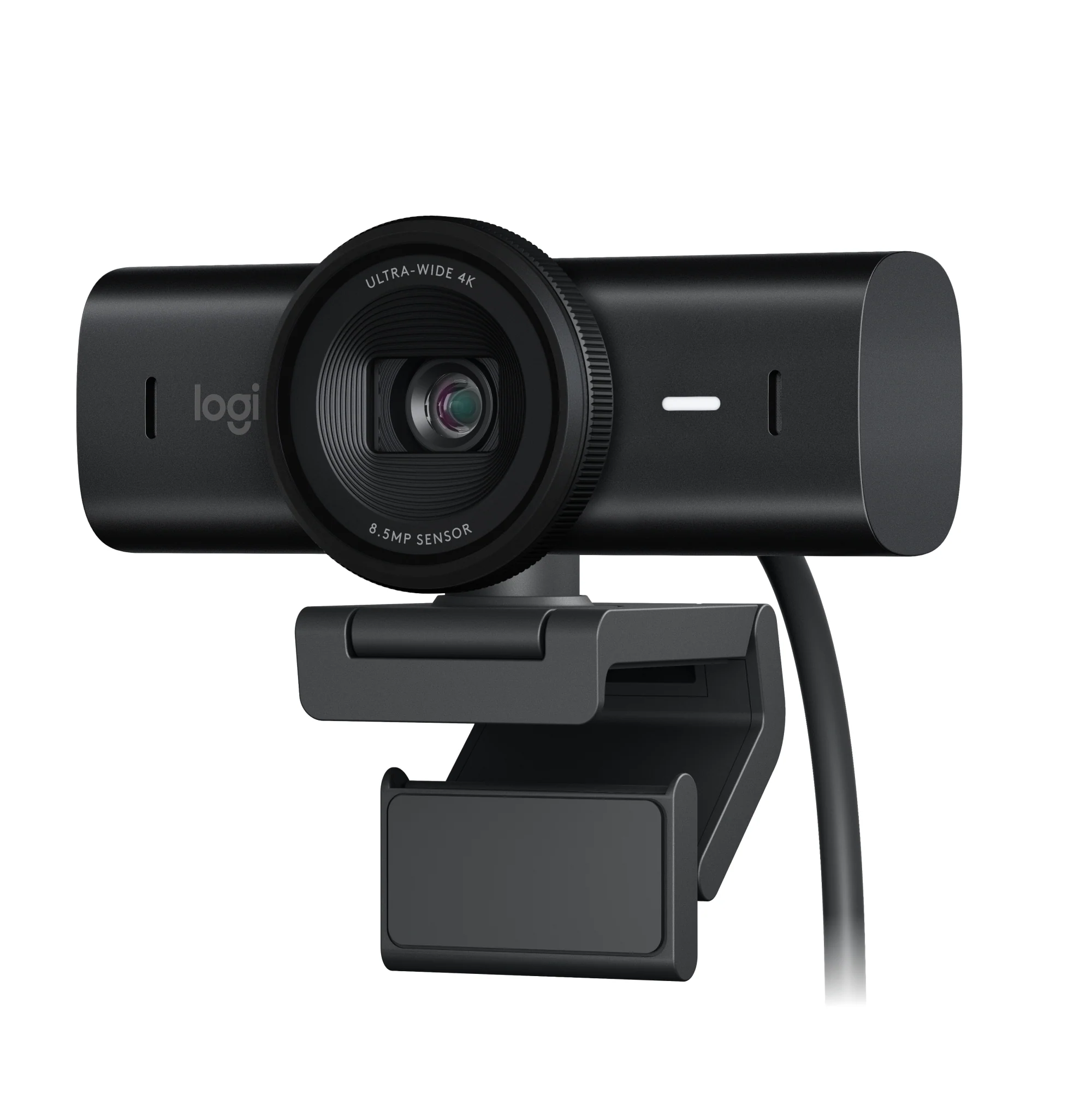 Web Cameras
 Monitor and Video Cables
More to consider
 $5,955.11The price was $6,149.16

Explore tech essentials Sponsored
 $1,199.00The price was $1,599.00
 $1,299.00The price was $1,399.00

Discover related products
 $249.99The price was $279.99
 $2,186.00The price was $2,259.00








Keep exploring
 $829.99The price was $849.99
 $479.00The price was $499.00
 $799.00The price was $899.00
 $999.99The price was $1,049.99
 $2,199.99The price was $2,229.99