ASUS - CX34 14" FHD Chromebook Plus Laptop with Google AI - Intel Core i5 - 8GB Memory - 128GB Storage - Rock Grey
Customers are saying
Customers enjoy the impressive build quality and fast processor speed that make this Chromebook a reliable choice for students. Users frequently highlight the device's excellent portability and lightweight design, which make it easy to carry and use on the go. Additionally, many appreciate the long-lasting battery life, versatile port selection, and the responsive touchscreen interface.
Color
Rock GreyHighlights
Runs ChromeOS
The fast, secure operating system from Google with built-in Google apps like Gmail, Gemini, Docs, Photos, YouTube, and more, so you can go from deadlines to downtime straight out of the box.
The Power To Do More
A 2x faster Intel Core processor and up to double the memory and storage*, so you can edit files while watching your favorite shows in full HD with up to 10 hours of battery life*.
Google AI built in, with Gemini
Supercharge your daily tasks with Gemini. Brainstorm fresh ideas, quickly understand any content*, and insert AI-generated content into any field, wherever your cursor takes you.
Get Gemini Advanced, 2TB of storage, and more for 12 months at no cost
With the Google One AI Premium plan, you get Gemini Advanced, 2TB of cloud storage, and Gemini in Gmail, Docs, and more – all on us when you purchase a Chromebook Plus.**
Get YouTube Premium for 3 months at no cost
Enjoy YouTube and YouTube Music ad-free, offline, and in the background.**
Fast operating experience
Powered by the powerful Intel Core i5 processor, fast 8GB memory and 128GB storage, ensuring fast and smooth operation.
Portable yet durable
Built to withstand daily wear and tear with military-grade durability (MIL-STD 810H), yet lightweight at just 3.22 lbs for effortless portability.
Anti-glare touch display
Sharp FHD 1920 x 1080 NanoEdge anti-glare touchscreen—designed to minimize glare and enhance touch navigation.
Advanced apps for work and play
Stay productive with Microsoft 365***, create with Adobe Photoshop****, edit videos with LumaFusion, and get your game on with GeForce NOW. All your favorite apps and more are just a click away.
Never had a virus
Chromebooks have never had a virus***** so you can breathe easy knowing your security and privacy are covered with built-in protection and the Titan C2 security chip.
- Screen TypeIPSScreen Size14 inchesScreen Resolution1920 x 1080 (Full HD)Touch ScreenYesRefresh Rate60Hz
Reviews
Rating 4.8 out of 5 stars with 130 reviews
- Build Quality (35)
- Processor Speed (31)
- Portability (21)
- Battery Life (20)
- Port Count (10)
Customer Images
The vast majority of our reviews come from verified purchases. Reviews from customers may include My Best Buy members, employees, and Tech Insider Network members (as tagged). Select reviewers may receive discounted products, promotional considerations or entries into drawings for honest, helpful reviews.

Compare similar products
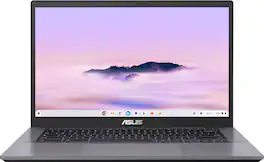
ASUS Chromebook Plus CX34 is powerful, portable, and built to boost productivity — with advanced speed, memory, and storage. Its lightweight, durable design makes it ideal for work or study on the go. The anti-glare touchscreen delivers clear, comfortable viewing in any light, while the 180° lay-flat hinge and fast, stable WiFi support seamless collaboration. Powered by ChromeOS with built-in Google AI, it helps you work smarter with enhanced writing, editing, and organization tools. With ASUS Chromebook Plus CX34, you’re ready to do more, wherever you are.
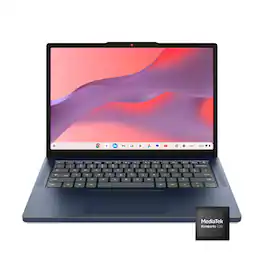
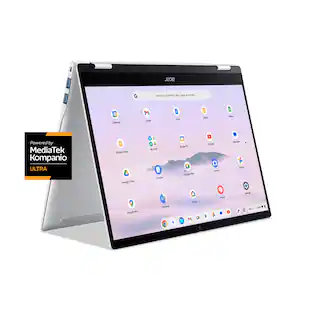
Live animated, live lively, live balanced. When you’re packing the thin and light IdeaPad Slim 3 Chromebook laptop, featuring WiFi 6E and 18 hours of battery life, balancing work and play all day becomes effortless. The 14" 2K IPS touchscreen display and MediaTek Kompanio 500 Series processors are a significant upgrade to your work and entertainment, with front-facing Waves-tuned speakers.
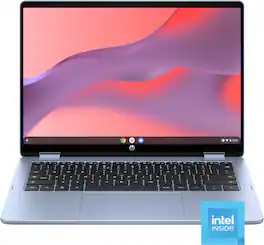
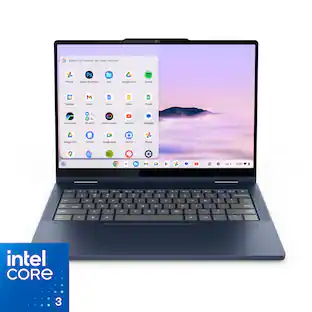
All Day. All Ways. Your Chromebook. Designed for on-the-go multitaskers who need flexibility, speed, and reliability in a single device. With its 360-degree hinge, you can switch from laptop to tablet mode in seconds—perfect for typing, sketching, or streaming on the go. With the simplicity of ChromeOS, everything feels smooth, secure, and connected.

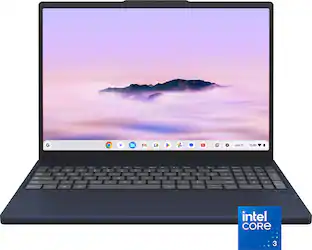
Effortlessly chic. Always efficient. A 15-inch laptop with a built-in HD camera, enlarged ergonomic keyboard and Intel processors.
| Pros for ASUS - CX34 14" FHD Chromebook Plus Laptop with Google AI - Intel Core i5 - 8GB Memory - 128GB Storage - Rock Grey | |||
|---|---|---|---|
| Portability, Battery Life, Build Quality, Processor Speed, Port Count | Overall Performance, Portability, Touchscreen Responsiveness, Battery Life, Boot Speed | Overall Performance | Overall Performance, Touchscreen Responsiveness, Portability, Display Size |
| Cons for ASUS - CX34 14" FHD Chromebook Plus Laptop with Google AI - Intel Core i5 - 8GB Memory - 128GB Storage - Rock Grey | |||
| There were no cons for this product— | There were no cons for this product— | There were no cons for this product— | Battery Life |
Specs
What laptop hardcover is recommended for this laptop?
Answered by ASUS AnswersThe recommended hard shell option for this CX3402CVA Chromebook is a custom-fit, translucent polycarbonate snap-on cover designed specifically for this 14-inch model to protect against scratches and minor drops, like the the mCover Hard Case by iPearl.
Does it have a full keyboard
Answered by ASUS AnswersYes. This CX3402CVA Chromebook has a full-sized chiclet keyboard. Since it is a 14-inch compact laptop, it omits the separate numeric keypad on the right, but it has a complete set of standard letter keys, punctuation keys, and a dedicated row of Chrome OS shortcut keys at the top.
Does this come with light up keyboard
Answered by ASUS AnswersThe ASUS CX3402CVA Chromebook does not feature a backlit keyboard.
Is this Chromebook lightweight?
Yes, it weighs just 3.22 lbs.
This question and answer was generated by AI based on customer and product data.What processor is used in this Chromebook?
It's powered by an Intel Core i5 processor.
This question and answer was generated by AI based on customer and product data.

Customers often buy these together
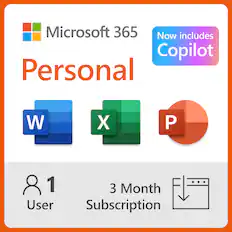
Office Software



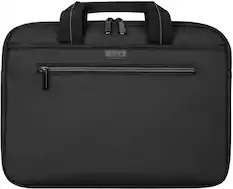
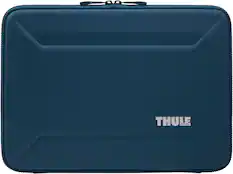
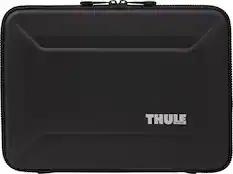
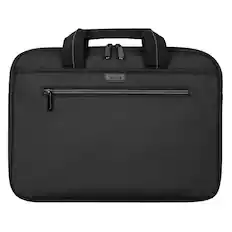
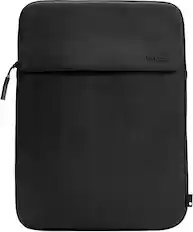
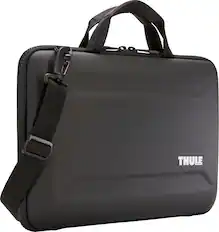
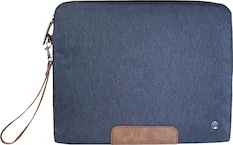
Laptop Bags and Cases

Incase - A.R.C. Sleeve for 14" Laptop - Peach
Flash Deal$39.99The price was $49.95


More recommended items
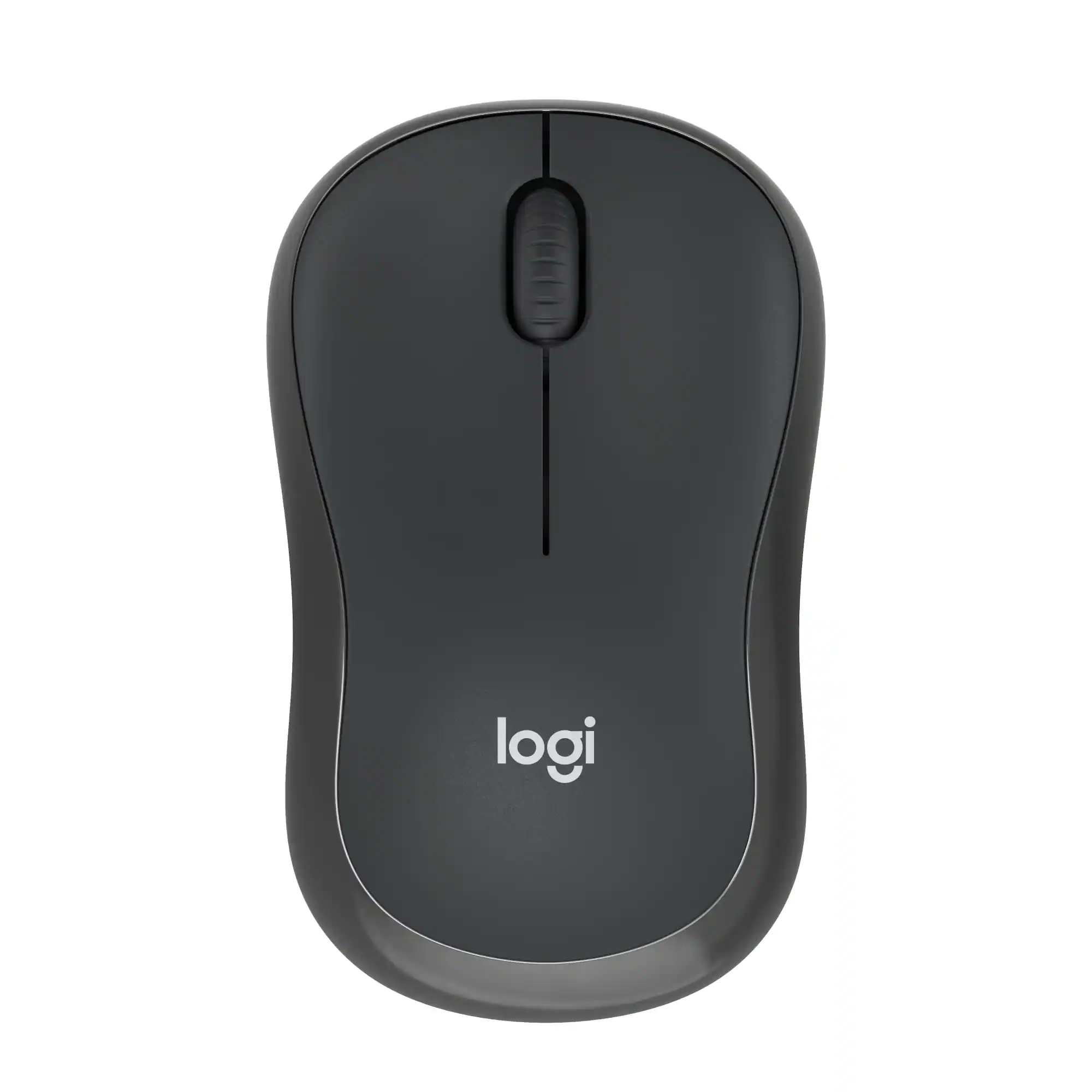 Mice
Mice Antivirus and Internet Security Software
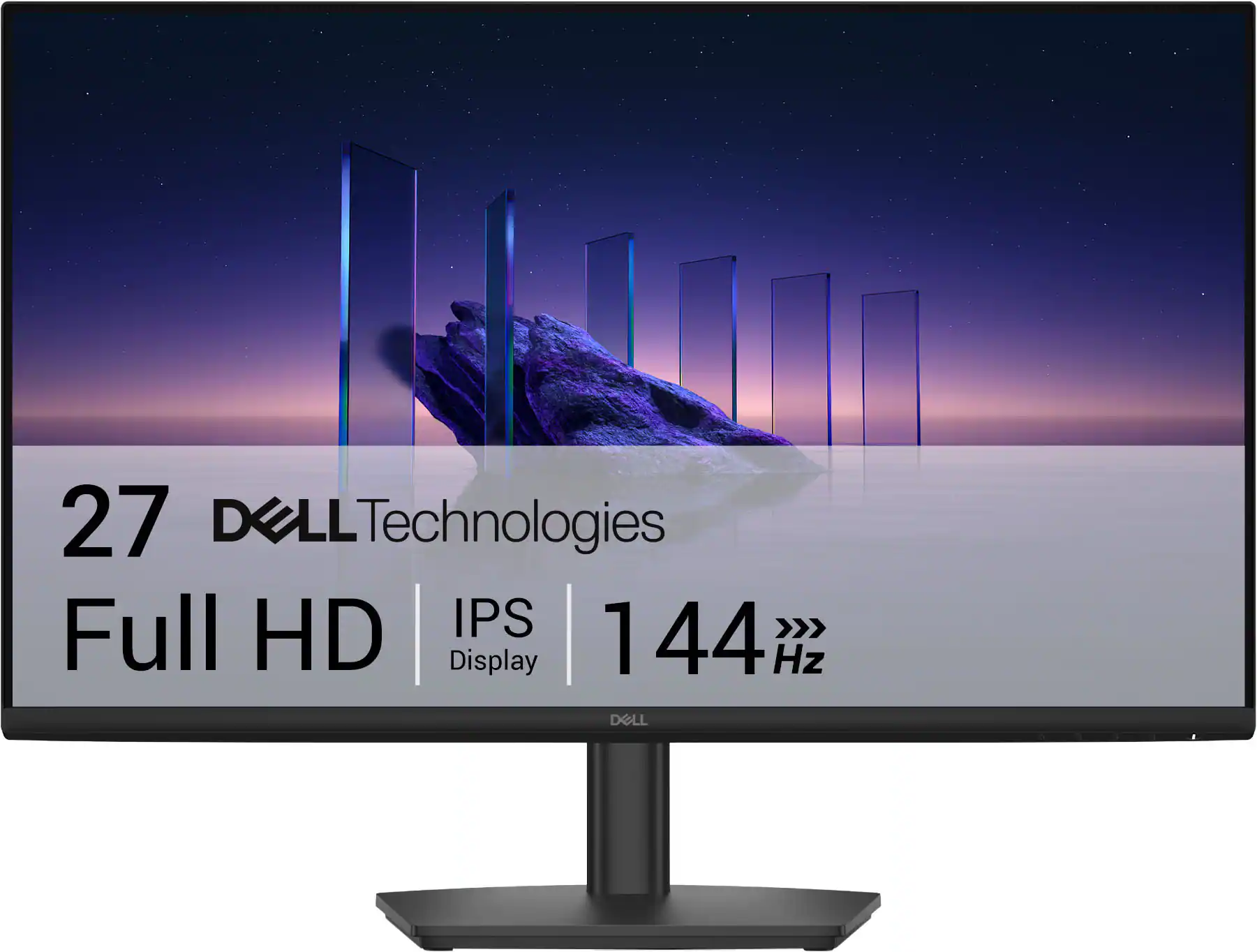 Monitors
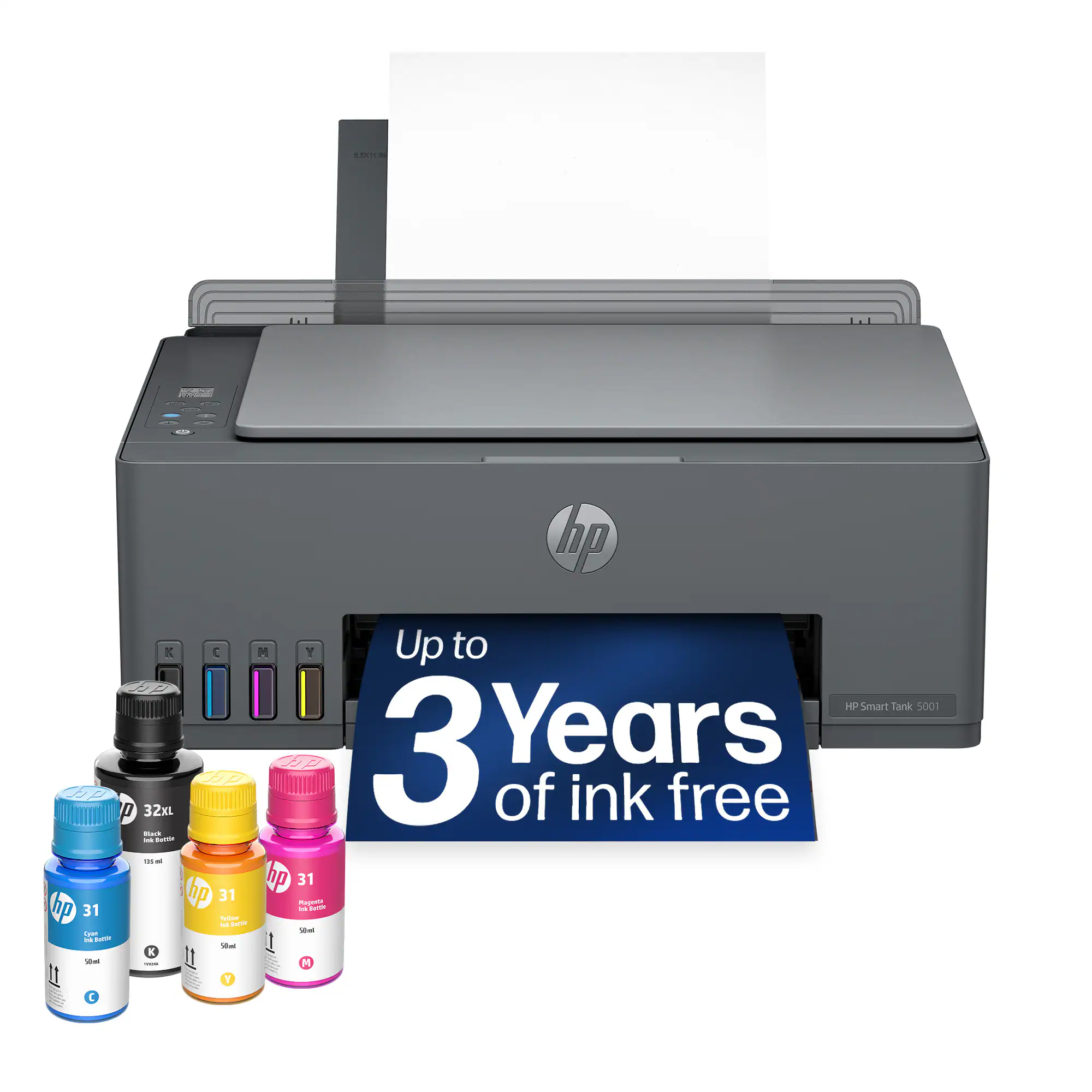 Inkjet Printers
More to consider
 Top Deal$299.00The price was $529.00
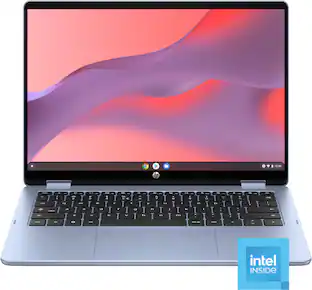 $419.00The price was $549.00
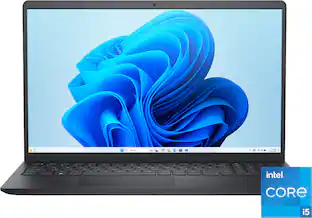 $533.00The price was $849.99
- Top Deal$199.00The price was $419.00
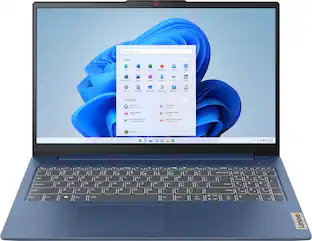 Top Deal$449.99The price was $629.99
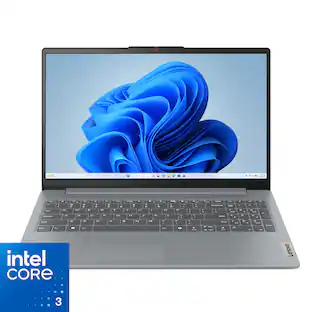 $387.00The price was $499.99
 Top Deal$429.00The price was $679.00

Explore tech essentials Sponsored
 $2,299.99The price was $3,199.99
 $1,259.00The price was $1,799.00
Discover related products
 $799.99The price was $999.00










Keep exploring
 $259.00The price was $269.00
 $589.99The price was $949.99
 $919.99The price was $1,799.99
 $550.00The price was $559.00
 $1,099.99The price was $1,299.99
 $1,099.99The price was $1,399.99