ASUS - M.2 to PCI Express Adapter
About this product
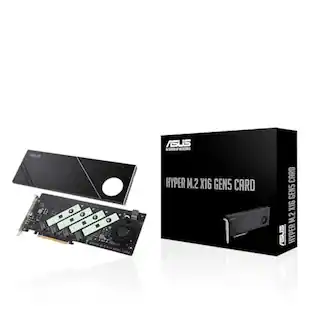
The M.2 to PCI Express Adapter allows for the expansion of high-performance SSD storage with four M.2 slots. Designed for the latest NVMe drives, it features an upgraded power supply and active cooling to ensure optimal performance. Compatible with Intel VROC and AMD Ryzen Threadripper, it supports data transfer rates up to 128 Gbps.
Features
Supports Intel VROC and NVMe RAID
Compatible with Intel Virtual RAID on CPU (VROC) and AMD Ryzen Threadripper for bootable RAID arrays.
High Power Output
New two-phase power solution provides up to 14W output per drive for optimal performance.
PCI Express 3.0 x16 Interface
Compatible with PCI Express x8 and x16 slots, supporting data transfer rates up to 128 Gbps.
Integrated Cooling Solution
Features a stylish heatsink and integrated blower-style fan to prevent M.2 throttling.
Expandable Storage
Supports up to four additional NVMe M.2 drives using Intel VROC for enhanced storage capacity.
Specifications
- Drive Form FactorM.2
Reviews
This product doesn't have any reviews yet.
Compare similar products
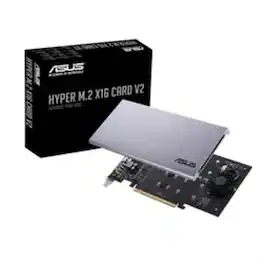
The M.2 to PCI Express Adapter allows for the expansion of high-performance SSD storage with four M.2 slots. Designed for the latest NVMe drives, it features an upgraded power supply and active cooling to ensure optimal performance. Compatible with Intel VROC and AMD Ryzen Threadripper, it supports data transfer rates up to 128 Gbps.
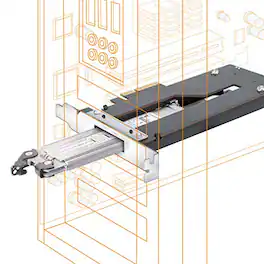
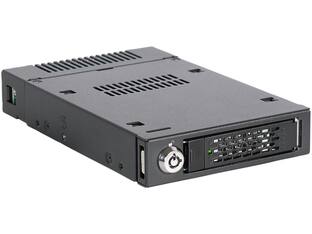
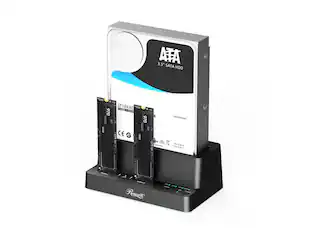
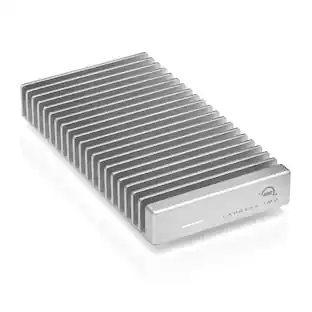
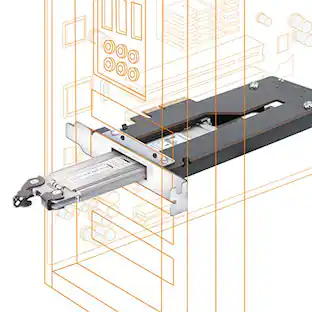
The Drive Bay Adapter M.2, PCI Express NVMe - PCI Express 3.0 x4 Host Interface is a versatile solution for integrating M.2 NVMe SSDs into systems with PCIe slots. It supports various M.2 form factors and lengths, offers flexible PCIe slot compatibility, and features a tool-less drive installation design for easy SSD maintenance. The enclosure includes a metal heat dispersion system for efficient cooling and is constructed with durable materials to ensure long-term reliability.

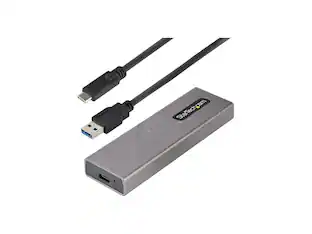
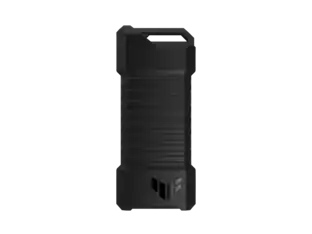
There’s nothing worse than low computer storage when you’re in the middle of working on a big project. Add portable data storage to your laptop or computer with the Insignia NS-PCNVMEHDE M.2 NVMe to USB-C SSD Enclosure. It turns your M.2 NVMe into a USB-C connection with transfer speeds up to 10 Gbps, giving you a high-speed access to your data. The enclosure includes a USB-C cable and a USB-to-USB-C adapter for wide-ranging use. It also has a plug-and-play design, making it easy to use with most computers and laptops. Featuring UASP support, it further reduces processor requirements while improving your data speeds. Improve your computer storage with a high-quality solution that will let you get things done.
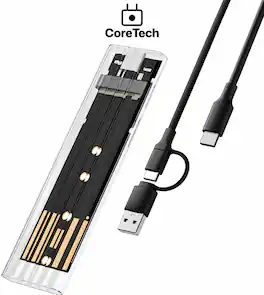
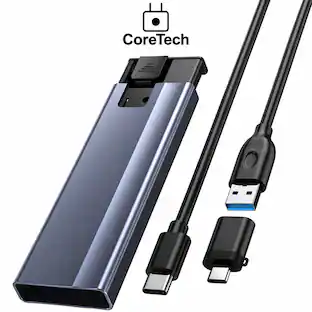
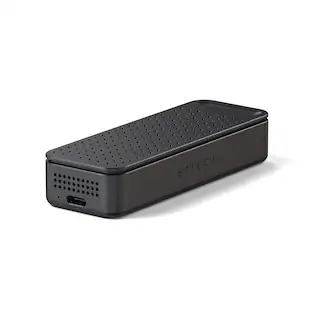
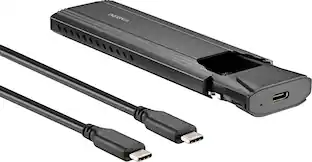
Use a compatible M.2 NVMe PCIe SSD as portable external storage with the Core Tech USB-C enclosure. USB 3.2 Gen 2 supports an advertised interface rate of up to 10Gbps, with UASP support on compatible hosts. Actual transfer speed depends on the SSD, host port and cable. The enclosure holds one M-Key or compatible M+B-Key NVMe SSD in 2230, 2242, 2260 or 2280 size. SATA/NGFF drives and SSDs with attached heatsinks are not supported. A transparent plastic shell lets you see the internal hardware, and the slide-open cover and retention clip support tool-free installation. Connect using the included USB-C to USB-C cable with its tethered USB-A adapter. The source lists Windows, macOS and Linux support, and its gallery also lists Android and Chrome OS. The host must support USB external storage and the drive's file system. An LED indicator provides a visible status cue. USB bus power operates the enclosure without a separate AC adapter. Includes one enclosure and the USB-C cable with USB-A adapter. SSD and host device are not included.
| Pros for ASUS - M.2 to PCI Express Adapter | |||
|---|---|---|---|
| There were no pros for this product— | There were no pros for this product— | Ease of use, Overall Performance, Speed, USB-C, Price | There were no pros for this product— |
| Cons for ASUS - M.2 to PCI Express Adapter | |||
| There were no cons for this product— | There were no cons for this product— | Heat, Compatibility, Locking Mechanism | There were no cons for this product— |
Specs
Be the first to ask a question.
We’ll try to get your question answered within 24 hours by a Best Buy customer or brand representative.
Customers often buy these together
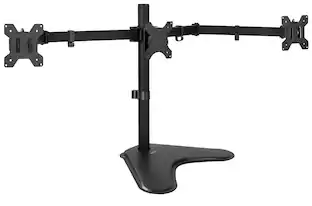
Mount-It! Triple Monitor Desk Mount with Gas Spring Arms for Monitors up to 32″ with USB-C Port
Black Friday Deal$119.99The price was $149.99HUADISK 2TB M.2 Gen4 NVMe SSD, 2280, PCIe x4, 3D NAND for PS5/PC/Laptops
$249.99The price was $284.76


More to consider
Core Tech M.2 NVMe SSD Enclosure, USB-C 10Gbps USB 3.2 Gen 2, Tool-Free Case with USB-A Adapter
$24.99The price was $31.99


Explore tech essentials Sponsored
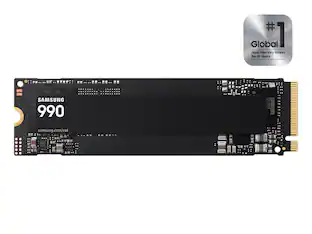
Samsung Internal SSD 990 1TB, Read/Write Speeds Up to 7,250/6,450 MB/s (MZ V9V1T0B/AM)
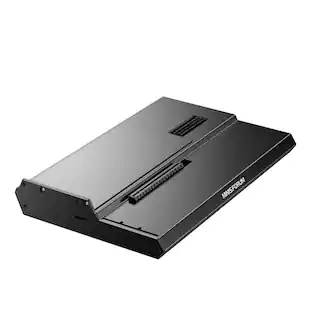
Black Friday Deal$179.99The price was $229.99Minisforum DEG1 eGPU Dock, OCuLink 4i PCIe 4.0x4, ATX/SFX PSU, PCIe x16 GPU, Signal Amplifier, Follow Startup
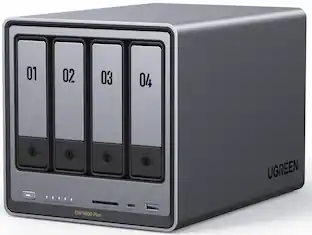
$119.00The price was $139.00Minisforum N5 MAX AI NAS, 64GB LPDDR5x + 128GB OS, AMD Ryzen AI Max+ 395, AMD Radeon 8060S, 126 TOPS NPU, Dual 10GbE, USB4 v2
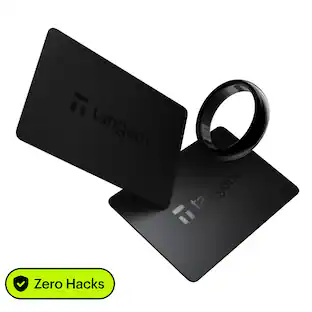
$2,399.00The price was $2,599.00Tangem Ring Crypto Hardware Wallet with Backup Cards, NFC Cold Storage - Size 11
Black Friday Deal$69.99The price was $159.90
Keep exploring
SIIG Inc USB 3.2 Gen 2x2 Type-C M.2 PCIe NVMe SSD Enclosure - Ultra Fast 20G Data Transfer Rate
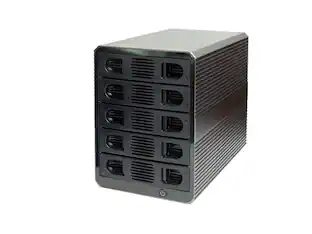
$71.96The price was $94.49Syba USB 4.0 40Gbps Type-C 4-Bay 2.5/3.5" SATA + 1-Bay M.2 NVMe Combo Enclosure
$284.99The price was $339.99Core Tech M.2 NVMe SSD Enclosure, USB-C 10Gbps USB 3.2 Gen 2, Tool-Free Aluminum Case
$24.99The price was $31.99Satechi DotDisk 80Gbps M.2 NVMe SSD Enclosure with Active Cooling and Ultra-Fast USB4 V2 Data Transfer
$139.99The price was $199.99