ASUS - ROG Flow Z13 13.4" 2.5K 180Hz Touch-Screen Gaming Laptop - Copilot+ PC - AMD Ryzen AI Max+ 395 -64GB Memory -1TB Storage - Off Black
Customers are saying
Customers commend the device for its incredible overall performance, impressive portability, and long-lasting battery life. While users appreciate the sleek design and efficient cooling system, some have noted concerns regarding fan noise, the weight of the unit, and occasional build quality issues near the vents. Overall, the product is highly regarded for its speed and hardware capabilities despite minor drawbacks in physical construction and storage capacity.
Highlights
Game And Create With Windows 11 Home
Game, create, and boost your productivity — Windows 11 Home is the place for it all. With advanced features, powerful tools to enhance productivity, and robust security, it has everything you need to stay ahead.
Windows Copilot+ AI Acceleration
Experience productivity boosts and improved power efficiency courtesy of ROG Intelligent Assistance with Copilot + PC powered by AMD Ryzen AI.
Power And Portability Combined With The AMD Ryzen AI MAX+ 395 Processor
Equipped with a brand-new one-stop-shop chipset experience in the AMD Ryzen AI MAX+ 395 processor with 16 cores, up to 50 TOPS NPU power, and RDNA 3.5 graphics in a 13-inch chassis, the Flow Z13 is designed for next-generation portable power.
The Ultimate 2-In-1
Stay in the zone with a larger touchpad, up to 10 hours of battery life, and a flexible 170° kickstand that adapts effortlessly to create, game, and work on the go.
64GB LPDDR5X Quad-Channel Unified Memory
The LPDDR5X 8000mhz quad-channel memory dynamically balances the integrated CPU and GPU. With 64GB of low-latency memory, it ensures smooth gaming.
16:10 WQXGA 180Hz ROG Nebula Display, Brilliance Unleashed
Experience brilliance with the 16:10 WQXGA 180 Hz/3ms PANTONE Validated touchscreen, covering DCI-P3 color space.
Level Up Frame Rates With AMD Fluid Motion Frames
Integrated into AMD HYPR-RX2, AFMF enhances frame rates and smoothness for game-winning performance. Enable HYPR-RX to automatically activate features that boost FPS and responsiveness.
Whisper-Quiet Power With ROG Intelligent Cooling
The lightweight stainless steel vapor chamber efficiently dissipates heat while adding strength to the design. Paired with liquid metal, it keeps the CPU cool and quiet, even at full load.
Incredible Versatility
Enjoy flexibility with 2 USB 4.0 Type-C ports, HDMI 2.1, a micro-SIM card reader, and a dedicated ROG key for system functions.
Studio-Quality Sound Powered By Dolby Atmos
With four Dolby Atmos-powered speakers, experience an authentic soundstage for your games. Hi-Res audio ensures you hear your music in the same quality it was recorded, while Two-Way AI Noise Cancellation filters out background noise.
Smart Versatility With 5M IR Webcam And 13M Rear Camera
Equipped with a 5M IR front-facing webcam and a 13M rear camera, it is perfect for video calls and capturing moments on the go. Paired with a larger touchpad and a portable keyboard cover, it’s designed to be your ideal everyday companion.
Corning Gorilla Glass Victus: Durable Protection With DXC Glare Reduction
The Flow Z13’s touchscreen is protected by Corning Gorilla Glass Victus, keeping your device factory fresh even in demanding scenarios. Additionally, the DXC coating minimizes on-screen glare, ensuring enhanced visibility in bright environments.
CNC-Milled Stellar Design
The full CNC-milled chassis evokes a retro-futurism aesthetic. A semi-transparent case gives you a glimpse of the high-performance components of the motherboard.
3-Month PC Game Pass Included
Get a free 90-day pass and gain access to over 100 high-quality games. With games added all the time, there’s always something new to play.
Gaming PC
Gaming PCs are built for high performance gaming, so you can stay fully in the action with the speed and graphics for modern, immersive gameplay.
- Screen TypeIPSScreen Size13.4 inchesScreen Resolution2560 x 1600Touch ScreenYesRefresh Rate180Hz
Reviews
Rating 4.5 out of 5 stars with 270 reviews
- Overall Performance (130)
- Portability (96)
- Battery Life (34)
- Processor Speed (29)
- Design (15)
- Screen Quality (28)
- Fan Noise (12)
- Weight (11)
- Storage Capacity (3)
Customer Images
The vast majority of our reviews come from verified purchases. Reviews from customers may include My Best Buy members, employees, and Tech Insider Network members (as tagged). Select reviewers may receive discounted products, promotional considerations or entries into drawings for honest, helpful reviews.


Compare similar products

Powered by the AMD Ryzen AI MAX+ 395 processor, 16 Zen 5 CPU cores, and 64GB LPDDR5X quad-channel unified memory, the 2025 ROG Flow Z13 combines portability and power in a sleek 13-inch chassis. Its 2.5K ROG Nebula Display, featuring a 180Hz refresh rate, 100% DCI-P3 color coverage, and touchscreen capability, delivers stunning visuals for gaming and creative tasks. With a 170° adjustable kickstand, the new ROG Flow Z13 effortlessly transforms into a tablet for gaming and creativity on the go.

Powered by the AMD Ryzen AI MAX+ 395 processor, 16 Zen 5 CPU cores, and 32GB LPDDR5X quad-channel unified memory, the 2025 ROG Flow Z13 combines portability and power in a sleek 13-inch chassis. Its 2.5K ROG Nebula Display, featuring a 180Hz refresh rate, 100% DCI-P3 color coverage, and touchscreen capability, delivers stunning visuals for gaming and creative tasks. With a 170° adjustable kickstand, the new ROG Flow Z13 effortlessly transforms into a tablet for gaming and creativity on the go.

The ROG Zephyrus G14 has been redesigned with an all-new premium aluminum chassis for increased durability and elegance. At 0.63 inches thin and weighing in at just 3.31 lbs, this gaming powerhouse combines portability with cutting-edge technology. Featuring the AMD Ryzen 9 270 processor and NVIDIA RTX 5060 laptop GPU, the Zephyrus G14 achieves unparalleled gaming performance. The Zephyrus G14 features an OLED ROG Nebula Display. Enjoy rapid 0.2ms response times, vivid 3K resolution, and a smooth 120Hz refresh rate. Elevate your audio experience with new upgraded woofers, offering a 252% volume increase, 100Hz bass frequency, and Dolby Atmos support. For intense gaming sessions, the ROG Intelligent Cooling integrates liquid metal and aerodynamic 2nd Gen Arc Flow Fans to sustain peak performance.
Powered by the AMD Ryzen AI MAX+ 395 processor, 16 Zen 5 CPU cores, and 128GB LPDDR5X quad-channel unified memory, the 2025 ROG Flow Z13 combines portability and power in a sleek 13-inch chassis. Its 2.5K ROG Nebula Display, featuring a 180Hz refresh rate, 100% DCI-P3 color coverage, and touchscreen capability, delivers stunning visuals for gaming and creative tasks. With a 170° adjustable kickstand, the new ROG Flow Z13 effortlessly transforms into a tablet for gaming and creativity on the go.
| Pros for ASUS - ROG Flow Z13 13.4" 2.5K 180Hz Touch-Screen Gaming Laptop - Copilot+ PC - AMD Ryzen AI Max+ 395 -64GB Memory -1TB Storage - Off Black | |||
|---|---|---|---|
| Overall Performance, Portability, Battery Life, Processor Speed, Design | Overall Performance, Portability, Screen Quality | Overall Performance, Portability, Battery Life, Processor Speed, OLED Quality | Portability, Performance, Build Quality, RAM Capacity, Memory Access |
| Cons for ASUS - ROG Flow Z13 13.4" 2.5K 180Hz Touch-Screen Gaming Laptop - Copilot+ PC - AMD Ryzen AI Max+ 395 -64GB Memory -1TB Storage - Off Black | |||
| Screen Quality, Fan Noise, Weight, Storage Capacity | Battery Life | Heat Dissipation, Noise Level, RAM | Battery Life |
Specs
Customers often buy these together
Office Software







Laptop Bags and Cases
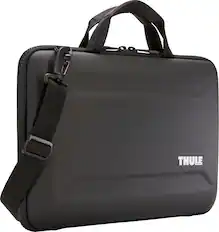
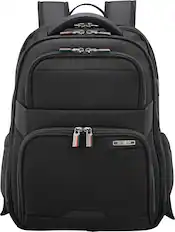

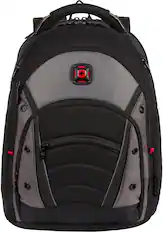
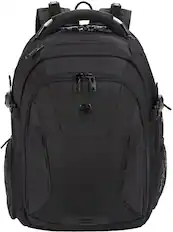
More recommended items
 Mice
Mice Antivirus and Internet Security Software
 Monitors
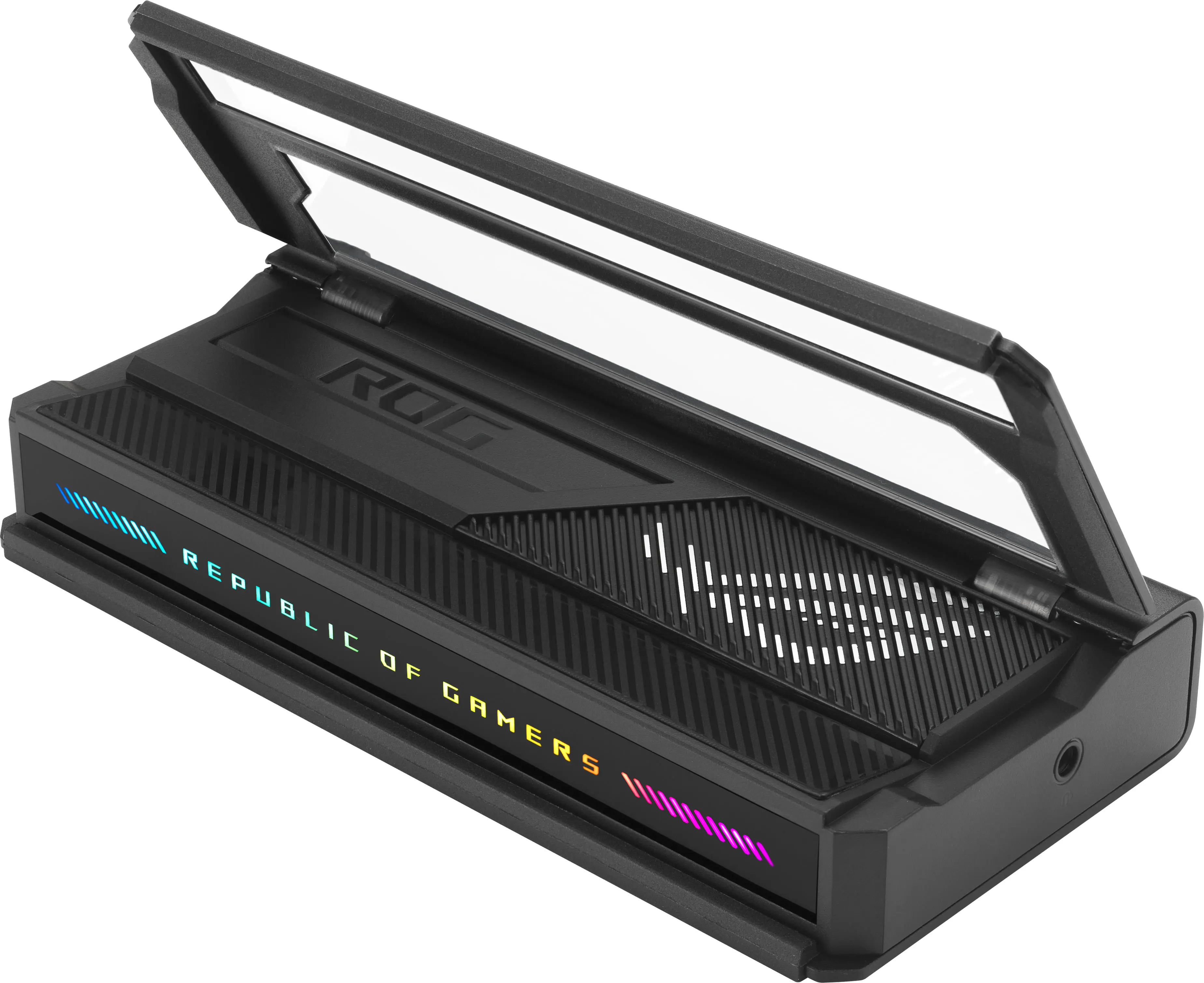 Laptop Docking Stations
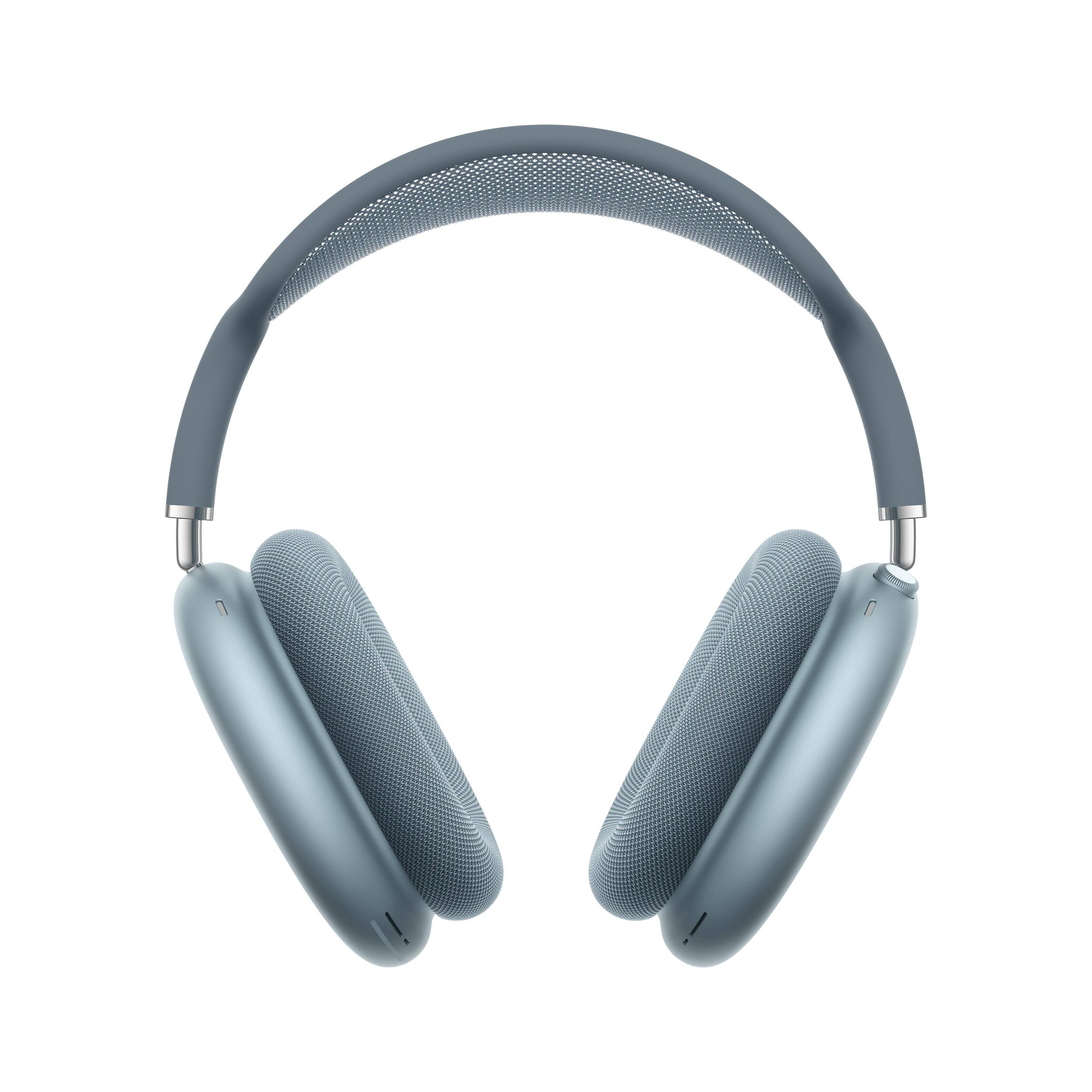 Headphones
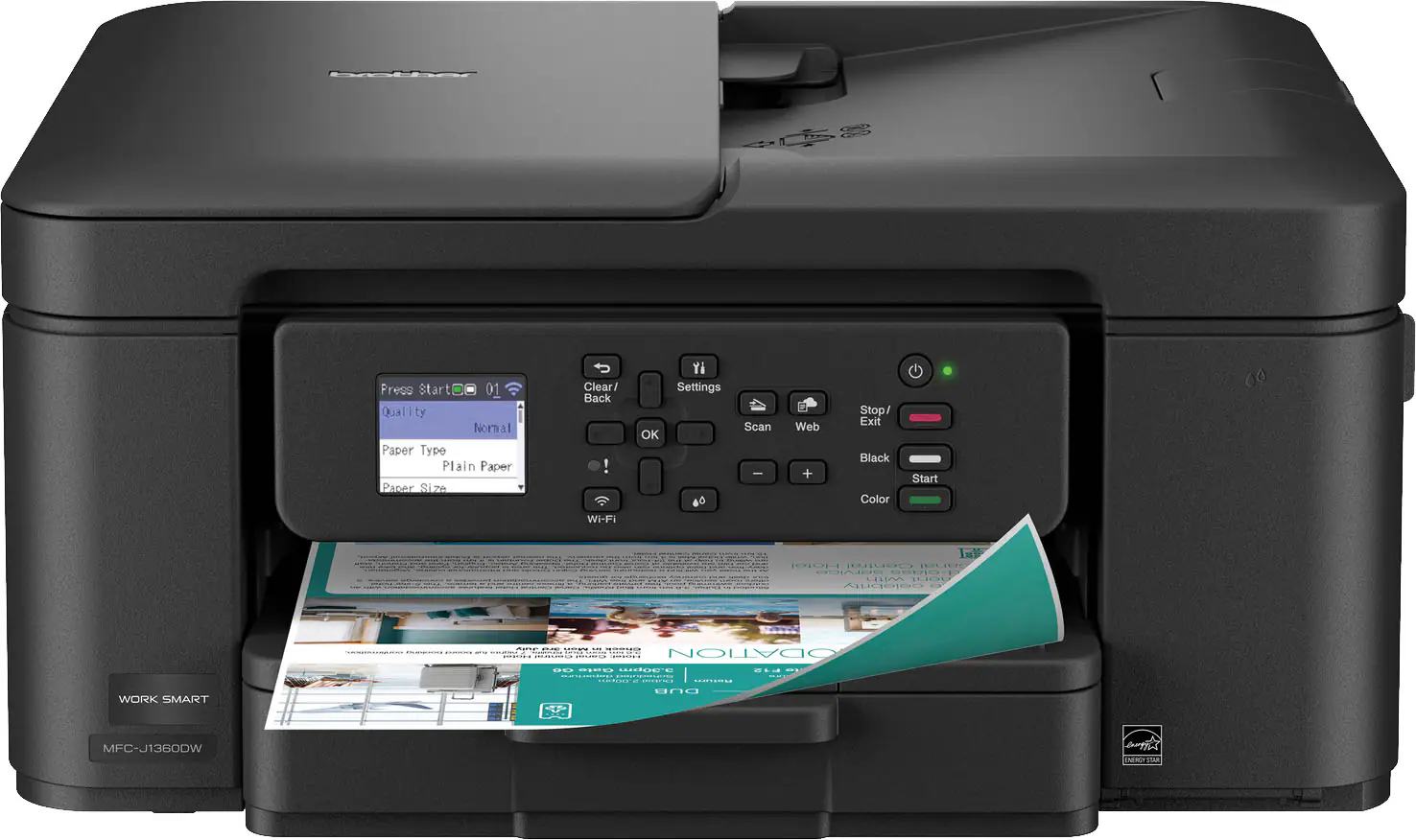 Inkjet Printers
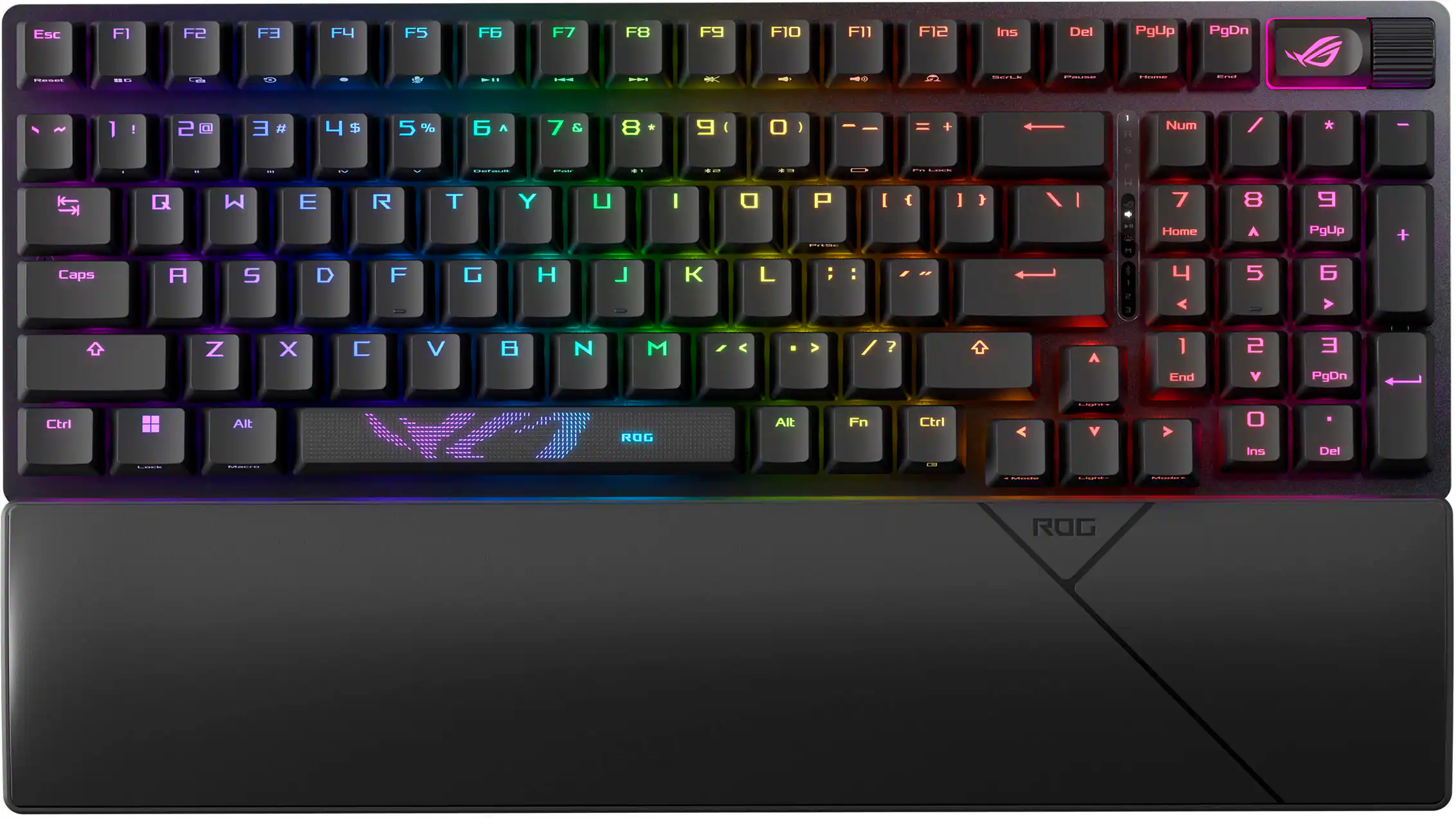 Computer Keyboards
More to consider
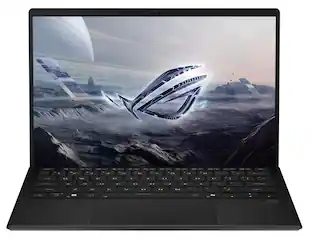 $2,379.99The price was $2,399.99
 Top Deal$1,649.99The price was $2,299.99
 $1,861.99The price was $2,199.99
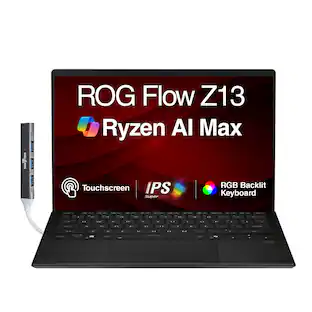 $2,859.99The price was $3,325.99
 $2,689.99The price was $3,199.99
 $2,075.00The price was $2,299.99
 $1,999.99The price was $2,649.99
 $2,774.99The price was $3,899.99

Explore tech essentials Sponsored
 $1,424.99The price was $2,149.99
 $1,739.99The price was $2,099.99
- Top Deal$1,649.99The price was $2,299.99
 $2,099.99The price was $2,199.99
Discover related products
 $149.00The price was $156.45
 $579.99The price was $1,029.00
 $1,019.99The price was $1,299.00



Keep exploring
 $1,099.99The price was $1,399.99
 $1,099.99The price was $1,299.99
 $549.99The price was $899.99
 $550.00The price was $559.00
 $259.00The price was $269.00
 $919.99The price was $1,799.99
 $589.99The price was $949.99
 $1,299.99The price was $1,399.99