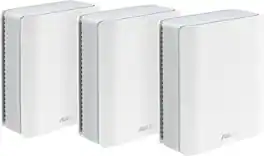
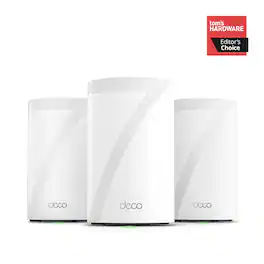
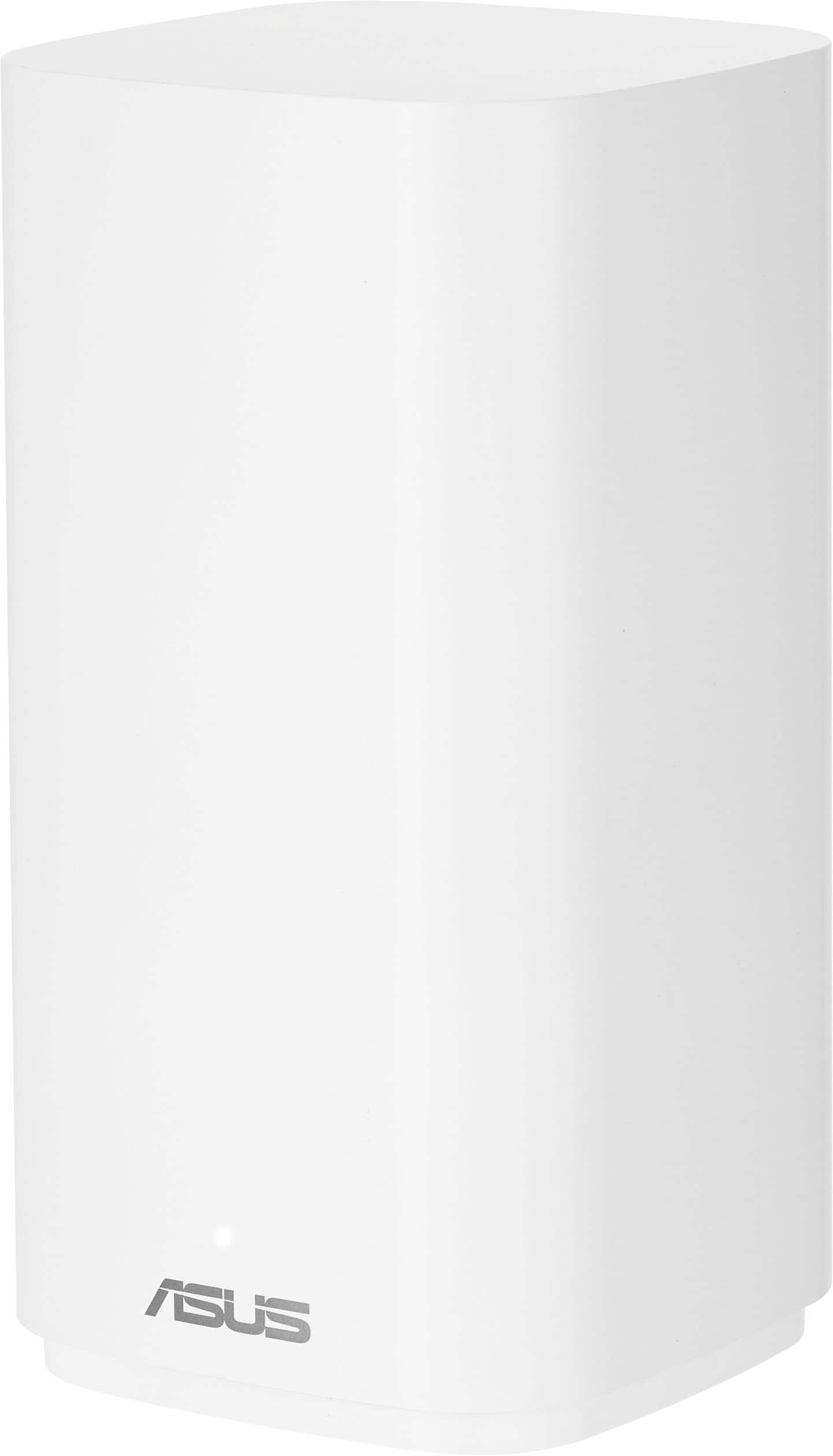
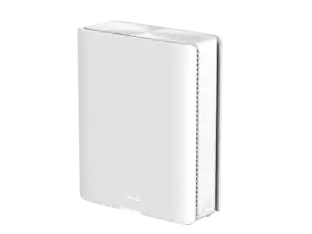
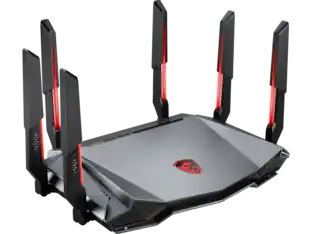
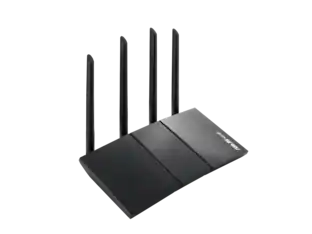
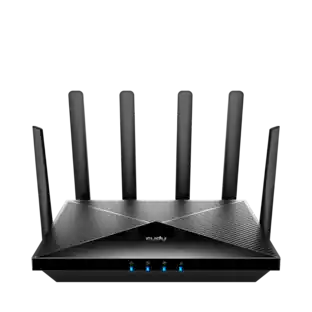
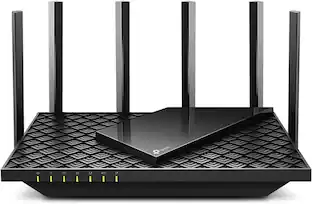
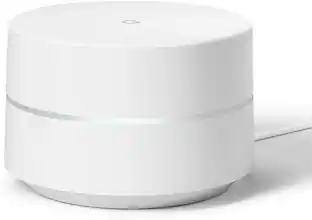
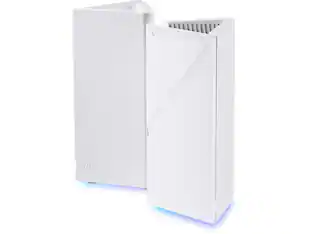
Future-proofs your smart home with blazing-fast tri-band connectivity up to 14000 Mbps with Multi-Link Operation and 4096-QAM.

Q: Can I use this router to create separate networks for my smart home devices?
A: Yes, you can establish up to three SSIDs with Smart Home Master for easy IoT device setup and management.
Q: What is the wireless speed of this router?
A: The Wi-Fi speed of this router is 14 gigabits per second.
Q: What kind of security features does this router offer?
A: It includes AiProtection Pro, powered by Trend Micro, which provides commercial-grade security, one-tap security scans, safe browsing, and VPN support.
Q: Does this router have parental controls?
A: Yes, it offers robust parental controls through a free subscription, allowing you to monitor and customize settings for online activity.
Q: How many antennas does this router have?
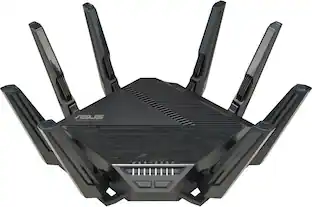
A: This router is equipped with 7 antennas.
Q: What is the maximum number of devices this router can support?
A: This router can support up to 200 connected devices.
A: No
Q: What is the difference between Asus BT8 vs this model ?
A: Model name only. Everything else is the same.

Future-proofs your smart home with blazing-fast tri-band connectivity up to 14000 Mbps with Multi-Link Operation and 4096-QAM.

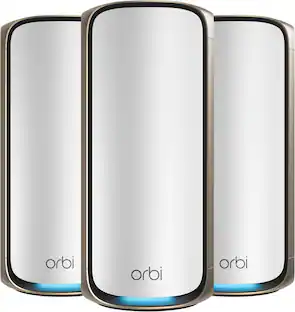
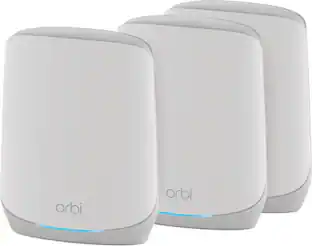
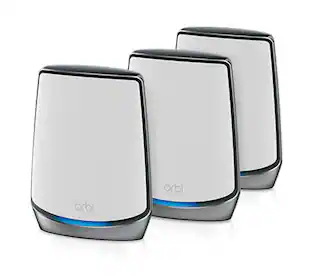
Orbi Wi-Fi 7 is in a class of its own, designed for a new era of entertainment, hybrid work, and smart home convenience. The Orbi 870 Series unlocks the power of Wi-Fi 7 with speeds up to 21 Gbps, 2.4X faster than Wi-Fi 6. In addition, the Orbi 870 brings exceptional 360° Wi-Fi coverage across every corner of your home, regardless of the layout, from the front door to the back yard. It includes a 30-day trial subscription of Armor, all-in-one security protection.

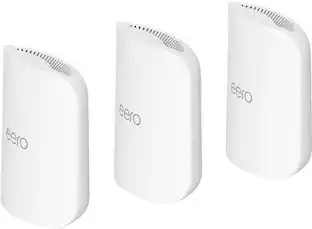
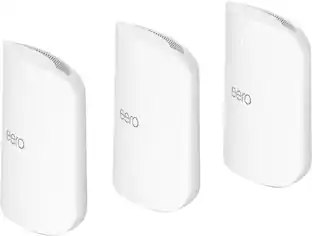
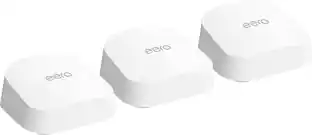
Introducing eero Pro 7 tri-band mesh Wi-Fi 7 router. Supports internet plans up to 5 Gbps, coverage up to 6,000 sq. ft., wireless speed up to 3.9 Gbps and wired speeds up to 4.7 Gbps. Supports 600+ connected devices. 3-pack

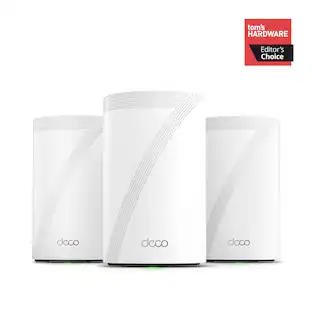
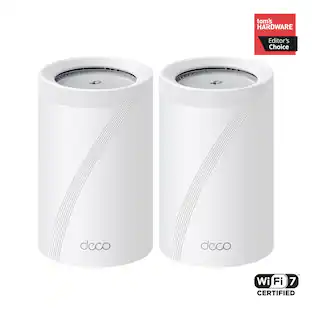
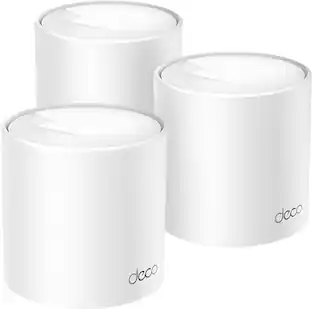
Supercharged by the latest Wi-Fi 7 technology, the Deco BE65 Pro mesh system takes the power and efficiency of your Wi-Fi network to new heights. Delivering combined speeds of up to 11 Gbps on three bands, this powerhouse is an ideal solution for future-proofing your home network, all thanks to Wi-Fi 7 features such as MLO, 320 MHz channel, and 4K-QAM.1,4 Two 5 Gig ports and one USB 2.0 port allow for maximum expandability. With built-in AI-Roaming technology, it creates the ideal Wi-Fi solution with its advanced algorithms and self-learning. Walk through your home and enjoy seamless streaming at the fastest possible speeds‡. TP-Link HomeShield keeps your home network safe with cutting-edge network and IoT protection.5
| Pros for ASUS - ZenWiFi BE14000 Tri-Band Mesh Wi-Fi 7 System (3-Pack) - White | |||
|---|---|---|---|
| Cons for ASUS - ZenWiFi BE14000 Tri-Band Mesh Wi-Fi 7 System (3-Pack) - White | |||
| There were no cons for this product— | There were no cons for this product— |
Customers praise the ZenWiFi BE14000 for its speed, coverage, and easy setup. Many users report increased WiFi speed and a consistently strong connection throughout their homes. However, some customers have experienced connectivity issues with the auto hand-off feature. Additionally, a few users feel that the firmware needs improvement.
The vast majority of our reviews come from verified purchases. Reviews from customers may include My Best Buy members, employees, and Tech Insider Network members (as tagged). Select reviewers may receive discounted products, promotional considerations or entries into drawings for honest, helpful reviews.
The Asus ZenMesh System is my first router to feature WiFi 7 and a 6GHz band. Although not all devices support WiFi 7, it’s fully backward compatible, meaning you can use it with older WiFi devices. However, to fully experience the benefits—faster speeds, wider bandwidth, and more reliable connections—you'll need a WiFi 7-compatible device. If you’re curious about compatibility, please refer to the section at the bottom of my review. Connection Speeds - I’ve been blown away by the speeds this system delivers. Both my iPhone 16 Pro Max and Asus Zenbook support WiFi 7, and I’m consistently achieving wireless speeds I’ve never come close to before. My internet plan is capped at 1Gbps, and despite never reaching this even when hardwired, I’m seeing speeds up to 907 Mbps on my iPhone and nearly the same on my Zenbook. Mesh Setup - The setup is straightforward, with one router acting as the “Main” and the other two serving as satellites or "nodes" that create the mesh network. These nodes can work wirelessly, but I highly recommend hardwiring them to your router if possible, as this greatly improves both speed and coverage. I have Ethernet cables built into my walls, so I hardwired my nodes for an ultra-fast mesh setup. To do this, just connect an Ethernet cable from one of your router’s LAN ports to the WAN ports on your nodes. App & Interface - The Asus app is a standout feature. It’s intuitive, much more so than other systems I’ve used, and offers great customization options. You get free parental controls, a firewall, and other useful features without extra costs. WiFi Setup - Upon setup, Asus creates two networks: one for general use and another specifically for IoT devices like smart lights, soundbars, and robot vacuums. IoT devices generally don’t require fast speeds but need a stable connection. I recommend limiting the IoT network to 2.4GHz, as most IoT devices don’t support higher bands. Issues - While the setup process was mostly smooth, I did face some initial struggles. The startup time for the router can take up to 5 minutes during a reboot, and I’ve experienced intermittent disconnections (lasting less than 1 second). This happens a couple of times a day, though it’s not a major issue yet. It could be related to my existing modem or possibly a router configuration issue (IP address renewal). I’m confident I can resolve it, but I’m still surprised it’s happening at all. The Ultimate Test - Over the weekend, I put the system to the test with my 9-year-old son, who’s vocal about internet performance. He reported faster speeds on his iPad and had only a couple of disconnections while playing Roblox. I’ve also encountered similar issues with my TV and WiFi devices, though they seem rare. Despite these minor hiccups, my son is happy with the system, giving it two thumbs up. Conclusion - Overall, I’m thrilled with the Asus ZenWifi System. The speeds are unprecedented, and the coverage is exceptional. If it weren’t for the occasional disconnections, this would easily be a 5-star product. I’m confident that with a little troubleshooting, I can resolve the issues, and I’ll likely consider adding another node for even better performance. Compatibility Concerns - I was initially concerned about compatibility with my Orbi Modem/Router, especially since routers typically can’t connect to other routers without causing NAT issues. The good news is that Asus routers are compatible with most modems—a crucial point for anyone with a modem/router combo. To use the Asus system, simply log into your modem/router and switch it to Bridge Mode, which disables the router function and makes it act solely as a modem. I’m experienced with networking, but Orbi systems can be tricky due to their proprietary nature. In my case, I ran into an issue where the Asus router was receiving a private IP on the WAN port instead of a public IP (which is needed for proper routing). After some troubleshooting, including rebooting both the modem and the router, I got everything working properly. While this may not be an issue for most people, I hope this info helps anyone facing similar challenges.
Posted by CatCity
If you have a big home with lots of technology using WiFi, then the 8000 sq ft Dead zone free coverage from the ASUS Zen WiFi BE14000is for you. It’s super simple to set up with the ASUS app which gives you so many options right at your finger tips. It is built for the future of WiFi with it’s triple-band WiFi 7 AiMesh which is great as technology advances offering speeds up to 14 GBPs which is ideal for me who enjoys 8K streaming and intense gaming. Its AiOptimization is incredible, automatically prioritizing my internet traffic in my home for the best possible performance. The Nodes/towers look nice which can be placed anywhere in your home and fit in nicely with any decor. No problem blending in. One thing I like is the two 2.5 gig ports that are available so I can get the wired connection speeds of over 2 gigs that I pay for to game. The app makes it pretty simple to set up and offers tons of features to fine tune your needs that other mesh systems may lack. Although I may not take advantage of all the features and benefits of the Zen WiFi system, I do like the fact that the options are available for future needs. If you are not good with tech, then some of these features might feel a bit hard. If you are in a smaller home with just simple streaming needs at 1 gig or less, then this might be a lot more than you probably need. Other features that I like are the AiProtction Pro for my network security, VPN, and the option for parental controls. Great if you would like to limit what your kids are streaming these days. I have had this for a handful of days now and everything is working great and I am very happy.
Posted by TechSavvy
TLDR: After using Asus routers for years, the ZenWiFi is a marked step back for the manufacturer. The app is laggy & buggy, not to mention it does not work correctly with Android devices. The entire system is unfriendly to set-up and too unstable for use. Wait for a substantial app update and at least one more firmware update before purchase. PROS Strong Wi-Fi Coverage Included AiProtection Pro Included Advanced Parental Controls Ability to Operate 3 Independent Networks CONS Asus Router App Slow & Laggy Interface UPnP and WPS toggles create endless reboots Only 1GB of RAM (Normal RAM usage is consistently around 70%) Only 3 Core CPU (Fine for the system’s use, but slow and laggy when accessing the router via the app or via a web browser) INTRODUCTION I’ve been using Asus routers for more than a decade now. They have proven to be rock-solid, reliable workhorses that require nearly no attention and operate reliably and invisibly in the background. The Asus ZenWiFi could technically be considered a step down from my current Wi-Fi 7 based system I received for review almost a year ago. The system from Asus’ number one competitor started out buggy, became better over the course of the year, but has recently started having random connection issues and drop-outs, making for a poor spousal acceptance factor. Throw in a potential Government ban on these devices due to security issues and vulnerabilities, it was due time for a change. Seeing the Asus ZenWiFi come up for review and my positive experience with their products in the past, I jumped at the opportunity to use their Wi-Fi 7 based whole home mesh network. Supporting 3 nodes and coverage claims of up to 8000 square feet, I had no issues going from a claimed BE22000 product to the Asus BE14000. CONNECTIONS 1 x 2.5Gb WAN Port 1 x 2.5Gb LAN Port 2 x 1Gb LAN Ports 1 x USB 3.2 Gen 1 Port SET-UP There is no other way to say it. Asus, you dropped the ball with your Asus Router app. IT SUCKS! I tried initial configuration and set-up using my Galaxy S24. No go. The app refused to properly connect to my main node. Force closes, numerous reboots of the phone and router, nothing. The phone would connect to the Zen, but the app wouldn’t recognize the connection and therefore prevented set-up. Frustrating, but no worries, I pulled out my Galaxy A9 tablet. What happened next? Same thing. The ZenWiFi would not connect no matter what I tried. Restarts, reboots, updates, nothing worked. Thankfully, I also have an older iPad. After installing the Asus Router app, it finally started showing signs of life. It wasn’t easy, but it was working. Nearly an hour later. Ugh. To make matters worse, once it started working, the app is not intuitive. Not only is it not streamlined, I had to enter most everything via the manual set-up, as even the iOS based app doesn’t function properly either. Better than Android, but still not without its issues. After numerous attempts, I finally got through the initial set-up. But the frustrations didn’t end there. Things like after initial connection to the main unit; the app starts looking for the nodes. This is yet another issue I have with the app. Once you add the other nodes, the app doesn’t respond that they are installed and available. Nope. No form of recognition. To be fair, the main router will immediately see the nodes and update them to the network, but you don’t know that. You are just left guessing as the LED indicators repeatedly change colors. Nearly 10 minutes of waiting, hoping that what is going on the background is successful, because you sure can’t see it in the app and the main router failed to automatically update the remote nodes to the latest firmware. Attempting to save a great deal of time, I carried over my existing SSID and password. I know. That is not the correct way to do it. But when I installed my previous Wi-Fi 7 system (coming from an Asus router), using the same SSID and password worked flawlessly and saved me tremendous amounts of time. Devices came back online like nothing happened. It was great. No going around to close to 100 devices and reconnecting them. I am close to 2 hours into this endeavor at this point. So, I open the app and look at the network, its status, and its clients. Client devices online: 32. What? I have at least 70. Not only that, according to the Asus Router app, the ZenWiFi has assigned 5 devices the exact same IP address (these devices were set up as DHCP and were not issued static IP addresses). Sure enough, nearly half of my devices aren’t registered with the ZenWiFi. Even with using the same SSID, same password, same encryption protocol. Same, same, same. They show on the Asus Router app, just unavailable, forcing me to return to the devices' native apps for re-configuring. Fast forward. I am now in hour 3 of set-up, trying to get everything to work. Most things are coming around, but like I said above, I must reset many of the devices and manually add them back to my network. I didn’t have to do this with my last system. I still have devices that are refusing to connect to the ZenWiFi. My Notion leak detectors? Nope. My LG soundbars? Nope. Older Amazon Alexa devices? Nope. Some things just aren’t working. Even turning off MLO doesn’t solve the issues. How do I know this is a ZenWiFi problem and not some other issue? Because my previous Wi-Fi 7 system replaced an Asus non-mesh system. Those devices all functioned properly on my old Asus system and the Wi-Fi 7 system that replaced it (from another manufacturer). Some things don’t work with the ZenWiFi. It’s an Asus mesh issue. Next, I decided to run the Asus Security advisor via the web browser. Sure enough (as I knew it would) it identified 2 security vulnerabilities. UPnP and WPS (both enabled by default). As recommended, I disabled UPnP and WPS. Upon doing so, several of my connected devices got kicked back off the network and the remote nodes went into multiple reboots with unstable connections. As of this writing, I gave up after 3 reboots of the node this computer connects to. Toggling UPnP and WPS back on was the only way to eliminate the rebooting issue and the remote node not coming back online. Now back to manually adding all these devices back to the network once again. For my main / primary devices on my network, I’ve always like adding DHCP address reservations for them. I don’t assign static IP’s to my devices as it can lead to HUGE problems when switching systems like I’ve done, but I find address reservations a good compromise. Like I said, not all devices get reservations, just important devices and especially devices belonging to my teenager. Makes for easier administration of rules and parental controls, not mention the ease in troubleshooting. Here in lies another major issue I have with the ZenWiFi. There is no listing in the Asus Router app to assign a reservation. Oh wait, yes there is. It’s called IP Binding. Why can’t you just name the feature like EVERY single other network in the world does? EVERY networking person knows what an IP Address Reservation is. So, I attempt to assign one of my kid’s devices to an unassigned IP address and start the reservation process. Nope. Not going to do that again. What was a simple process with my non-mesh Asus system from a couple years ago & my recently replaced system, it is an epic debacle with the ZenWiFi. Why? Because simply adding an IP reservation aka IP Binding in Asus speak, forces a complete system reboot. A REBOOT with EACH and EVERY entry. CONCLUSIONS In a nutshell, this is the MOST disappointing product from Asus in a LONG time. I have always placed Asus routers on a pedestal & aside from a commercial or prosumer investment, always considered the Asus products as the gold standard. No longer. To be fair, the Asus ZenWifi has as good or better coverage in my house than my much more expensive previous Wi-Fi 7 system. I appear to be getting better 6E coverage with my Galaxy phone than I did with the Zen’s predecessor. So far, the slow connections experienced with my previous system seems to be markedly better. All my laptops, desktops, and streaming devices have connected immediately to the network after having to manually re-add the exact same network credentials. My prior system would often take up to 1 minute to assign an IP address and permit a device on the network. The ZenWifi appears to be doing a much better job, with re-connections almost instantly after waking or booting up. Stability seems to be fair at this point, better than after first starting. I’m still experiencing random devices showing offline, but they often come back with no intervention on my behalf. My MyQ garage door openers and Eufy products are prime examples. The ZenWiFi kicks them offline frequently, but after 30 minutes or so they magically come back. I’m hoping it is just a teething issue and something I overlooked, but I will keep monitoring. This ZenWifi changes my opinion of the Asus networking products. I have NEVER had so many issues or difficulties setting up a network. I set-up my last 2 networks in this house in half the time (combined) as it has taken me to work through the issues with the ZenWifi. I have my CompTIA Network+ certification and even though it is only an entry-level certification, I have quite a bit of experience setting up networks. Glad I do. It’s been needed to be able to work through all the issues with this system. NOT RECOMMENDED
Posted by NAMO