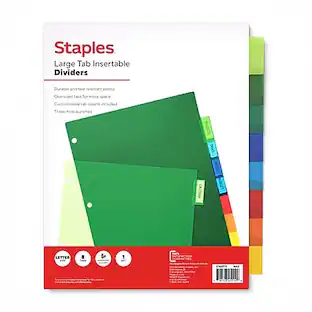
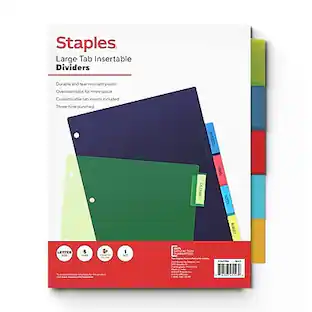
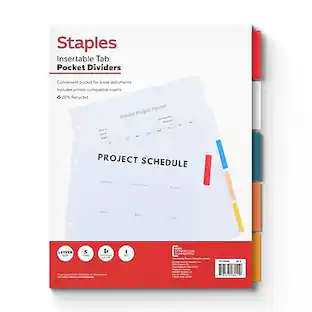
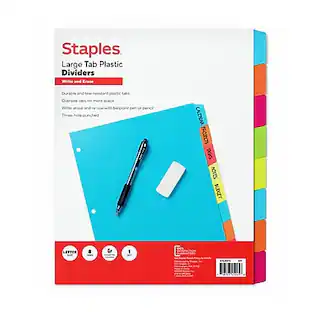
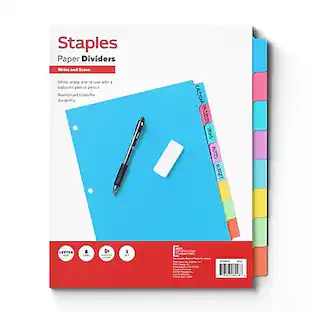
Avery - Print-On Paper Dividers, 8 Tabs, 25 Sets/Pack - White
About this product
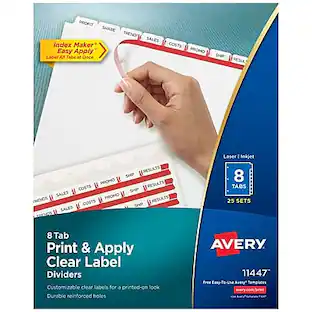
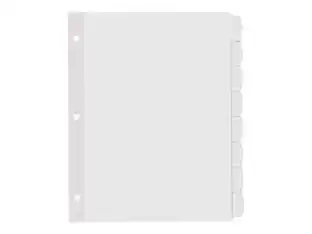
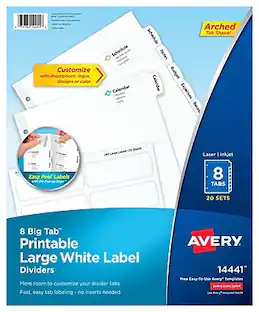
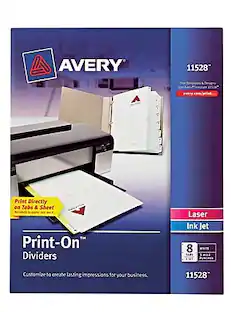
These Print-On(TM) Dividers are great for creating presentations and reports quickly and easily with no labels to apply. You can print directly on the tabs and dividers with sharp, clear text that helps you find specific information fast. And with free software and templates at avery.com/print, you can customize the dividers and tabs your way. The dividers can be printed in landscape or portrait format, making them ideal for PowerPoint(R) presentations, and they're three-hole punched and ready to use. Always provide a picture-perfect presentation with these printable dividers.
Print directly onto tabs and dividers with no labels to apply
Organize documents quickly and easily
Print in either landscape or portrait format
Three-hole punched and ready for use
Compatible with laser and inkjet printers
8 Tabs or Sheets per Set
Print professional-looking dividers for your presentations right from your desktop
Print directly on tabs and add a logo, text, and graphics on divider sheet for high impact
Dividers contain 20% minimum post-consumer recycled paper
For laser, color laser, and inkjet printers
White tabs
25 sets per box
- Number of Tabs8Tab Label TypePrint-onNumber Of Holes3Number of Units Per Package25
Reviews
This product doesn't have any reviews yet.
Compare similar products
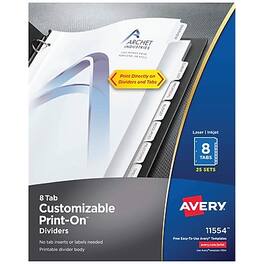
These Print-On(TM) Dividers are great for creating presentations and reports quickly and easily with no labels to apply. You can print directly on the tabs and dividers with sharp, clear text that helps you find specific information fast. And with free software and templates at avery.com/print, you can customize the dividers and tabs your way. The dividers can be printed in landscape or portrait format, making them ideal for PowerPoint(R) presentations, and they're three-hole punched and ready to use. Always provide a picture-perfect presentation with these printable dividers.
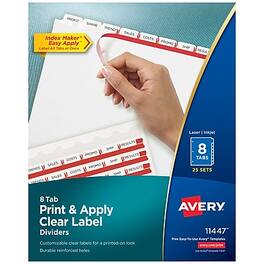
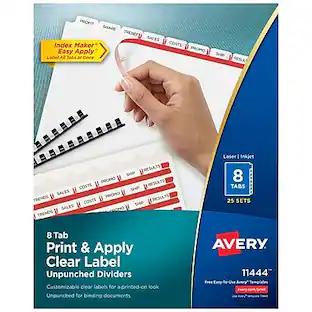
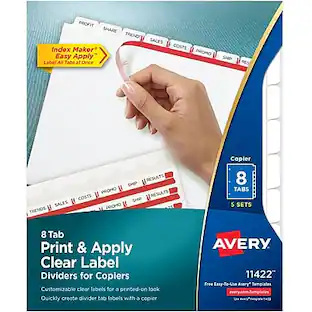
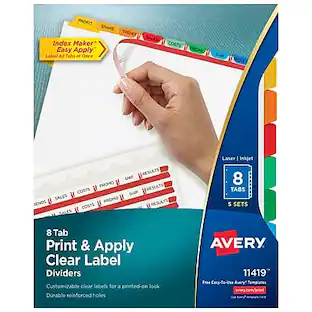
Easily create print shop quality personalized binder dividers with tabs using Avery Index Maker Clear Label Dividers. Customize the title tabs for your dividers quickly and easily using the free templates on the Avery website and print with your inkjet or laser printer for clean, professional looking results in minutes. This pack comes with 25 sets of 8-tab dividers, and the Easy Apply clear label strips make it simple to apply all 8 labels of each set at once. Just print, align labels against tabs, smooth down labels and peel up strip. Each 3-hole punched durable divider also features doubled-sided, reinforced tabs and edges to help resist tearing for long-lasting, everyday use. These 3 ring binder dividers with tabs are a great addition to your medical office supplies, school binders, personal organizers, tax office supplies, presentation reports and more. Print, peel, and press your way to a perfect, precise project.
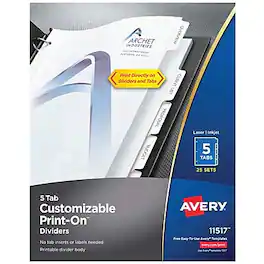
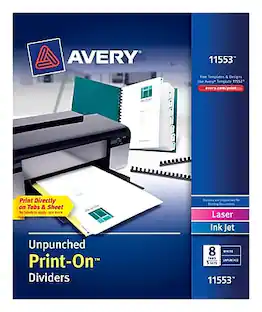
It's never been easier to create professional proposals and projects with our Print-On(TM) Dividers. You can print directly onto dividers and tabs in either landscape or portrait format, with no labels to apply. And it's easy to produce rich text and vibrant graphics with our free software and templates at avery.com/print-no download required. Three-hole punched and ready to use. Always make the perfect presentation with these customizable dividers.
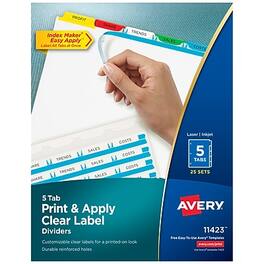
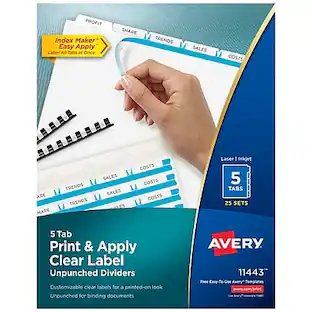
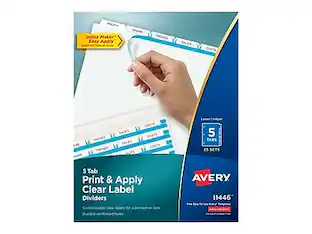
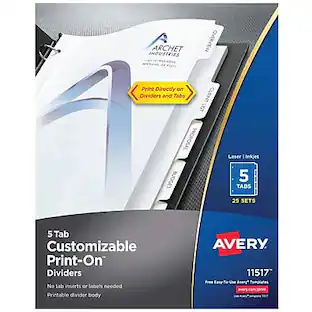
Easily create print shop quality personalized binder dividers with tabs using Avery Index Maker Clear Label Dividers. Customize the title tabs for your dividers quickly and easily using the free templates on the Avery website and print with your inkjet or laser printer for clean, professional looking results in minutes. This pack comes with 25 sets of 5-tab dividers, and the Easy Apply clear label strips make it simple to apply all 5 labels of each set at once. Just print, align labels against tabs, smooth down labels and peel up strip. The white binder dividers feature an assortment of brightly colored tabs for eye-catching convenience when you're looking for the right section. Each 3-hole punched durable divider also features doubled-sided, reinforced tabs and edges to help resist tearing for long-lasting, everyday use. These 3 ring binder dividers with tabs are a great addition to your medical office supplies, school binders, personal organizers, tax office supplies, presentation reports and more. Print, peel, and press your way to a perfect, precise project.
Specs
More to consider
 $95.94The price was $151.67
 $141.29The price was $174.56
 $82.30The price was $152.02
 $28.58The price was $53.81
 $52.28The price was $89.00
 $75.23The price was $134.65
 $52.73The price was $92.10
 $27.00The price was $41.96
 $127.59The price was $153.97
 $30.78The price was $43.92
 $42.16The price was $71.17

Discover lifestyle innovations Sponsored
 $44.99The price was $67.49


Discover related products
 $124.99The price was $219.99
 $849.00The price was $1,288.03
 $94.91The price was $99.90
 $112.99The price was $129.99