Canon - MP27DII 12-Digit Desktop Printing Calculator - Gray
About this product
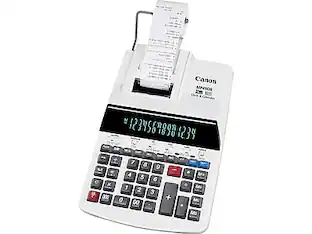
Get accurate results to arithmetic problems with this desktop printing calculator. An extra-large fluorescent tube display lets you view numbers and special characters, while a power save mode automatically shuts down the device after seven minutes of being idle. This calculator features high-speed, two-color ribbon printing technology to enhance record keeping and an ergonomic design and soft-touch keys that let you enter information quickly. The built-in clock and calendar functions help you stay on schedule throughout the week. This Canon desktop printing calculator comes with a user manual and a paper roll.
Features
Printing calculator offers 12-digit VFD display for convenient viewing
Prints up to 4.8 lines per second for quick, clear documentation
Dimensions: 3.4"H x 8.9"W x 14.1"D
Powered by any standard AC outlet, eliminating the need for expensive batteries
4-key memory keeps often-used figures accessible for faster calculations
Streamline financial calculations with profit margin, tax calculation, cost, sell, margin, and item counter functions
Decimal switch, rounding switch, sign change, double zero, grand total, time calculation, and triple zero functions help you solve a variety of mathematical problems
Package contents: paper roll and instruction manual
Prints positive numbers in black and negative numbers in red, eliminating misreads
Clock and calendar functions help maintain schedules
Auto power-off feature prevents unwanted or unintentional use of the battery
Angled display is easy on the eyes
Comes in gray
1-year manufacturer limited warranty
Specifications
- BrandCanonModel Number8707B001AAProduct NameMP27DII 12-Digit Desktop Printing Calculator, GrayColorGrayWarranty - Parts1 yearWarranty - LaborNot provided
Reviews
This product doesn't have any reviews yet.
Compare similar products
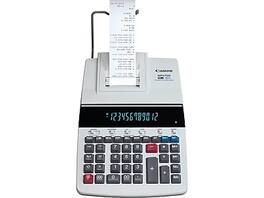
Get accurate results to arithmetic problems with this desktop printing calculator. An extra-large fluorescent tube display lets you view numbers and special characters, while a power save mode automatically shuts down the device after seven minutes of being idle. This calculator features high-speed, two-color ribbon printing technology to enhance record keeping and an ergonomic design and soft-touch keys that let you enter information quickly. The built-in clock and calendar functions help you stay on schedule throughout the week. This Canon desktop printing calculator comes with a user manual and a paper roll.
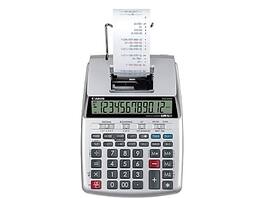
Calculate grand totals for sales without a computer with this 12-digit printing calculator. With a clock and calendar function, it's easy to keep track of the time and date of each receipt and have it printed alongside the sale. A profit margin function allows you to compare the differences between sales and maintain records from month to month. The calculator features a low-battery light indicator for easy advance planning, and a 12-digit display at the top provides support for high-accuracy calculations or ultra-large numbers. Featuring a time calculation option, this Canon portable printing calculator is capable of time-based fee structures so that you can take specific variables into account.

The P170-DH-3 is the ideal desktop printing calculator to control your business or home finances. The compact size allows the P170-DH -3 to fit on your desktop without taking up too much space. But don't let the size deceive you; this unit is packed with important business functions such as the ability to calculate your cost, selling price or profit margin with the touch of a few keys.
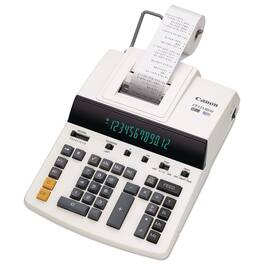
From the very first tap on the soft-touch keys, you instantly feel the ergonomic design that is built into the CP1213DIII. It's loaded with versatile features to perform almost any type of business or financial calculation, and additionally includes a large fluorescent display, two-color ribbon printing, and average and pairing calculations to help avoid any hassles, mistakes and/or wasting time.
Specs
Be the first to ask a question.
We’ll try to get your question answered within 24 hours by a Best Buy customer or brand representative.
Customers often buy these together


More to consider
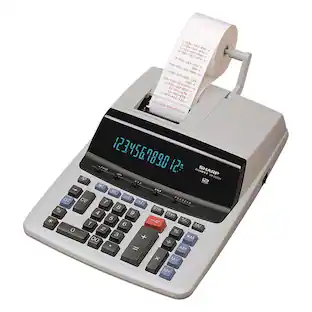
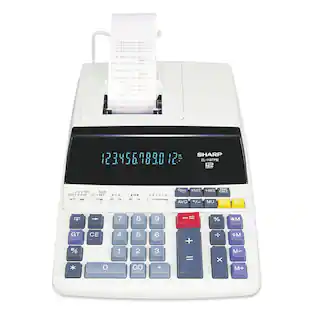
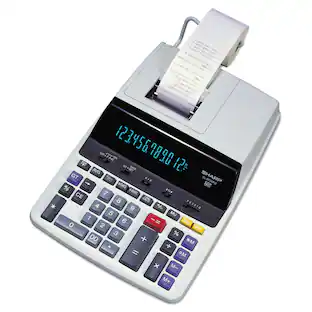
Sharp EL-1901 EL-1901 Paperless Printing Calculator with Check and Correct
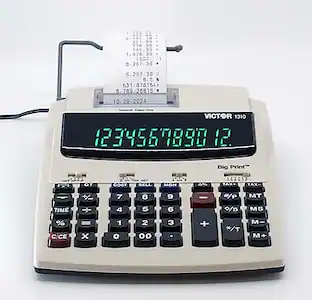
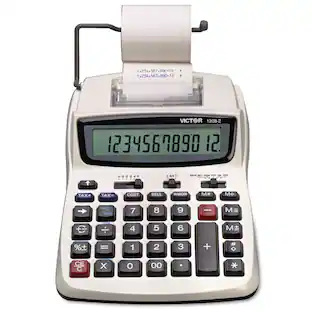
$64.13The price was $99.99Victor 12082 Compact 2.3 Lines/Second Two-Color Printing Calculator - Print
$54.34The price was $56.99


Discover lifestyle innovations Sponsored
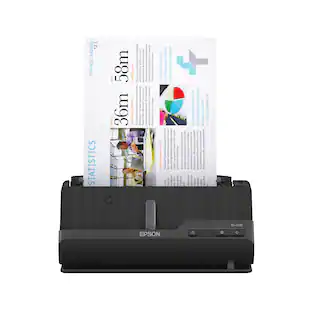
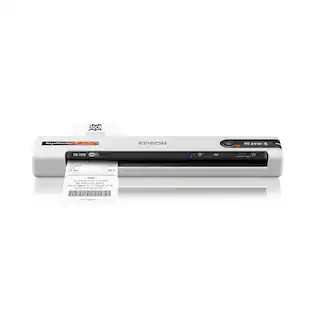
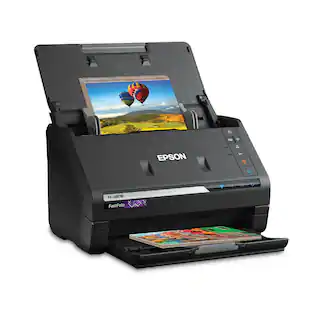
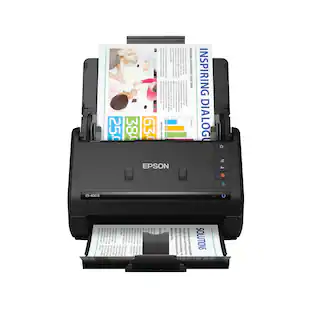
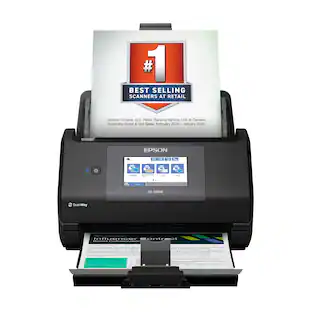
Epson RapidReceipt RR-70W Wireless Mobile Receipt and Color Document Scanner
$229.99The price was $279.99Epson WorkForce ES-590W Wireless & USB High-Speed AI & Cloud Ready Desktop Color Duplex Document Scanner
$389.99The price was $449.99

Discover related products
GTPlayer Gaming Chair Big and Tall High Back Computer Chair Ergonomic Office Chair with Pocket Spring Cushion
$129.99The price was $139.99Ricoh fi-8170 Professional High Speed Color Duplex Document Scanner - Network Enabled, PA03810-B055
$899.00The price was $999.99AGPtek 500W Fog Machine with 13 Colorful LED Lights Effect for Wedding, Halloween, Party
$59.99The price was $61.99







Keep exploring
Victor 12082 Compact 2.3 Lines/Second Two-Color Printing Calculator - Print
$54.34The price was $56.99