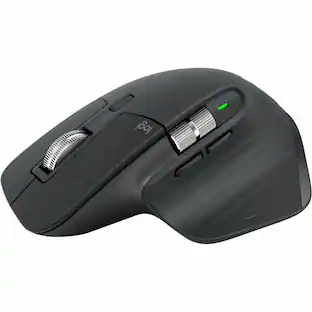
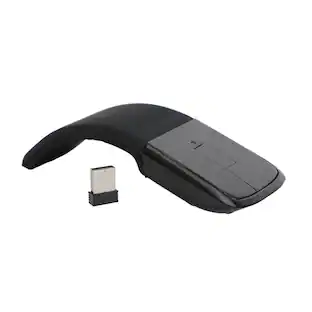
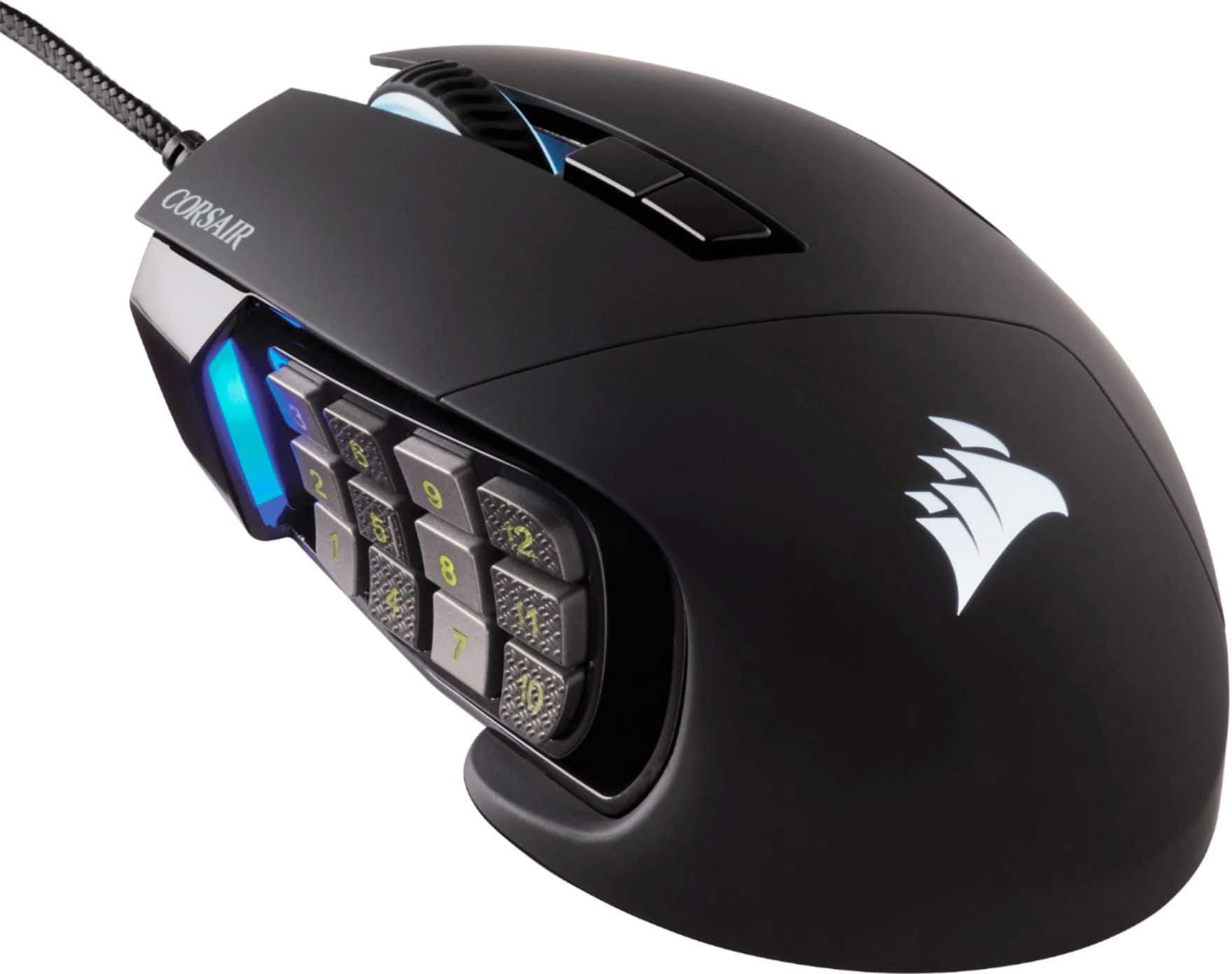
CORSAIR - Scimitar RGB Elite Wired MOBA/MMO Optical Gaming Mouse with 17 Programmable Buttons - Wired - Black
Customers are saying
Customers value the extensive programmable buttons and the overall high-level performance and responsiveness of this mouse. While many users appreciate the ergonomic design and perfect weight, some have expressed concerns regarding the software interface and the long-term durability of the scroll wheel. Despite these minor drawbacks, the device is generally regarded as a worthwhile investment for those seeking a highly functional peripheral.
Features
Custom PixArt PMW3391 native 18,000 DPI optical sensor
Adjustable in 1 DPI resolution steps, gives you total sensitivity customization and ultra-accurate tracking.
Dynamic four-zone RGB backlighting
Near limitless customization of colors and effects.
Ultra-durable Omron switches
Rated for more than 50 million clicks.
CORSAIR iCUE software
Enables RGB lighting control, sophisticated macro programming and button remaps, sensitivity customization, surface calibration, and more.
Onboard profile storage
Take your macros and lighting profiles with you anywhere you go.
Wired connection
This mouse connects to your computer using an USB port.
Optical technology
LED lights scan the surface beneath the mouse to detect movement with a fair amount of accuracy, suitable for everyday computing and browsing.
17 fully programmable buttons
Built with Ideal for performing frequent actions and executing complex macros in MMOs and MOBAs.
Comfortable contoured shape
Sculpted to fit the contours of your palm, regardless of hand size or grip style, with a right-side finger rest for added support.
Compatible with most versions of Windows
Works with most PCs.
Specifications
- Lighting TypeSingle colorMaximum Sensitivity18000 dots per inchNumber of Buttons (Total)17Connection TypeWired
Reviews
Rating 4.5 out of 5 stars with 1249 reviews
- Programmable Buttons (245)
- Overall Performance (151)
- Ease of use (84)
- Ergonomics (46)
- Weight (40)
- Software (75)
- Scroll Wheel (73)
- Size (31)
- Connectivity (9)
- Price (7)
Customer Images
The vast majority of our reviews come from verified purchases. Reviews from customers may include My Best Buy members, employees, and Tech Insider Network members (as tagged). Select reviewers may receive discounted products, promotional considerations or entries into drawings for honest, helpful reviews.
Compare similar products

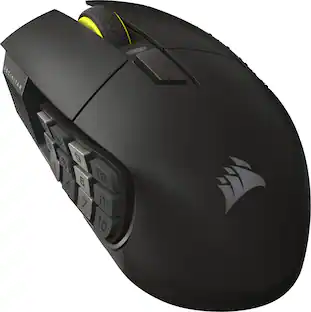
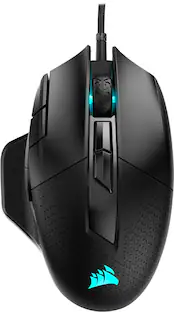
Make your moves with this Corsair Scimitar RGB Elite gaming mouse. With the 17 programmable buttons and a repositionable Key Slider system, this mouse offers comfort and function for longer gameplay. An 18,000 dpi sensor delivers pinpoint accuracy. This Corsair Scimitar RGB Elite gaming mouse is built for durability with a braided cord and sturdy scroll wheel.
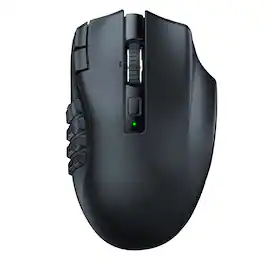
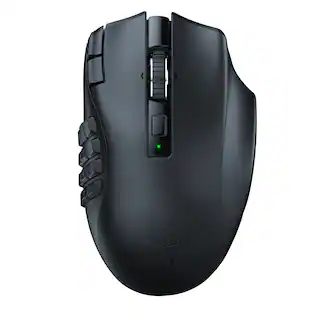
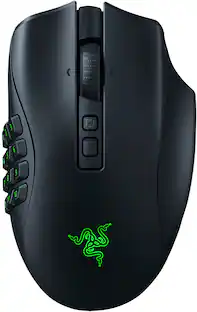
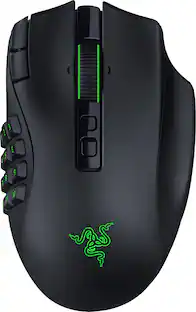
Rise to the top of your guild with the Razer Naga V2 HyperSpeed—a best-in-slot wireless ergonomic MMO mouse. Optimize skill rotations with an arsenal of 19 buttons and a dual mode scroll wheel. Power through raid progression with HyperSpeed Wireless, backed by up to 250 hours of battery life.
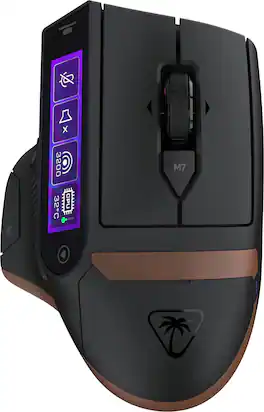
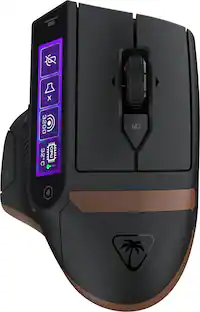
The Turtle Beach Command Series MC7 wireless gaming mouse delivers seamless control for gaming, streaming, and productivity. The Command Touch Display provides intuitive fingertip control without layered software or excess buttons. Quickly adjust DPI, switch profiles, trigger macros, or control apps without breaking focus. For streamers and creators, it becomes a powerful command hub for OBS control, mic muting, and app launches without interruption. With tri-mode connectivity, seamlessly switch between 2.4GHz wireless, Bluetooth, and wired. True 8K polling delivers ultra-low 0.125ms latency, paired with an Owl Eye 30K DPI optical sensor and Titan Optical Switches for flawless tracking and long-term durability. Enjoy zero downtime with dual 1000 mAh hot-swappable batteries and the included charging dock. Each battery delivers up to 10 hours out of the box and up to 15 hours at 8K with LED and LCD lighting off. Even better, these are the same batteries used in Stealth Pro II. Designed for stability and precision, the MC7’s ergonomic right-handed shape supports confident, controlled play with comfortable palm and claw grip support. Paired with an adaptive 4D scroll wheel, customizable RGB lighting, 11 programmable buttons, and onboard profiles, The MC7 is a core component of the Command Series ecosystem.

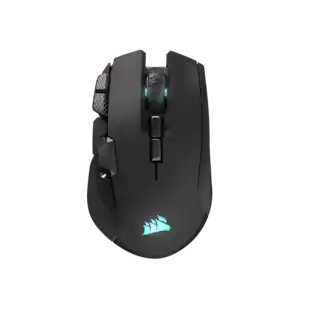
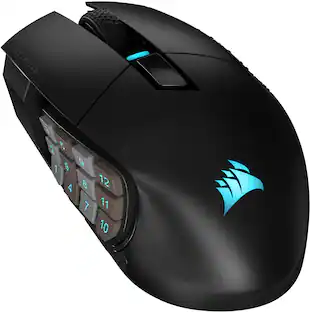
With 16 buttons, an adjustable 12-button Key Slider, the astonishingly accurate MARKSMAN S 33K sensor, and low-latency SLIPSTREAM WIRELESS, the CORSAIR SCIMITAR ELITE WIRELESS SE MMO Gaming Mouse is legendary MMO gaming gear. Embrace wireless freedom and enjoy up to 150 hours* of gaming on a single charge. Control the situation during intense raids and boss fights with 16 customizable buttons and the patented adjustable Key Slider which puts 12 buttons in comfortable reach of your thumb. Also control your stream like never before with native Elgato Stream Deck integration giving you quick access to your most important functions.
| Pros for CORSAIR - Scimitar RGB Elite Wired MOBA/MMO Optical Gaming Mouse with 17 Programmable Buttons - Wired - Black | |||
|---|---|---|---|
| Overall Performance, Ergonomics, Programmable Buttons, Ease of use, Weight | Overall Performance, Battery Life, Ergonomics, Button Layout, Wireless | There were no pros for this product— | Overall Performance, Ergonomics, Battery Life, Button Functionality, Connectivity |
| Cons for CORSAIR - Scimitar RGB Elite Wired MOBA/MMO Optical Gaming Mouse with 17 Programmable Buttons - Wired - Black | |||
| Size, Software, Scroll Wheel, Connectivity, Price | Size | There were no cons for this product— | Size |
Specs
Questions & Answers
Is this mouse compatible with Macs? I’m moving away from Razer because they advertise as working with Mac but don’t (they don’t have compatible software for the OS) and trying to find an alternative for an mmo mouse that’s compatible with macOS Big Sur.
Answered by CorsairHi Demon, Yes, the mouse is compatible with Mac. If you'd like help with setup, please contact our support team: support.corsair.com -Brian

How many buttons does the Corsair Scimitar RGB Elite mouse have?
This mouse has a total of 17 buttons.
This question and answer was generated by AI based on customer and product data.What kind of connection does the Corsair Scimitar RGB Elite mouse use?
This is a wired mouse that uses a USB connection.
This question and answer was generated by AI based on customer and product data.What is the maximum sensitivity of the Corsair Scimitar RGB Elite gaming mouse?
This gaming mouse features a maximum sensitivity of 18000 dpi.
This question and answer was generated by AI based on customer and product data.Does the Corsair Scimitar RGB Elite mouse have onboard profile storage?
Yes, you can take your macros and lighting profiles with you anywhere you go thanks to the onboard profile storage.
This question and answer was generated by AI based on customer and product data.
Package deals that include this item


Customers often buy these together
Computer Keyboards
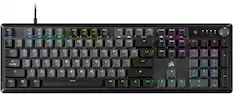
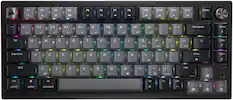
CORSAIR - K70 CORE RGB Mechanical Gaming Keyboard - Gray
Techtober Deal$79.99The price was $99.99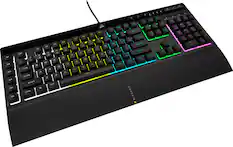
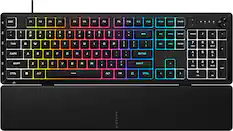
CORSAIR - K55 RGB Pro Full-size Wired Dome Membrane Gaming Keyboard with Elgato Stream Deck Software Integration - Black
Clearance$62.99The price was $69.99
![Sure, here is the corrected and grouped text from the image:
**Top Row:**
- ESC
- F1
- F2
- F3
- F4
- F5
- F6
- F7
- F8
- F9
- F10
- F11
- F12
- PRTSC
- DEL
**Number Row:**
- 1
- 2
- 3
- 4
- 5
- 6
- 7
- 8
- 9
- 0
- -
- =
- \
**Letter Row:**
- TAB
- Q
- W
- E
- R
- T
- Y
- U
- I
- O
- P
- [
- ]
- \
**Letter Row:**
- CAPS
- A
- S
- D
- F
- G
- H
- J
- K
- L
- ;
- '
**Letter Row:**
- SHIFT
- Z
- X
- C
- V
- B
- N
- M
- ,
- .
- /
**Function Row:**
-](https://pisces.bbystatic.com/image2/BestBuy_US/images/products/9be10b95-8e90-4a5d-b85f-cbc6a7d8e8df.png;maxHeight=232;maxWidth=233?format=webp)
![ESC 1! 2@ 3# 4$ 5% 6^ 7& 8* 9( 0) - = + TAB Q W E R T Y U I O P [ ] \ CAPS A S D F G H J K L ;: ' ENTER SHIFT Z X C V B N M , < . > /? SHIFT CTRL ALT FN ALT CTRL](https://pisces.bbystatic.com/image2/BestBuy_US/images/products/fb45d967-e3b2-4557-bdfd-81cebccad467.jpg;maxHeight=232;maxWidth=233?format=webp)
![Esc A S D F G H J K L Z X C V B N M < > ? 1 2 3 4 5 6 7 8 9 0 - = Ins Home PgUp Q W E R T Y U I O P [ ] \ Del End PgDn CAPS A S D F G H J K L : - Z X C V B N M < > ? J5ZU Ctrl Alt Fn Ctrl](https://pisces.bbystatic.com/image2/BestBuy_US/images/products/3b0d5b45-939a-4b4a-8a4f-2498193cd8c0.png;maxHeight=232;maxWidth=233?format=webp)
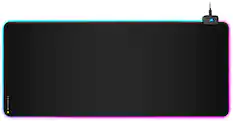
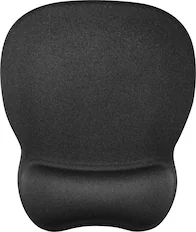
Mouse Pads





More recommended items
 PC Gaming Headsets
 Gaming Headsets
More to consider
 $124.99The price was $139.99
 $59.99The price was $99.99
 Our 365-day lowest price$59.99The price was $89.99
 $149.99The price was $179.99
 $95.99The price was $99.99
Explore tech essentials Sponsored
 $139.99The price was $179.99
- Our 365-day lowest price$59.99The price was $89.99
 $139.99The price was $169.99
 Techtober Deal$284.99The price was $349.99
Discover related products
 Techtober Deal$10.99The price was $13.99
 $149.99The price was $169.99