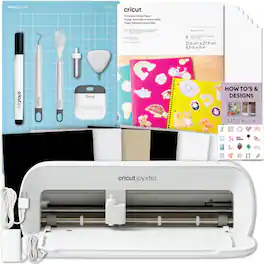
Cricut - Joy Xtra Cutting Machine with Printable Sticker Paper Bundle
Reviews coming soon
About this product
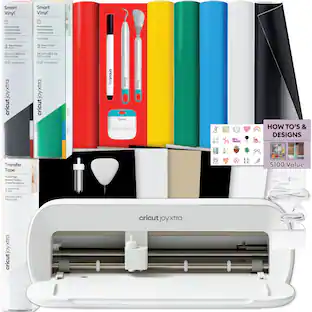
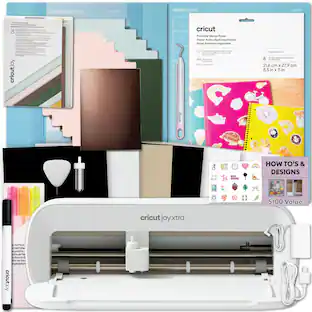
The fits-in-any-space, looks-good-anywhere smart cutting machine. Cricut Joy Xtra cuts, writes, draws, and foils to make popular projects. Make a wide range of personalized projects in minutes like stickers, cards, labels, vinyl decals, tags & more. Use with your inkjet printer to create full-color, custom-shaped stickers, iron-on transfers, labels, party decor & more with the print-then-cut feature. Set yourself up for success every time with Cricut Joy Xtra materials. No design or crafting experience required - use the easy-to-learn Cricut companion app, Cricut Design Space*, to find something ready to make or design from scratch. * Design Space at its core is free, but Cricut Access is the paid, in-app subscription that helps you get the most out of your making with unlimited use of the Design Space library, exclusive design features and more! **Cricut Joy Xtra requires compatible computer or mobile device with Bluetooth wireless and high-speed internet connection. System requirements may change. See Cricut for specific details and updates on compatibility with all devices, browsers, and operating systems.
Features
CRICUT JOY XTRA:
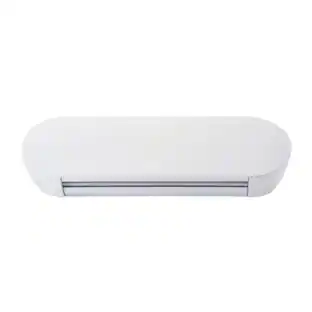
The fits-in-any-space, looks-good-anywhere smart cutting machine. Cricut Joy Xtra cuts, writes, draws, and foils to create projects like full-color stickers, custom cards, T-shirts, vinyl decals, and more. Compatible with your home inkjet printer to print then cut full-color designs. Dimensions: 12.5 in x 6 in x 5.5 in (31.7 cm x 15.2 cm x 13.9 cm).
BLUETOOTH:
The Cricut Joy Xtra has built-in Bluetooth. Connect it to your phone or computer using the Cricut Design Space app. Requires a computer with Bluetooth and high-speed internet. Make sure the Joy Xtra is on and within 10-15 feet of your Bluetooth device.
COMPATIBILITY:
The Joy Xtra works with 50+ materials like vinyl, HTV, cardstock, and more. It works with an inkjet printer to print full-color designs like stickers using Print-then-Cut. Like the original Joy, you can write, draw, cut, and foil by swapping blades. The Joy Xtra does not support the engraving tool, deep cuts, and the machine itself does not print.
ULTIMATE CUSTOMIZATION:
Personalize your world with Cricut Printable Sticker Paper. Designed for easy sticker-making, it works with your home inkjet printer to print then cut full-color designs. Use it to decorate notebooks, create planner stickers, reward homework, make custom gift tags, and more.
BUNDLE INCLUDES:
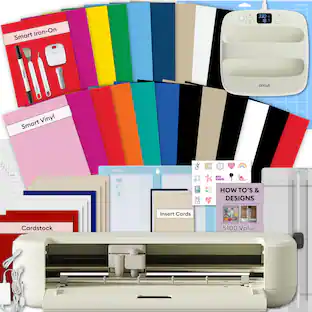
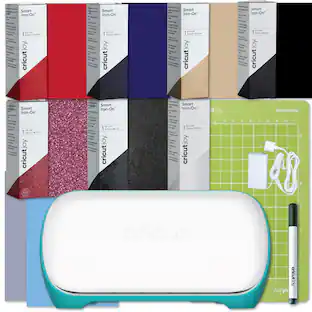
1 Cricut Joy Xtra Machine with original 12-month warranty in original packaging, 1 Cricut Printable Sticker Paper Pack, 1 Joy Xtra Grip Cutting Mat, and Joy Xtra/Joy Digital Instructional eBook Guide (print copy unavailable).
Specifications
- App CompatibleYesBuilt-In ScannerNoNumber of USB Port(s)0
Reviews
This product doesn't have any reviews yet.
Compare similar products
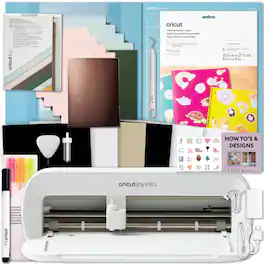
The fits-in-any-space, looks-good-anywhere smart cutting machine. Cricut Joy Xtra cuts, writes, draws, and foils to make popular projects. Make a wide range of personalized projects in minutes like stickers, cards, labels, vinyl decals, tags & more. Use with your inkjet printer to create full-color, custom-shaped stickers, iron-on transfers, labels, party decor & more with the print-then-cut feature. Set yourself up for success every time with Cricut Joy Xtra materials. No design or crafting experience required - use the easy-to-learn Cricut companion app, Cricut Design Space*, to find something ready to make or design from scratch. * Design Space at its core is free, but Cricut Access is the paid, in-app subscription that helps you get the most out of your making with unlimited use of the Design Space library, exclusive design features and more! **Cricut Joy Xtra requires compatible computer or mobile device with Bluetooth wireless and high-speed internet connection. System requirements may change. See Cricut for specific details and updates on compatibility with all devices, browsers, and operating systems.
The fits-in-any-space, looks-good-anywhere smart cutting machine. Cricut Joy Xtra cuts, writes, draws, and foils to make popular projects. Make a wide range of personalized projects in minutes like stickers, cards, labels, vinyl decals, tags & more. Use with your inkjet printer to create full-color, custom-shaped stickers, iron-on transfers, labels, party decor & more with the print-then-cut feature. Set yourself up for success every time with Cricut Joy Xtra materials. No design or crafting experience required - use the easy-to-learn Cricut companion app, Cricut Design Space*, to find something ready to make or design from scratch. * Design Space at its core is free, but Cricut Access is the paid, in-app subscription that helps you get the most out of your making with unlimited use of the Design Space library, exclusive design features and more! **Cricut Joy Xtra requires compatible computer or mobile device with Bluetooth wireless and high-speed internet connection. System requirements may change. See Cricut for specific details and updates on compatibility with all devices, browsers, and operating systems.

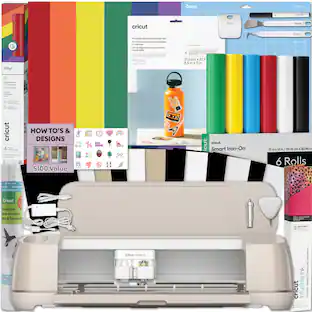
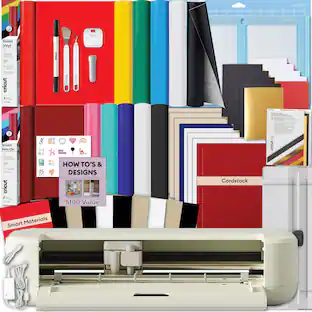
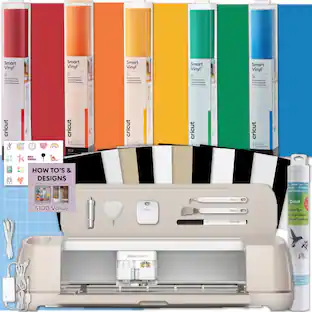
The latest innovation of Cricut smart cutting machines, Cricut Maker 4 delivers the power of personalization like never before. This machine cuts up to 2X faster than the previous model, enabling you to create more in less time. With lots more compatible materials and tools than our other cutting machines, you'll be amazed by what's possible. Make big banners, engrave metal, deboss leather, and so much more. Plus, create popular projects like custom cards, t-shirts, and full-color stickers. Save time with our easy-to-use Smart Materials, which load directly into the machine to create long, continuous cuts up to 12 ft (3.6 m). Making bold signs and detailed wall decals has never been faster. Enjoy endless inspiration, precise cut settings, and a simplified making experience with the Cricut Design Space app. Bundle Includes: Cricut Maker 4 Fine Point Blade Cutting Mat Sample Trial Materials Black Pen Mini Weeder 1 Cricut Rainbow Vinyl Sampler 1 Cricut Transfer Tape Roll 1 Cricut Joy Smart Iron-on Sampler 1 Cricut Infusible Ink Pack 1 Cricut Waterproof Printable Sticker Set 1 Cricut Tool Set Digital Instructional Guide to Getting Started with the Cricut Maker 4 and materials (printed copies not available)
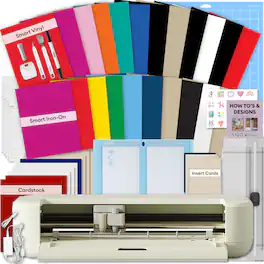
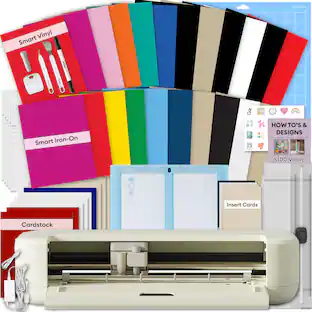
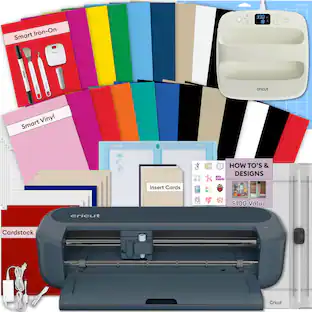
Cricut Explore 5 is the newest generation of our Cricut Explore machines - perfect for making a variety of projects like custom decals, personalized apparel, full-color stickers, cards, and so much more. You can even make in multiples! 30% more compact than previous models, Cricut Explore 5 features an aesthetic new look and simplified interface for a more intuitive experience : all with the same dependable 12 in (30.5 cm) cutting performance. Available in a brand-new Taupe color. The Cricut Explore 5 Essentials Starter Machine Bundle is a simple, beginner-friendly way to start creating custom projects right away. Designed for precision and ease of use, the Cricut Explore 5 cuts over 100 materials, making it ideal for vinyl decals, iron-on designs, labels, and paper crafts. The Essential Bundle includes must-have tools and materials like Smart Vinyl, Smart Iron-On, Value Cardstock, Insert Card Sets, and Printable Vinyl. It's enough supplies to create up to 80 projects. This also includes Rainbow Smart Vinyl and Smart Iron-On sampler sheets, perfect for mat-free cutting and small to medium projects like t-shirts, totes, decals, and labels. To guide your creativity, you??ll also receive a digital design eBook with access to over 100 projects in Cricut Design Space, giving you s(more...)
Specs
Be the first to ask a question.
We’ll try to get your question answered within 24 hours by a Best Buy customer or brand representative.
Customers often buy these together
 $269.99The price was $291.99
More to consider
Explore, Play, Collect Sponsored
 $1,499.00The price was $1,599.00
 $121.90The price was $152.99
 $1,039.00The price was $1,099.00
Discover related products


Keep exploring
 $229.90The price was $287.99