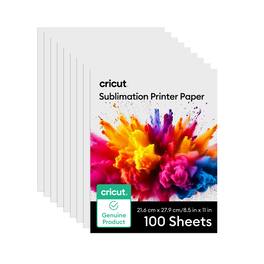
Cricut - Sublimation Printer Paper - 8.5 in x 11 in, 100 Count
About this product
Create vibrant, full-color heat-transfer projects with Cricut sublimation printer paper. Use it with compatible sublimation printers, inks, heat presses, and sublimation-ready blanks to make mugs, shirts, coasters, totes, ornaments, photo gifts, and personalized home decor. This paper is a good choice when you want detailed artwork, photos, patterns, or colorful designs without layering separate materials. Print your design, position it on the blank with heat-resistant tape, and press according to the settings for your project. It is a helpful staple for makers ready to explore custom gifts and small-batch creations.
Includes:
100 sheets 8.5 in x 11 in (21.5 cm x 27.9 cm)
Sublimation Transfers:
Produces vibrant, colorful transfers
Easy to Print:
Premium 120gsm paper weight. Print on white side of paper. Dishwasher & washing machine friendly.
Requires:
Requires sublimation printer, inks & blanks
For Best Results:
For best results, transfer using Cricut heat press
- BrandCricutModel Number2012014Product NameSublimation Printer Paper - 8.5 in x 11 in, 100 CountProduct TypeCutting materialProduct Weight1.92 poundsUPC093573370632
Reviews
This product doesn't have any reviews yet.
Compare similar products
Create vibrant, full-color heat-transfer projects with Cricut sublimation printer paper. Use it with compatible sublimation printers, inks, heat presses, and sublimation-ready blanks to make mugs, shirts, coasters, totes, ornaments, photo gifts, and personalized home decor. This paper is a good choice when you want detailed artwork, photos, patterns, or colorful designs without layering separate materials. Print your design, position it on the blank with heat-resistant tape, and press according to the settings for your project. It is a helpful staple for makers ready to explore custom gifts and small-batch creations.
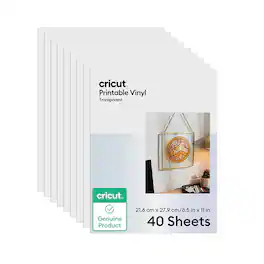
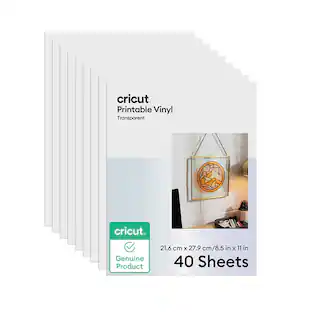
Print, cut, and personalize with Cricut transparent printable vinyl sheets. This material is made for makers who want colorful designs without building every detail from separate layers. Use it to create clear-background labels, planner decals, jar labels, packaging stickers, party favor tags, and custom graphics. Upload or choose a design, print it with your compatible printer, then let your Cricut machine cut the shape for a clean finished project. It is a fun option for beginners because you can make detailed stickers, labels, and graphics while keeping the workflow approachable. Transparent material is great when you want your surface color to show through the design.
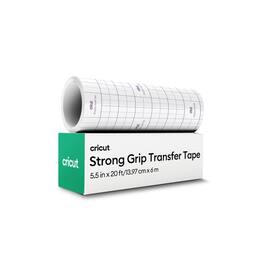
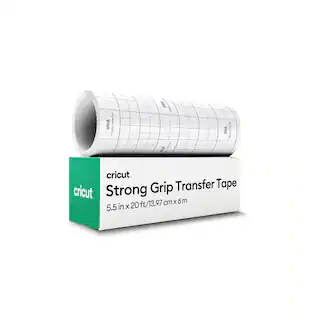
Make vinyl application easier with Cricut transfer tape in a longer roll for bigger or repeated projects. After you cut and weed your vinyl design, transfer tape helps lift the design from its backing and place it neatly on your blank. Use it for large shimmer decals, textured vinyl signs, wall art, party decor, and specialty labels. It is especially helpful for beginners because it keeps letters, small details, and spacing together while you apply decals. Try it on smooth surfaces like tumblers, storage containers, signs, notebooks, and party decor. Burnish the design before lifting, apply slowly, and peel back at an angle for a cleaner finish. The longer length is helpful for frequent specialty vinyl makers.
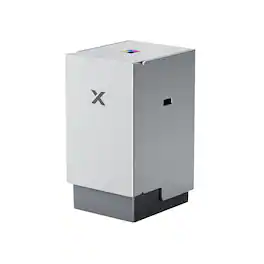
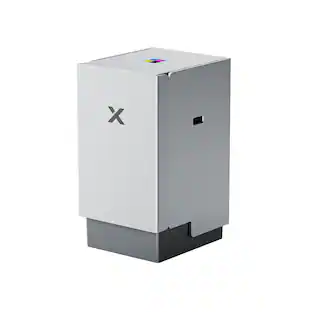
Upgrade your xTool M2 to a full-color screen printing machine. This innovative module allows you to print vibrant, multi-color designs on t-shirts, tote bags, and more.
Specs
Be the first to ask a question.
We’ll try to get your question answered within 24 hours by a Best Buy customer or brand representative.
Customers often buy these together
 $59.61The price was $76.90
 $99.17The price was $125.90
 $82.99The price was $219.99

More to consider
Explore, Play, Collect Sponsored
 $1,039.00The price was $1,099.00